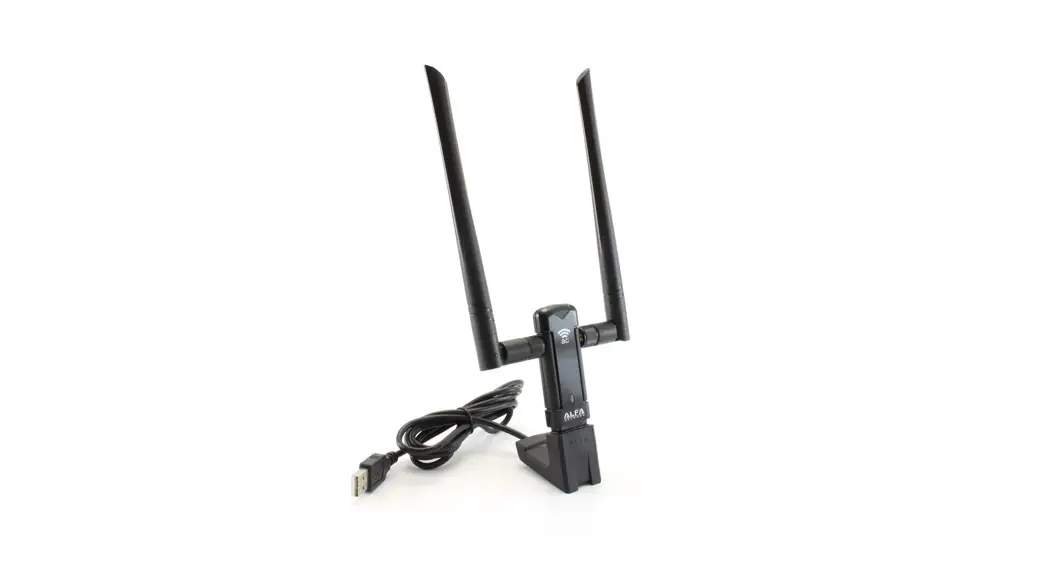

NETWERK
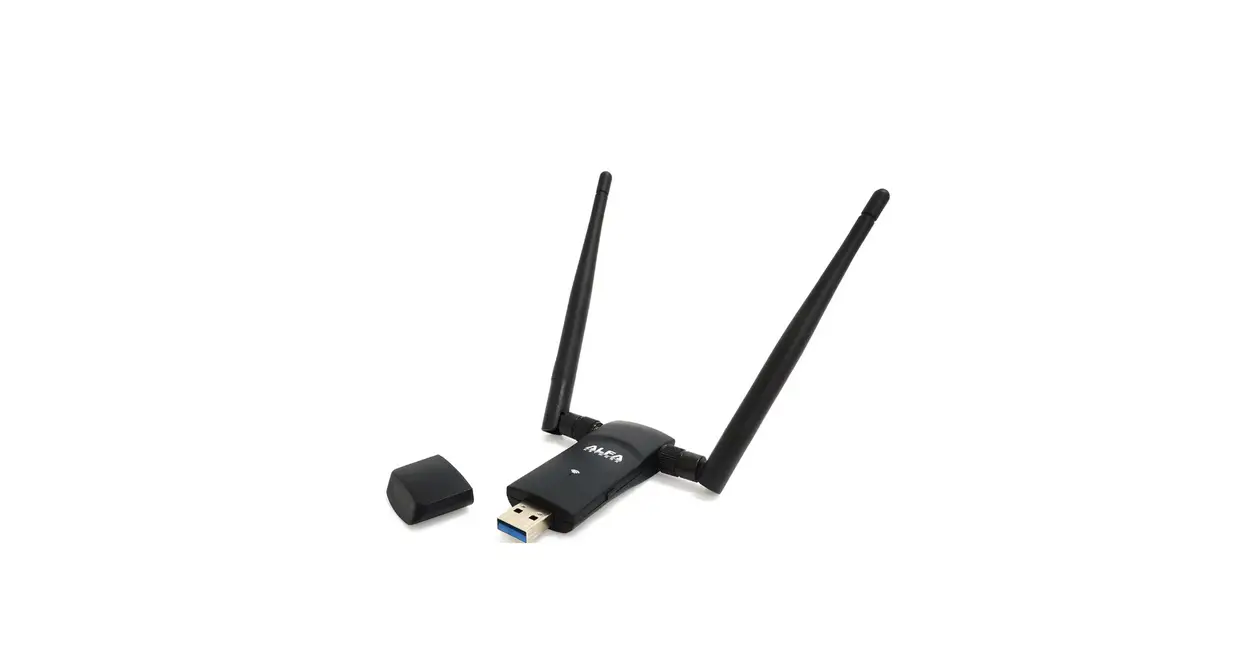
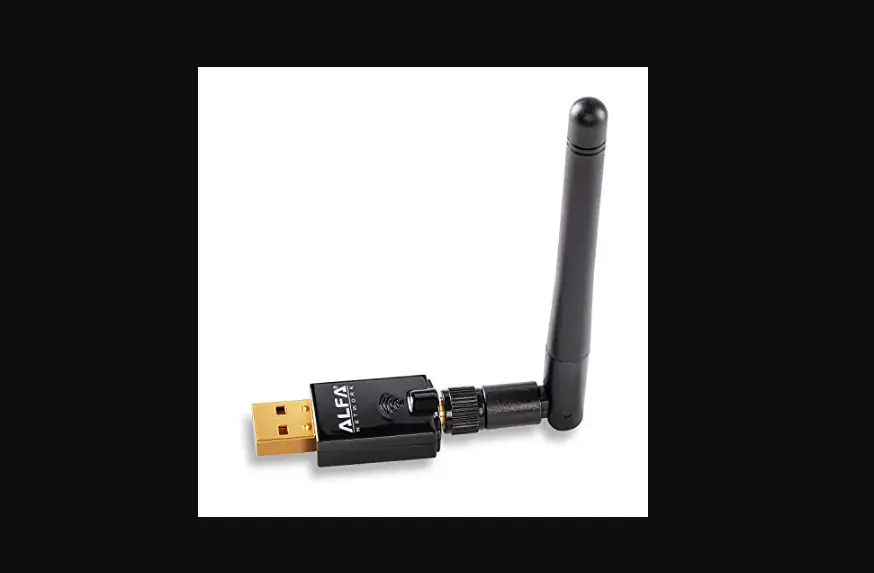
AWUS036ACM
Quick-Start Guide
Please be aware this quick-start guide is not intended to be a substitute for the User Manual. To become familiar with all the operating procedures and technical information, be sure to read all information shown during the installation process.
A https://info.alfa.com.tw/awus036acm
Please go to https://info.alfa.com.tw/awus036acm to download the latest driver.
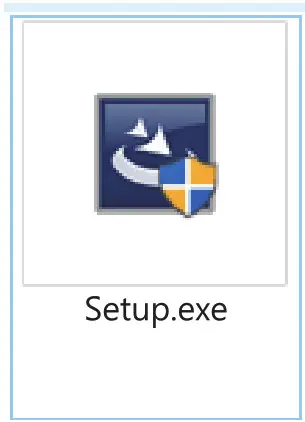 After downloading double-click to install and follow the instructions.
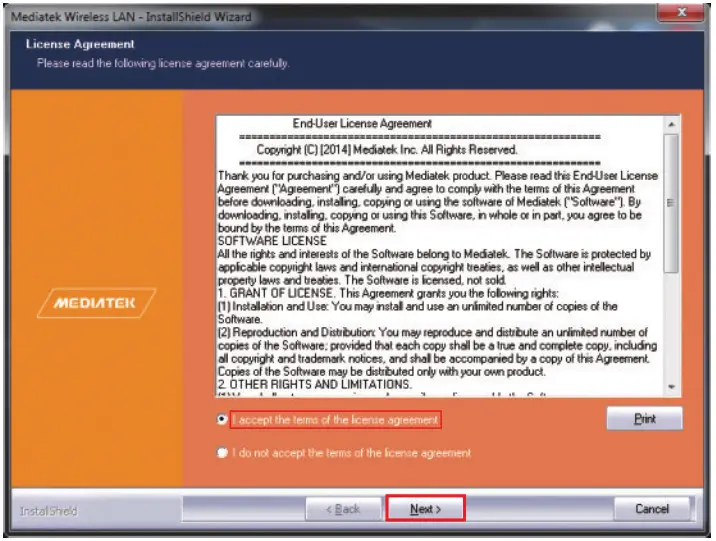 Read the license agreement, choose “I accept the terms of the license agreement” and click “Next”.
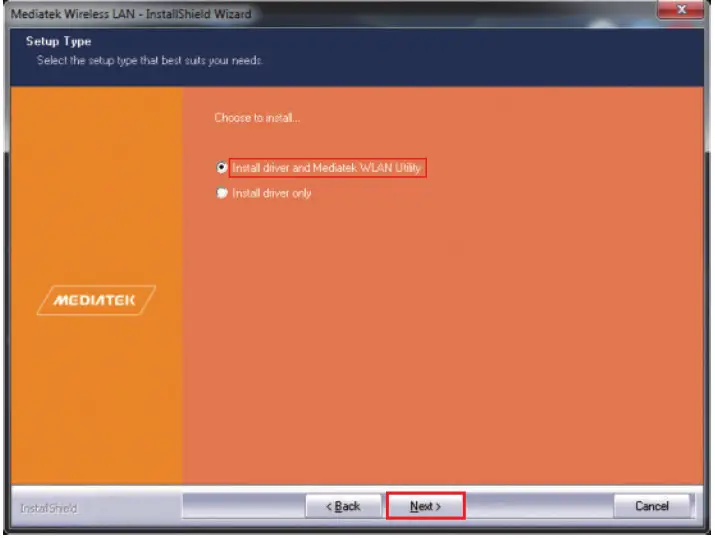 Choose “Install driver and Mediatek WLAN Utility” and click “Next”.
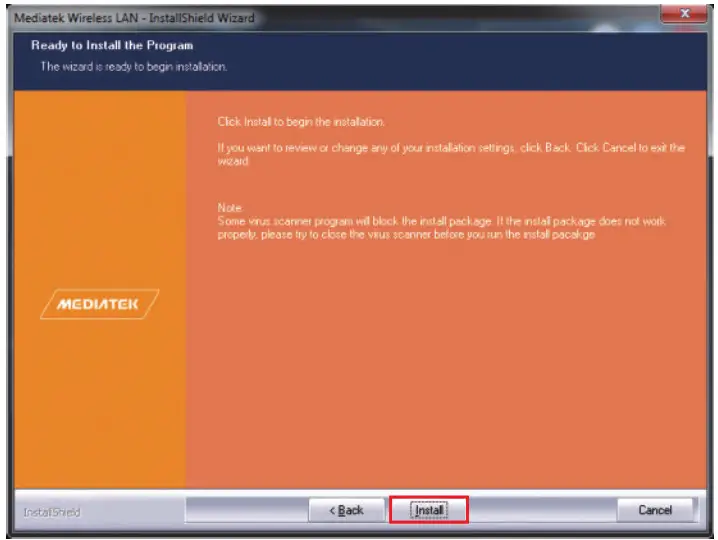 Click “Install” to continue.
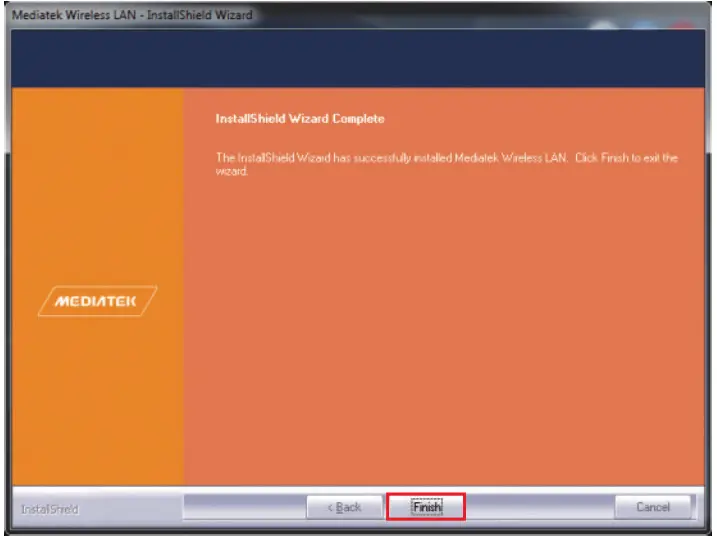
Click “Finish”
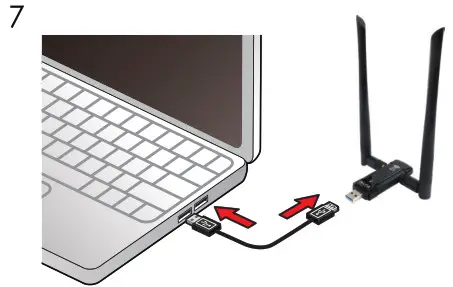
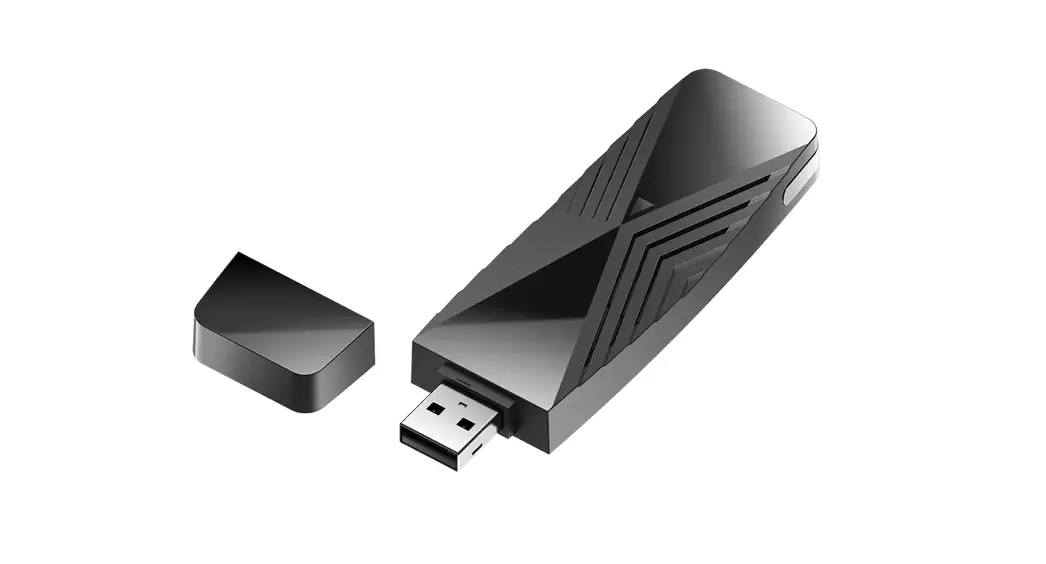
Plug the AWUS036ACM into your PC/laptop.
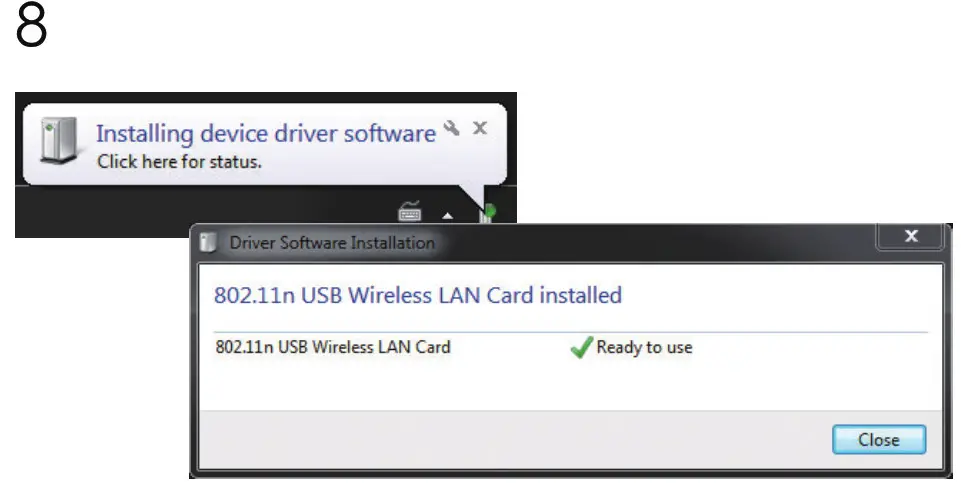
Found New Hardware pops up from the utility bar.
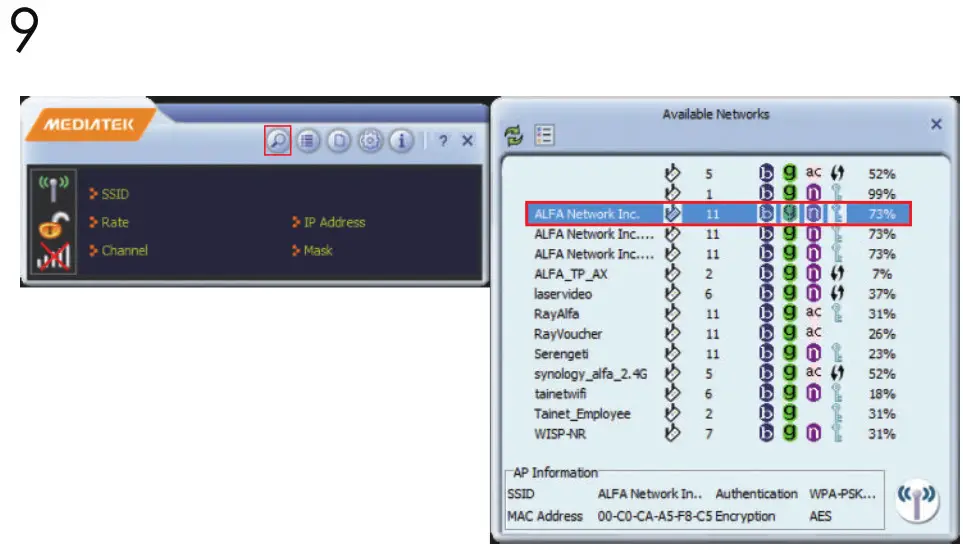
Select your target network and double-click it.
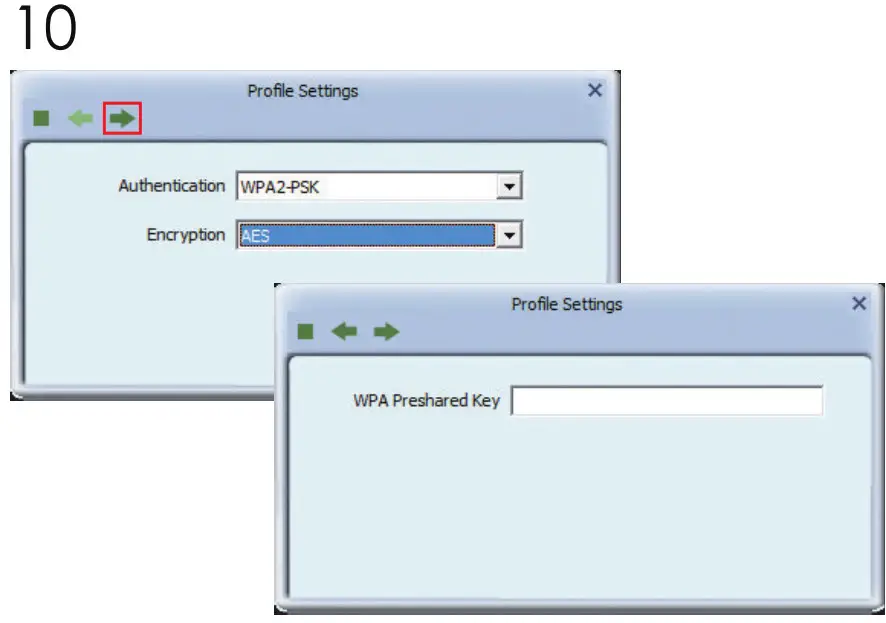
Click “Next” then enter the network security key.
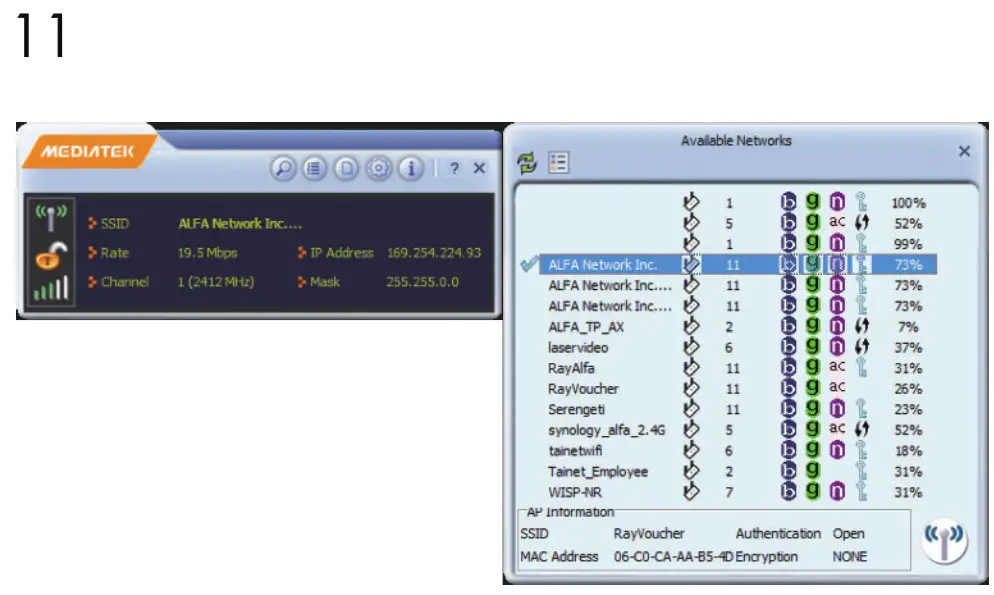 You should see a symbol in front of the name of the network; It means you have successfully connected to your wireless network.
Federal Communications Commission (FCC) Statement
You are cautioned that changes or modifications not expressly approved by the part responsible for compliance could void the user’s authority to operate the equipment.
For a Class B digital device or peripheral, the instructions furnished the user shall include the following or similar statement, placed in a prominent location in the text of the manual:
NOTE: This equipment has been tested and found to comply with the limits for a Class B digital device, pursuant to Part 15 of the FCC Rules. These limits are designed to provide reasonable protection against harmful interference when the equipment is operated in a commercial environment. This equipment generates, uses, and can radiate radio frequency energy and, if not installed and used in accordance with the instruction manual, may cause harmful interference to radio communications. Operation of this equipment in a residential area is likely to cause harmful interference in which case the user will be required to correct the interference at his own expense.
This device complies with Part 15 of the FCC Rules. Operation is subject to the following two conditions:
1) this device may not cause harmful interference, and
2) this device must accept any interference received, including interference that may cause undesired operation of the device.
FCC RF Radiation Exposure Statement:
this equipment complies with FCC radiation exposure limits set forth for an uncontrolled environment. In order to avoid the possibility of exceeding the FCC radio frequency exposure limits, human proximity to the antenna shall not be less than 5 mm during normal operation.
For more information, including macOS, Linux
support, go to the URL below or scan the code:

https://info.alfa.com.tw/awus036acm
This product is suitable for use in all EU countries. © ALFA Network Inc.
y61-0023ACM004-00000