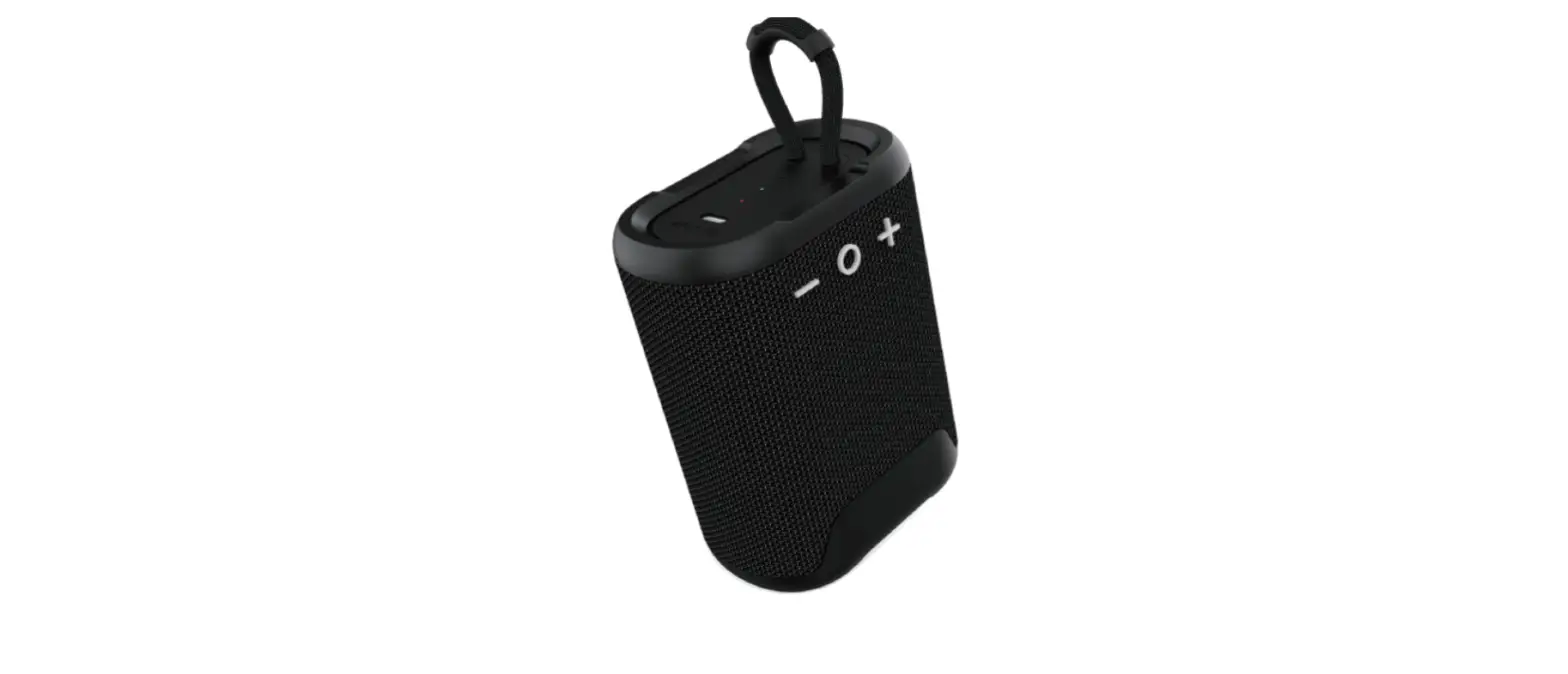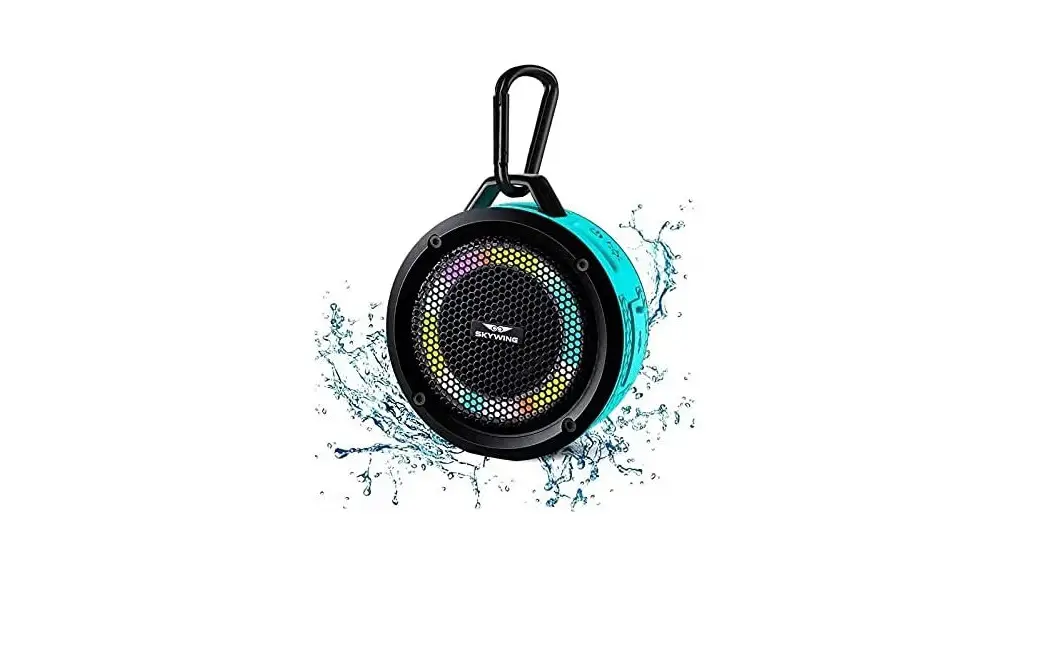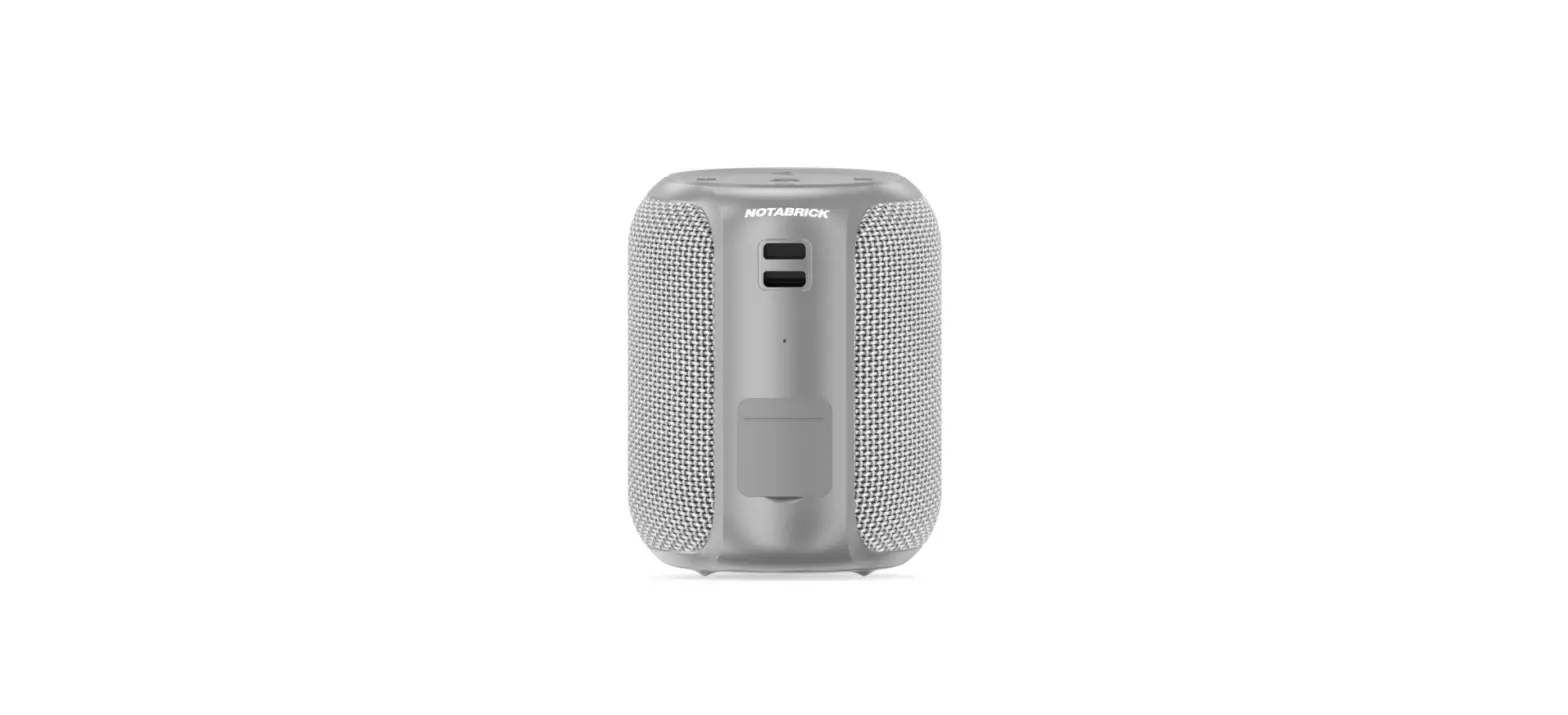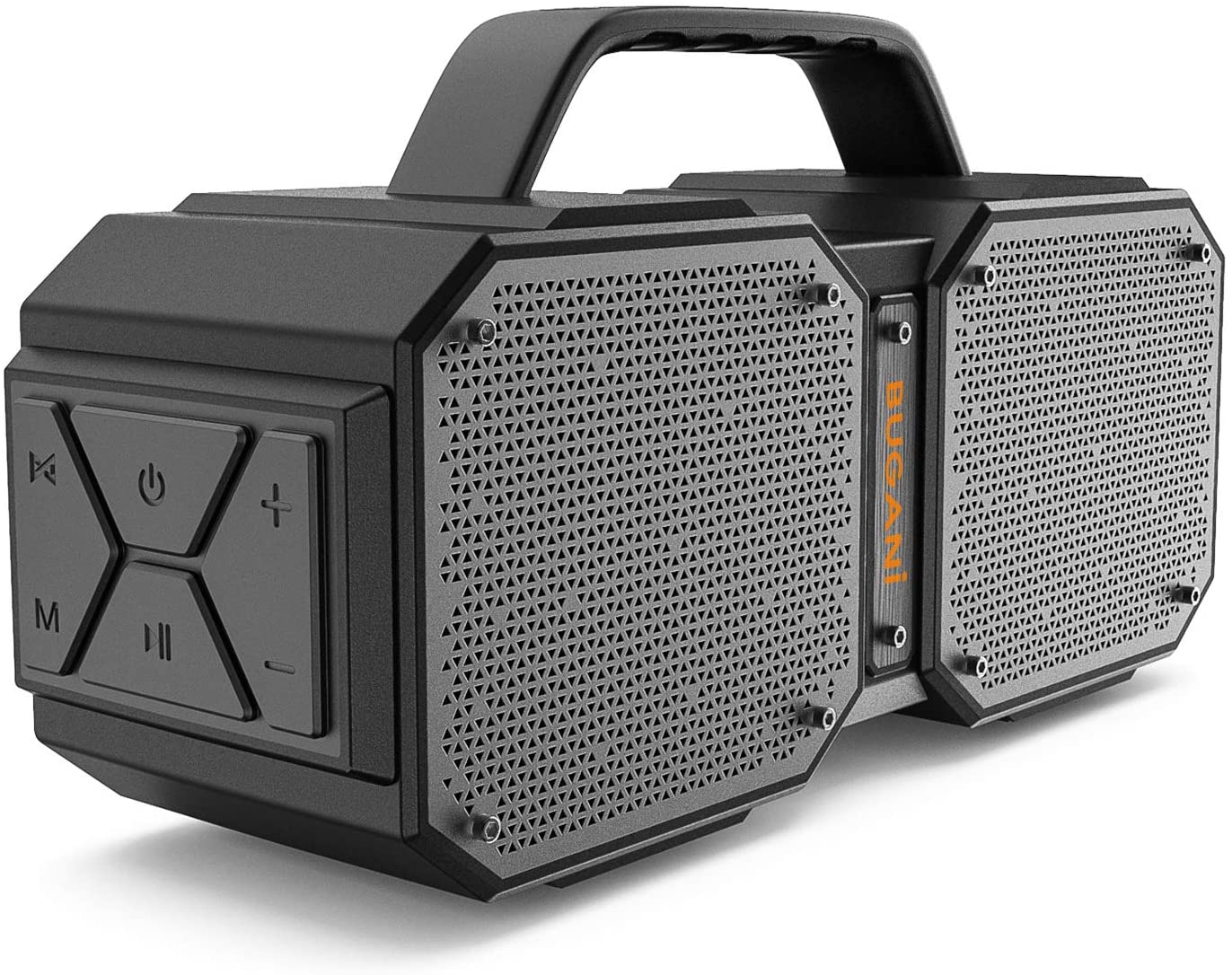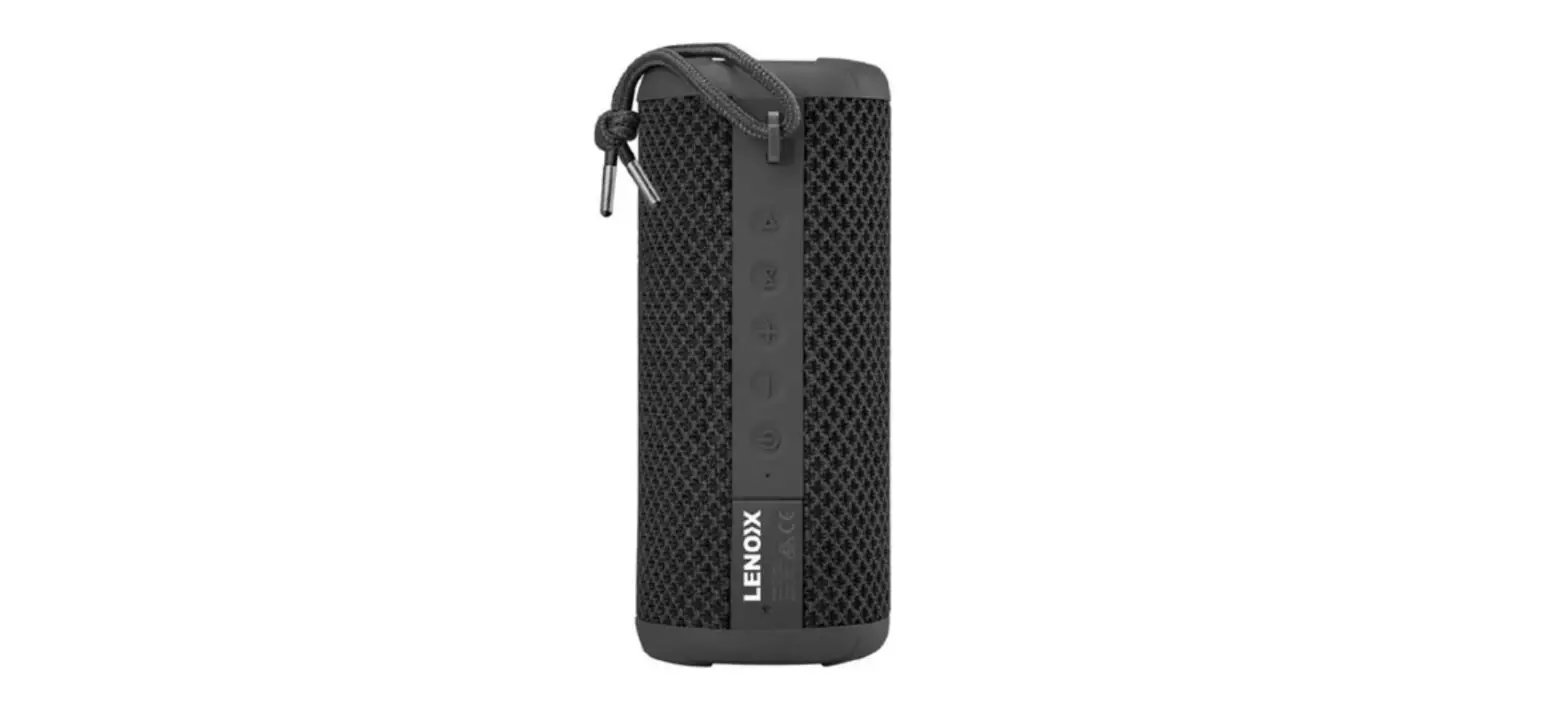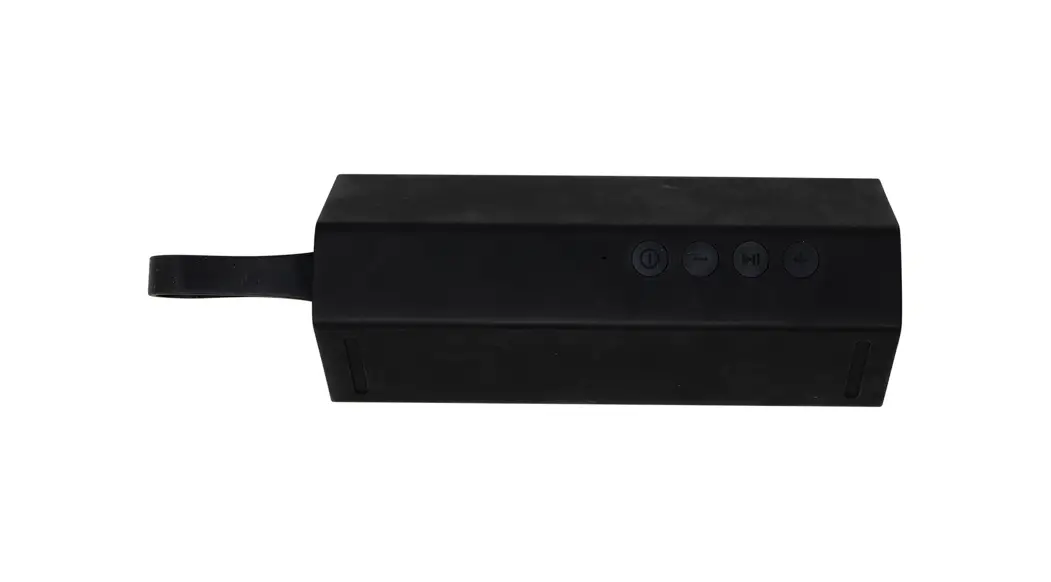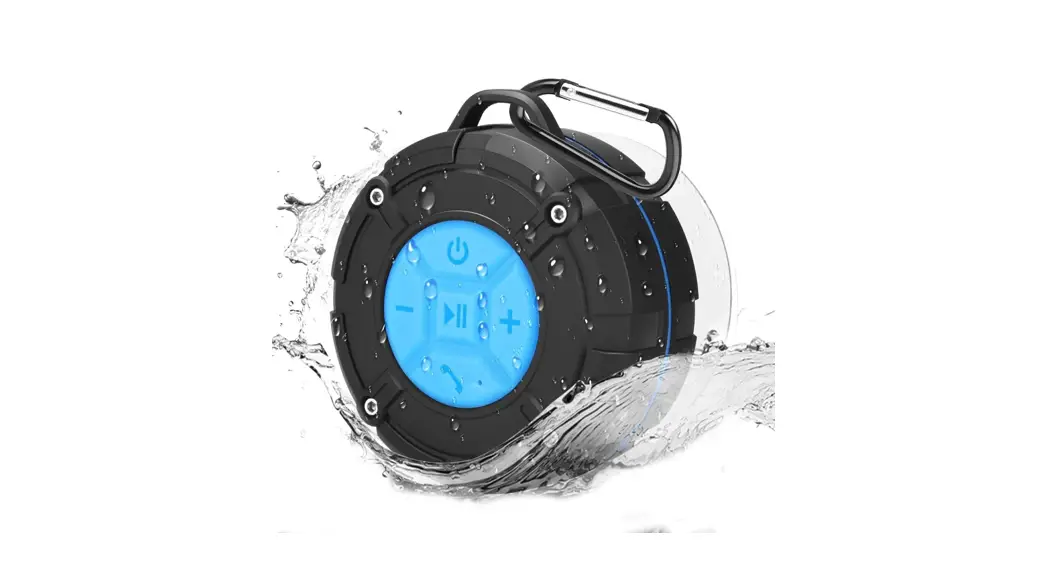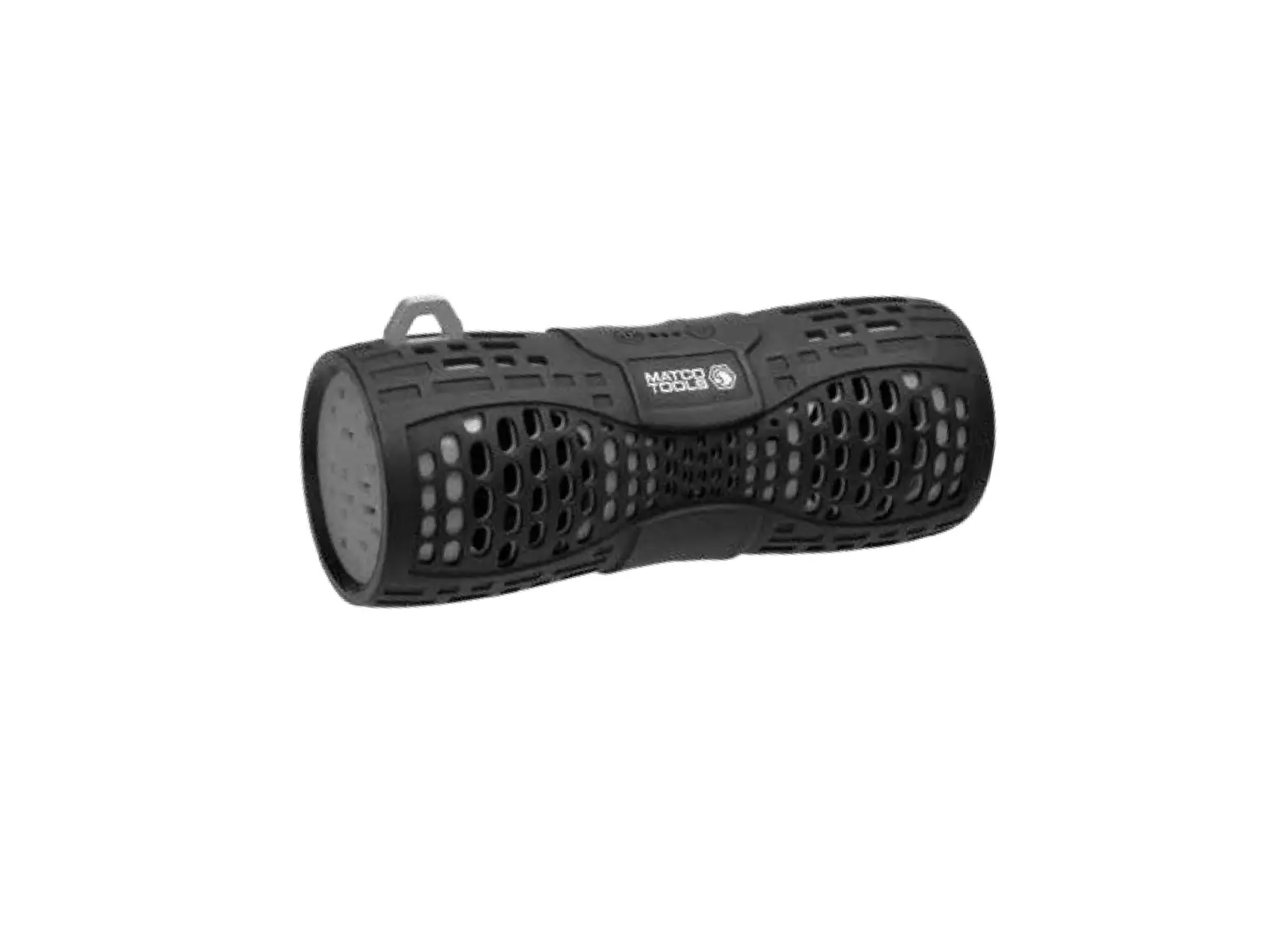
MATCO TOOLS MTCWPSP IPX7 Waterproof Wireless Speaker
Charge before use.
Failure to heed these warnings may result personal injury and/or property damage.
WARNING: This product can expose you to chemicals including phthalate which is known to the State of California to cause cancer and birth defects or other reproductive harm. For more
information go to www.P65Warnings.ca.gov.
Introduction
Thank you for choosing this wireless speaker as your source for entertainment! You can use this item with iPads, iPhones, iPods and many types of smartphones to stream music and enjoy hands free calling. In order to get the best results when using the device, please read this manual first before use.
Important Functional Safety Information
To ensure the speaker performs at peak functionality, please do not remove the outer silicone cover. Please make sure it is on and securely in place at all times. Once removed, it can be very difficult to put back on and may affect the overall performance of the speaker
Included
- Speaker
- USB Micro Charging Cable
- 3.5 mm Audio Cable
- User Manual
Specifications
Supported Profiles: A2DP, HFP, AVRCP Wireless Range: Approx. 33ft (10m) Dimensions: 180 mm x 70 mm x 80 mm
Battery: Li-Ion 3.7V, 1000 mAh Charging: 5V @ 500 mA
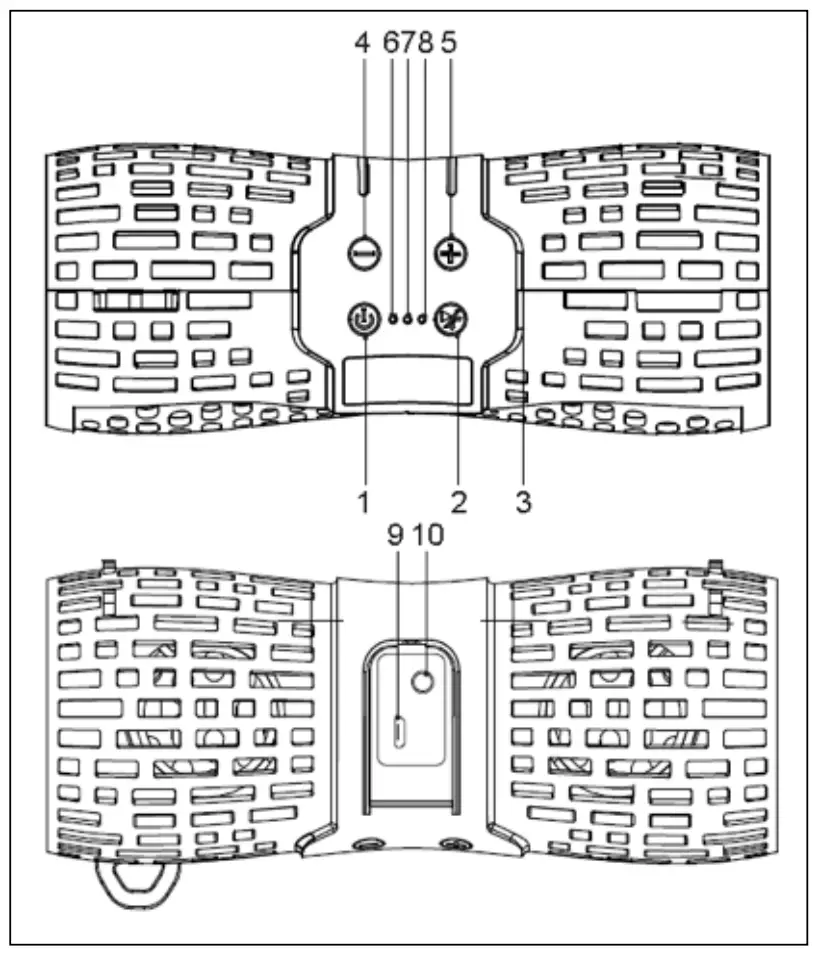
- ON/OFF button
- Play/Pause/Phone
- MIC
- Previous/Volume –
- Next/Volume +
- Blue LED (Wireless)
- Red LED (Charging)
- Green LED (AUX)
- Micro USB Charging Port
- AUX in Port
Also Available:
RS000473 – Replacement Charging Cord
Operation
Powering ON
Press and Hold “ON/OFF” button for 2 seconds to power ON, the Blue LED will start to flash. If an Aux (3.5 mm) cable is connected to the unit, the Blue LED will turn off, and the Green LED will stay illuminated, notifying you the unit is in Aux-In mode.
Powering Off
Press and Hold “ON/OFF” button 2 seconds to power OFF.
Wireless Mode
Pairing
The unit will automatically go into “PAIRING MODE” when it is powered ON. Go into your Wireless device settings menu and look for “Matco16”. After the unit has paired and connected, it will re-connect automatically when the unit is powered on and the device is in range.
Note: Wireless Timeout: 10 minutes
Begin Streaming Music
Press “  ” to start playing music
Press and Hold “  ” 2 seconds to play the next track
Press and Hold “  ” 2 seconds to play previous track
Press either “ ” or “ ” for volume control
Making and Receiving Phone Calls
When the unit is connected and paired to your device, the unit allows you to make or receive phone calls with its built-in microphone. Press “ ” to accept a call. To end a call press “ ”. To place a call, simply dial the number or select a contact from your Wireless device and call. To reject a call, press and hold “ ” for 2 seconds.
Aux-In Mode
Plug in the supplied 3.5mm cable into the unit. The other end is connected to your device. The Green LED will only illuminate when in “Aux” mode. Please note music and volume can be controlled by your device
Charging
Attach the USB cable to the unit, and plug into any suitable USB charger. If the unit is completely discharged, it will take approximately 4 hours to fully charge.
The Red LED will illuminate during charging, when it has completed, the Red LED will turn off.
Note: There will be a beep when the battery is low and needs to be recharged.
LED Status
| Blue LED flashing & Blue LED solid | Wireless Mode |
| Green LED on solid | AUX mode |
| Red LED | Charging |
Troubleshooting
PROBLEM | ACTION |
| Unit doesn’t connect to device | Speaker needs to be connected/ re-paired to device |
| A tone is heard every few seconds | Speaker needs to be charged |
| Unit will not power on | Speaker needs to be charged |
| Unit doesn’t control track(s)/volume | Speaker needs to be in Wireless mode for full control |
| Unit distorts at high volume | The devices’ volume needs to be lowered |

 P65Warnings.ca.gov