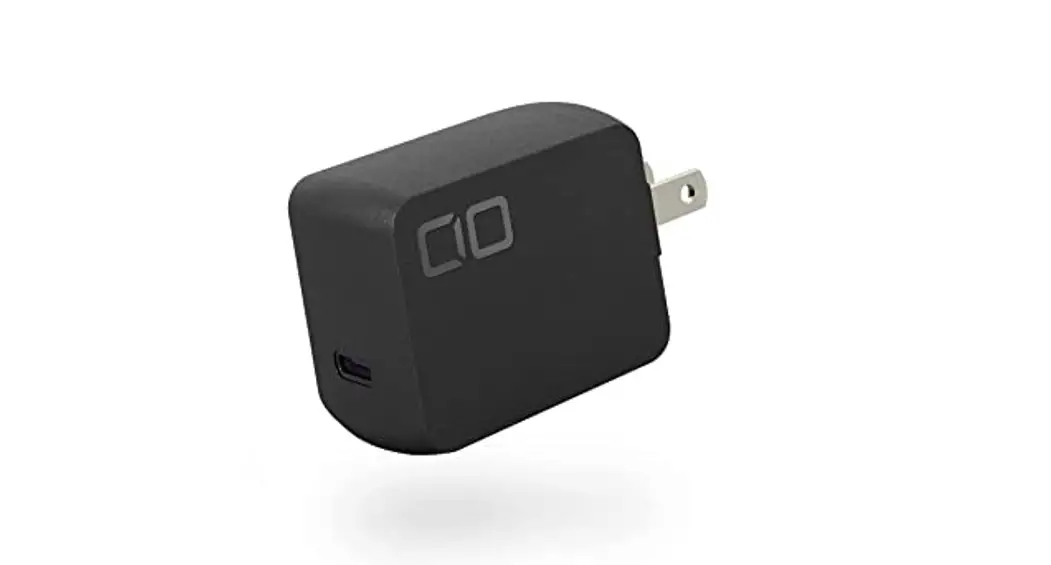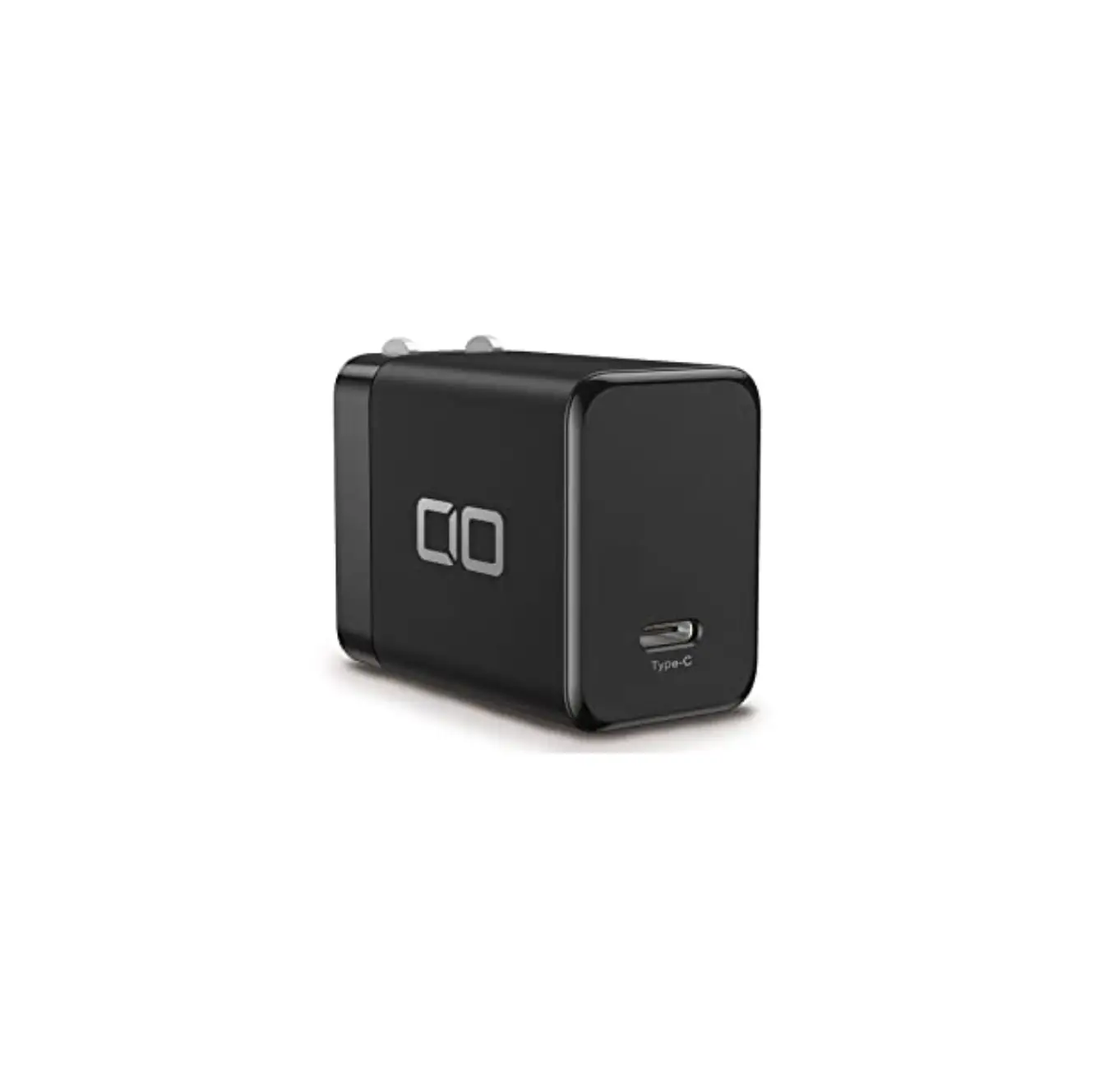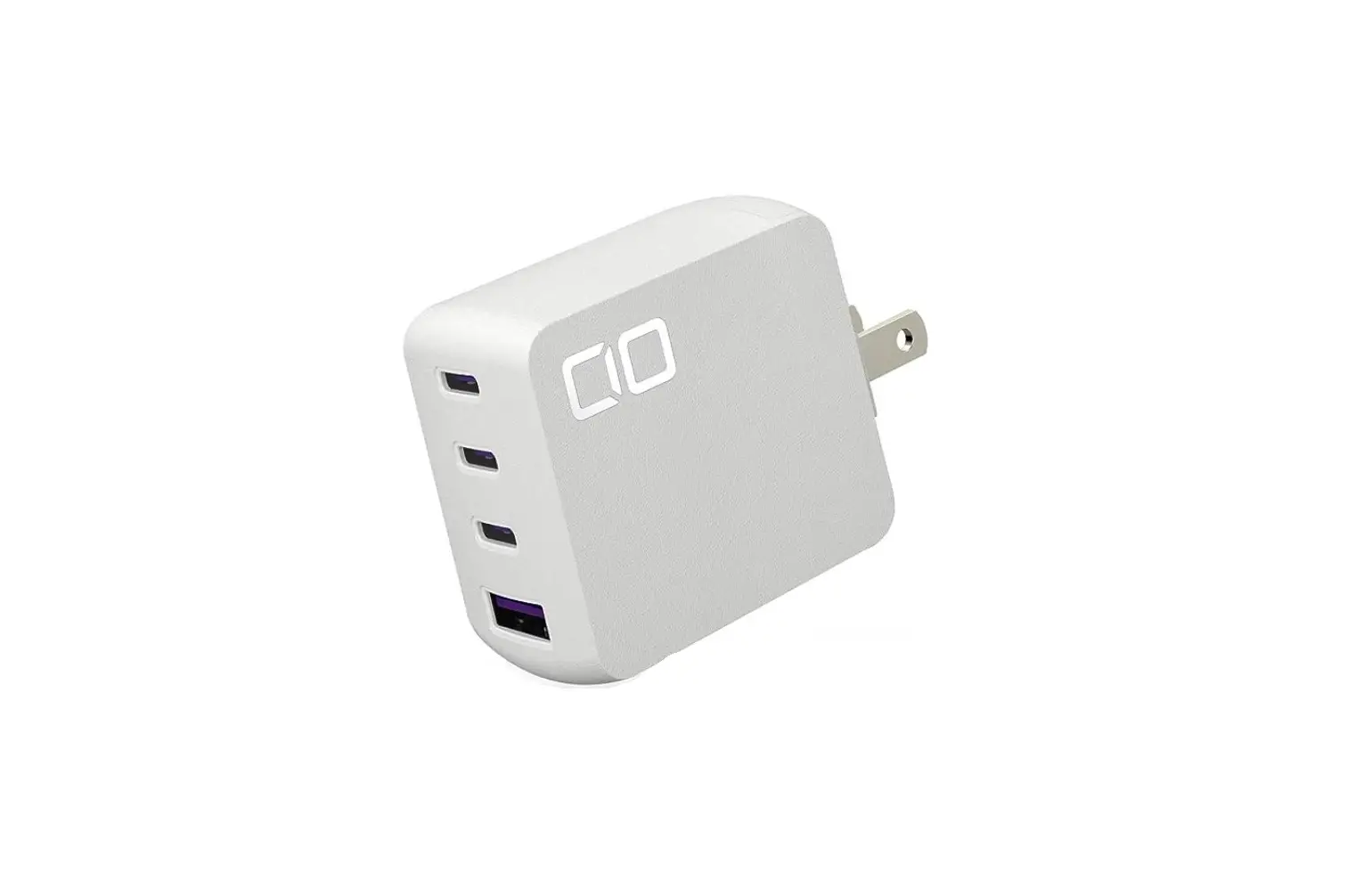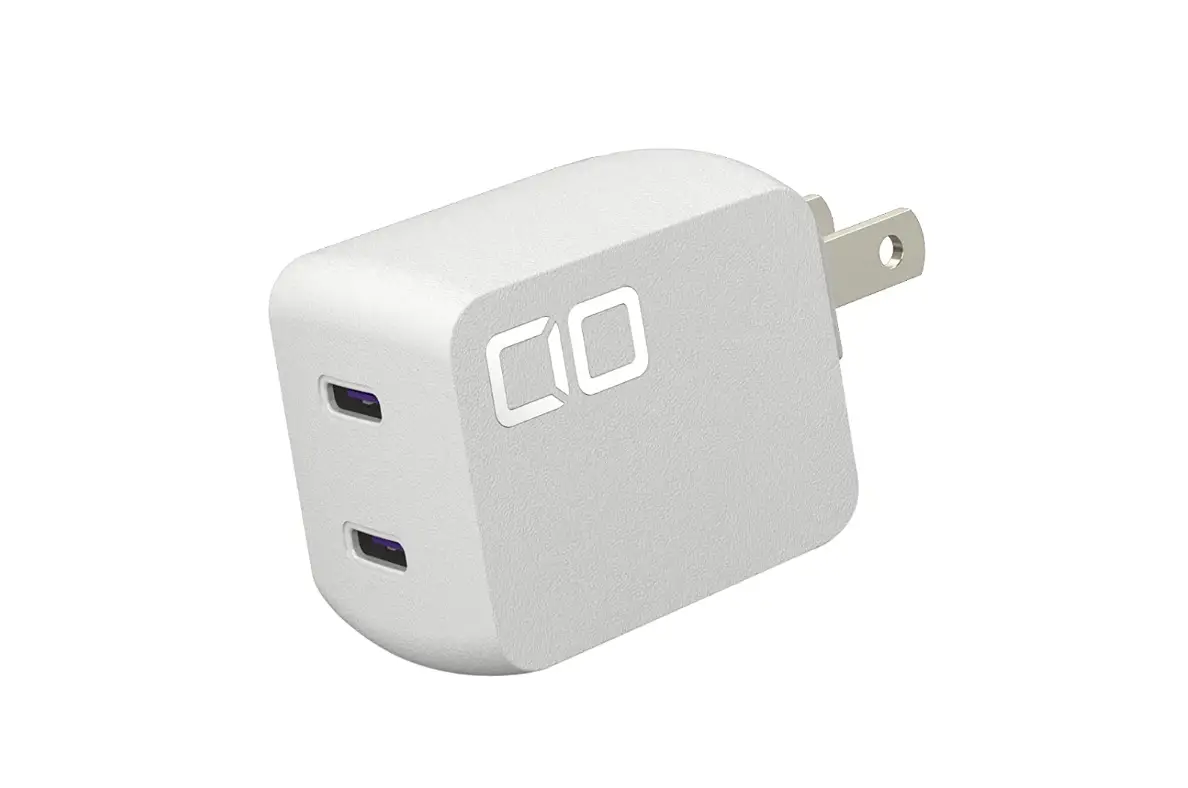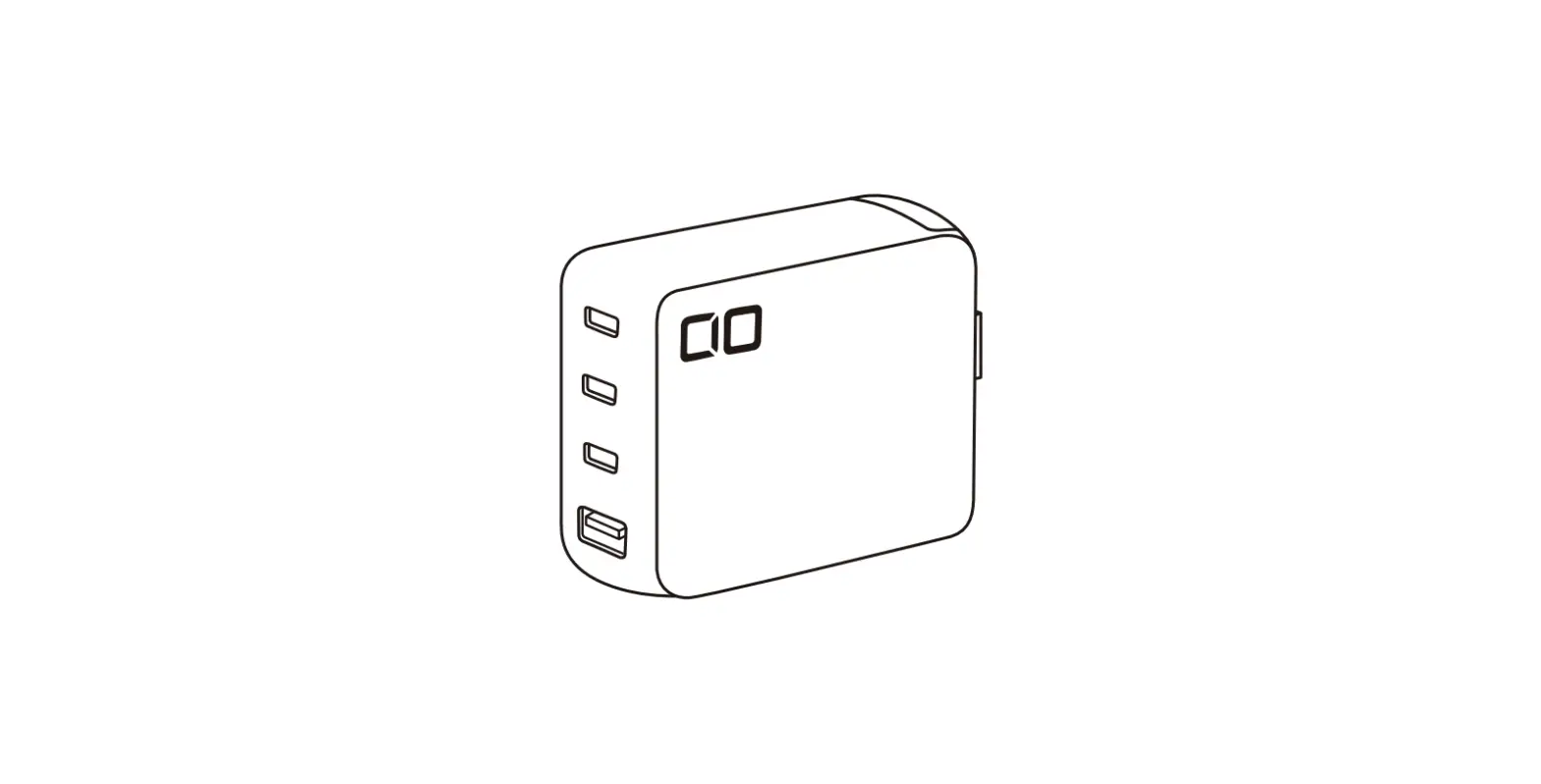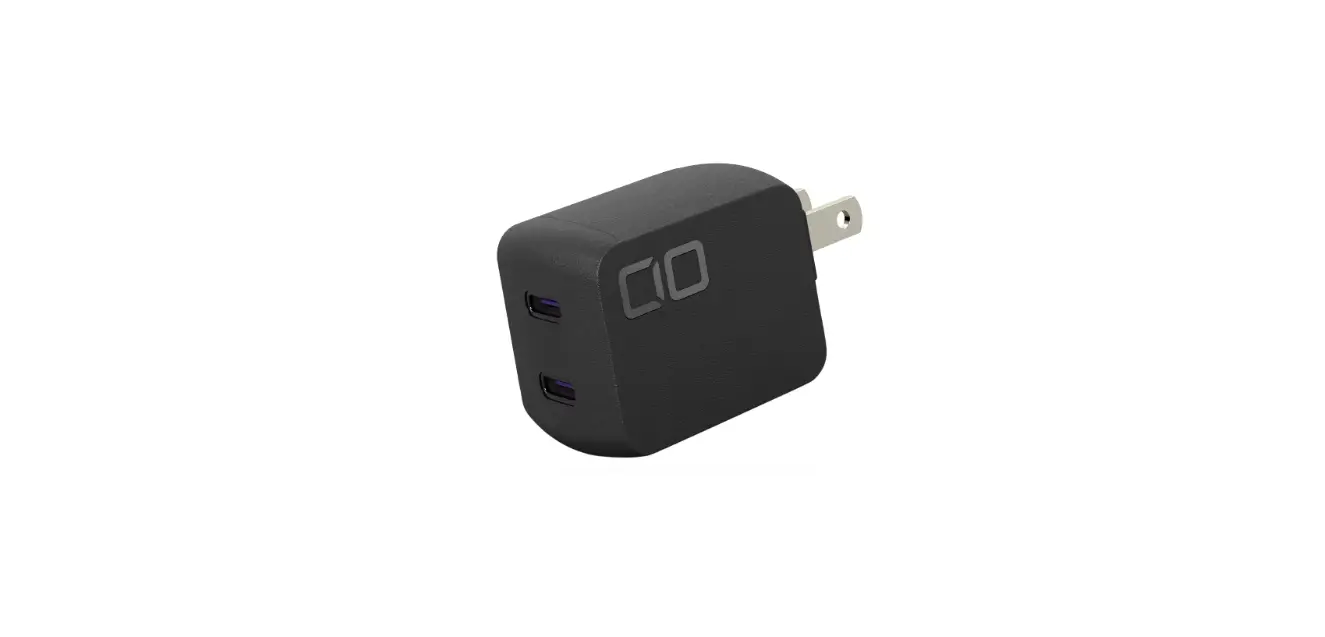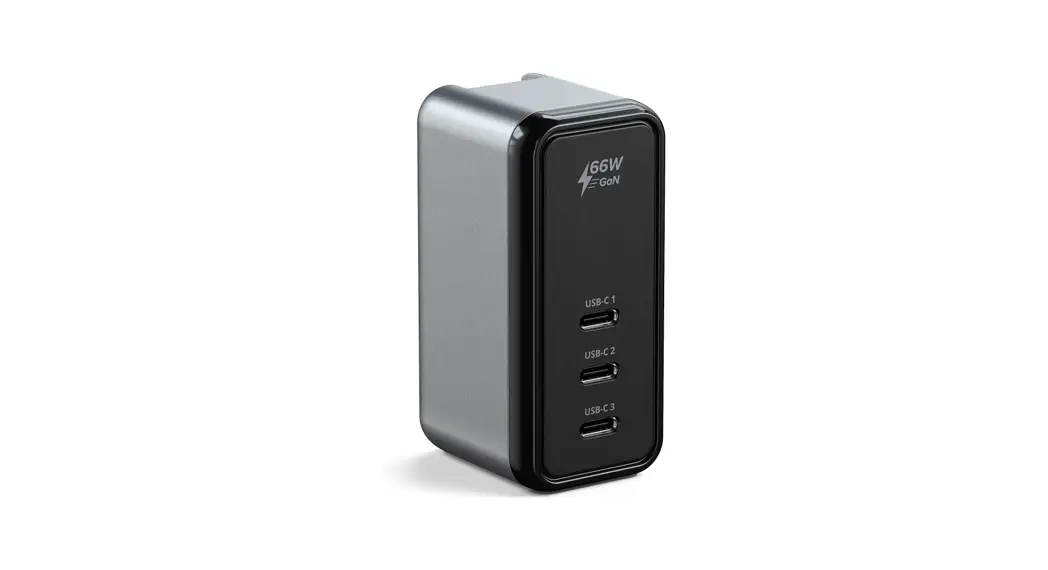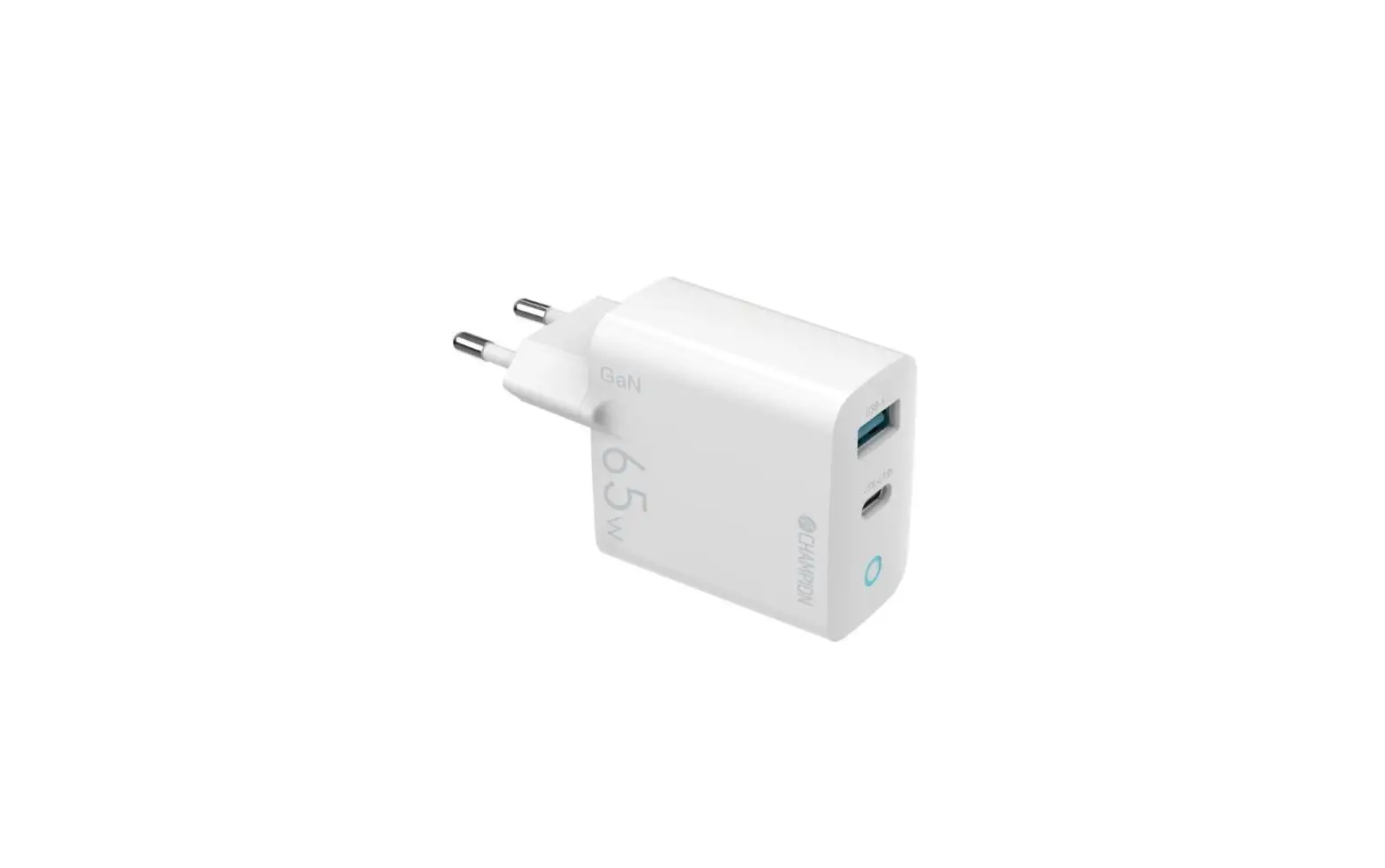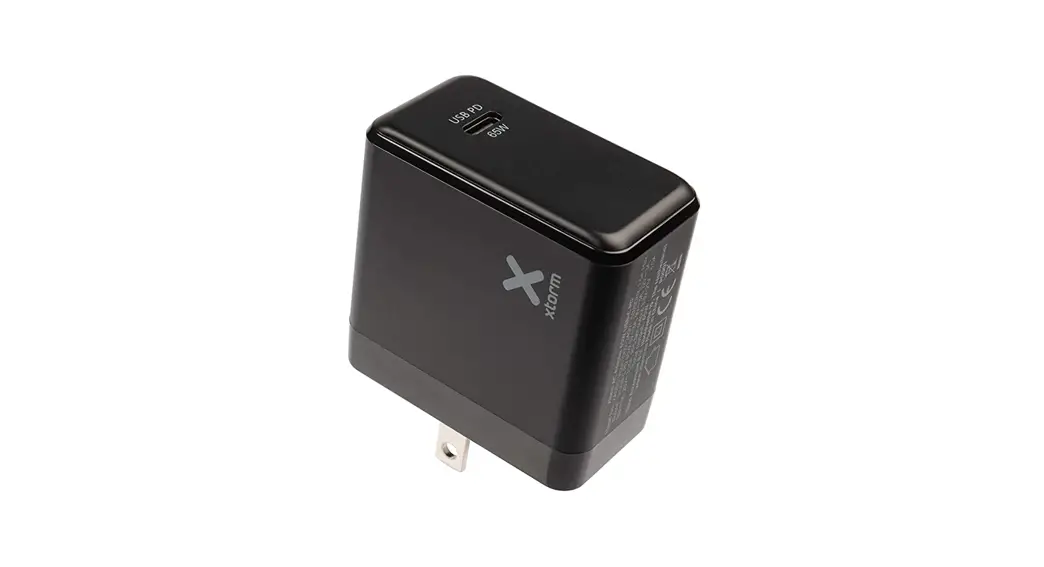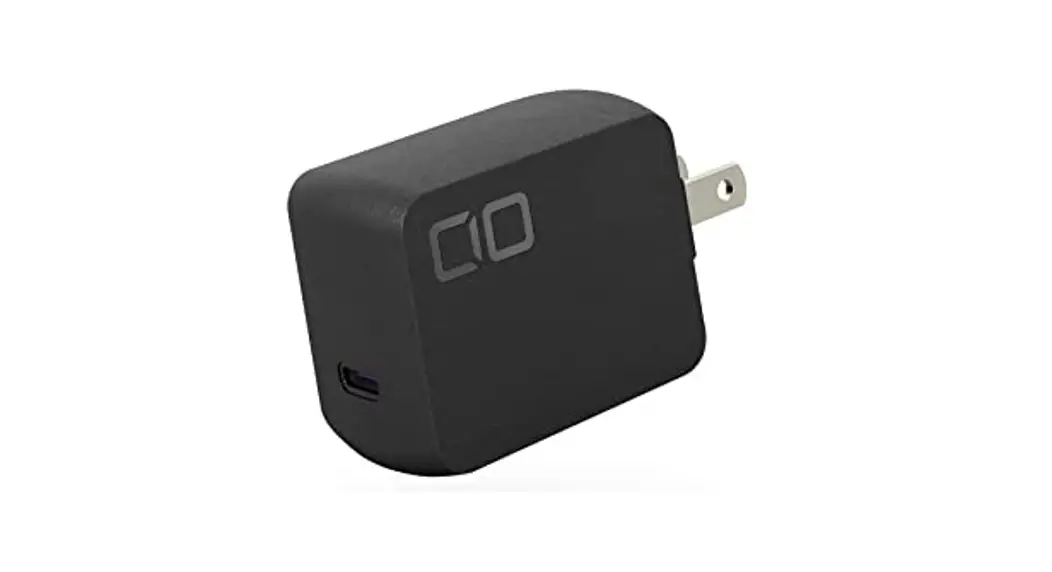
 65W GaN 1-Port Watt Charger
Nova Port SOLO
CIO-G65W1 C-N 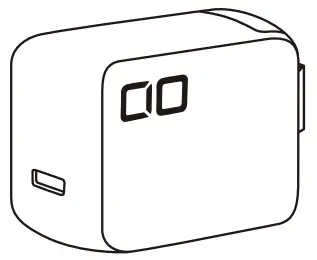 USER MANUAL
CIO-G65W1C-N NovaPort SOLO 65W GaN 1-Port Wall Charger
 CIO Co., Ltd.
Founded in 2017 in Osaka, Japan, CIO Co., Ltd. is a manufactur-ing and sales company focused on dealing with the latest gadgets and smartphone accessories. With the concept of “Delivering the latest, most exciting gadgets”, the company offers its products through its e-commerce site and physical stores. We always pay attention to the latest technology and continuously strive to develop products that increase the level of convenience for users. We offer high quality products in accordance with Japanese standards, but at the same time, we offer high cost performance as only an overseas manufacturer can. It is our pleasure to provide convenient gadgets to our customers.
Introduction
Thank you for your purchase. Please read the user manual carefully before use and use it correctly.
Precautions
 Warning: This is content that could lead to death or serious injury. Caution: There is a possibility of serious injury or damage to property. Warning
 If this product makes any unusual noise, generates abnormal heat, has an unusual odor, or contains a foreign object, stop using it immediately and disconnect it from the household outlet. Do not disassemble or modify this product in any way. It may cause a fire, electric shock or injury. Children should not use this product alone. Do not use this product within the reach of children. Do not immerse the product in water or allow it to get wet. Do not touch the power plug with a wet hand. Otherwise, it may cause heat generation, fire, fire, electric shock, or explosion. Please do not use, leave or store the product in a high temperature 1/4y environment. Do not throw this product into fire. Do not drop this product, place heavy objects on it, or give it a strong shock. Failure to do so may result in electric shock, malfunctions or injuries. Plug the power cord into a household wall outlet when using. Failure to do so may result in fire or electric shock. Do not use this product overloaded. It may result in fire.
Caution Do not use this product for any purpose other than its intended use. Do not use this product near flammable oil, chemicals or flammable substances. Do not use or store the product in a place where it is exposed to water or MN other liquids. When using this product, please check the shape of the USB connector and insert it in the correct direction and orientation. Forced insertion may cause malfunction or injury. Before connecting the device to this product, be sure to read the precautions and the user manual and follow the instructions. This product may become hot while charging at high power, but it will return to normal temperature as the device is fully charged. For Power Delivery (PD) charging, it is necessary to use a PD-compatible cable for PD devices. Unplug this product from the household power outlet when not using it for a long period of time. Failure to do so may result in a malfunction. Please note that we are not responsible for any damage, breakage, breakdown or loss of data on devices connected to this product.
Accessories
- CIO-G65W1C-N
- User Manual
Specifications
Model: CIO-G65W1C-N
Input: 100-240V 50-60Hz 1.5A
USB-C1 Output: 5V= 3A/9V = 3A/12V= 3A/15V= 3A/20V= 3.25A
(Max 65W)
3.3-11V=5A
Size: Approx. 52 x 41 x 28mm
Weight: Approx. 90g
Supported Fast Charging Protocols
P D3.0 / PPS
Warranty
Thank you for purchasing CIO product. If the product has any defects such as initial malfunction, please contact us before reviewing.
We will replace it as an initial malfuntion product.
In case of malfunction occurred within the warranty period or correct use, we will also replace it.
Invoice/warranty or dealer’s receipt will become warranty so please keep it The product will be guaranteed for replacement with It.
Please note that we do not accept returns or refunds.
Please note that the warranty cannot be provided in the following cases.
- Accident due to careless handling while using it. (e.g. dropping,submerging and so on.)
- Failure due to any Internal modification by the user.
- Failure due to fire or water damage.
Warranty
Support Information
Email address: [email protected]
Warranty [CIO-G65W1C-N] Dealer’s Name
The date of purchase:
CIO CIO Co., Ltd. https://tinyurl.com/y9vcddy5
Stay Updated with All the Latest News!
We will be posting information about our new crowdfunding project, new products, and special discounts.