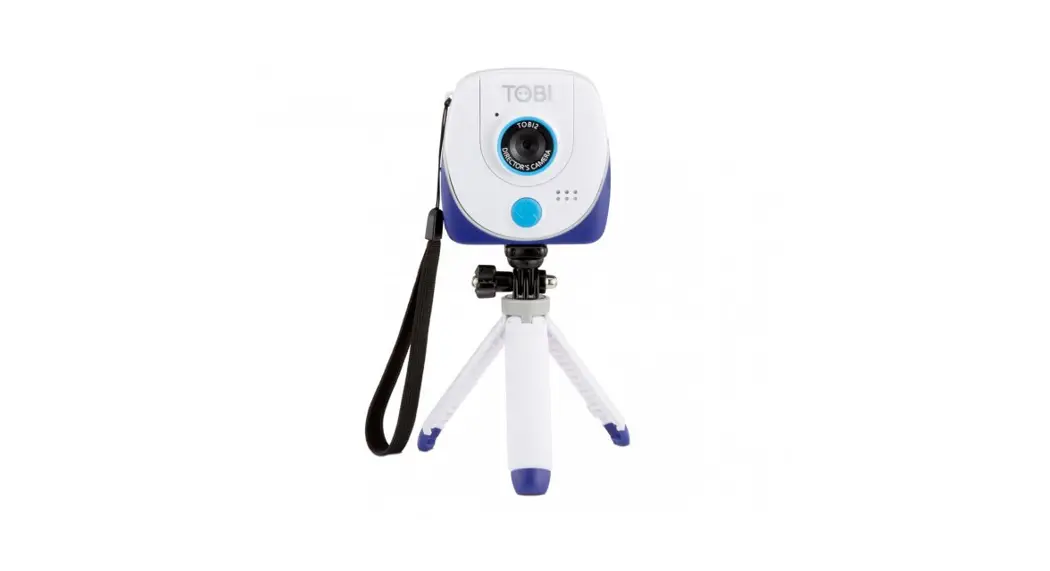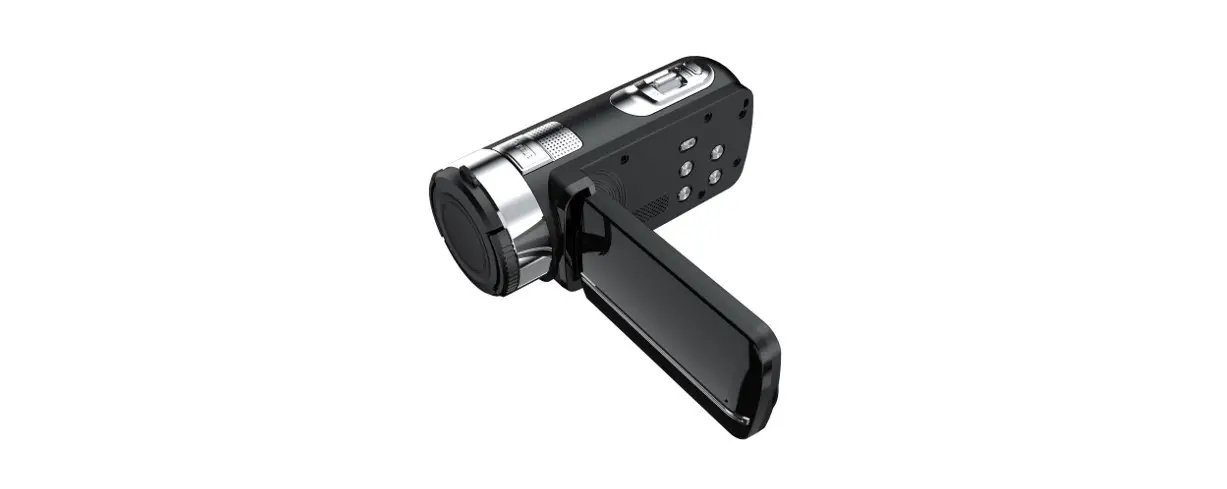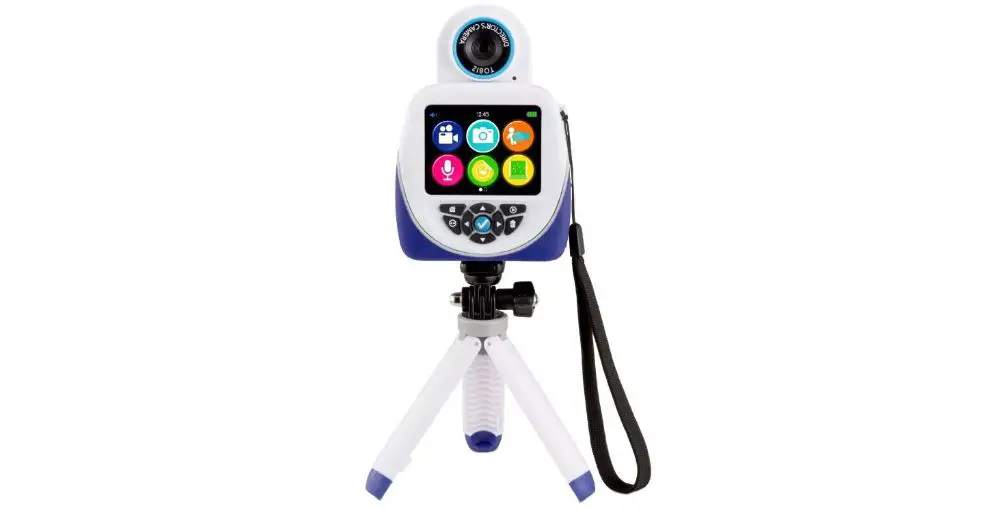

TOBI 2 Studio HD Regisseurscamera Speelcamera
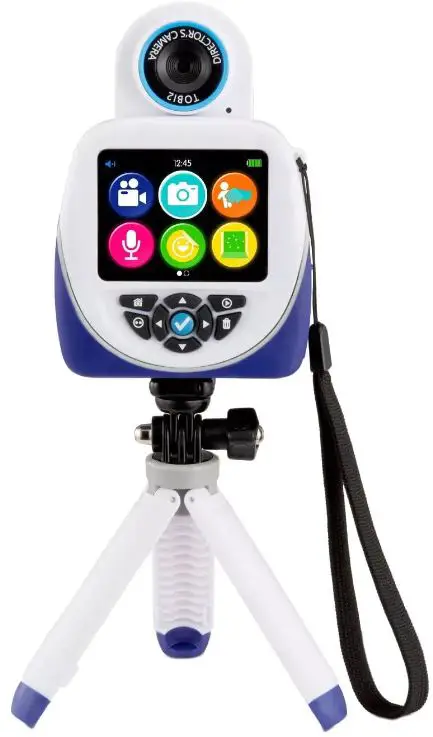
Parts Overview
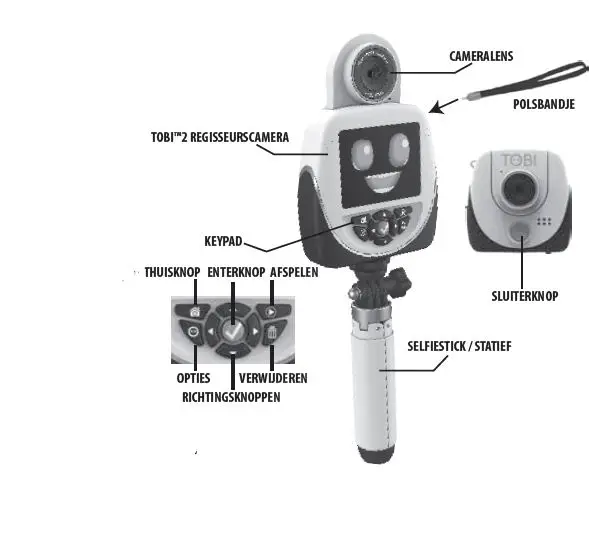
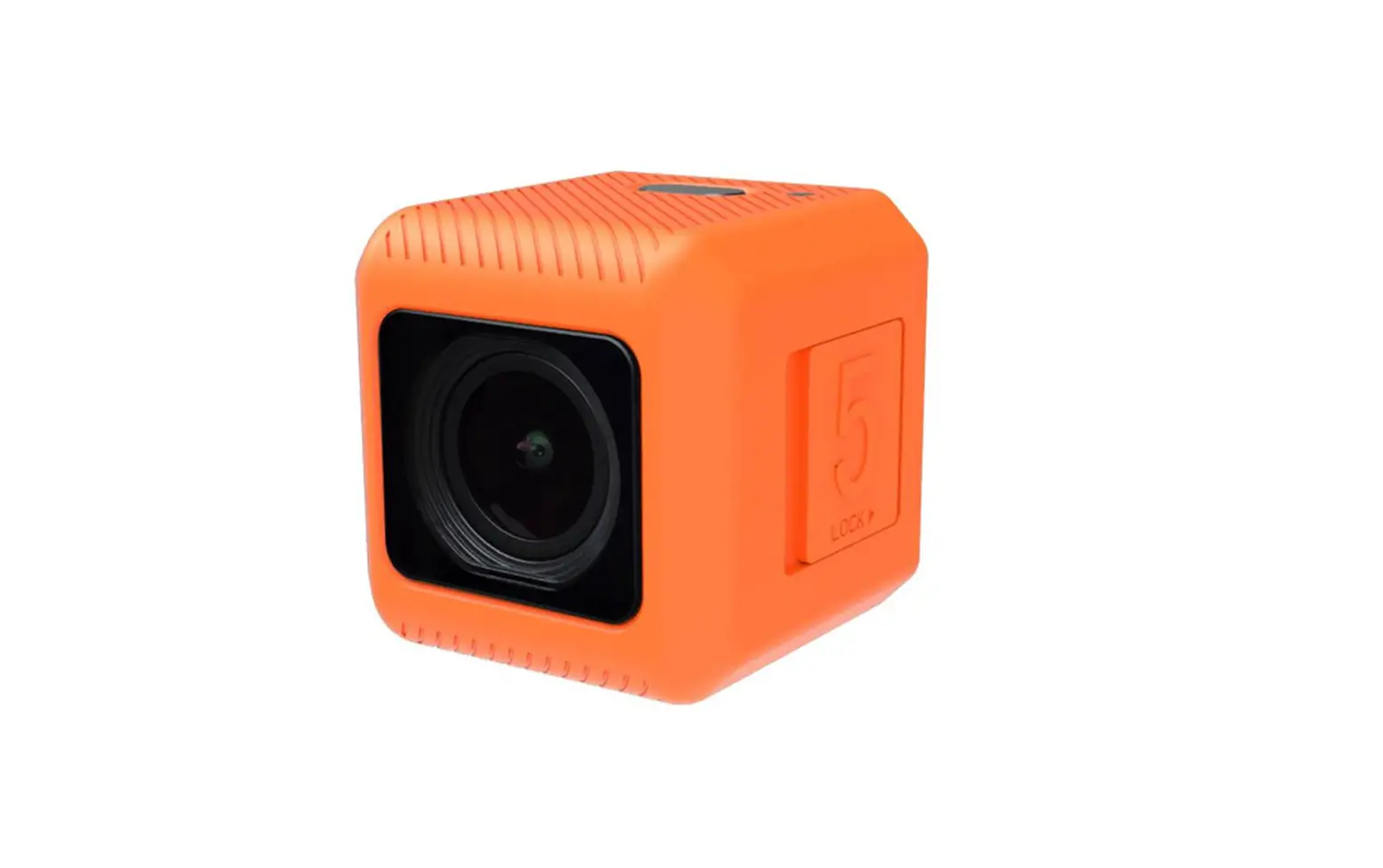
- Hd-camera met 2,4 inch lcd-kleurenscherm
- Statief/Selestick
- Stof voor green screen
- Polsbandje
- Micro USB kabel
MICRO USB
- Open the micro USB port cover on the Tobi 2 Director’s Camera.
- Plug the micro USB end of the cable into the port.
- Plug the large USB end into your PC’s USB port.
NOTE
You cannot access the camera when the micro USB is connected.
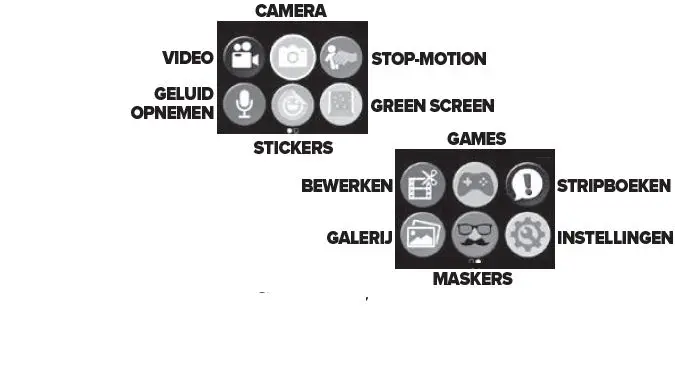
Record videos
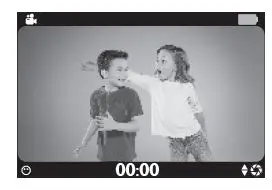
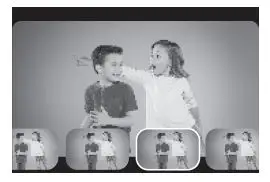
Play/save stop motion
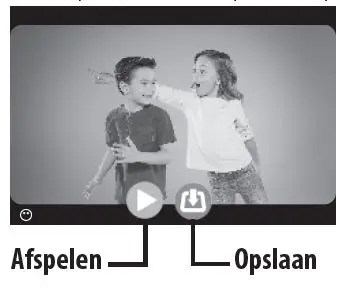
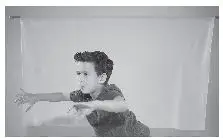
References
 Official Home of Little Tikes UK
-
Little Tikes | Fun & Learning Toys For All Ages - Australia
-
Officiële website van Little Tikes
 Official Little Tikes Website | Parent Trusted for Over 50 Years
 WHOIS - COM.NL BV voor Commerciële Nederlandse extensies
-
MGAE Firmware Updates
-
Smartsheet
-
Tobi Robot Smartwatch-Blue | Little Tikes – Official Little Tikes Website
 Official Home of Little Tikes UK
 Little Tikes | Fun & Learning Toys For All Ages - Australia
 Officiële website van Little Tikes
 Official Little Tikes Website | Parent Trusted for Over 50 Years
 WHOIS - COM.NL BV voor Commerciële Nederlandse extensies
 Smartsheet