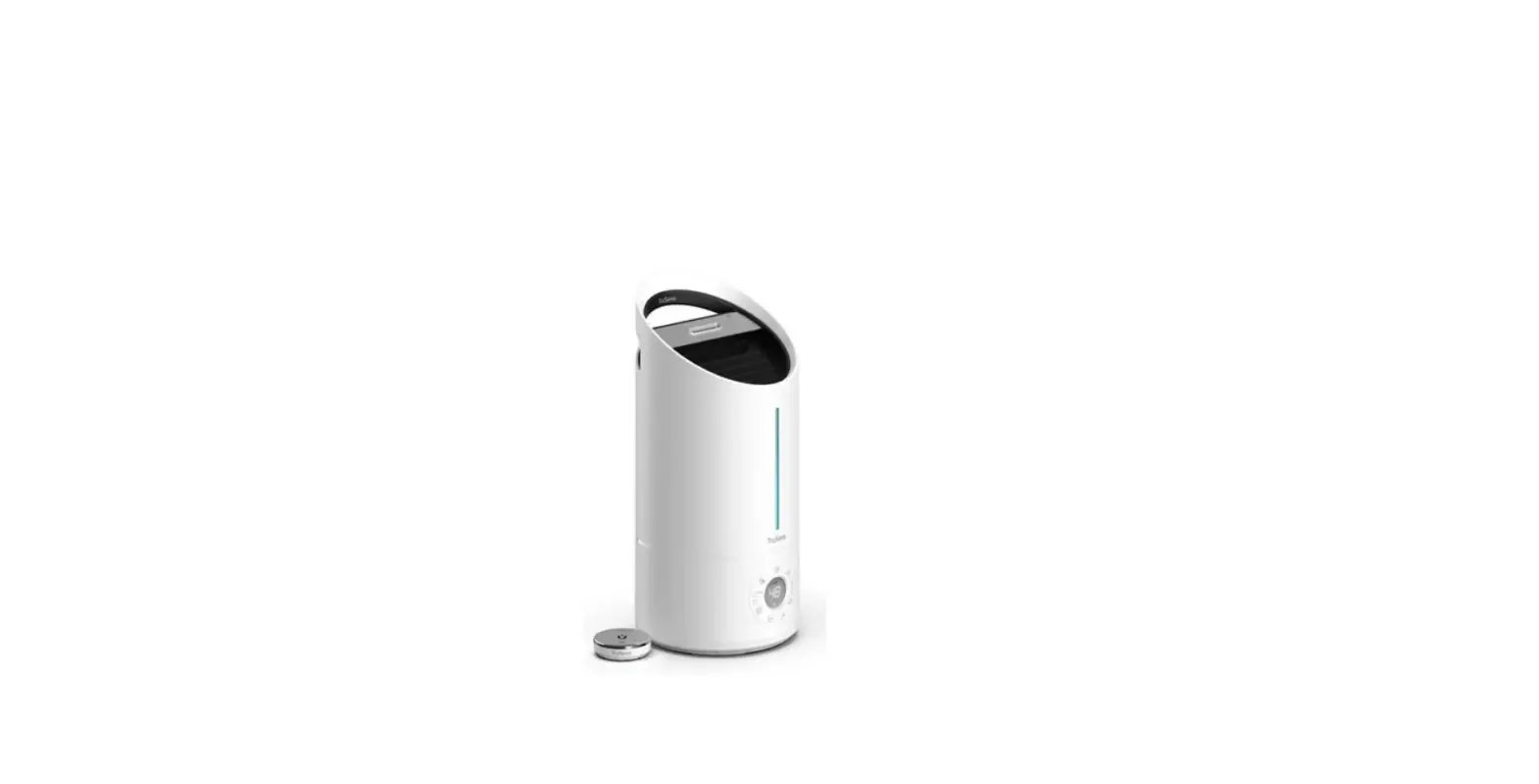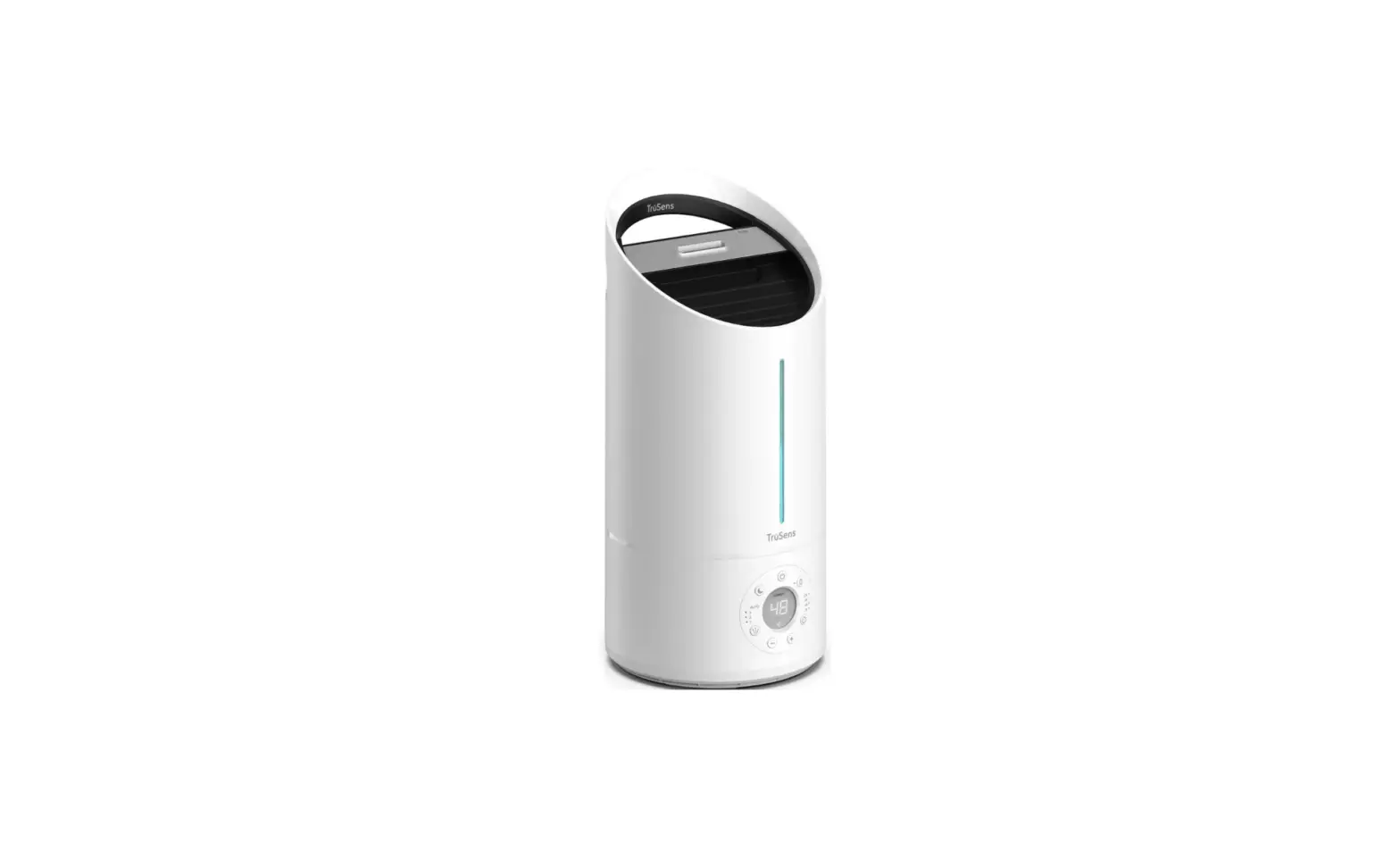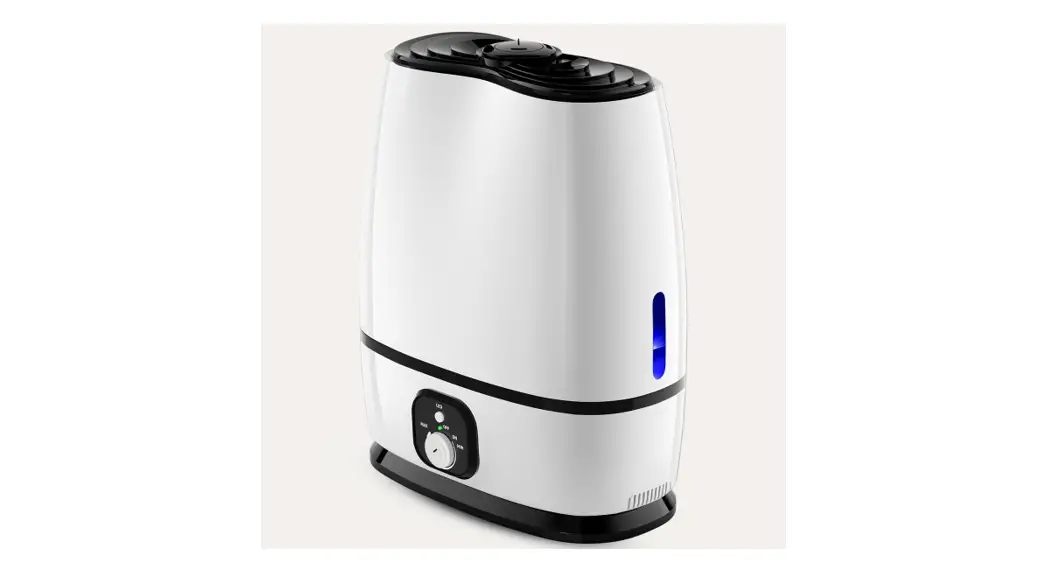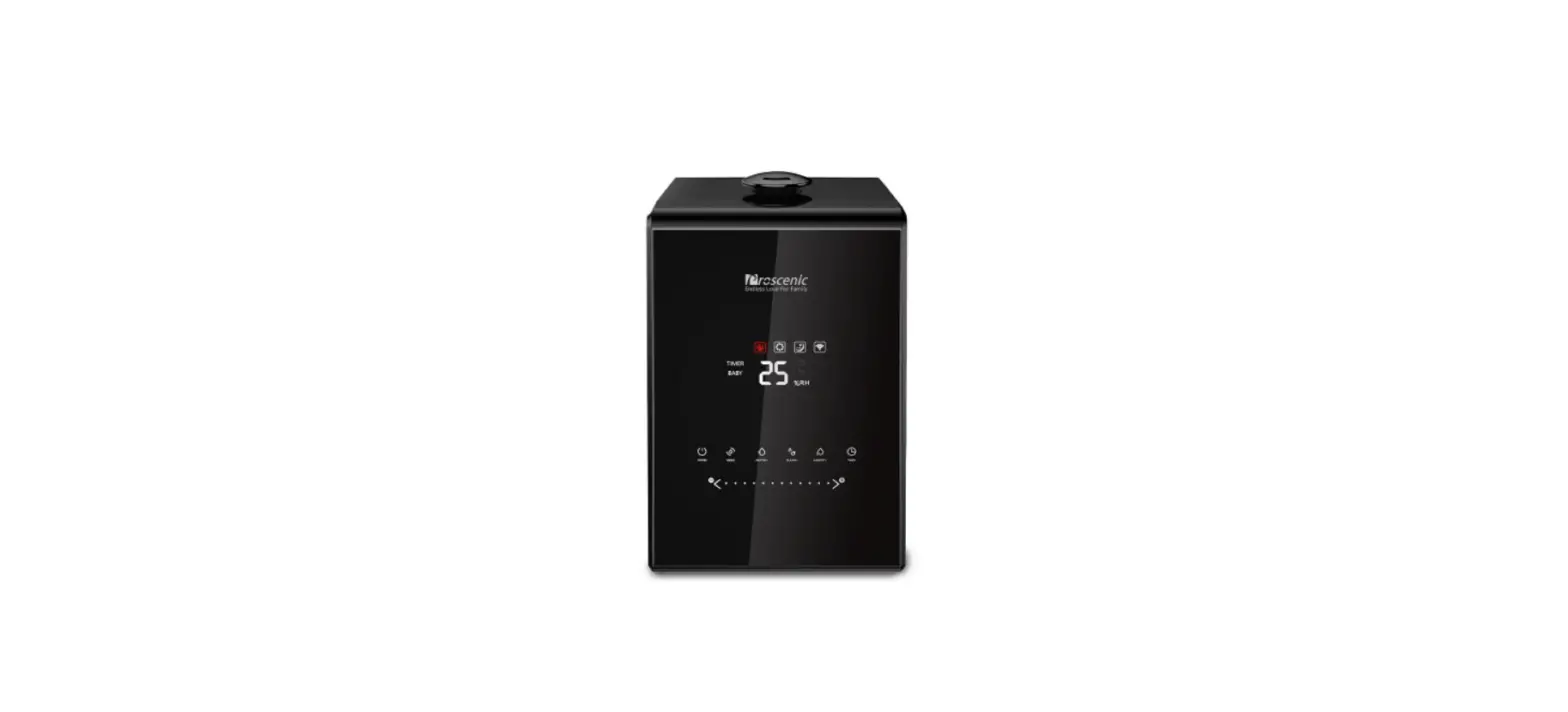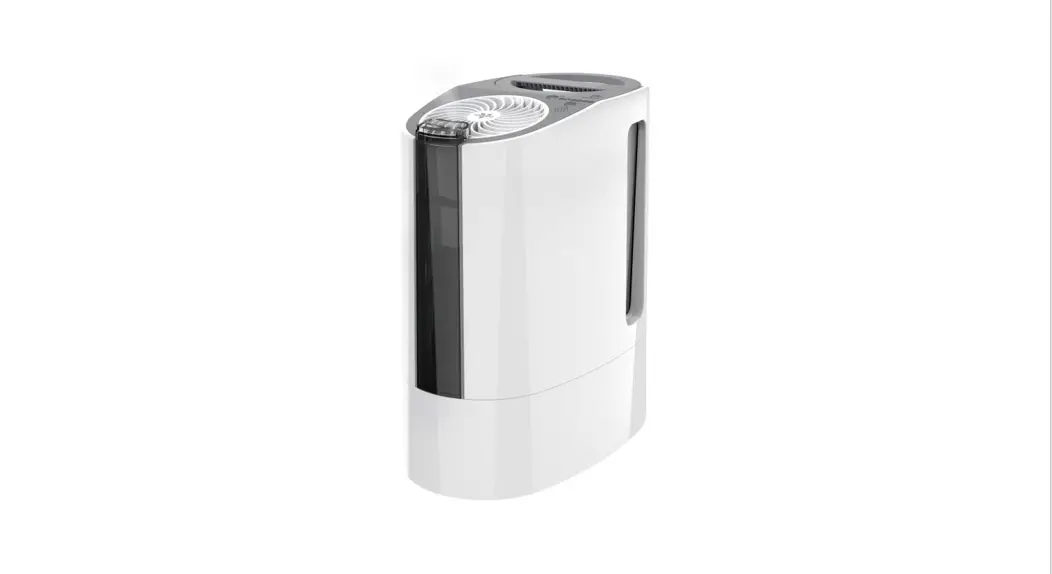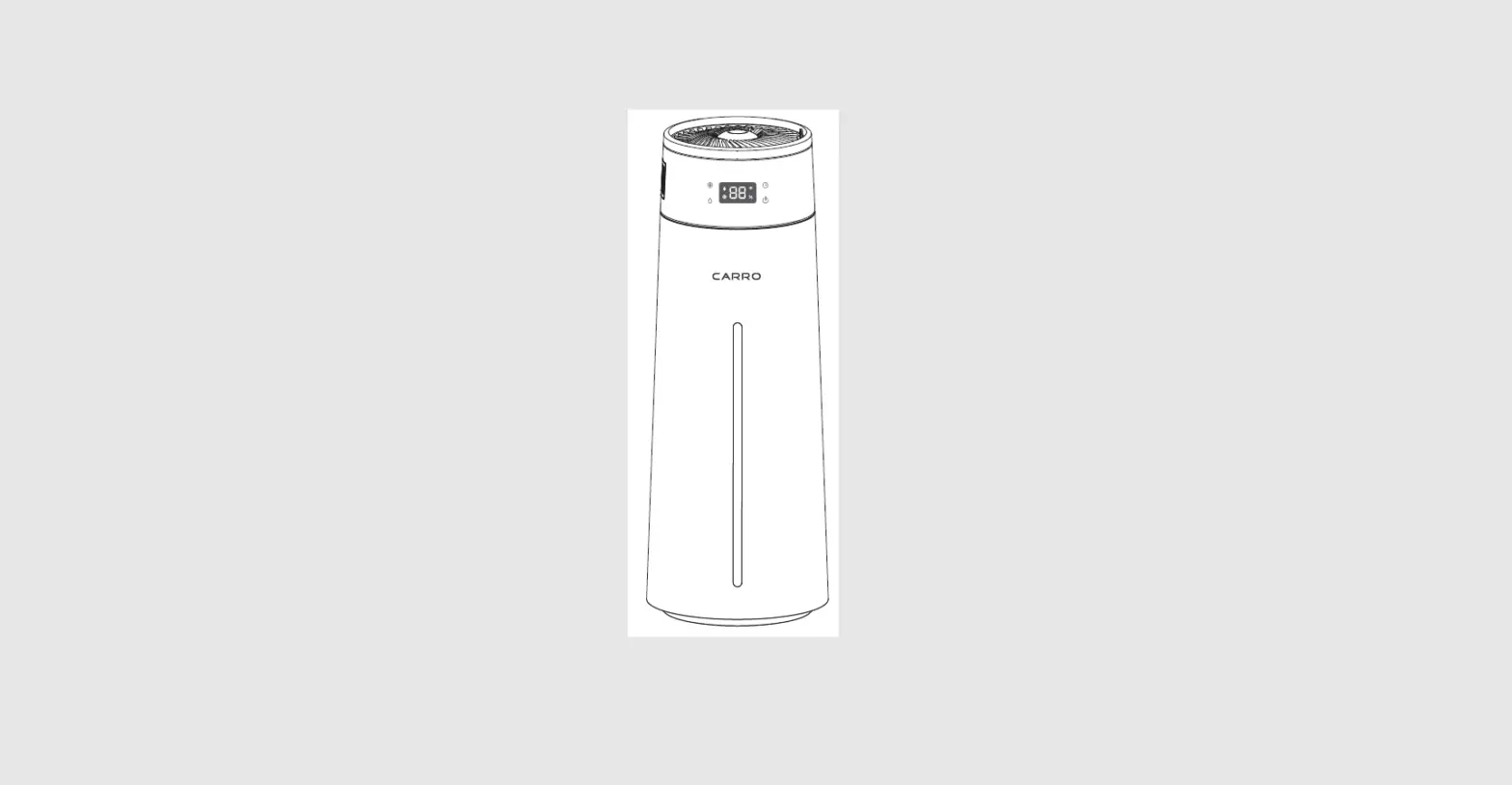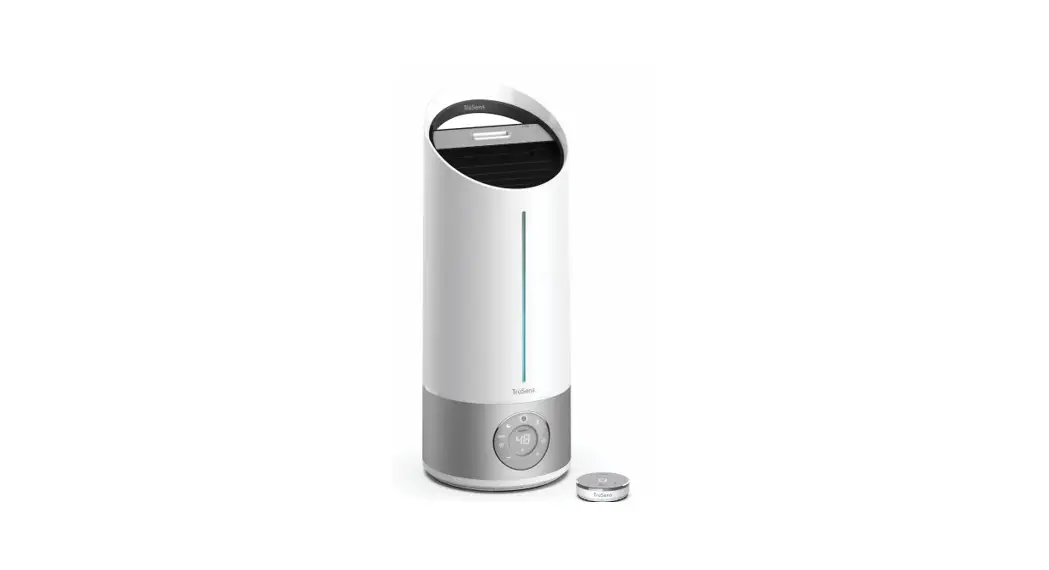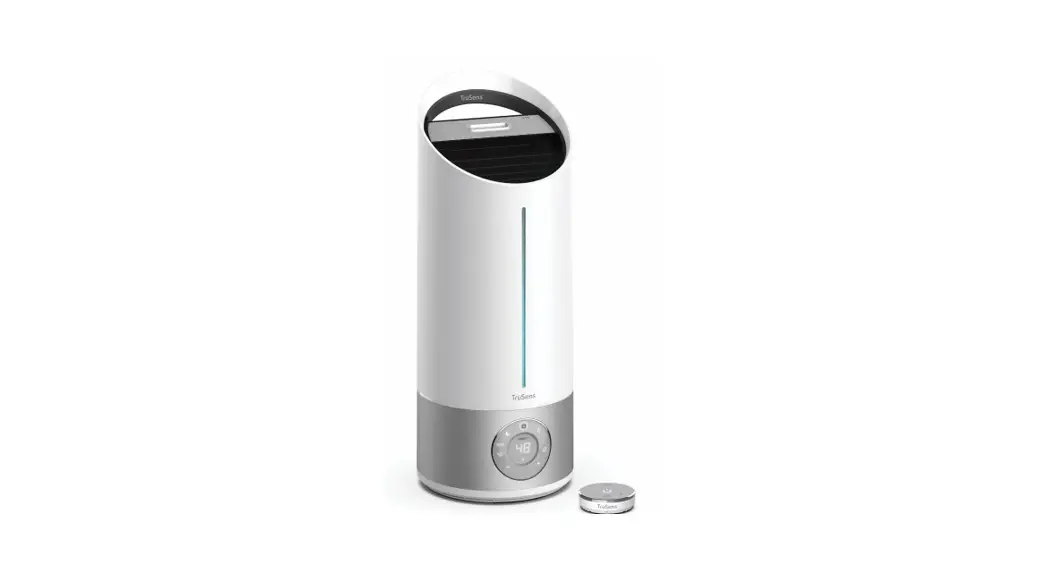
 N300 Portable Ultrasonic Humidifier
Owner’s Manual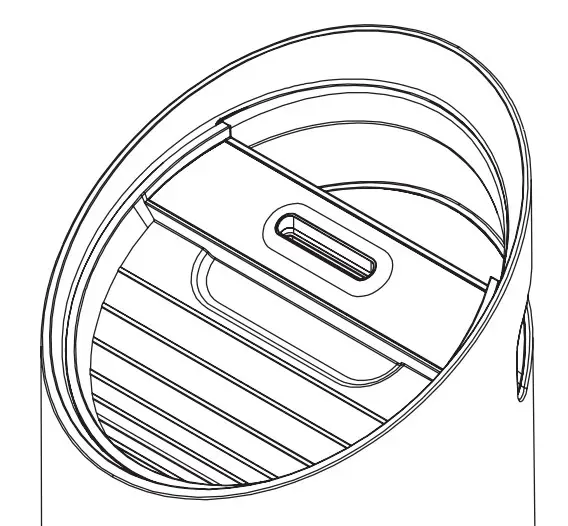
WELCOME TO COMFORTABLE INDOOR AIR.
Control your air and achieve your optimal humidity with TruSens. Real-time feedback from a remote SensorPod” helps your humidifier monitor and adjust to your ideal moisture levels.
 WARNING
Before the operation, follow these steps and read our TruSens Owner’s Manual at www.trusens.com/support/owners-manuals/
Included in your box
| l Humidifier+ Power Cord | l Water Filter |
| l Sensor Pod+ 2 AAA Batteries | l Absorbent Aromatherapy Pad |
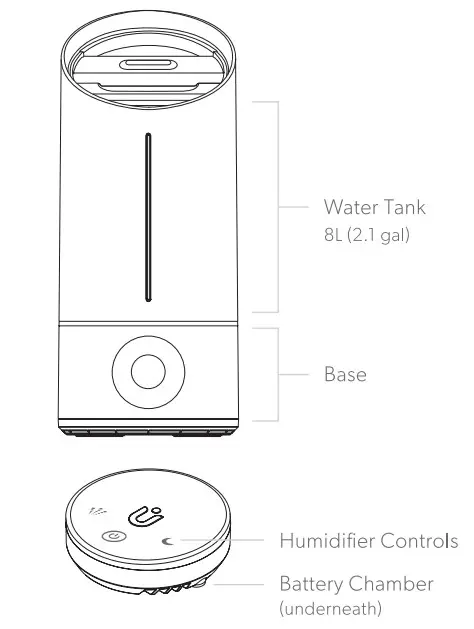
Directions for use
WARNING
Always unplug the humidifier before removing the water tank. Empty all water before cleaning the water tank, replacing the filter, or moving the humidifier. Only place the water tank on a hard, solid surface; do not place it on carpeting.
- Prepare the water filter
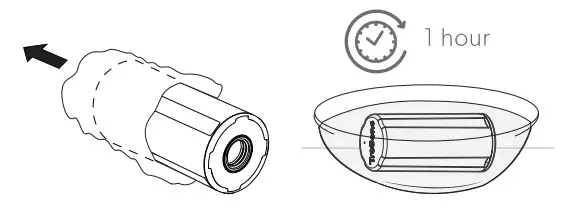
Remove the plastic bag from the filter.
For optimal performance, submerge the filter in a bowl of water for l hour.
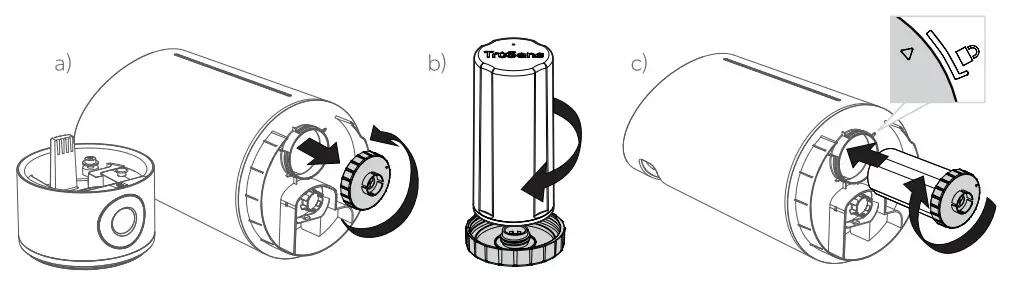
- Install the water filter
a) Unscrew the gray cap.
b) Secure the filter onto the gray cap.
c) Tightly secure gray cap with filter onto water tank until indicator meets lock symbol.
Failure to properly tighten the gray filter cap may result in leaking. The return water tank is on top of the base.
- Fill the water tank
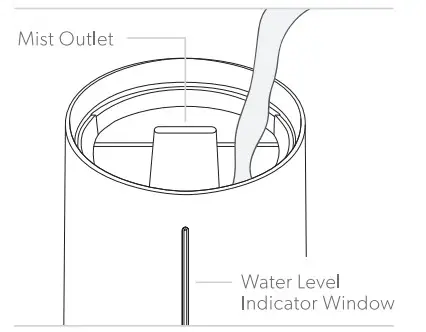
Remove the water tank lid and fill with room temperature water (preferably distilled) with the pitcher. WARNING
Do not pour water into the mist outlet or directly into the base/reservoir.CAUTION: Heavy object. To avoid injury always fill the tank from the top and use care when lifting.
- Set up
Place the humidifier on a dry, firm, flat surface that is free from obstructions.
Note: Failure to properly tighten the gray filter cap may result in leaking.
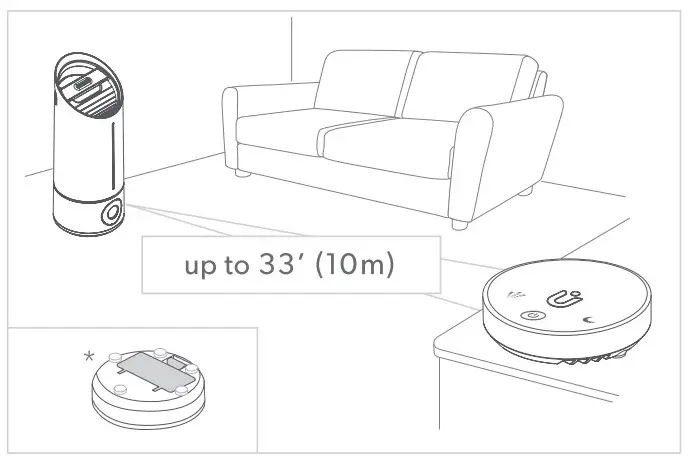
Open lid of battery chamber found on SensorPod (bottom) and insert 2 AAA batteries (provided).*
SensorPod will automatically begin monitoring if the humidifier is on.
For optimal results, place SensorPod on a tabletop or counter across the room, within line of sight of the humidifier.
Control the humidifier with the touch buttons on SensorPod.
Control Panel
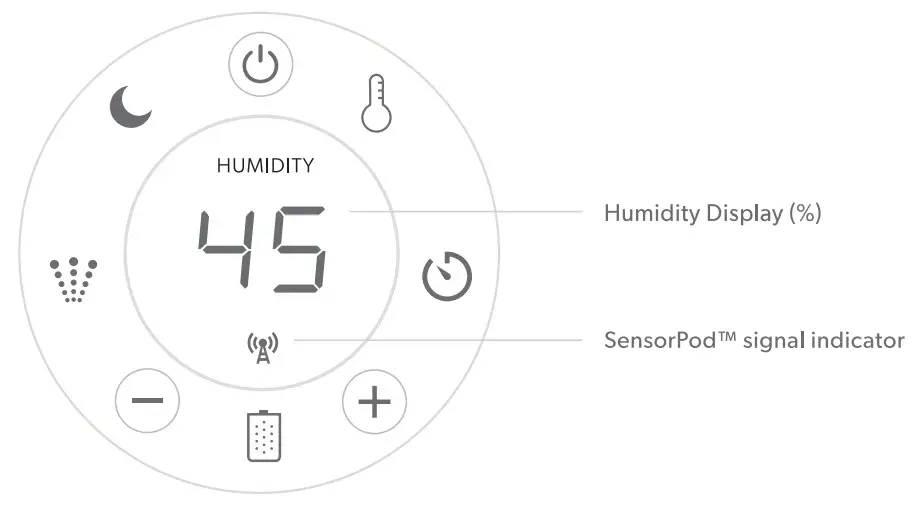
 | Power: on/off |
 | Warm Mist: on/off |
 | Timer: 2h/4h/8h/12h |
 | Target Humidity: decrease/increase |
 | Filter Change Indicator |
 | Misting Speed Settings: 1/2/3/AU1O |
 | Dimmer: on/off |
Aromatherapy Use
Locate the Aromatherapy Tray (back of the base) and pull down the lid. Add a few drops of essential oil* to the absorbent aromatherapy pad (provided) and close the tray.
* Only use 100% natural essential oils.WARNING
lD Do not add essential oils to the water tank. Do not use synthetic fragrances.
Cleaning Instructions
We recommend you clean weekly for optimal performance.
Refer to the Owner’s Manual for detailed instructions.WARNING
The water and heater may cause burns. Unplug the humidifier and let cool before cleaning.
Filter Replacement
| Filter Type | Suggested Replacement | Item Number |
| Water Filter | 4 months | WSF300-0l |
Filter Change Indicator on the control panel will glow red to notify you to change.
Change the water filter before restarting after long periods of non-use.
 N-300
N-300
[email protected]
I 1-833-TRUSENS (1-833-878-7367)
Support and Warranty Terms at www.trusens.com
Scan for Support
EPA Est. No. 97661-CHN https://www.trusens.com/support/humidifier-support/