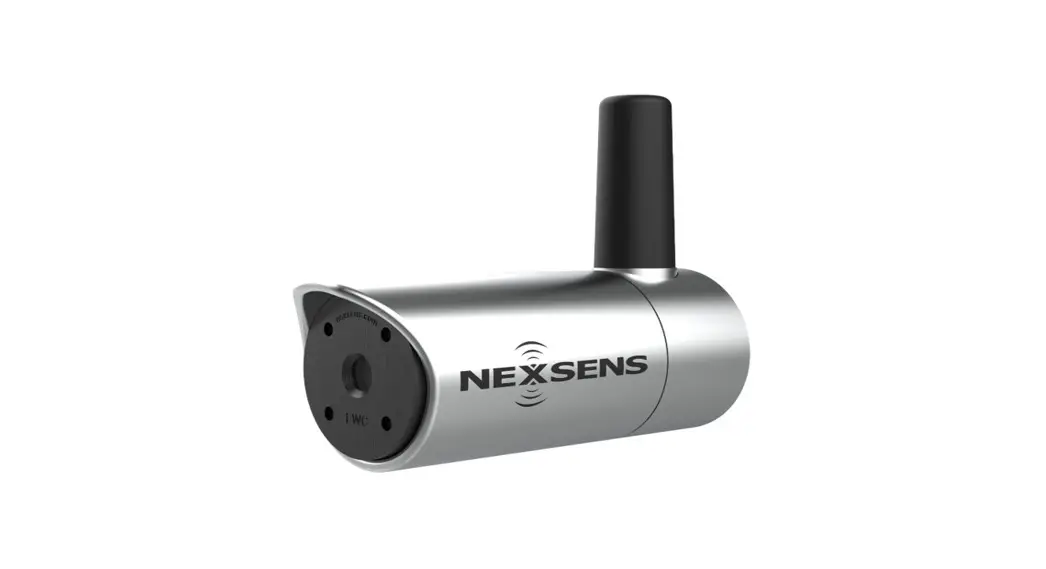
NEXSENS SpectroLyser UV-Vis Monitor
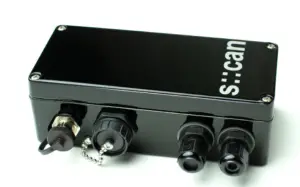
Quick Start Guide

Table 1: S::CAN wiring table into CON::NECT junction box.
| Cable Connection | Wire Color | Terminal Connection | Signal |
| NexSens Sensor Cable X2 Connection (P1) | Red | + DC In | Sensor Power |
| Black | – DC In | Sensor GND | |
| Blue* | + DATA | 485A | |
| Green* | – DATA | 485B | |
| NexSens Wiper Power Cable X2 Connection (P2) | Red | NC (Top) | Wiper Control |
| Black | – 12V Out | Wiper GND | |
| S-CAN Wiper Cable | Red | +12V Out | Wiper Power |
| Black | – 12V Out | Wiper GND | |
| Pink | NC (Top) | Wiper Control |
Data Logger Connection
- Setup your data logger on WQData LIVE by:
a. Following the Quick Start Guide included with your order.
b. Visiting the NexSens Knowledge Base | Data Logger | User Guides on the NexSens website. - Once this is completed:
a. Plug the sensor into the data logger following the schematic below.
• NexSens sensor cable must be plugged into P1 and NexSens wiper cable must be plugged into P2.
b. After the next logger reading, confirm that the sensor is uploaded to the WQData LIVE project, and is showing valid readings. c. Gather a few readings before deployment.

2091 Exchange Court
Fairborn, Ohio 45324
937-426-2703
www.NexSens.com