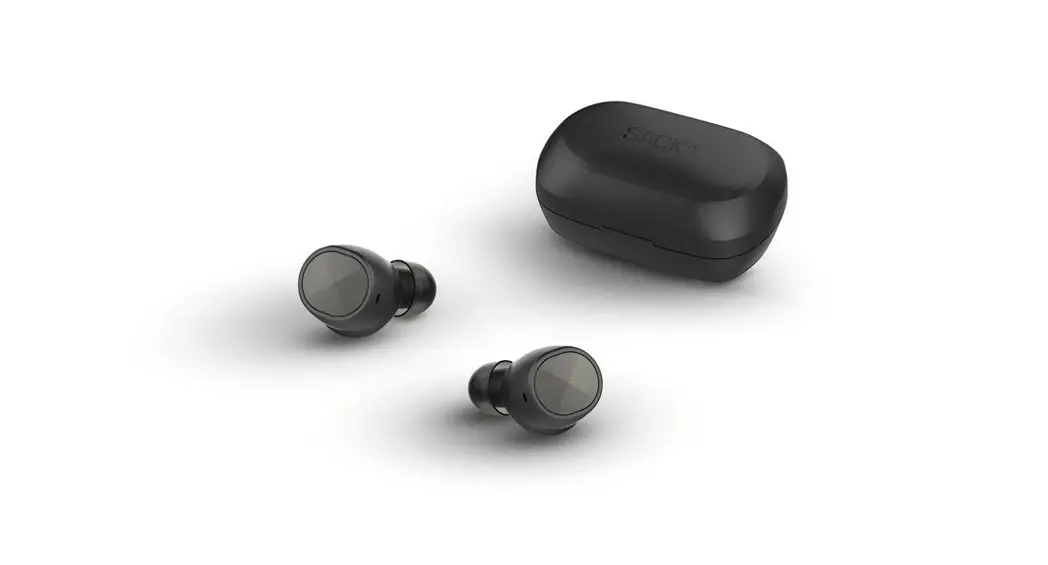
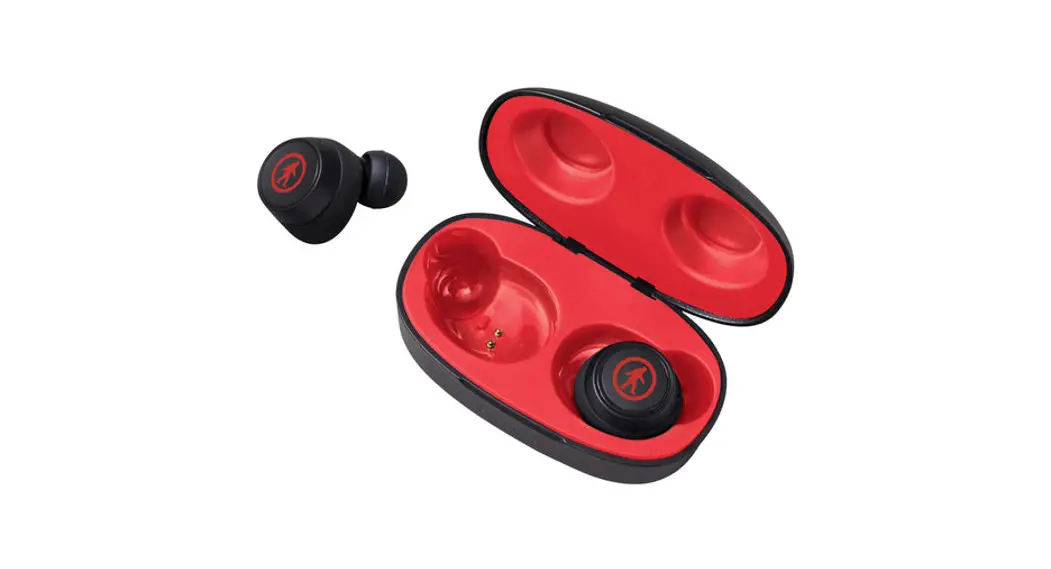
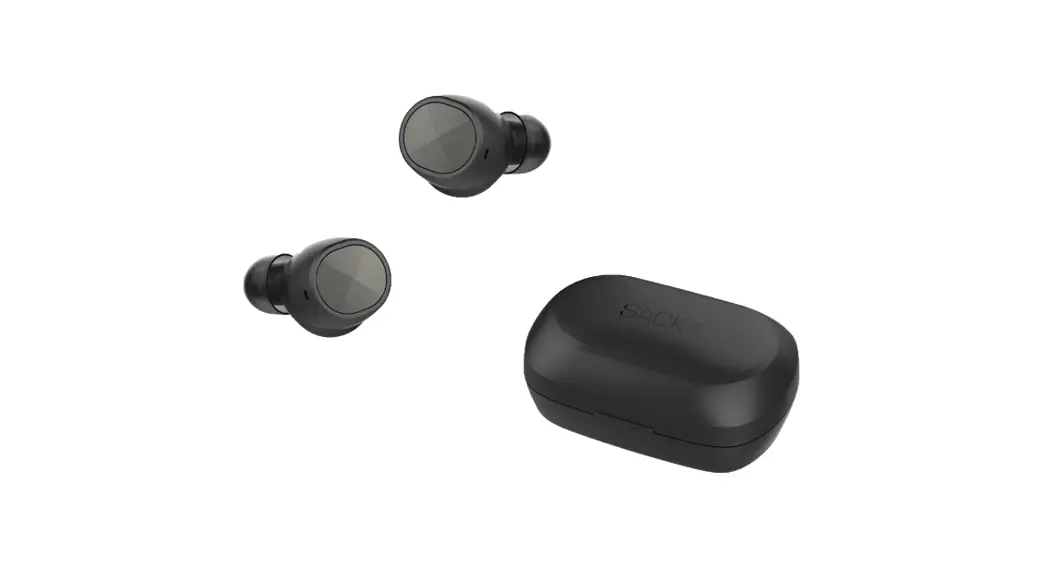
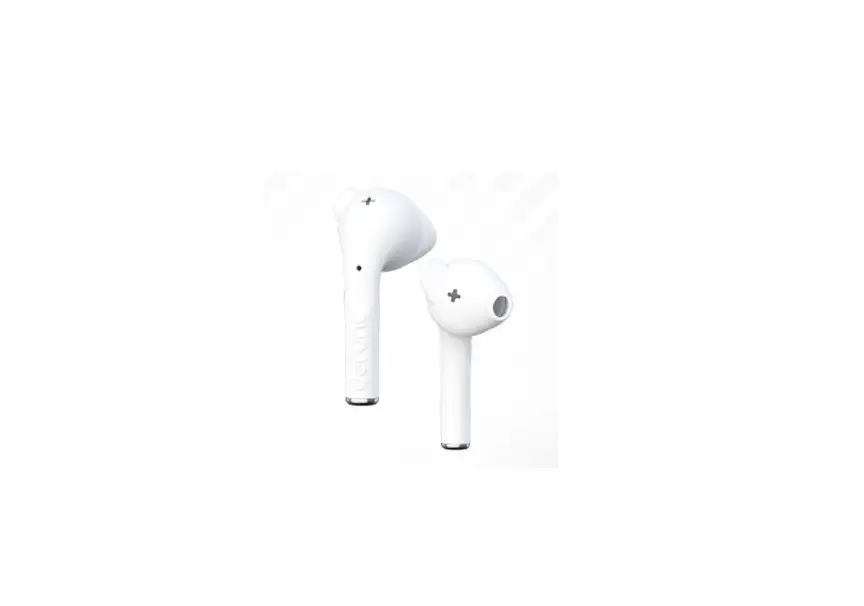
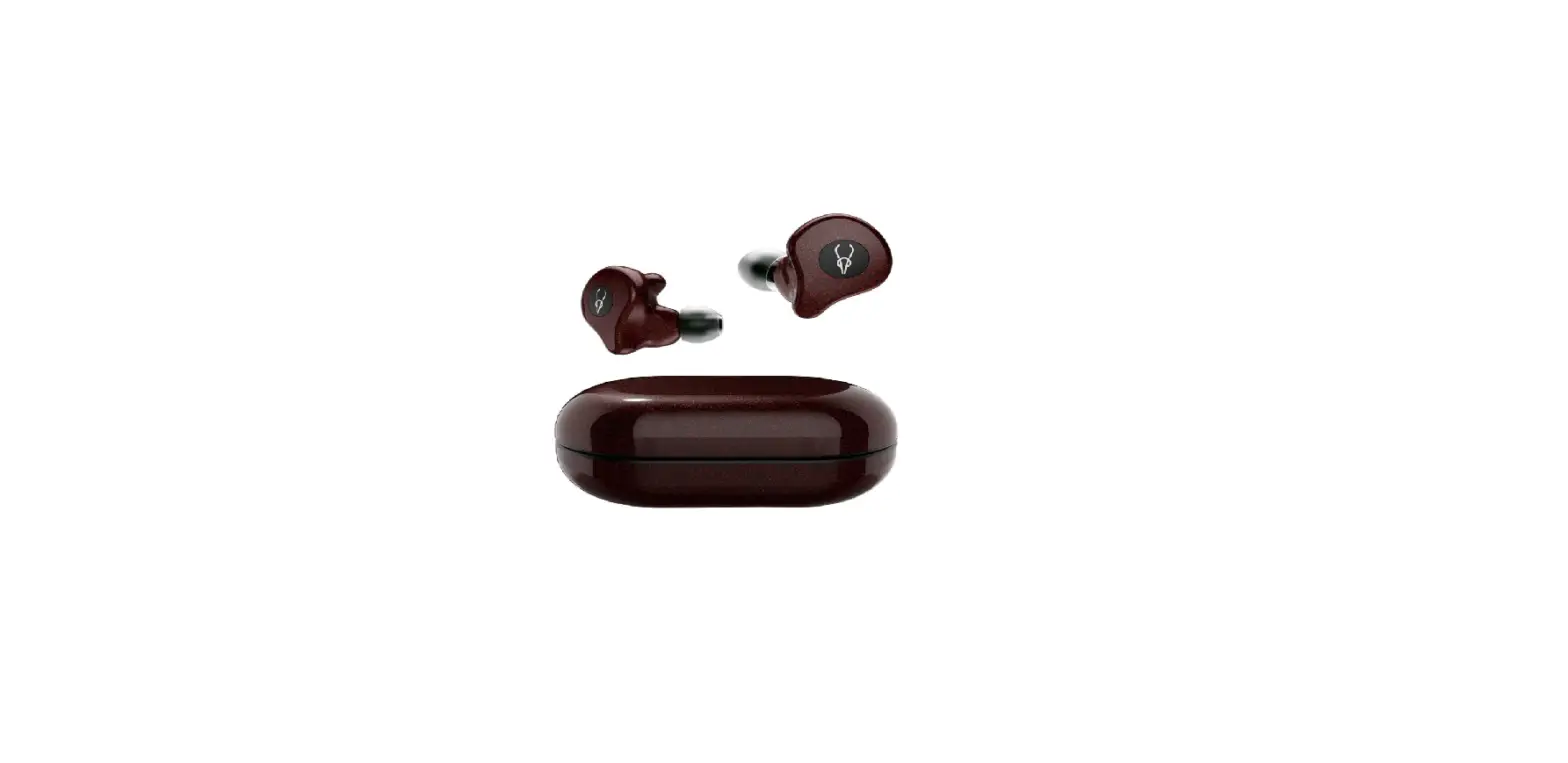
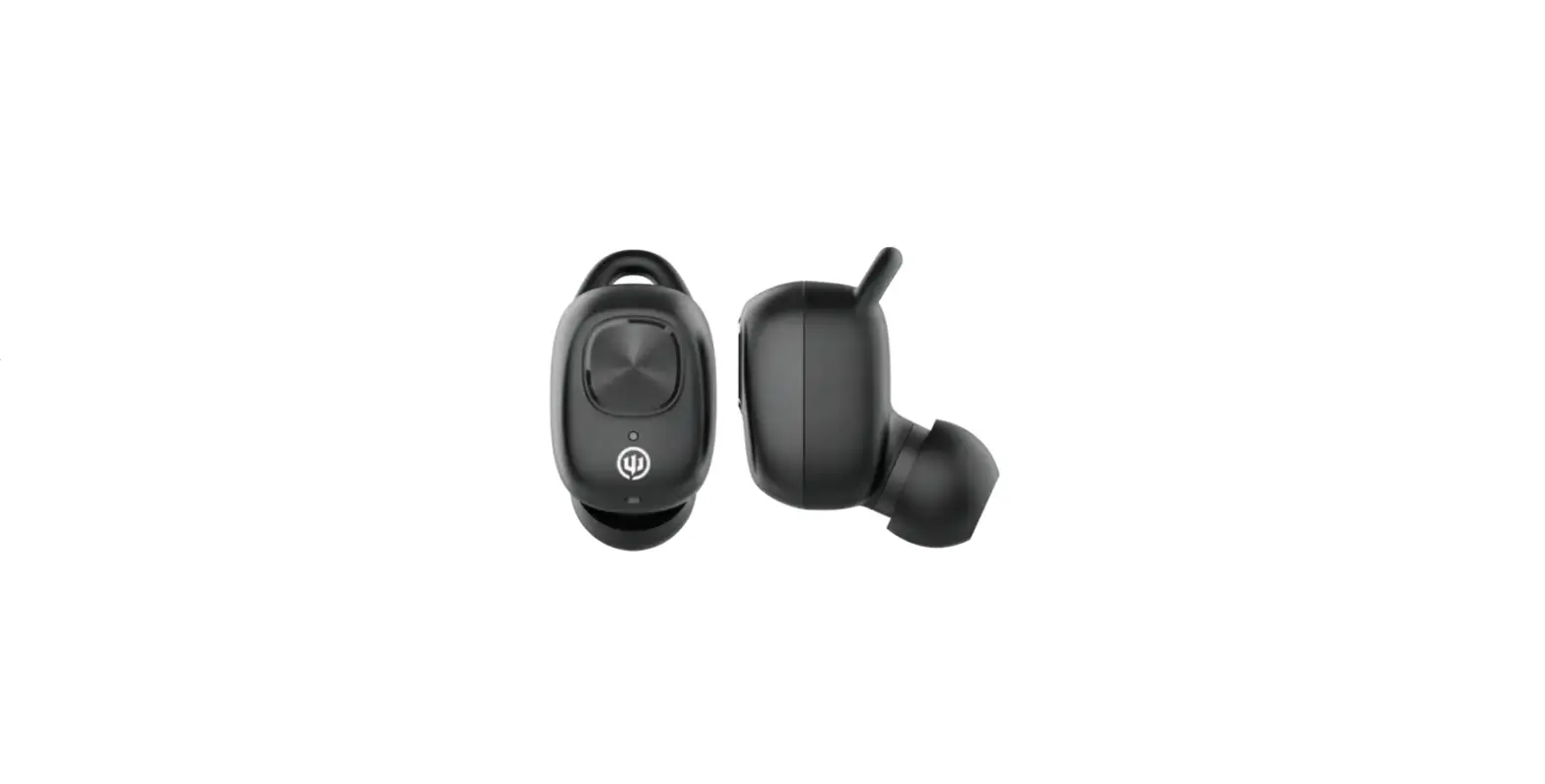
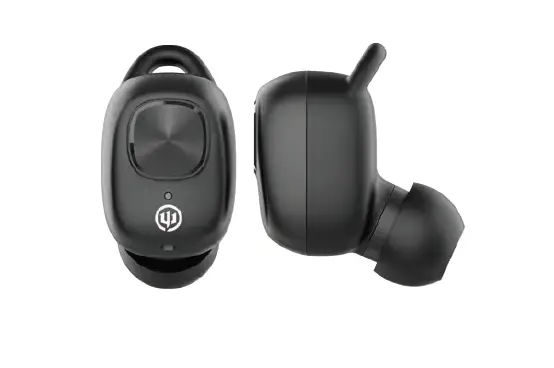
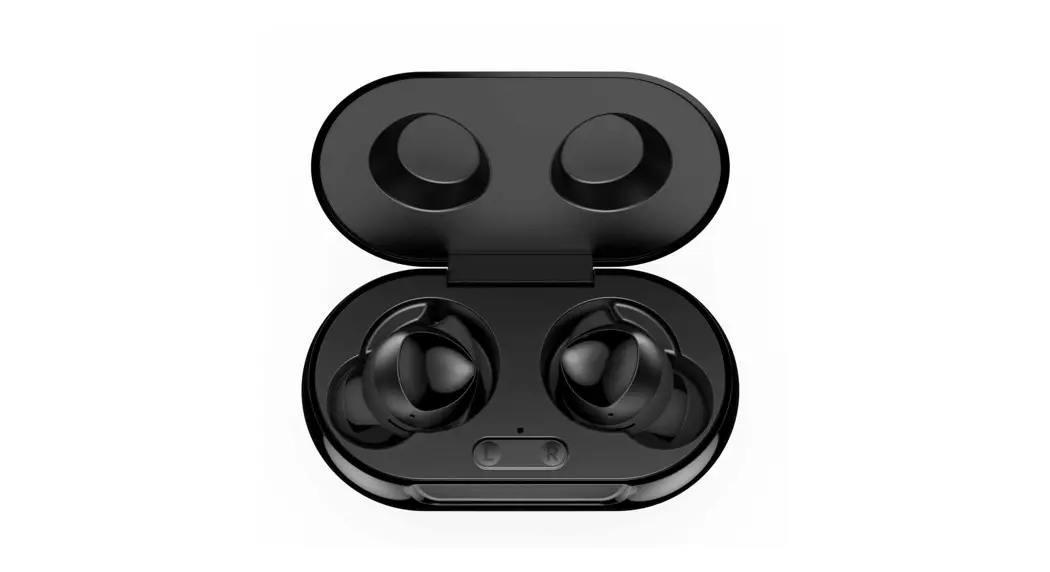
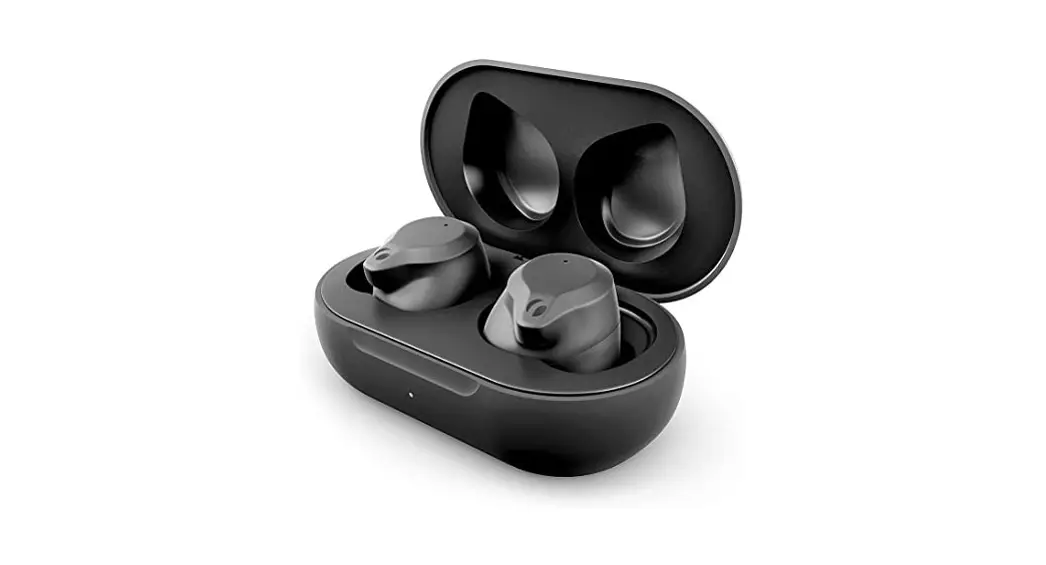
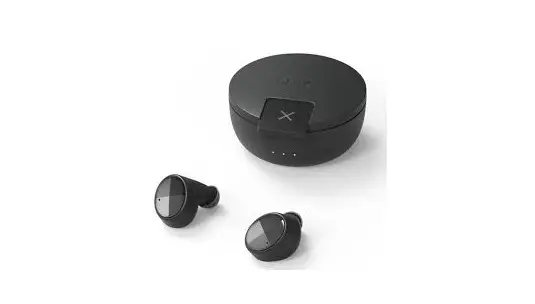
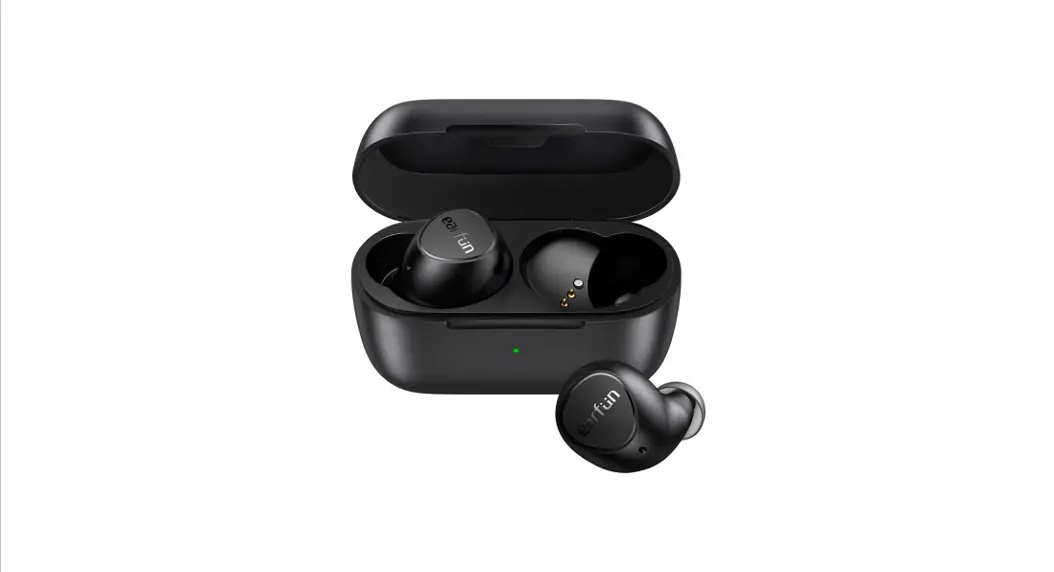
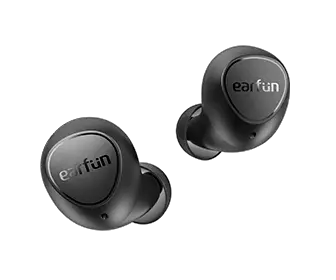
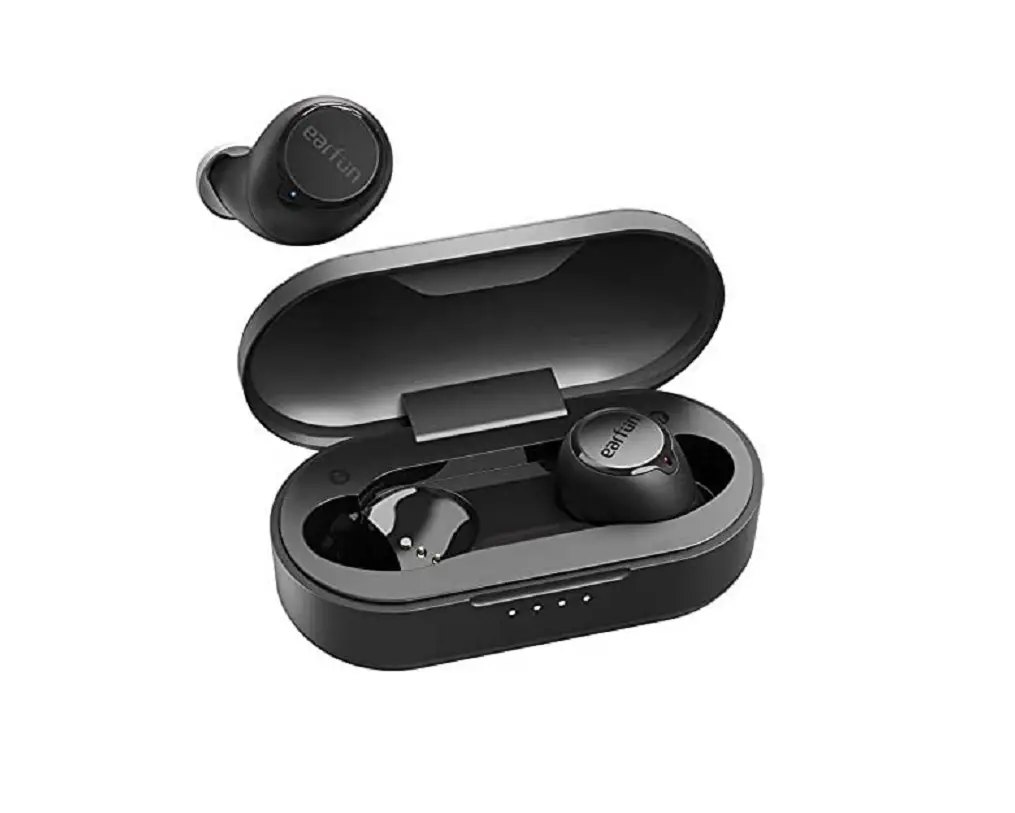
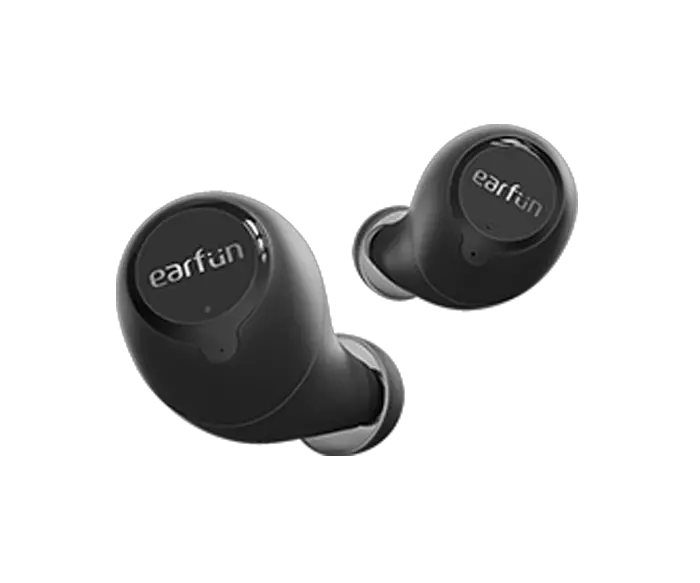
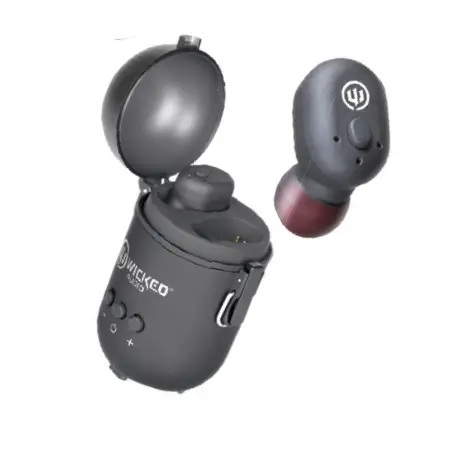
GEMTONES True Wireless Earbuds
GEMTONES Play True Wireless Earbuds
Product Information:
| FCC ID | 2BBAS-GEMTONES |
|---|---|
| Bluetooth Version | 5.3 (JL chipset) |
| Profile Support | HSP, HFP, A2DP, AVRCP |
| Audio Decoding | SBC+AAC (AAC needs license fee) |
| Earphone Battery Capacity | 3.7V: 2*40 mA |
| Charging Base Capacity | 3.7V/300mAh, Rechargeable 2-3 times |
| Charging Time | 1.5 hours |
Product Usage Instructions:
Power On/Off:
- To power on, take out the earphones from the charging case and
they will turn on automatically. - To power off, put the earphones into the charging compartment
and close the lid. The earphones will shut down if not connected to
any device within 3 minutes.
Music:
- To play/pause music, while playing, click the multi-function
touch key. - To play the previous song, double-click the left earphone
multi-function touch key. - To play the next song, double-click the right earphone
multi-function touch key.
Charge:
- To charge the earphones, put them into the charging
compartment. They will be charged automatically. The indicator
light of the earphones will turn off when fully charged. - To charge the charging compartment, use the provided charging
cable. The indicator light of the charging compartment will always
be on when fully charged.
Wake up voice assistant function:
- Tap either headset three times in a row to start voice
assistant. Tap once to close voice assistant.
Call:
- To answer an incoming call, click the multi-function touch key
of either earphone once. - To reject an incoming call, long press the multi-function touch
key during a call. - To hang up a call, click the multi-function touch key
once. - To switch between calls, double-click the multi-function touch
key during a call.
GEMTONES Play True Wireless Earbuds FCC ID:2BBAS-GEMTONES
Manual
Product Description
Power on/off
Power onTake out the earphones from the charging case nd they will turn on automatically
Power ofPut the earphones nto the charging compartment and close the lds, and the earphones wl
Music
Charge
This device complies with part 15 of the FCC Rules. Operation is subject to the following two conditions: (1)
Music Pause/Ply:Whie playing,dick the mult-function Charge the charging compartment through the This device may not cause harmful interference, and (2)
ouch key
charging cable, and the indicator lght of the charging this device must accept any interference received,
Preylous song: Double-clck the left earphone
compariment s alyeys on when fully charged
including interference that may cause undesired
muk-funcion fouch key
Put the esrphones into the charging compartment, operation.
Next song: Double-clck the right earphone mut-
they wil be chargod automalically, and the indicator lght
aulomabcally
function ouch key
of he earphones will turn of when fully charged
FCC warning:
shut down. If they are not cornected to any demce within 3 rinutes, they wl auromatically shut down
Wake up voice assistant function
Headphones charging Light
Any Changes or modifications not expressly approved by the party responsible for compliance could void the
2
Bluetooth pairing
Open the charging compartment, take out the
3
headset and automsbcaly turnt0n.
requires mobile phone support Tap either headset three times in a row to start and 1 dick Exit to close Sin
Call
Headphones are fully Chargedcharging case The charging case is
Light off Light flashes
Light on
user’s authority to operate the equipment. Note: This equipment has been tested and found to comply with the limits for a Class B digital device, pursuant to part 15 of the FCC Rules. These limits are
Answer:When there is an incomng call,1 click the mut uncton touch key of elther esrphone Reiec: When there is an incoming call, long press the
fuly charged
designed to provide reasonable protection against harmful interference in a residential installation. This equipment generates uses and can radiate radio
6
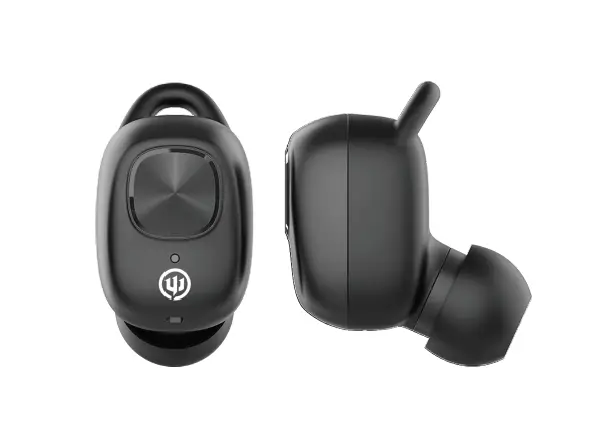
1Mutfunction key 2Headphone LED/Microphone 3Headphone charging contact 4Charging compartment LED
4 5
After the power is tumed on, put the left and right earphones dose lo each other. Ater the leam is suocessfuly fored he ndcator lights: the msin earphone flashes altemately ed and ble, and the secondsry earphone lashes ble onoe every 5 seoonds
Flashes blue Red/Blue
mult-function key for 2 seconds Hang up: Duning a cal, 1 dick the mult-function touch key Third-party calls; When a third-party calls in, dick to hang up he current cal and answer the cal; double-clck to answer he call and hold the curent call, doutle-clck ogain to swtch he call, clck to hang up the current cal and sutomatically etur to another cal
Specifications
lterm No.: GEMTONESGEMTONES Play Bluetooth Version:5.3(JL chipset) Profle suppot: HSPHFPIA2DPIAVRCP Audio Decoding:SBC+AAC(AACneeds license tee) Earphone Battery capacity:3.7V:2*40 mA Charging base:3.7V/300mAh 3.7V/380mAh Recharggable 2-3 times Charging time: 1.5 hours
frequency energy and, if not installed and used in accordance with the instructions, may cause harmful interference to radio communications. However, there is no guarantee that interference will not occur in a particular installation. If this equipment does cause harmful interference to radio or television reception, which can be determined by turning the equipment off and on, the user is encouraged to try to correct the interference by one or more of the following measures: -Reorient or relocate the receiving antenna.
5Press the button
lght once
ight
Headphone factory reset
Playing time about 7 hours (80%
-Increase the separation between the equipment and
6Type-C charging port
every 5 seconds
flashes altemately
Dpen the Bluetooth interfaoe of the mobik phone,
One ear quidkly srikes four firnes when paired, does not let go when the fourth hi, long press the 5S “beep’ sound and then rekeases, the headphones reset and shut down
Walerprcol:IPX5 Size of esrphone:21*16.8*24mm Size of charging bese:60.5*40.2*25mm Chargng por: USB-c ,no Wireless charge function Maleria:ABS
receiver. -Connect the equipment into an outlet on a circuit different from that to which the receiver is connected. -Consult the dealer or an experienced radio/TV technician for help.
1
search lor “Earwors, dick pairng, the comnection is
The device has been evaluated to meet general RF exp
successlu wth s pogt tone
4
osure requirement. The device can be used in portable
2
3
exposure condition without restriction.
5