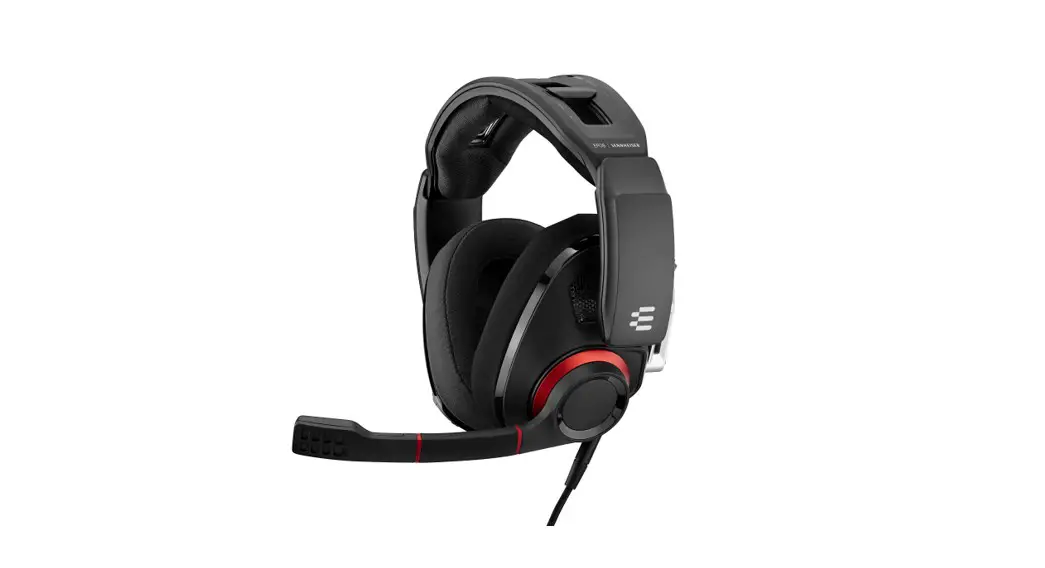
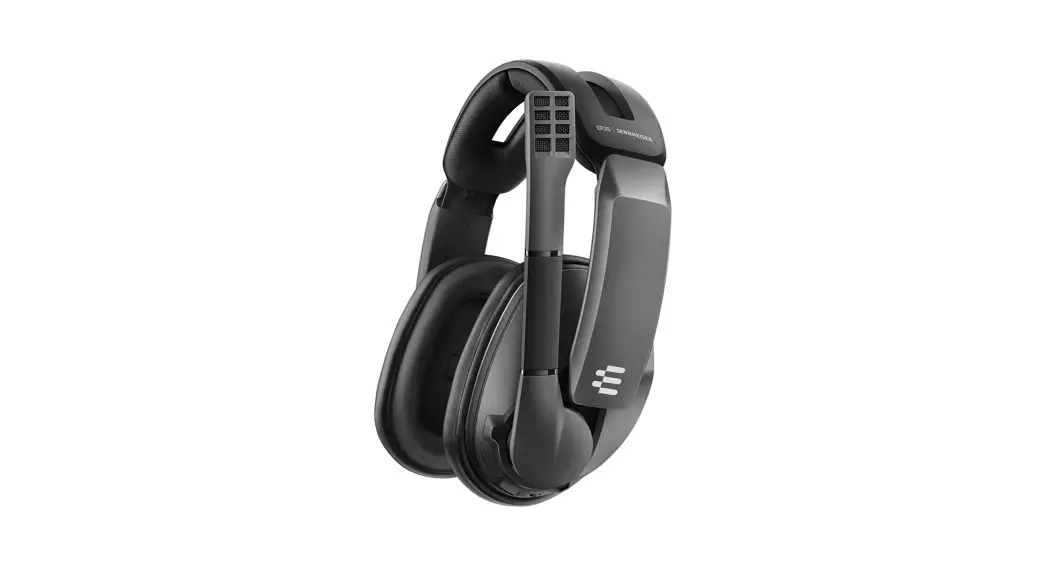
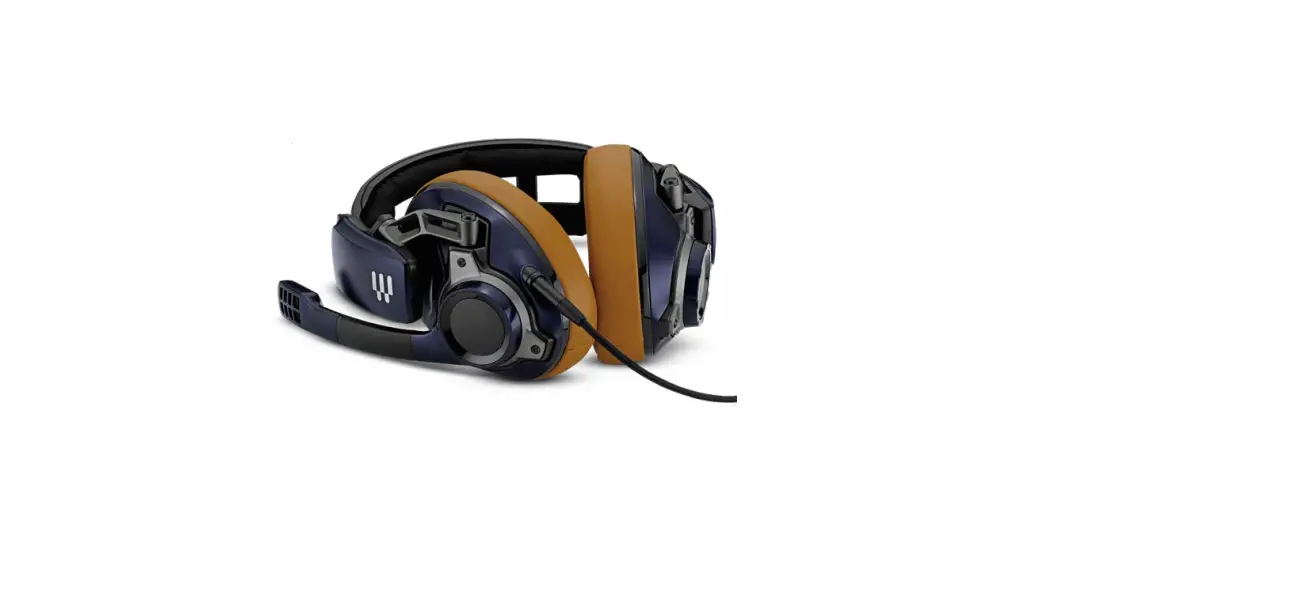
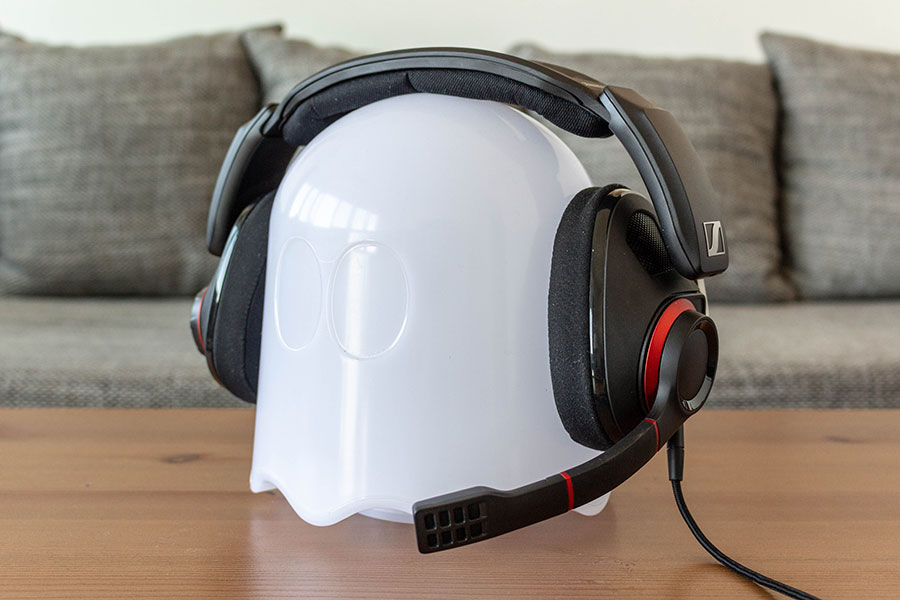
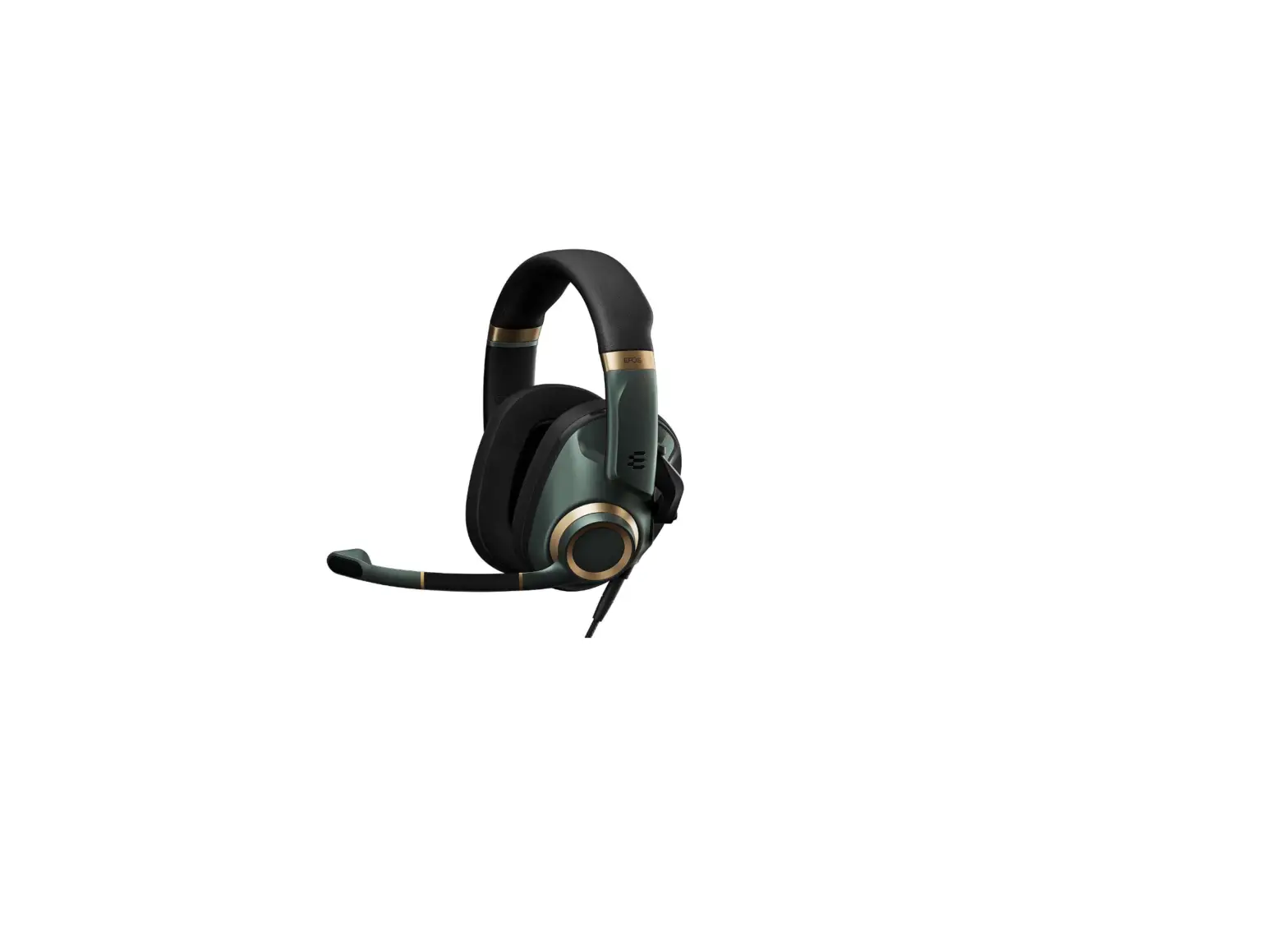
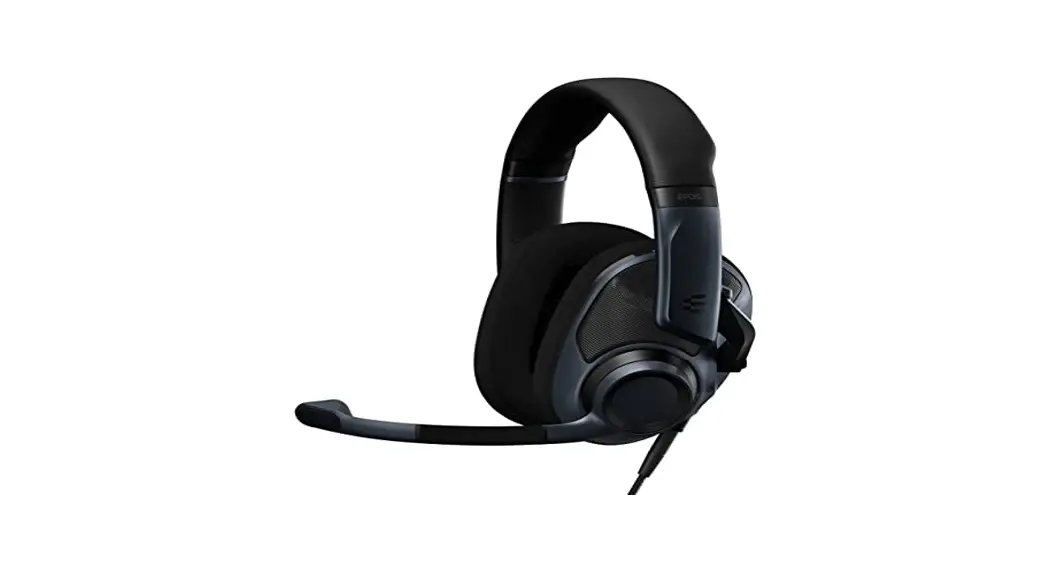
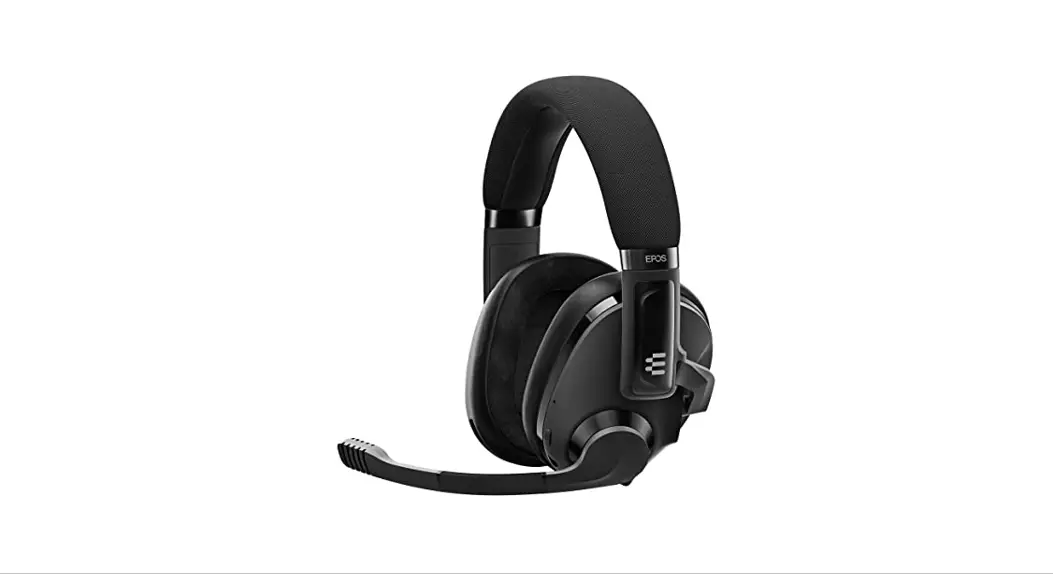
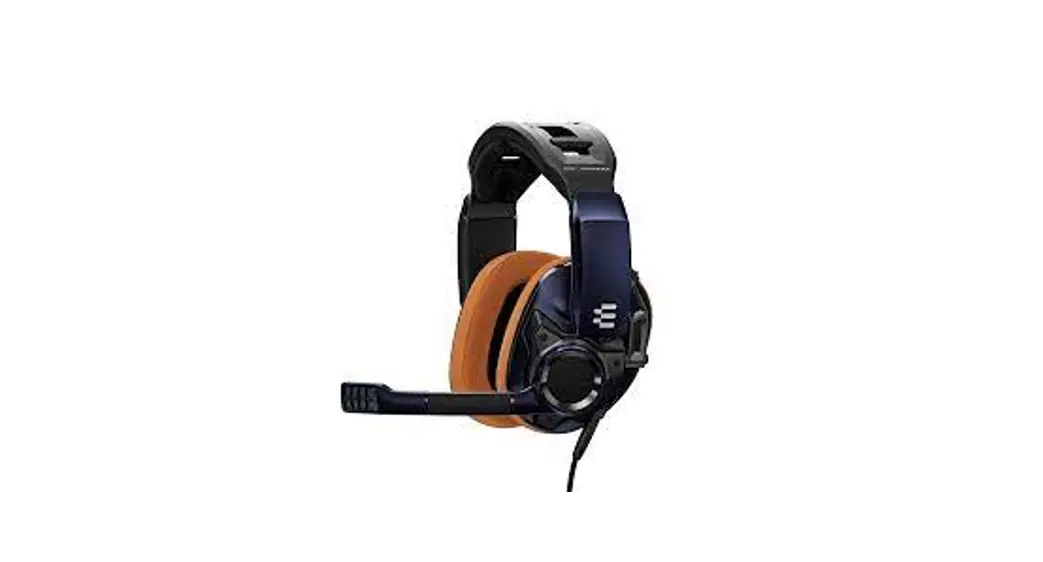
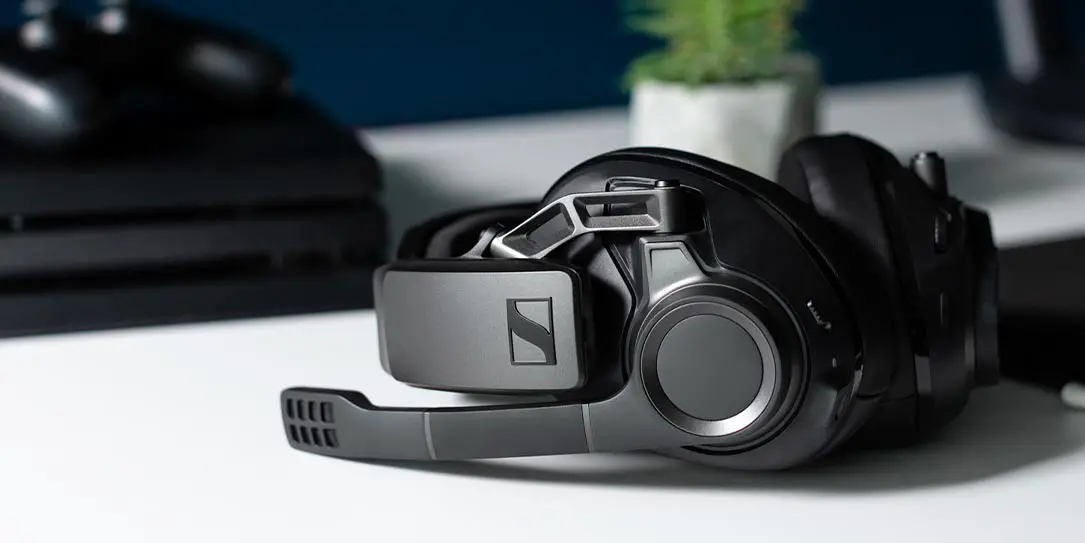
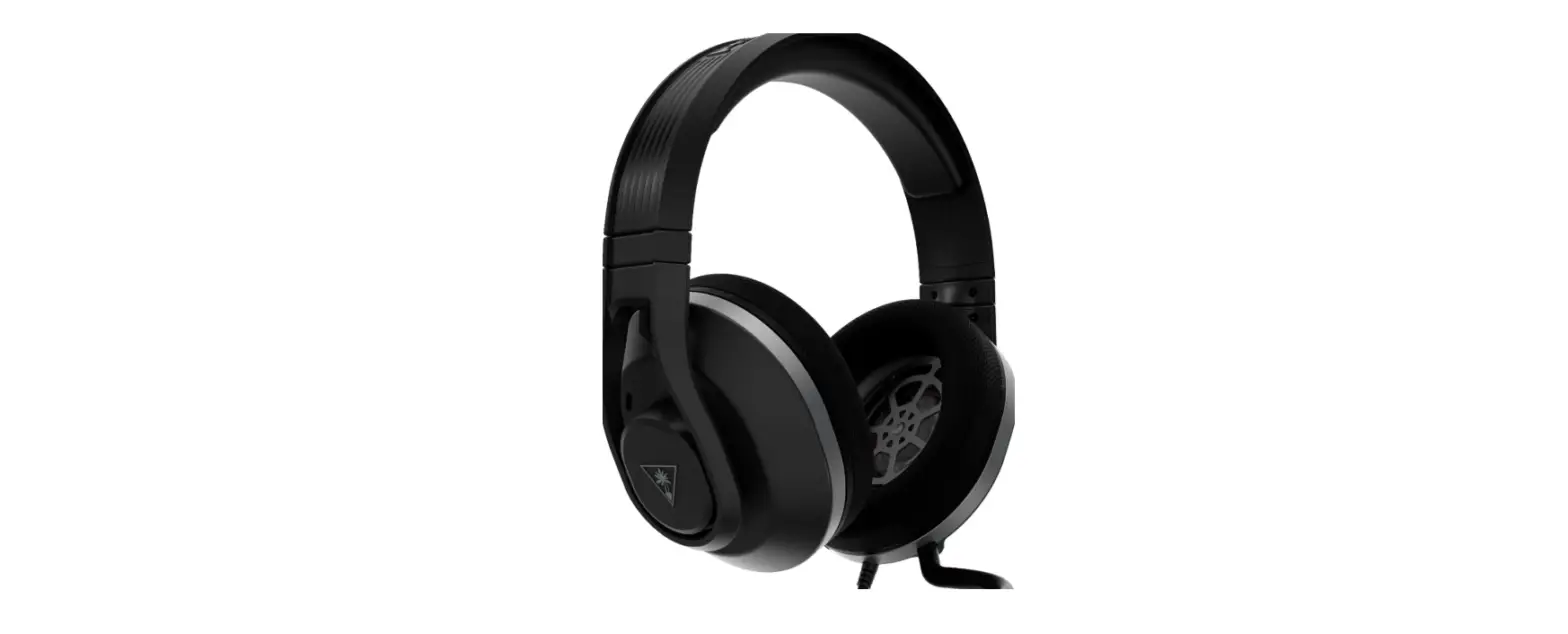
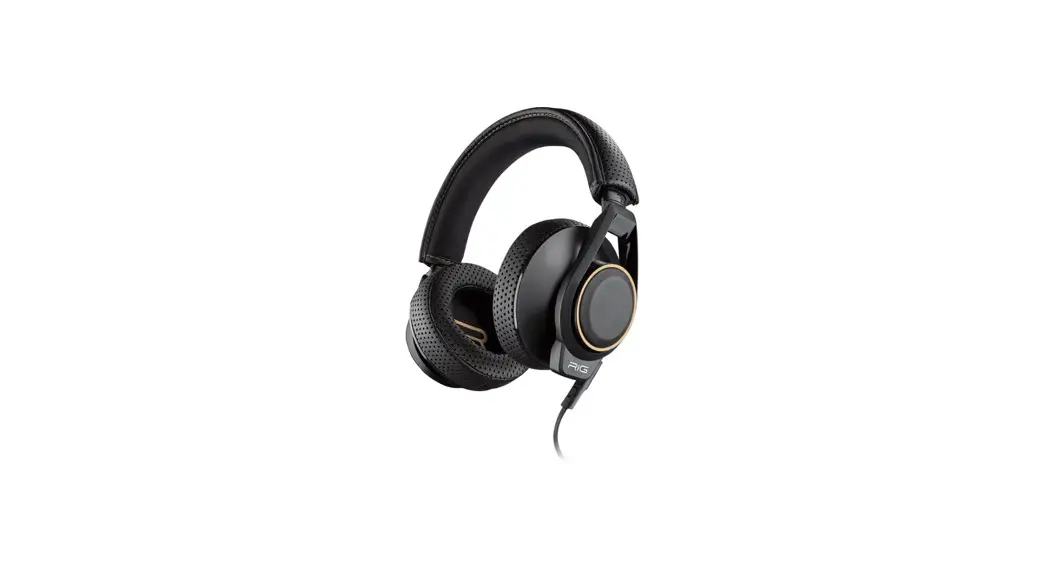
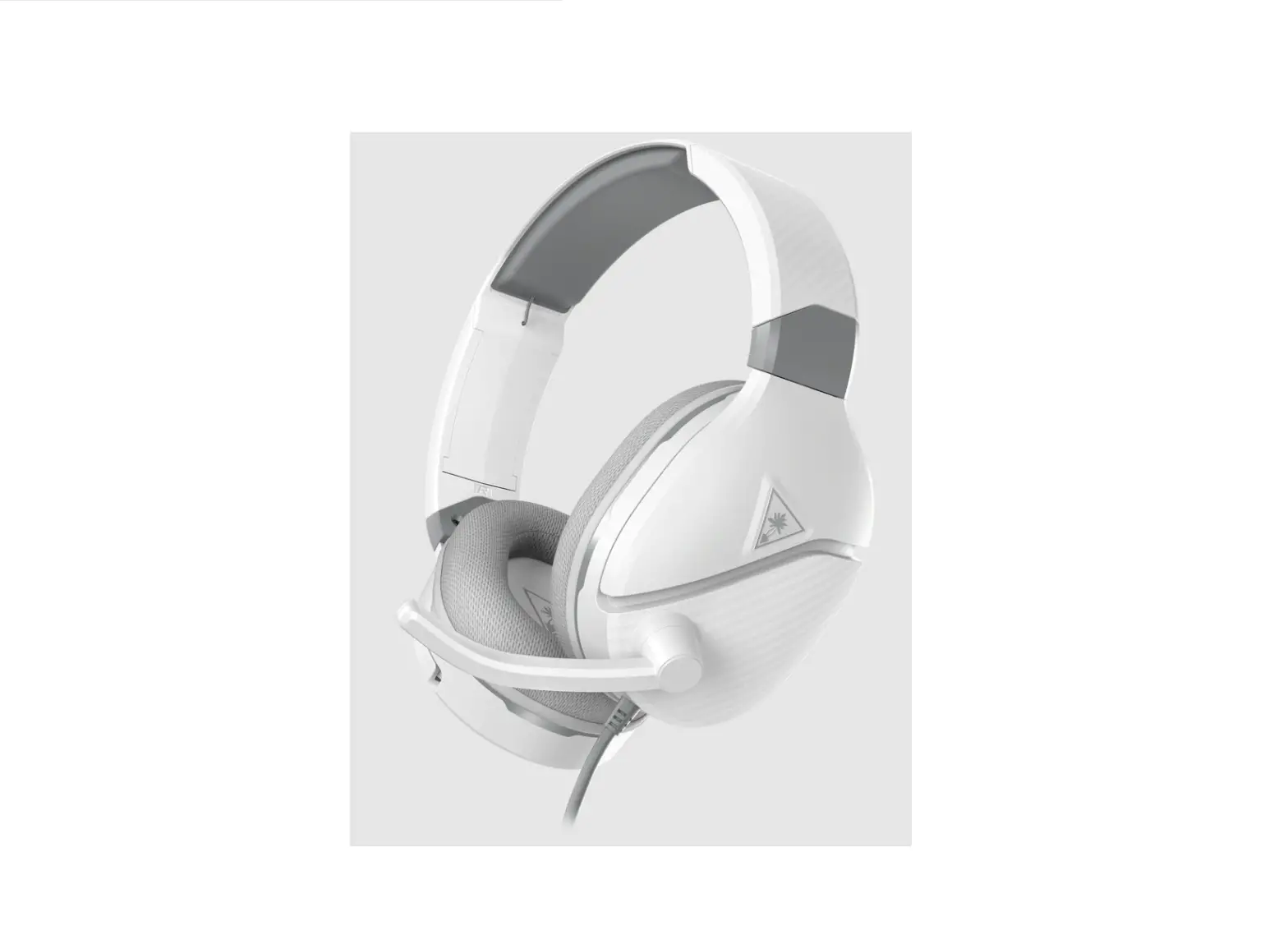
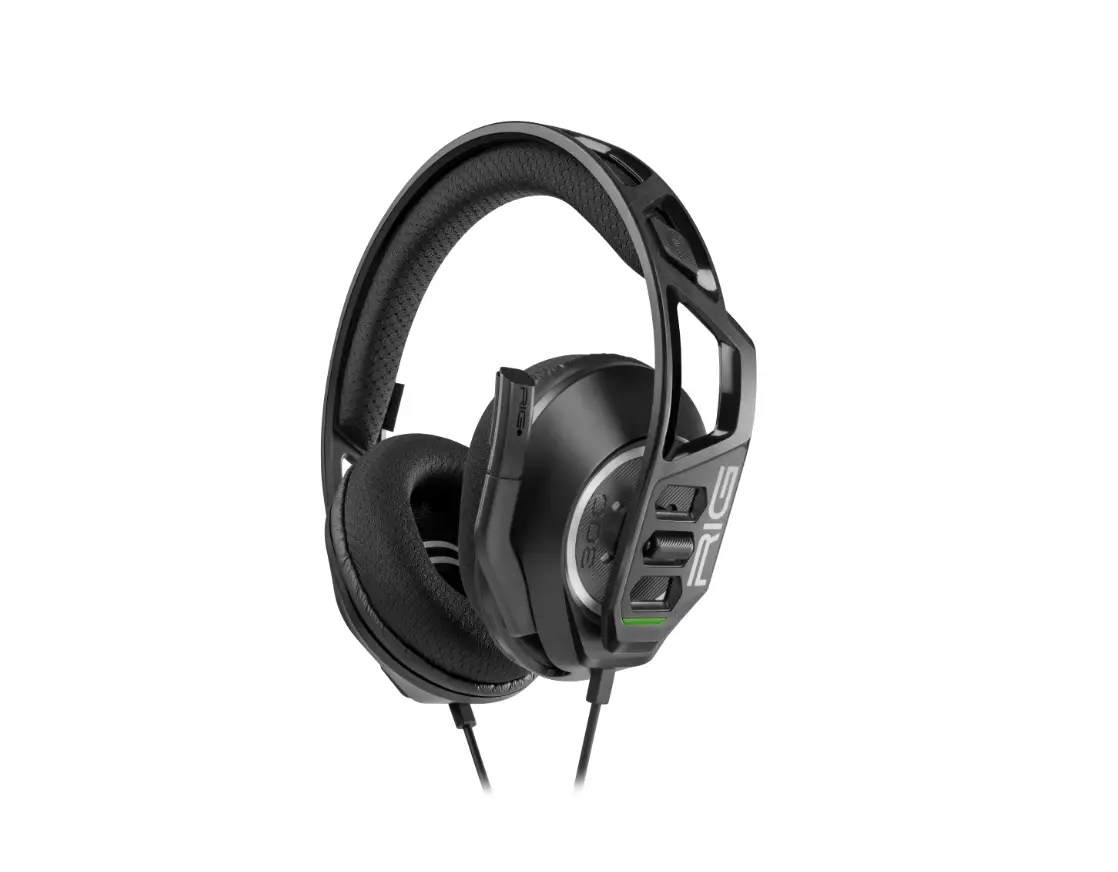
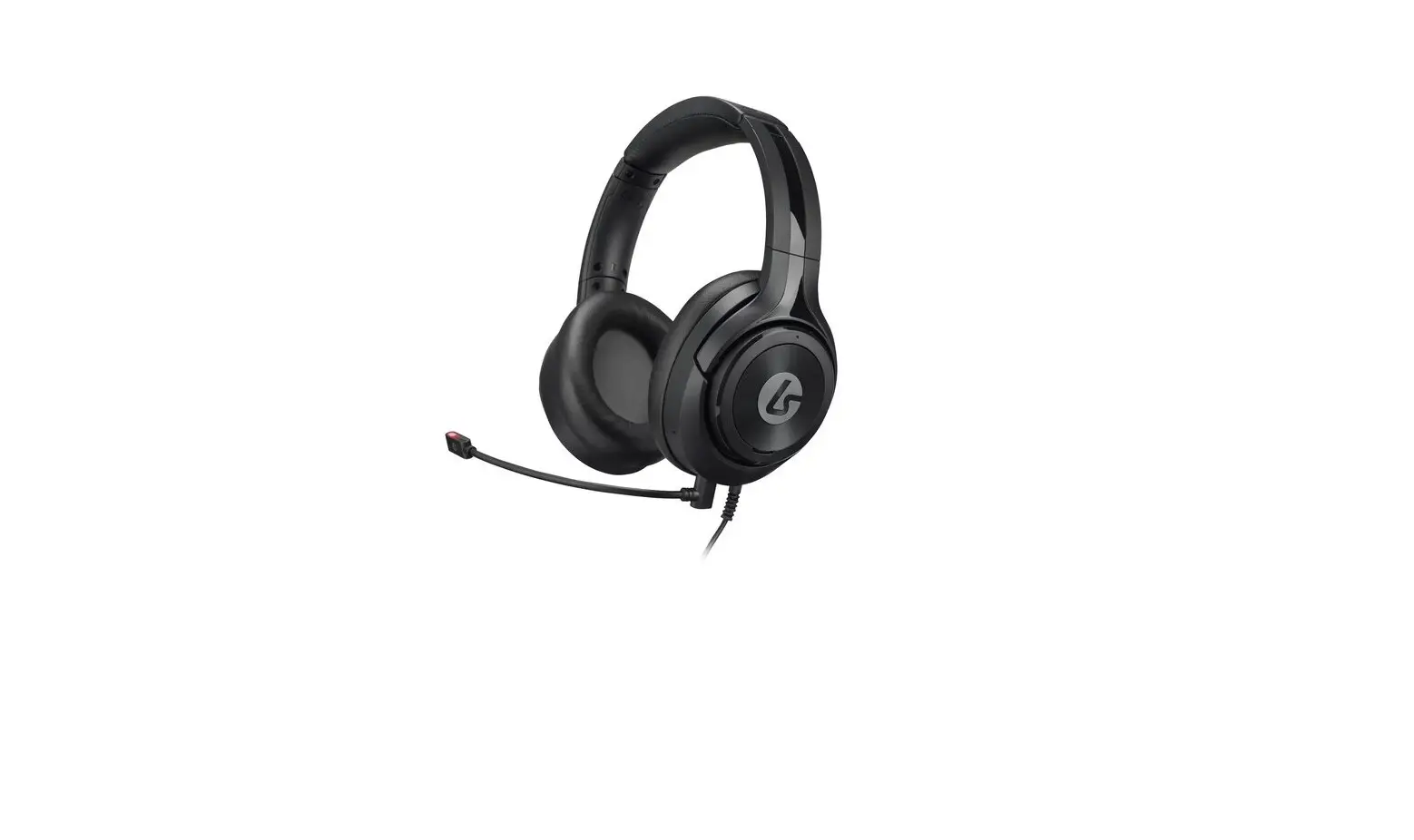
GSP 500, GSP 600 Gaming Headset
Product Information
The GSP 600 and GSP 500 are gaming headsets designed for
immersive gaming experiences. They come in two different models,
SCWH1 and SCWH2, and are available in multiple languages for ease
of use.
Product Specifications
- Type: Gaming headset
- Model: GSP 500 | GSP 600
- Type Options: SCWH1, SCWH2
Additional Accessories
The following additional accessories are available for enhanced
gaming experience:
- GSA 506 Console Cable
- GSA 505 PC Cable
- GSX 1000 / GSX 1200 Pro Headset Amplifier
- GSA 501 / GSA 601 Extra Ear Pads
- GSA 50 Headset Hanger
- Cover Plates
Support and Resources
For FAQs, support, and further information, please visit our
website:
- Product Service Support: www.eposaudio.com/support
- Tutorials and Downloads: www.eposaudio.com/gaming/downloads
Product Usage Instructions
To use the GSP 600 or GSP 500 gaming headset, follow these
steps:
- Choose the appropriate model (SCWH1 or SCWH2) based on your
preference. - Connect the headset to your gaming console or PC using the GSA
506 Console Cable or GSA 505 PC Cable respectively. - If desired, enhance your audio experience by connecting the
headset to the GSX 1000 / GSX 1200 Pro Headset Amplifier. - Adjust the headset for a comfortable fit by adjusting the
headband and ear cups. - If needed, replace the ear pads with the extra ones provided
(GSA 501 / GSA 601). - When not in use, hang the headset on the GSA 50 Headset Hanger
to keep it organized and prevent damage. - Customize the appearance of your headset by attaching the
included Cover Plates.
For any further assistance or troubleshooting, please refer to
the user manual or visit our support website mentioned above.
Package contents | Lieferumfang | Contenu de la boîte | Contenuti della confezione | Contenido del embalaje | Conteúdo da embalagem | Inhoud verpakking | | Pakkens indhold | Innehåll i förpackningen | Pakkauksen sisältö | Zawarto opakowania | | | | Kutunun içerii | | Isi kemasan |
GSP 600
GSP 500
Connecting the headset | Headset anschließen | Connexion du casque microphone | Collegamento dell’headset | Conectar el headset | Ligar os microauscultadores | Headset aansluiten | | Tilslutning af hovedsættet | Anslut headset | Liitä kuulokemikrofoni | Podlczanie zestawu sluchawkowego | | | | Kulakliin balanmasi | | Menyambungkan headset |
1
2
Compatible with Xbox One© and PS4TM controller
Gaming headset
GSP 500 | GSP 600
Type: SCWH1
Type: SCWH2
EN Quick Guide EL
DE Kurzanleitung
FR Guide express DA Kvikvejledning
IT Guida rapida SV Snabbguide
ES Guía rápida FI Pikaopas
PT Guia Rápido
NL Mini handleiding
PL Skrócona instrukcja obslugi
RU
ZH TW TR Hizli Kilavuz JA ID Panduan Cepat KO
For FAQs & support: Contact our product service support: www.eposaudio.com/support
For further information & tutorials: Visit our website:
Adjusting and wearing the headset | Headset anpassen und tragen | Ajuster et porter l`oreillette | Indossare e adattare l’headset | Ajustar y llevar el headset | Ajustar e utilizar o micro-auscultador | De headset aanpassen en dragen | | Tilpasning og brug af hovedtelefonen | Justera och ta på headsetet | Kuulokemikrofonin säätö ja käyttäminen | Dostosowanie oraz noszenie zestawu sluchawkowego | | | | Kulaklik setinin uyarlanmasi ve takilmasi | | Menyesuaikan dan memakai headset |
+
PDF
www.eposaudio.com/gaming/downloads
DSEA A/S
Kongebakken 9, DK-2765 Smørum, Denmark www.eposaudio.com Printed in China, Publ. 07/20, 770-00150/A03
Adjusting the volume | Lautstärke einstellen | Régler le volume | Impostazione del volume | Ajustar el volumen | Ajustar o volume | Volume instellen | | Indstilling af lydstyrke | Ställ in volymen | Äänenvoimakkuuden säätäminen | Regulacja glonoci | | | | Ses düzeyini ayarla | | Mengatur volume suara |
Muting the microphone | Mikrofon stummschalten | Couper le microphone | Silenziamento del microfono | Silenciar el micrófono | Activar o modo de silêncio no microfone | Microfoon op mute schakelen | | Frakobling af lyd på mikrofon | Stäng av mikrofonen | Mikrofonin mykistäminen | Wyciszanie mikrofonu | | | | Mikrofonu kapat | | Menonaktifkan suara mikrofon |
click
click
Replacing the ear pads | Ohrpolster austauschen | Remplacer les coussinets d’oreille | Sostituzione dei cuscinetti auricolari | Sustituir las almohadillas para el oído | Substituir as almofadas | De oorkussentjes vervangen | | Udskift ørepuderne | Byta öronkuddar | Korvapehmusteiden vaihtaminen | Wymiana poduszek sluchawek | | | | Kulaklik yastiklarini deitirme | | Mengganti earpad |
click
Cleaning the product | Produkt reinigen | Nettoyage du produit | Pulizia del prodotto | Limpieza del producto | Limpar o produto | Het prodcut reinigen | | Rengøring af produktet | Rengöra produkten | Tuotteen puhdistus | Czyszczenie produktu | | | | Ürünün temizlenmesi | | Membersihkan produk |
Accessories | Erhältliches Zubehör | Accessoires | Accessori | Accesorios | Acessórios | Accessoires| | Tilbehør | Tillbehör | Tarvikkeet | Akcesoria | | | | Aksesuarlar | | Aksesori |
GSA 506 Console Cable
GSA 505 PC Cable
GSX 1000 / GSX 1200 Pro Headset Amplifier
GSA 501 / GSA 601 Extra Ear Pads
GSA 50 Headset Hanger
Cover Plates
click
 EPOS delivers high-end audio solutions for enterprise and gaming