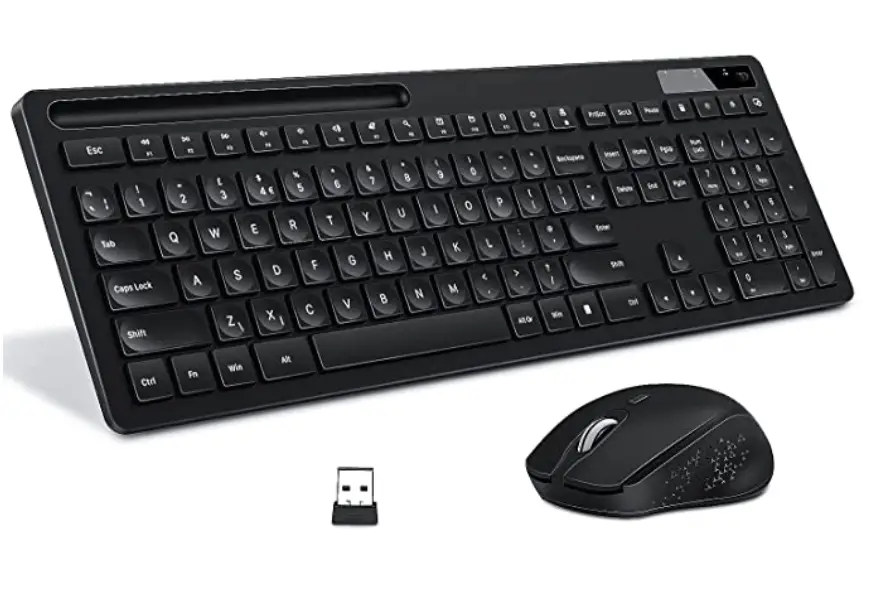
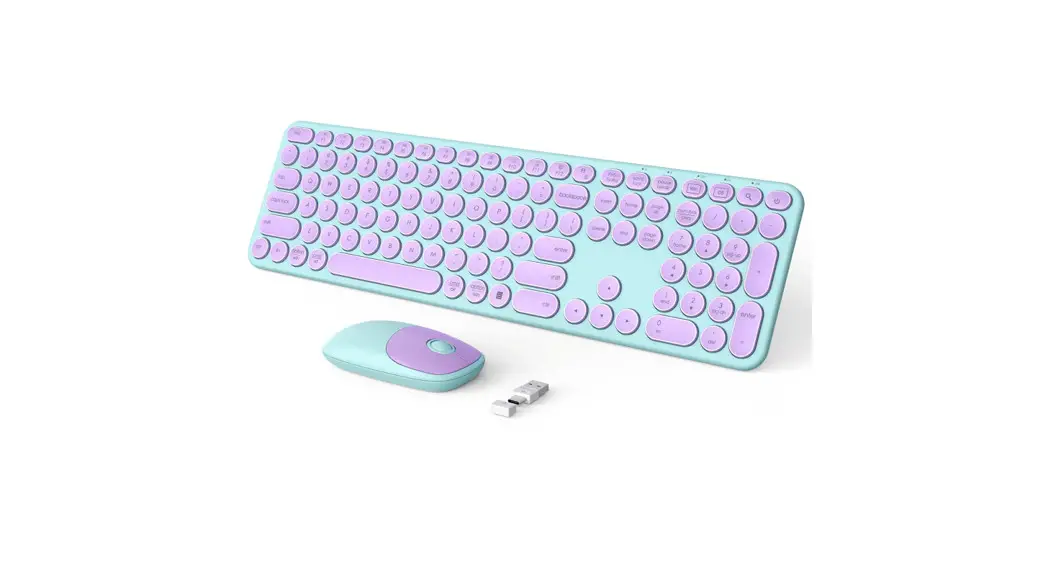
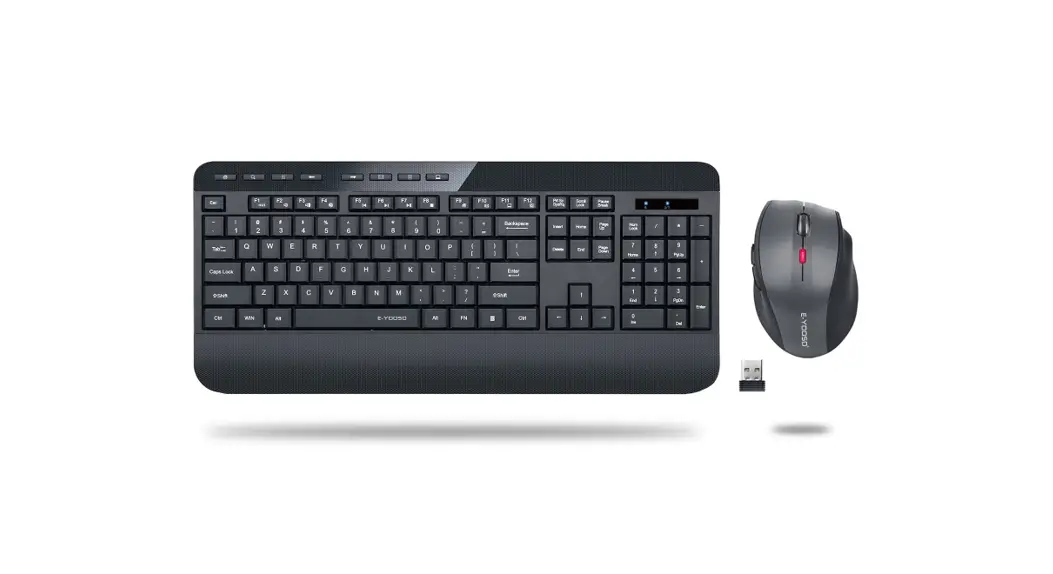
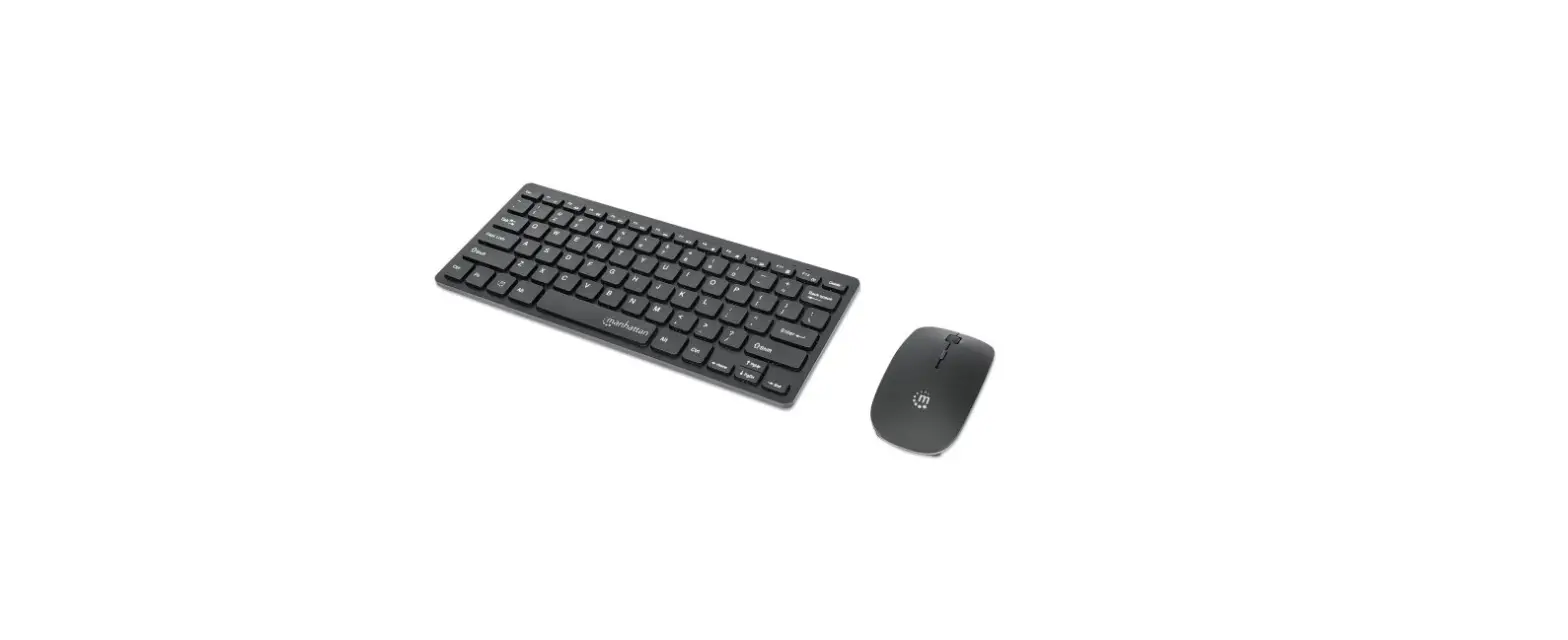
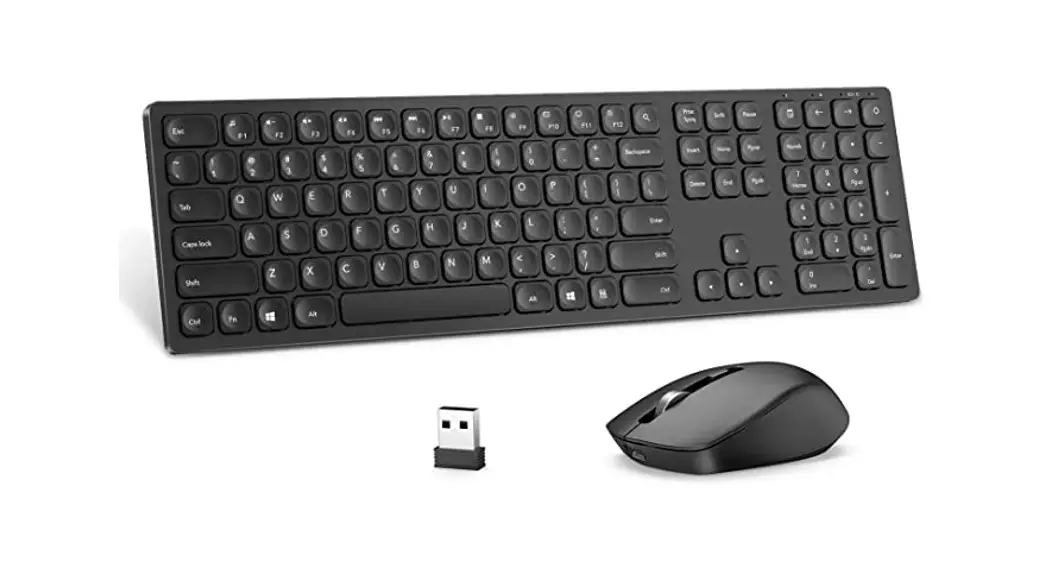
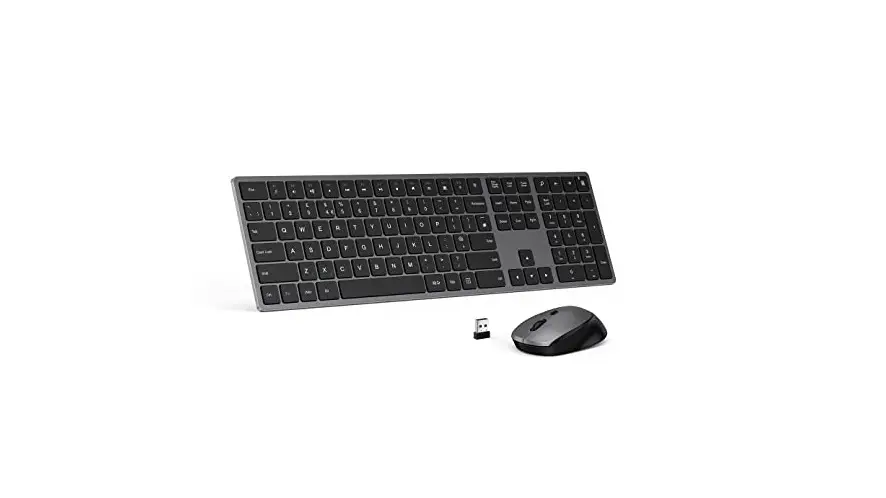
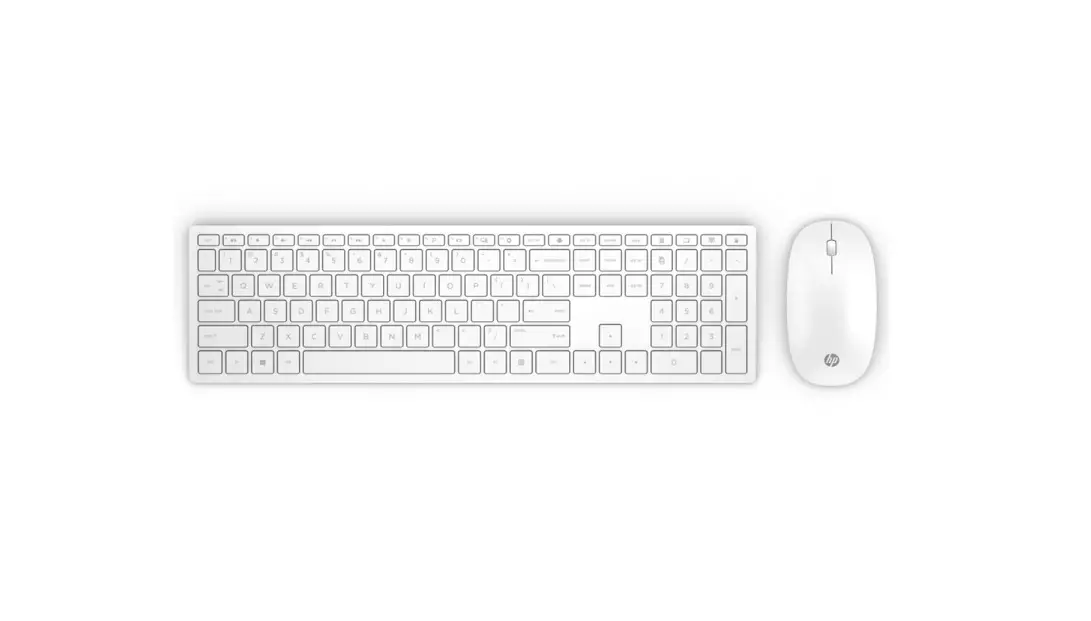
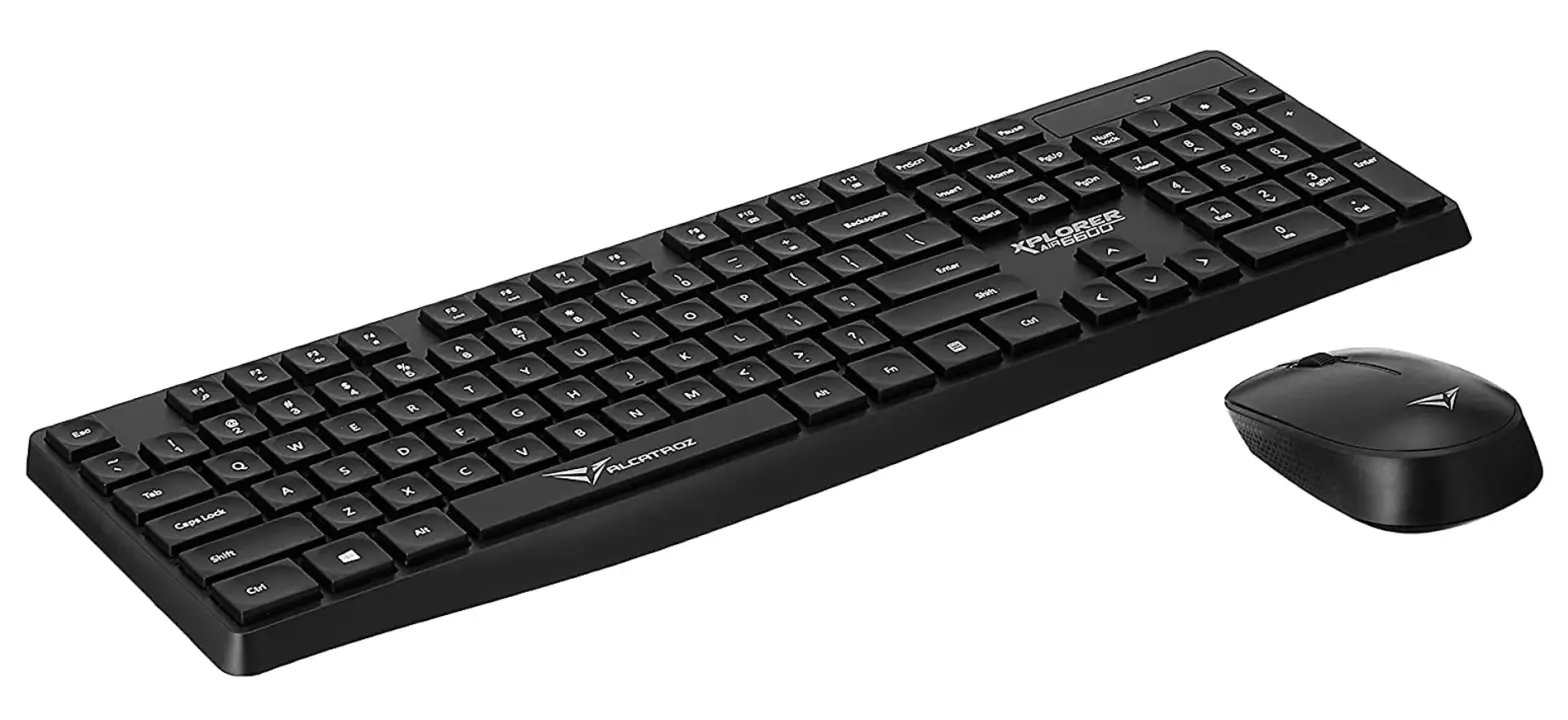
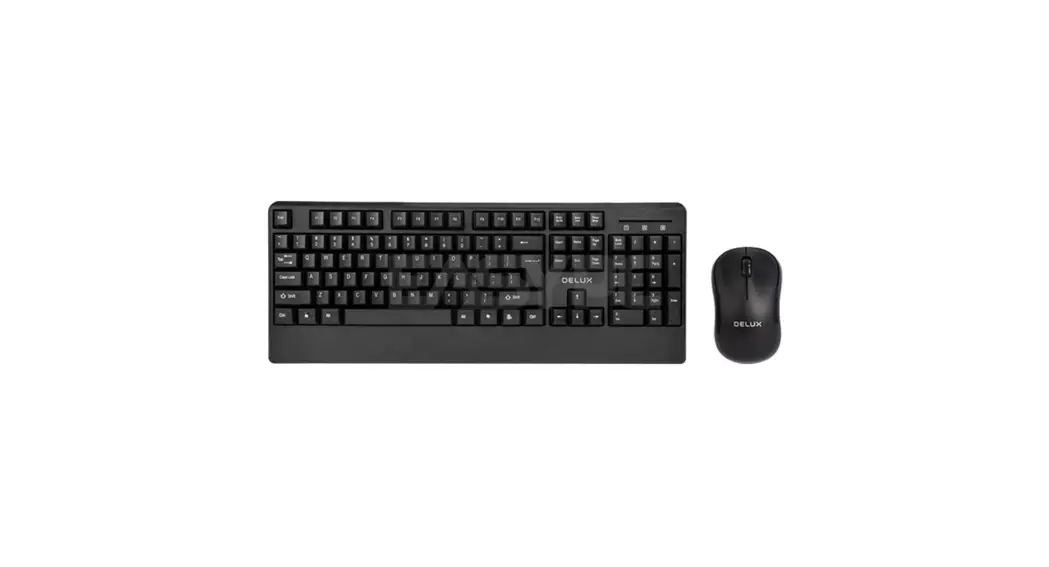
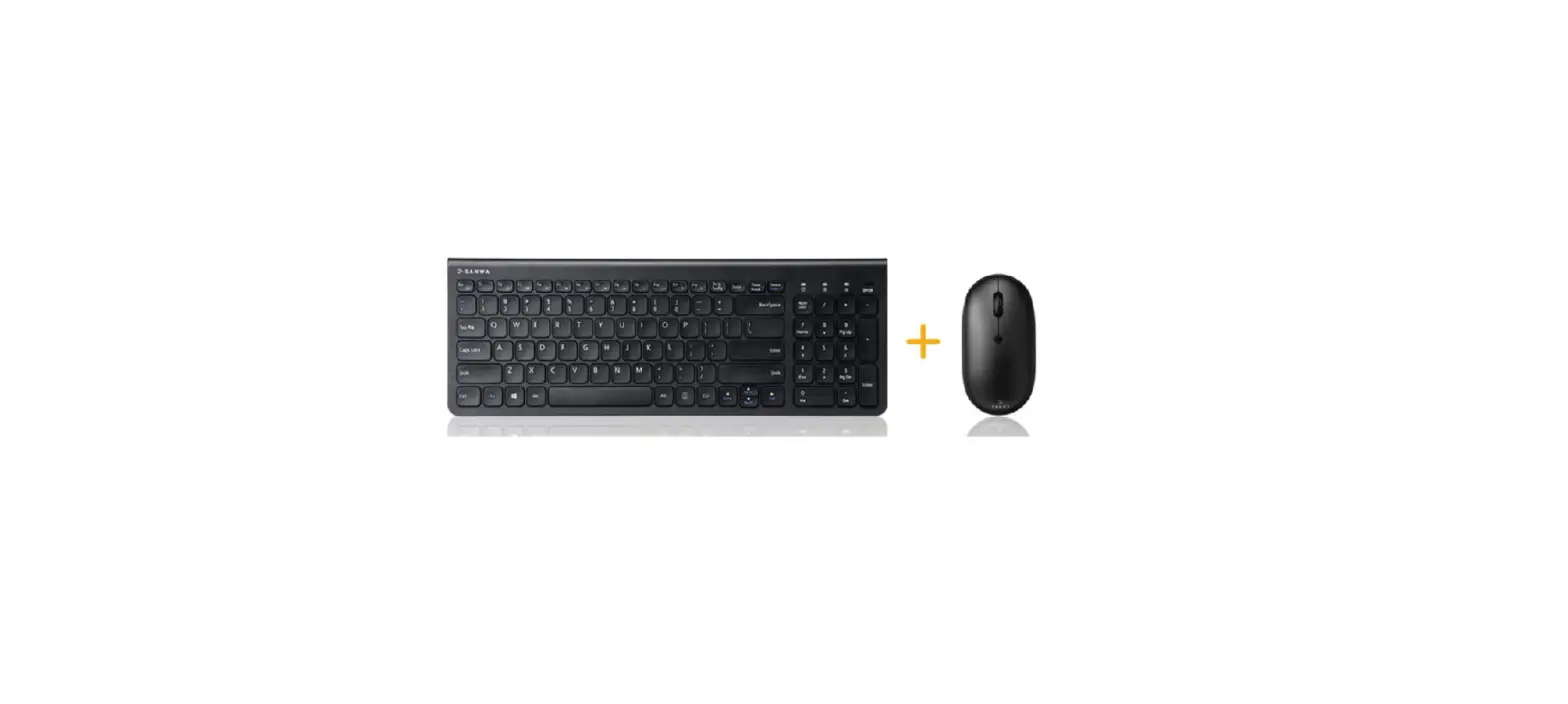
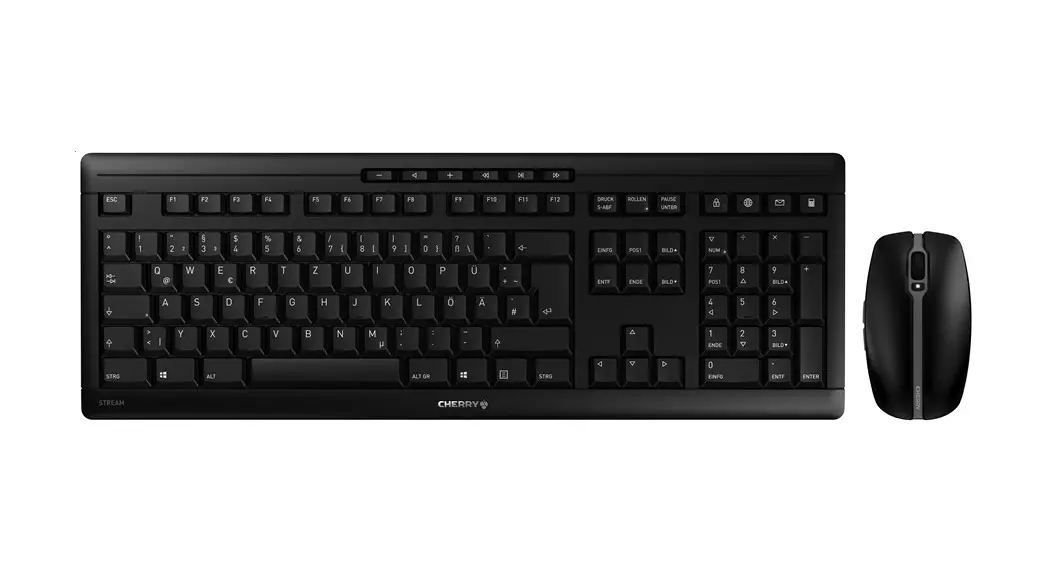
ST-268 2.4G Wireless Keyboard and Mouse Bundle
Product Information
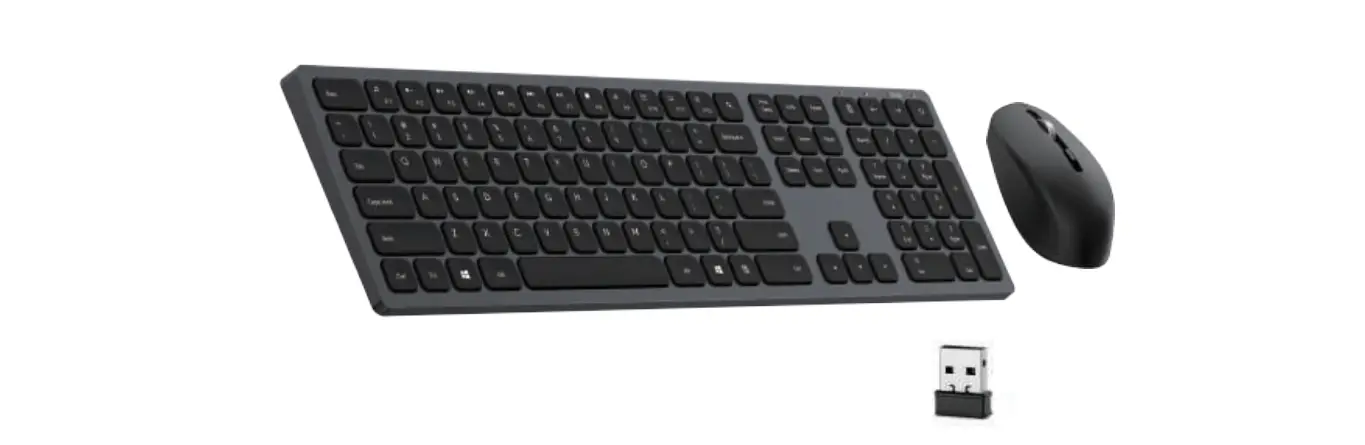
The Keyboard and Mouse Bundle is a 2.4GHz wireless set that
includes a keyboard and a mouse. The keyboard is made of 85% ABS
and 15% metal and has a size of L14.48 x W5.7 x H0.94 (Inch). It
features 96 keys with a key life of 10 million times. The keyboard
is powered by 2 AAA dry batteries (included) and is compatible with
both Mac and Windows operating systems.
The mouse also operates on 2.4GHz wireless technology and has a
size of L4.25 x W2.54 x H1.49 (Inch). It has 6 buttons, including
left click, right click, scroll, DPI, backward, and forward
buttons. The mouse has a resolution of 800-1200-1600 DPI and is
powered by 1 AA dry battery (included). It is compatible with both
Mac and Windows operating systems.
Product Usage Instructions
- Step 1: Install batteries to the keyboard and mouse
separately. - Step 2: Switch the mouse’s on/off button located at the bottom
to the ON position. - Step 3: The keyboard and mouse are plug and play devices. After
plugging the receiver into the computer, the keyboard and mouse can
be used freely.
Note: When the batteries are running low on the keyboard, the
battery LED indicator found on the top panel will flash. Please
replace the battery.
Functional Keys
| Keyboard F1 – F12 | Buttons | Functions |
|---|---|---|
| FN + F1 | Media Player | |
| FN + F2 | Volume down | |
| FN + F3 | Volume up | |
| FN + F4 | Mute | |
| FN + F5 | Previous | |
| FN + F6 | Next | |
| FN + F7 | Play/Pause | |
| FN + F8 | Stop | |
| FN + F9 | Internet explorer | |
| FN + F10 | ||
| FN + F11 | My computer | |
| FN + F12 | Favorite |
Safety Information & Specifications
IMPORTANT SAFETY INSTRUCTIONS: Please read and
follow all safety instructions provided in the user manual. Save
these instructions for future reference.
Website: www.monsterstore.com
Support: [email protected]
Customer Service: 877-543-3540
Guarantee
LIFETIME WARRANTY
T
KEYBOARD AND MOUSE BUNDLE
2.4G WIRELESS
USER MANUAL
BEFORE USING YOUR NEW PRODUCT, PLEASE READ THESE INSTRUCTIONS TO PREVENT ANY DAMAGE.
KEYBOARD SPECIFICATIONS
-2.4GHz Wireless technology -85% ABS + 15 % metal -Size: L14.48 x W5.7 x H0.94 (Inch) -96 keys -Key life: 10 million time -Power: 2*AAA dry battery (included) -Compatible with Mac and Windows
MOUSE SPECIFICATIONS
-2.4GHz Wireless technology -Size: L 4.25 x W 2.54 x H 1.49 (Inch) -6 buttons: left click, right click, scroll, DPI, backward, forward -Resolution: 800-1200-1600 DPI -Power: 1*AA dry battery (included) -Compatible with Mac and Windows
DIRECTION:
-Step 1: Install batteries to keyboard and mouse separately.
-Step 2: Switch mouse on/off button on the bottom to “ON” position.
-Step 3: It’s a plug and play device. After plugging receiver to the computer, keyboard and mouse can be used freely.
* When the batteries are running low on the Keyboard, the battery LED indicator found on the top panel will flash. Please replace battery.
FUNCTIONAL KEYS
Keyboard F1 – F12
BUTTONS
FUNCTIONS
FN+F1
Media Player
FN+F2
Volume down
FN+F3
Volume up
FN+F4
Mute
FN+F5
Previous
FN+F6
Next
FN+F7
Play/Pause
FN+F8
Stop
FN+F9
Internet explorer
FN+F10
FN+F11
My computer
FN+F12
Favorite
This device complies with part 15 of the FCC Rules. Operation is subject to the following two conditions: (1) This device may not cause harmful interference, and (2) this device must accept any interference received, including interference that may cause undesired operation. Caution: Changes or modifications not expressly approved by the party responsible for compliance could void the user’s authority to operate this device. NOTE: This equipment has been tested and found to comply with the limits for a Class B digital device, pursuant to part 15 of the FCC Rules. These limits are designed to provide reasonable protection against harmful interference in a residential installation. This equipment generates, uses, and can radiate radio frequency energy and, if not installed and used in accordance with the instructions, may cause harmful interference to radio communications. However,there is no guarantee that interference will not occur in a particular installation. If this equipment does cause harmful interference to radio or television reception, which can be determined by turning the equipment off and on, the user is encouraged to try to correct the interference by one or more of the following measures: Reorient or relocate the receiving antenna. Increase the separation between the equipment and receiver. Connect the equipment into an outlet on a circuit different from that to which the receiver is connected. Consult the dealer or an experienced radio/ TV technician for help.
Safety information & specifications
IMPORTANT SAFETY INSTRUCTIONS SAVE THESE INSTRUCTIONS
CAUTION: Do not use this product for any purpose not explicitly specified by Monster®
Lifeworks shall not be held liable for any improper or incorrect use of the Product, any installation of the Product. or any modification of the Product and Lifeworks assumes no responsibility for such improper or incorrect use of the Product, the installation of the Product, or any modification to the Product. In no event shall Lifeworks be liable for any direct, indirect, incidental, special, exemplary, or consequential damages however caused and on any theory of liability, whether in contract, strict liability, or tort (including negligence or otherwise) arising in any way out of the installation of the Product, or improper or incorrect use of the Product or any modification of the Product. This disclaimer of liability applies to any damages or injury, whether based upon breach of contract, tortious behavior, negligence, or under any other cause of action.
Website: www.monsterstore.com Support: [email protected]
Customer Service: 877-543-3540
The M Monster logo, and Powered by Monster are trademarks or registered trademarks trademark. All brands are registered trademarks of their used under license of Monster, Inc. ©2023 All rights reserved. Manufactured, marketed and distributed by Lifeworks Technology Group LLC. under license.
GUARANTEE
LIFETIME WARRANTY
 Always lead. Never follow. Official MONSTER Store