nedis Universal Wall Charger
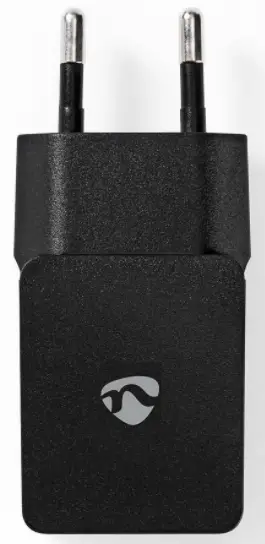
For more information see the extended manual online: ned.is/wcham213abk | ned.is/wcham212awt
Intended use
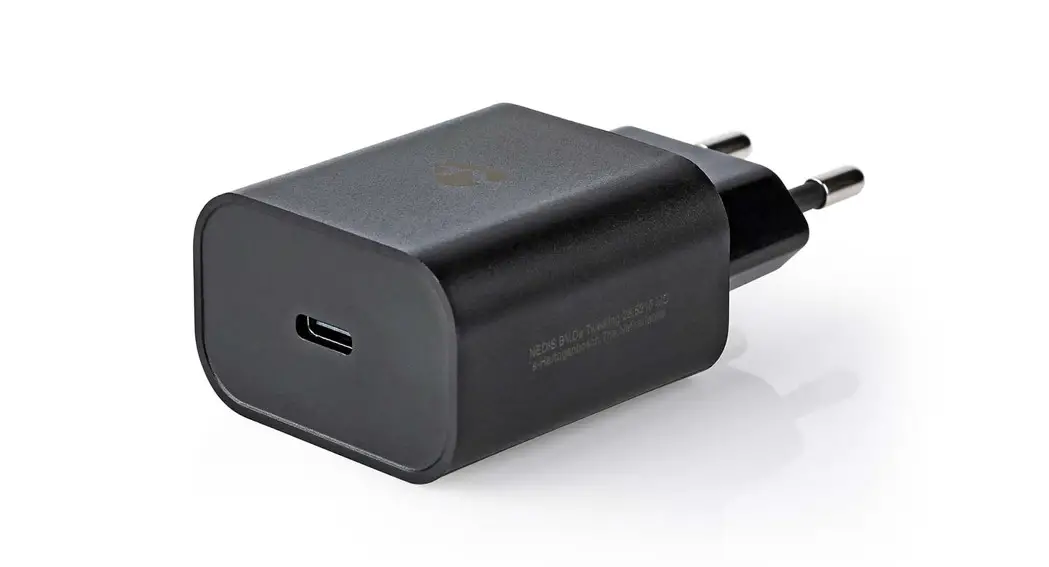
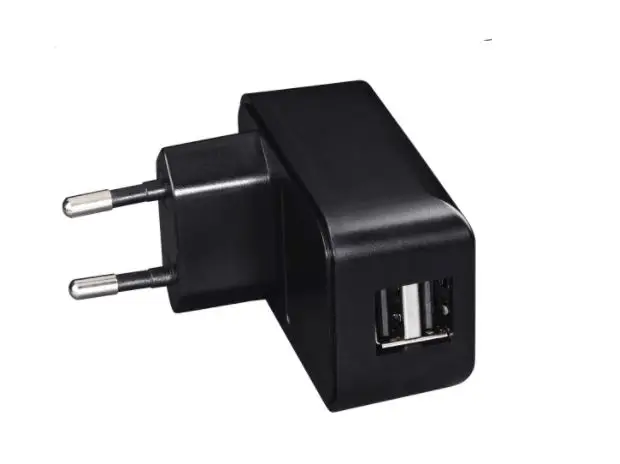
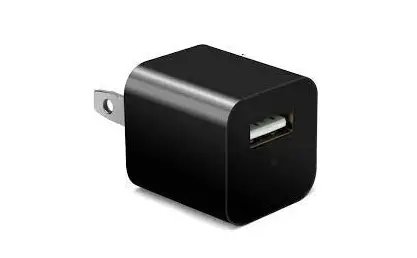
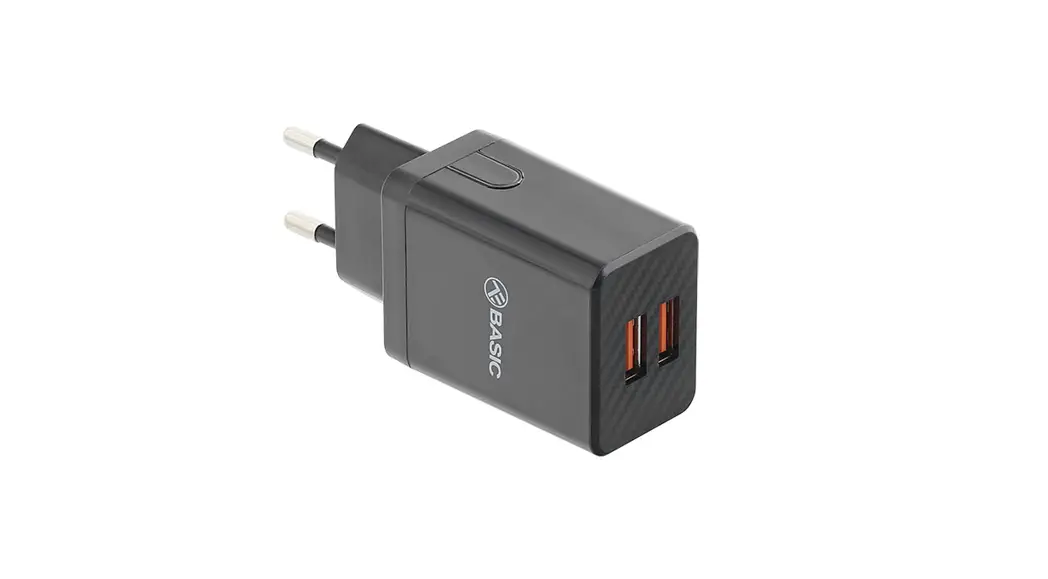
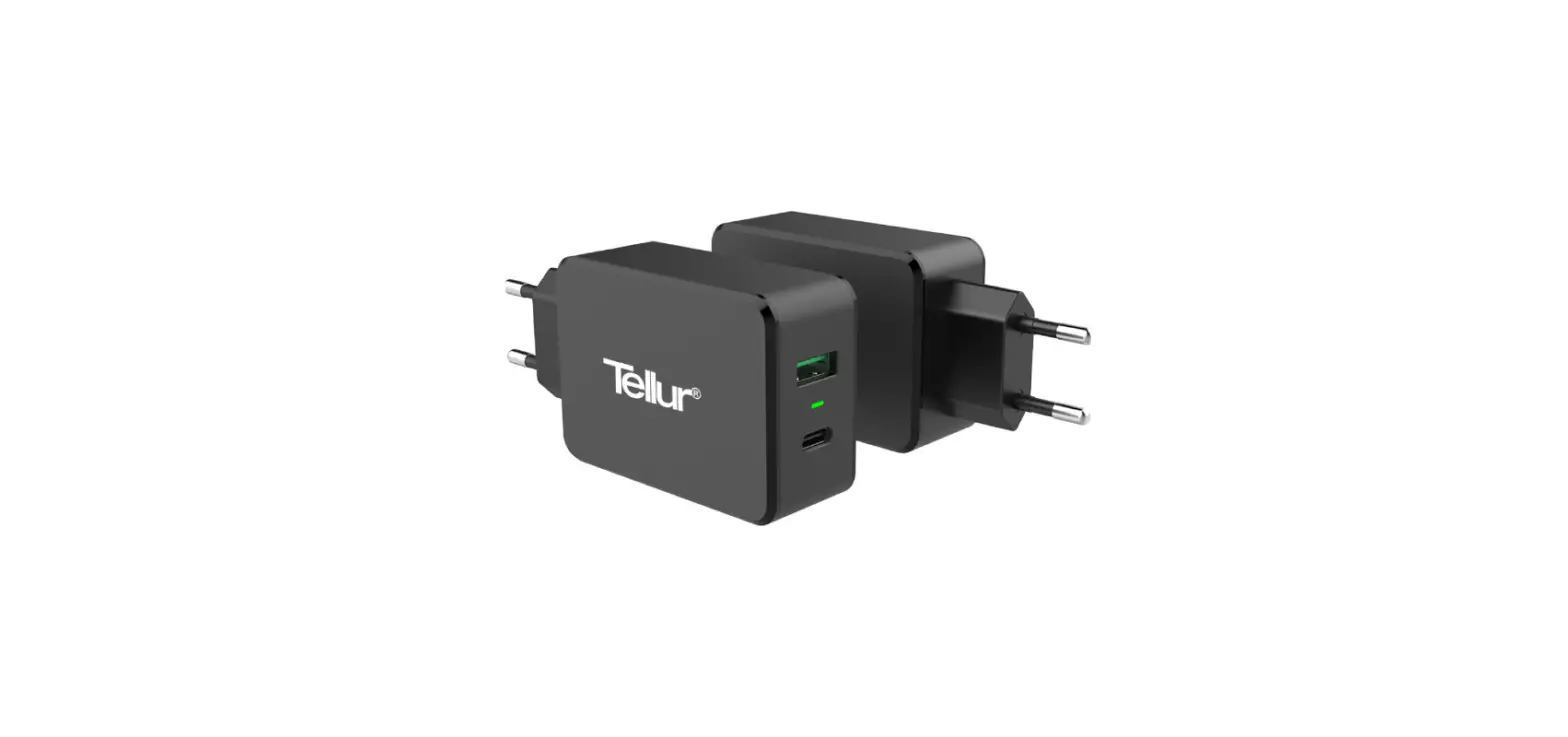
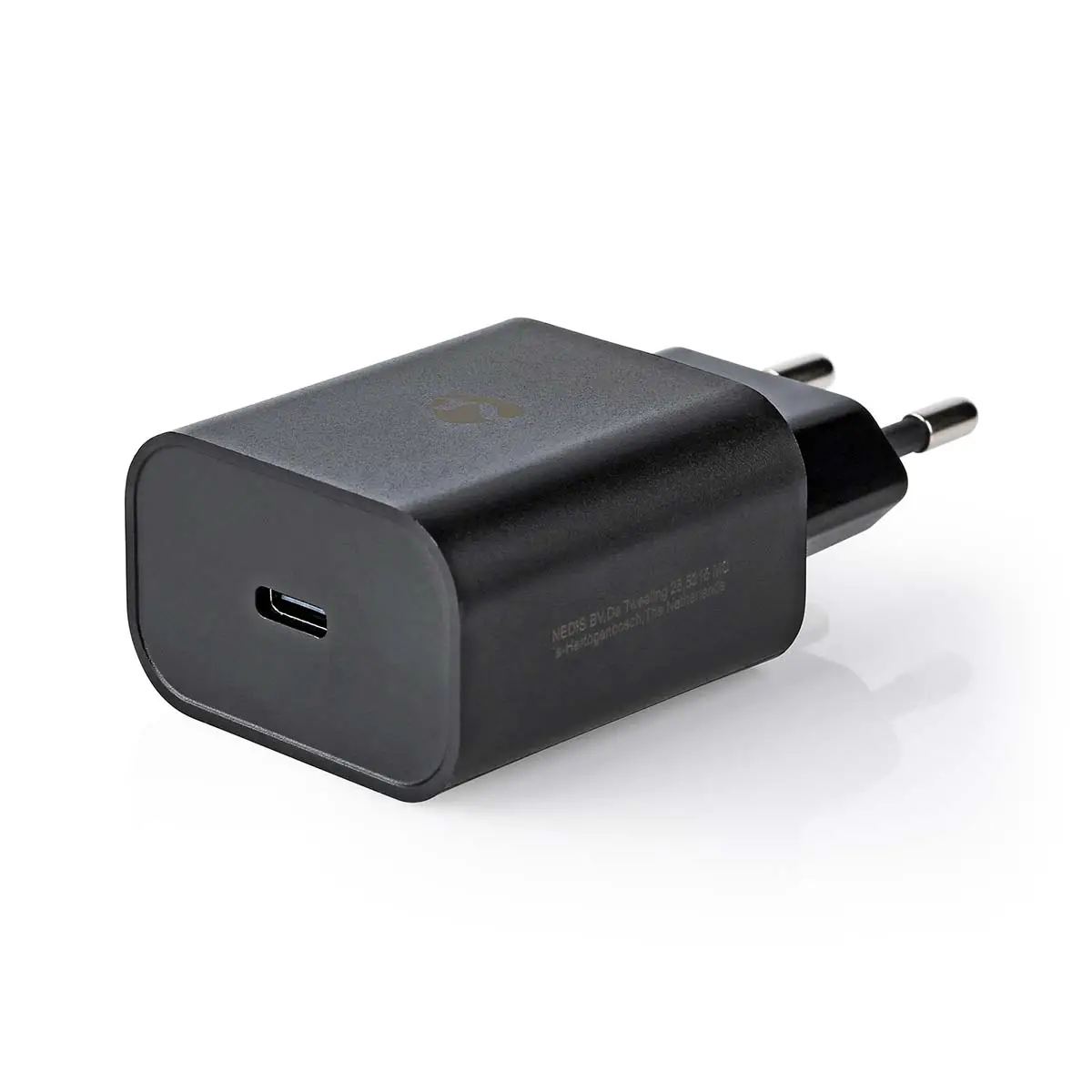
The USB wall charger is intended to charge tablets, smartphones and many other USB devices, without requiring a PC or notebook.
The USB charger converts voltages from 100 to 240 VAC into 5 VDC and is very convenient at offices, at home or during travels. The package also includes a micro USB cable.
Only use the provided USB charging cable.
The product is intended for indoor use only.
The product is not intended for professional use.
Any modification of the product may have consequences for safety, warranty and proper functioning.
Specifications
| Product | Universal Wall Charger |
| Article number | WCHAM213ABK / WCHAM212AWT |
| Input voltage | 100 – 240 VAC |
| Input AC frequency | 50/60 Hz / 0.3 A |
| Output voltage | 5.0 VDC |
| Output current | 2.1 A |
| Output power | 10.5 W |
| Average active efficiency | 83.36 % |
| Efficiency at low load (10 %) | 63.31 % |
| No-load power consumption | 0.07 W |
Main parts
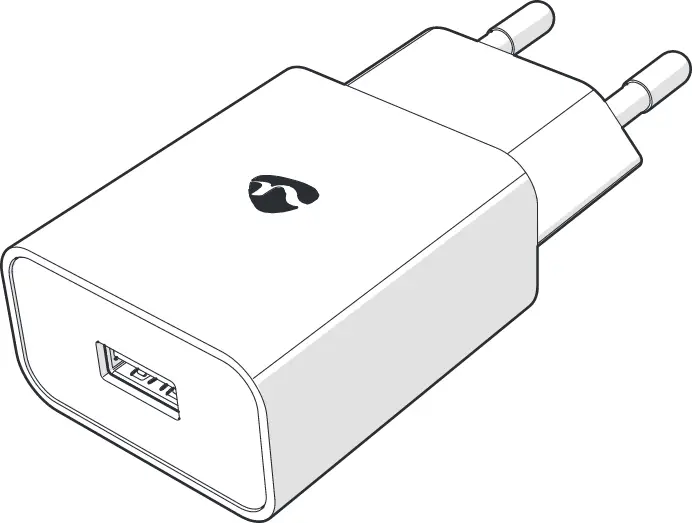
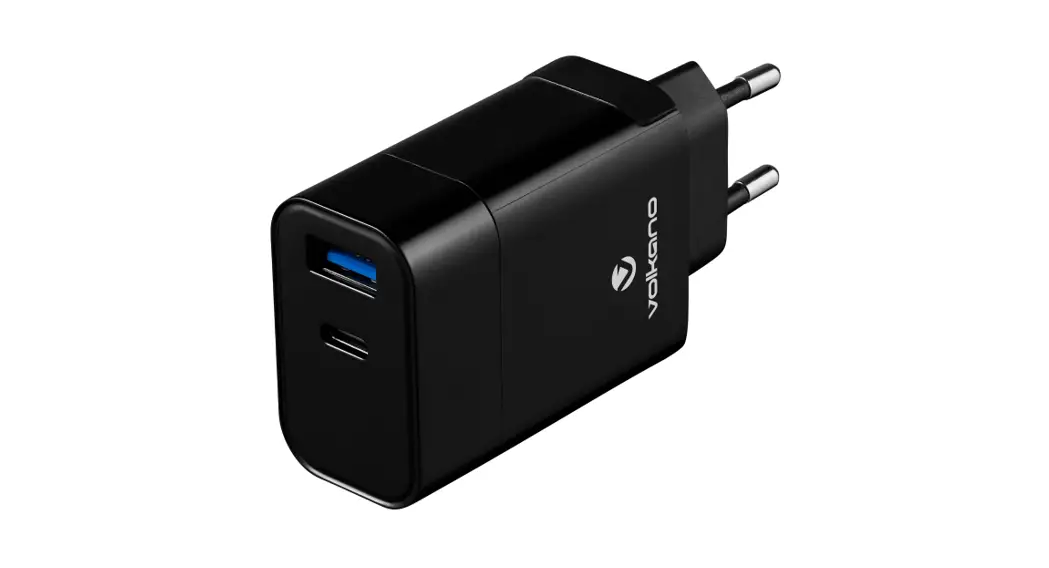
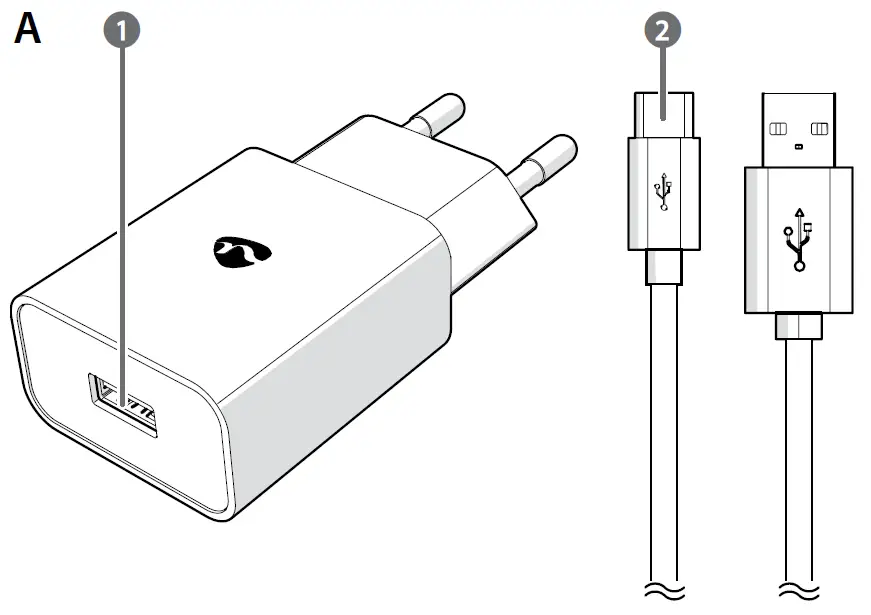
- USB charging port
- USB – Micro USB Cable
Safety instructions
WARNING
- Ensure you have fully read and understood the instructions in this document before you install or use the product. Keep this document for future reference.
- Only use the product as described in this document.
- Do not use the product if a part is damaged or defective. Replace a damaged or defective product immediately.
- Do not drop the product and avoid bumping.
- This product may only be serviced by a qualified technician for maintenance to reduce the risk of electric shock.
- Do not expose the product to water or moisture.
- Disconnect the product from the power source and other equipment if problems occur.
- Always check that the voltage of the product corresponds to the mains voltage.
- Do not unplug the product by pulling on the cable. Always grasp the plug and pull.
- Unplug the product when your device is charged or if you do not plan on using the product for an extended period of time.
- The power outlet shall be located near the product and shall be easily accessible.
- Never use a damaged or faulty USB cable for charging. This this can damage the product and harm your device.
- Stop the charging process if the product gets too warm.
Using the product
- Connect the charger into the power outlet.
- Insert the USB cable into the USB charging port and the other end to the device you want to charge.
- Unplug the charger when it is not in use.

 Wall Charger | 1x 2.1 A | Number of outputs: 1 | USB-A | Micro USB (Loose) Cable | 1.00 m | 10.50 W | Single Voltage Output | Nedis