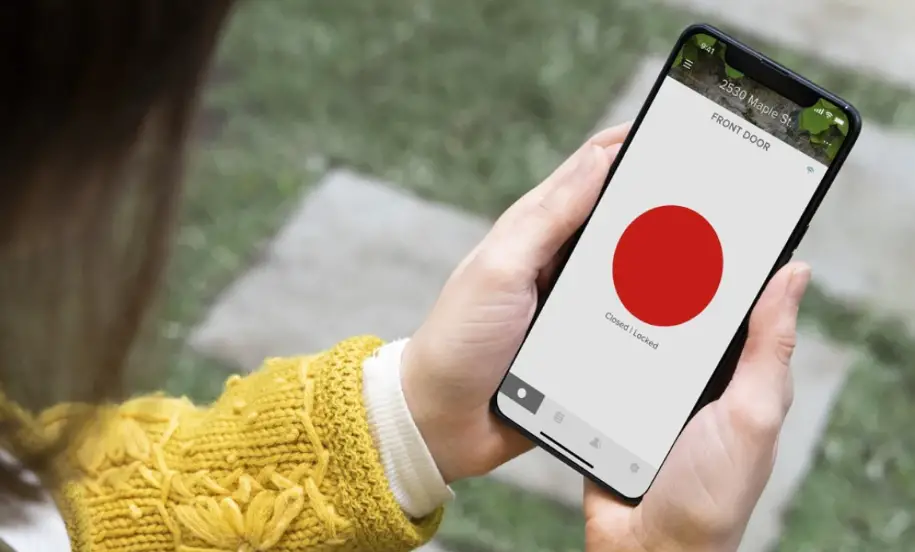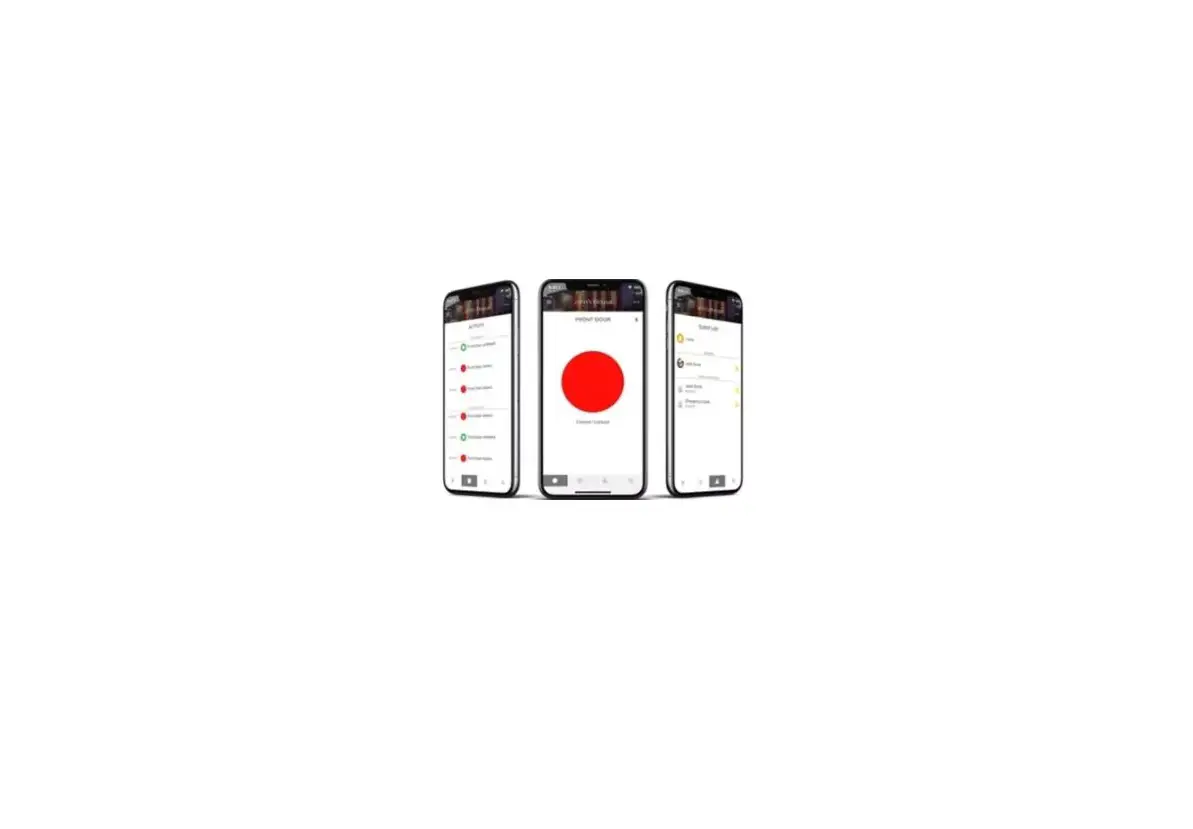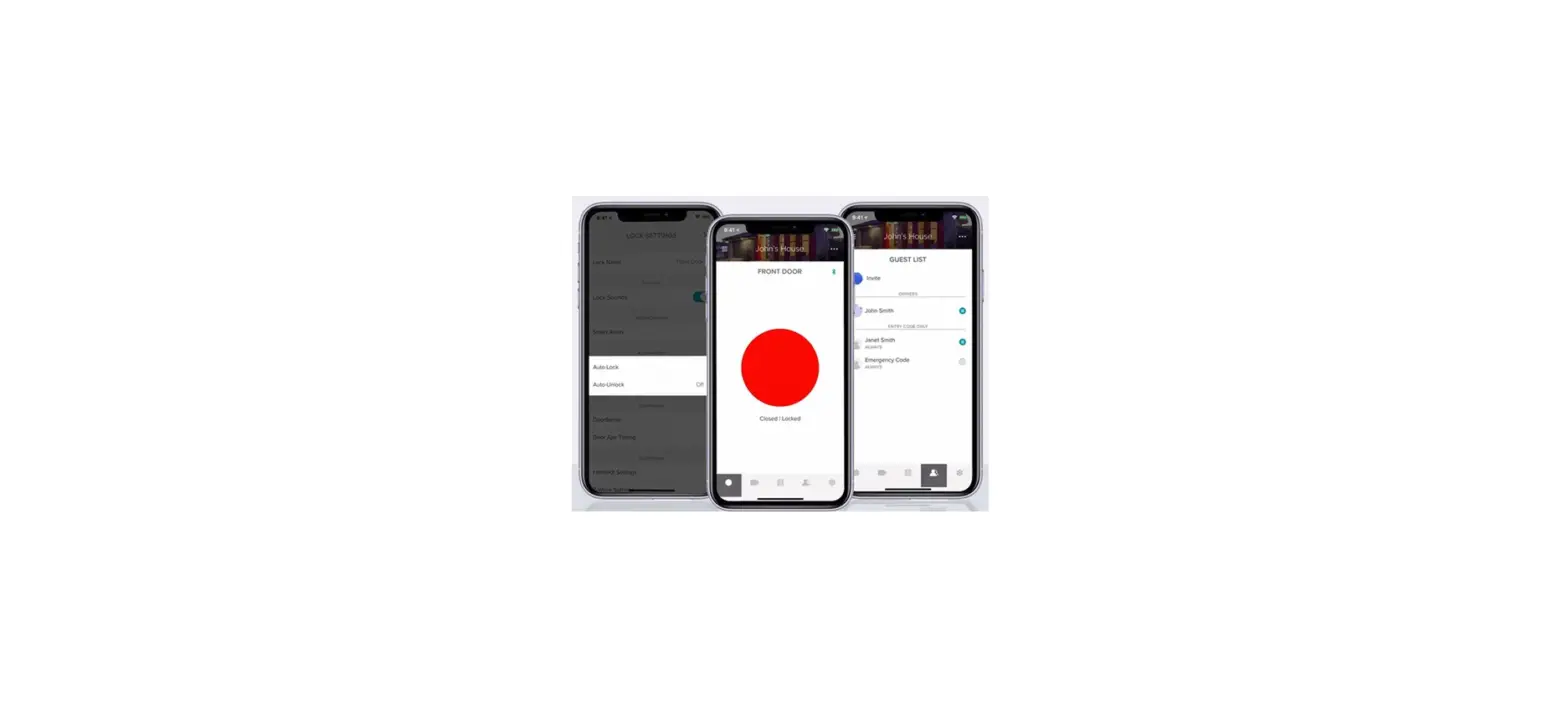

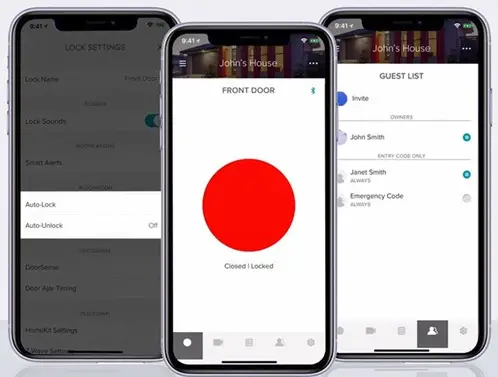
Yale Access App
INSTRUCTION
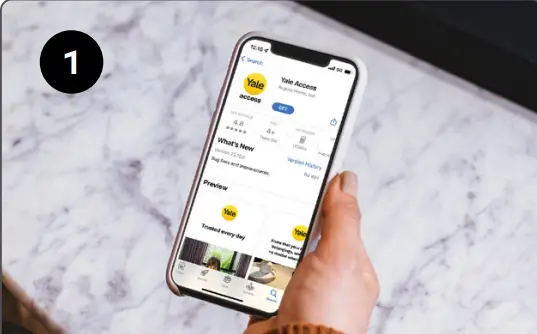
- Download the Yale Access App
- Tip: Have an August account?

- Log in using your existing username and password.

- Tip: Have an August account?
- Tap ‘Set Up A Device’

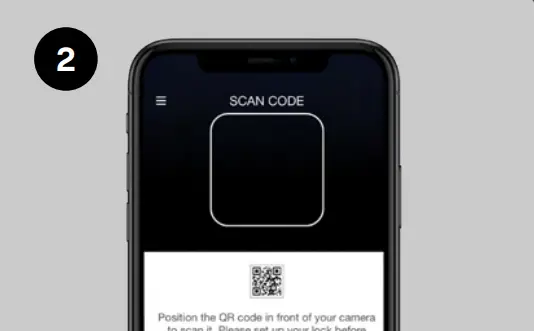
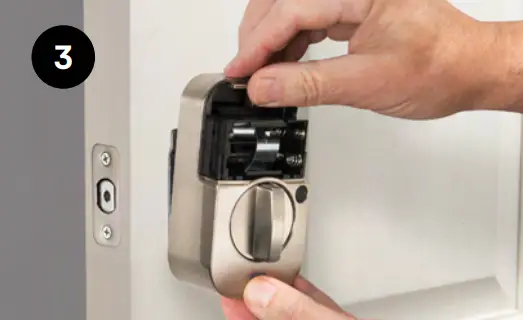
- Scan the Yale Access QR code located inside the lock’s battery compartment, or found below

- Scan the Yale Access QR code located inside the lock’s battery compartment, or found below
- Install the Lock
- Using the app is a requirement for this step. The app will guide you through step-by-step installation instructions

- Using the app is a requirement for this step. The app will guide you through step-by-step installation instructions
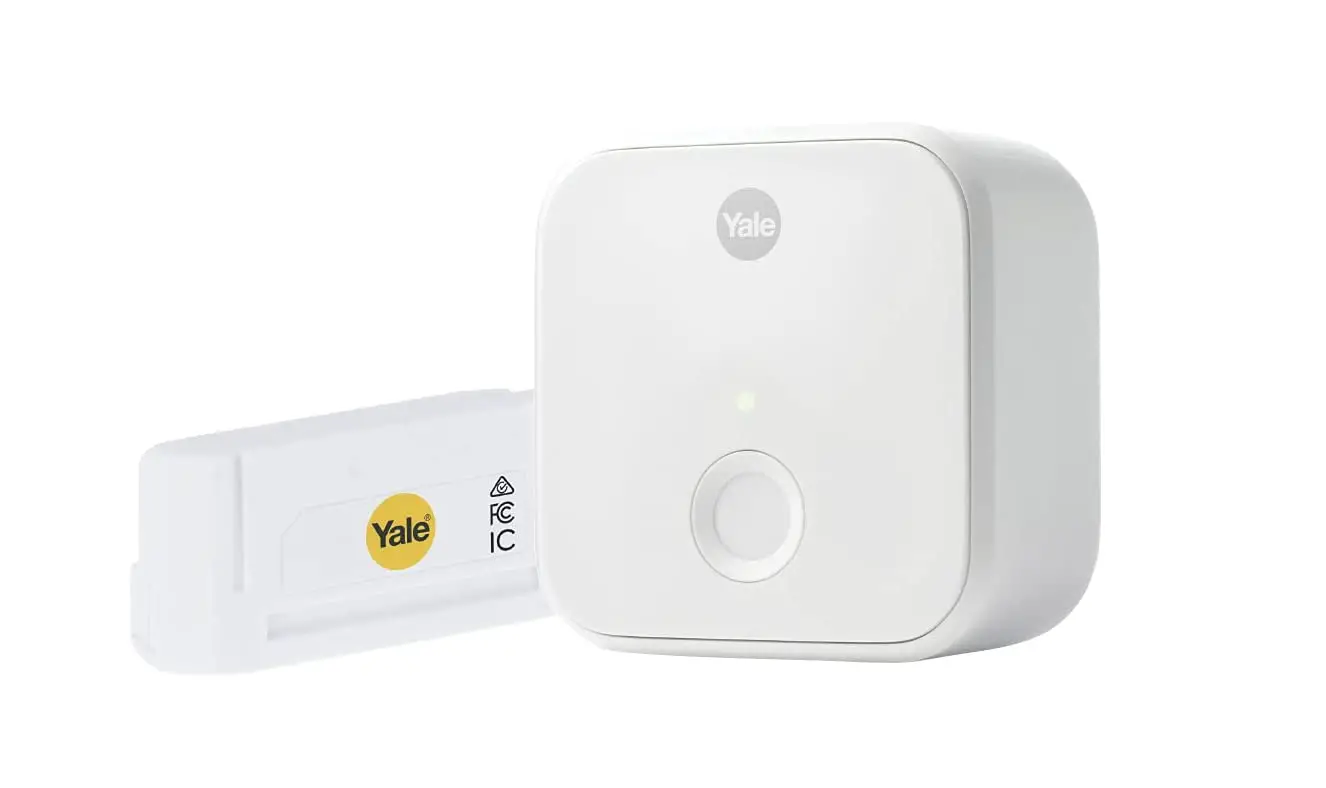
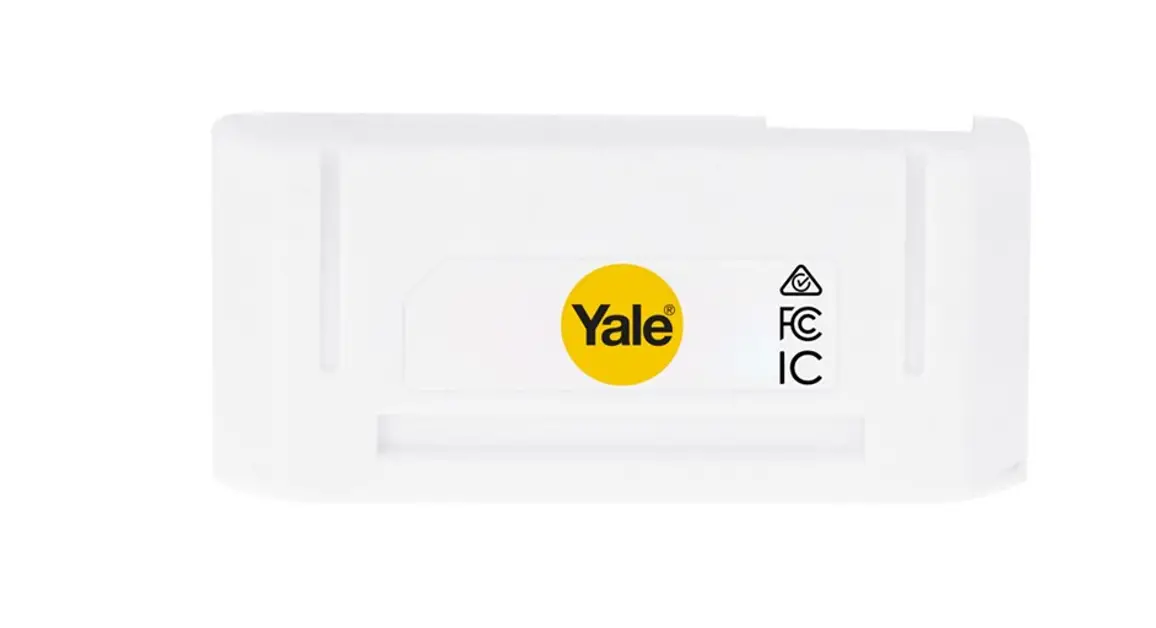
- If You Have a Smart Module
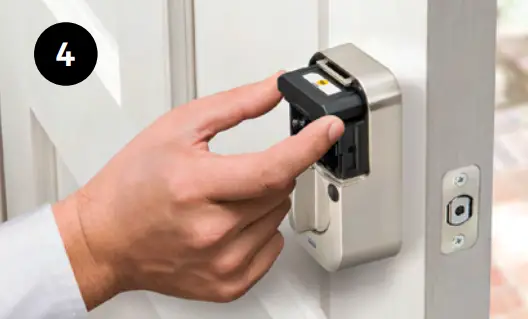
- Insert the module into the slot above the batteries and follow the installation steps in the app.

- Insert the module into the slot above the batteries and follow the installation steps in the app.


Tip:
- Once your lock is installed, insert batteries as the last step
- If you have a Bluetooth lock with no Smart Module you can always add one!
Visit ShopYaleHome.com/SmartModule
We’re Here to Help, 24/7!
- 1-855-213-5841 [email protected]
- http://support.shopyalehome.com