Instructions
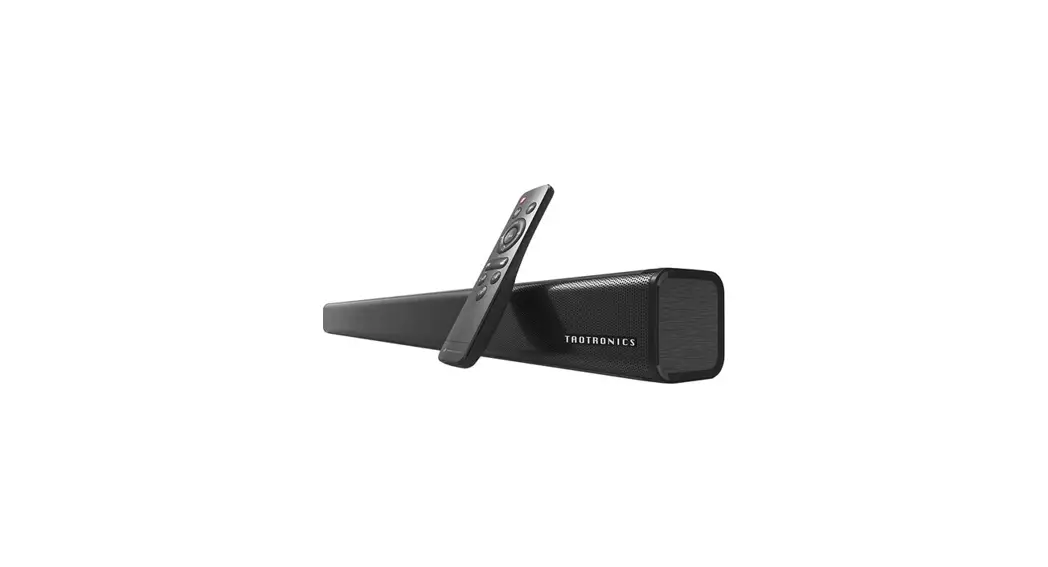
- Bluetooth pairing
1. Long press the power button until the blue light turns on
2. Turn on the Bluetooth pairing of the mobile phone “TT-SK09”
Note: If the speaker has been plugged into the 3.5mm audio cable before turning on the speaker, it will enter the AUX state after the speaker is turned on.
Then enter the Bluetooth state. - Reset method
Press and hold the play button for 5 seconds to disconnect the current Bluetooth and enter the pairing mode - Instructions
1. Switch on and off: Long press the power button
2. Adjust the volume: click the volume button
3. Switch tracks: long-press the volume key
4. Play/pause, answer/hang-up: click the play button
5. Reject the call: Long press the play button for 1-2 seconds
6. NFC: Non-triggered NFC function, automatically pairing successfully when approaching
TaoTronics TT-SK09 User Manual – Download [optimized]
TaoTronics TT-SK09 User Manual – Download