qtx HPWash 100 High Power Stage Blinder User Manual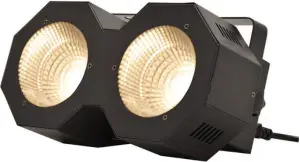
Please read through this manual thoroughly before use, any damage Caused by misuse of product will not be covered by warranty.
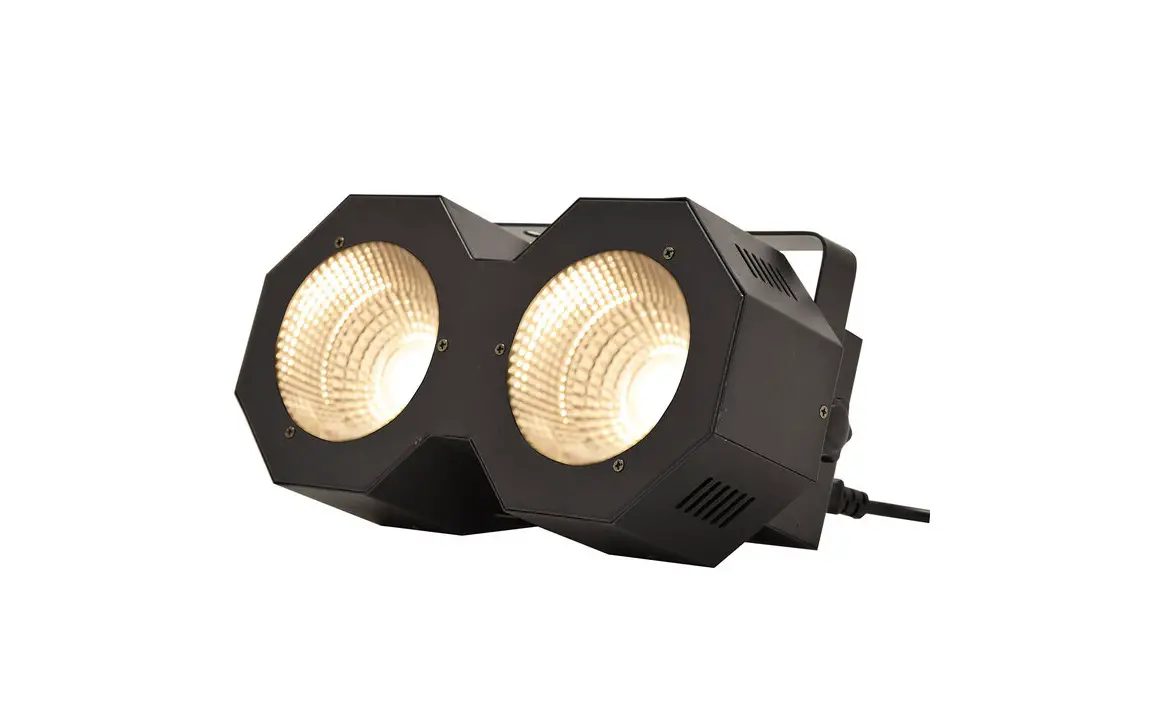
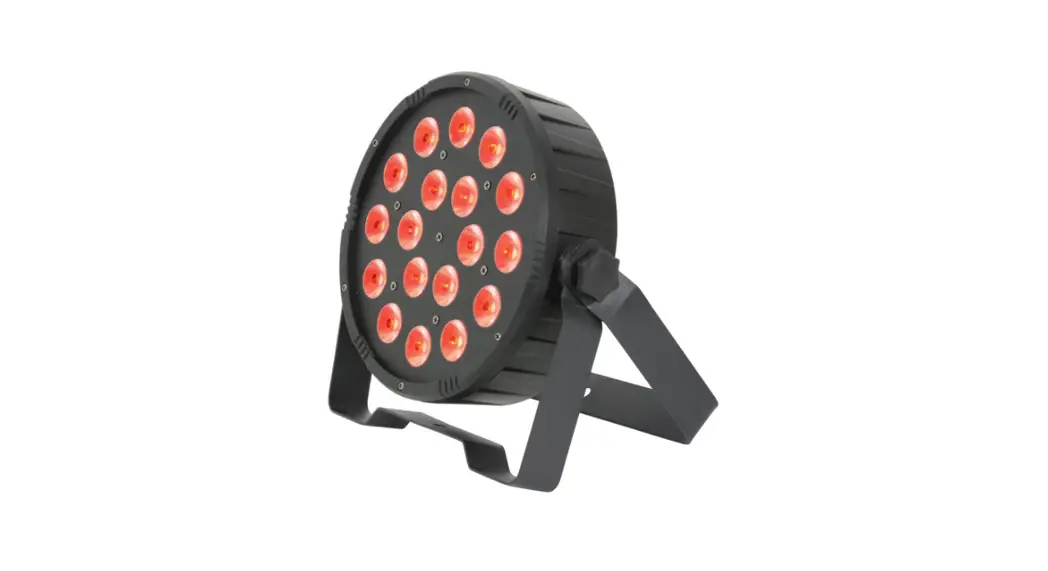
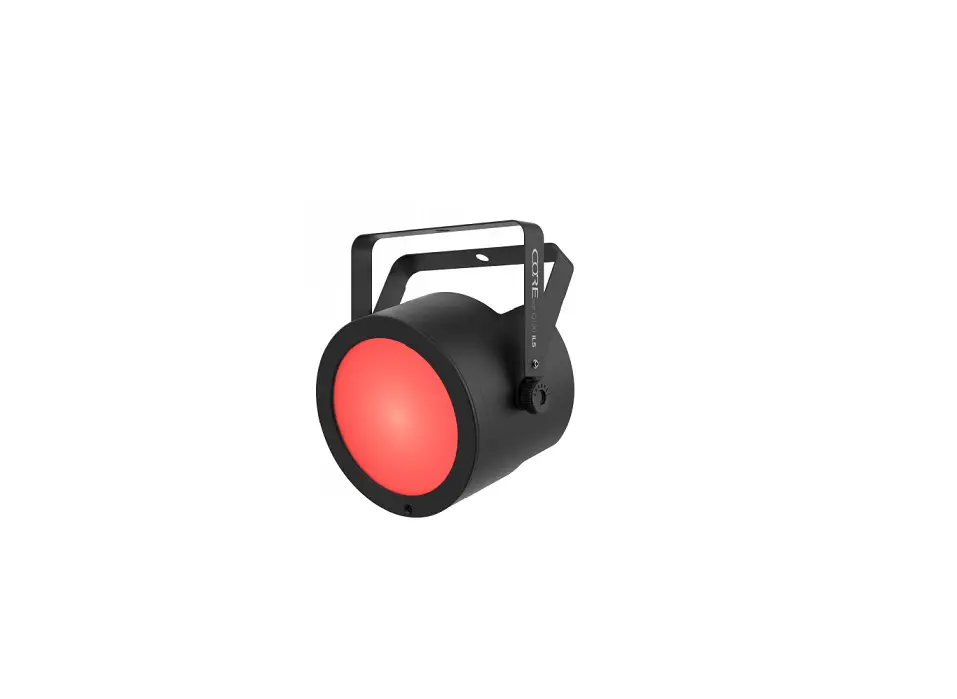
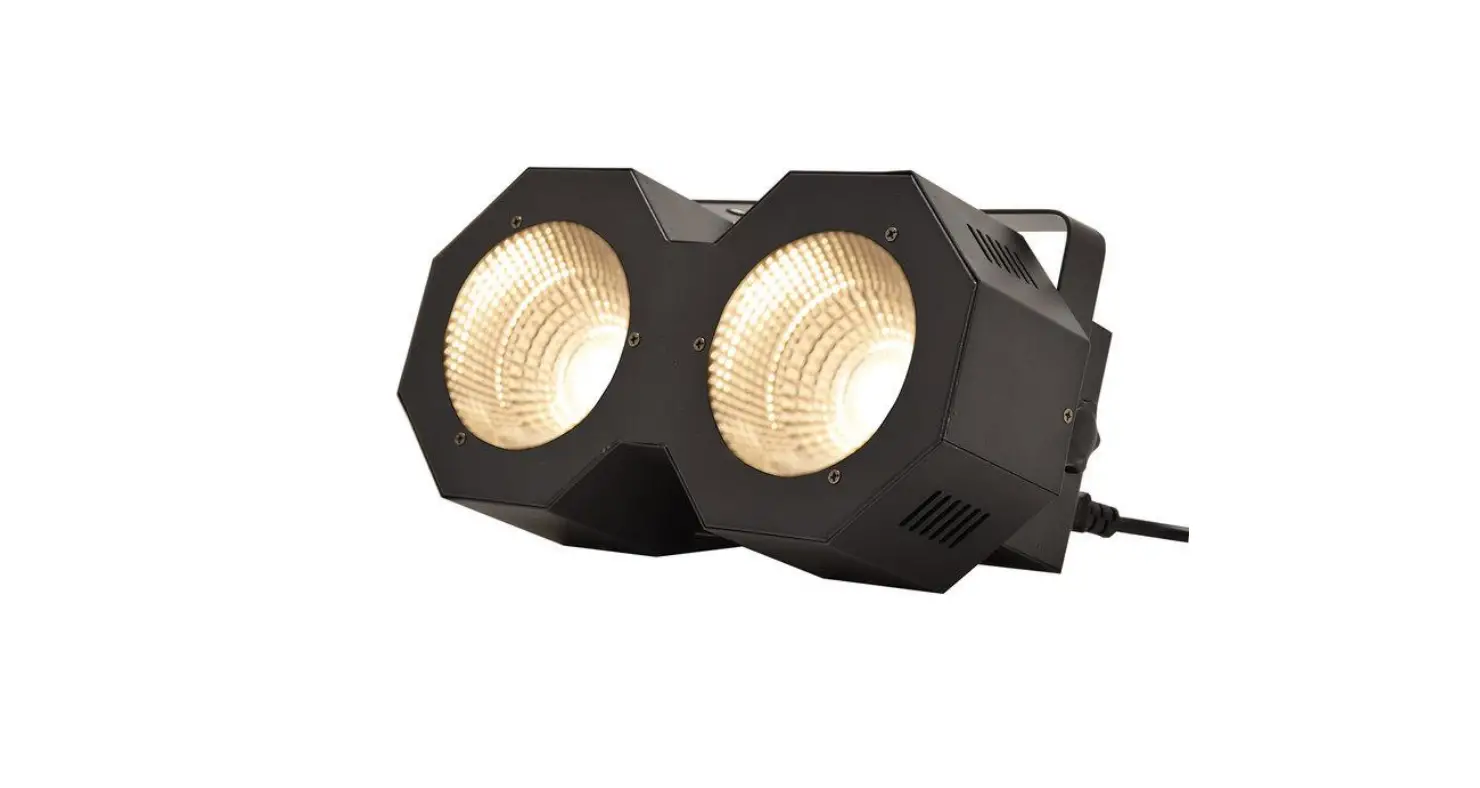
Thank you for choosing the HPWash100, a powerful 100W white LED stage blinder for a fully controllable light wash to stage or audience. Linear dimming control via DMX or internal programs can provide a smooth or immediate transition from blackout to full brightness. Housed in an all-metal casing with fan cooling for durability and reliable operation.
In the box
Your HPWash 100 should arrive with you in a single carton in good condition. The carton should contain 1 x main unit with bracket, 1 x UK IEC mains lead and 1 x manual.
Warning
To prevent risk of fire or electric shock, do not expose the unit to rain or damp environments.
In the event of a spillage, disconnect the mains and allow the unit to dry out naturally.
Qualified personnel should then check the unit before continuing use.
 Please do not open cover, contains high voltage. This product is not serviceable or repairable by the end user.
Please refer to qualified personnel for service and repair. 
Placement
- Use the included mounting bracket to fix to a stand or lighting truss
- Use secondary safety fixings if mounting overhead.
- Keep away from damp or dusty environments
- Ensure adequate air-flow around the fixture housings
- Ensure adequate access to controls and connections

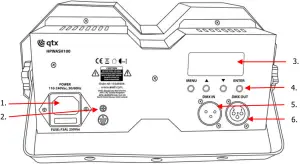
Rear panel controls
- IEC mains in
- Earth screw (DO NOT REMOVE)
- LCD display
- Manual control buttons
- DMX Signal in
- DMX Signal out
Press the “MENU” button to enter the settings menu.
Press “UP” and “DOWN” buttons to navigate through various setting functions.
Press “ENTER” button to confirm the desired setting.
| Menu | Function | Description |
| d0xx | d001-d512 | DMX address settings |
| Auxx | Au01-Au03 | Auto master modes left, right and both lamps |
| Au04-Au05 | Auto master colour jump and scroll | |
| So01 | Sound activated colour jump constant | |
| So02 | Sound activated colour jump strobe | |
| Stxx | St00 | Auto master constant (Au01-Au05) |
| St01-St16 | Auto master strobe from slow to fast (Au01-Au05) | |
| Snxx | Sn01 – Sn16 | Sound activation speed adjust from slow to fast (So01 & So02) |
| Spxx | Sp01-Sp16 | Auto master speed control (Au04 & Au05) |
| U0xx | u001-u255 | White max brightness set low to high |
DMX mode
The HPWash 100 can be controlled by DMX signal, simply connect the DMX signal source to the DMX input on the unit via a balanced XLR lead. Extra fixtures can be controlled by the same DMX signal by looping through the DMX out on the unit. To enter DMX mode, select
D001 from the menu and confirm the correct start address by using the “UP” and “DOWN” buttons and “ENTER” to confirm.
This unit has 6 DMX channels as indicated in the table below:
| Channel | Channel address | Function |
| CH1 | 0-255 | Master dimmer – low to high |
| CH2 | 1-255 | Strobe – Slow to fast |
| CH3 | 1-255 | Macro effects selection |
| CH4 | 0-255 | Macro effects speed adjust – slow to fast |
| CH5 | 0-255 | Right lamp white dimmer – low to high |
| CH6 | 0-255 | Left lamp white dimmer – low to high |
Specifications
| Power supply | 110-240Vac, 50/60Hz (IEC) |
| Power consumption | 100W |
| Fuse rating | F2AL, 250Vac |
| Light source | 2x 50W White LED |
| DMX channels | 6 |
| Beam angle | 40° |
| Housing | Full Metal, powder painted. |
| Dimensions | 270x135x125mm (Without bracket) |
| Weight | 1.52kg |
Troubleshooting
| No power (mains) | Check mains voltage is correct and outlet is switched on |
| Check IEC lead and fuse (if fuse continually blows, refer to your dealer) | |
| No light output | Check control panel mode settings |
| Check DMX settings from controller (dimmer levels, blackout etc.) | |
| No strobe output | Check strobe settings on control panel or from DMX controller |
|
Unresponsive to DMX | Check that unit is in DMX mode and ensure DMX address remains lit to confirm receiving DMX signal |
| Check DMX controller is not set to black out | |
| Check DMX controller is on correct fixture/page | |
| Check master dimmer value | |
| Check correct DMX address is set | |
| Check DMX connection and leads | |
| Overheating/ cutting out | Ensure adequate ventilation and unit is not too close to a heat source |

This product is classed as Electrical or Electronic equipment and should not be disposed with other household or commercial waste at the end of its useful life.
The goods must be disposed of according to your local council guidelines.
Errors and omissions excepted
Copyright© 2021 AVSL Group Ltd, Unit 2 Bridgewater Park,
Taylor Road, Trafford Park, Manchester. M41 7JQ.
AVSL (Europe) Ltd, Unit 3D North Point House
North Point Bus. Park, New Mallow Road, Cork, Ireland.