SOUTH S1 External UHF Radio User Manual
Introduction
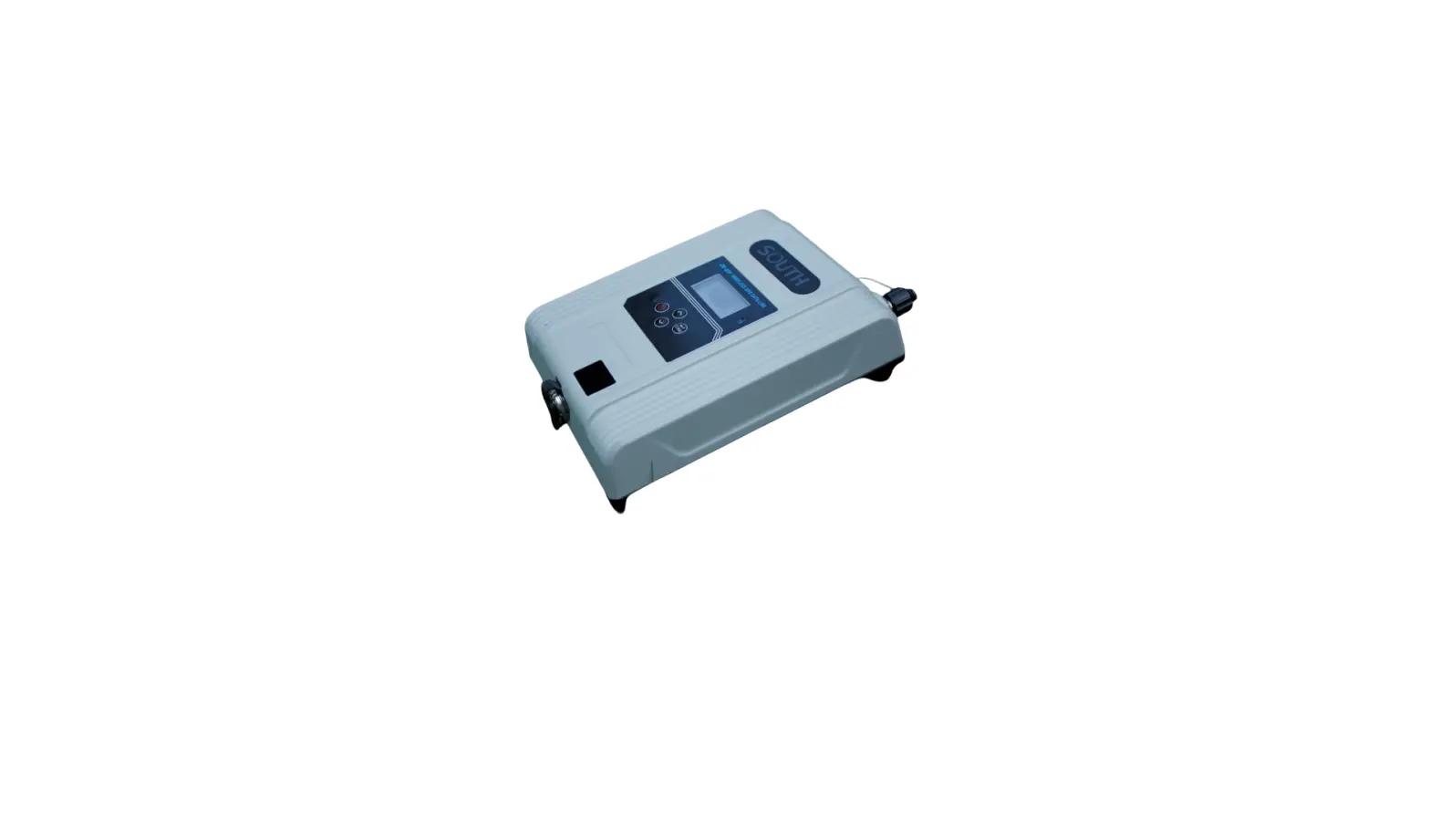
- Supports SOUTH/Trimble protocol, 410~470MHz, compatible with S82, S82 and Galaxy series(G1, G1plus, G6).
- Air baud rate 9600/19200bps, GMSK modulation, baud rate 9600/19200/38400bps.
- LED display to show radio information, you can change radio frequency and protocol via the radio buttons directly. You can also configure the radio via an Android app.
Hardware
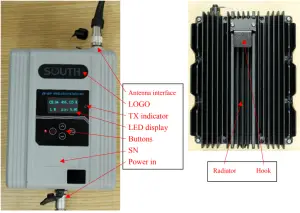

Basic operation
Buttons
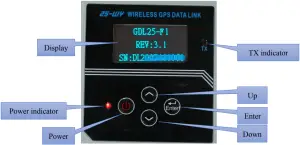
 Power button: Press the Power button for 3 seconds to power on the radio, press the power button 1 second to turn off the radio.
- Power indicator: the indicator will on after turning on the radio.
- TX indicator: the indicator will blink when the radio is transmitting.
 Up: press to left/up.
- Down: press to right/down.
- Enter: press to enter/confirm.
 Power button: Press the Power button for 3 seconds to power on the radio, press the power button 1 second to turn off the radio.
Display

Low Power alert: the display will show “POWER LOW” if the power voltage is less than 10V.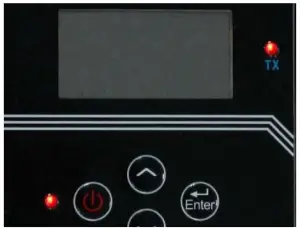
Sleep mode: if no operation on the radio buttons for 10 munites, the display will shut down to save power, the power indicator light will still on, TX indicator light will continue blink.
Operation
Press 
 to select the parameter you want to modify, press
  to enter this parameter setting, press to modify it, press to confirm and exit the setting.
Channel (CH)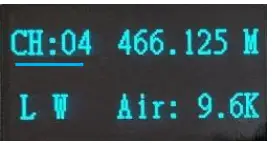
Press to CH setting, press to start radio channel setting, press to modify it, press to confirm and exit the setting.
Frequency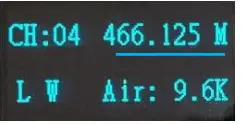
Press to frequency setting, press to start radio frequency setting, press to move the cursor, press to modify the frequency, press to confirm and exit the setting.
(Frequency range: 410MHz ~ 450MHz, or 450MHz ~ 470MHz.
If one of the channels frequency is in 410MHz ~ 450MHz, the other channels frequency will be in 410MHz ~ 450MHz too. Otherwise if one of the channels frequency is in 450MHz ~ 470MHz, the other channels frequency will be in 450MHz ~ 470MHz too.
If one of the channels frequency changes from 450MHz ~ 470MHz to 410MHz ~ 450MHz, the other channels frequency will automatically reduce 40MHz. Otherwise if one of the channels frequency changes from 410MHz ~ 450MHz to 450MHz ~ 470MHz, the other channels frequency will
automatically pluse 40MHz.
see below example:
Example 1 CH1 CH2 CH3 CH4 CH5 CH6
Previous frequency 463.125 464.125 465.125 466.125 463.625 464.625
new frequency 444 424.125 425.125 426.125 423.625 424.625
Example 2 CH1 CH2 CH3 CH4 CH5 CH6
Previous frequency 411.05 412.05 413.05 414.05 415.05 416.05
new frequency 463.125 452.05 453.05 454.05 455.05 456.05
Power mode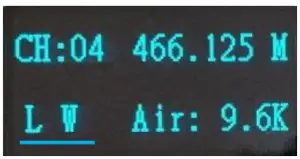
Press to Power mode setting, press to start power setting, press to choose L (10W) or H (25W), press to confirm and exit the setting.
Air (Air baudrate)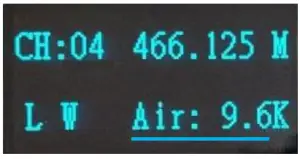
Press to Air baudrate setting, press to start Air baudrate setting, press to choose Air baudrate 9.6/19.2/38.4KHz, press to confirm and exit the setting.
Protocol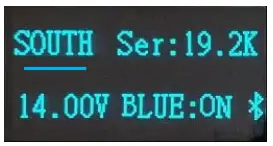
Press to protocol setting, press to start the setting, press to choose protocol SOUTH / Trimble, press to confirm and exit the setting.
Serial port baudrate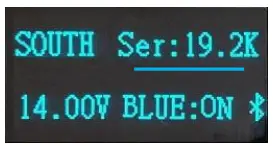
Press to serial port baudrate setting, press to start the setting, press to choose serial port baudrate 9.6/19.2/38.4KHz, press to confirm and exit the setting.
Power voltage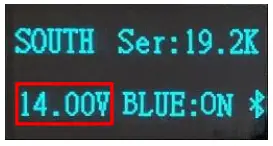
Here it shows the power voltage.
Bluetooth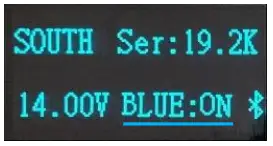
Press to Bluetooth setting, press to start the setting, press to turn on/off Bluetooth, press to confirm and exit the setting.
reset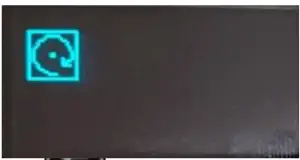
Press to reset setting, press to confirm reset.
Accessories
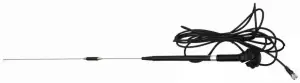
- UHF TX antenna:

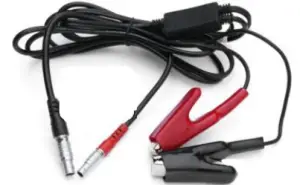
- Cable line

Specification
| UHF | protocol | SOUTH/TRIMBLE |
| Power | 10W, 25W | |
| Frequency | 410MHz~470MHz | |
| Interval | 12.5KHz/25KHz | |
| Rx sensitivity | ≤0.25μV(12dB SINAD) | |
| Air baud rate | 9600/19200/38400 | |
| Port baud rate | 9600/19200/38400 | |
| Channels | 16 | |
| Interface | Display | 1.54 inch LCD |
| Buttons | 4 buttons | |
| Indicator | 2 indicator light | |
| Communication | Bluetooth 4.0 | |
| 5-pin LEMO external power port +RS232 | ||
| TNC connector | ||
| Physical | Operation Temp | -40℃~80℃ |
| Storage Temp | -40℃~85℃ | |
| Wateproof/Dustproof | IP67 | |
| Shockproof | 1m | |
| Size | 165*135mm | |
| Weight | 2.3KG | |