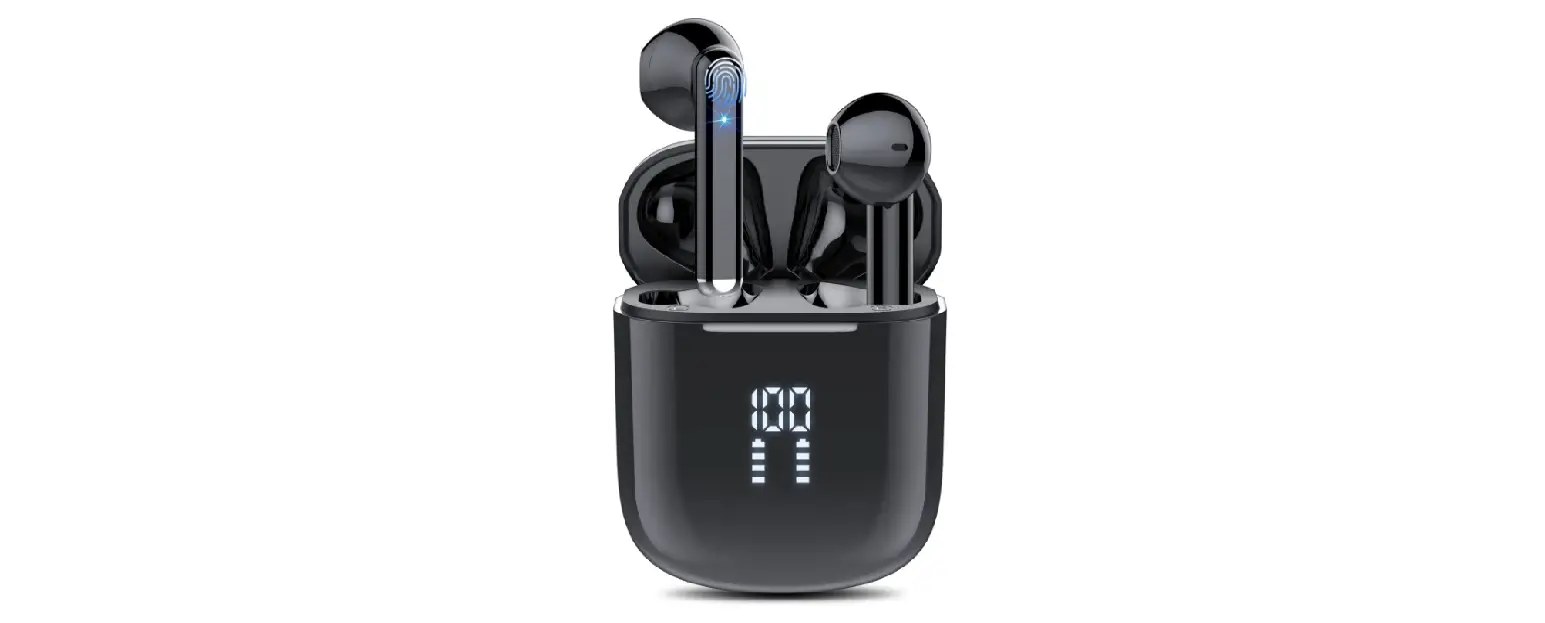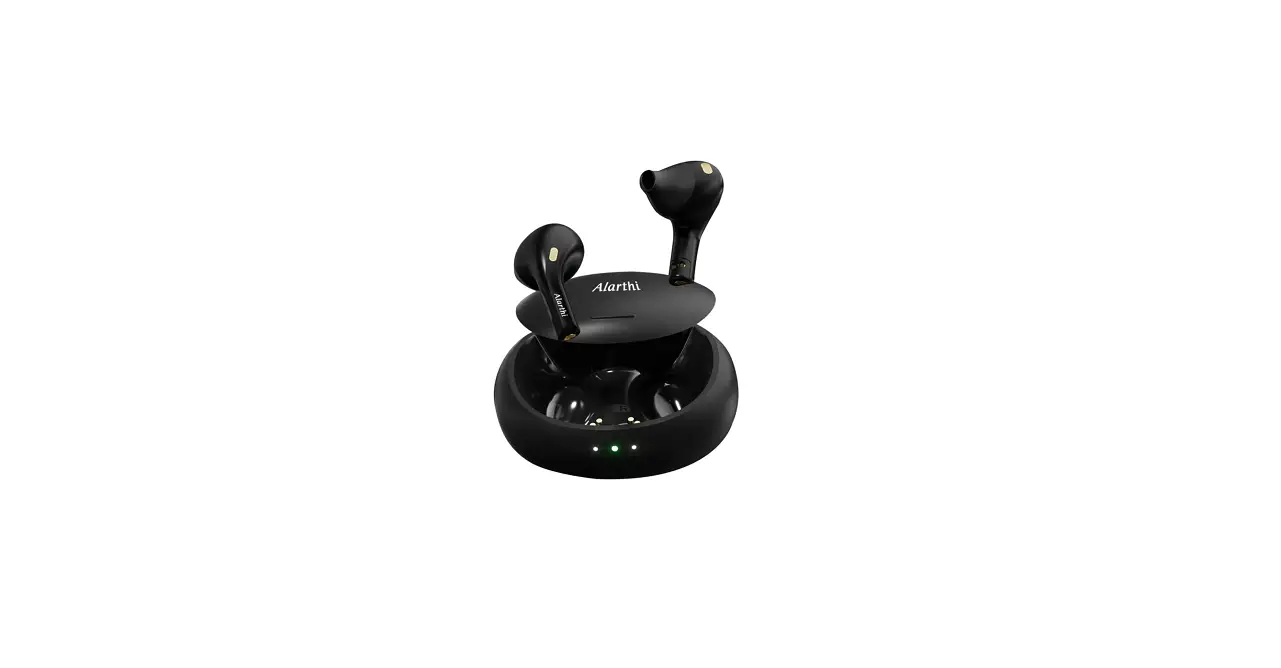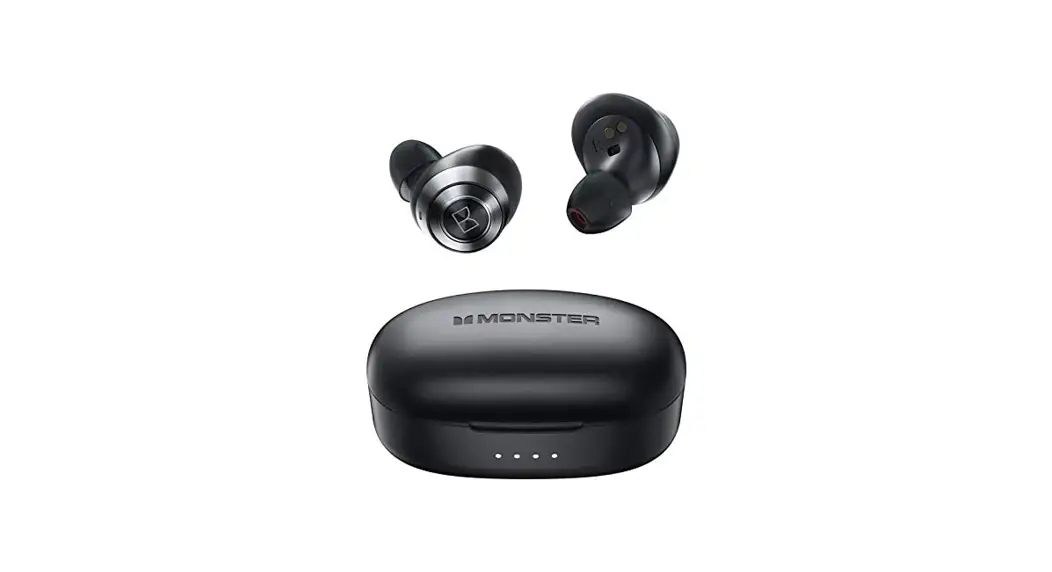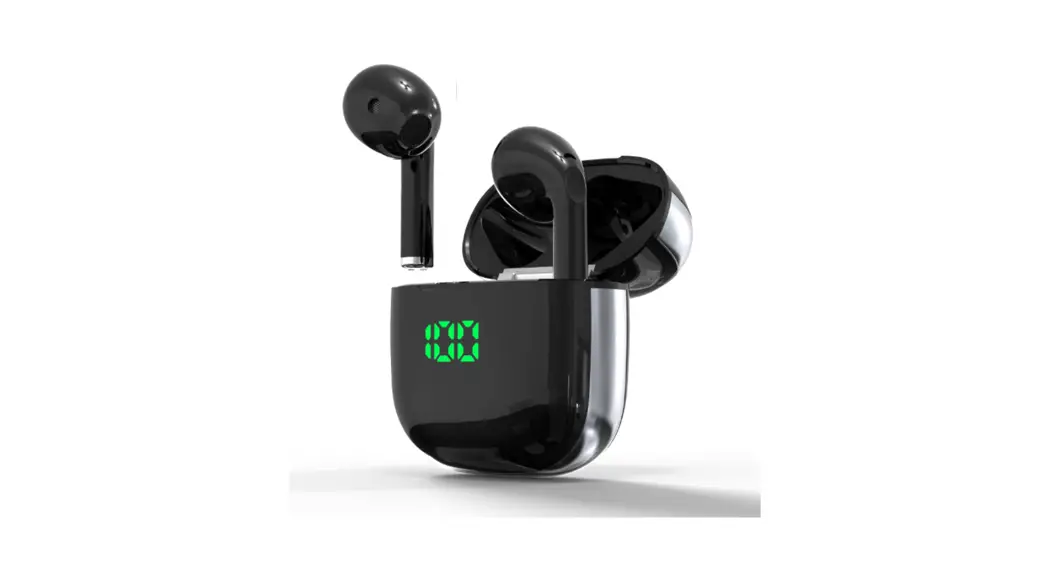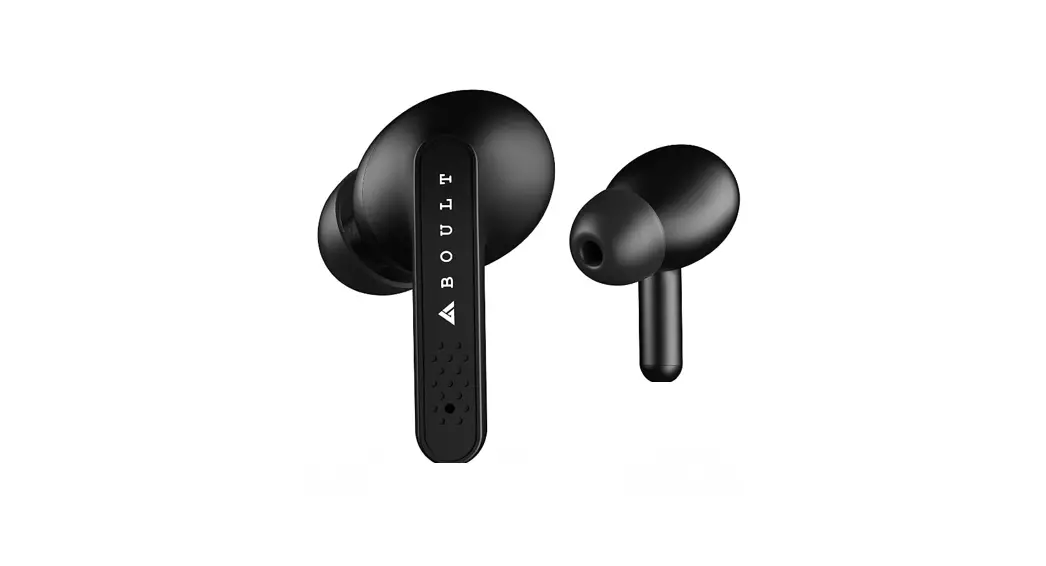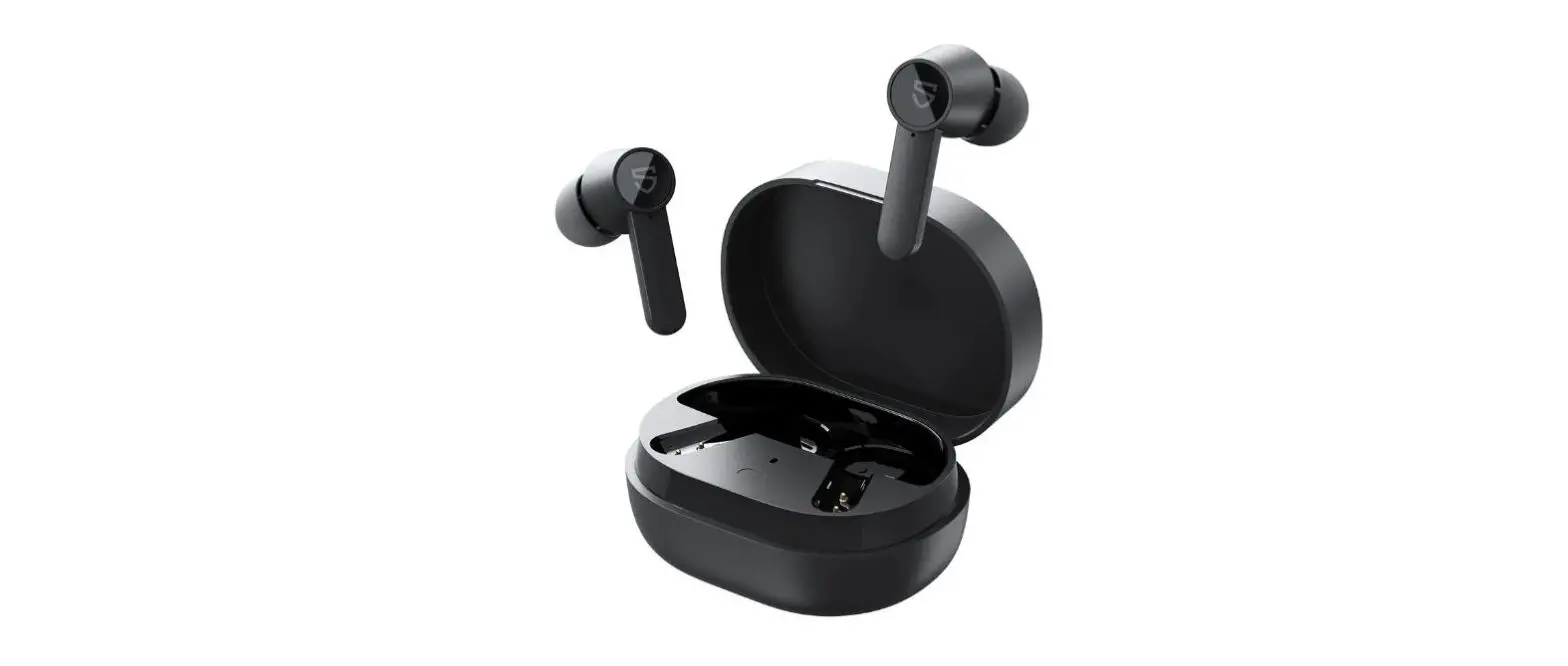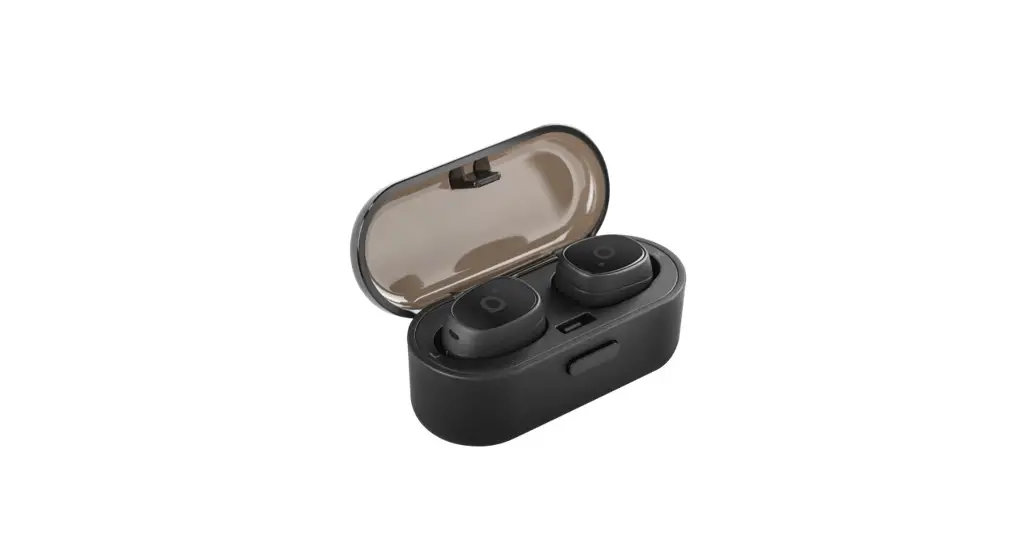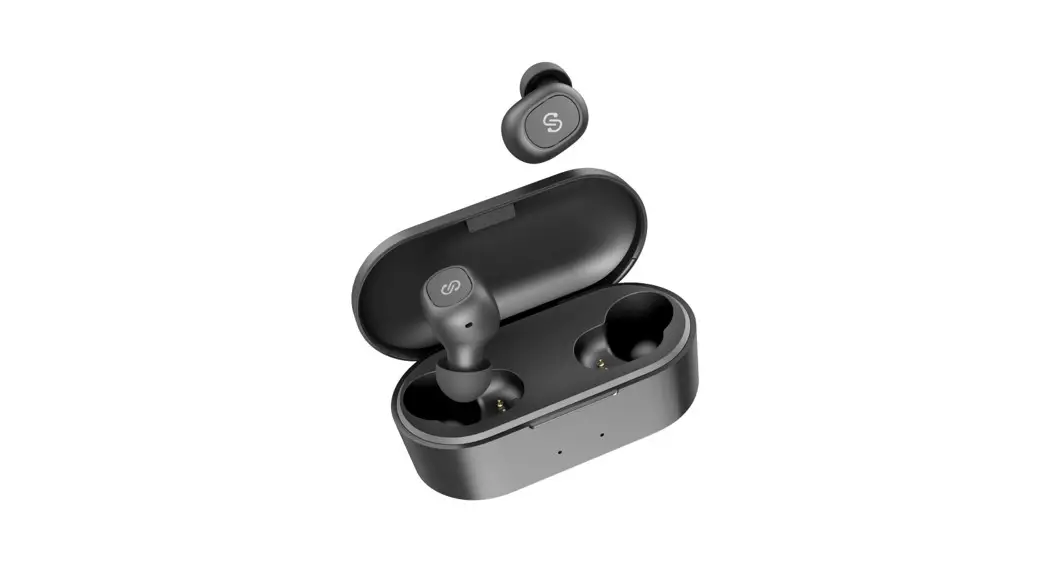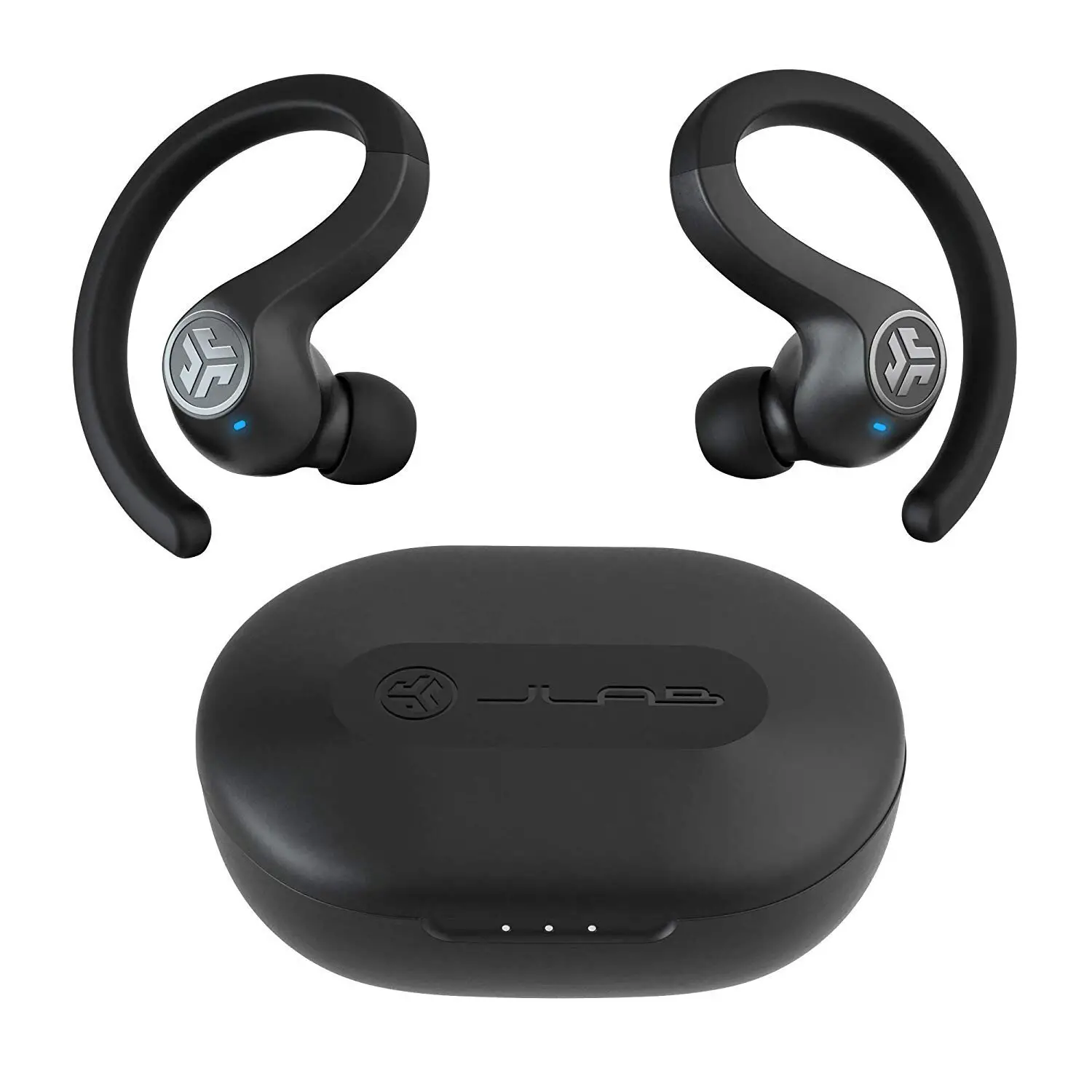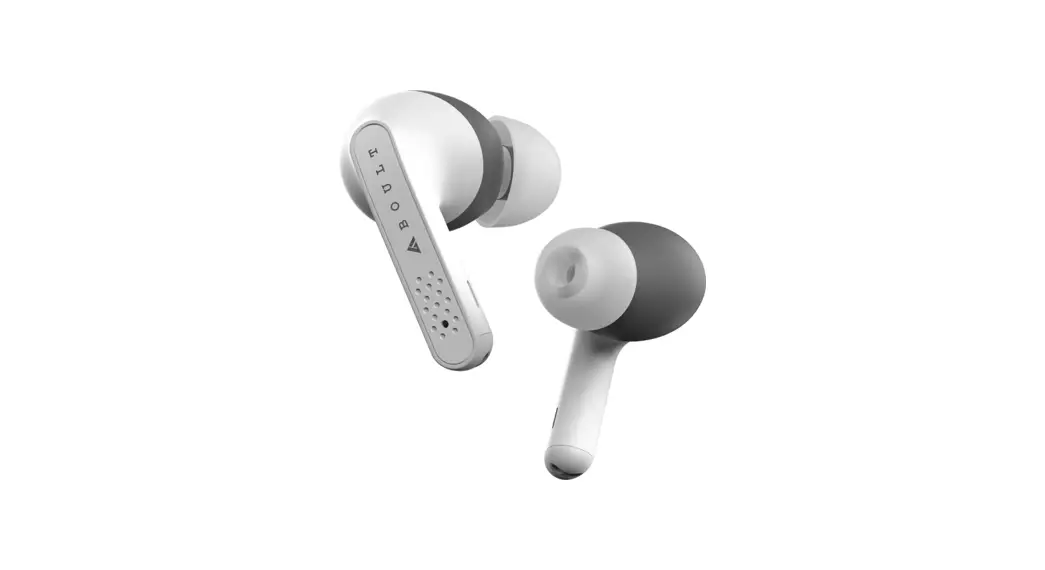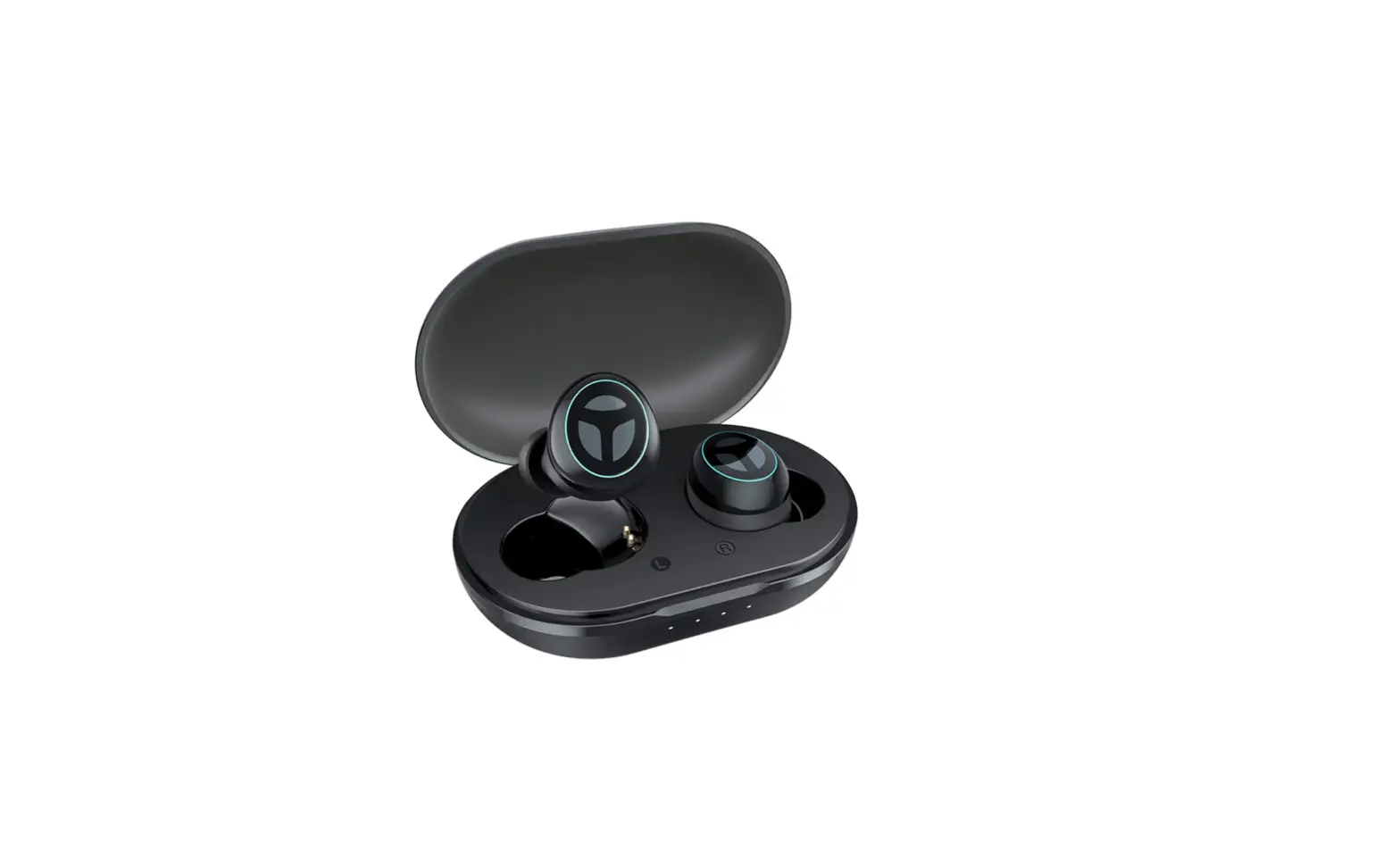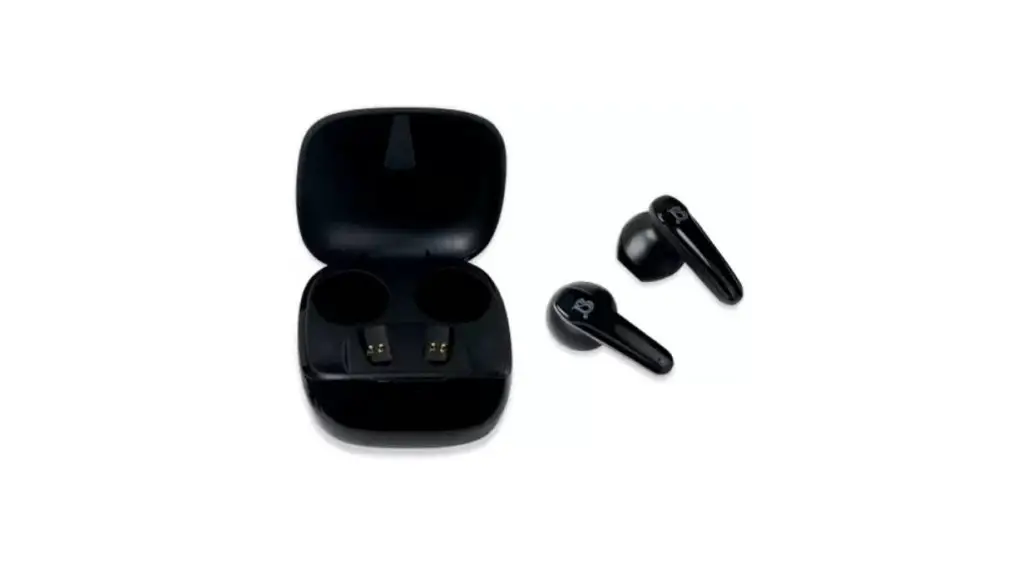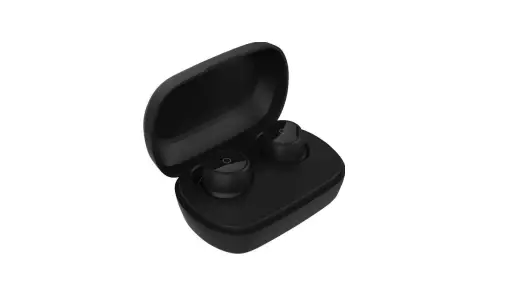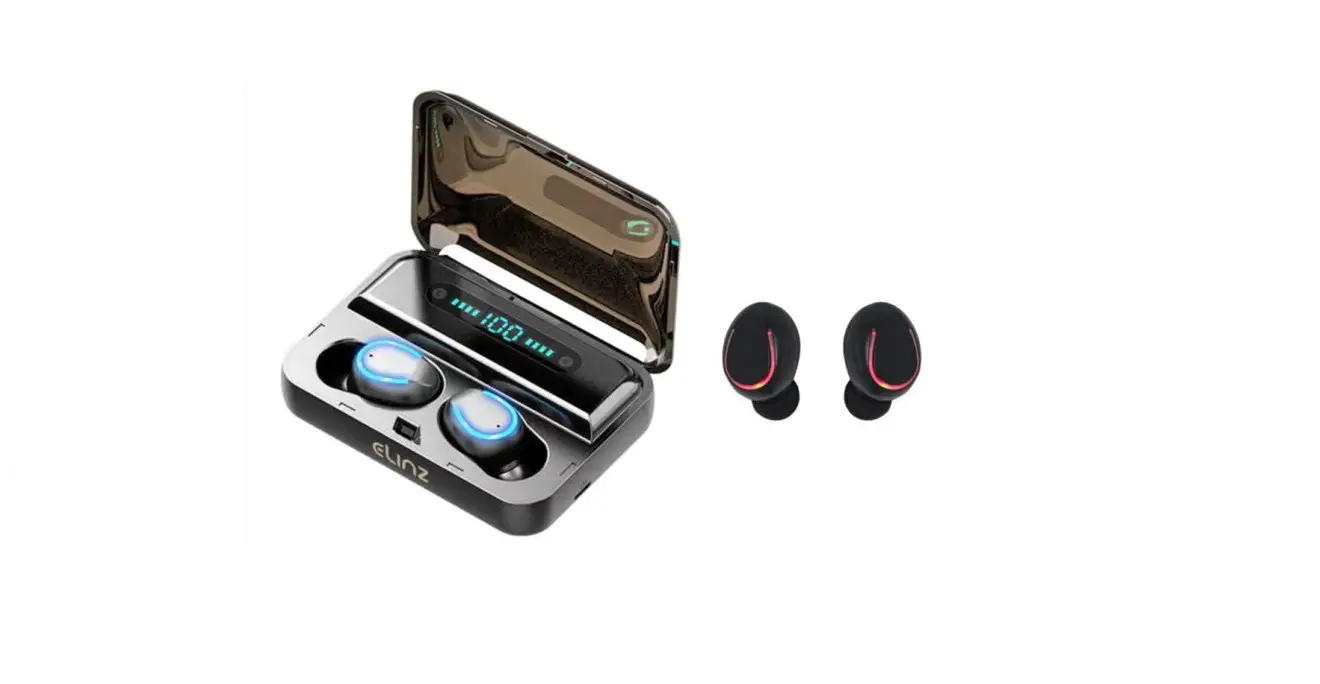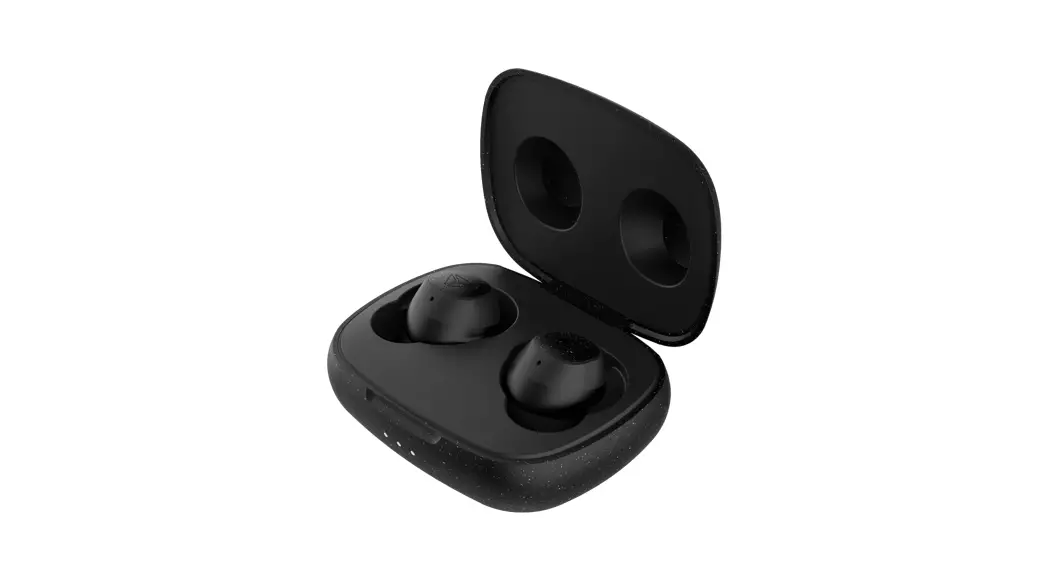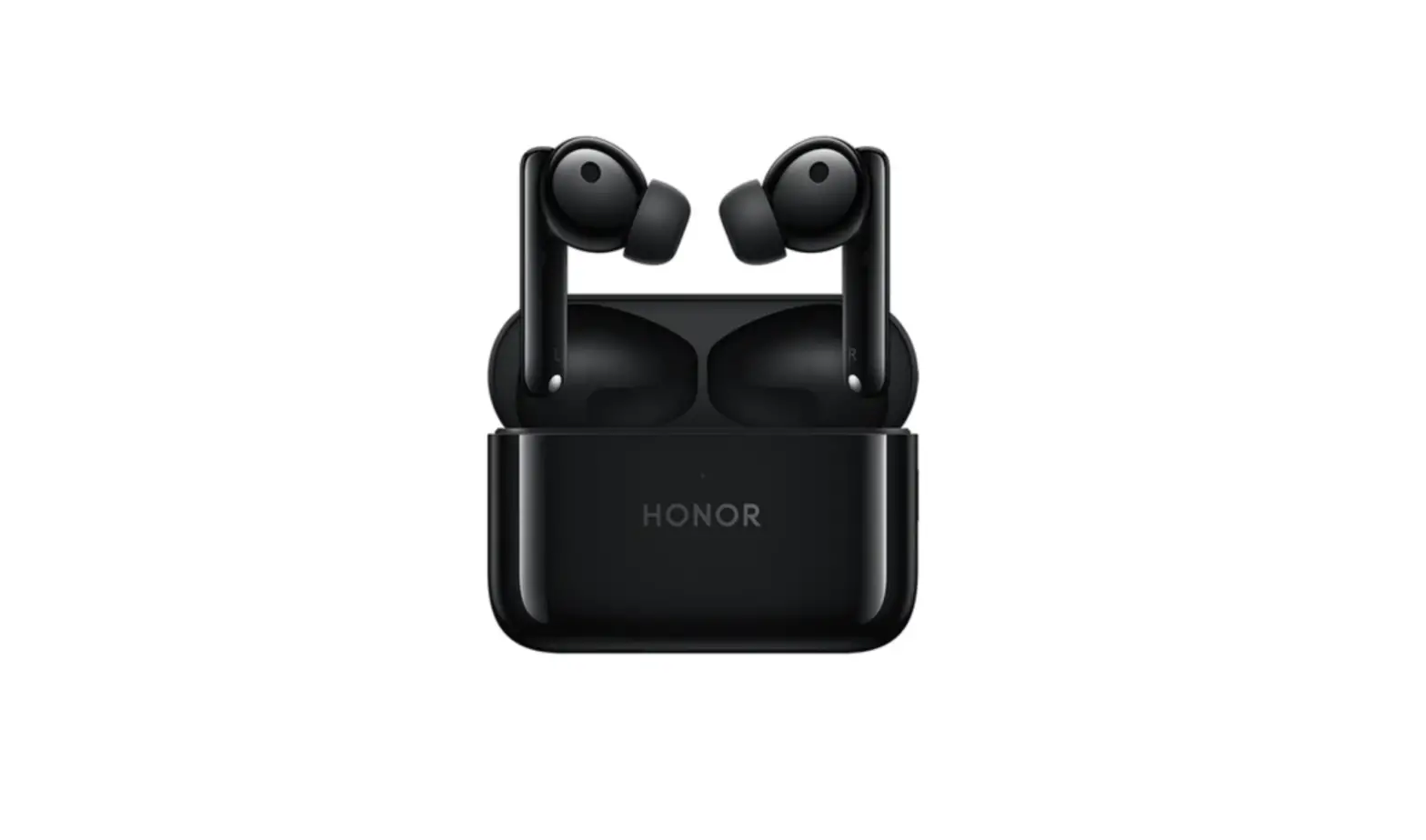
CHEN SHUO BT5.0 Airpods Wireless Bluetooth Earbuds
User Manual
Model No.: BT5.0
FCC ID: 2AWWJ-AIRPODBT5
| NO. | Function | Operation method | NOTE |
| 1 | power on | Press and hold the function key for 3 seconds, the red and blue lights flash alternately, and the voice prompt is: power on | |
| 2 | Shut down | Press and hold the function key for 5 seconds, the red light flashes, and the voice prompt is: power off | |
| 3 | pair | In automatic pairing mode, the two headphones are turned on, and the prompt tone: pairing, pairing left and right automatically, after the pairing is completed, the host red and blue lights flash alternately, the auxiliary lights are off, and the voice prompt is: connected | |
| 4 | Connected devices | Open the Bluetooth device search, search the headset model, and click the corresponding model to connect, after the connection is successful, the voice prompt is: connected (connected), the host light is off; | |
| 5 | Connected devices (Popup version) | After the headset is successfully paired, the Apple phone will display a pop-up window. Click “Connect via iCloud” to automatically connect the phone. The voice prompt is: Connected successfully (connected), the host light is off; | |
| 6 | Bluetooth disconnect | The mobile phone is actively disconnected or exceeds the use range, the voice prompt is: disconnected (disconnected); | |
| 7 | Chinese and English prompt switch | With the headset turned on and not connected to any device, double-click the headset; | |
| 8 | play / Pause | When playing music, press any headset function key to switch between pause and playback. Under music playback, the main and auxiliary headset LEDs are all off. | |
| 9 | Switch songs | When playing music, double-click the main ear function key to switch to the previous song, and double-click the auxiliary ear function key to switch to the next song | |
| 10 | Volume up/down | The volume of the triple tap of the main ear is increased; the volume of the triple tap of the second ear is decreased; | |
| 11 | Last Number Replay | Four strikes with the left or right ear | |
| 12 | Answer/end call | Press the function key once to answer the call, and press it again to hang up | |
| 13 | Reject call | Long press the function key for 1.5 seconds | |
| 14 | Start out | The charging compartment has a maintenance voltage | |
| 15 | Wake up Apple Assistant | Press and hold the function key for 2 seconds, and then release it after hearing the prompt tone to wake up the Apple SIR I Assistant | |
| 16 | Automatic shut-down | 3 minutes | |
| 17 | Earphone charging | 1. Put the headset back into the charging compartment, turn on the charging compartment switch, and the headset automatically shuts down and disconnects from the device, the headset’s red light is always on, and the light is off when fully charged. After the headset is fully charged for 1 minute, the charging compartment is automatically closed switch; 2. During the charging process of the headset, press the charging compartment button to turn off the charging of the headset, and the headset will be shut down immediately; 3. Take out the headset from the charging compartment, the headset will automatically turn on; | |
| 18 | Charging compartment charging | 1. Plug in the USB cable, and the charging compartment starts to charge. During the charging process, the red light flashes slowly; when fully charged, the red light is always on; 2. When charging the headset with the charging compartment, the blue light is always on, and when the headset is full, the blue light is off; | |
| Warning: Changes or modifications to this unit not expressly approved by the party responsible for compliance could void the user’s authority to operate the equipment.NOTE: This device complies with part 15 of the FCC Rules. Operation is subject to the following two conditions: (1) This device may not cause harmful interference, and (2) this device must accept any interference received, including interference that may cause undesired operation. FCC Statement:
RF exposure compliance statement: | |||