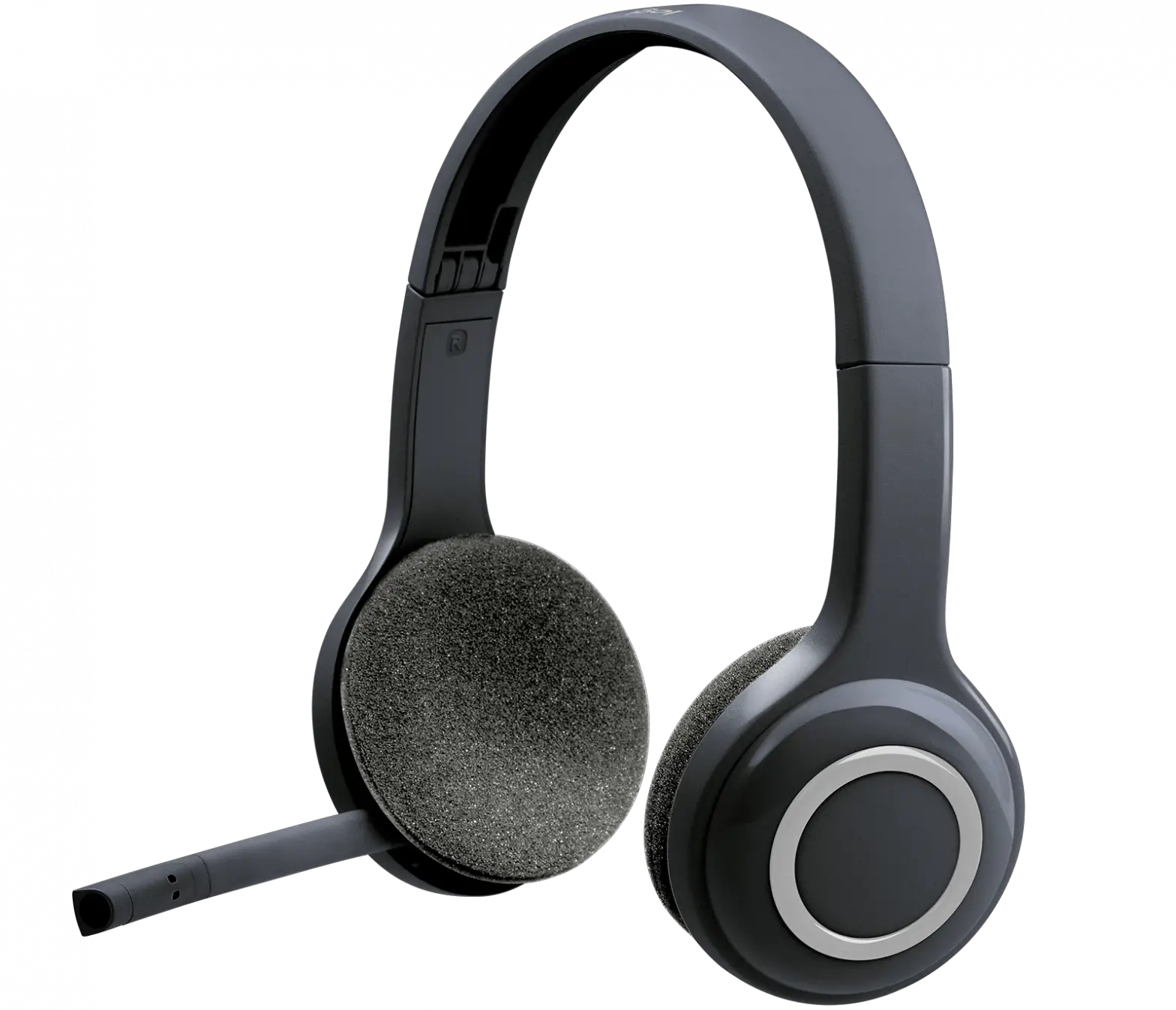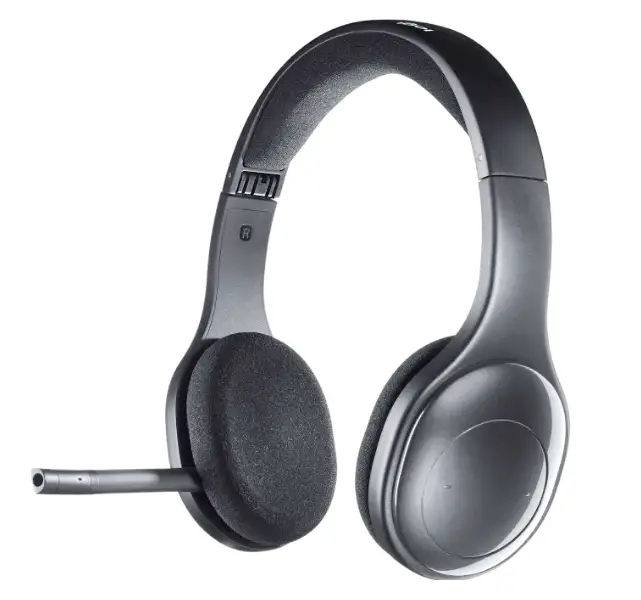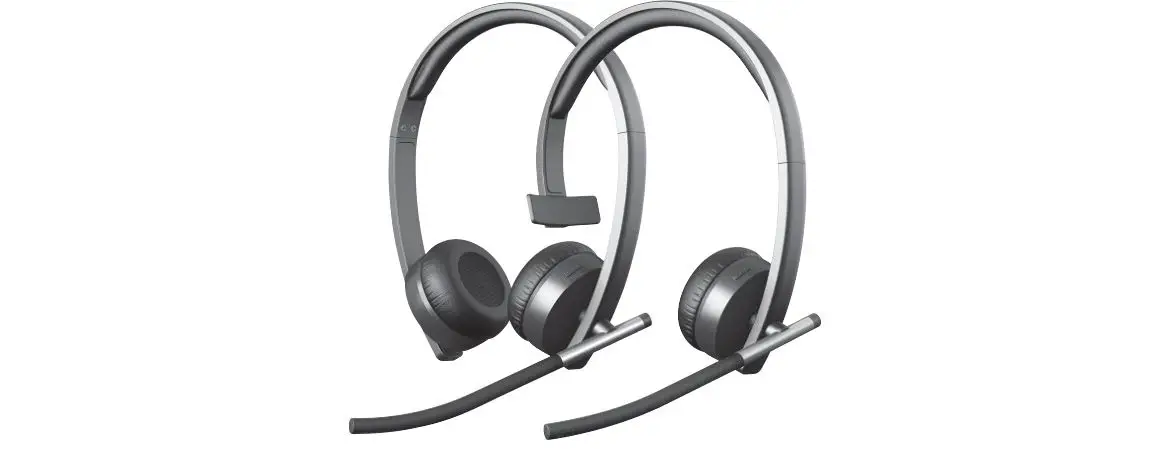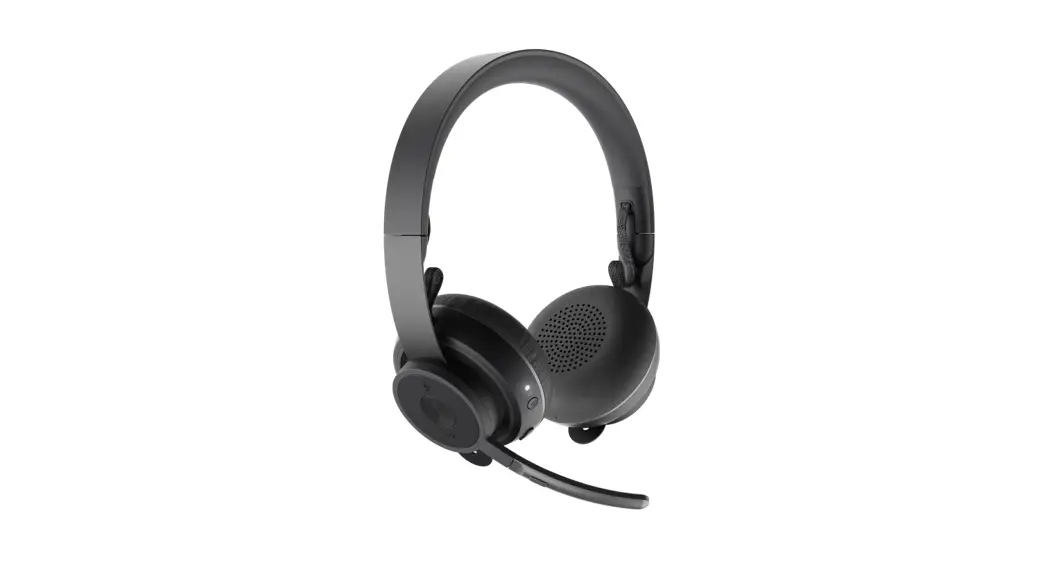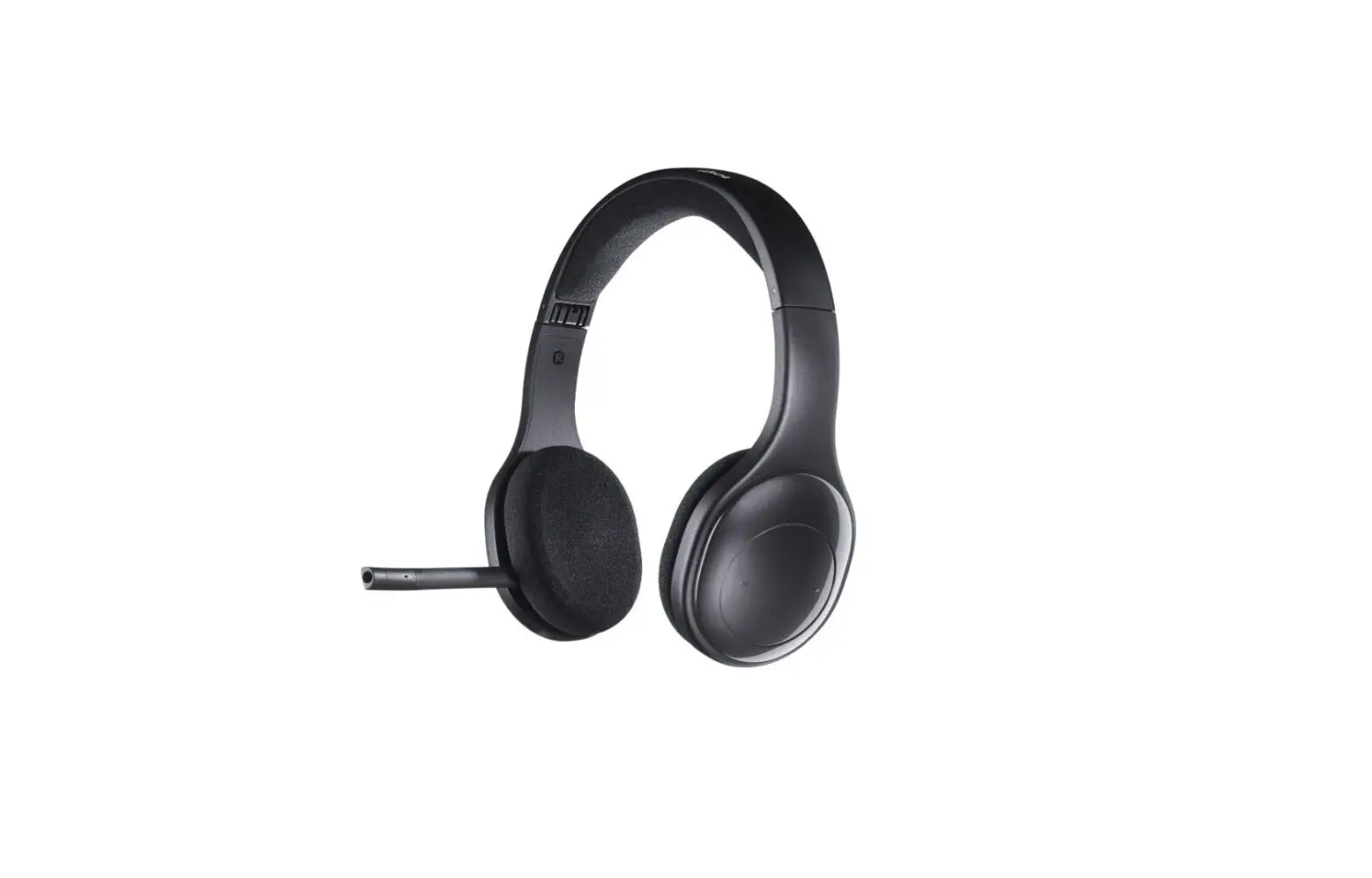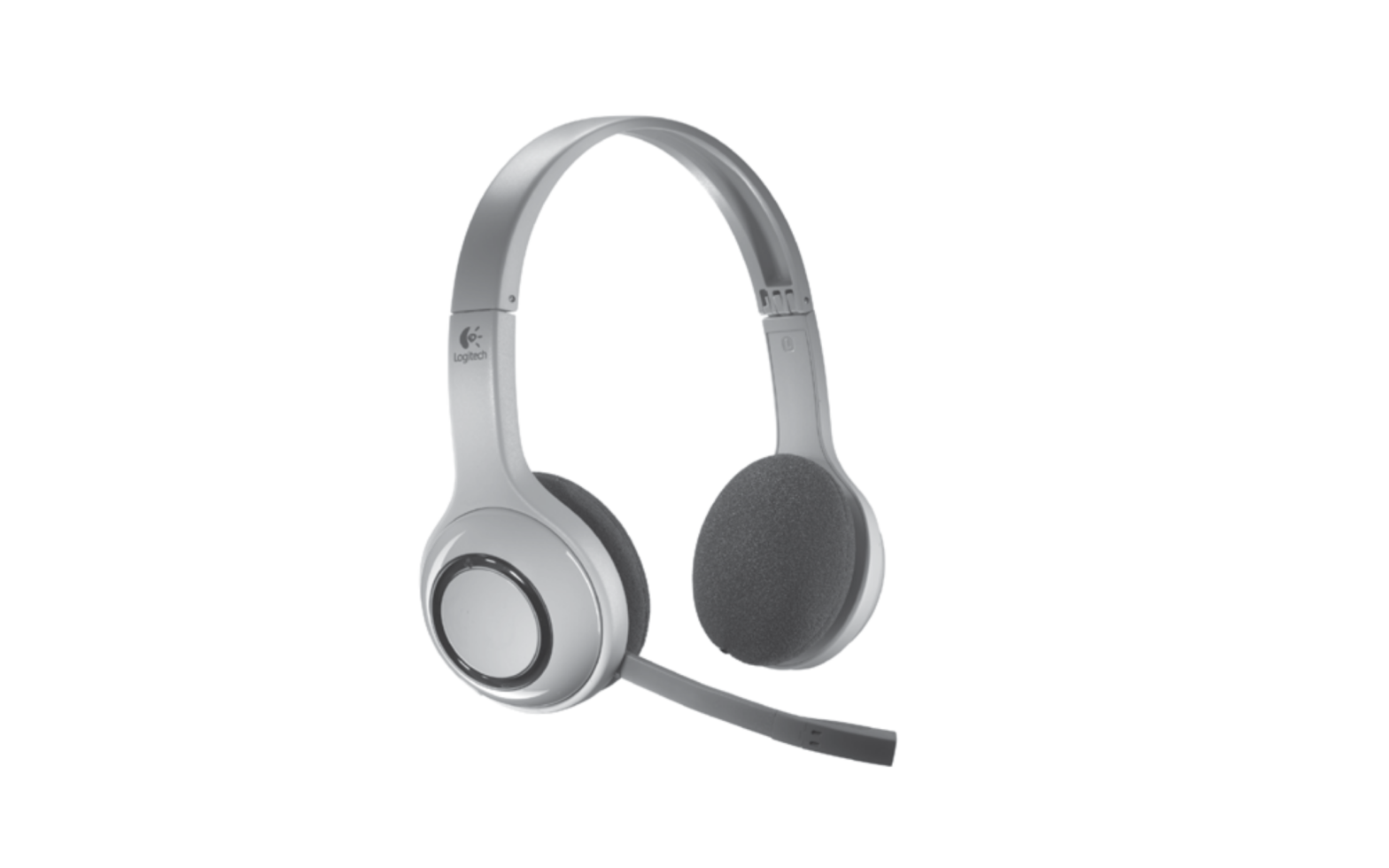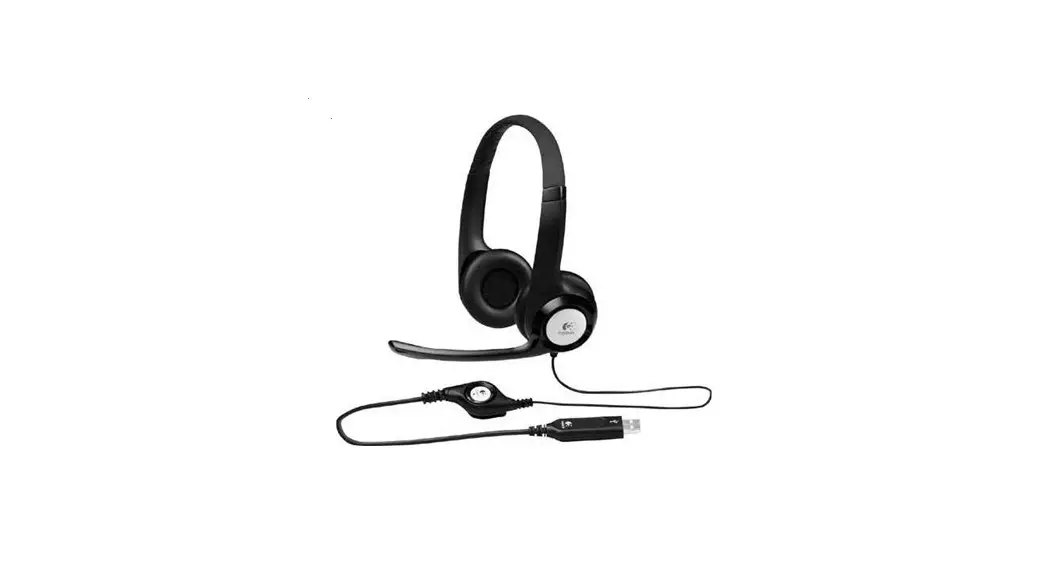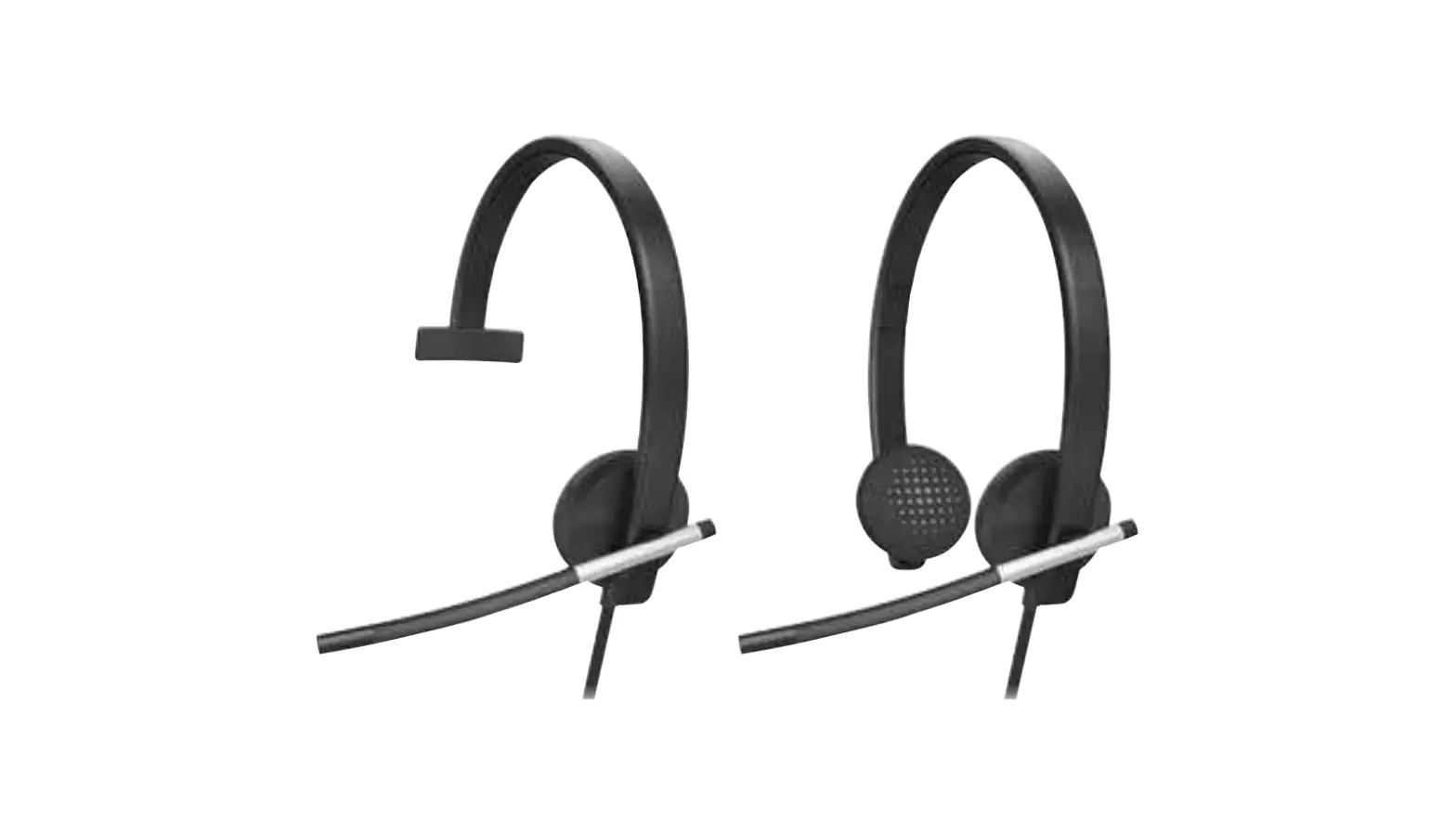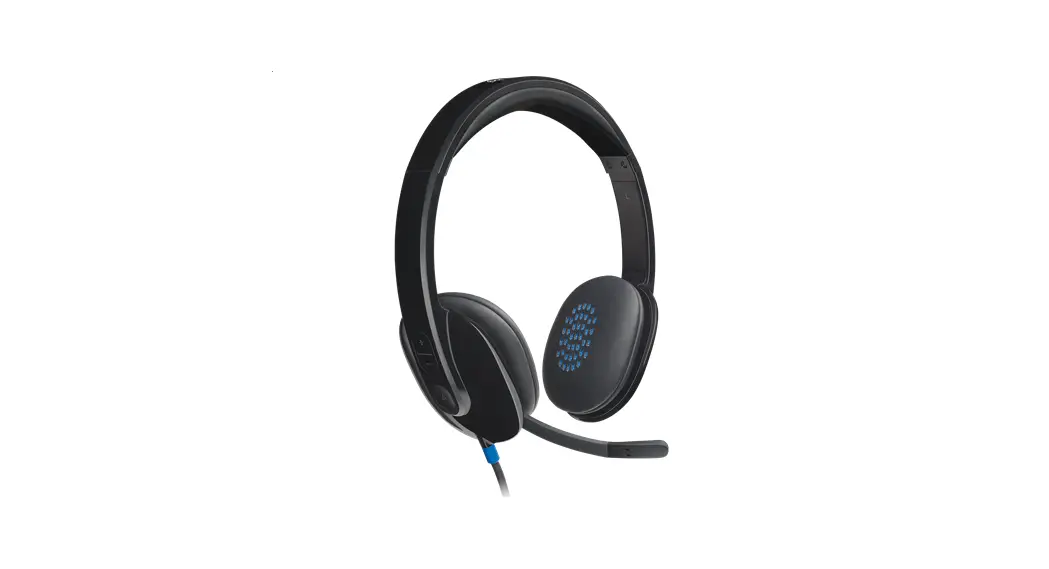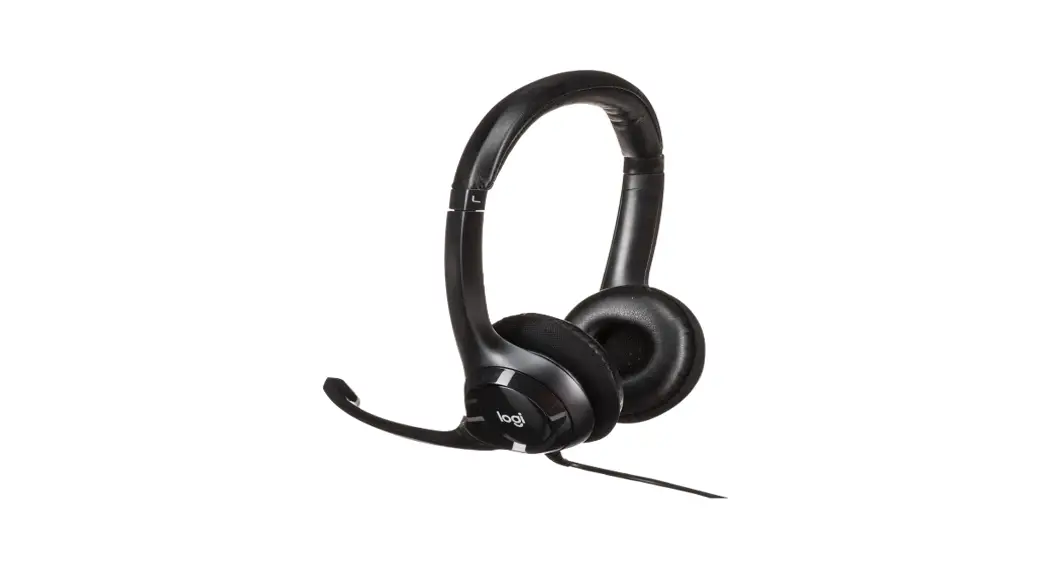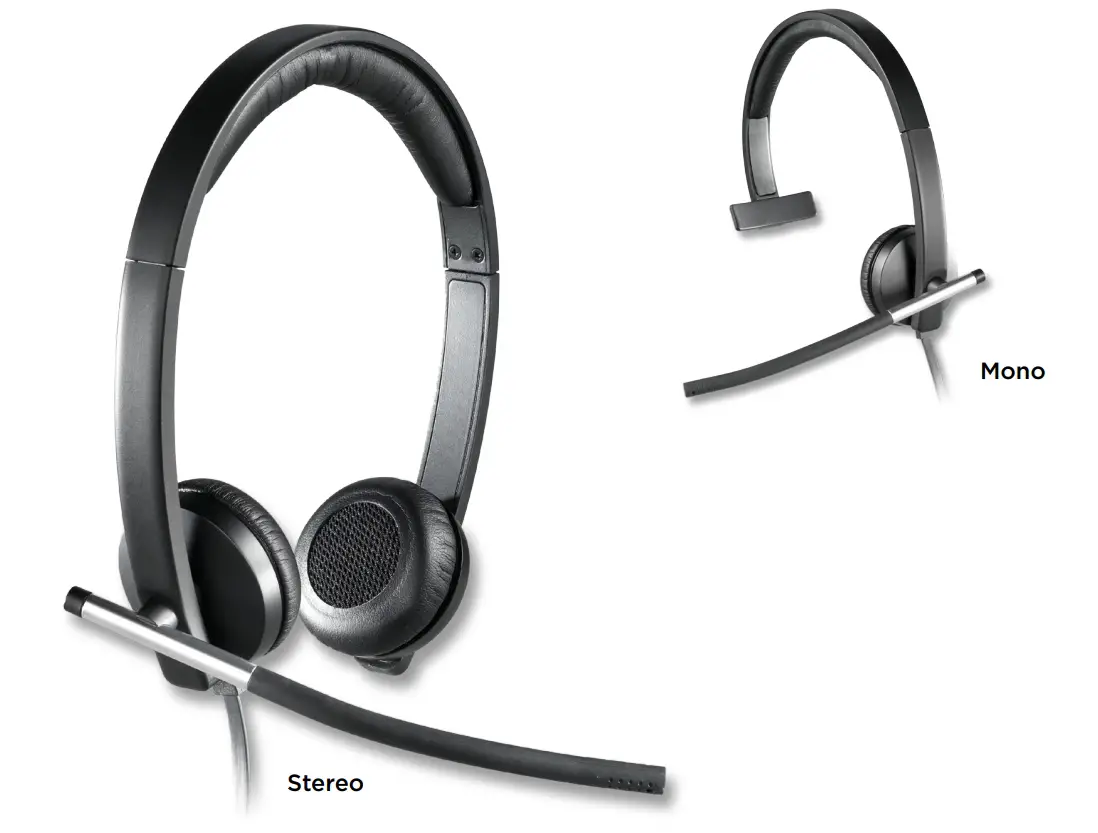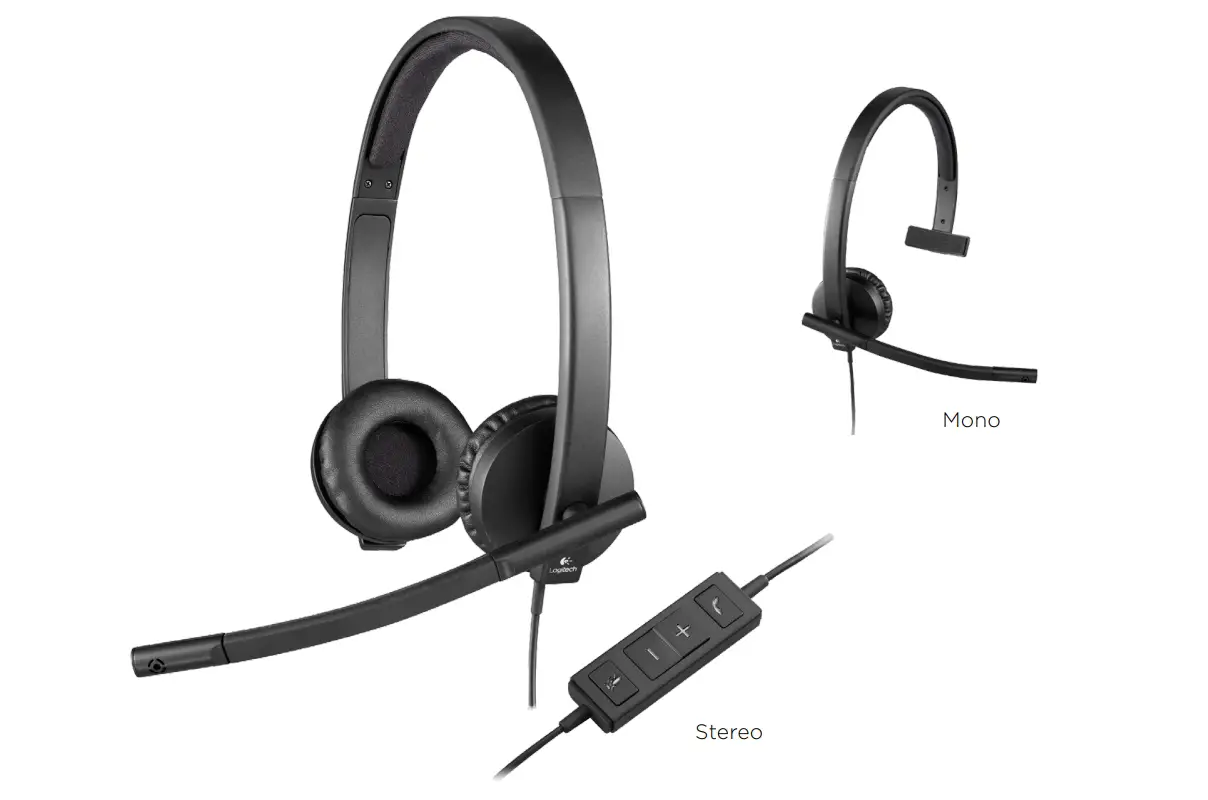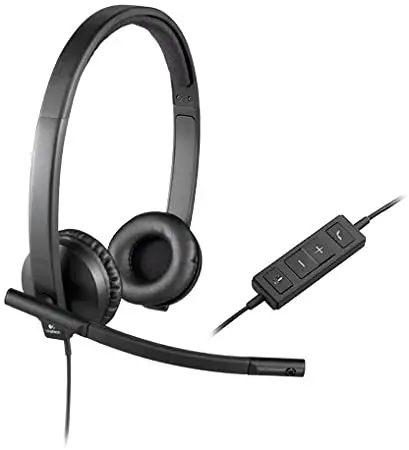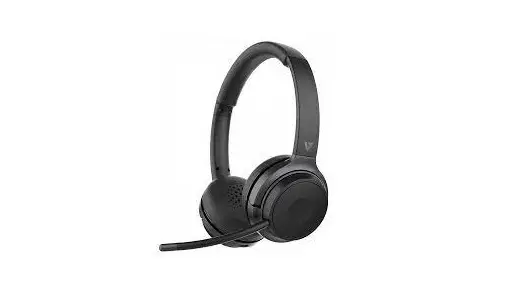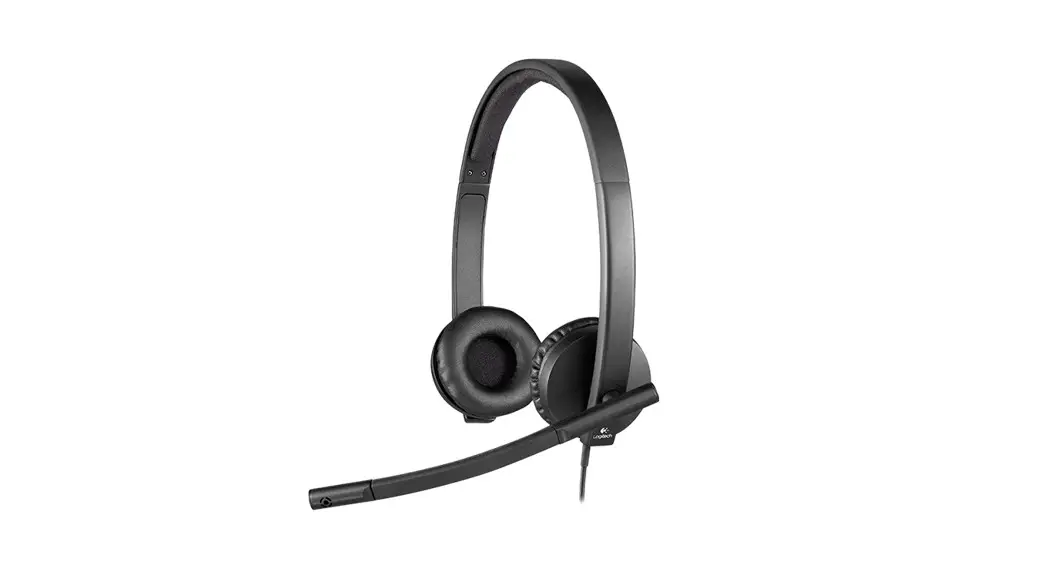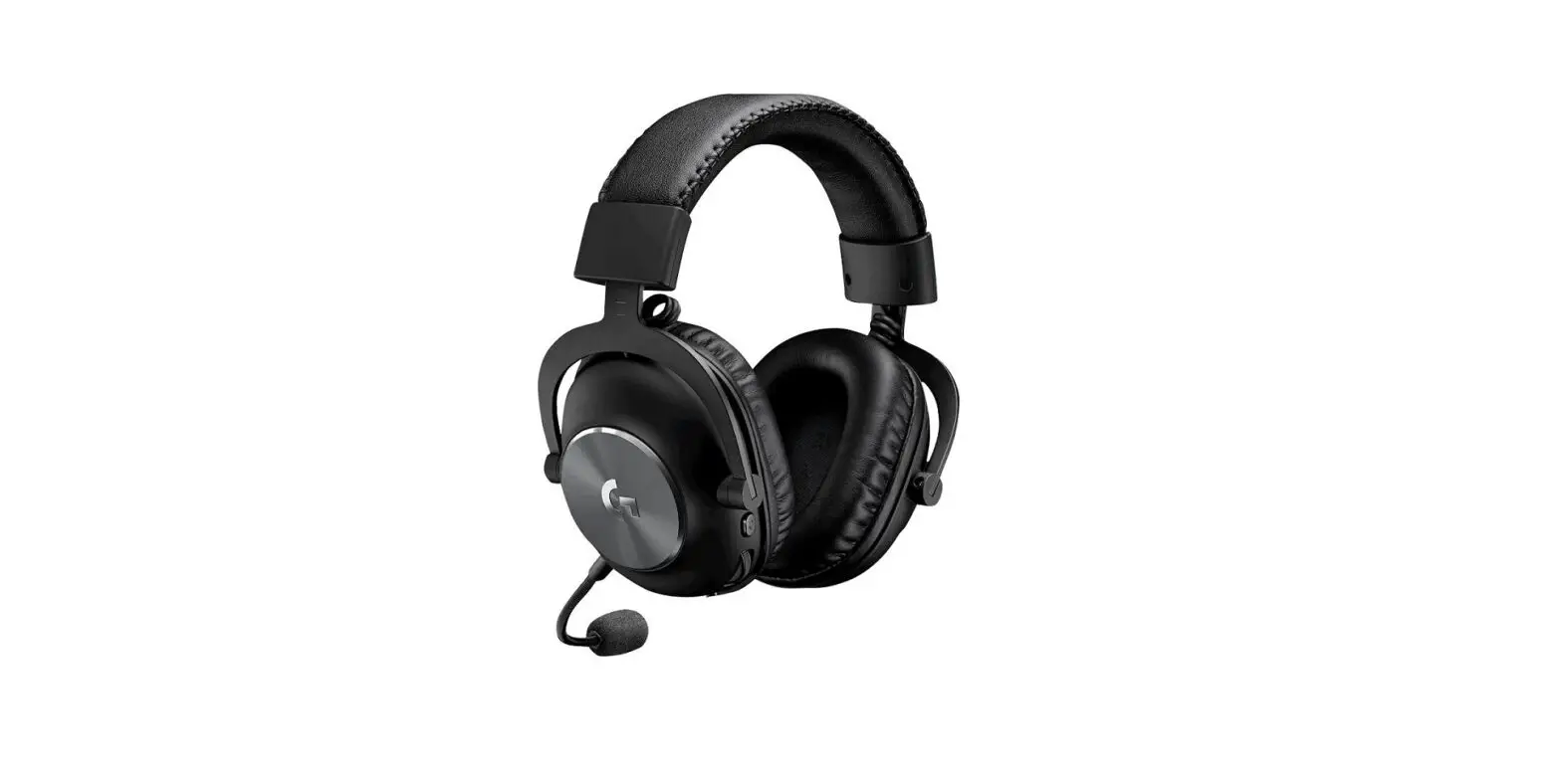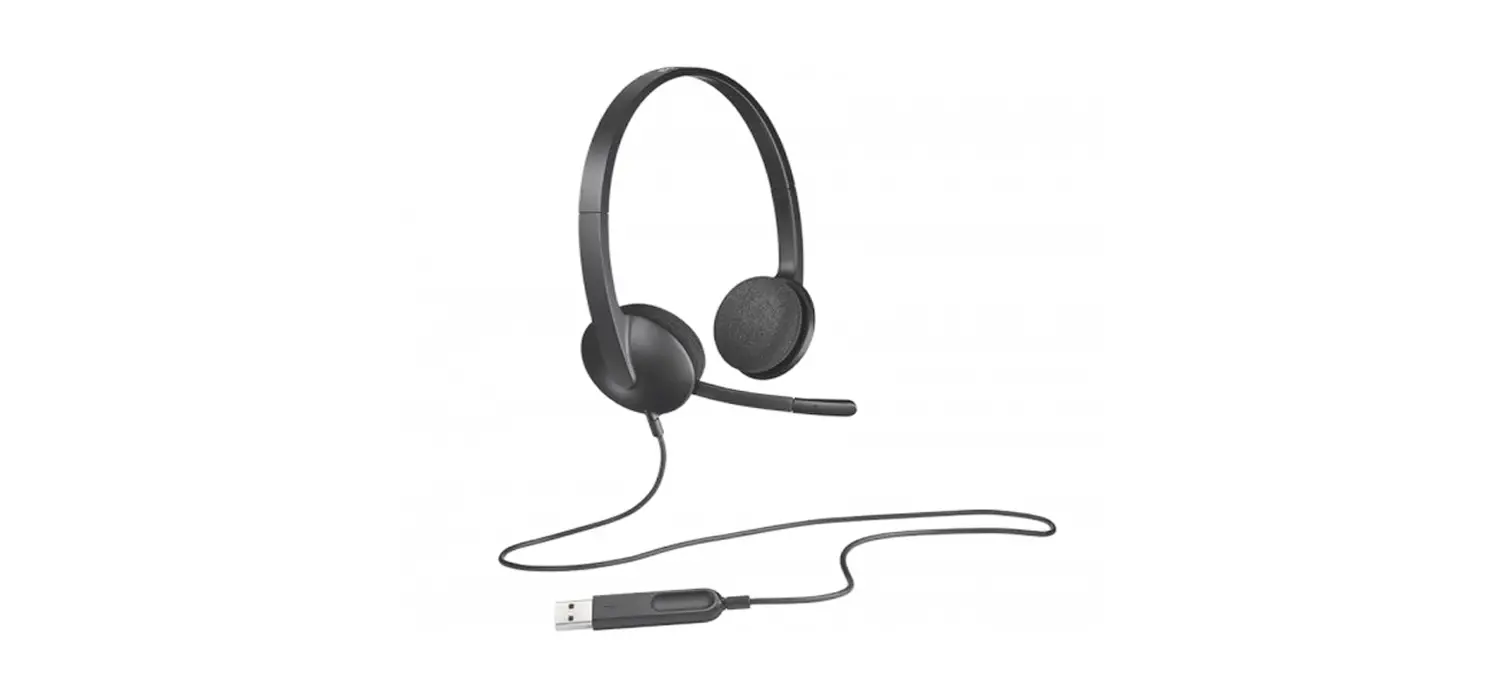

Logitech H600 Wireless Headset
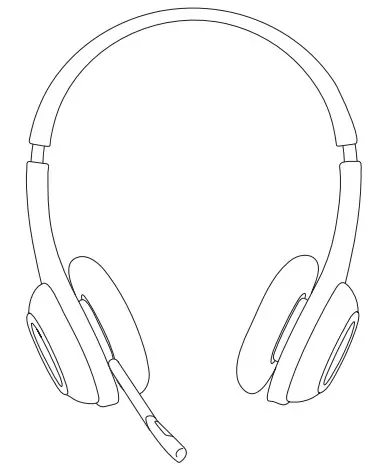
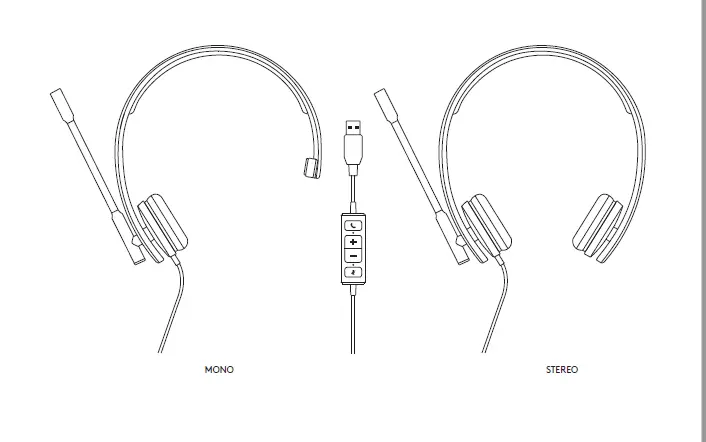
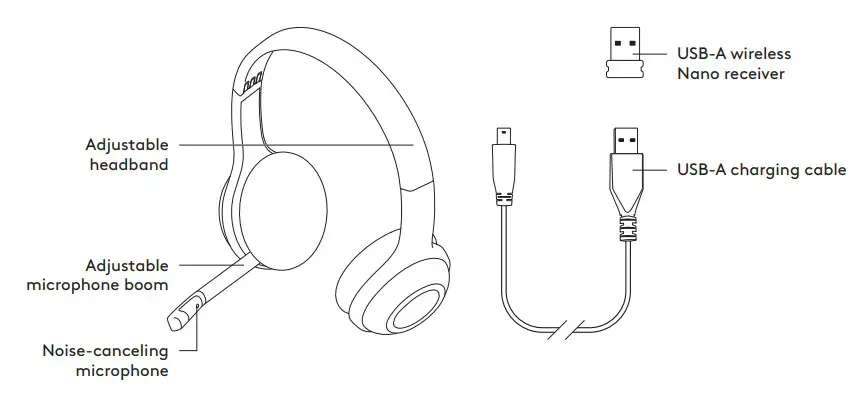
KNOW YOUR PRODUCT
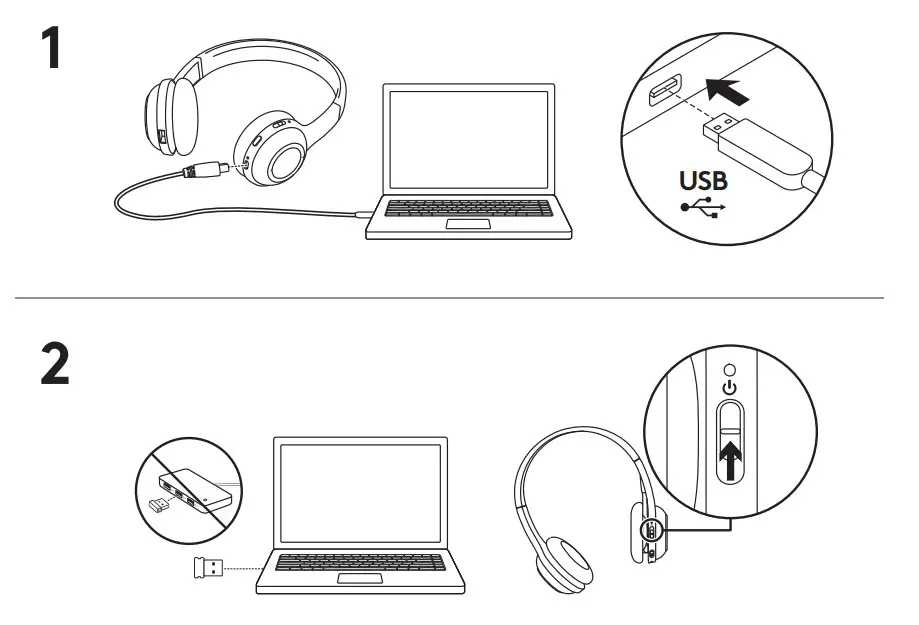
CHARGING AND CONNECTING THE HEADSET
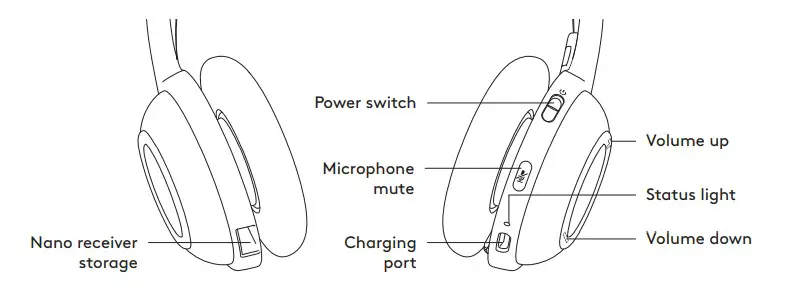
- Connect the headset to a computer using the USB-A charging cable. Charge the headset for 5 hours or until the status light turns solid green.
- Connect the USB-A receiver to a USB-A port on the computer connecting to a USB hub isn’t recommended). Power on your headset.
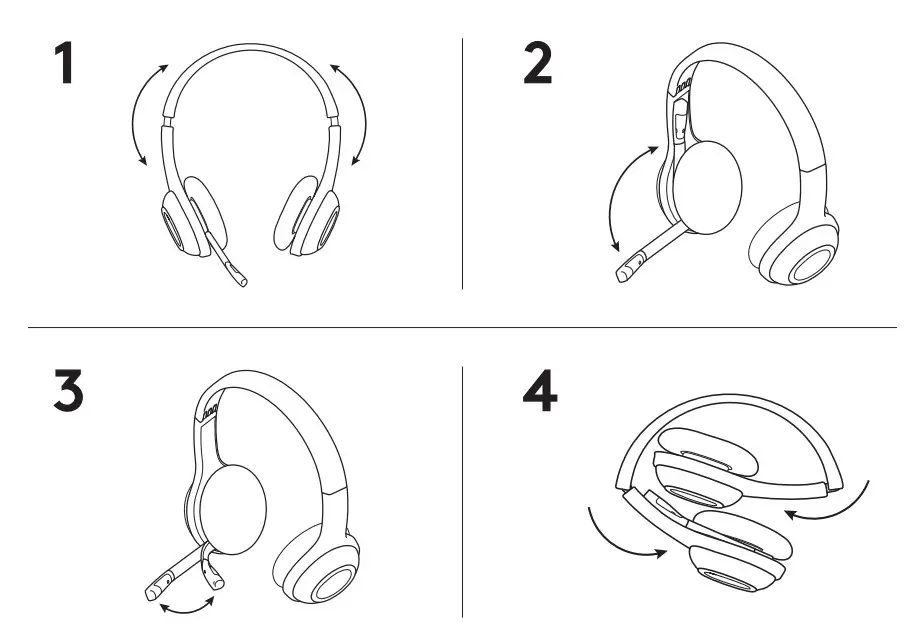
HEADSET FIT
- Adjust headset size by moving the headband up and down until it fits comfortably.
- Move the microphone boom up or down until it is level with your mouth for better voice capture.
- Tuck the right-sided boom inside the headband and out of the way when you’re not using it.
- Fold up the lightweight headset like sunglasses for portability.
 Logitech Support + Download