Contents hide

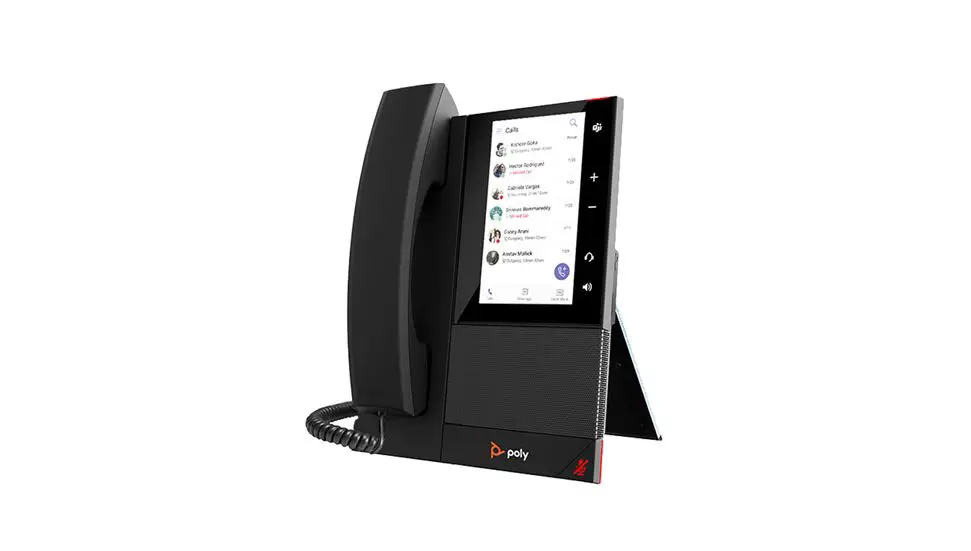
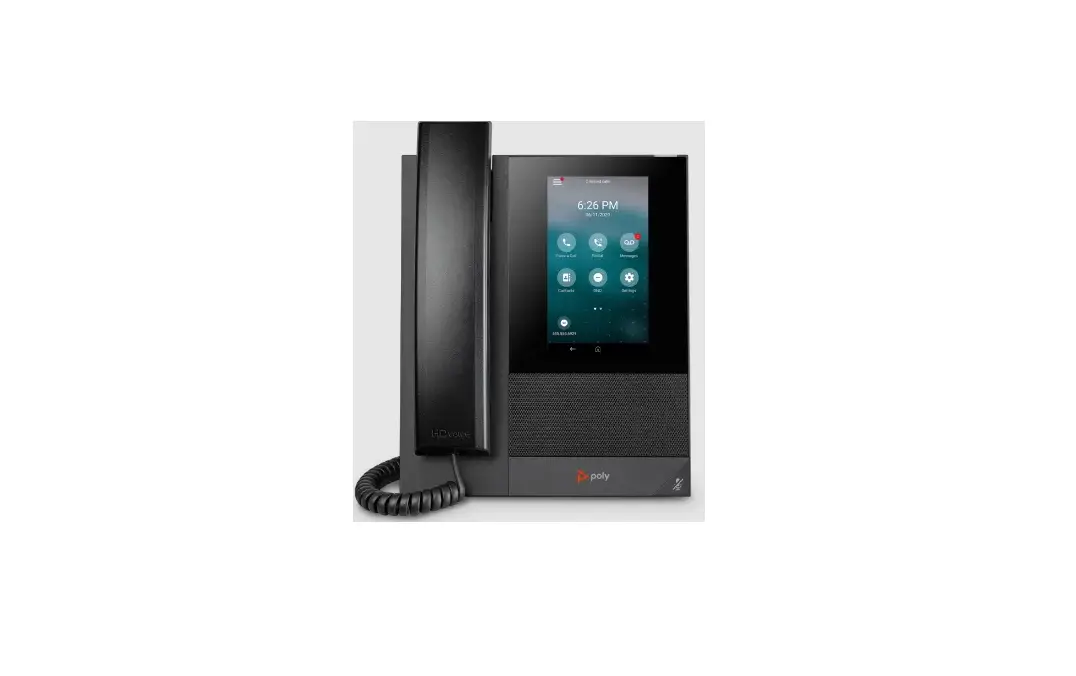
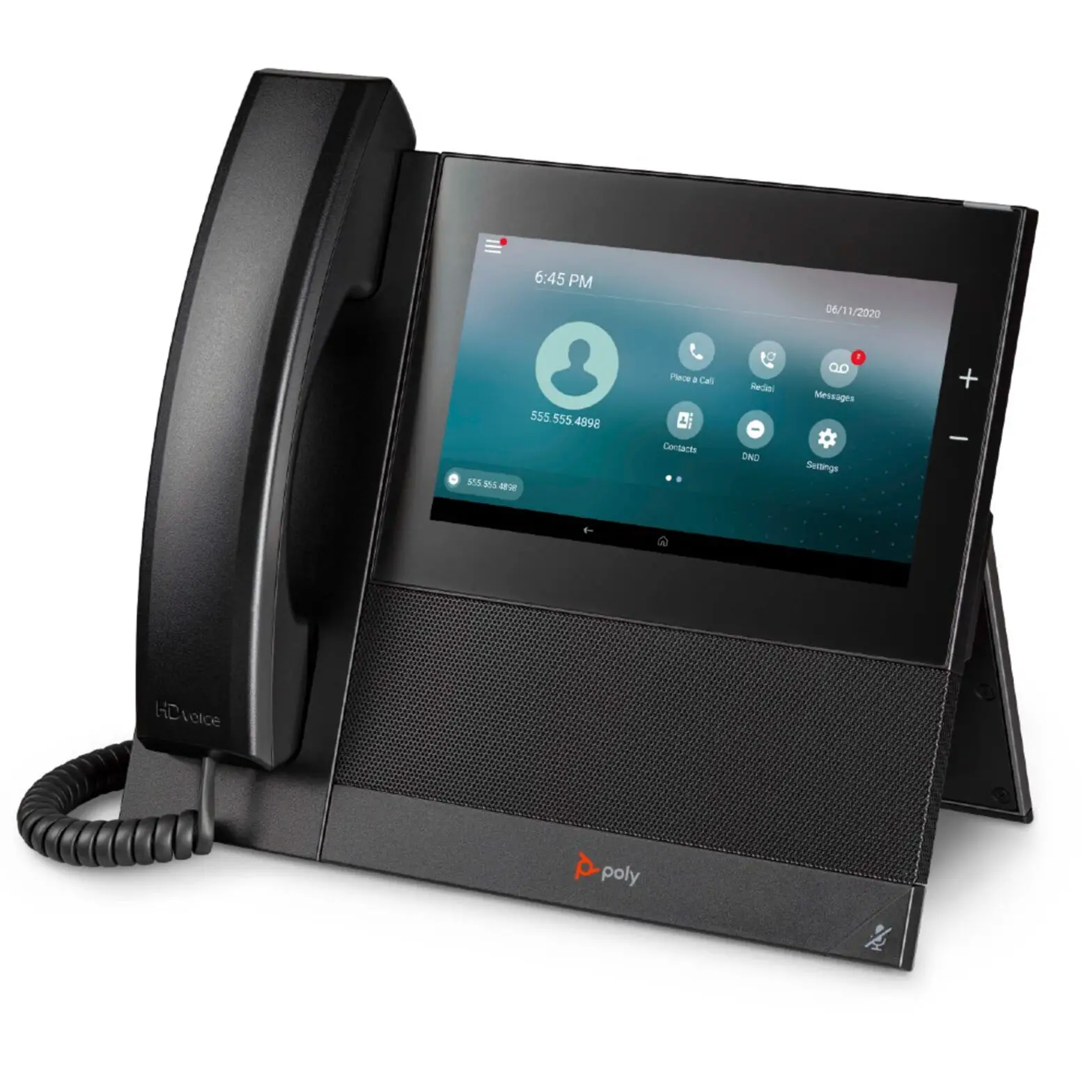
poly CCX600 IP Phone
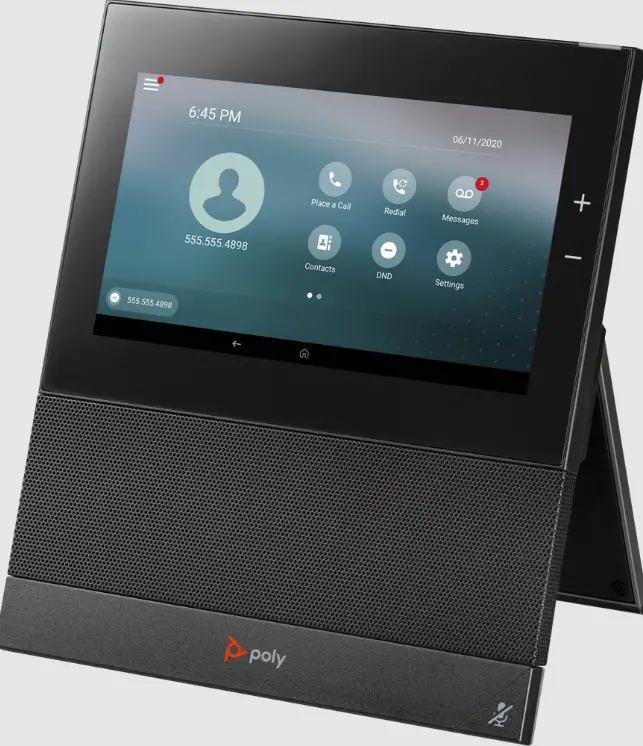
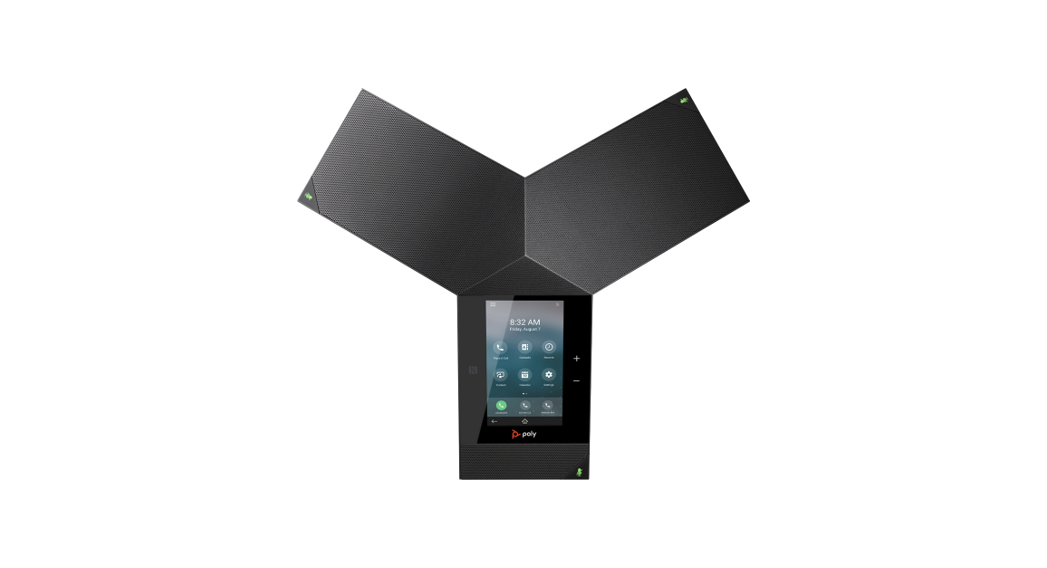
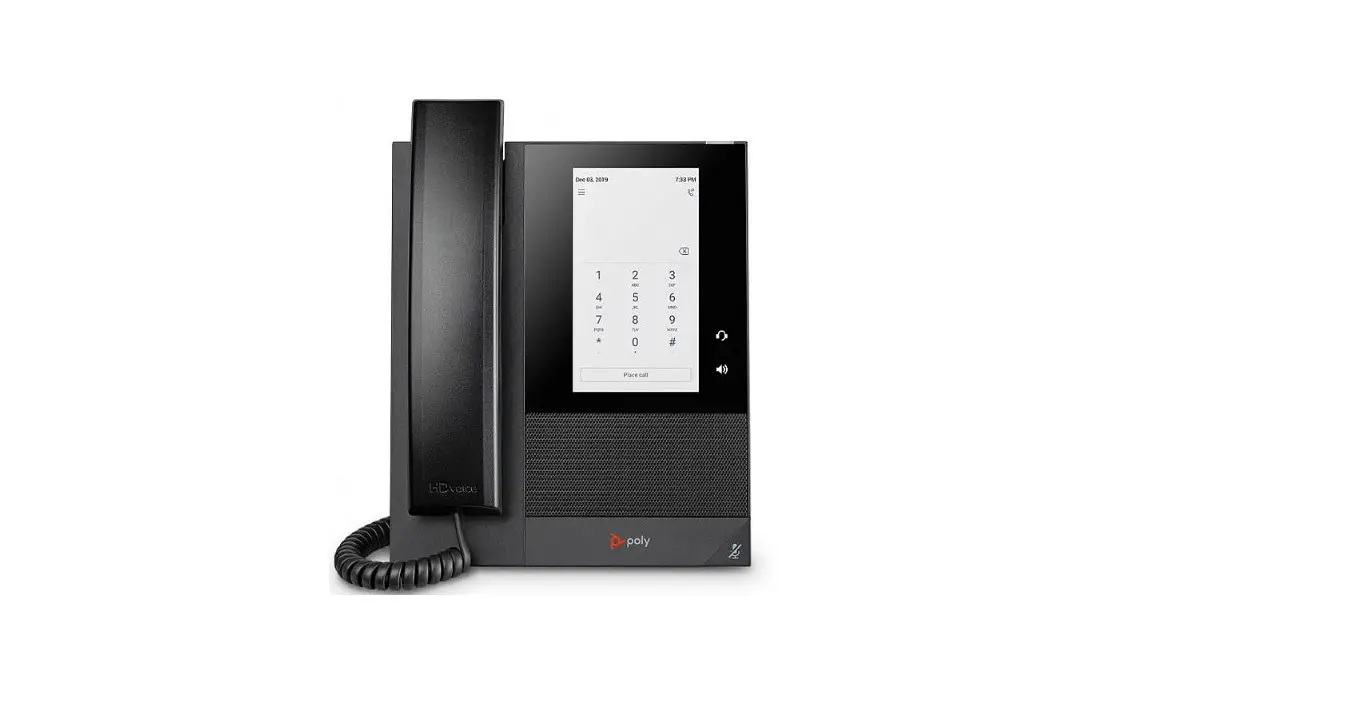
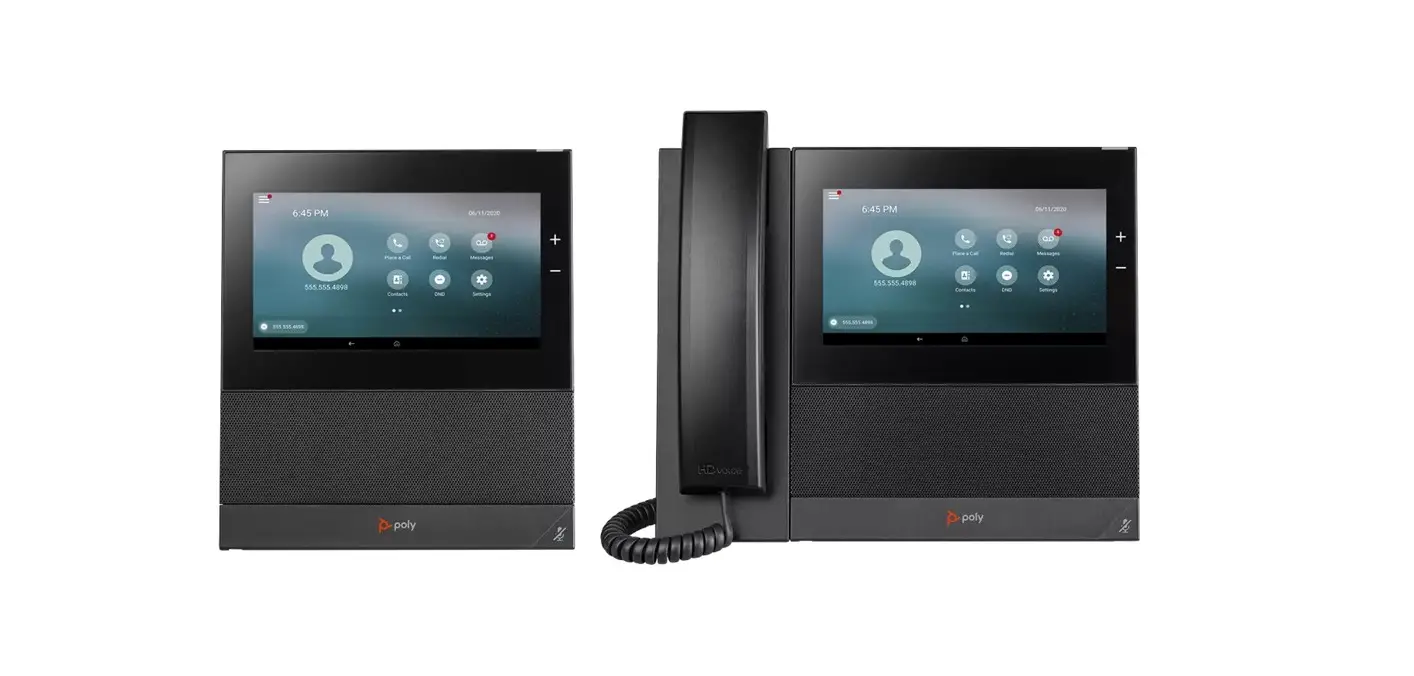
Feature Description 
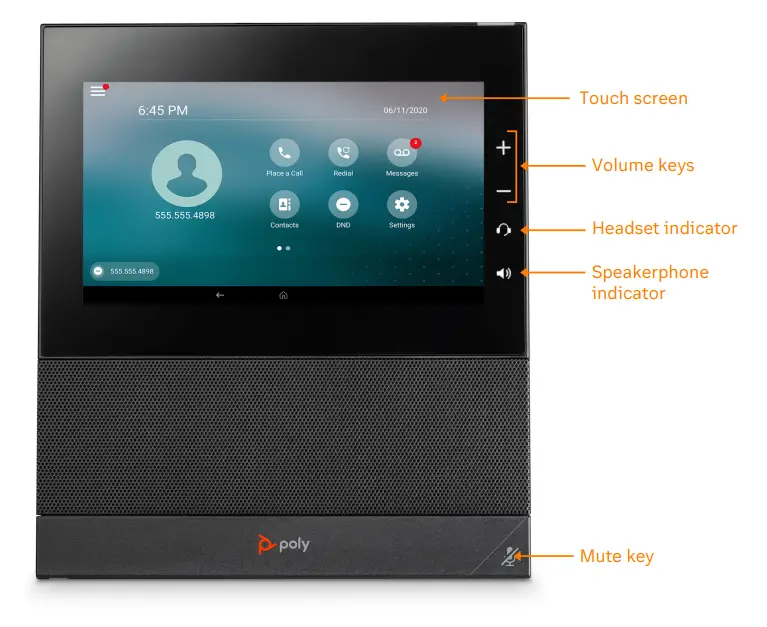
- Touch screen—select items and navigate menus on the touch-sensitive screen.
- Volume keys—adjusts the volume of the handset, headset, speaker, or the ringer.
- Headset indicator—displays when the phone is powered on. The icon glows green or blue when a headset is connected and activated.
- Speakerphone indicator—displays when the phone is powered on. The icon glows green when activated.
- Mute key—mute or unmute the microphone during an active call.
Placing a call
Do one of the following:
- Select Place a Call, enter a phone number, and select Dial .

- Select a favorite
 contact icon.
 - Select Contacts, select a directory, choose a contact, and select Dial .
- Select Recent Calls and choose a contact.

 contact icon.
Answering a call
- Select Answer


Placing a call on hold
- Select Hold
 while on an active call.
 while on an active call.
Retrieving a held call
- Select Resume


Ending a held call
- Select Resume then select Hang Up


Enable Do Not Disturb
- On the Home Screen, select DND


Starting a Conference call
- While on an active call, do one of the following:
- Select Add to enter your contact’s number.
- Select a contact from Contacts or Recent Calls.
- Repeat for additional participants.
Transferring a call
Warm Transfer:
- While on an active call, select Consult

- Dial the number of the other party or choose a contact, then select Dial .
- When the destination party answers, provide the information and confirm that they would like to take the call.
- Select Complete Transfer


Blind Transfer:
- While on an active call, select Transfer
- Press the Blind soft key.
- Dial the number of the other party or choose a contact, then select Dial .
- The call is transferred immediately.
Voicemail Transfer:
- Press or the transfer soft key.
- Press the Blind soft key.
- Dial *0 plus the extension number of the voicemail where you want to transfer the call.
Parking a call
- While on an active call, dial ##*3 .
- Listen to the prompt indicating that the call has been parked. The prompt will also announce the extension where the call is parked.
- Note the park location. Example *802.
Retrieving a Parked Call
- Press *, followed by the park location.
Forwarding Calls
To forward an incoming call:
- Select Forward .
- Enter the contact’s number, then select Forward
To forward all incoming calls:
- Select Forward .
- If you have more than one line, select a line.
- Choose one of the following:
- Always
- No Answer
- Busy
- Enter a contact’s number, then select Enable.
If you select No Answer, enter the number of rings before the phone forwards the call.
Paging
Dial *84, then follow the prompt.
Initiating an Intercom call
Press *85, then follow the prompt.
Recording a call
- While on an active call, dial *9 to start the recording.
- Press *9 to end the recording.
Accessing Voicemail
- On the Home screen, select Messages
- You will be directly connected to the Message Center.
- Enter your passcode and follow the prompt.