
VENDETTA200 UNLEASHED
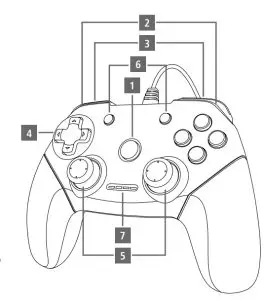
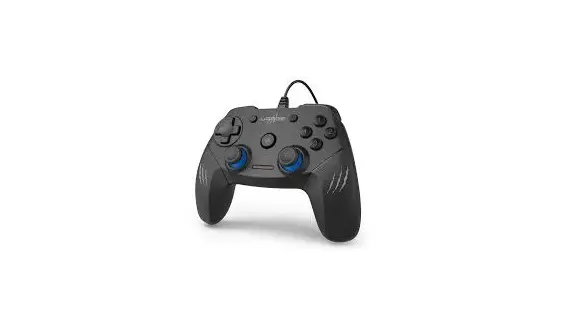
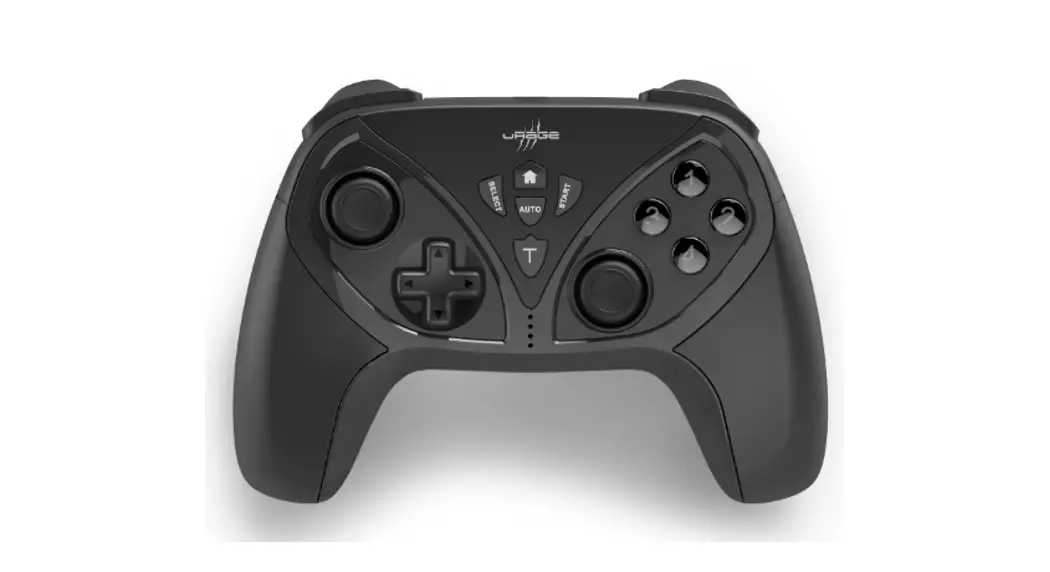
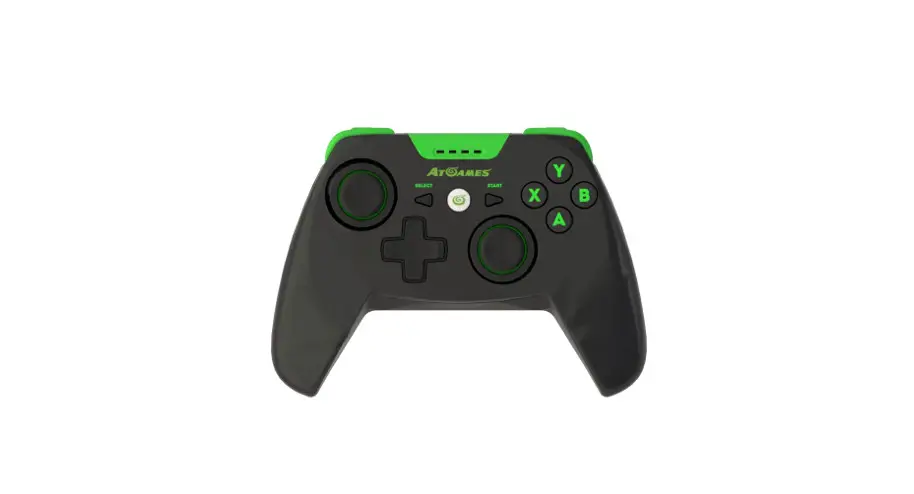
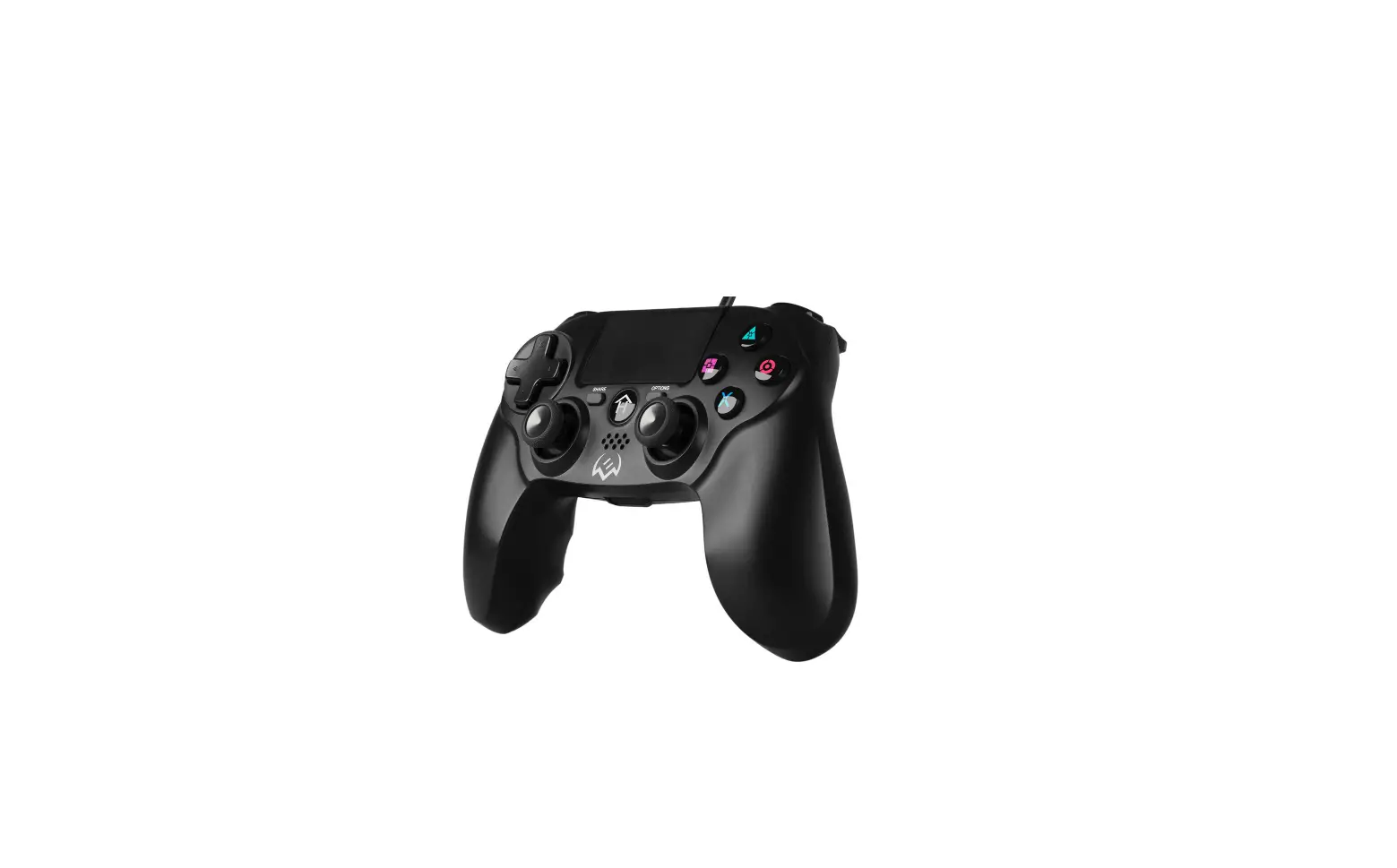
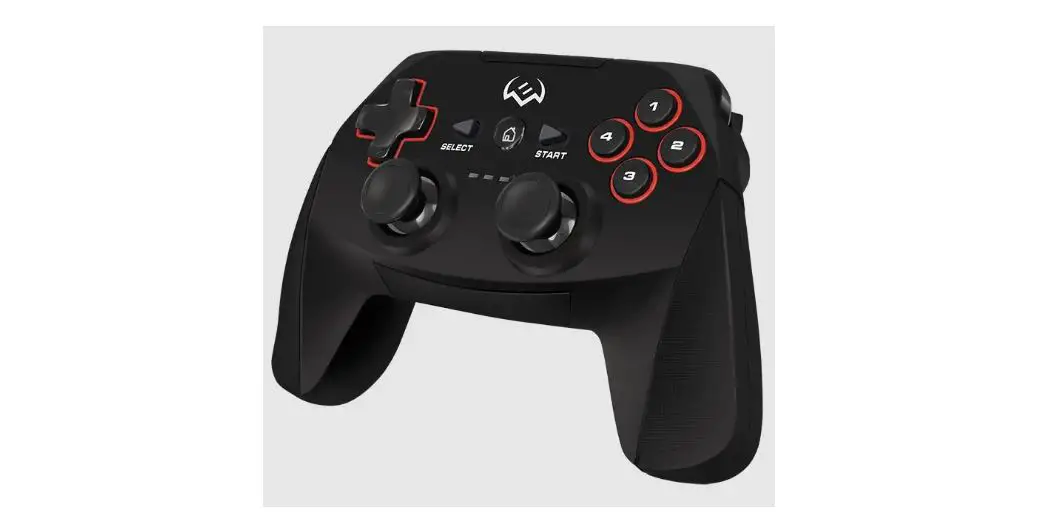
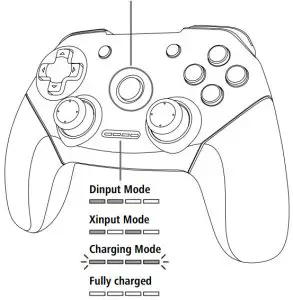
| 1 | Digital/analogue switch(Mode button) |
| 2 | Trigger buttons |
| 3 | Shoulder buttons |
| 4 | Direction pad with 8movement directions |
| 5 | 2analoguestickswith button function |
| 6 | Start/Select |
| 7 | Mode display |
 DRIVER FOR VIBRATION

Further information is available on:
WeitereInformationen finden Sie hier:
www.hama.com/00186039
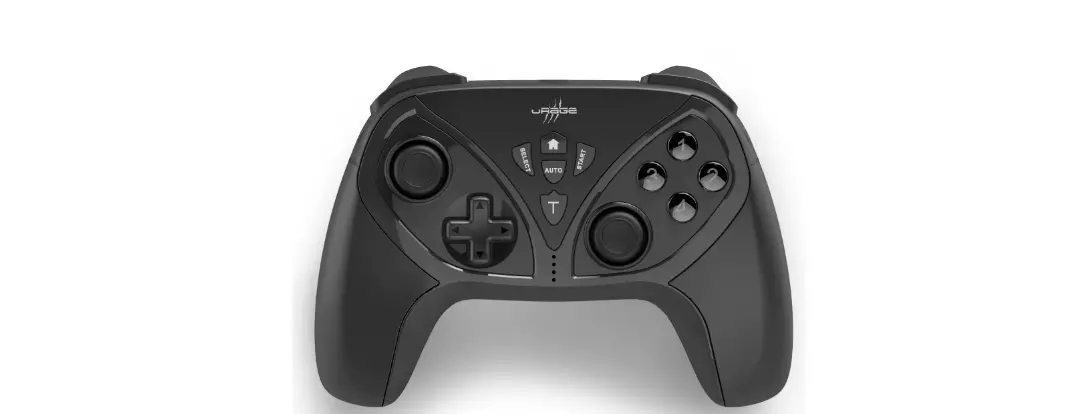
Push the Home-Button for 10 seconds to change the Mode.
Drücken Sie 10 Sekunden lang den Home-Button um den Modus zu wechseln.
Safety Notes
- Protect the product from dirt, moisture, and overheating, and only useitindry locations.
- Do not drop the product and do not expose it to any major shocks.
- Donot open the product or continue to operate it if it becomes damaged.
- Do not throw the battery or the product into fire.
- Do not tamper with or damage/heat/ disassemble the batteries/rechargeable batteries.
Warning –Battery
- Only use suitable chargingdevicesorUSB connections for charging.
- Avoid storing, charging, or using the device in extreme temperatures and extremely low atmospheric pressure (for example,at high altitudes).
Hama GmbH &CoKG
86652 Monheim/Germany
www.hama.com

www.hama.com/nep
All listed brands are trademarks of the corresponding companies. Errors and omissions excepted, and subject to technical changes. Our general terms of delivery and payment are applied.