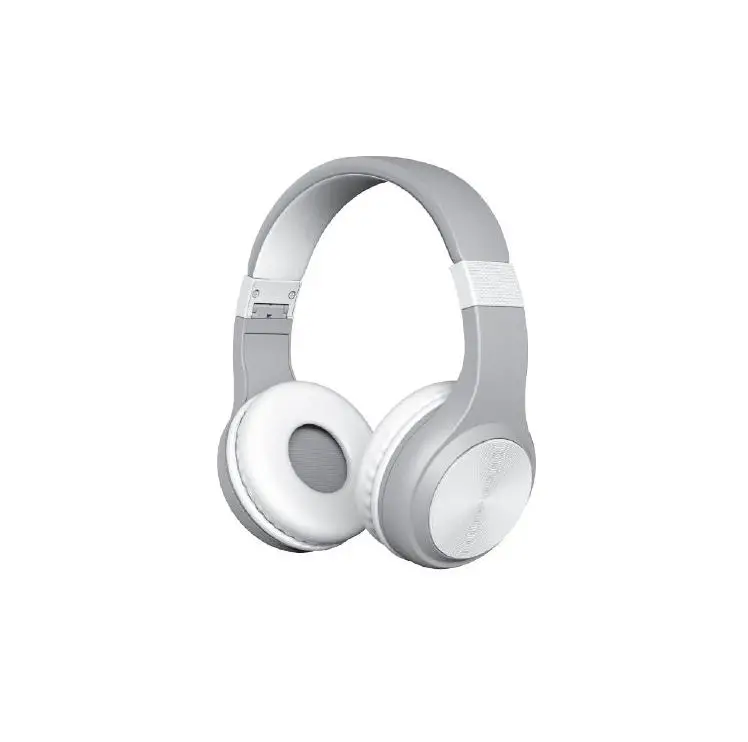
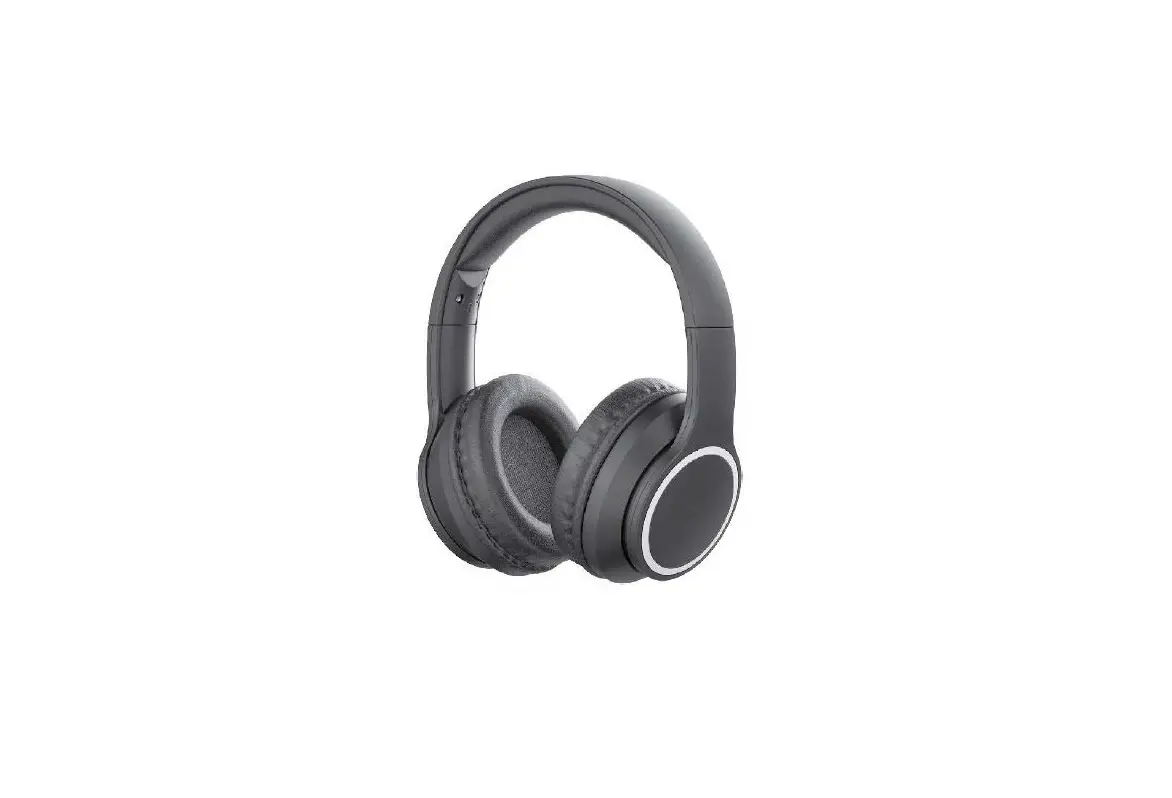
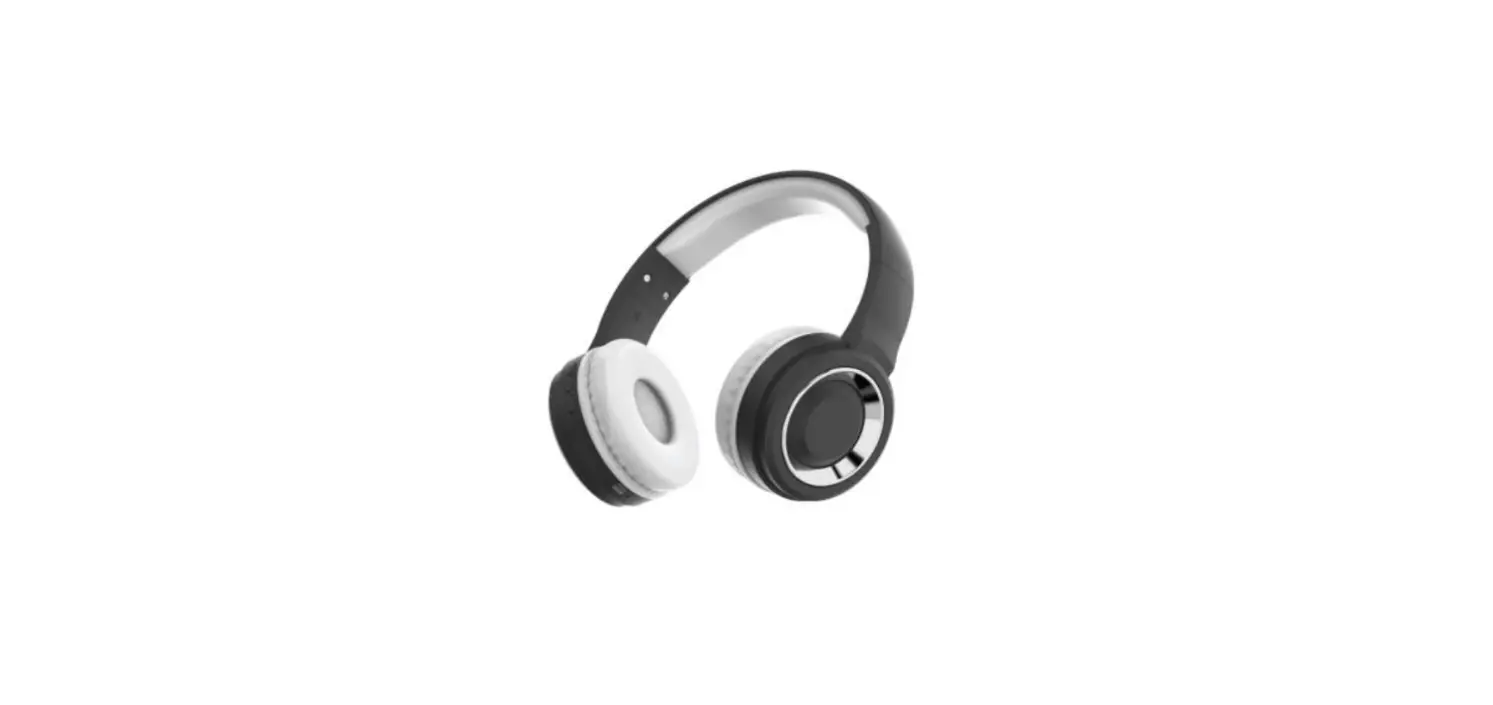
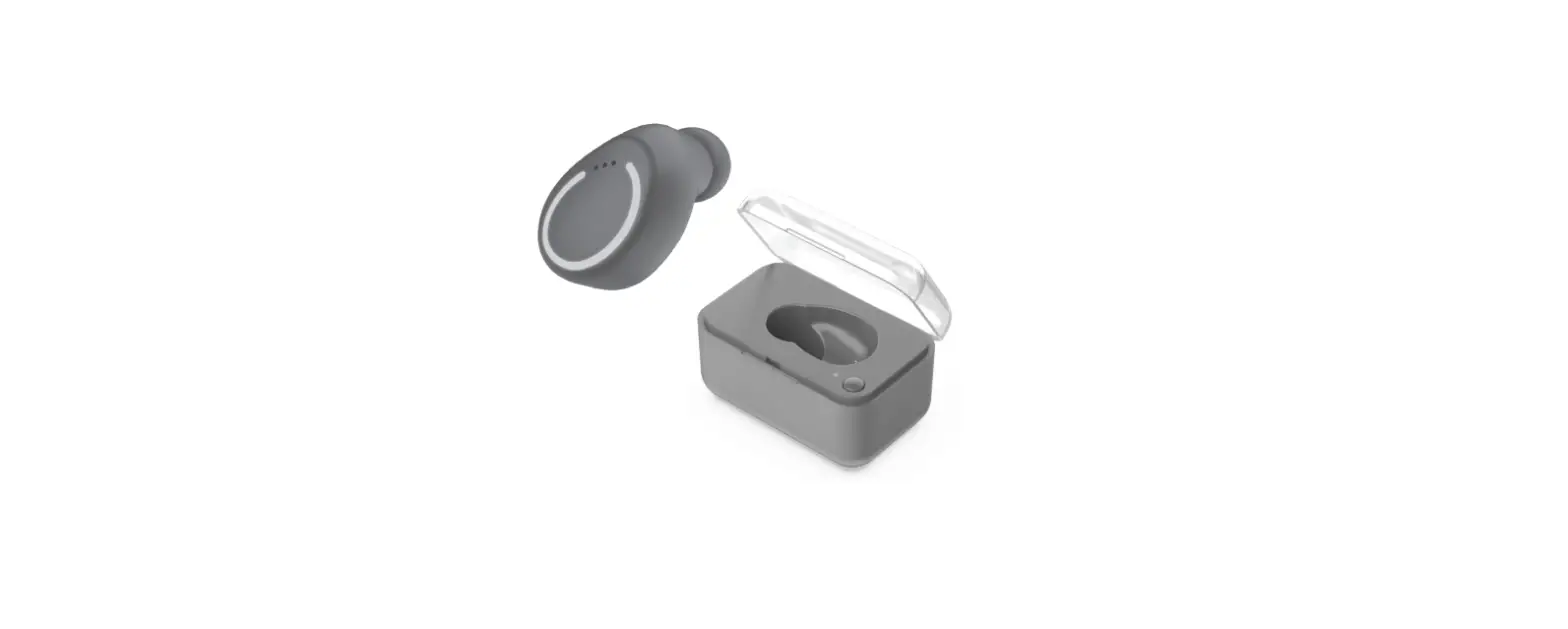
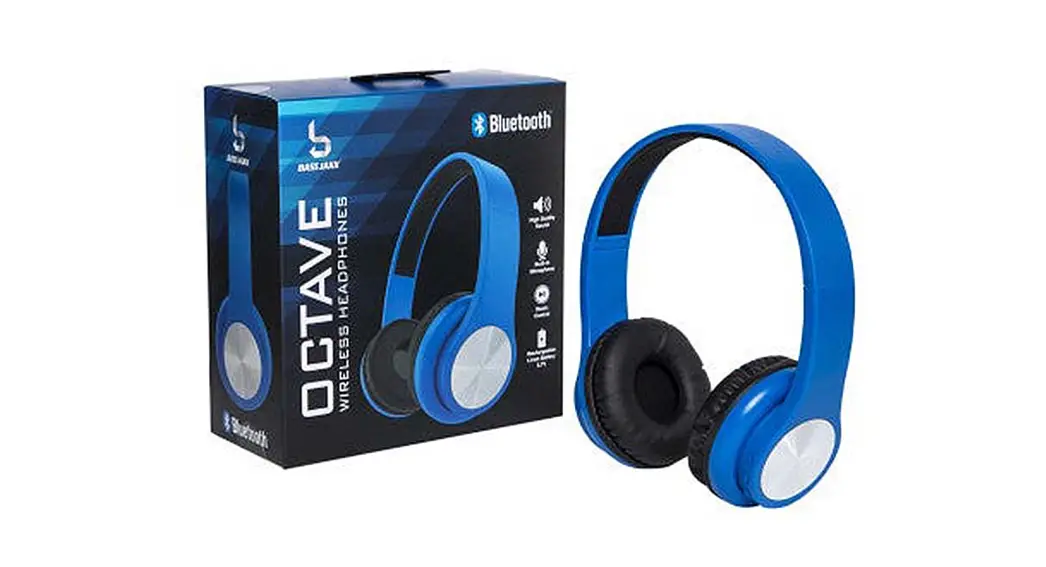
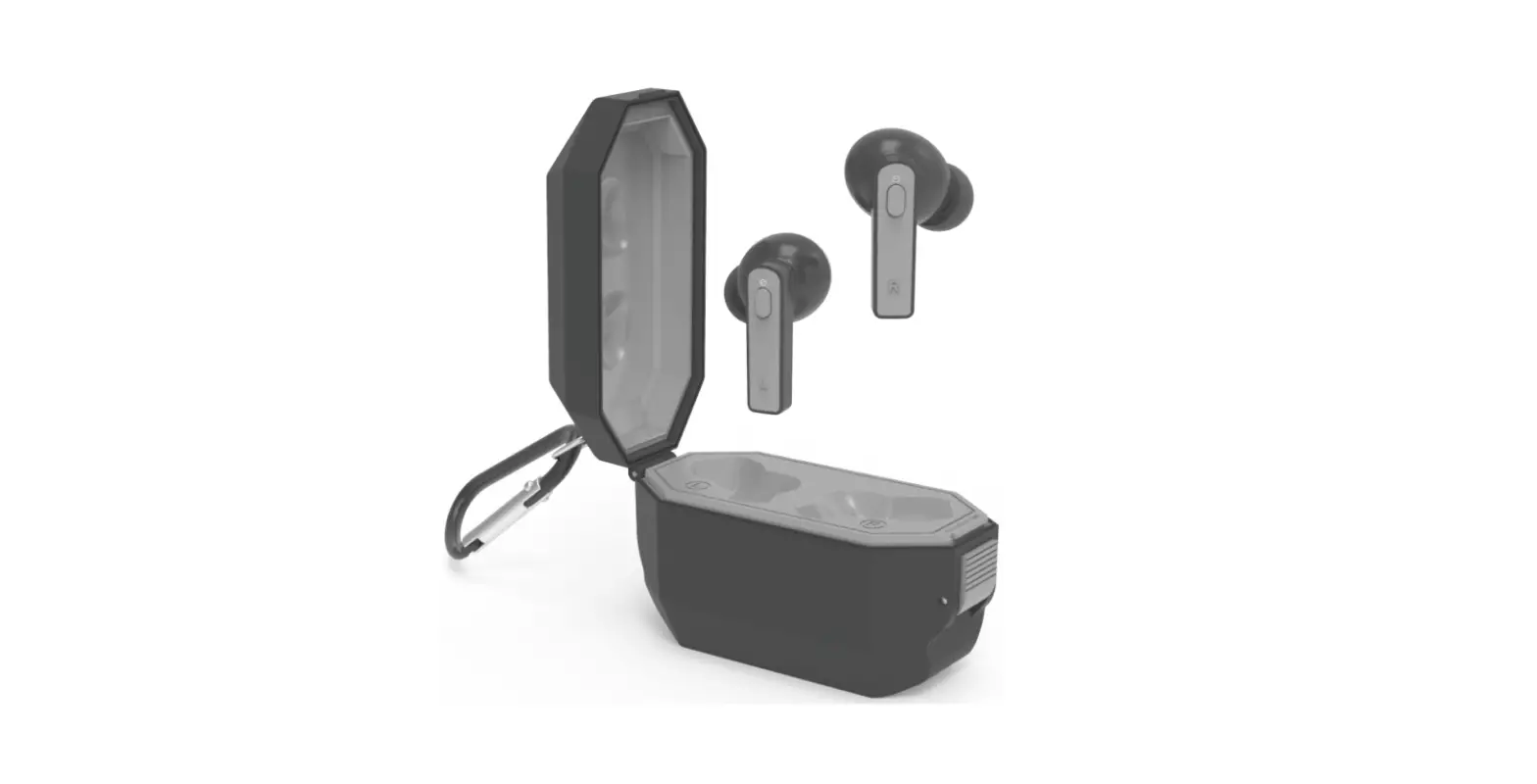
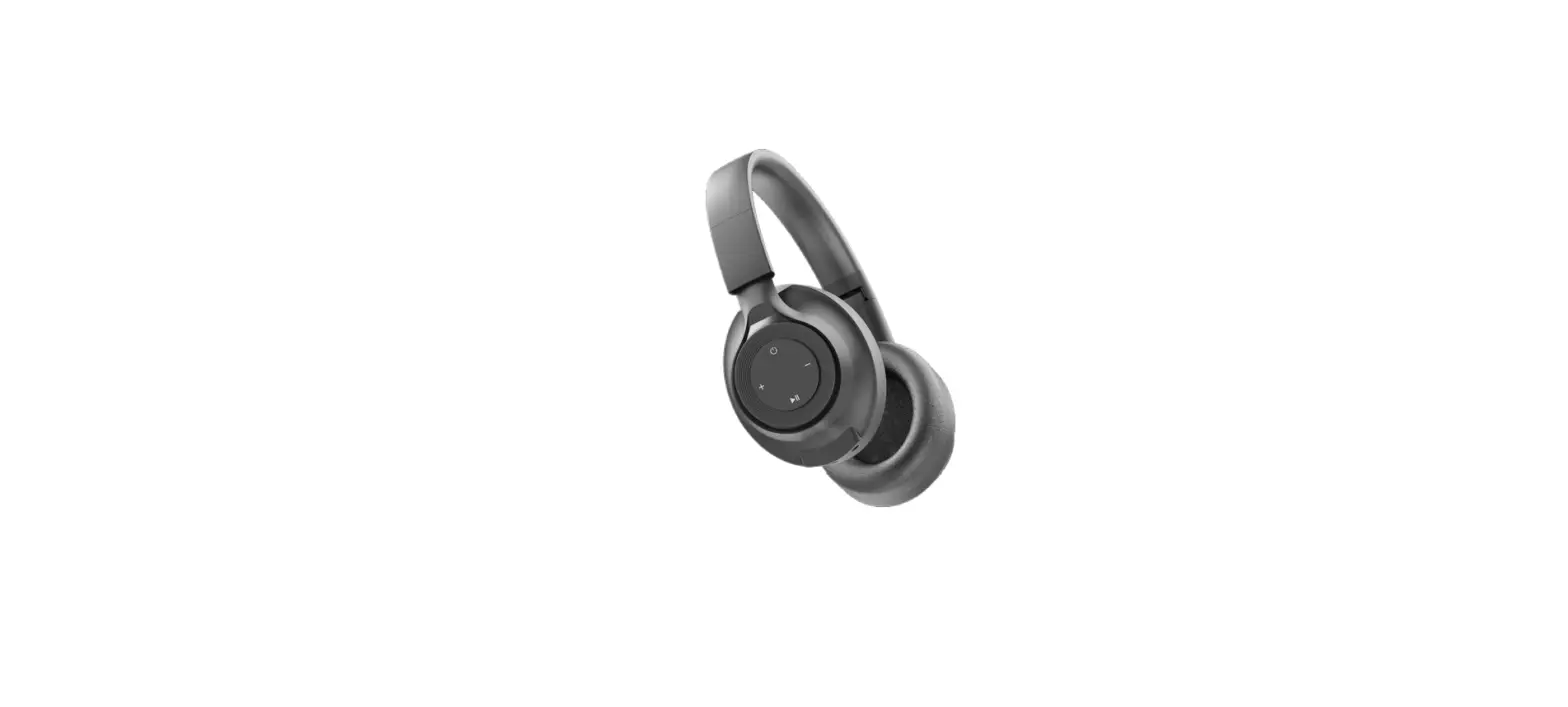
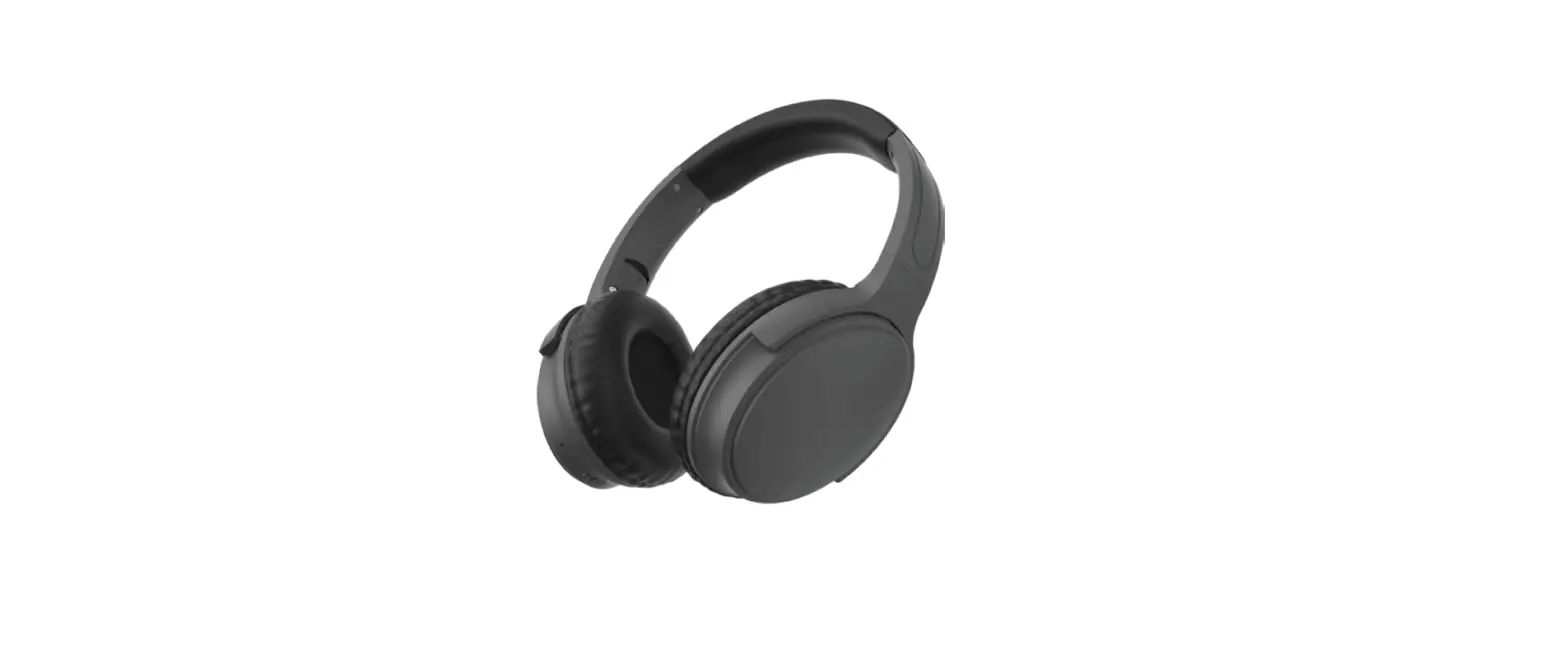
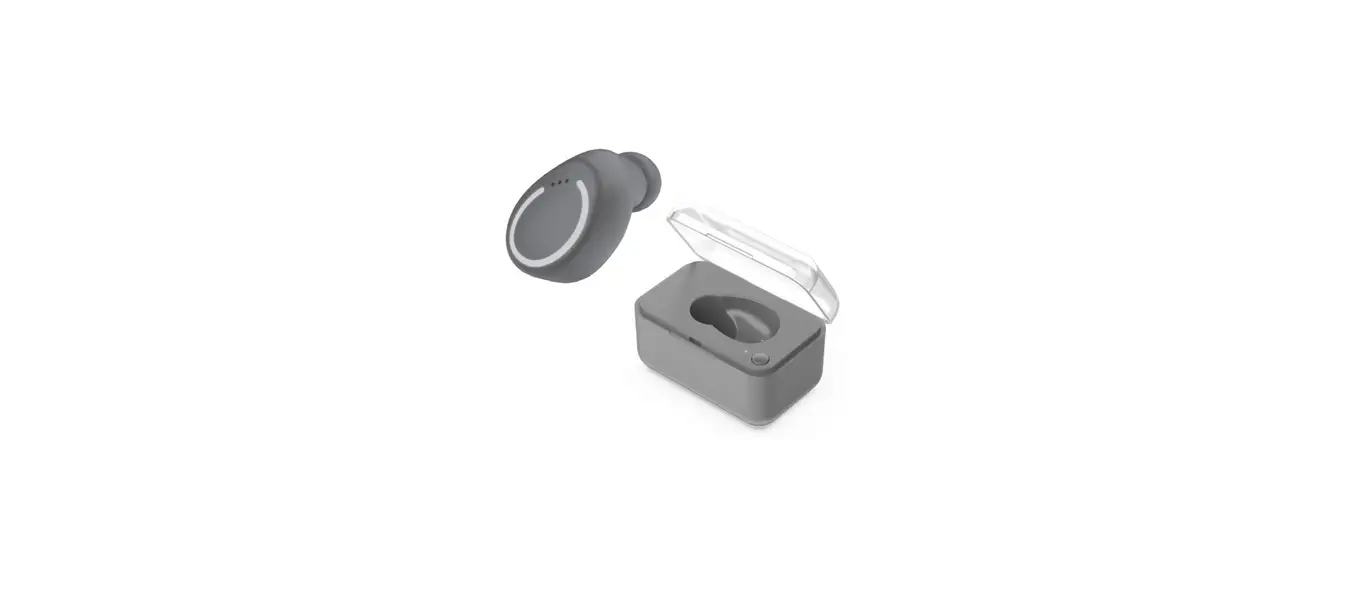
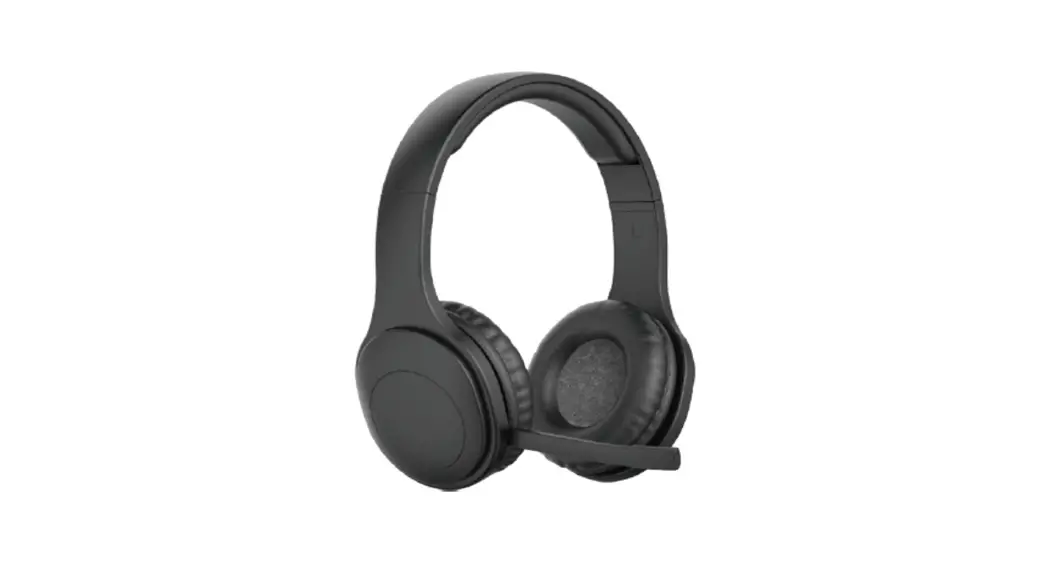
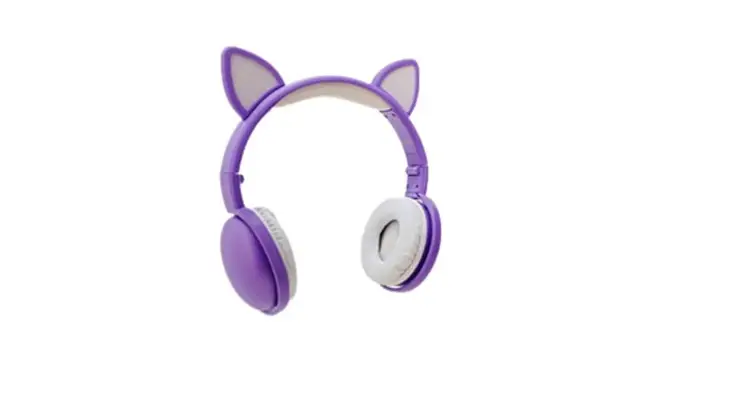
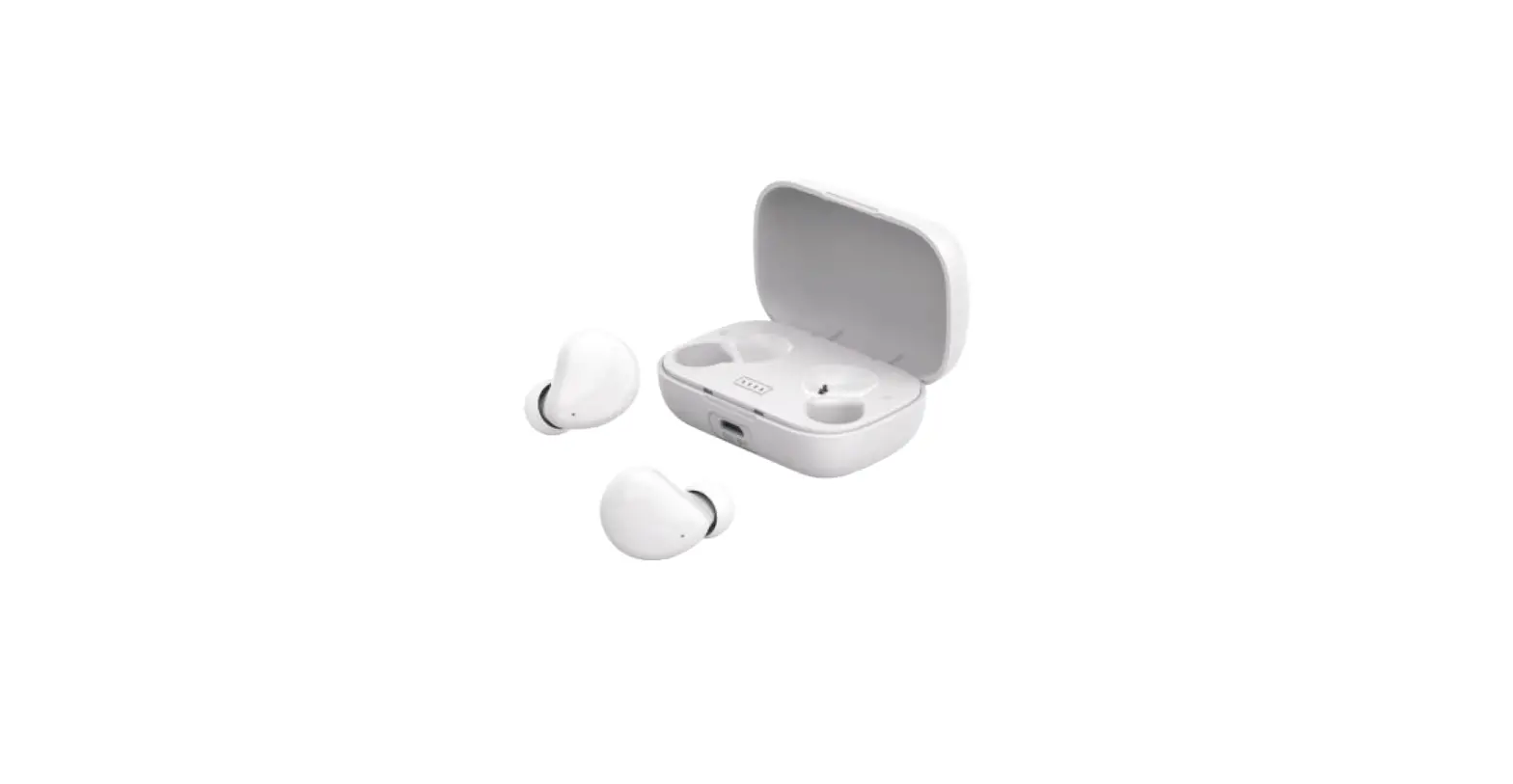
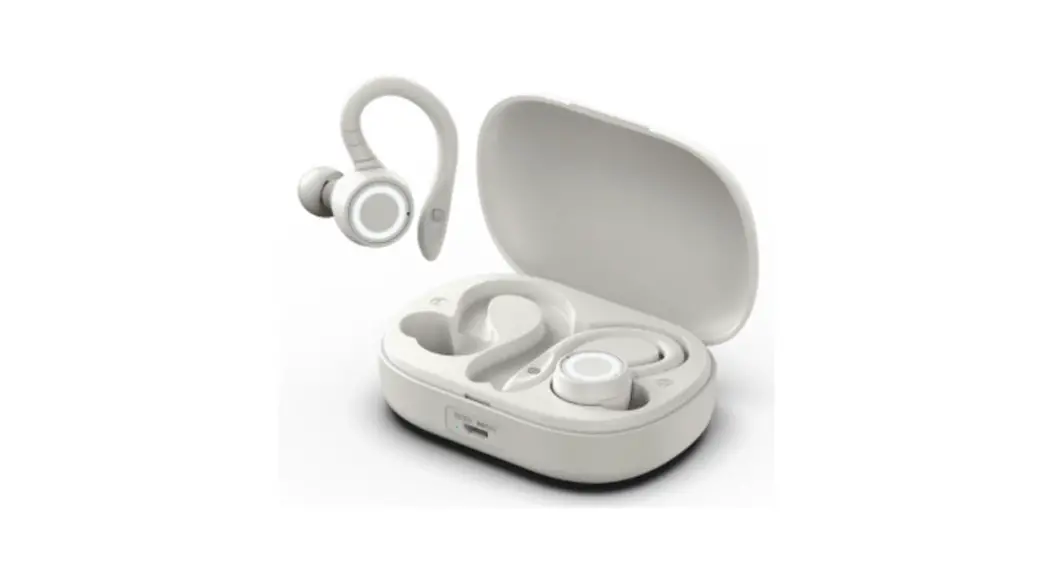
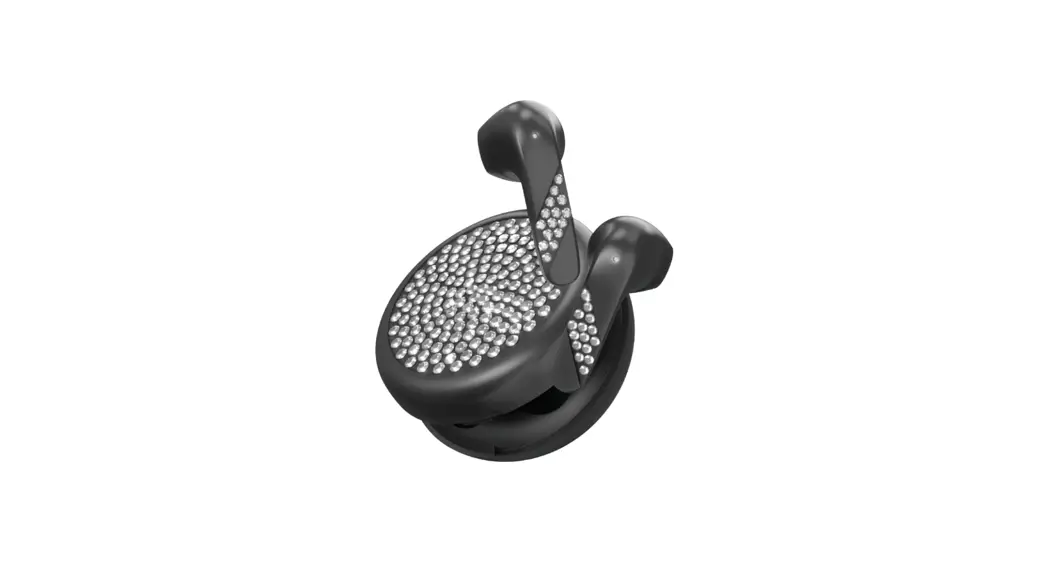
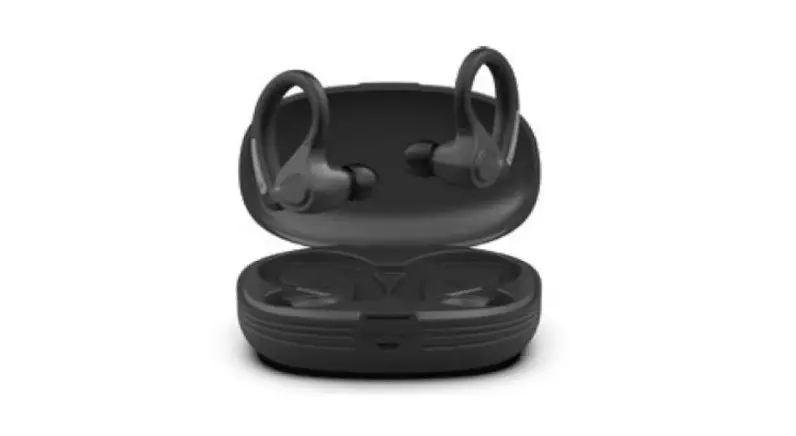
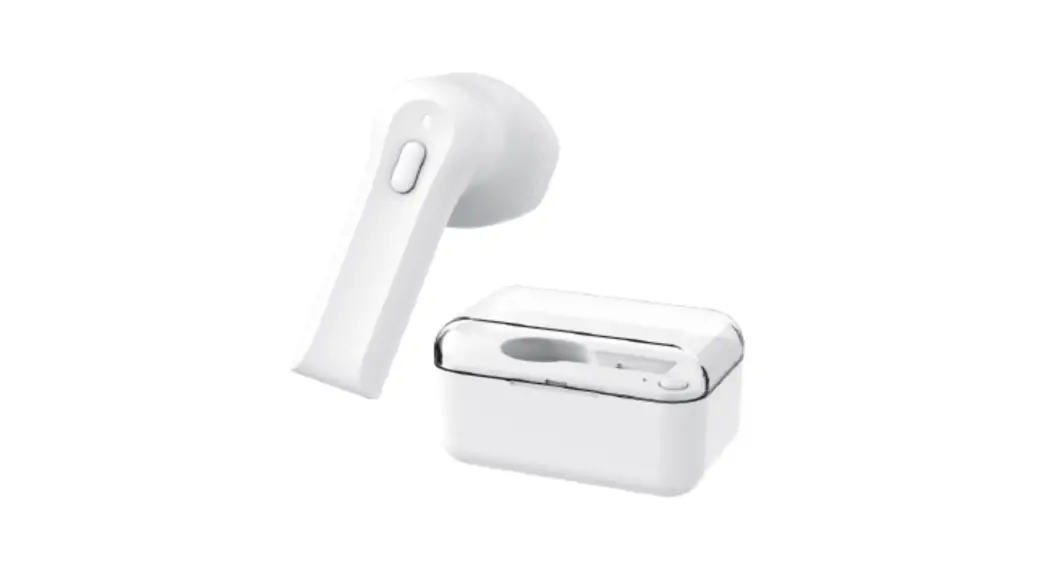
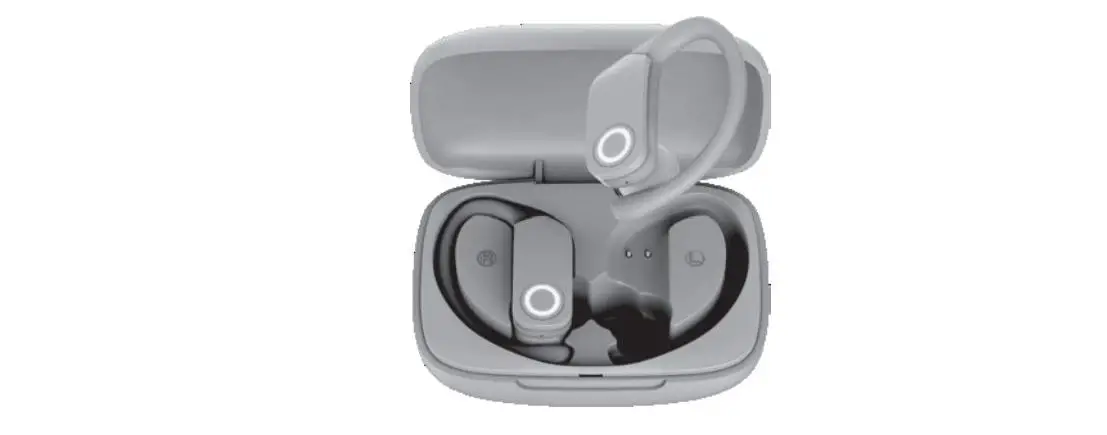
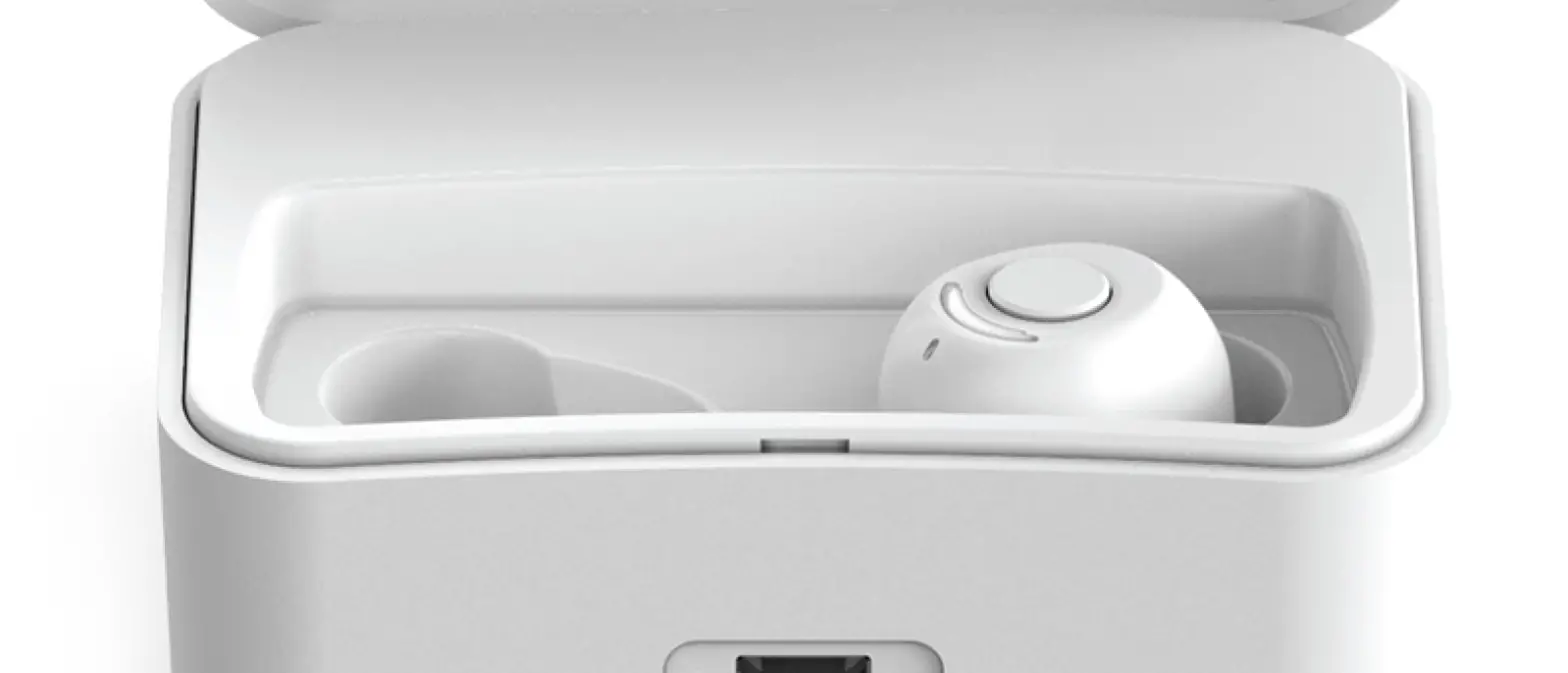
Cosmos Wireless Headphones 4575089-00
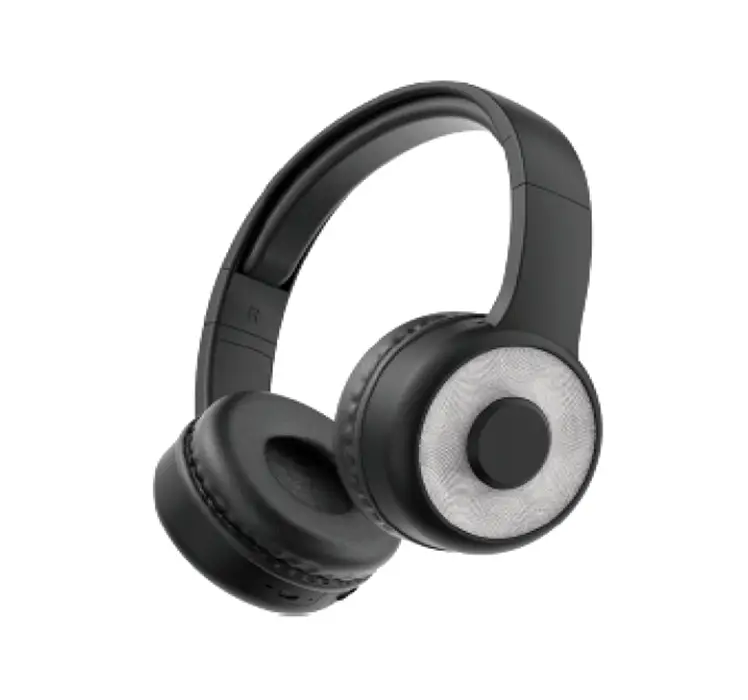
Instruction Manual
1. Introduction
Congratulations. and thank you for choosing the Cosmos Wireless Headphones.
This manual will help you operate the Cosmos Wireless Headphones, but firstly you should familiarize yourself with the Bluetooth functionality of your mobile phone or other devices before using the Cosmos Wireless Headphones.
Safety Rules
- Please flow the rules depicted 1n this manual closely to ensure your safety.
Before using this Bluetooth headphones, we should strongly encouraged you to read though this user manual. - Be More wary of any edge. uneven surfaces. metal parts. accessories and its packaging so as to prevent any possible injury or damage.
- Do not modify, repairs or dismantle this Bluetooth headphones. Doing so many results in fires, Electric Shocks, complete breakdown of this Bluetooth headphones, etc. Al are not covered under warranty.
- Do not UM an dlu8f’lt OI” volatile liquid lo dean the Bluetooth headphones.
- Do not use the Bluetooth headphones in a hazard location.
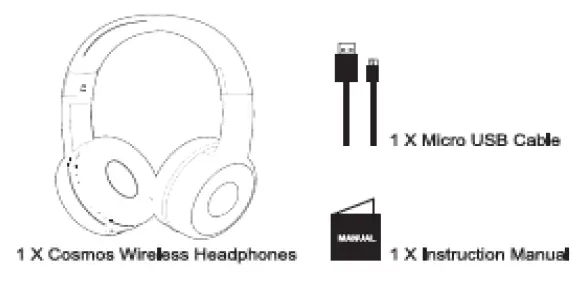
2. Packaging Contents
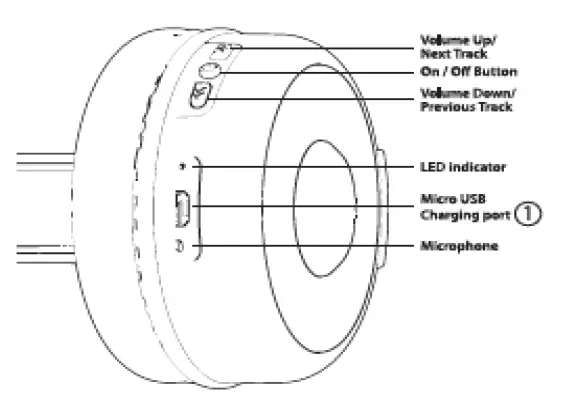
3. Connection Diagram
4. How to use
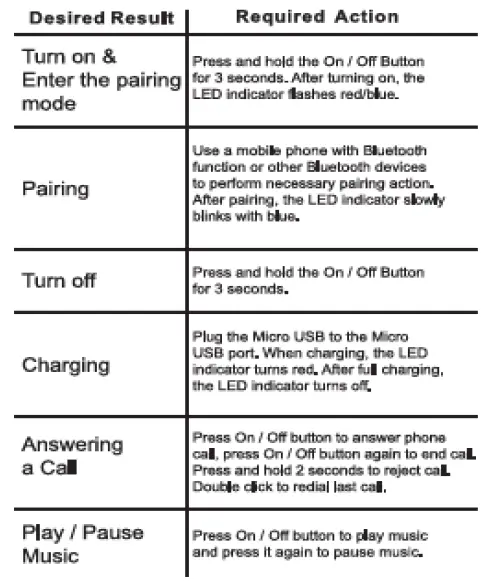
4.1 General Functions
4.2 Pairing to Mobile phone or other device
To use your Bluetooth headphones, you must first pair your headphones with a mobile phone or other Bluetooth device. Once your Blue tooth headphones is paired to a specific mobile phone. they wil remain paired and automatically recognize each other whenever they are within range.
Pairing to a phone and Entertainment:
- Tum on your phone and ensure the Bluetooth function is activited
- Tum on the headphones, enter the pairing mode.
- Search your Bluetooth devices on your phone by following the phone’s instructions. Refer to your phone’s user manual for more information.
- After a few seconds the phone will list the “BT COSMOS HP” as a discover device.
Select It and follow your phone’s instructions to select this pairing. - Your phone will confirm the paring, and then press Yes/OK.
4.3. Charging your headphone
For your safety, please always use an appropriate 5V input charger/Adapter to charge the product DO NOT USE Quick Charging USB Adapter to charge the product. as tt might damage the product.
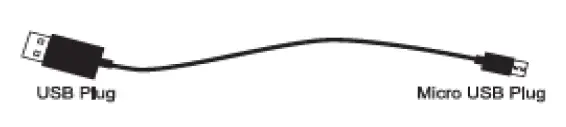
Use the Micro USB cable accessory provided with this headphones. Connect the Micro USB plug to the Micro USB charging port on the headphones positioned at
- in headphones diagram on page
- Connect the USB plug to a USB port on a computer or wall adapter to activate charging.
Make sure to keep the headphones charging for a minimum of 2 hours before initial use.
Warning:
- You must select a qualified charger from a regular manufacturer.
- You must charge the Bluetooth headphone if it has not been used for more than 6 months.
5. Product Specification
- Driver Diameter: 40 mm
- Impedance: 32 Ohms
- Frequency Response: 20 Hz-20 KHz
- Sensitivity: 100 dB +/. 3 dB
- Power Supply: U-ion Battery 3.7V 180 mAh
- Playing Time: 3 -4 Hours
- Charging Time: 2 Hours
- Bluetooth Range: 32.8 Feet
- Bluetooth Version: 5.1
- Micro USB Charging Cable Included
6. FAQ
- Why is there no power even when the headphones a turned on ?
Ans: Ensure the battery has been charged up to 1 hour for initial use. - There is no sound when playback.
Ans: Check the connection between headphones wish phone or computer. If the connection is not established please. connect again. Make sure the headphones a poked and connected with your target phone or other master device.
7. FCC Statement
- Reorient or relocate the receiving antenna.
- Increase the separation between the equipment and receiver.
- Connect the equipment into an outlet on a circuit different from that to which the receiver is connected.
- Consult the dealer or an experienced radio/TV technician for help.