
Water Leakage Alarm
User Manual
M423-21 Ever1.0
‘Please read the user manual carefully before operation. The guide picture is for reference only, please in kind prevail.
Product Introduction
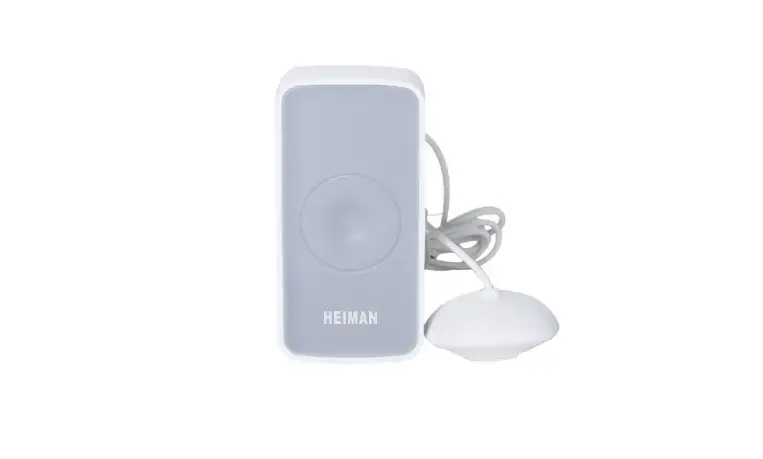
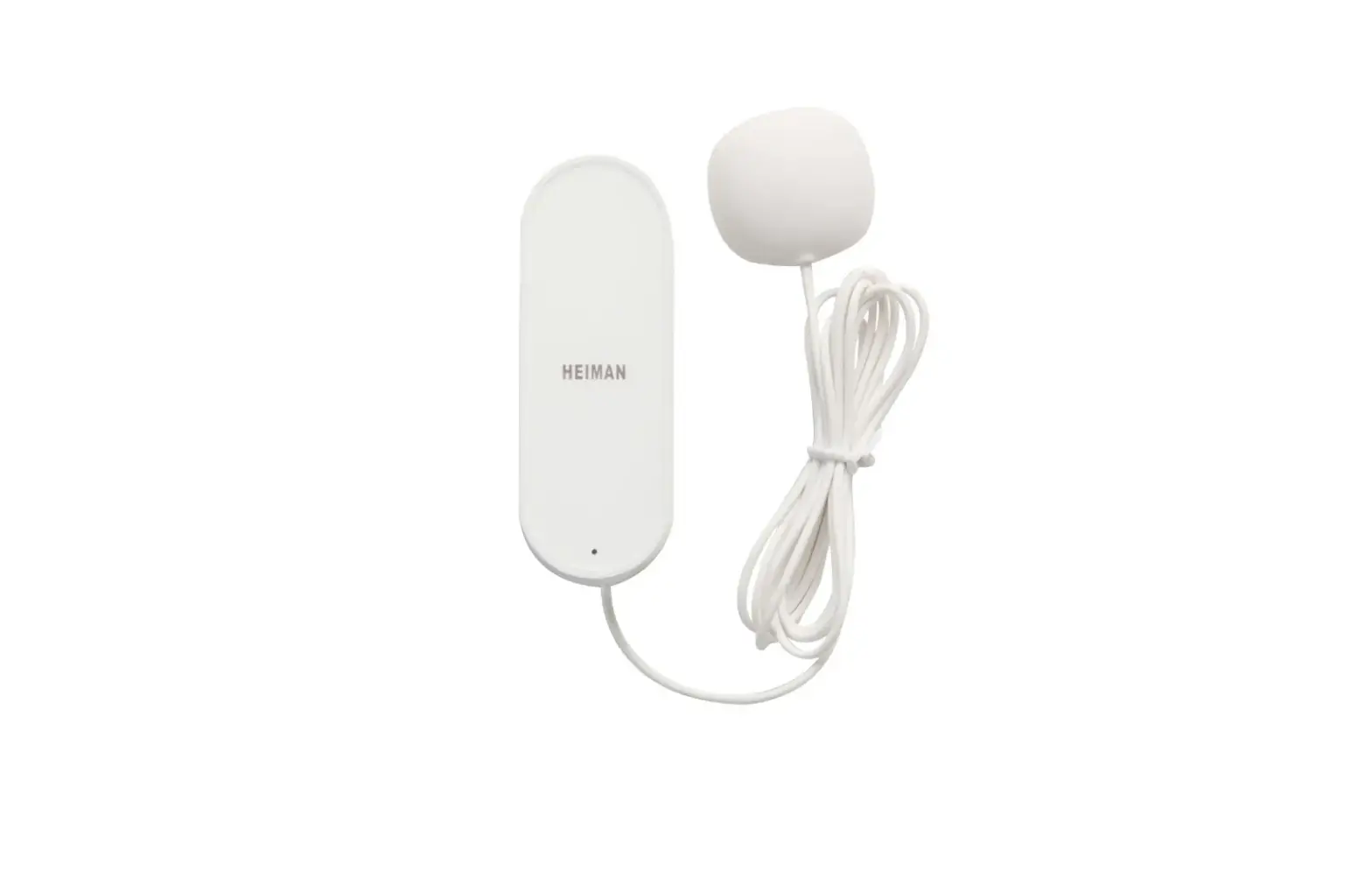
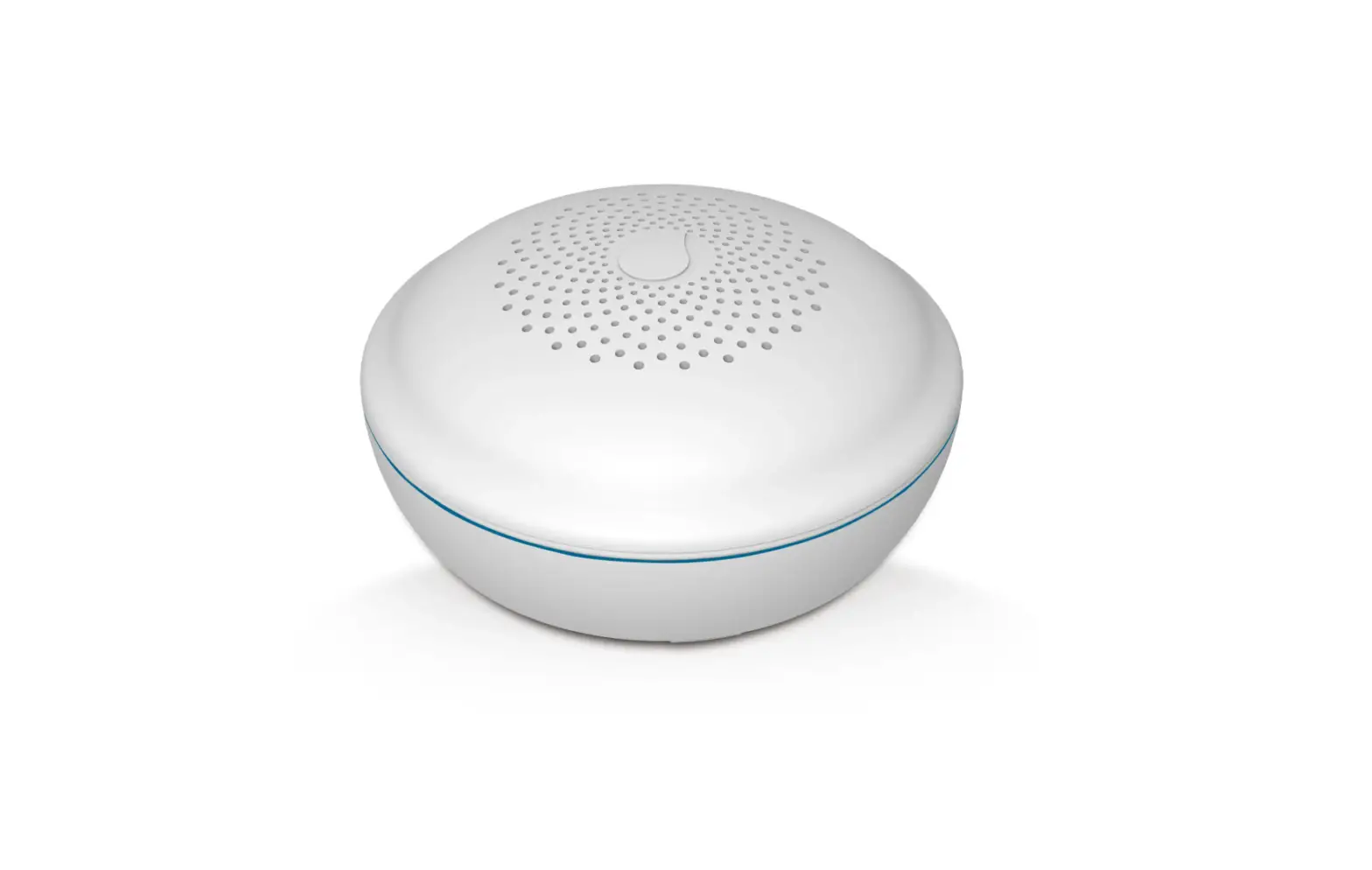
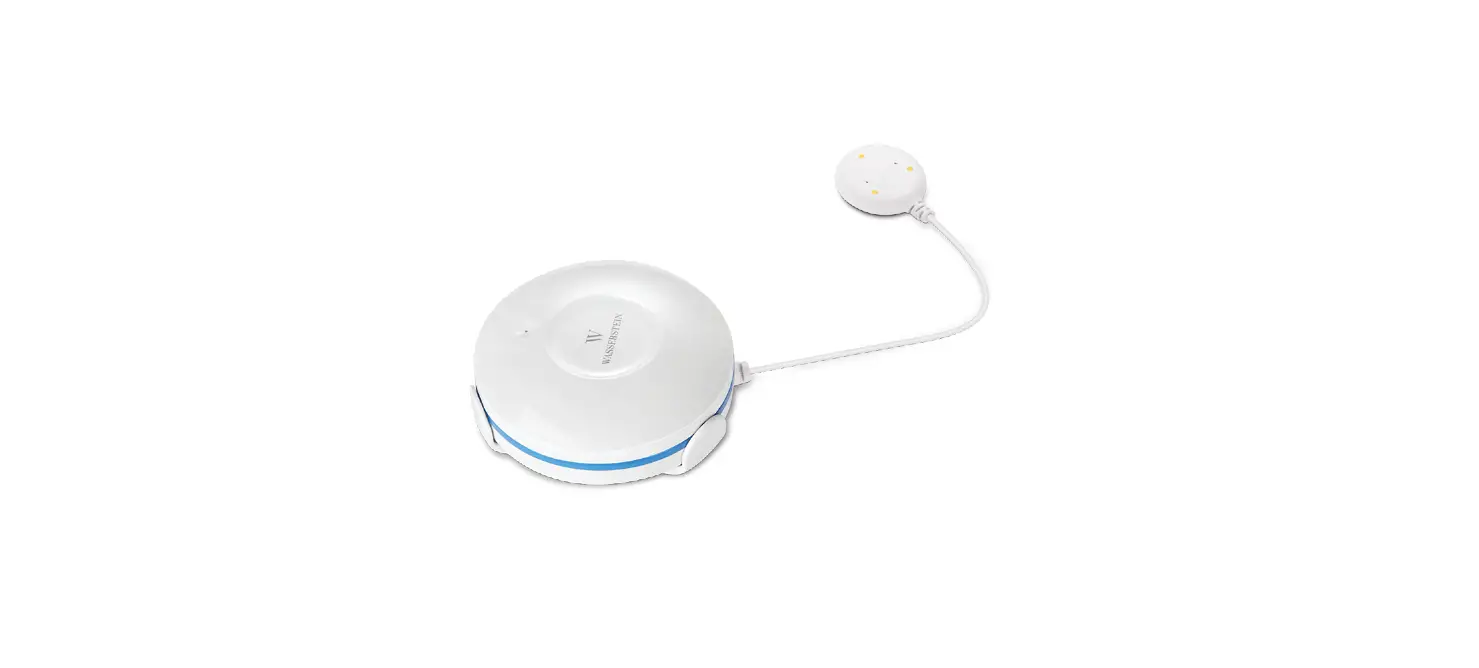
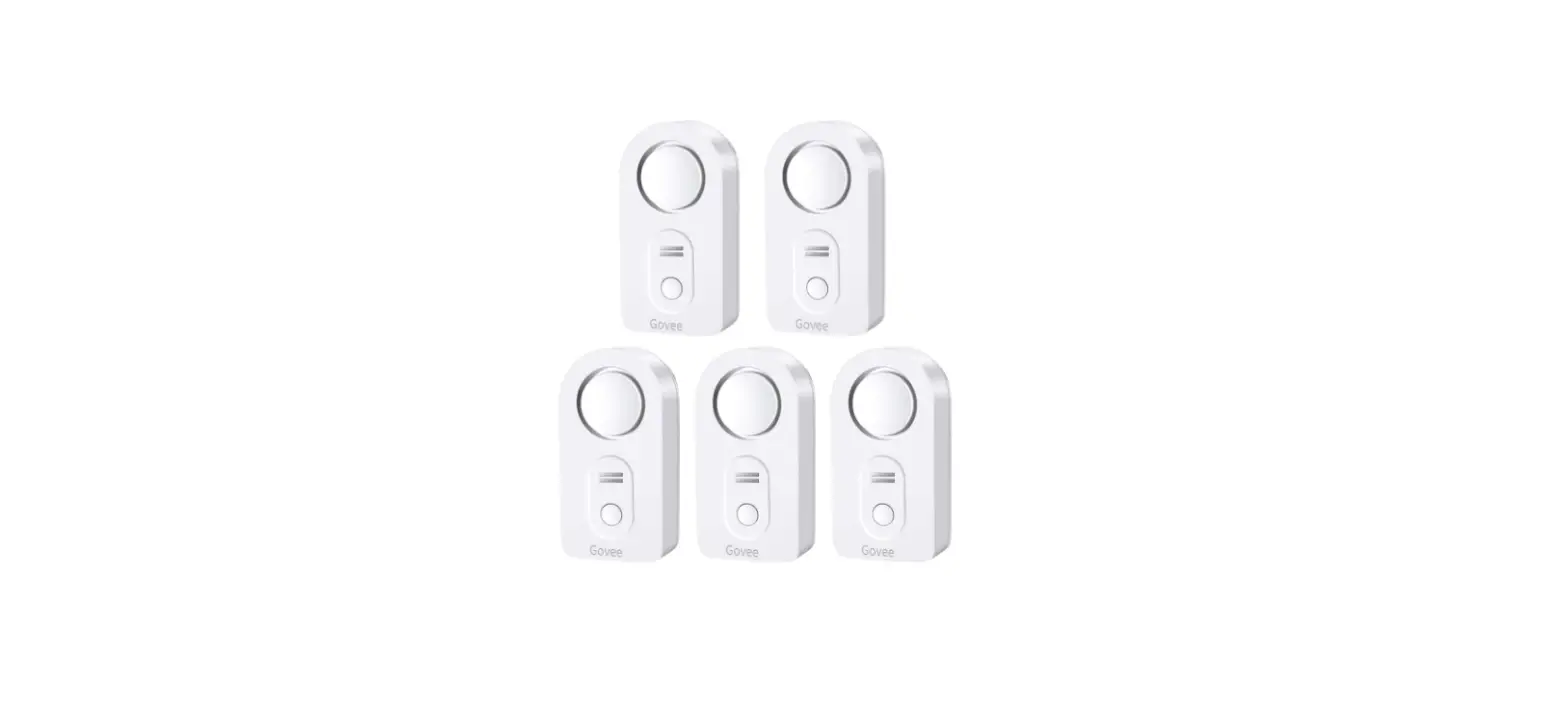
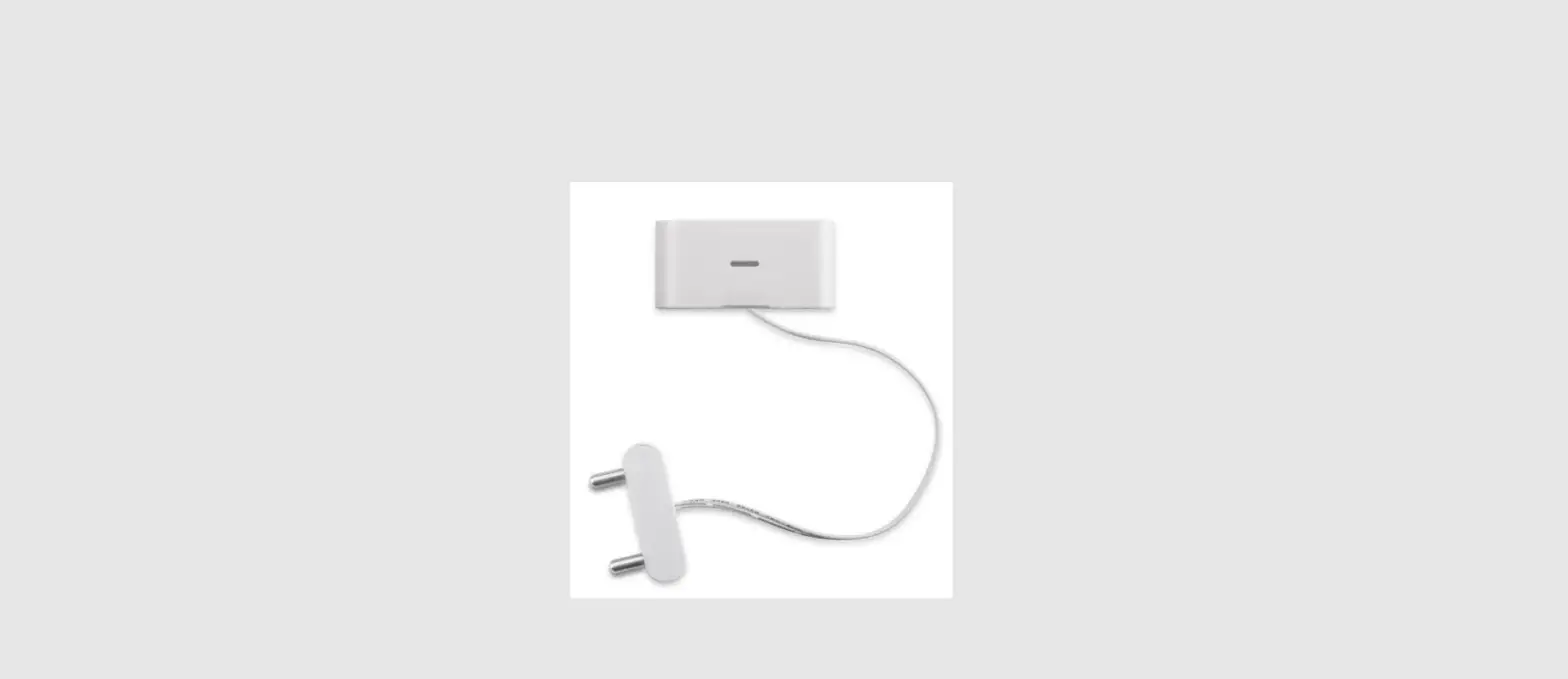
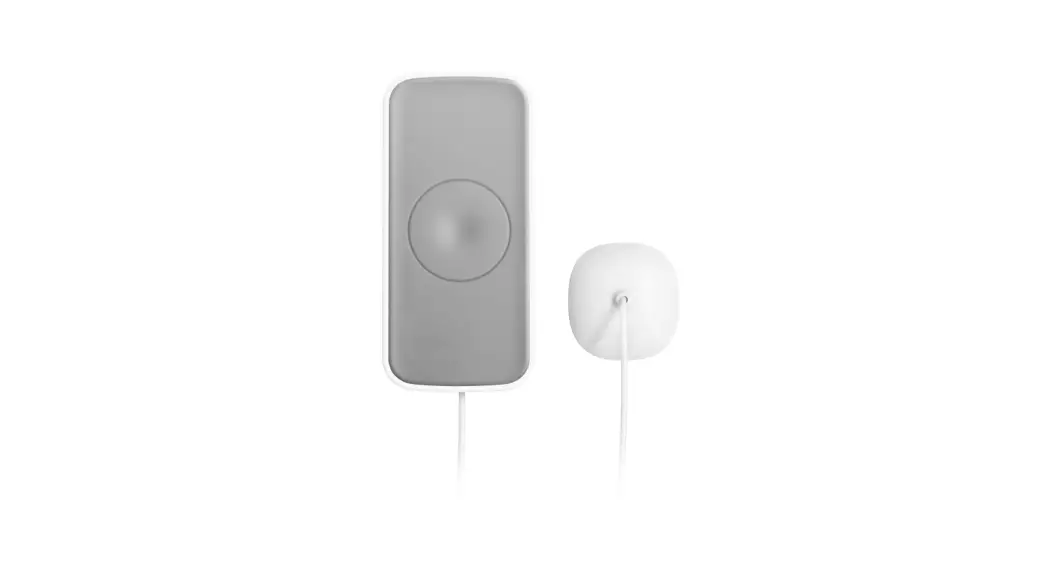
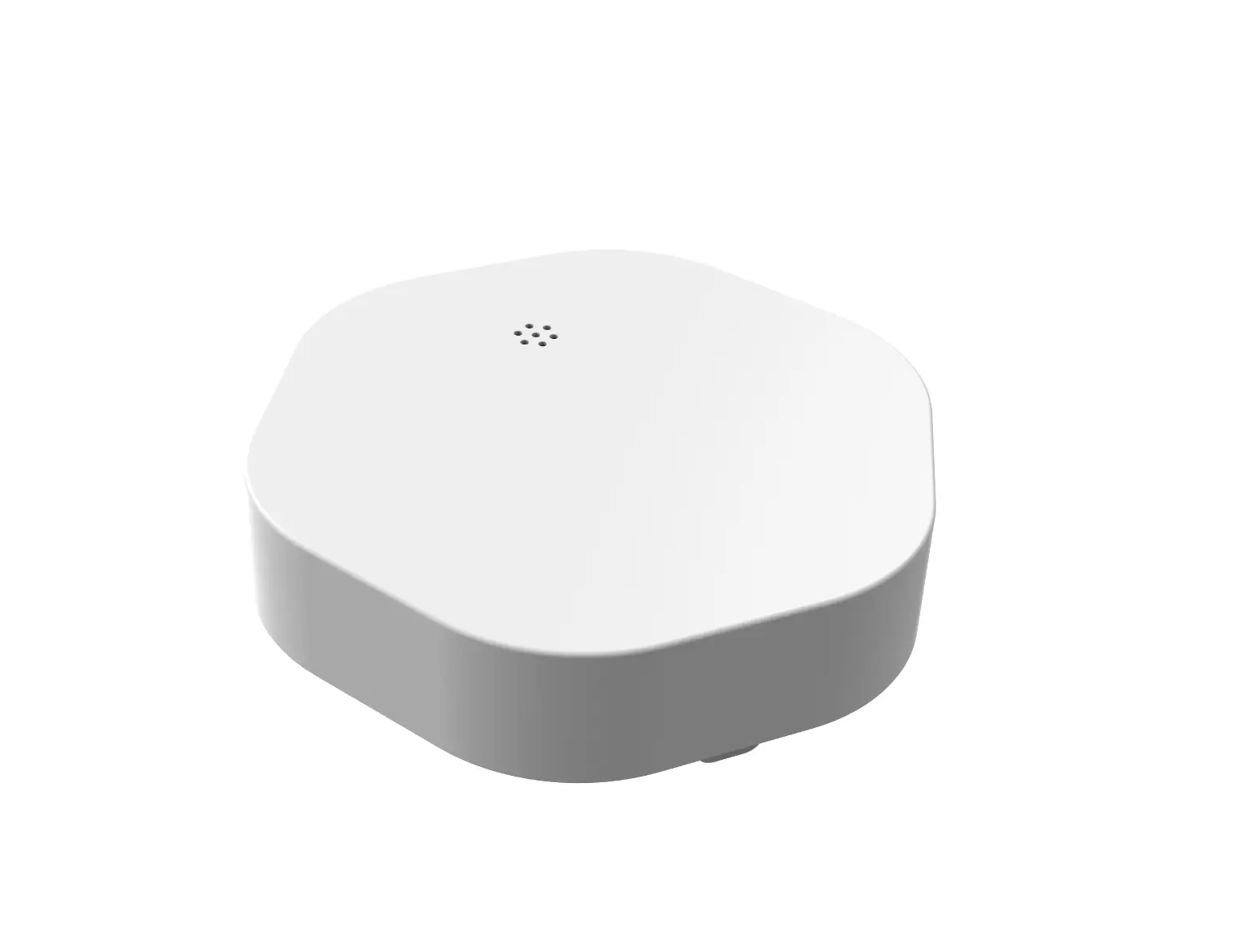
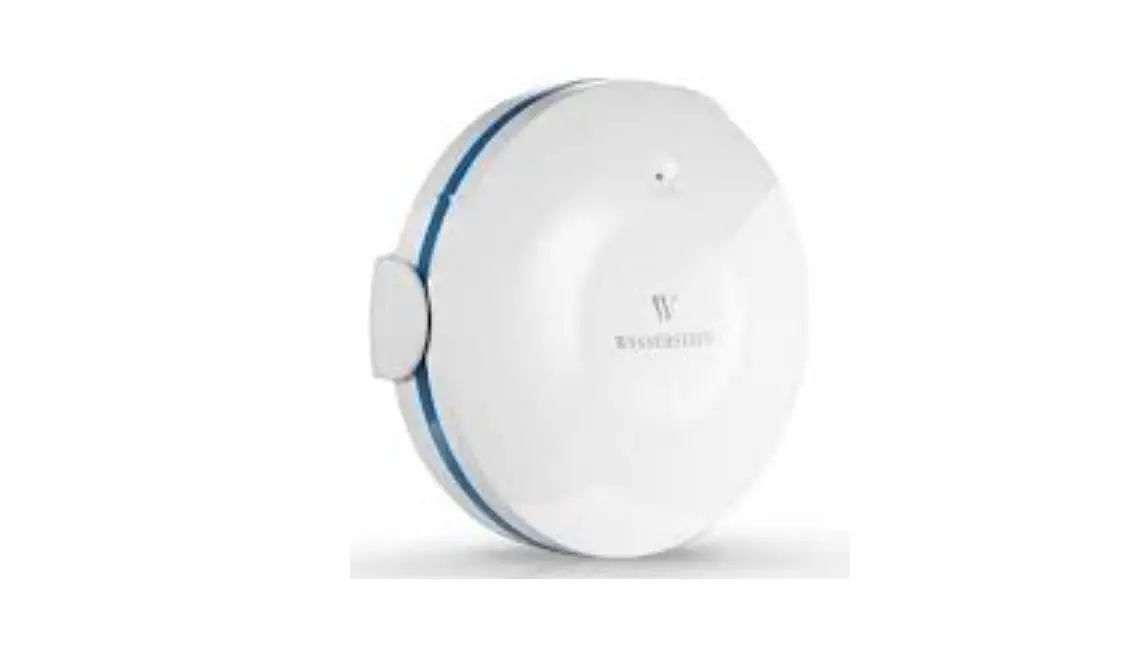
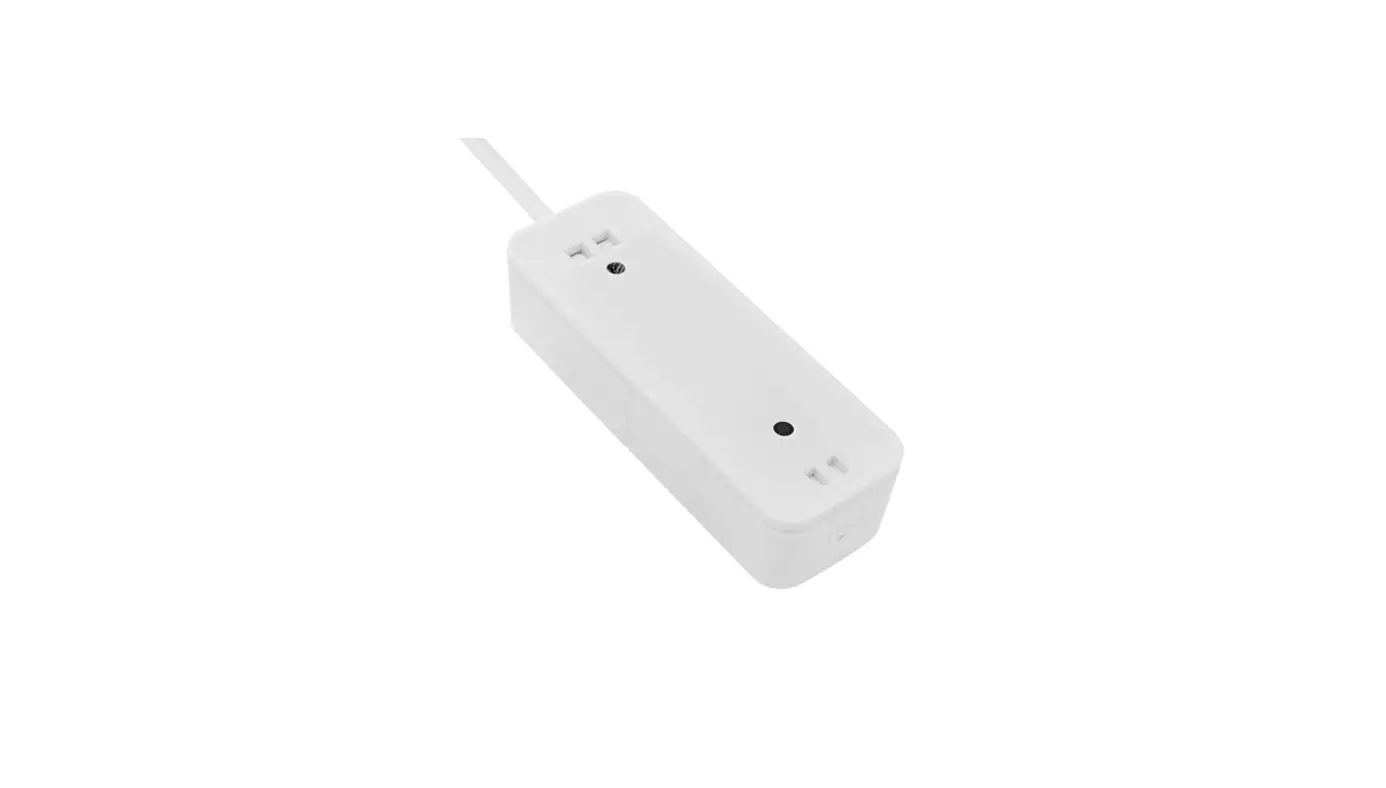
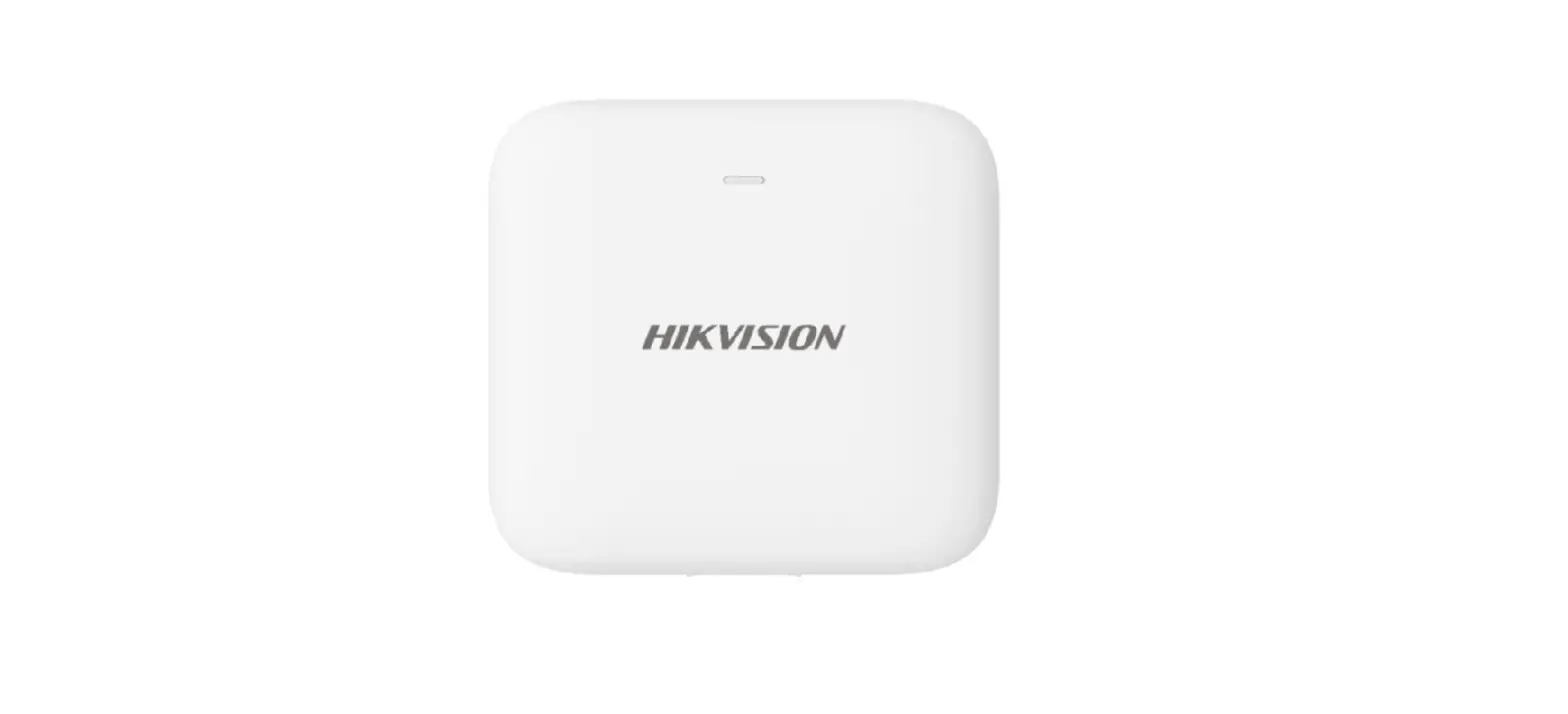
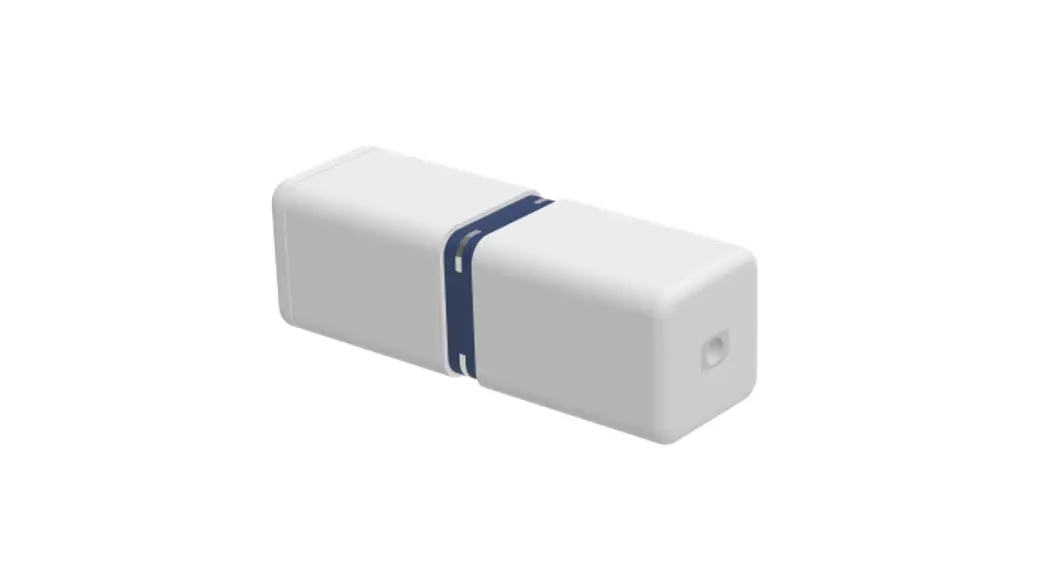
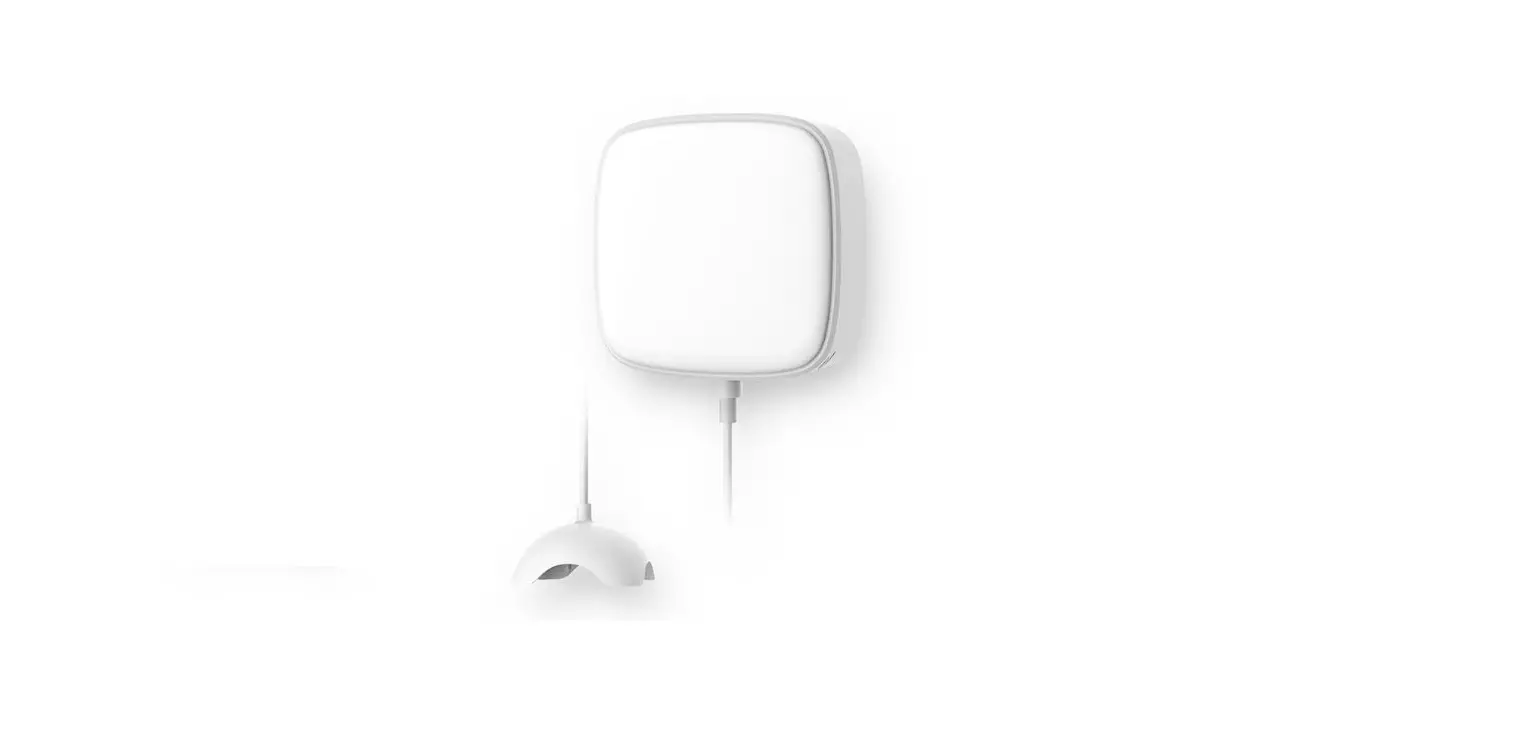
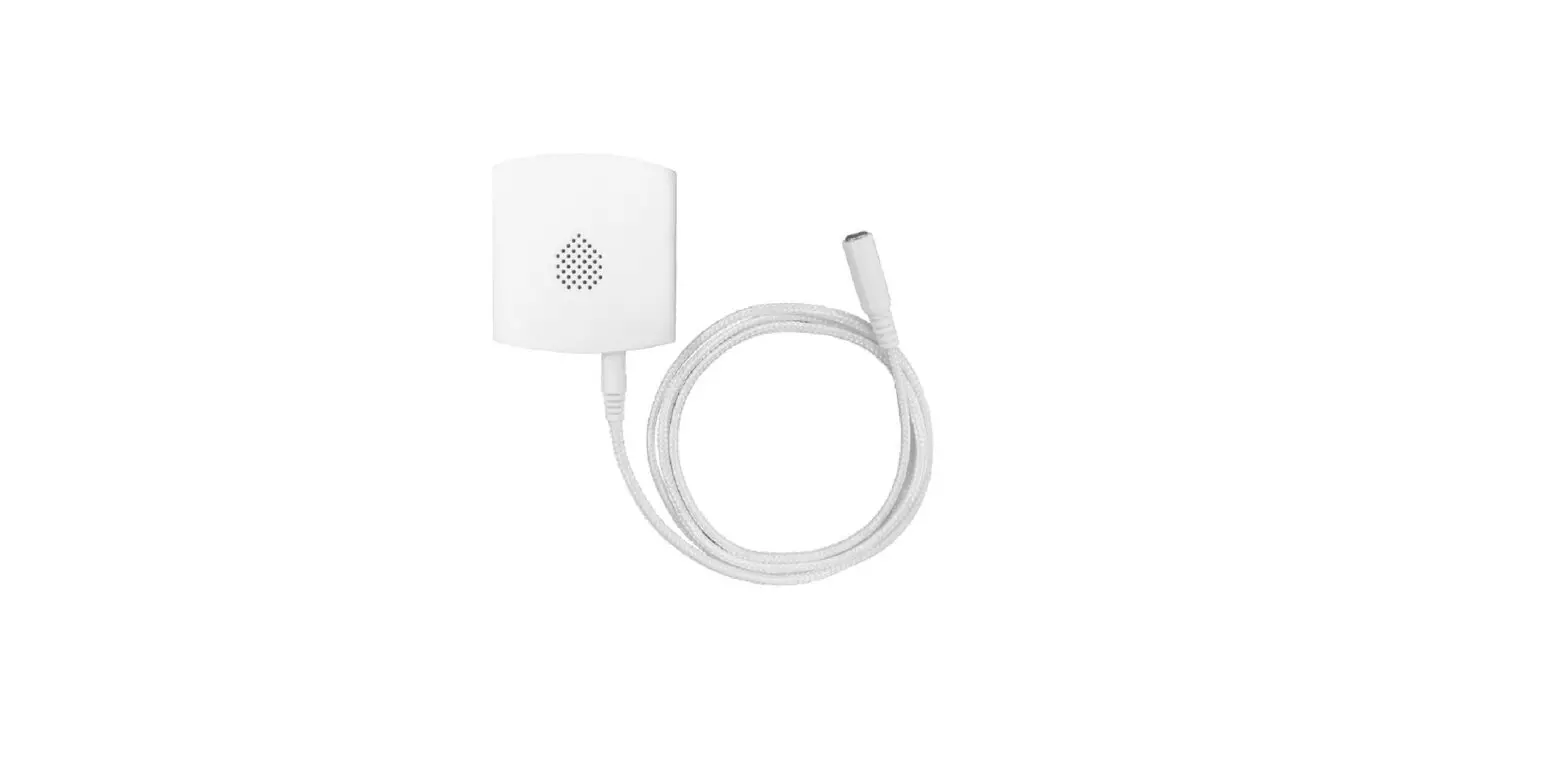
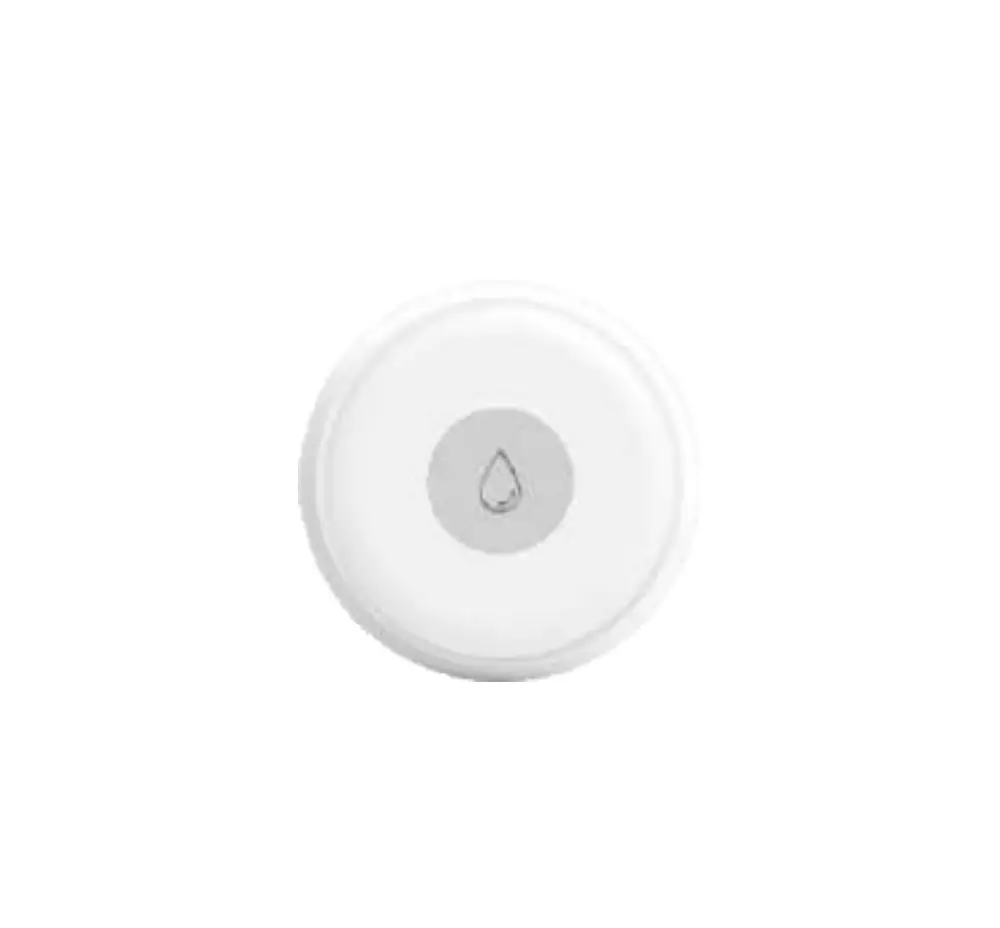
This Water Leakage Alarm is for domestic premises, adopts WiFi wireless technology, It will issue alarms if leaked water is detected and send alarm notifications to users remotely. With high precision and sensitivity, the water leakage alarm can work high stably for a long time. Blue LED flashes slowly
Illustration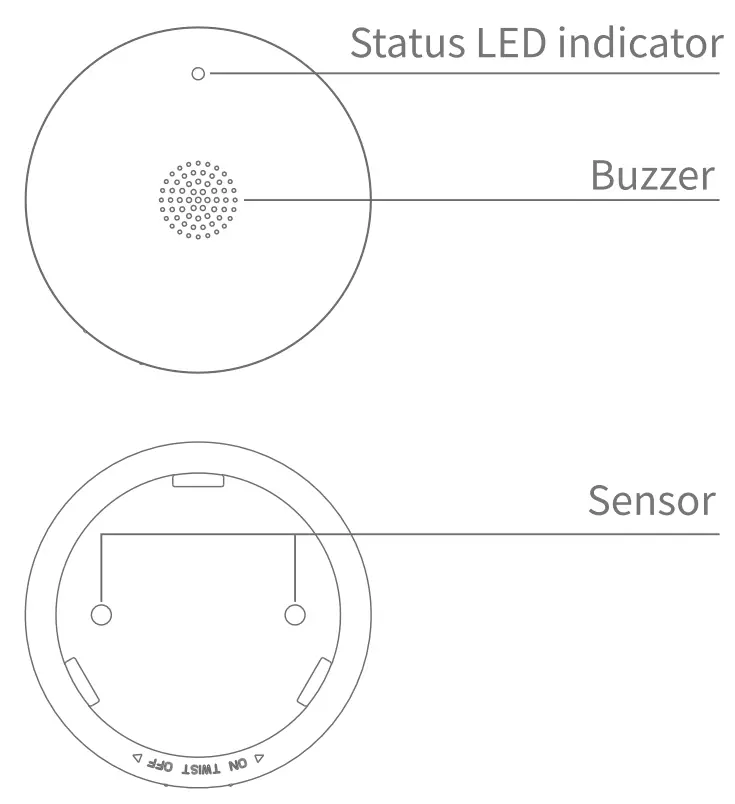 Technical Data
- Working voltage: DC3V(1xCR17335/CR123A battery)
- Alarm indication: blue LED indicator
- Alarm sound: 75dB/1m
- Networking: WiFi-2.4 GHz
- WiFi Protocol : IEEE 802.11 b/g/n
- Working temperature: -10°C — +50°C
- Working humidity: -5..95%RH (no condensation)
- Dimensions: 4:169.0mm X H27.6mm
- Protection Against Moisture: IP67
Visual and audible indications
| Product Status | Visual Indication | Audible Indication |
| EZ networking | Blue LED flashes quickly | / |
| AP networking | Blue LED flashes slowly | / |
| Networking success or failure | Blue LED off | / |
| Alarm | Blue LED flashes quickly | Buzzer “Di Di Di” continuously |
Networking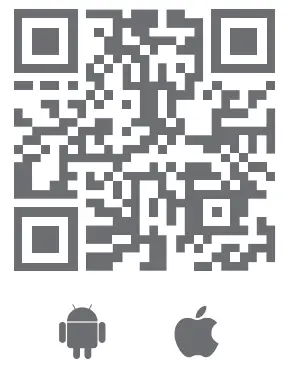
https://smartapp.tuya.com/smartlife
Scan the QR code above to download the Smart Life APP and register a user account.
- The guide may be a little different from the description in App, due to software updates.
- Pls, follow the guide in App when operating.
- Pls move the detector close to the router and try again if networking failed.
- Make sure WiFi configuration succeed before installation.
- This sensor is an IOT device, using the latest software can get better user experiences.
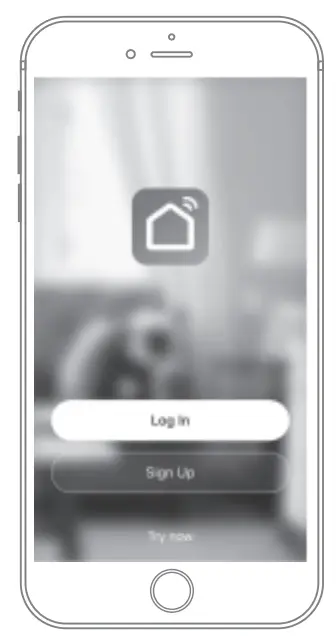 Enter the user account and password.
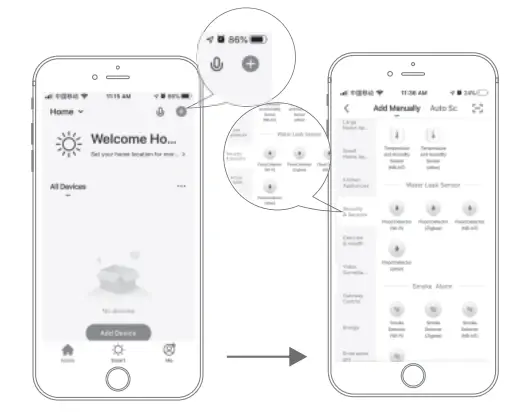 Click ” + ” on the APP to add a new device, select “Security & Sensors>Water Leak Sensor”
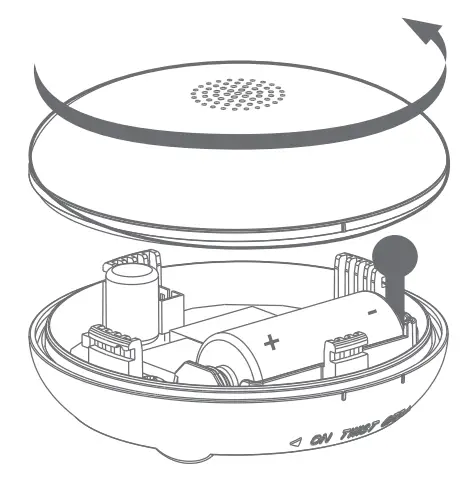 Open the top cover:
Rotate the upper cover counterclockwise out of the water leakage alarm and remove the battery insulation tape. 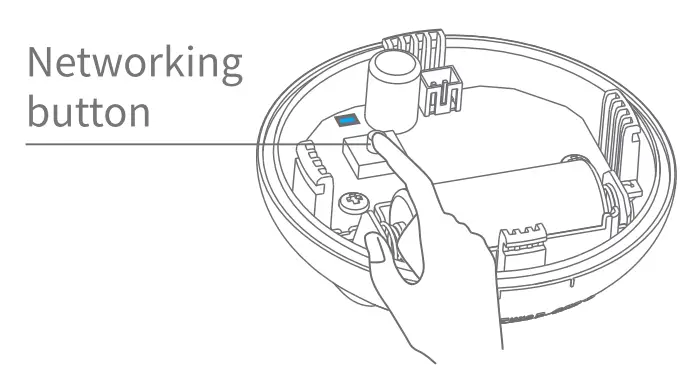 Method one
EZ networking:
Long press network button for 5 seconds, blue LED flash quickly (around 2 times per second).
Pls, follow the guide in App when operating until networking success.
Method two
AP networking: Long press network button for 5 seconds, make sure blue LED flash quickly (around 2 times per second), press network button again for 5 seconds until blue LED flash slowly (around once / three seconds) Pls follow the guide in App when operation until networking success.
Product OTA updates
Open APP in mobile phone and operate according to APP update prompt until OTA update is completed. (*Make sure the device is working normally and the battery is not in low power status before updating).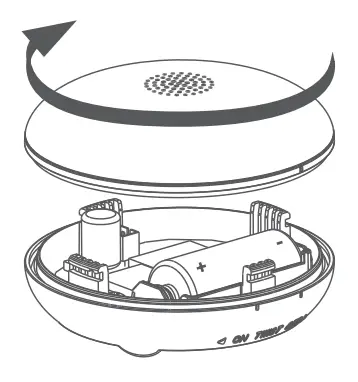 Close the top cover: Align the short line mark on the top cover to the short line mark above the OFF” position on the bottom cover, and rotate the top cover clockwise until you hear a”click” sound.
Application
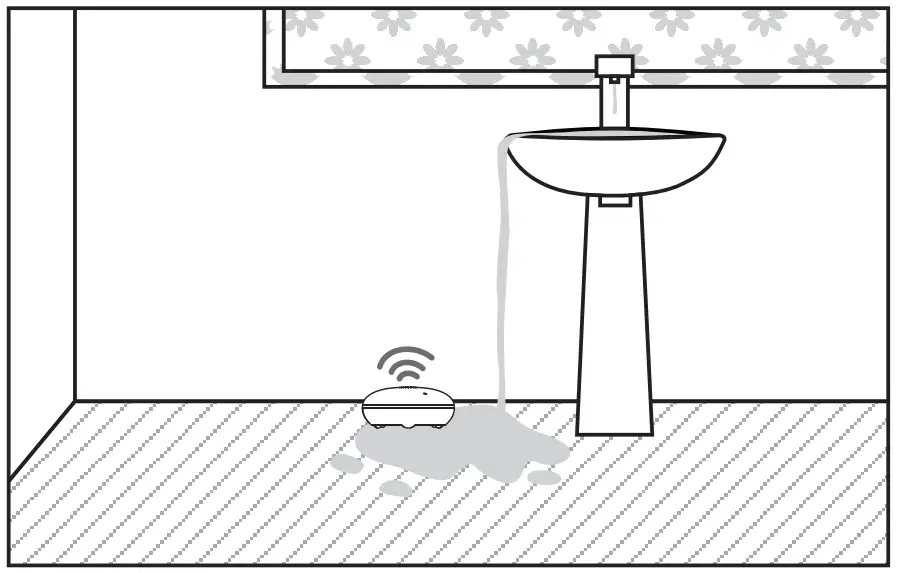
Place the product in a location where may occur water leaking.
Battery Replacement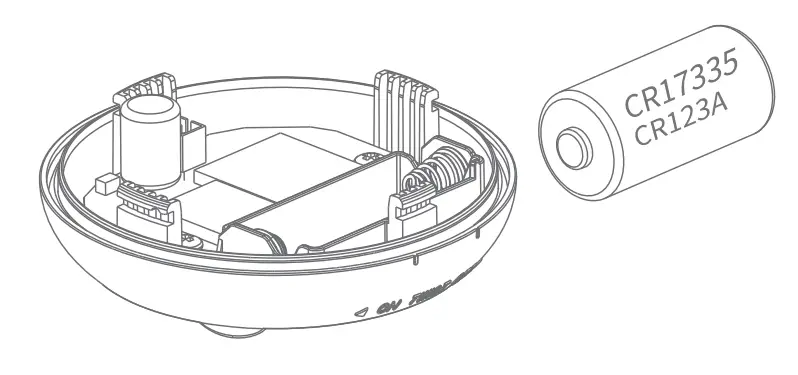
Rotate the upper cover counterclockwise, remove the battery, then insert the same type of battery and align the short line mark on the top cover to the short line mark above the “OFF” position on the bottom cover, and rotate the top cover clockwise until you hear a “click” sound.
Notes
- It’s forbidden to be used in highly corrosive environments (such as H2S, SOX, Cl2, HCl, etc.).
- Do not subject the product to strong shocks and vibrations, otherwise, the product and its accessories may be damaged, resulting in product failure
- Organic solvents cannot be used to clean the product. The user can clean the product surface with a soft cloth.
- If there happens a product failure, please contact the local dealer. The user is forbidden to disassemble the product privately.
Troubleshooting.
| Problem | Solution |
| The alarm device does not respond | Install a new battery |
| Contact with a local dealer |
Statement
- The information in the user manual is for reference only and does not constitute any form of commitment.
- Without the written permission of the manufacturer, any individual or organization shall not extract or copy part or all of the contents of this user manual, and shall not spread it in any form.
- As the technology is constantly updated, the manufacturer reserves the right to modify the user manual without prior notice.
- If the user manual and the actual operations is inconsistent, the final interpretation is reserved to the manufacturer herein.
FCC STATEMENT :
This device complies with Part 15 of the FCC Rules. Operation is subject to the following two conditions: (1) This device may not cause harmful interference, and (2) This device must accept any interference received, including interference that may cause undesired operation.
Warning: Changes or modifications not expressly approved by the party responsible for compliance could void the user’s authority to operate the equipment.
NOTE: This equipment has been tested and found to comply with the limits for a Class B digital device, pursuant to Part 15 of the FCC Rules. These limits are designed to provide reasonable protection against harmful interference in a residential installation. This equipment generates uses and can radiate radio frequency energy and, if not installed and used in accordance with the instructions, may cause harmful interference to radio communications. However, there is no guarantee that interference will not occur in a particular installation. If this equipment does cause harmful interference to radio or television reception, which can be determined by turning the equipment off and on, the user is encouraged to try to correct the interference by one or more of the following measures:
- Reorient or relocate the receiving antenna.
- Increase the separation between the equipment and receiver.
- Connect the equipment into an outlet on a circuit different from that to which the receiver is connected.
- Consult the dealer or an experienced radio/TV technician for help.
FCC Radiation Exposure Statement:
This equipment complies with FCC radiation exposure limits set forth for an uncontrolled environment. This equipment should be installed and operated with a minimum distance of 20cm between the radiator & your body.