
FX Remote Control FX for Instantaneous Water Heaters
Instruction Manual 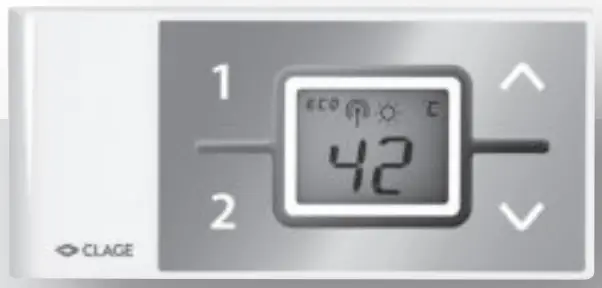
Operating and installation instructions Remote control FX for instantaneous water heaters
 Safety notes
This remote control may only be installed and started up for the first time by an authorized specialized company. Responsibility for compliance with the applicable standards and installation regulations rests entirely on the company installing the appliance. We cannot accept any liability for damage and losses due to non-compliance with these instructions. Read this manual completely before starting up the remote control.
The handling of the appliance and the remote control are equitable. The last set temperature will be used by the instantaneous water heater. Make sure not to set a high temperature, inadvertently. We recommend activating the temperature limit function (see the manual of the instantaneous water heater).
Flat batteries can leak and damage the remote control. Hence, replace flat batteries right away as soon as the battery symbol lights up in the display or the remote controldoes not respond after a keystroke.
When the remote control is not to be used in the long term, remove the batteries.
Do not expose the remote control to moisture.
The remote control and the wall bracket should not get close to items with magnetic strips, like credit cards etc. The built-in magnets can damage the card’s magnetic strip.
Description of the appliance
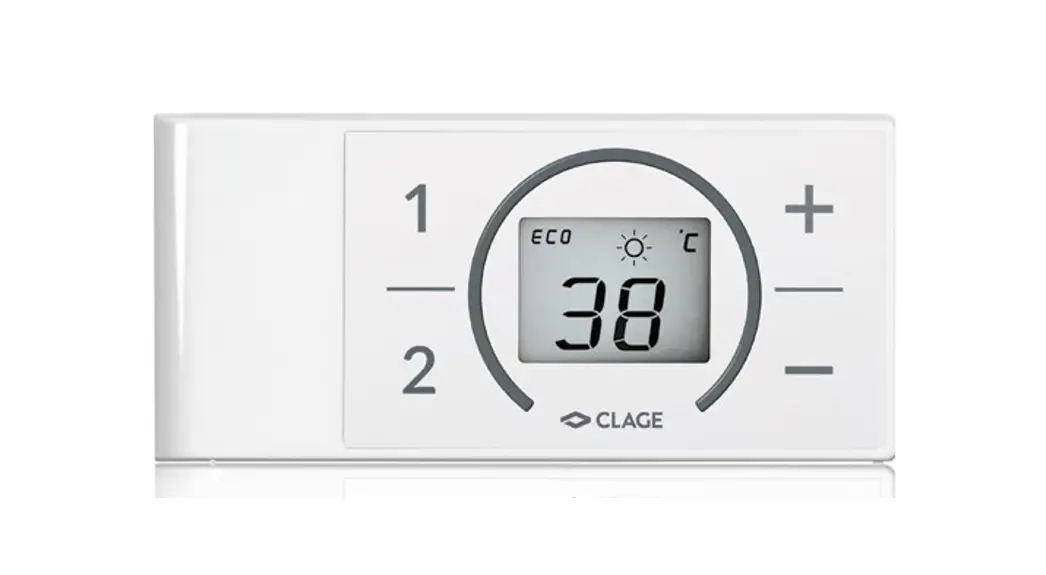
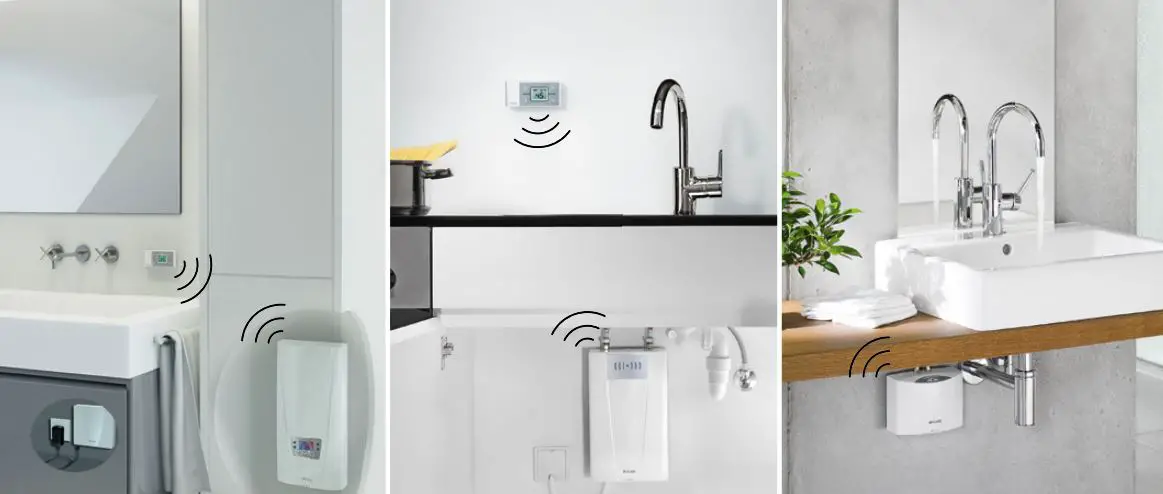
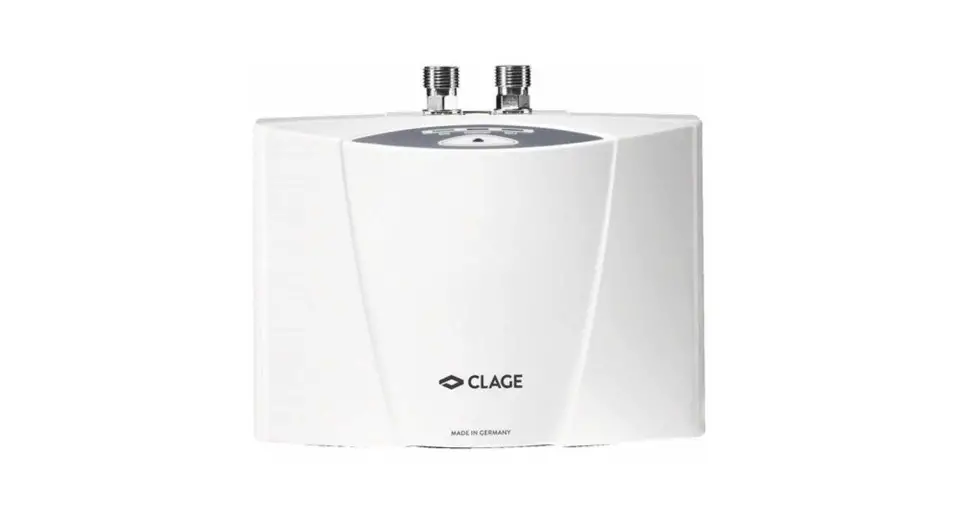
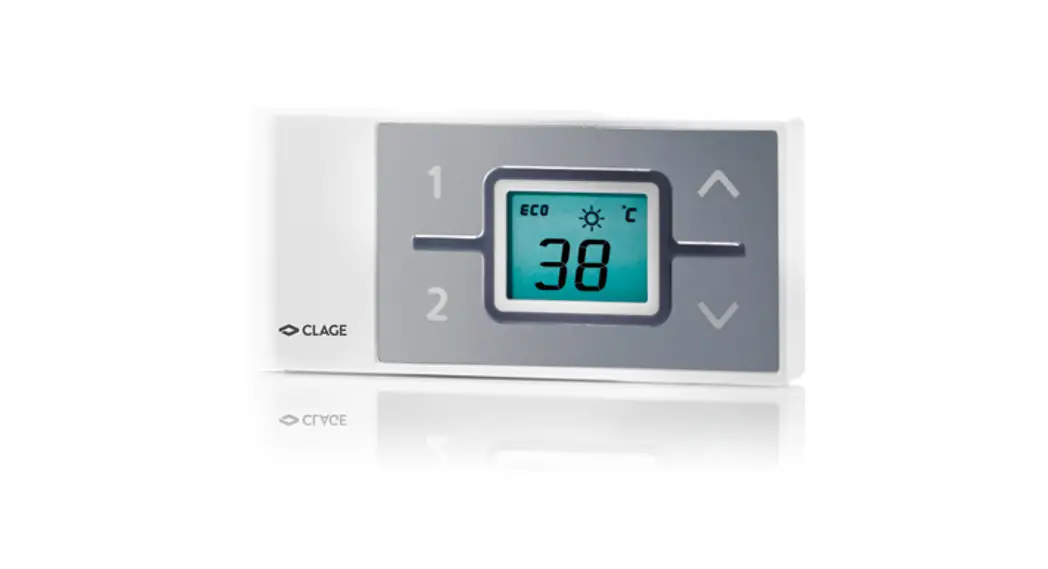
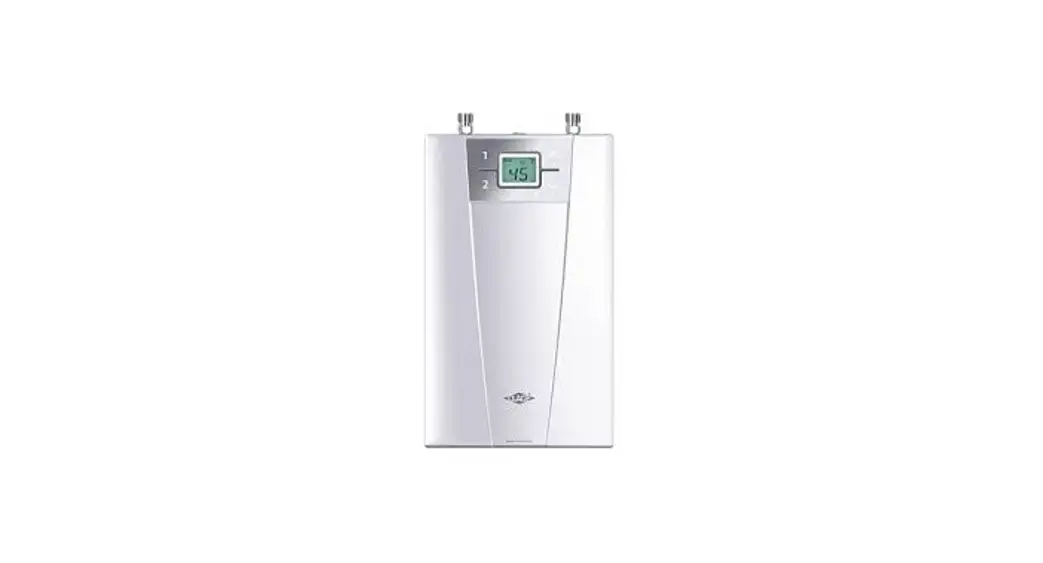
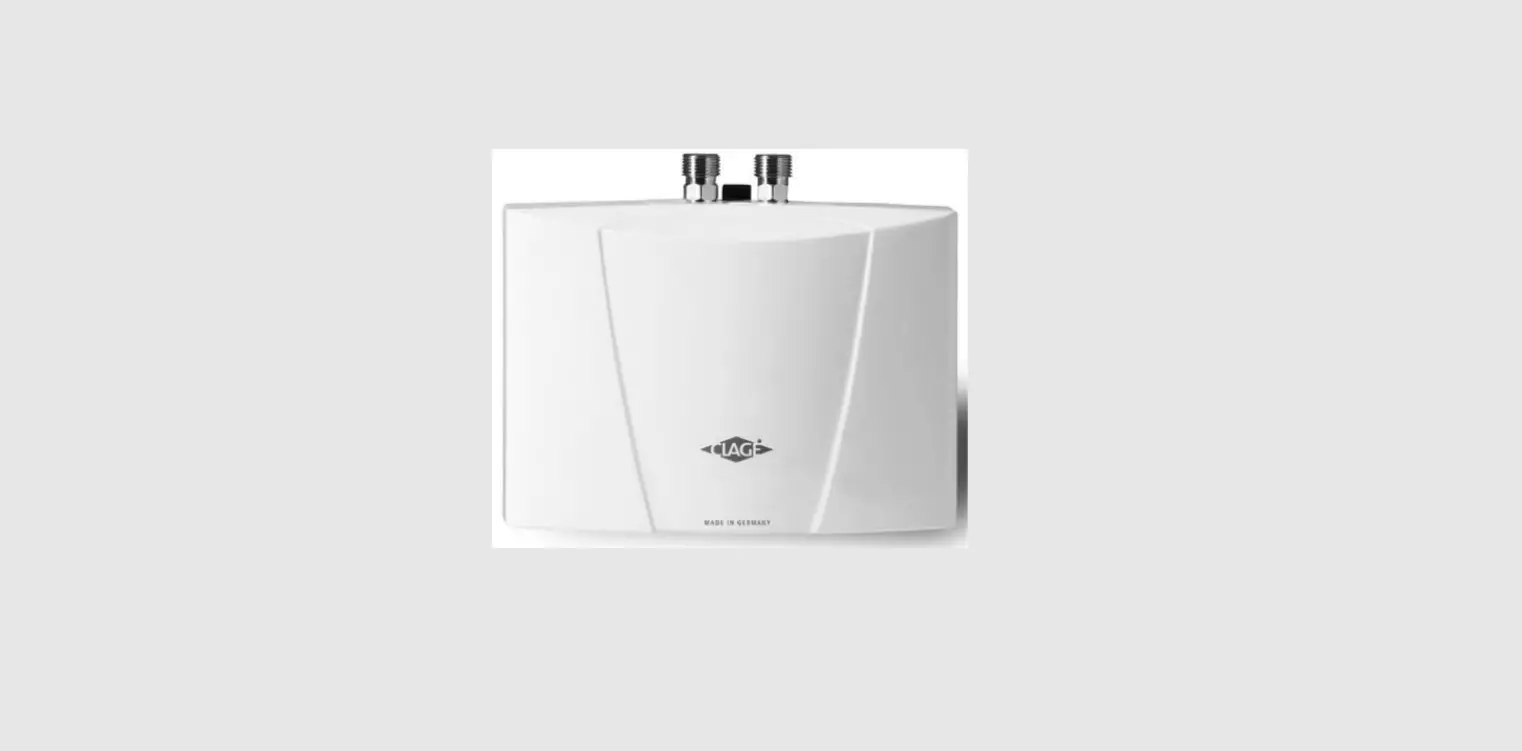
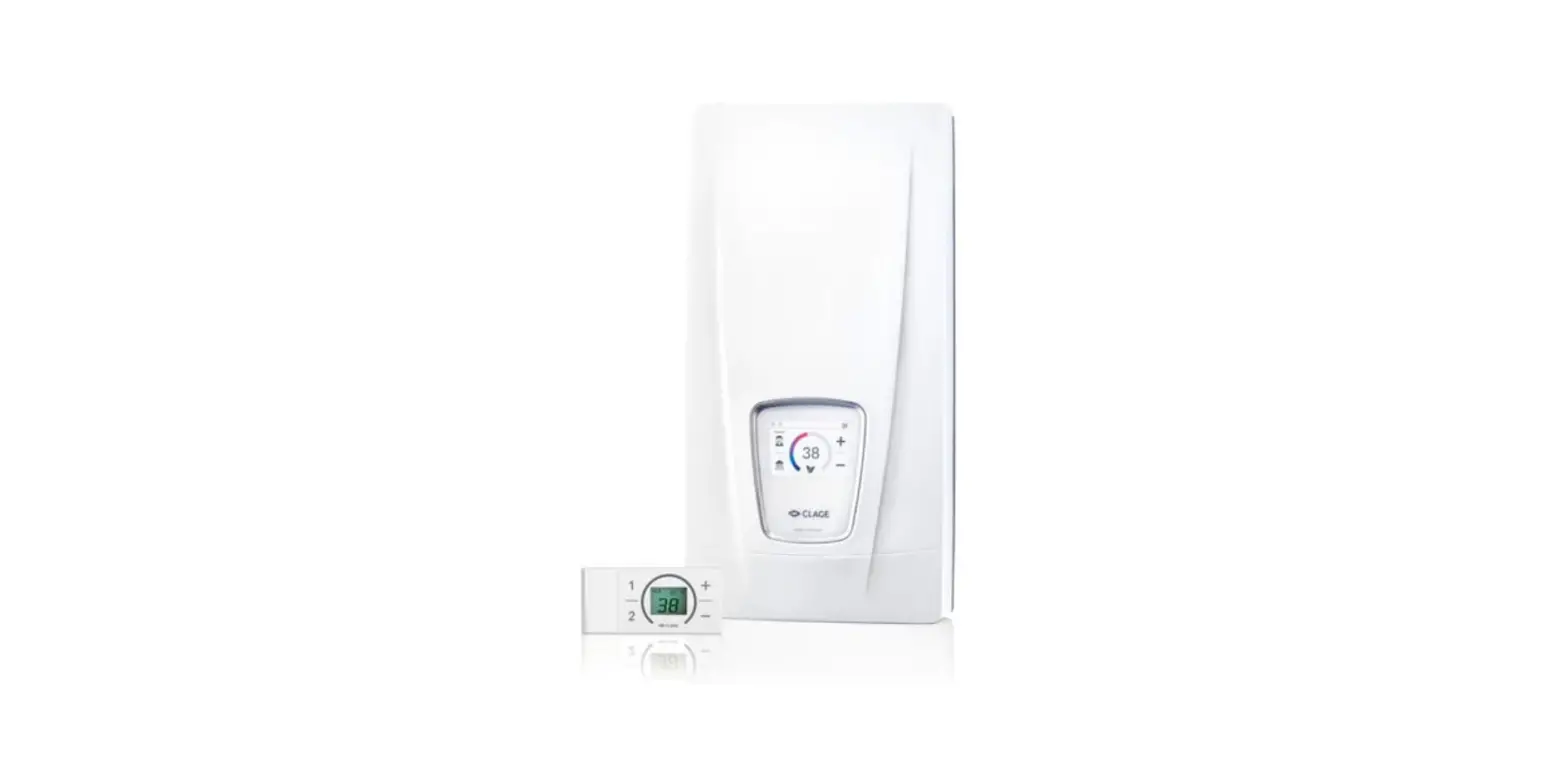
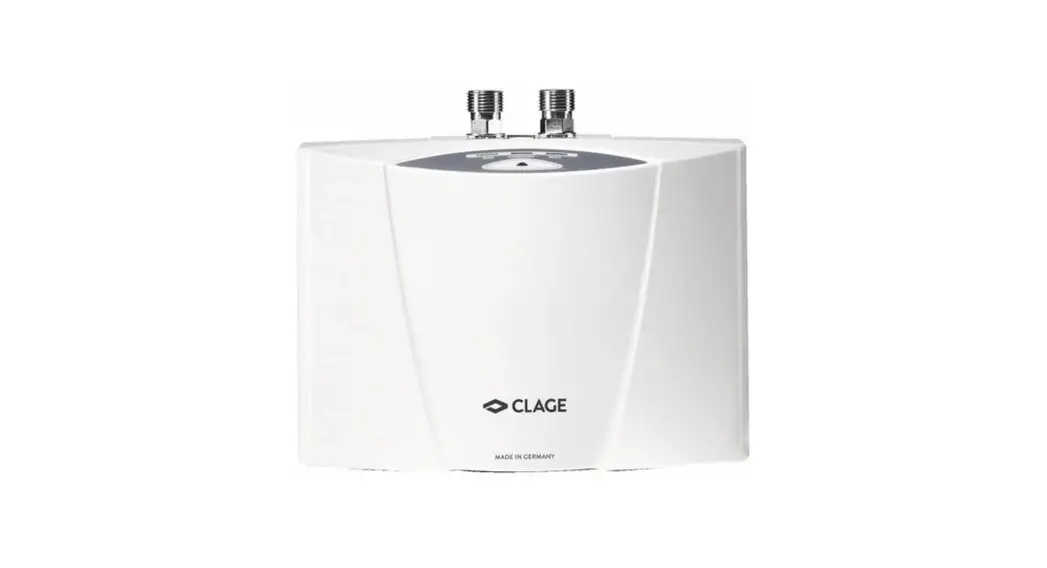
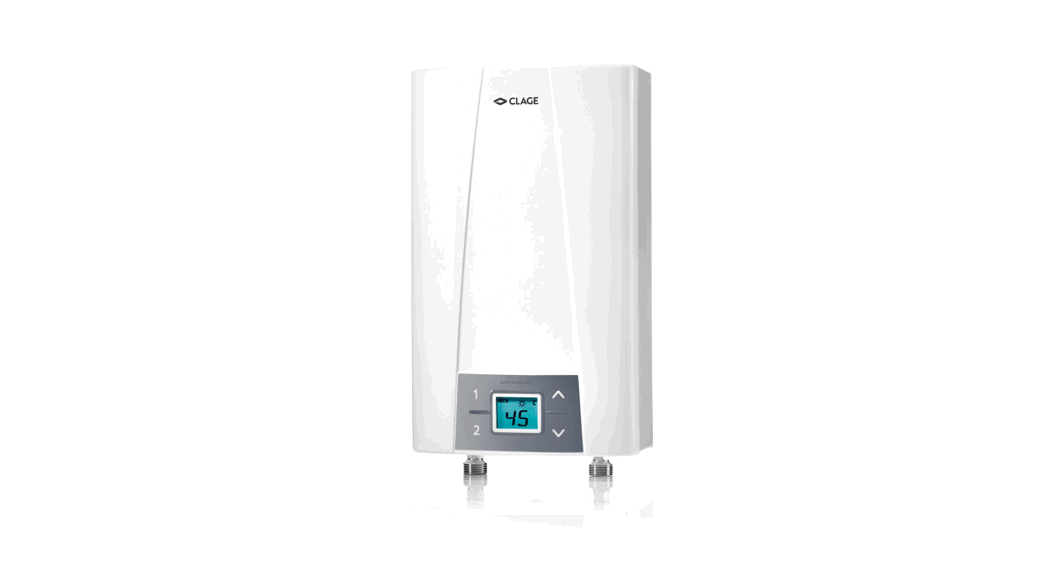
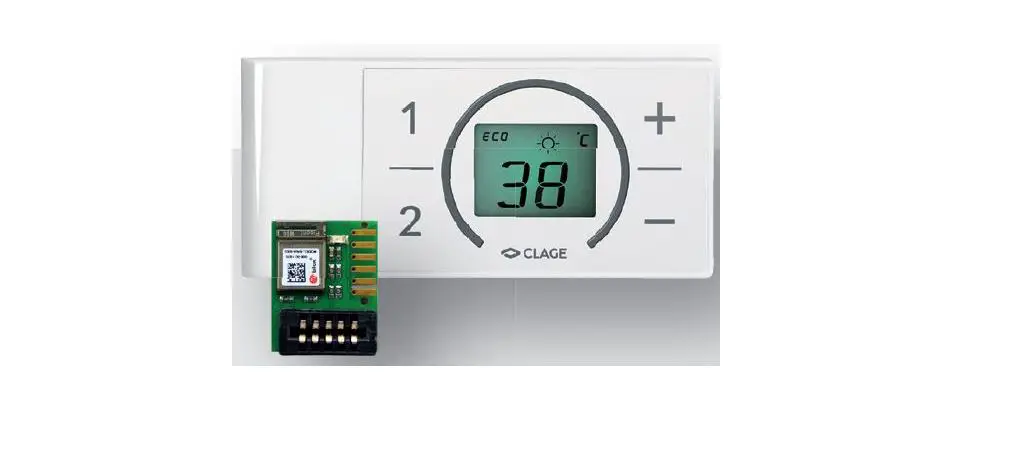
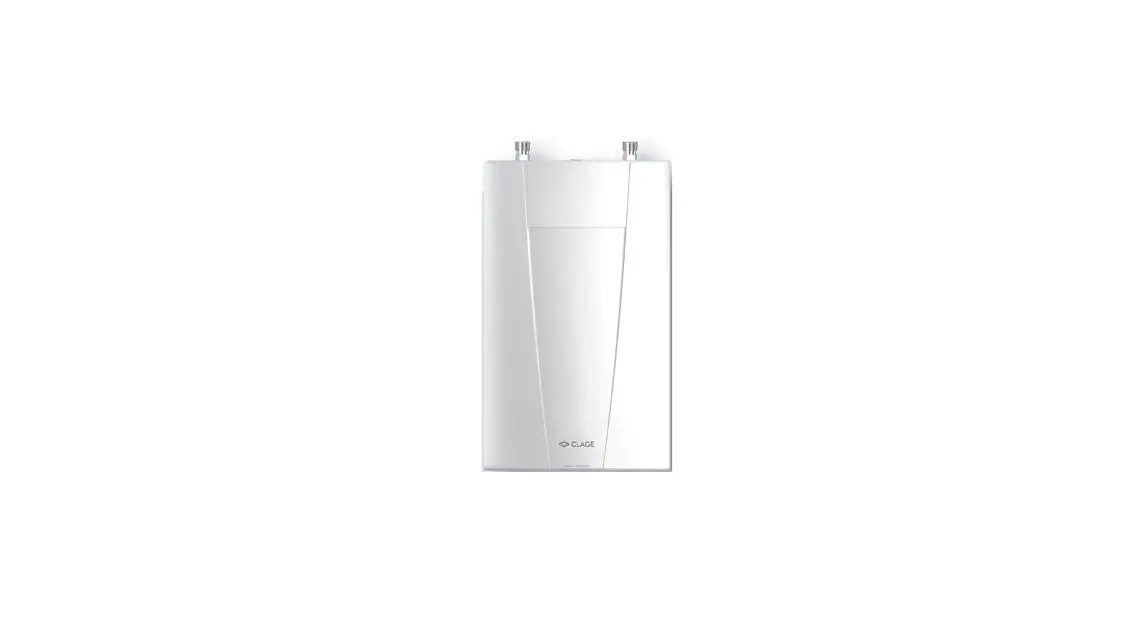
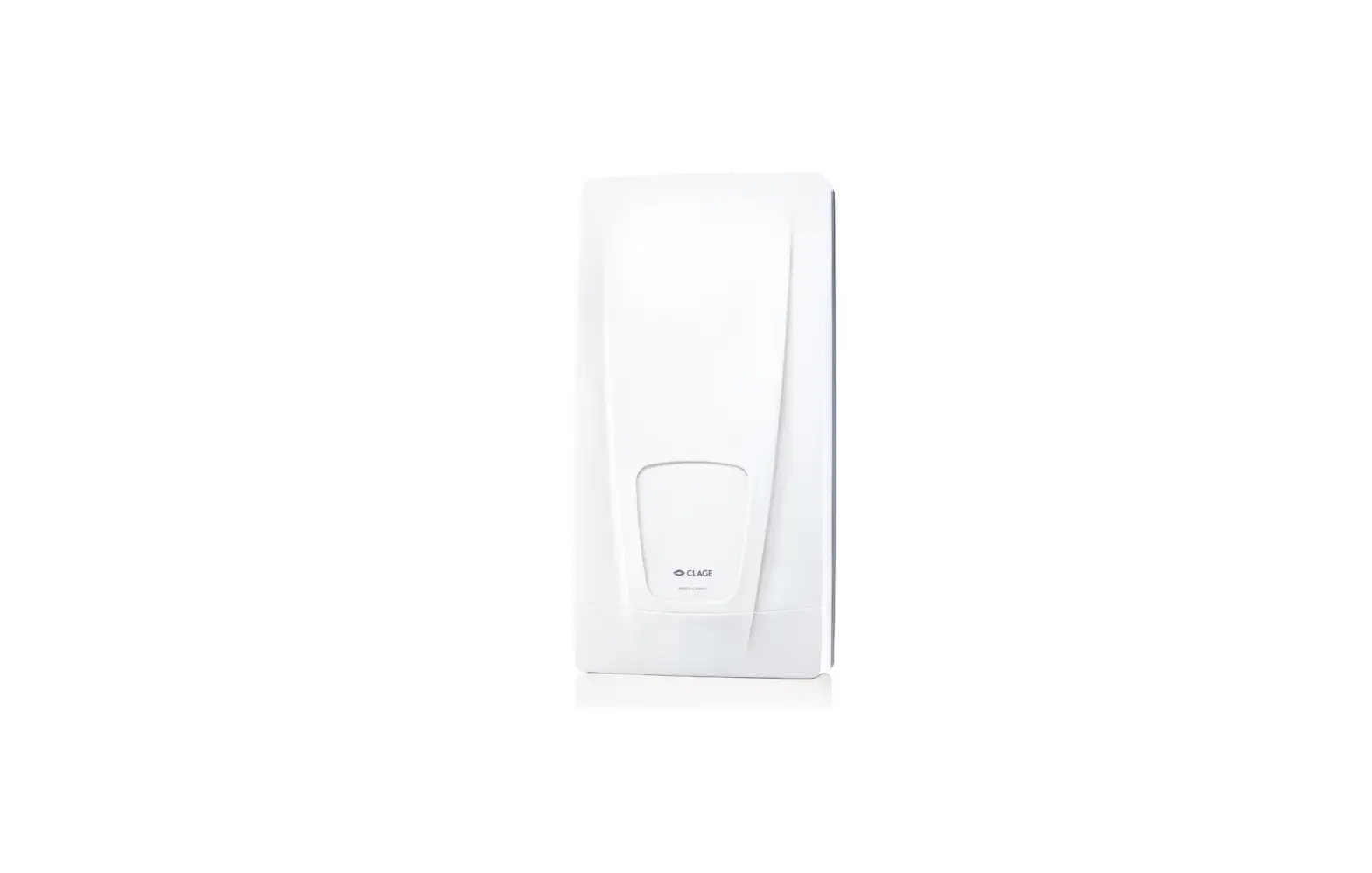
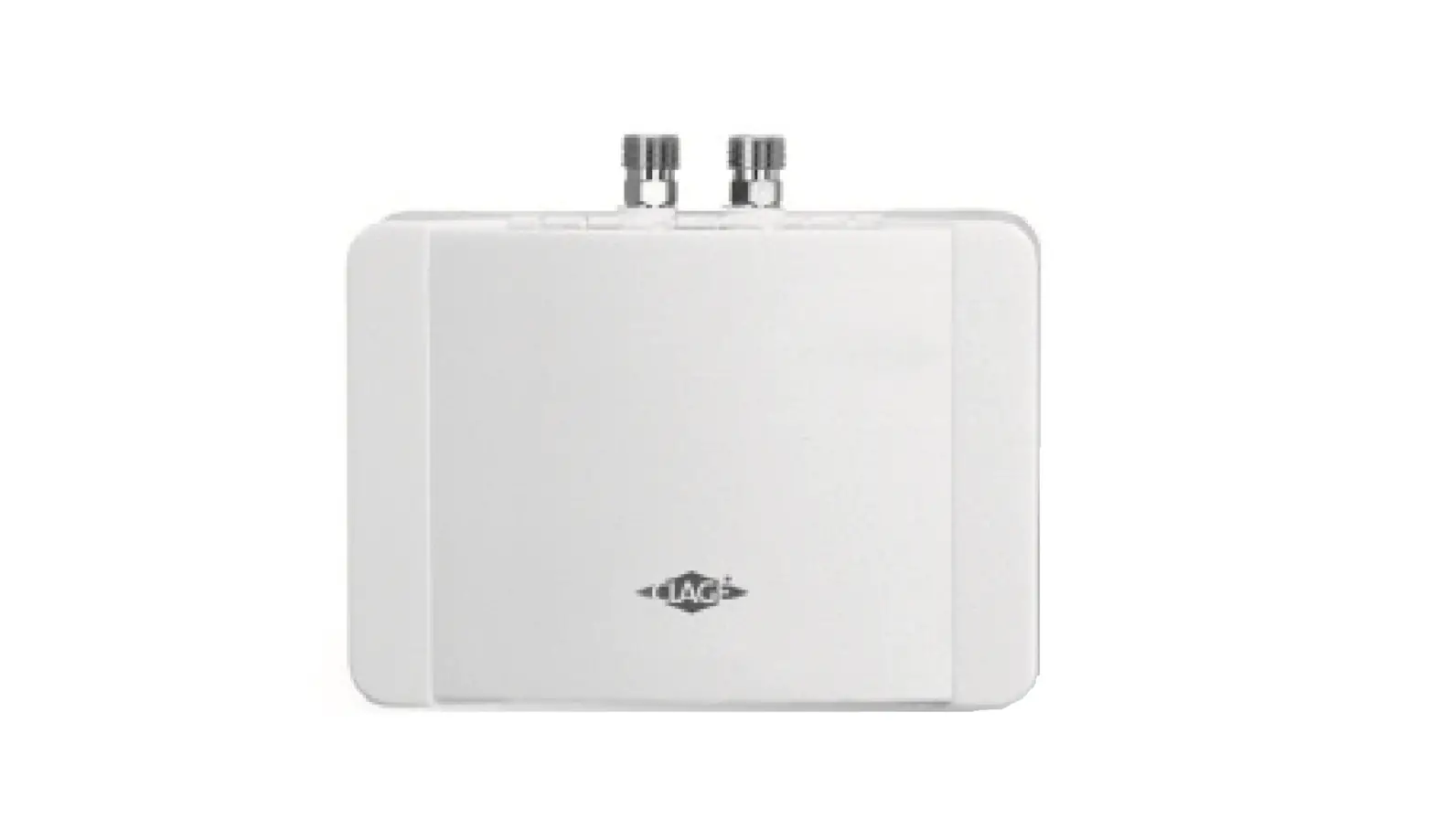
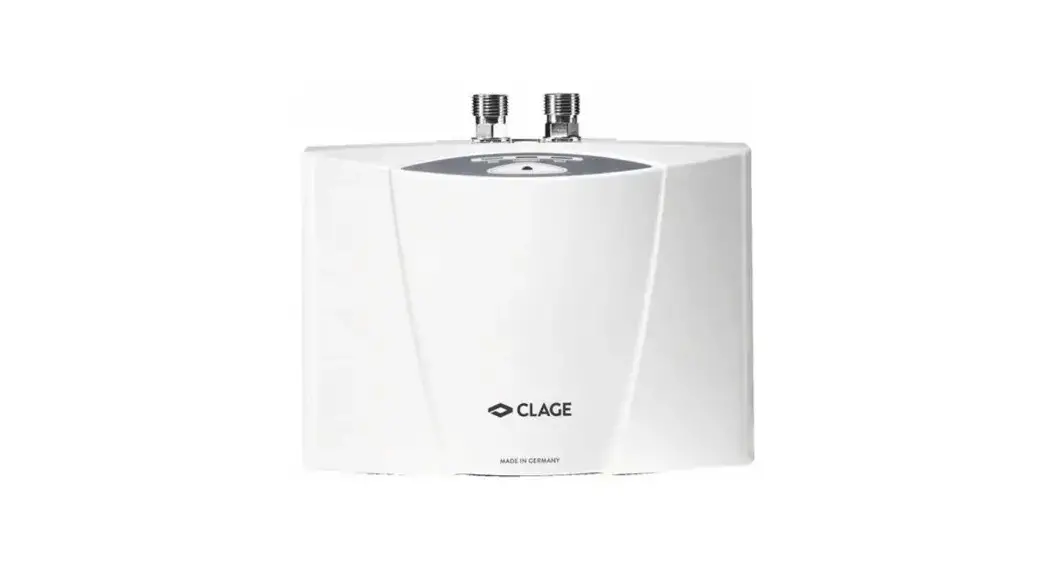
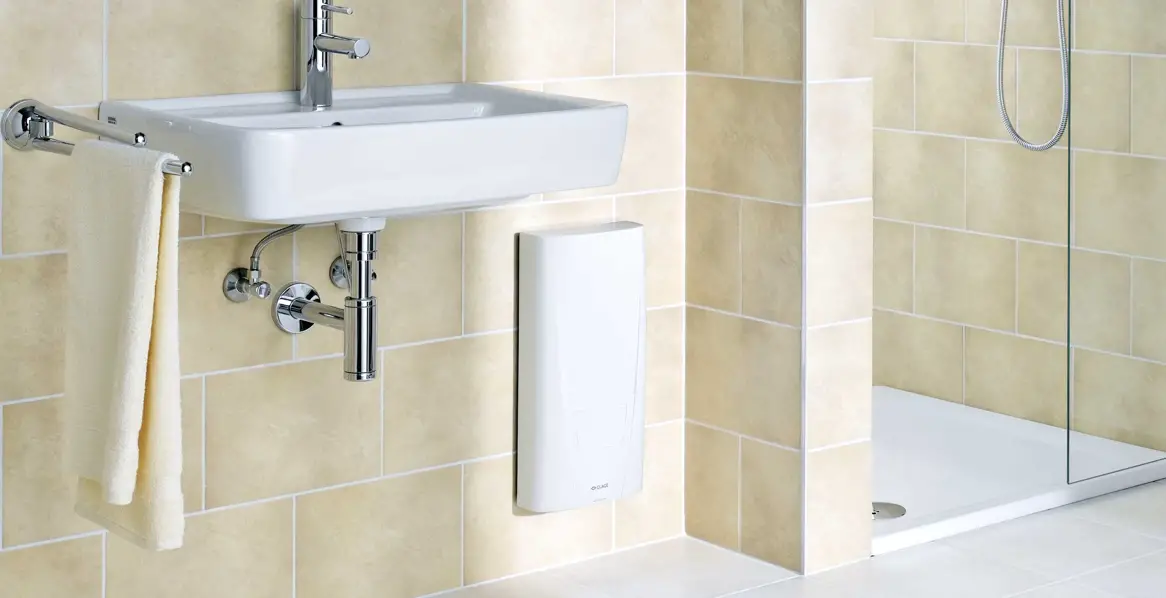
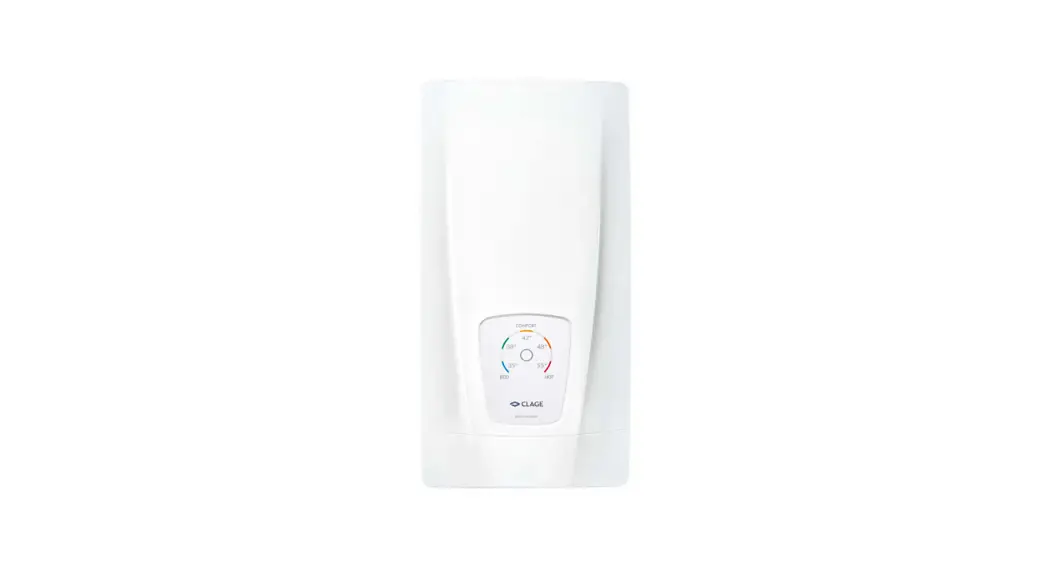
The FX remote control allows a convenient operation of the instantaneous water heaters MCX, CEX, CFX, DEX, and DSX* even if the heater is installed under a sink or in a secondary room. An energy-efficient and adequate choice of the water temperature is furthermore possible under these conditions with the FX remote control.
The communication between the remote control and the instantaneous water heater is bi-directional. Due to this technology, the data transfer is secured even under difficult installation conditions.
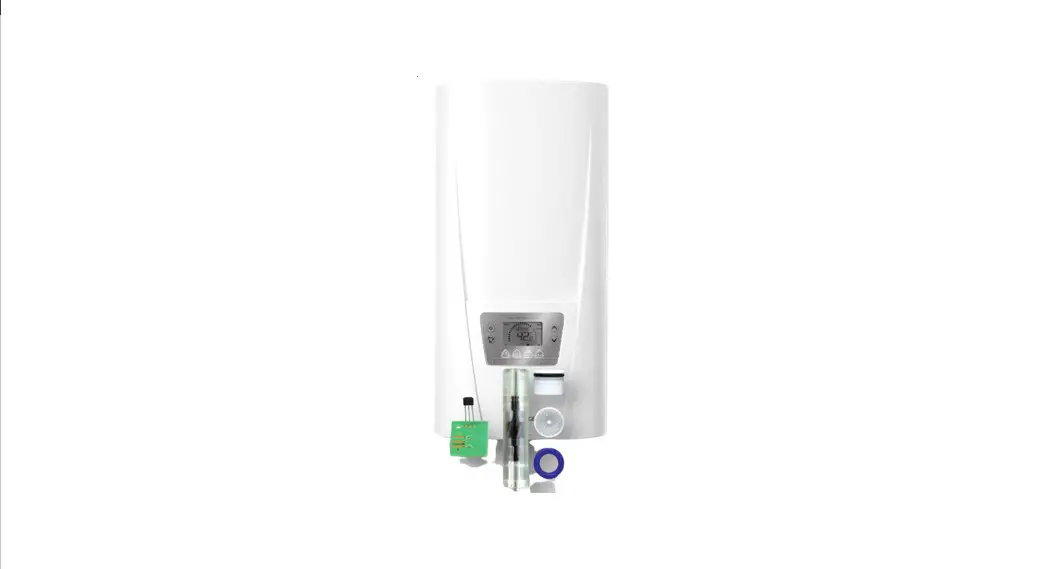
To connect this remote control to an MCX, CEX, DEX or DSX instantaneous water heater, the provided transmission unit must be installed.
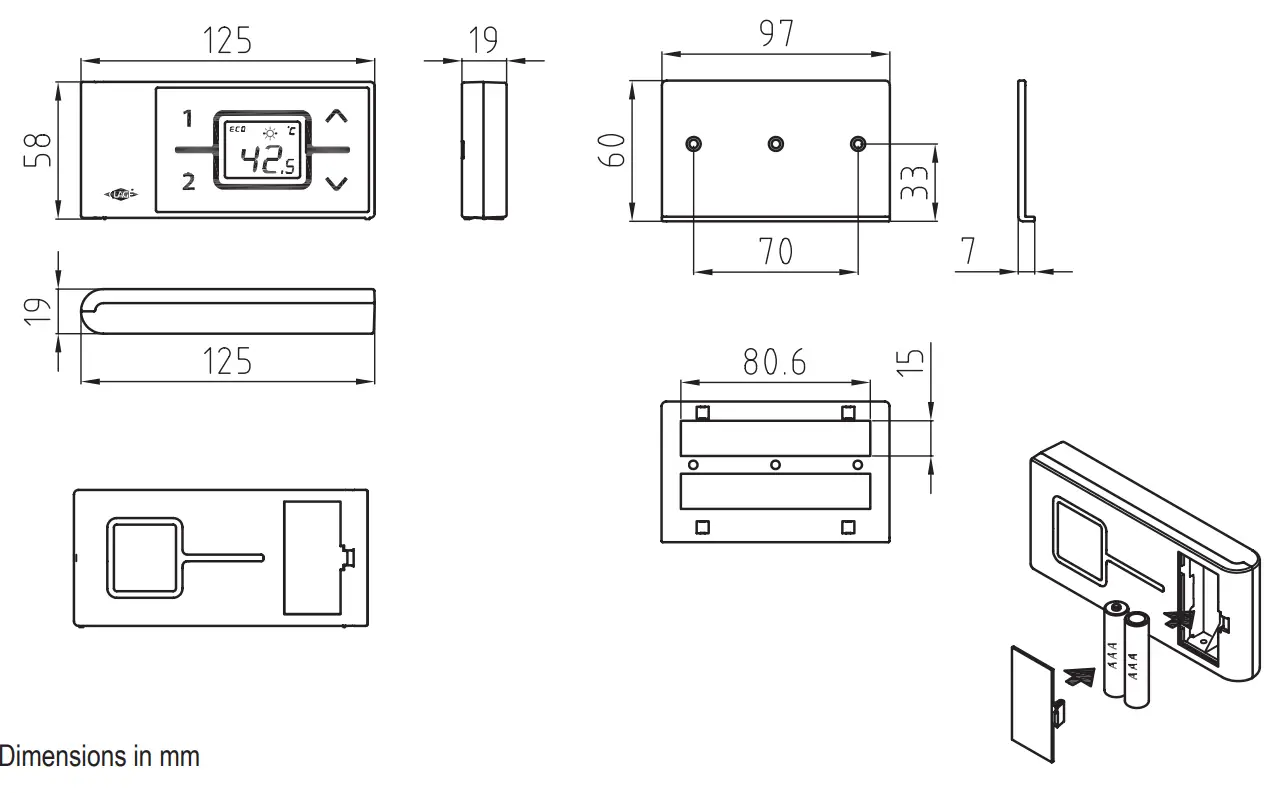
Dimensions
Technical Data
| FX | Model |
| 3 V | Operating voltage |
| 2 × AAA Alkaline | Type of battery |
| IP 20 | Degree of protection |
| 10 meters incl. barrier | Transmission range |
| max. 1mW | Transmission power |
| 868,3 MHz | Radiofrequency |
| Vongerichten | Radiation |
| Europa EN 300 220 / CE | Approvals |
Installation
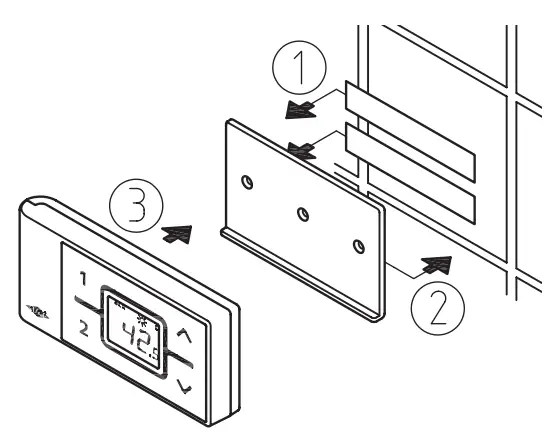
Figure 1: Installation with adhesive tape
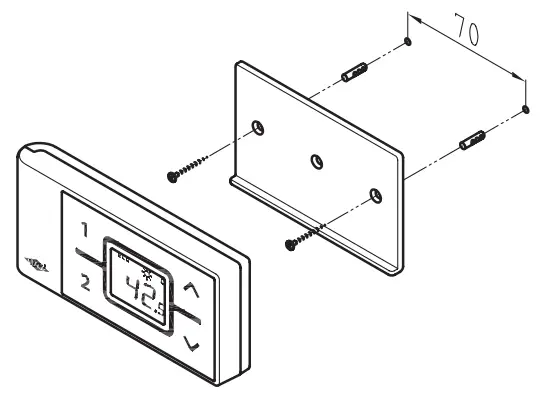
Figure 2: Optional installation with dowels and screws
5.1 Mounting the wall bracket
- Before attaching the wall bracket to the wall, ensure that the remote control has radio contact to the instantaneous water heater from its designated position.
- The wall bracket of the remote control can either be attached securely with the included adhesive tape, after stripping off the protection film (as shown in fig. 1) on a plain surface (e.g. a tile) or with suitable dowels (Ø 4 mm) and screws (as shown in fig. 2).
- When using the adhesive tape it is not possible to adjust the position afterward because of the strong adherence of the glue. Therefore, pay attention to a horizontal alignment when attaching it.
- The remote control is magnetically retained at the wall bracket.
5.2.1 Mounting the transmission unit inside an MCX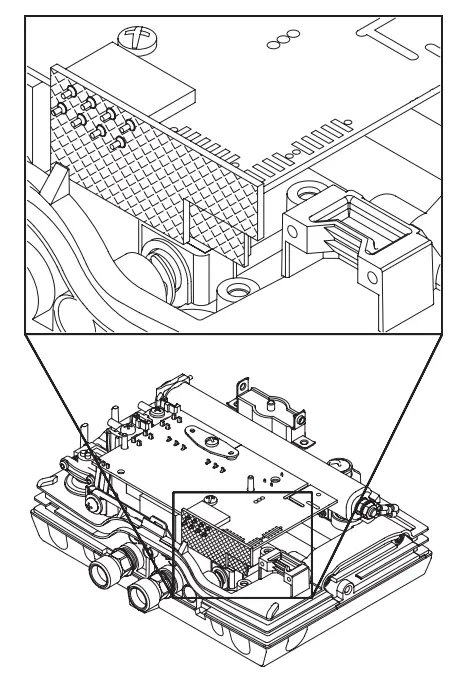
Attention!
Before assembling the transmission unit disconnect the instantaneous water heater from the main supply! Pay attention to the proper position of the connector! The connector
has to be fitted into the notch properly.
Figure 3: Installation of the transmission unit
5.2.2 Mounting the transmission unit inside a CEX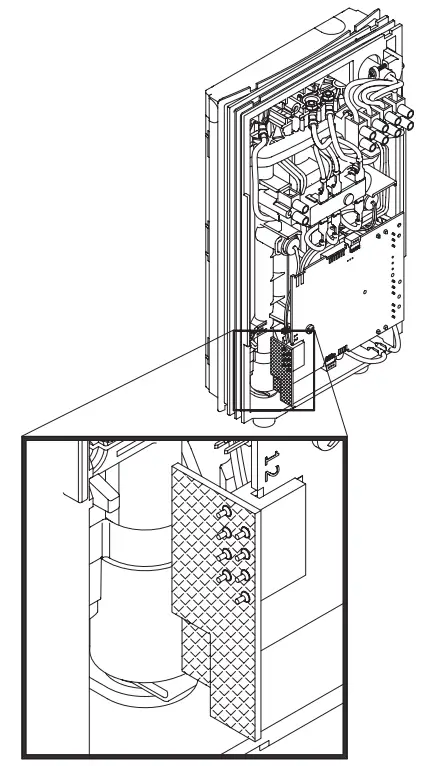 Attention!
Before assembling the transmission unit disconnect the instantaneous water heater from the main supply! Pay attention to the proper position of the connection! The connector has to be fitted into the notch properly.
Figure 4: Installation of the transmission unit
5.2.3 Mounting the transmission unit inside a DEX or DSX
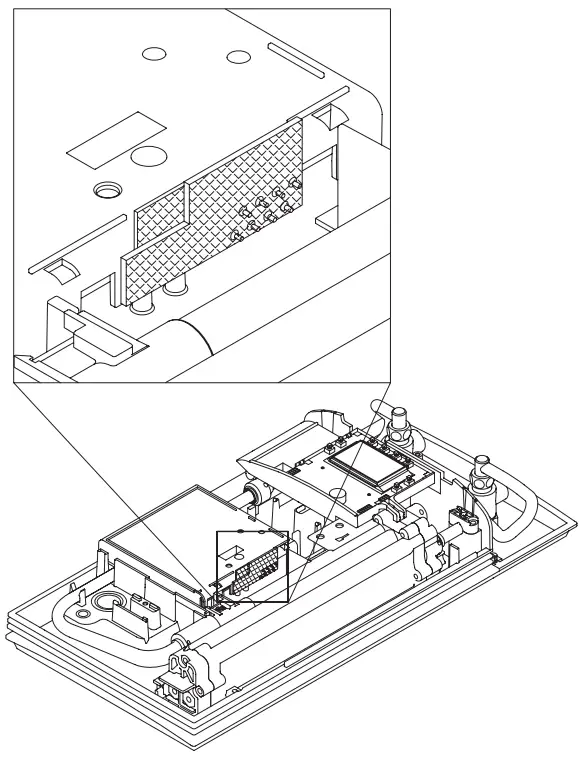
Attention!
Before assembling the transmission unit disconnect the instantaneous water heater from the main supply! Pay attention to the proper position of the connector! The connector
has to be fitted into the notch properly.
Figure 5: Installation of the transmission unit.
Initial operation
In delivery conditions, the remote control is registered to radio channel 50. We recommend changing this channel at the initial installation.
- Make sure that the power supply to the instantaneous water heater is switched on (fuse) and that the LED of the MCX display or the LCD of the CEX / DEX / DSX display shows the latest set value.
- After inserting the batteries into the remote control, its display indicates all symbols for about 4 seconds. During this time, press and hold the arrow buttons ∧ and ∨ for a short time. Then the display shows the current channel (1 to 99) and a flashing radio symbol
- Use the arrow buttons ∧ and ∨ chooses the desired channel. Press the button to confirm the selected channel number. The display changes to registration mode and shows “–“as well as a flashing radio symbol.
- Place the remote control directly in front of the instantaneous water heater.
- The display switches to the setpoint value display.
In the case of an unsuccessful registration, the display indicates “no” by a flashing radio signal after 45 seconds. The remote control quits the registration process and switches to standby mode. By pressing a button the registration process will be repeated.
Notes:
- With no remote control registered or without a working radio connection, the instantaneous water heater heats to the prior selected set temperature.
- After replacing the batteries, a new registration is not required.
- Only register again after performed work reset (CEX, CFX, DEX, and DSX) or when the remote control display continually indicates “no”.
Handling
The remote control is equipped with the following functions:
- Arrow buttons
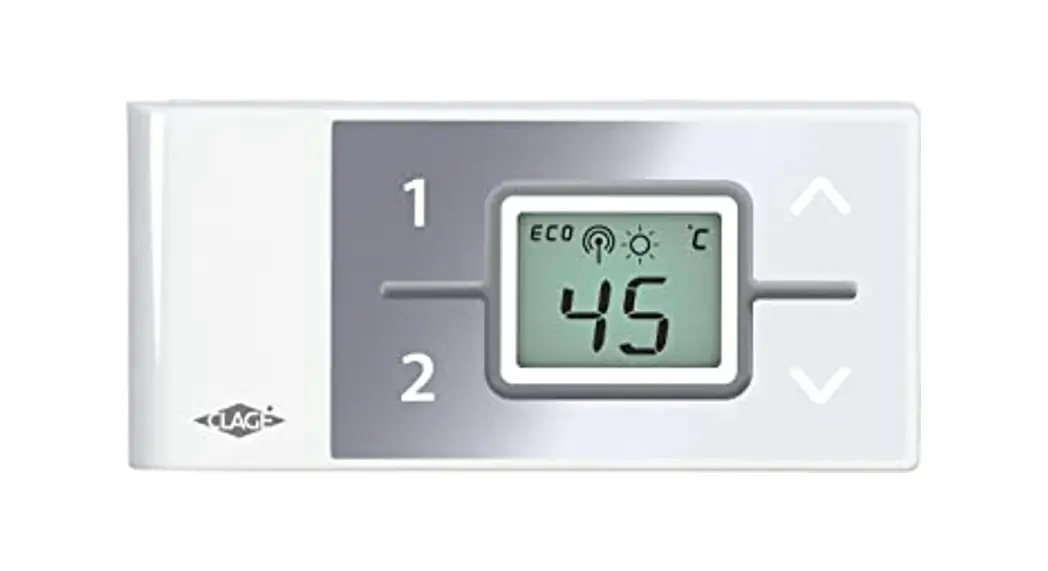
You can set the required temperature gradually to a lower or higher value using the arrow two buttons ∧ and ∨ .
Note: If the temperature display is set to “–“ with an arrow button, the instantaneous water heater switches off the heating function. - Program buttons
The two program 1 buttons 2 and allow to quickly select the preset temperature without the need to press the ∧ and ∨
The factory setting for the program is 35°C and for the program it is 48°C. You can assign your own set- of things for the program buttons:
- Select the desired temperature with and
- To save the current temperature, press the program button or for about two seconds.
Displayed information
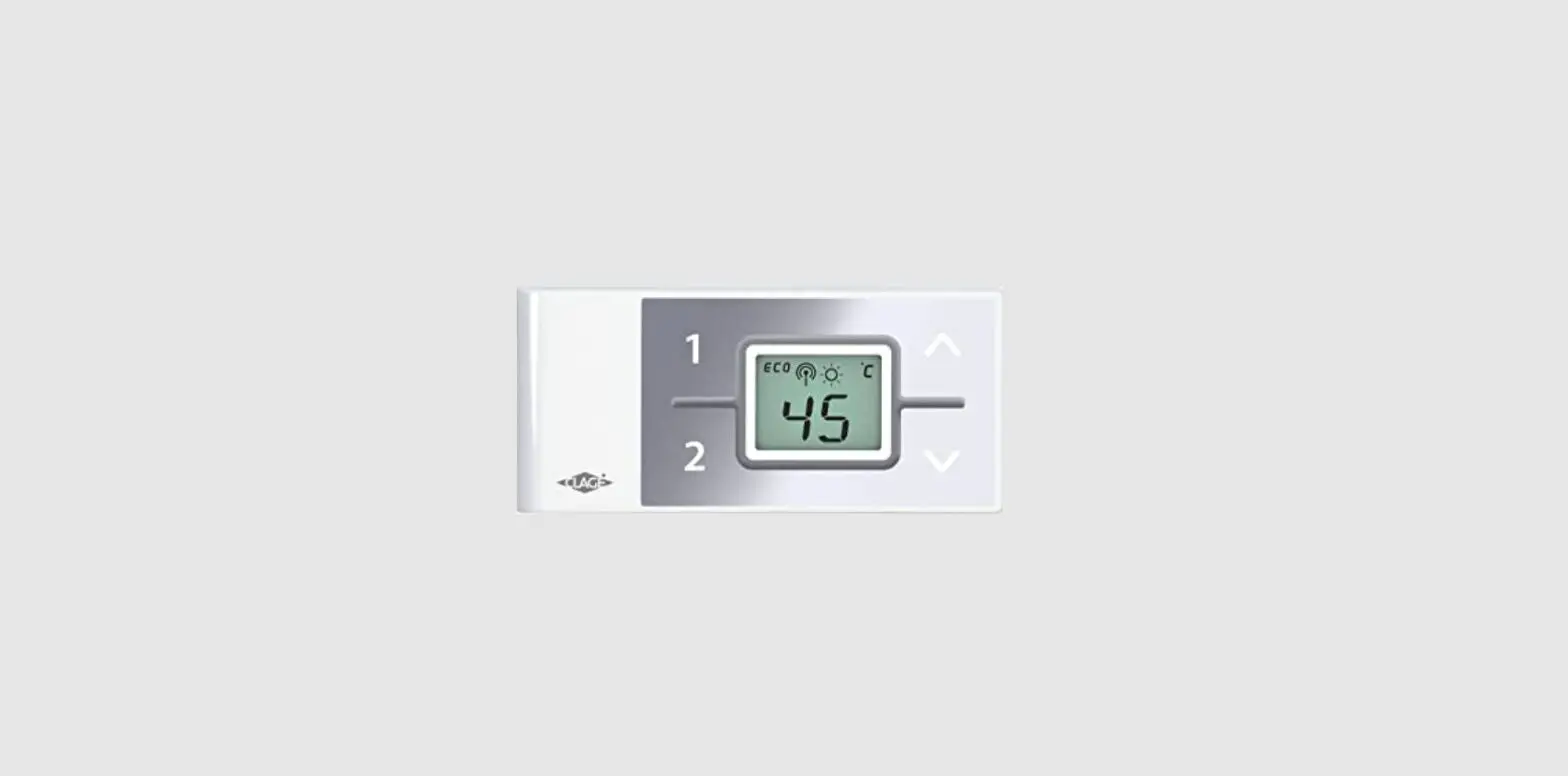
The representation corresponds to the temperature display of the CEX, DEX or DSX display after a keystroke on the remote control. The description of the function can be found in the manual of the instantaneous water heater.
Radio communication 
The display of the water heaters CEX and DSX show a radio symbol if the remote control is detected. This radio symbol is displayed on the remote control if a button is pressed or the initial operation is in process.
Battery
If the batteries of the remote control are flat, the battery symbol is displayed. In this case, exchange the batteries within a short period of time (see chapter “Battery replacement“).
Energy saving mode ECO
The symbol ECO shows that the appliance works in an energy-saving mode, i.e. the momentary energy consumption is subject to the selected temperature and to the flow rate in the energy-saving mode.
Power limit MAX
If the full output of the instantaneous water heater does not suffice to heat the tapped quantity of water, this will be indicated by MAX on the LCD.
Operation with preheated water
If the cold water inlet temperature is higher than the set value of the hot water outlet, the instantaneous water heater will not heat. In this case, no power is emitted and the sun symbol is displayed.
Communication of the remote control
- After a keystroke, the remote control connects to the instantaneous water heater. When tapping water without a preceding keystroke, the remote control’s display will not be refreshed.
- After a keystroke, the remote control updates its display every 10 seconds as long as the water is flowing. When the water flow stops the remote control updates its display three more times before the remote control enters the energy-saving mode.
- Without a working radio connection, the appliance heats to the prior selected set value.
Trouble-shooting and service
The following table will help you to determine and rectify the reasons for possible problems.
| Problem | Cause | Solution |
| Display: “no” and the appliance does not respond to the remote control | The remote control is not registered at the instantaneous water heater | Register again |
| Transmission range exceeded | Place the remote control closer to the appliance, press the button | |
| The disturbance caused by other trans-millers | Have the position of the transmission unit inside the appliance checked | |
| Display: “” and radio sym- bol flashes | Registration in process | Hold the remote control in front of the instantaneous water heater |
| Symbol “battery” lights | Flat batteries | Insert two new types of AAA batteries |
| Temperature changes unintentional | Another remote control is using the same radio channel. | Select a free radio channel |
Trouble-shooting and service
If you cannot rectify the fault with the aid of this table, please contact:
CLAGE GmbH
Central customer service
Pirolweg 8
21337 Lüneburg
Fon: +49 4131 – 89 01-40
Fax: +49 4131 – 89 01-41
E-mail: [email protected]
Internet: www.clage.com
We can either give you the name and address of an authorized customer service company or repair the heater ourselves. In the latter case, please send in the heater (at your cost and risk) with details of the problem and a copy of the sales invoice.
Battery replacement
Replace the batteries with new AAA batteries when the battery symbol flashes up. Do not use rechargeable batteries!
Disposal
Batteries may contain environmentally hazardous substances.
Therefore, used batteries must be disposed of at special collecting points and not be mixed with general household waste.
At the end of the remote control’s lifetime, the batteries must be disposed of separately from the appliance.
 CLAGE CZ s.r.o.
Trojanovice 644
744 01 Frenštát pod Radhoštěm
Telefon: +420 596 550 207
E-Mail: [email protected]
Internet: www.clagecz.cz
Technické změny , změny designu a textové chyby vyhrazeny Subject to technical changes, design changes and errors.
9120-25700 04 .13 GP- PDF
 Home · CLAGE.com/en
 Průtokový ohřívač | CLAGE