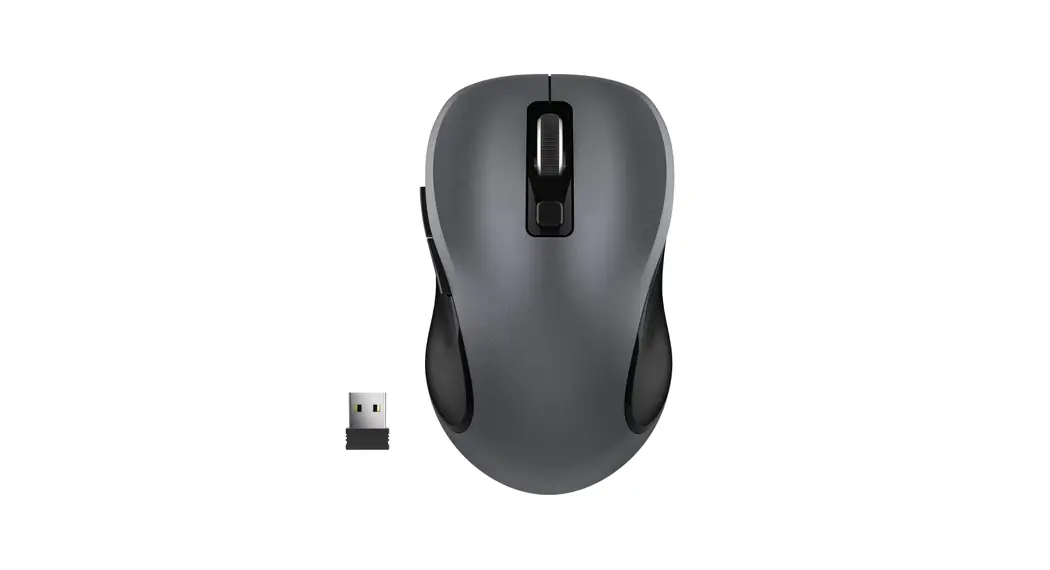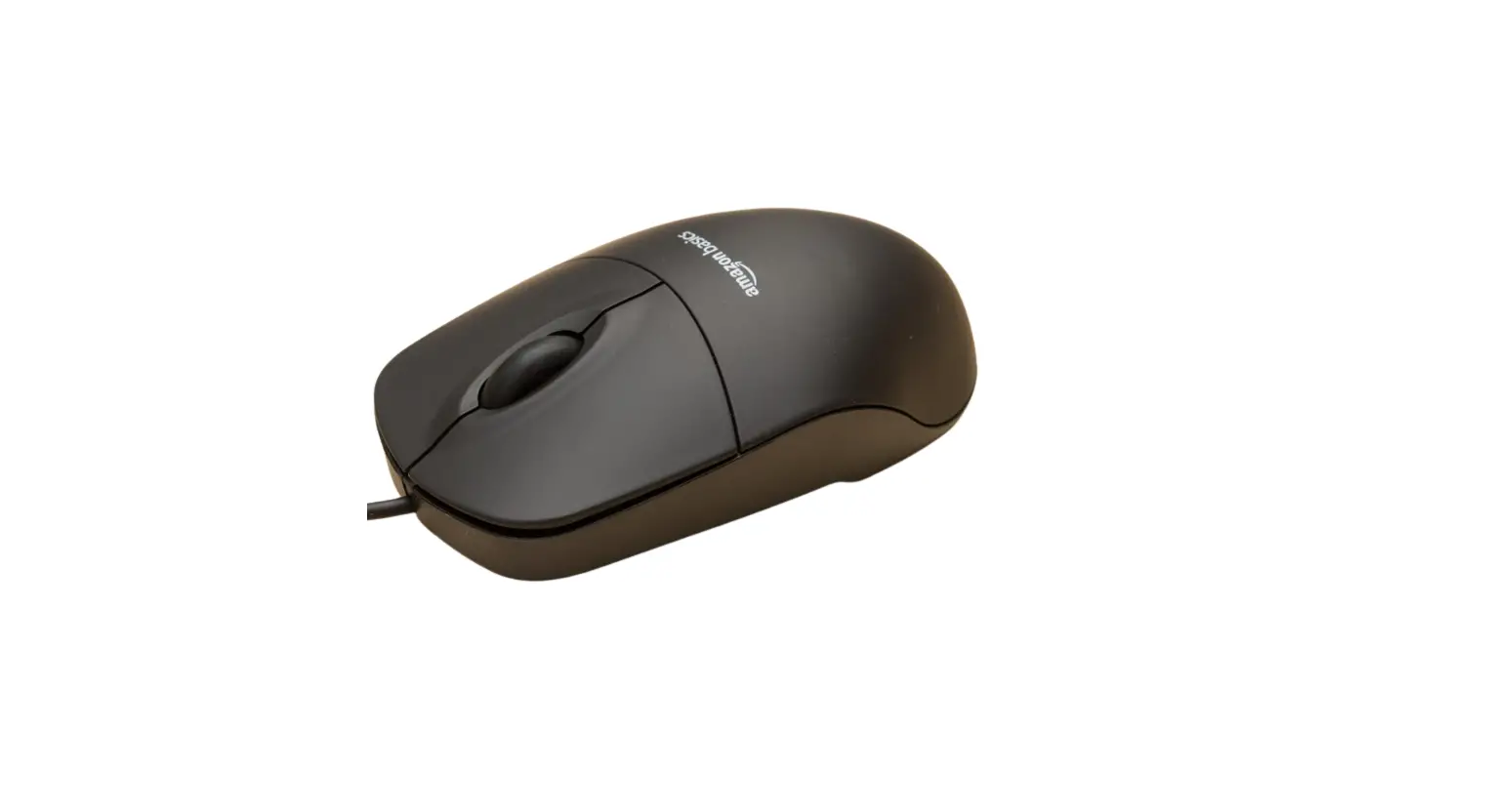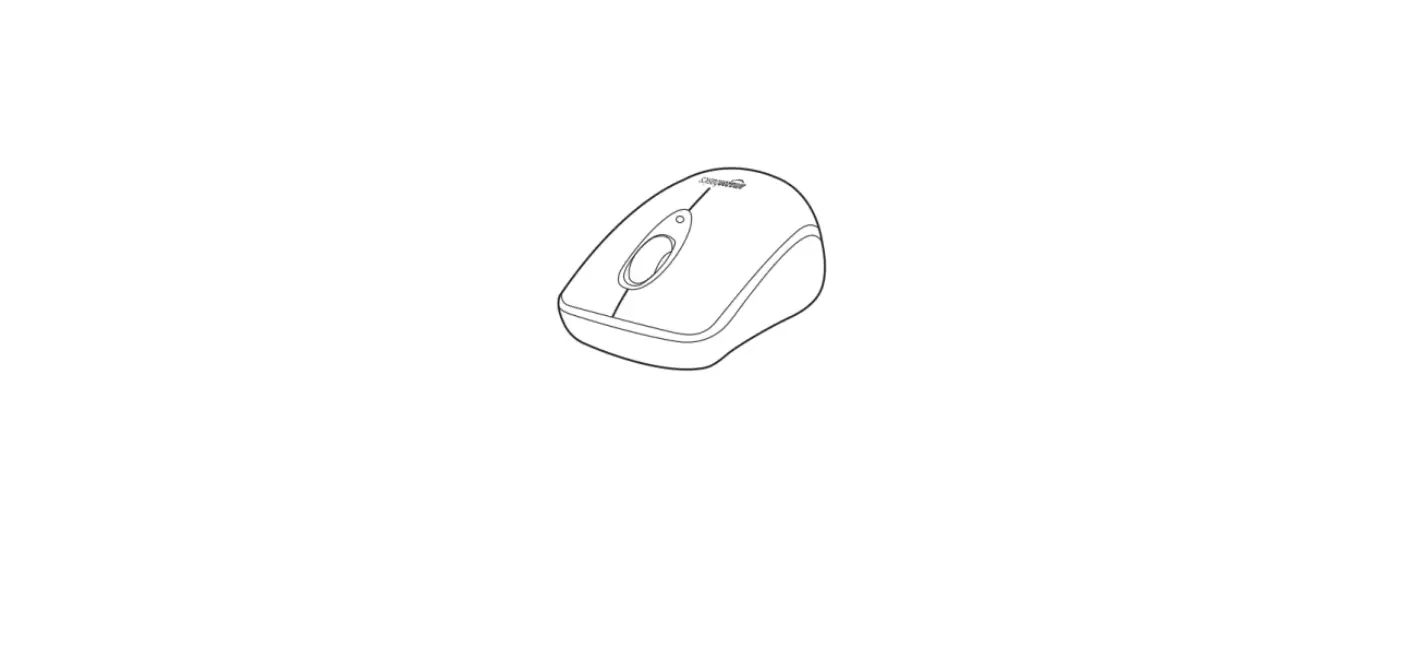

Amazon Basics B005ejh6z4 Wireless Mouse With Usb Nano Receiver User Guide

Amazon Basics B005ejh6z4 Wireless Mouse With Usb Nano Receiver User Guide

Amazon-Basics-B005EJH6Z4-Wireless-Mouse-with-USB-Nano-Receiver-logo

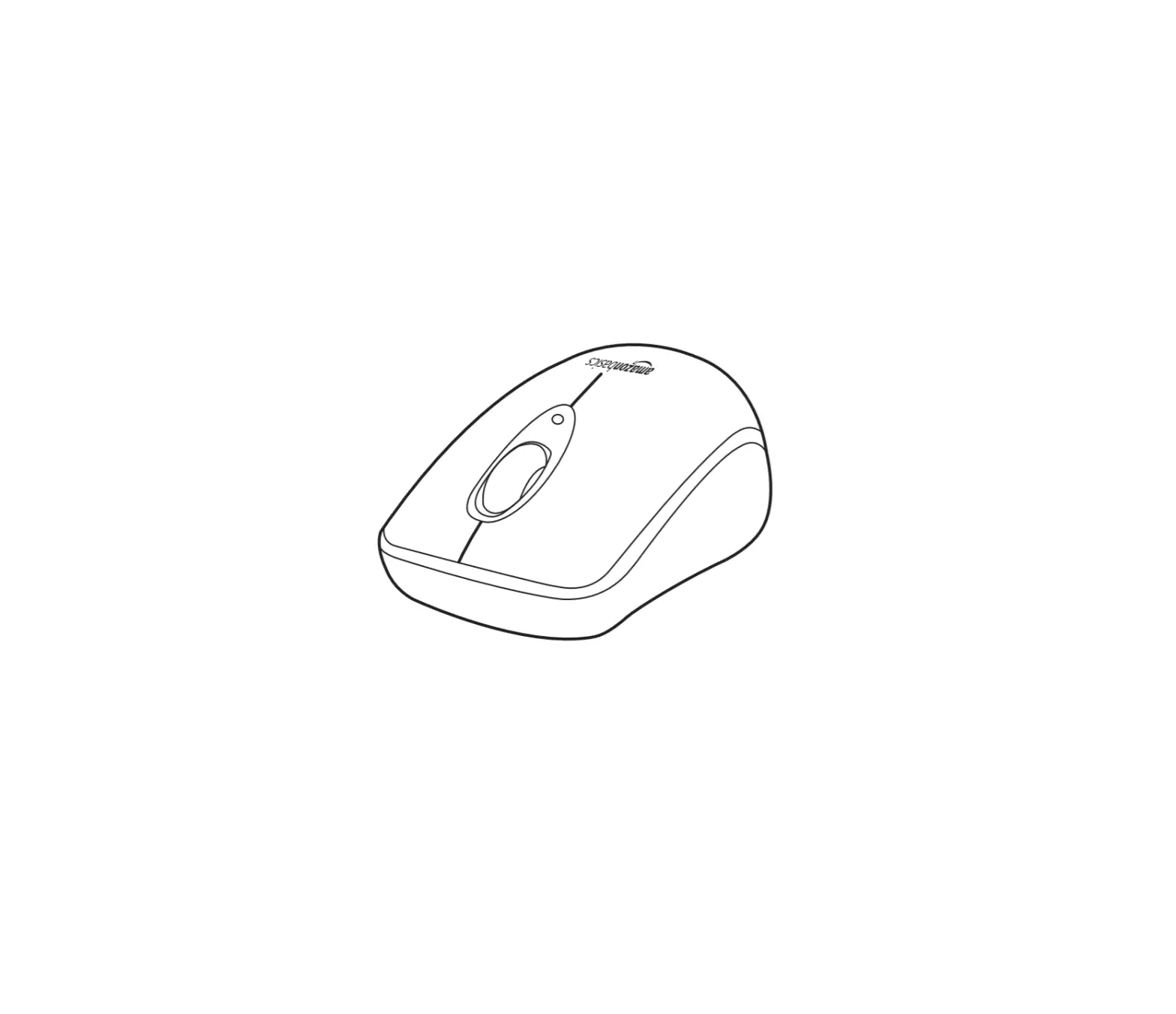
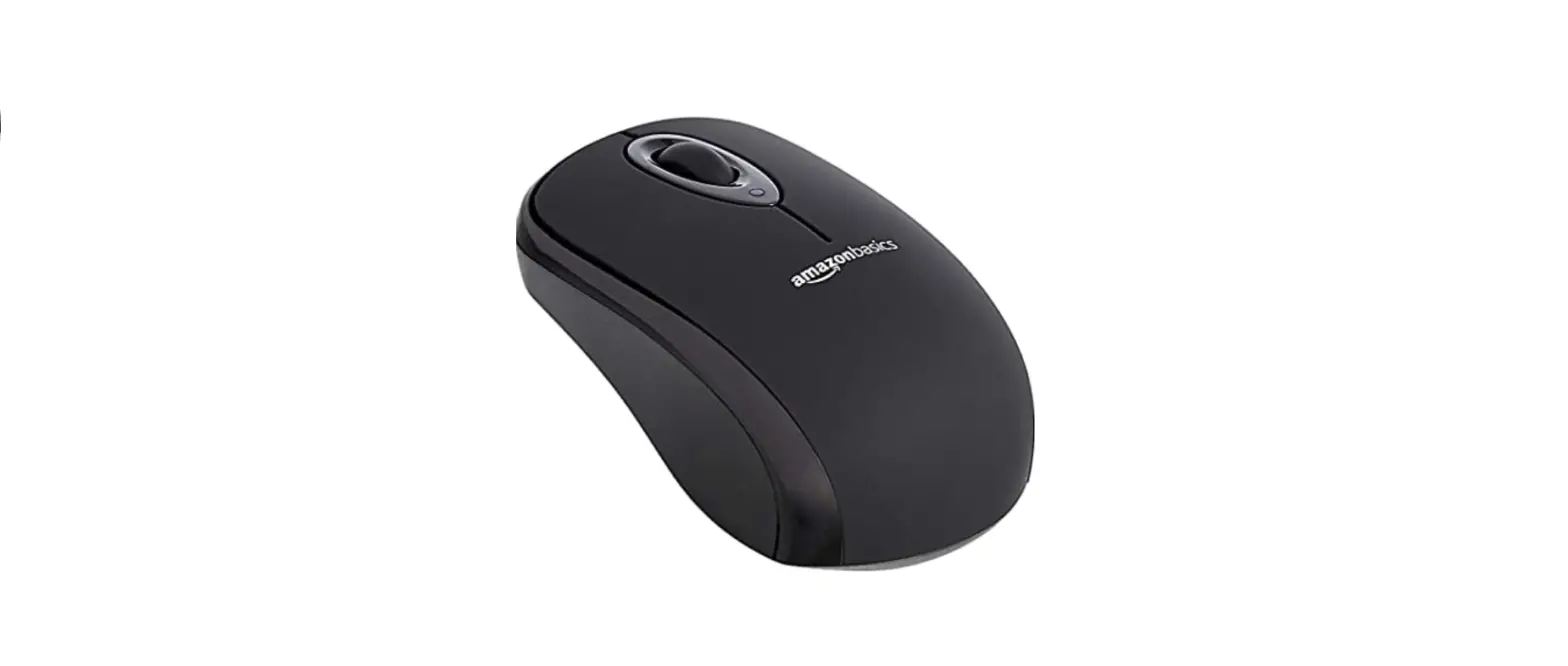
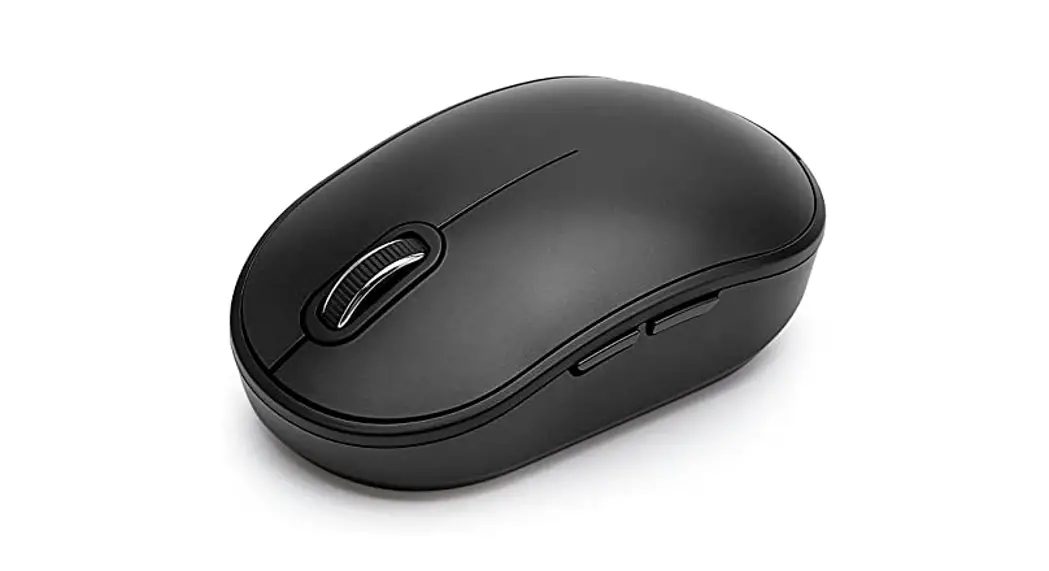
Amazon Basics B005EJH6Z4 Wireless Mouse with USB Nano Receiver
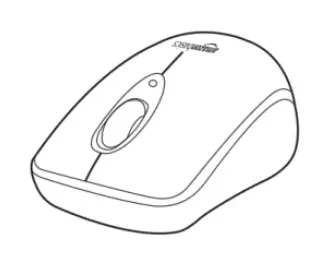
Amazon-Basics-B005EJH6Z4-Wireless-Mouse-with-USB-Nano-Receiver-product

Guide

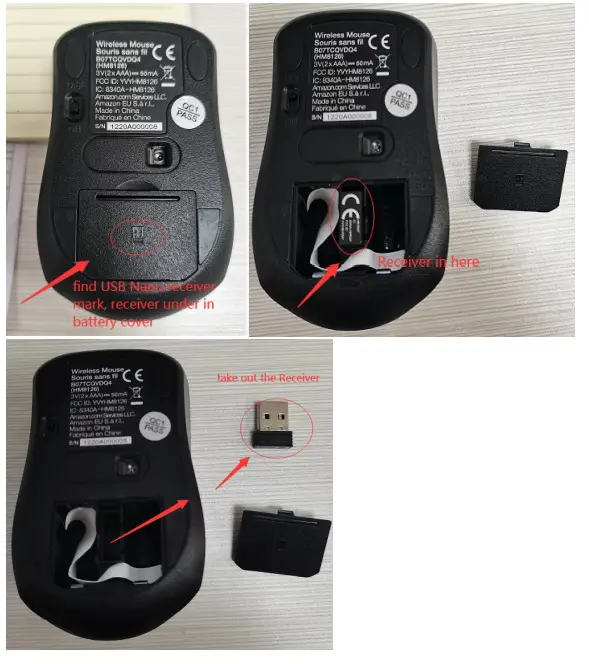
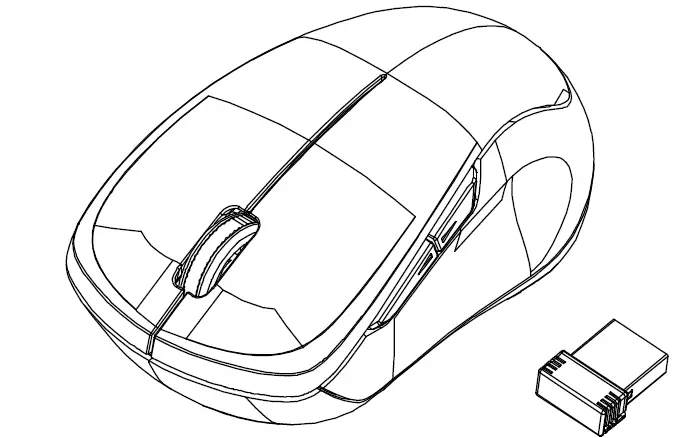
  1.  Find a USB nano Receiver, open the battery cover, take out the receiverAmazon-Basics-B005EJH6Z4-Wireless-Mouse-with-USB-Nano-Receiver-fig-1
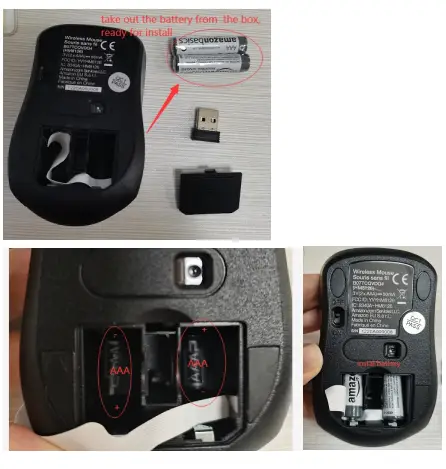
  2.  Install the battery (take out the battery from the box, check battery + and – and battery sizeAmazon-Basics-B005EJH6Z4-Wireless-Mouse-with-USB-Nano-Receiver-fig-2
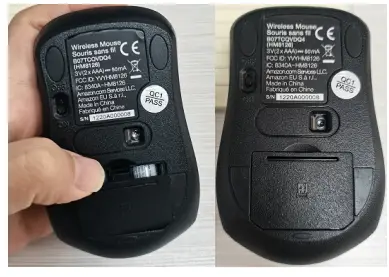
  3.  Close the battery coverAmazon-Basics-B005EJH6Z4-Wireless-Mouse-with-USB-Nano-Receiver-fig-3
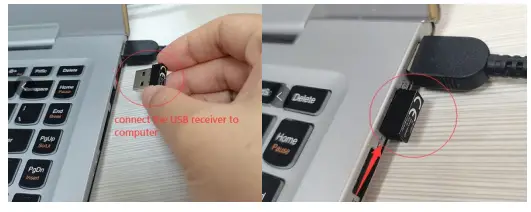
  4.  Connect the USB receiver to your computerAmazon-Basics-B005EJH6Z4-Wireless-Mouse-with-USB-Nano-Receiver-fig-4
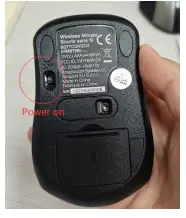
  5.  Power onAmazon-Basics-B005EJH6Z4-Wireless-Mouse-with-USB-Nano-Receiver-fig-5
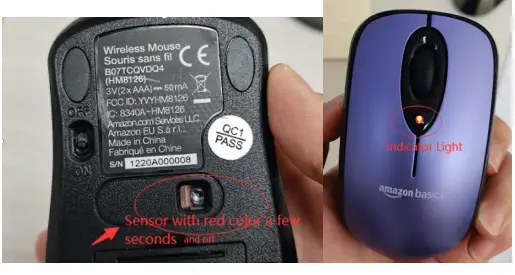
  6.  Power on switch, Light/ Sensor came on for few seconds Red color and off ,the same time battery power on indicator light on few seconds( power on/off, light
    /sensor came on for few seconds and off is for power-saving design, battery can use more long time)Amazon-Basics-B005EJH6Z4-Wireless-Mouse-with-USB-Nano-Receiver-fig-6
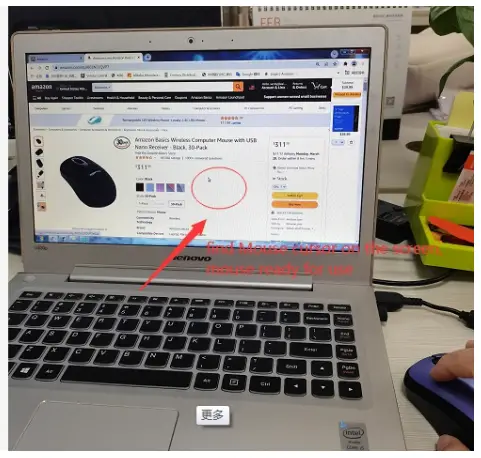
  7.  you will find the mouse cursor, on the computer, Ready for useAmazon-Basics-B005EJH6Z4-Wireless-Mouse-with-USB-Nano-Receiver-fig-7
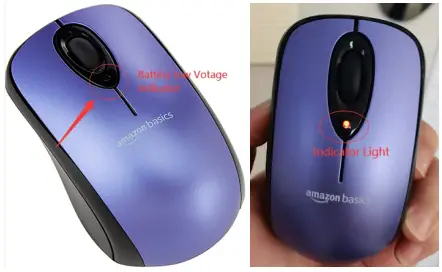
  8.  Use after several months, If the battery low Voltage indicator aways Blinks, this remind you to need prepare new battery waiting for replacementAmazon-Basics-B005EJH6Z4-Wireless-Mouse-with-USB-Nano-Receiver-fig-8

Documents / Resouces

Download manual
Here you can download full pdf version of manual, it may contain additional safety instructions, warranty information, FCC rules, etc.


Related Manuals