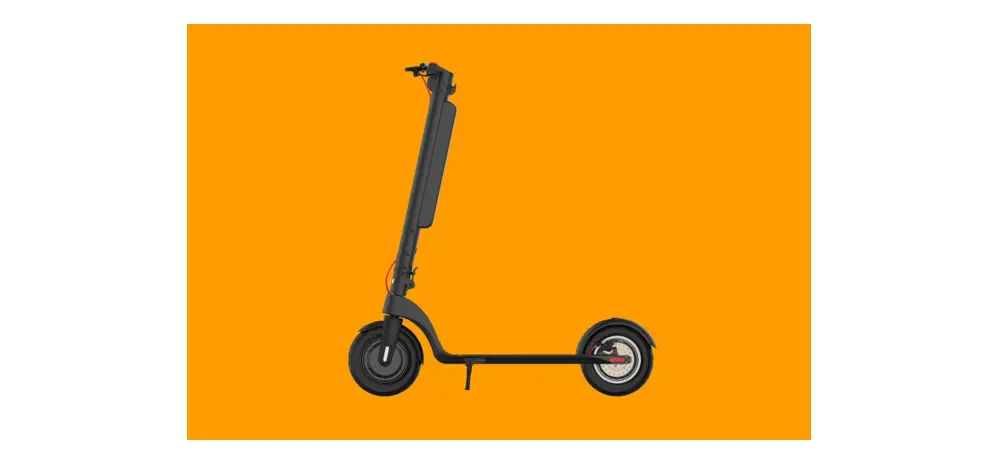
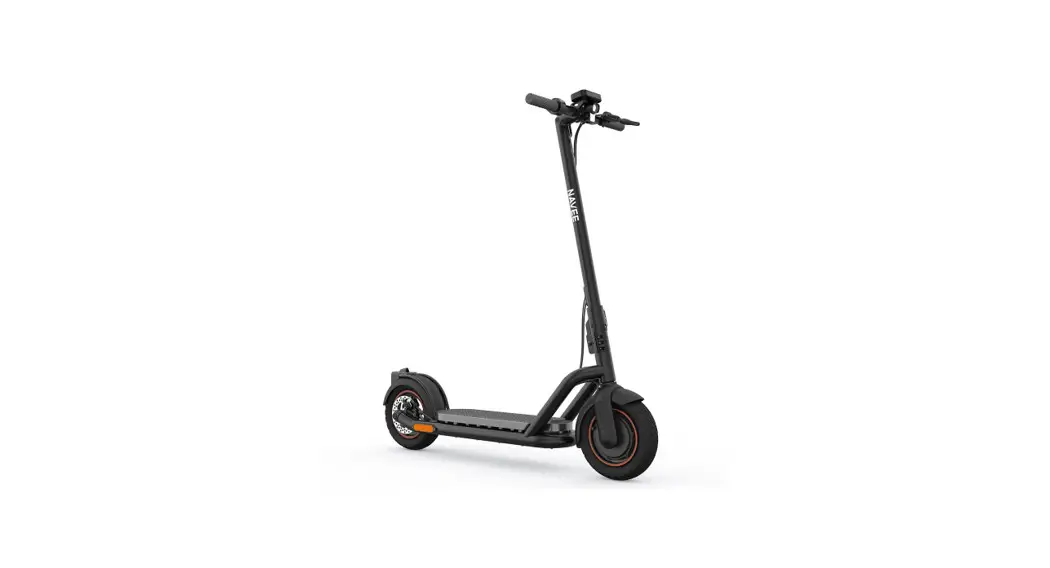
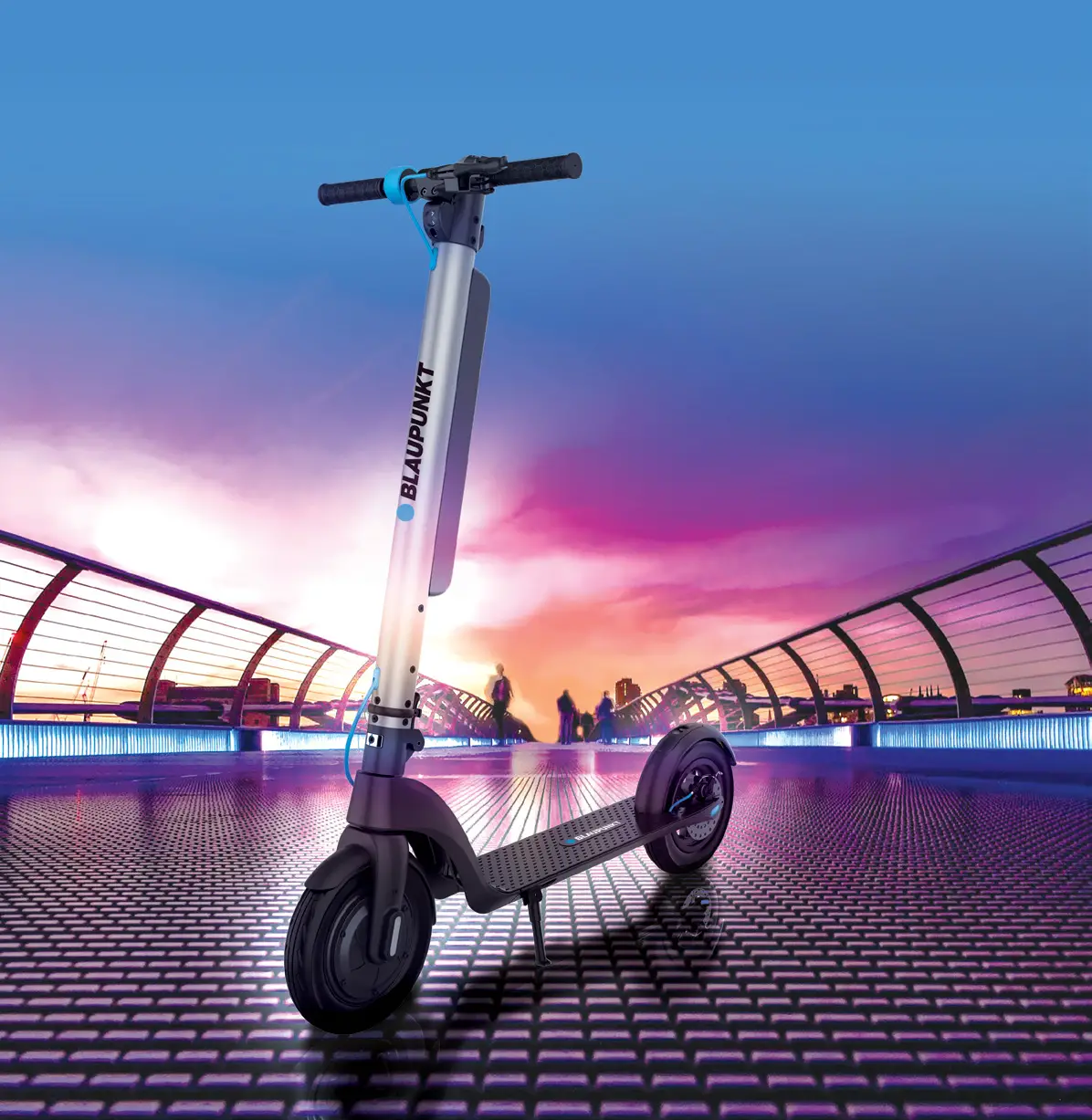
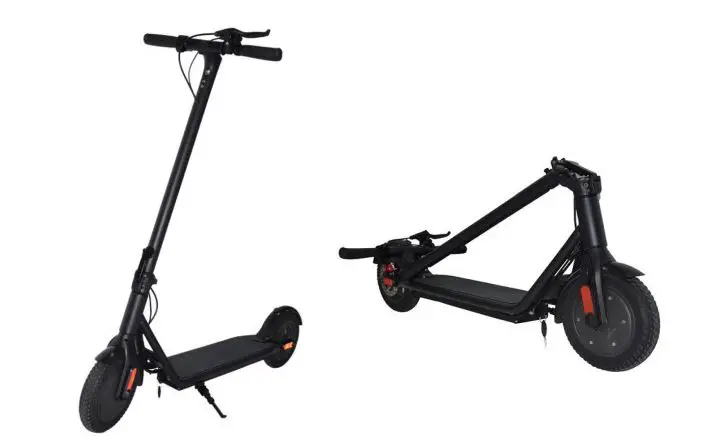
RS3 Electric Scooter
Product Information
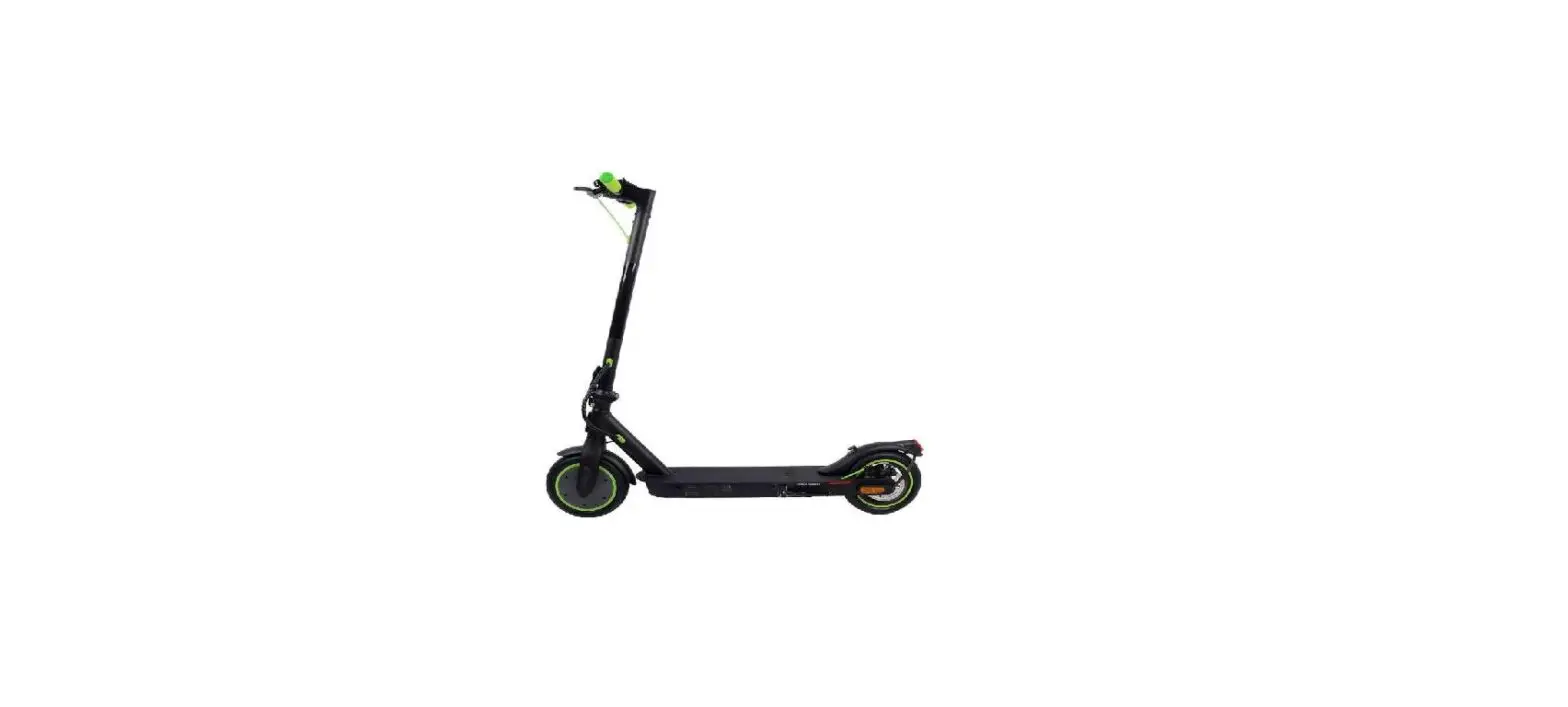
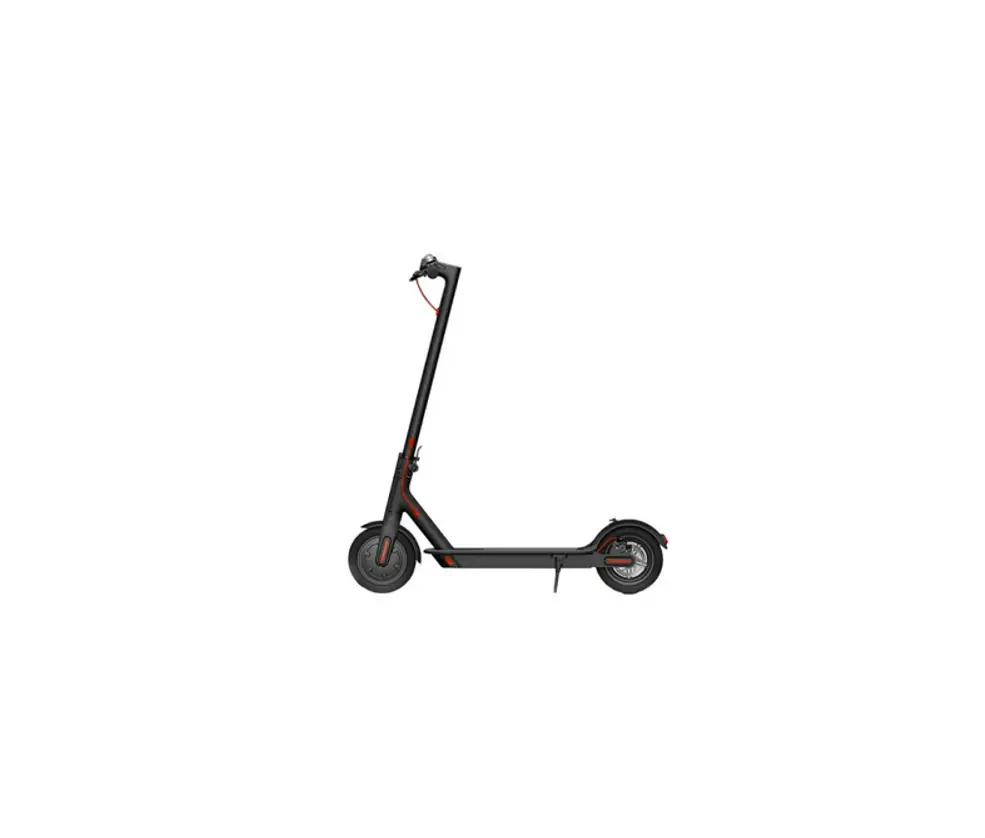
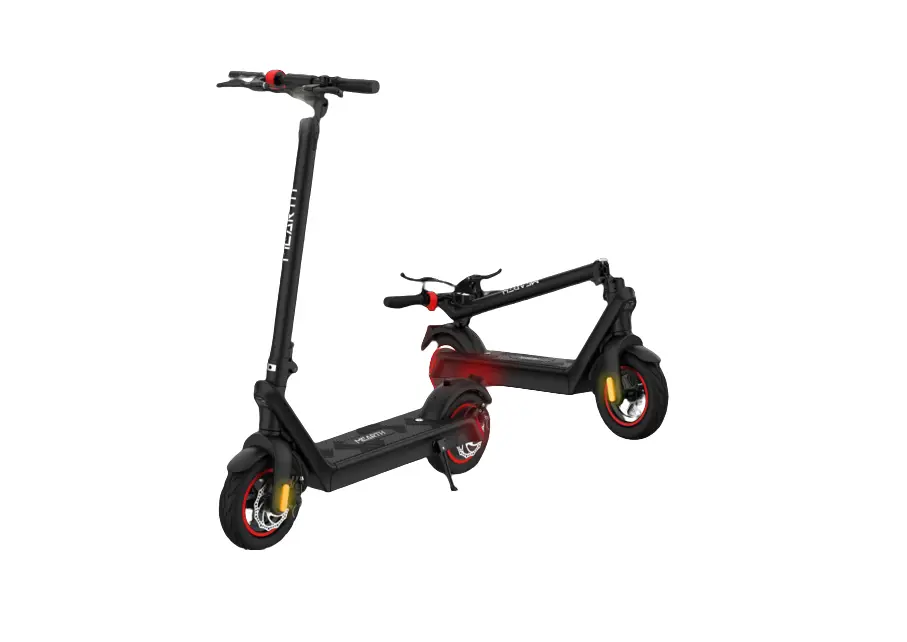
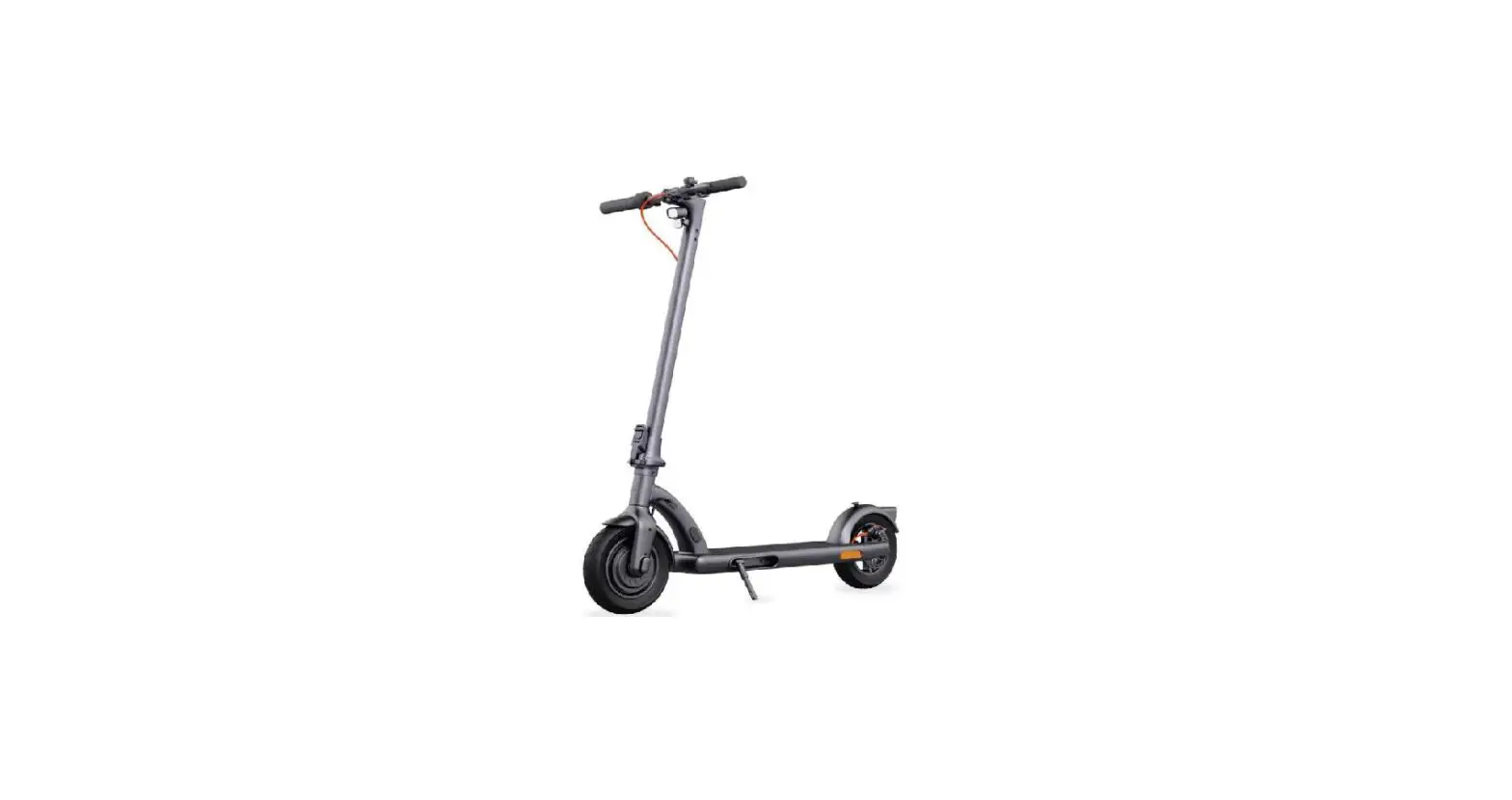
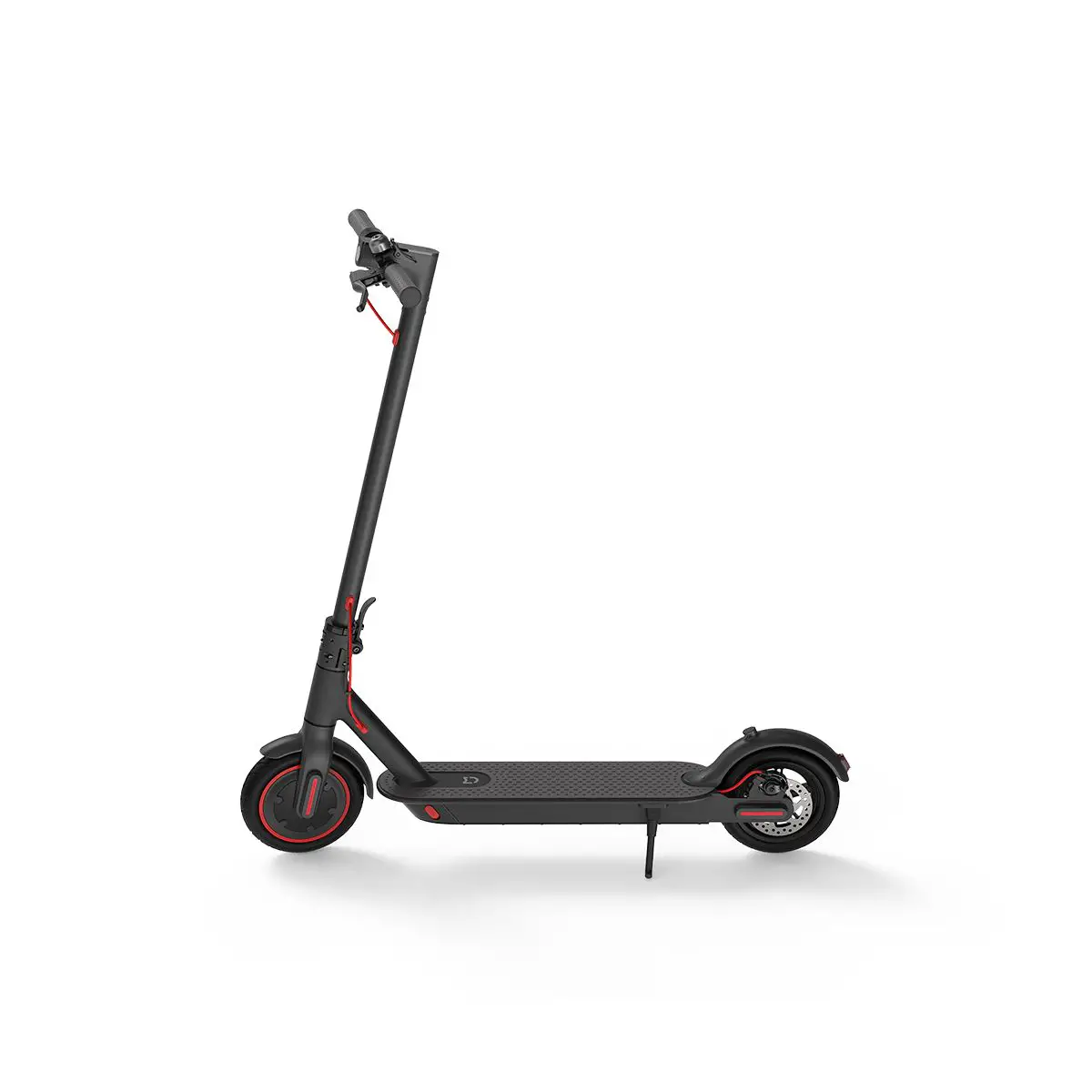
The RS3 is an electric scooter manufactured by Riley Scooters
Limited. It is designed for riders aged 14 years and above. The
scooter has a maximum loading capacity of 120 kg. It features a
brake lever, handle, headlight, stem folding spanner, motor,
kickstand, disc brake, handlebar release clasp,
accelerator/throttle, LED display, folding latch, stem folding
clip, battery clip, detachable battery, charging port, anti-slip
mat, fender clip, fender, tail light, number plate, base plate
latch, and base plate clip.
Product Usage Instructions
Unfolding Instructions
- Pull out the folding latch to release the stem from the base
plate. - Pull the stem up until it’s vertical.
- Pull the stem into place and secure it with the folding
spanner. - Pull the latch to release the upper stem. Fold the stem upwards
until it’s vertical with the lower stem. - Pull both handlebars upwards until they click into place.
- Unhook the base plate clip. While holding the latch, push the
folded deck outwards until aligned with the upper deck. - Once in place, secure the base plate clip tightly.
- Push the deck down to secure it in place against the rear
fender.
Folding Instructions
- Push down on the rear fender and pull up the deck towards the
stem. - Press the button on the base plate clip and pull it towards the
rear fender to release. - Pull and hold the base plate latch, then push the rear of the
scooter towards the front wheel. - Push the battery clip in and hold it.
- Push the battery up, away from the bottom of the stem.
- Fold the scooter firmly until it’s secure. Resecure the base
plate clip to its original position. - Pull the handlebar release clasp as indicated by the arrows and
completely fold the handlebars towards the stem. - Slide the button upwards and unclip the stem clasp, then fold
the stem towards the lower stem.
RS3 User Manual
RS3
1
Scan me to unfold
2
Declaration of conformity
Riley Scooters Limited: Kings Lodge, London Road, Sevenoaks, TN15 6AR, United Kingdom
This declaration of conformity is issued under the sole responsibility of the manufacturer. Object of the declaraton: Type of device: Electric scooter
Model NO: RS3 Description: RILEY SCOOTER RS3
The object of the declaration described above is in conformity with the relevant Union harmonisation legislation:
2011/65/EU amended by 2015/863(EU) 2014/30/EU 2014/35/EU 2006/42/EC 2014/53/EU
RoHS directive EMC Directive Low Voltage Directive Machinery Directive RED DIRECTIVE
3
References to the relevant harmonize standards used or references to other technical specification in relation to which conformity is declared: BS EN 17128:2020 EN 17128:2020 EN 60335-1:2012 EN 60335-2-29:2004 EN IEC 55014-1:2021 EN IEC 55014-2:2021 EN 61558-1:2005 EN 61558-2-16:2009 EN 55014-1:2021 EN 55014-2:2015 EN 61000-3-2:2019+A1:2021 EN 61000-3-3:2013+A1:2019
Name of manufacturer: RILEY SCOOTERS LIMITED
Address: Kings Lodge, London Road, Sevenoaks, TN16 5AR, United Kingdom
Importer/Distributor contact detail:
www.rileyscooters.com
AUTHORISED SIGNATURE: Hayden Riley Founder & CEO Date: 2022-10-28
4
The manufacturer recommends riders be 14+ years old.
Unfolding instructions Folding instructions
WARNING!
5
Charging instructions
8.
9.
Riley Scooter APP
7-8 7 7-9
10-14 10 11 12 13 14
15-16
17-19 17 18 19
20
21
22
23
24
6
Max Loading: 120 kg.
7
8
Brake lever Handle Headlight
Stem Folding spanner
Motor Kickstand Discbrake
Handlebar release clasp Accelerator / Throttle LED display Folding latch
Stem folding Clip Battery clip
Detachable battery Charging port
Anti-slip mat Fender clip Fender
Tail light Number plate
Base plate latch Base plate clip
9
10
Brake lever
11
brake lever to brake. Lightly
2.3 Unfolding instructions
clip
1. Pull-out folding latch to release stem from base plate.
2. Pull stem up till it’s vertical.
3. Pull stem into place and secure the folding spanner.
4. Pull latch to release the upper stem. Fold stem upwards till vertical with the lower stem.
5. Pull both handle bars upwards until they click into place.
latch
6. Un-hook base 7. While holding
plate clip. Pull and latch, push the
hold the base plate latch.
folded deck outwards till aligned with
upper deck.
8. Once in place, secure the base plate clip. Ensure it’s fastened tightly.
View our instructional video here
9. Push the deck down to secure it in place against the rear fender.
12
2.4 Folding instructions
1. Push down on rear fender, pull up the deck, and fold towards the stem.
button
2. Press in button on base plate clip, and pull towards rear fender to release.
latch
3. Pull and hold base plate latch and push the rear of the scooter towards the front wheel.
1. Push Battery clip in and hold.
2. Push the battery up, away from the bottom of the stem.
button
4. Fold the scooter firmly till it’s secure. Resecure the base
plate clip to original
position.
5. Pull handle bar release claps as arrows indicate, and completely fold handle bars toward stem.
6. Slide button upwards and unclip stem clasp, fold stem towards lower stem.
button
7. Slide button upwards and unclip folding spanner. Fold stem down to base plate.
clip
8. Slide folding latch back, and align to the hook on the base plate. Release clip when aligned to secure stem.
1. Insert the battery horizontally into the pole, while pushing the battery clip in.
View our folding video here
2. When in, let go
of the battery clip,
and push battery down until firmly secure.
13
14
lever to slow down or stop.
15
16
The instructions show you how to charge and maintain the battery and provide some safety notices and the technical specifications. Please use the battery properly according to these instructions to prolong battery life and performance.
4.1 Battery parameters
Name Type Charging time Voltage Working temperature Charging Temperature Max Charging Voltage Storage Time (at -10°C 40°C) Initial Volume Max Charging Current
Parameter 5.8AH Battery Approx. 2 hours 36V 0°C – 35°C 0°C – 35°C 42V 3 months (full charge) 5.8AH 2A
17
18
4.3 Charging instructions
Charging time is aprrox. 2 hours to fully charge.
Charging method 1:
Charging method 2:
Charging port
Battery interface
19
Product
485mm
Unfolded size
1181x540x1133mm
Folded size
649x272x474mm
Height from baseplate to ground 115mm
Net weight
16kg
Tyre size
8.5 inch pneumatic air tyre with inner tube
Tyre pressure
35 P.S.I (2.41 Bar)
Waterproof level
IPx4
Basic Information
Battery Capacity
36V/5.8 AH
Motor power
350W
Mileage per charge
15.5 miles (25km)
Max speed
15.5 mph (25km/h)
Max loading
120kg
Climbing angle
15°
Driving modes
3 (beginner, eco, sport)
Input voltage Frequency Output voltage Output current Store temperature
100-240Vac 50-60Hz 42V 1.5A -10°C-35°C
20
WARNING!
WARNING!
Potential problem Unable to start up Does not charge
Solution
Check to see if the battery is charged.
1. Check whether the plugboard has electricity.
2. Check the charger to see whether the AC plug is connected (whether the light is on).
3. Check the plug of the charger and the charging port of the e-scooter have been inserted correctly.
21
22
1x Copy of Manufacturer’s Limited Warranty
23
9. Riley Scooter APP
Stay on the move with our app which connects directly to your scooter through Bluetooth. Get directions, view key riding info, and track your rides effortlessly.
Features: · Cockpit showing key riding info · Lock and trace your scooter · Track your rides · Shop our range of accessories
Note: When connecting to your scooter ensure your Bluetooth is enabled on your mobile device and the scooter is turned on.
Scan to download the App. Alternativelly, go to the Google Play Store (Android) or the Apple App Store (iOS) and search Riley Scooters to download and install the App.
Be advised there is a minimum Android/iOS/Bluetooth version required. See user materials for additional details.
24
FCC Statement This equipment has been tested and found to comply with the limits for a Class B digital device, pursuant to part 15 of the FCC Rules. These limits are designed to provide reasonable protection against harmful interference in a residential installation. This equipment generates, uses and can radiate radio frequency energy and, if not installed and used in accordance with the instructions, may cause harmful interference to radio communications. However, there is no guarantee that interference will not occur in a particular installation. If this equipment does cause harmful interference to radio or television reception, which can be determined by turning the equipment off and on, the user is encouraged to try to correct the interference by one or more of the following measures: –Reorient or relocate the receiving antenna. –Increase the separation between the equipment and receiver. –Connect the equipment into an outlet on a circuit different from that to which the receiver is connected. –Consult the dealer or an experienced radio/ TV technician for help. This device complies with part 15 of the FCC Rules. Operation is subject to the following two conditions: (1) This device may not cause harmful interference, and (2) this device must accept any interference received, including interference that may cause undesired operation. Caution Any changes or modifications not expressly approved by the party responsible for compliance could void the user’s authority to operate the equipment. FCC Radiation Exposure Statement
The device has been evaluated to meet general RF exposure requirement.
The device can be used in portable exposure condition without restriction
 Riley Scooters