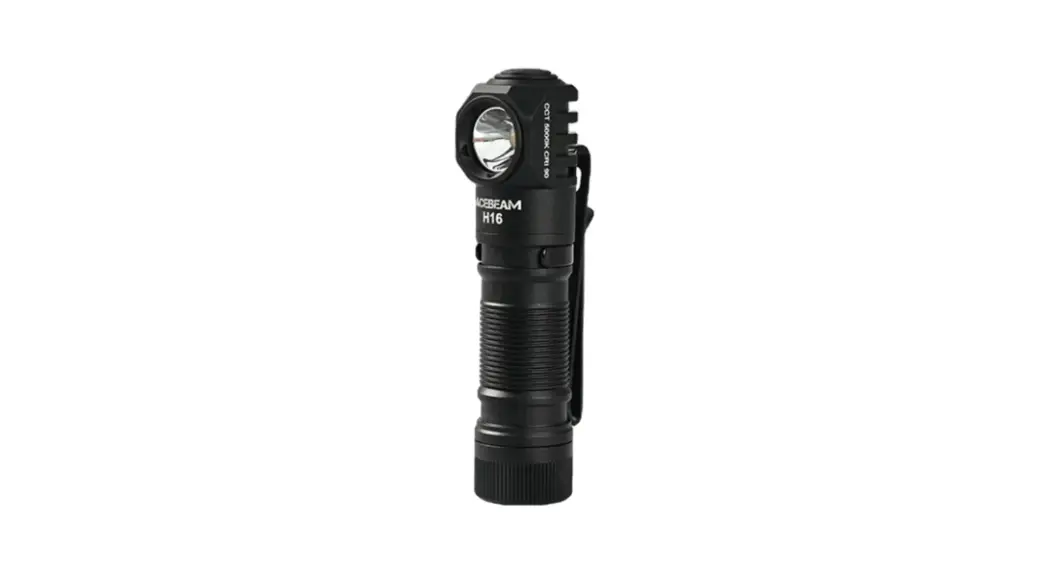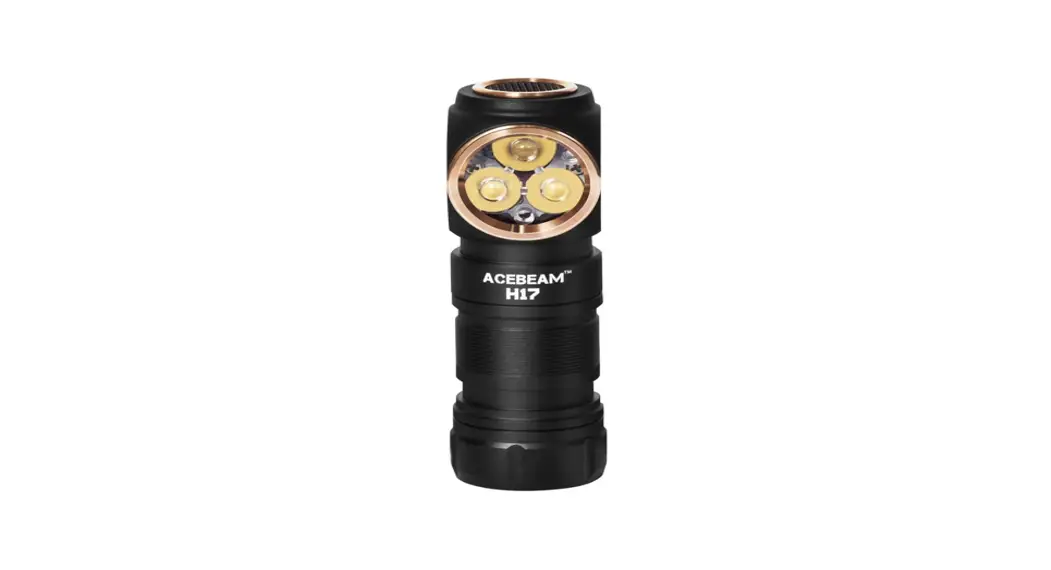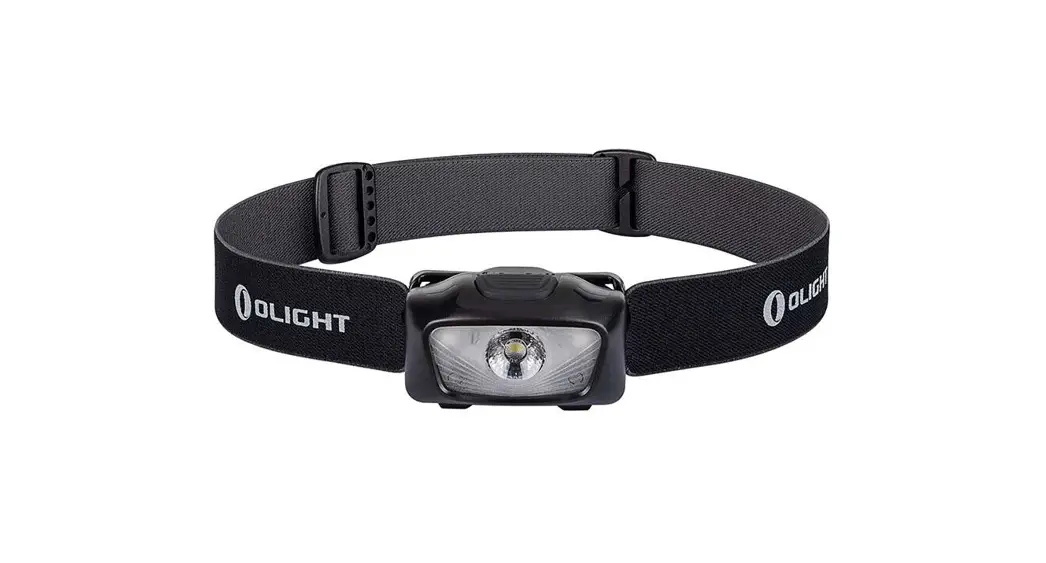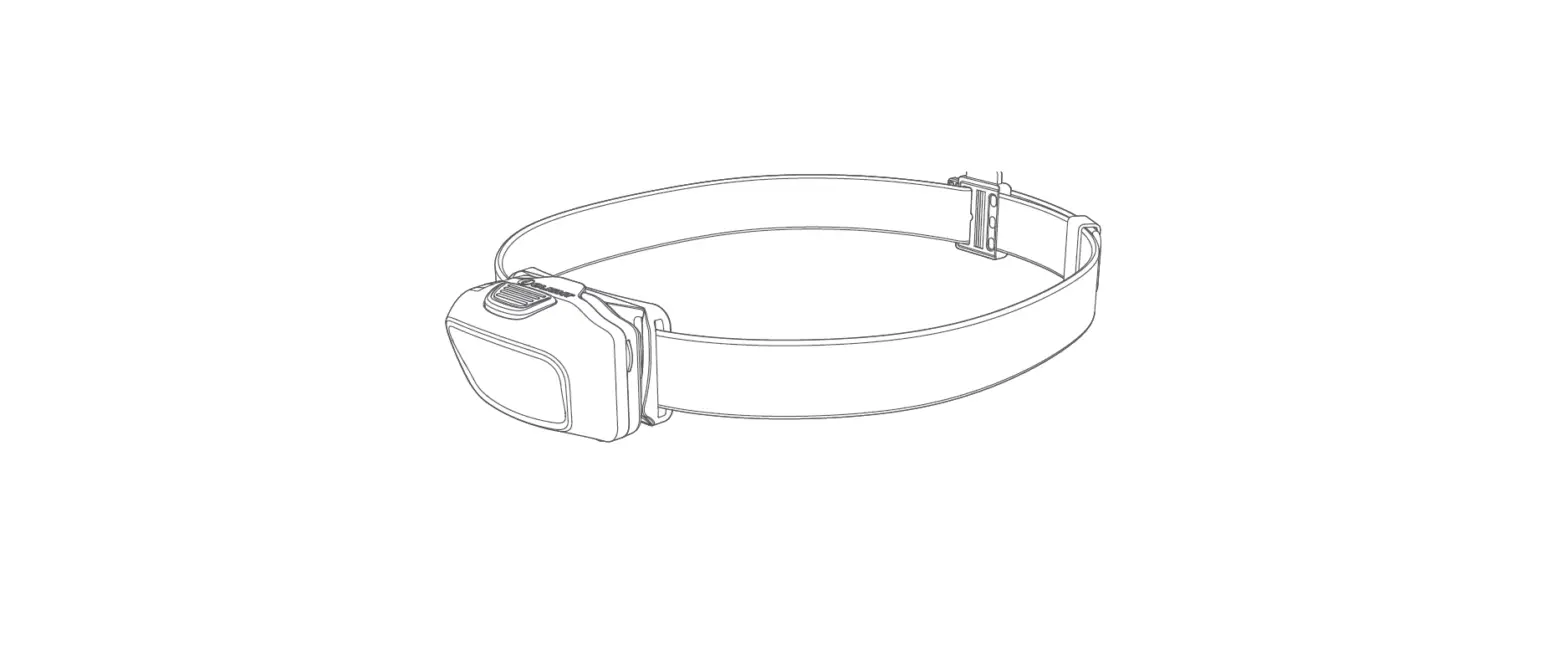
ACEBEAM H50 2.0 High Performance Outdoor Headlamp User Manual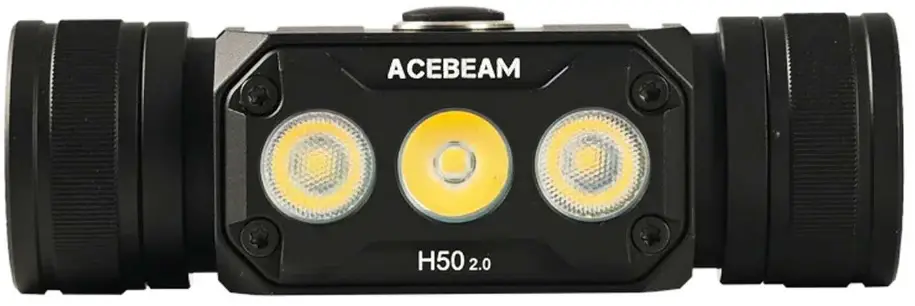
FEATURES
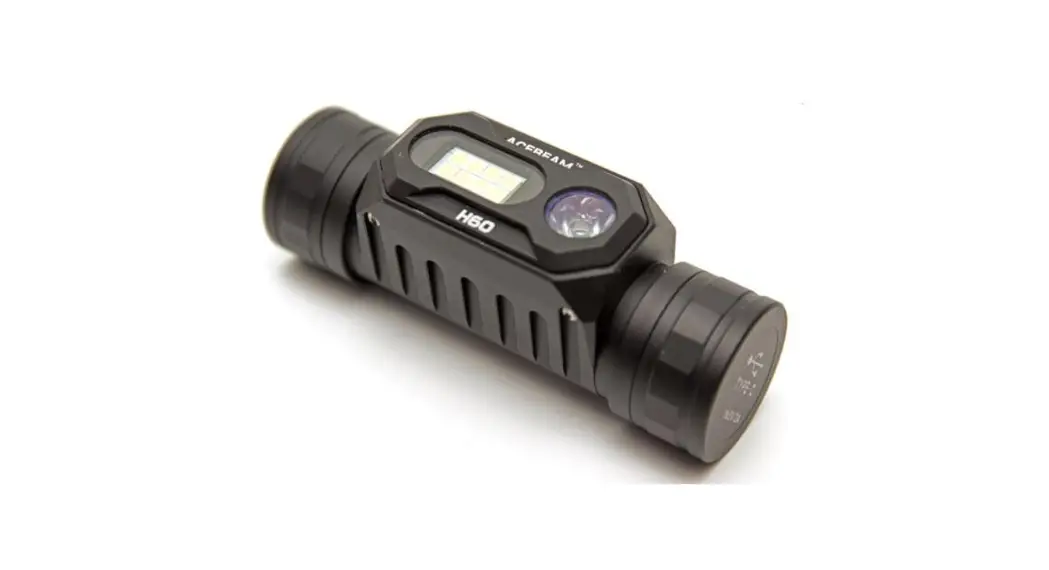
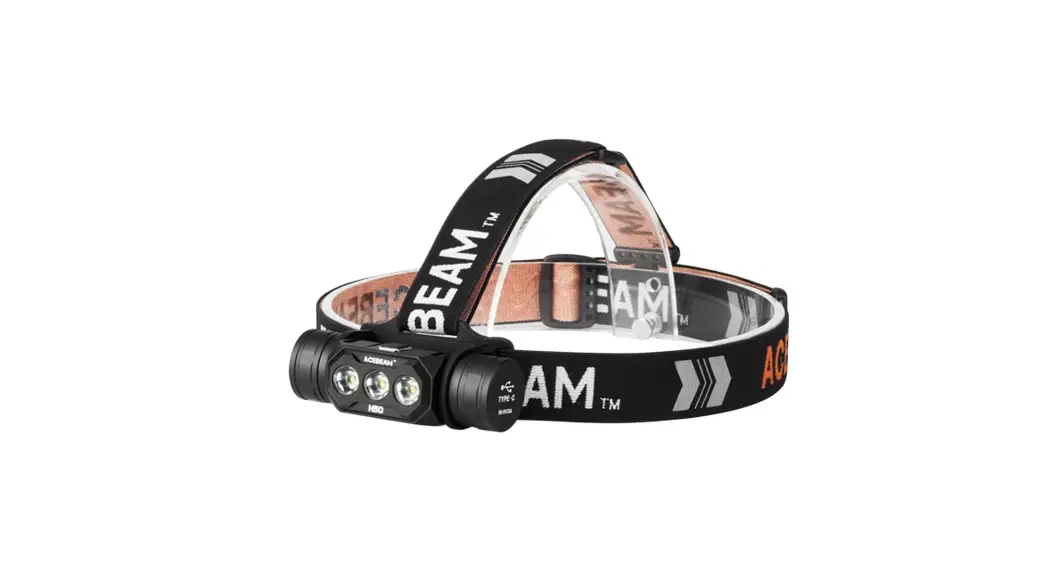
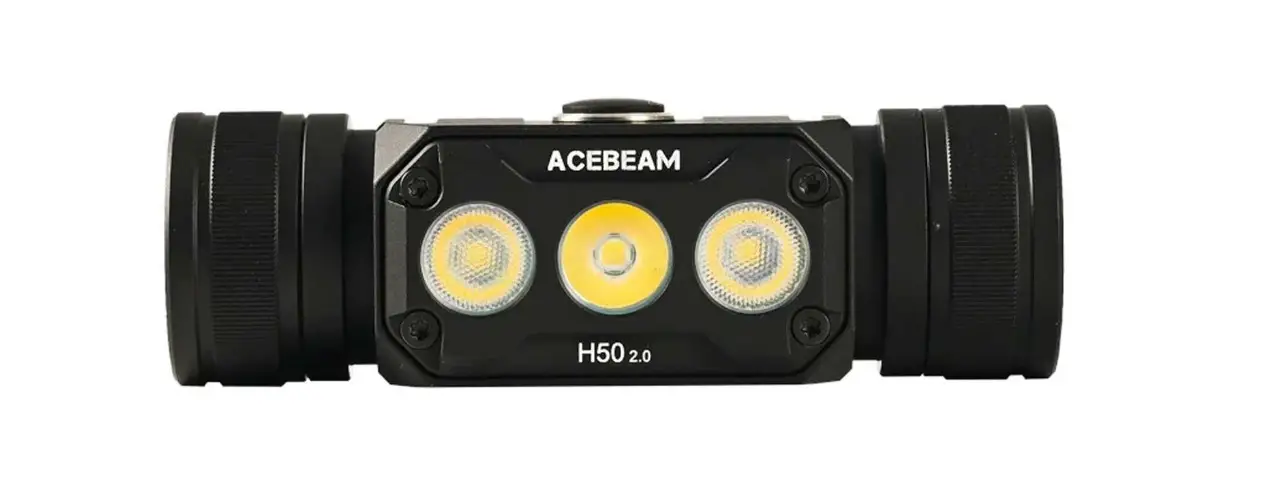
- Compact and lightweight HSO 2.0 headlamp equipped with floodlight, spotlight, or dual beam with a max output of 2,000Iumens
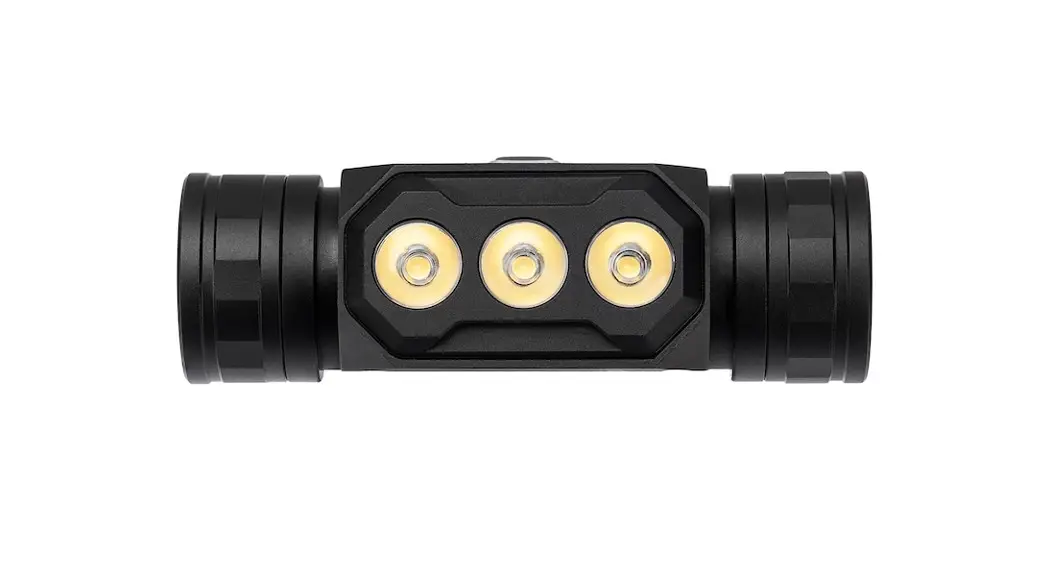
- Utilizes 3 x Luminus SST-20 LED(Neutral White 5000K)
- Equipped with the customized TIR optic lens, can reflect uniform and soft light
- 170° wide range flood light specially designed for outdoor applications
- 141 meters long range coverage specially designed for industrial maintenance, caving rescuing,climbing and mountaineering
- Including one 18650 high capacity Li-ion battery and compatible with 2 x CR123
- Built-in the concealed USB-C charging port is effectively protected against the complex outdoor environment
- USB-C Rechargeable Approx.2hours 30 min to fully charge (Note: DO NOT attempt to use the HSO 2.0 to charge CR123)
- One button interface controls 5 brightness levels, 3 light sources and 1 SOS special mode
- Highly efficient constant current circuit provides a stable output of up to 30 days
- The Built-in thermal control module will automatically adjust the brightness output, keep using it comfortably
- The power indicator beneath the switch can indicate the remaining battery power
- Ergonomically designed bracket
- Elastic and breathable headband included with silicone sweat diverting strip
- Constructed from aero grade aluminum alloy HA III military grade hard-anodized finish
SPECIFICATIONS
- Size: 85mm/3.35in(Length)x 33.5mm/1.32in(Head dia.)x 28mm/1.1in(Body dia.)
- Weight: 94g (3.32oz) without battery, 142.3g(5.02oz) with battery
INCLUDED
lx ACEBEAM ARC 18650-310A battery; lx USB-C charging cable; 2×0-rings; lx Headband with silicone holder; lx User manual; 1xWarranty card
OPERATING INSTRUCTION
Single click: OFF
Double Click ON and Cycle the lighting mode from All-ON, Two-Side-ON, Middle-ON
Long press:
When flashlight is OFF, long press 0.5 seconds goes to Ultra-low, continue pressing to 3 seconds, the flashlight will be locked after 3 times flash. When flashlight is ON, long press cycle from Low-Mid-High-Turbo When flashlight is locked, long press 3 seconds for unlock after 3 times flash. SOS: Quickly single click+long press.
TECHNICAL PARAMETER
| ALL-ON(Dual Beam ) | TWO-SIDE-ON(Floodlight) | MIDDLE-ON(Spotl | ght) | |||||||||||||||
| FL1 STANDARD | Turbo | High | Mid | Low | Ultra-Low | SOS | Turbo | High | Mid | Low | Ultra-Low | SOS | Turbo | High | Mid | Low | Ultra-Low | SOS |
 | 2000-350 lumens | 1000-350 lumens | 450-350 lumens | 60 lumens | 10 lumens | 1000 lumens | 1350-300 lumens | 700-300 lumens | 300 lumens | 40 lumens | 6 lumens | 700 lumens | 650-220 lumens | 350 lumens | 150 lumens | 20 lumens | 3 lumens | 350 lumens |
 | 40s+ 4h | 2min3Os +4h | 11min+ 3h50min | 30h | 16days | 3h | 1min40s+ 4h20min | 4min+ 4h20min | 4h 18min | 35h | 2ldays | 5h | 5min40s+ 5h50s | ch “” | 9h | 40h | 30days | 9h 30min |
 | 141m | 100m | 67m | 28m | 15m | 100m | 99m | 71m | 47m | 18m | 13m | 71m | 103m | 74m | 48m | 20m | 13m | 74m |
 | 4,968 cd | 2,476 cd | 1,116 cd | 192 cd | 56 cd | 2,476 cd | 2,428 cd | 1,268 cd | 560 cd | 84 cd | 40 cd | 1,268 cd | 2,636 cd | 1,384 cd | 588 cd | 104 cd | 44 cd | 1,384 cd |
Notice: The above-mentioned parameters (tested with 1 x ACEBEAM 18650 3100mAh battery) are approximate and may vary from flashlights, batteries, and environments. The Turbo mode WILL NOT be operational when powered by other standard 18650 or current less than 10A IMR18650 batteries.
MEMORY FUNCTION
The memory function is a nice feature, the light will remember the last used mode. (Special SOS and Ultra-low mode are not memorized.)
POWER INDICATION
The power indicator beneath the switch can indicate the remaining battery power: Green means enough power, Red means less power, when the battery voltage is lower 2.7V, the headlamp will automatically turn off.
BATTERY CHARGING
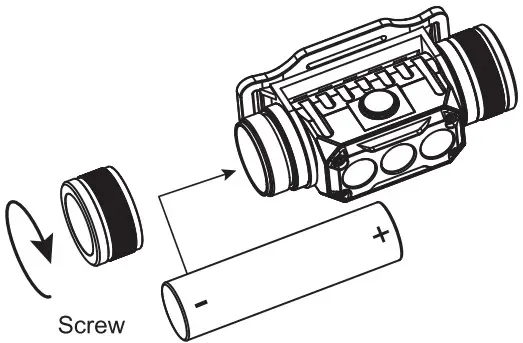
The HSO 2.0 is equipped with an intellgent charging system, iii As illustrated,tighten the battery cap after inserting the battery and unscrew the charging port cap until the”-Tata charging port is fully exposed. Then use the USB cable to connect an external power supply(e.g. a MPZ, USB adapter or other USB charging devices)to rite the charging port to bein the charging process.
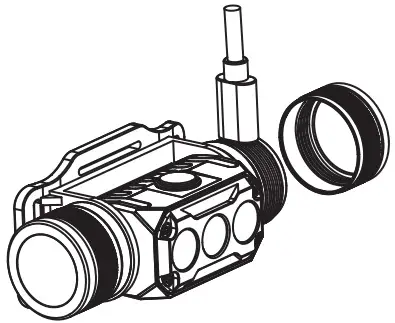
When the battery is charging,the power indicator will be Constant-on Red. When the battery is fully charged,the power indicator will be Constant-on Green. The charging time for an 18650 rechargeable Li-ion battery (3,100mAh) is approx. 2 hours 30min.
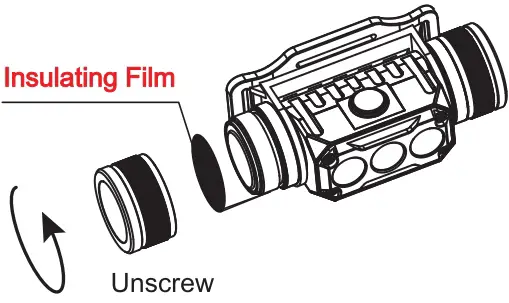
INSULATING FILM
NOTE: Please remove the insulation film before the first use.
BATTERY INSTALLATION
WARNING
- By using this device, you certify you have read the included User Manual and Warning Card and release the manufacturer and retailers from all liabilities.
- Keep out of reach of children.
- DO NOT shine the light directly into human eyes. This may cause temporary blindness, or permanent damage to the eyes.
- If the product is left unused or carrier and transported,please lock the button to avoid accidentally activating the headlamp.
- The battery can be stored inside the product and charged with the included standard charging cable.
- Quality batteries with circuit protection will reduce the potential risk.
MAINTENANCE
Every 6 months, threads should be wiped with a clean cloth followed by a thin coating of silicon-based lubricant. The battery should be replaced when the ouput appears to be dim or the headlamp becomes unresponsive due to low power.
PRODUCT WARRANTY
- If the customer experiences any problems with an Acebeam product within 15 days of purchase, the dealer will replace that product.
- If an Acebeam flashlight fails during normal use within a period of 5 years (60 months) of purchase, the dealer will repair or replace the flashlight with the same or similar model.
- ACEBEAM Battteries, accessories and lanterns with built-in batteries are warranted for a period of one year (12 months) from date of purchase.
- The warranty does not cover damage or failure caused by:
- Rough usage or operation which does not comply with the user manual or product specifications.
- Unauthorized disassembly, repair or modification. Defects or damaged caused by factors out of Acebeam’s control.
- Battery leakage damaged products.
- If there are any questions about ACEBEAM products, please consider the warranty and contact Acebeam or your original Acebeam dealer for warranty return instructions. Email: [email protected]
DISCLAIMER CLAUSE
Acebeam is not liable for damages or injuries sustained resulting from the usage of the product inconsistent with the warnings in the manual.
- www.acebeam.com

- FB: AcebeamWorld
- FB Group:ACEBEAkil




SUPPORT
“Follow” us for more information about Acebeam.
SHENZHEN ZENBON TECHNOLOGY CO., LTD
+86-0755-23036551
www.acebeam.com
[email protected]
1/F, No.1 Building, Yijiayang Industrial Park, Dalang, Longhua, Shenzhen 518100, Guangdong, China