 SOUND LIKE NO OTHER
WPT103 sRIC Charger
Instruction Manual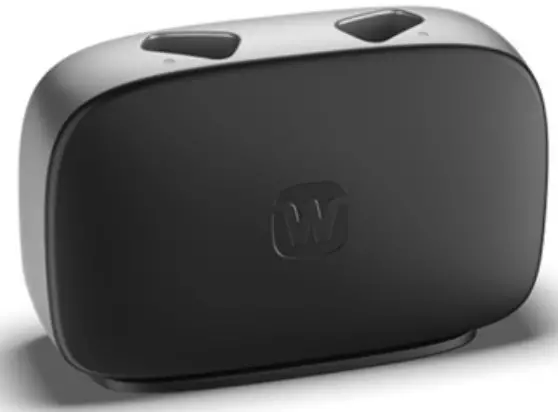
IMPORTANT SAFETY INFORMATION
Read these pages carefully before you start using your charger. Keep the charger and other small parts away from children, pets, and mentally disabled people. Never expose the charger to temperatures above 50° C (122° F), to prolonged sunlight, open flames or ignition sources. Place the charger upright on a flat, stable surface when charging and with adequate space around the charger. Do not cover or place near flammable substances. This also applies when using a power bank. Hazard of explosion in explosive atmospheres! Do not use the charger in areas where there is a danger of explosions (e.g. mining area). Do not drop. Internal components may get damaged. Do not use if charger is broken Never try to open or repair the charger yourself. Contact your hearing care professional if you experience defects. Never dry your devices in the micro-wave or oven. Use only a WPT103 charger with your hearing aids, If the WPT103 charger is compatible with your hearing aids. Use of a charger not recommended by WSAUD A/S may compromise the system or result in dangerous situations. Never leave the charger in direct sunlight and do not immerse it in water. Never insert other objects than your hearing aids in the charging wells. The power adapter must comply with IEC 60601-1, IEC 62368-1 or equivalent safety standards acceptable in your region. Always use the supplied USB cable with a power adapter with a USB-A type socket.
YOUR CHARGER
Welcome
Thank you for choosing this product, which is intended to charge the supported hearing aid(s). Read these instructions carefully before you start using this device.
NOTE
Your charger may not look exactly like the one illustrated in this booklet. We reserve the right to make any changes we consider necessary.
The charger at a glance
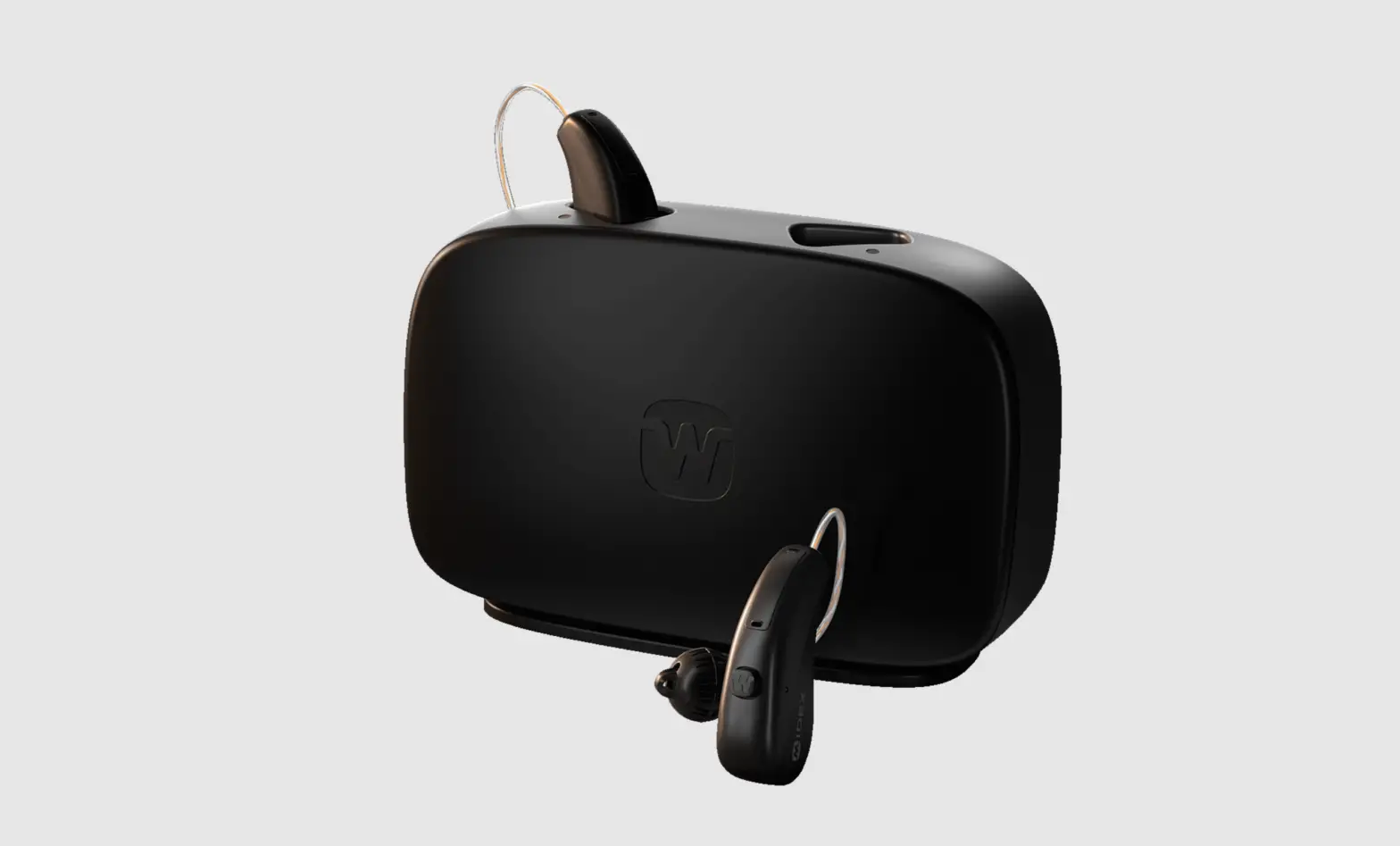
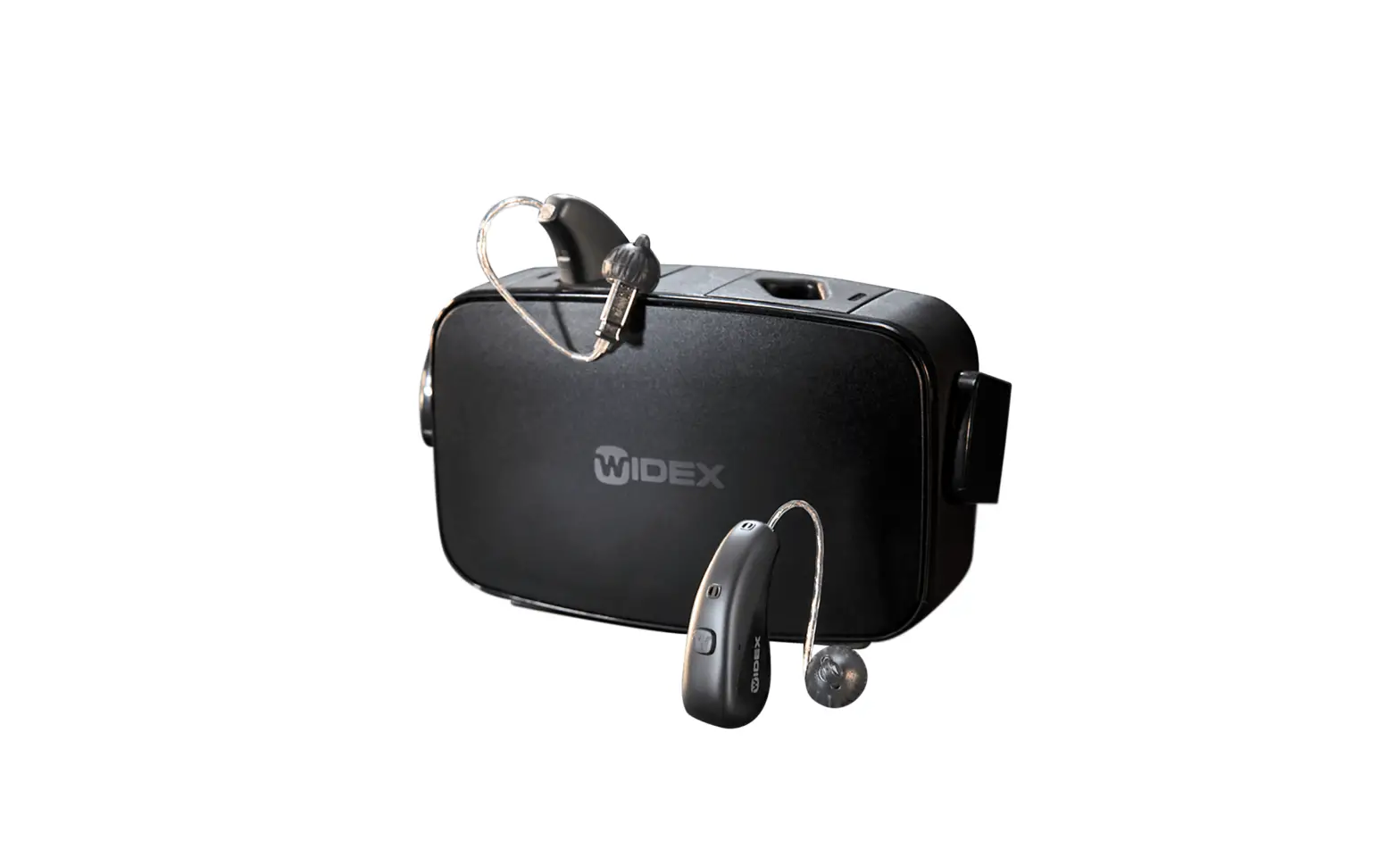
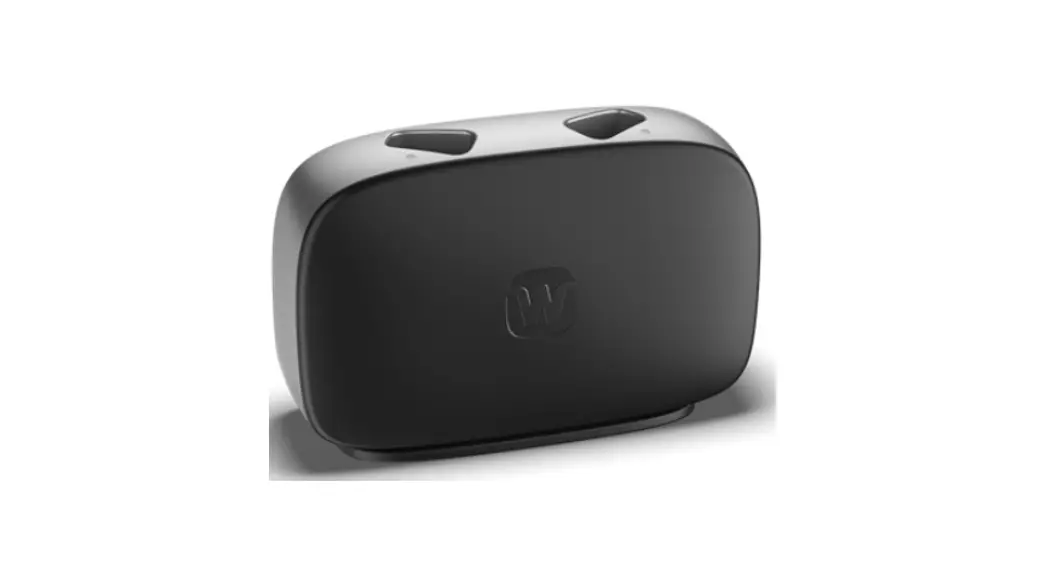
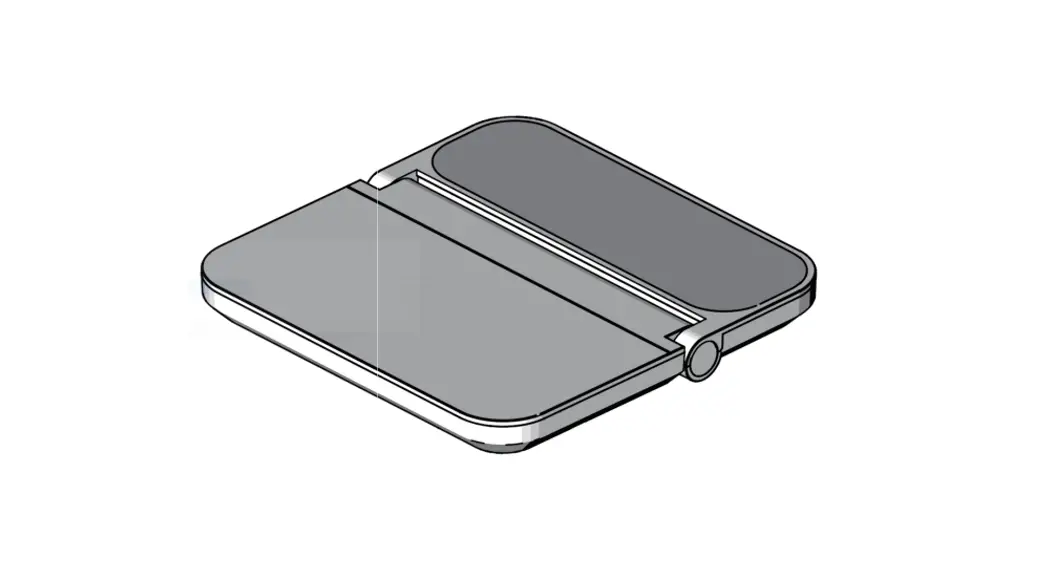
The charger has a charging well for each hearing aid, and two light indicators that show the charging status of the hearing aids.
 Micro USB port
- Charging wells
- Light indicators
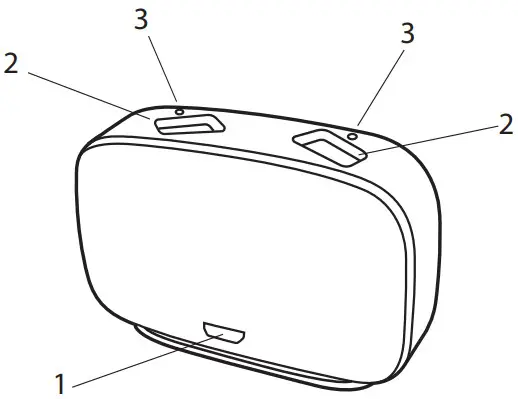 Micro USB port
Operating, storage and transport conditions
Your charger is designed for indoor use. It is sensitive to extreme conditions such as high temperatures, and it should not be operated, stored or transported in direct sunlight.
Operate the charger within the following conditions:
| Minimum | Maximum | |
| Temperature | 0°C (32°F) | 30°C (86°F) |
| Humidity | 10% rH | 95% rH |
Store and transport the charger within the following conditions:
| Minimum | Maximum | |
| Temperature | -20°C (-4°F) | 50°C (122°F) |
| Humidity | 10% rH | 95% rH |
| Atmospheric pressure | 750 mbar | 1060 mbar |
You can find technical data sheets and additional information on your charger on https://global.widex.com.
OPERATING THE CHARGER
Getting ready for use
Power supply
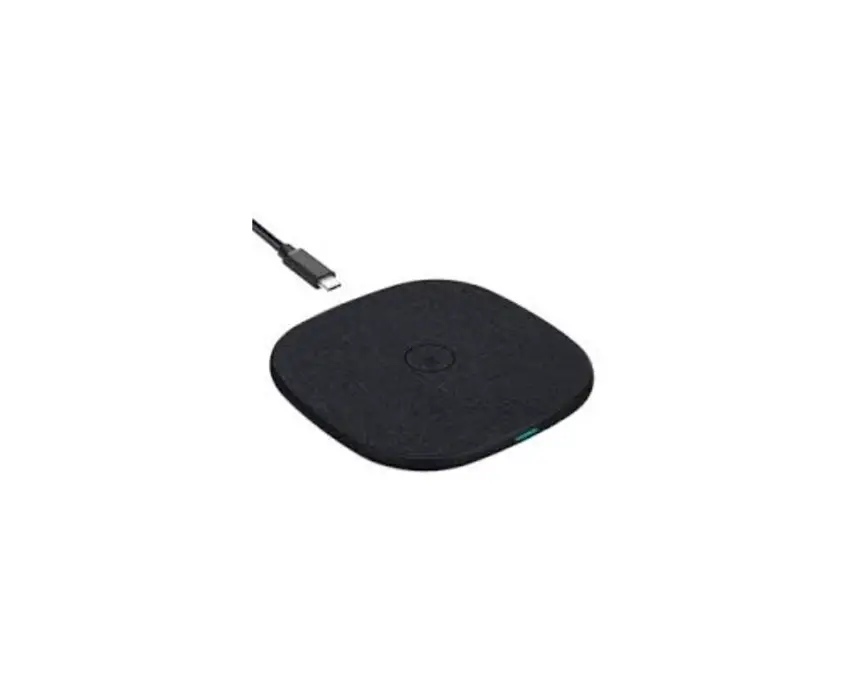
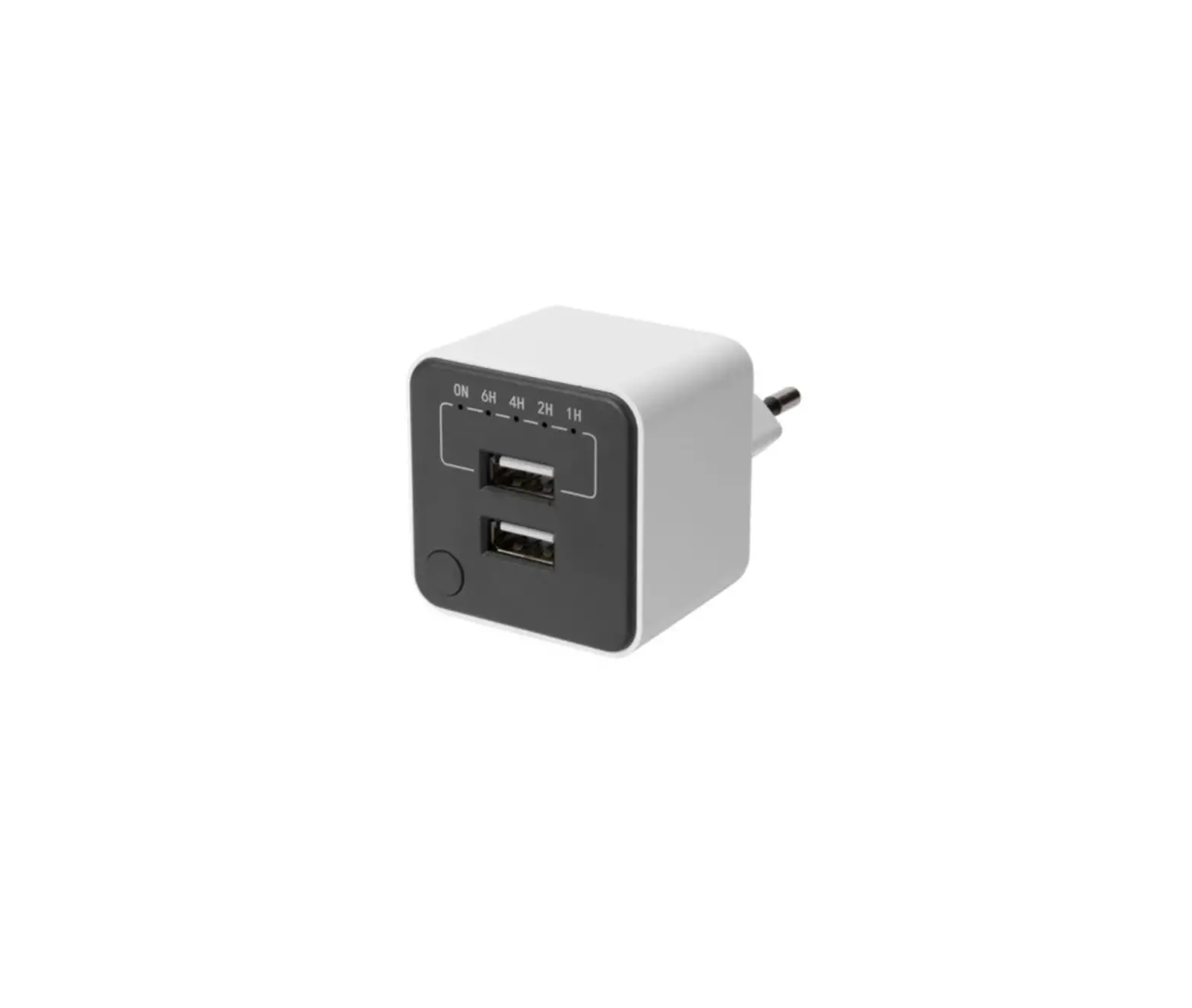
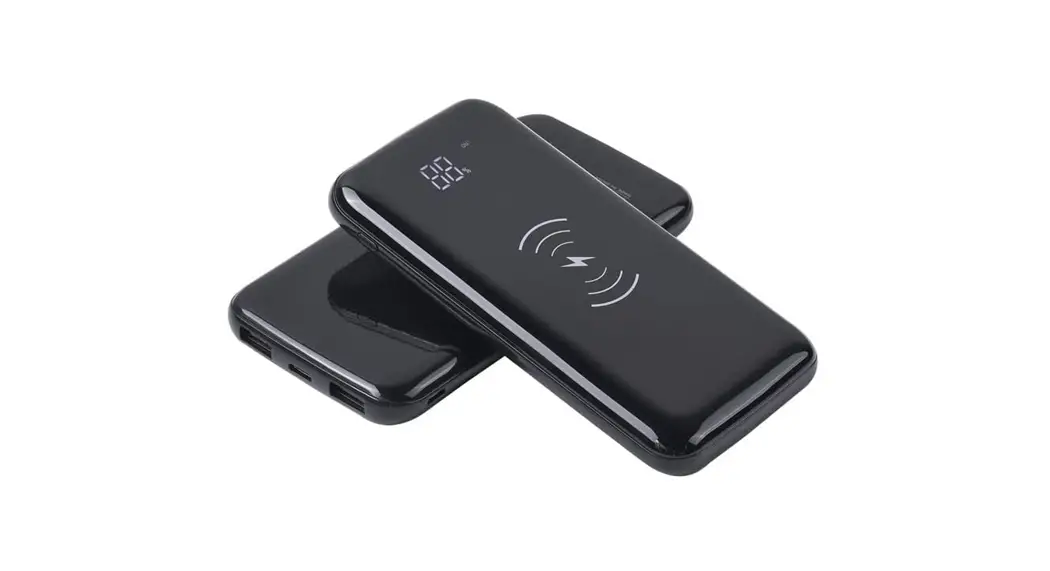
You can connect your charger to different power supplies with 5V DC, 500 mA output: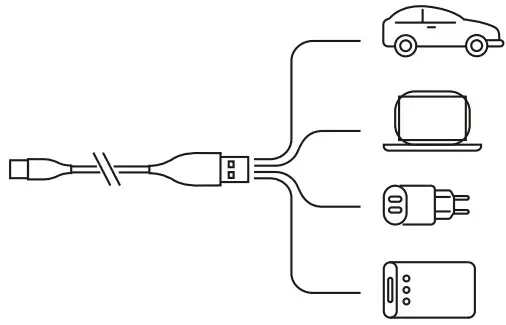
Use only the included USB cable.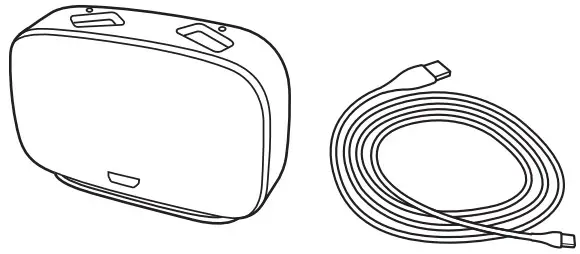
Connect the cable to the charger: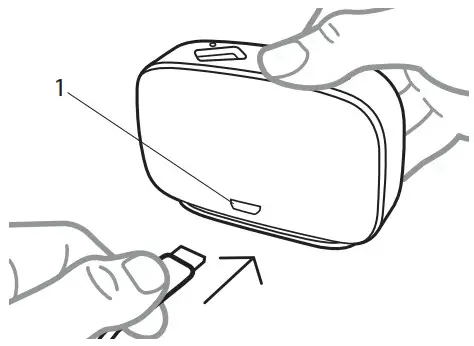
- Micro USB port
Power on
When the charger is connected to the power supply, the light indicators flash white 5 times and then turn off: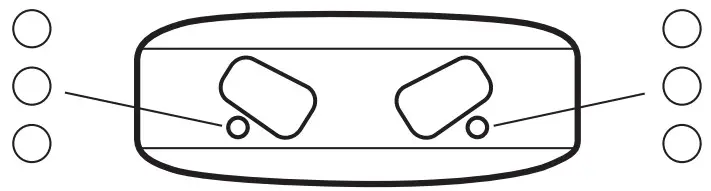 The charger is now in standby mode and ready to charge your hearing aid.
Charging the hearing aid
Gently place your hearing aid in the charging well. The hearing aid turns off automatically.
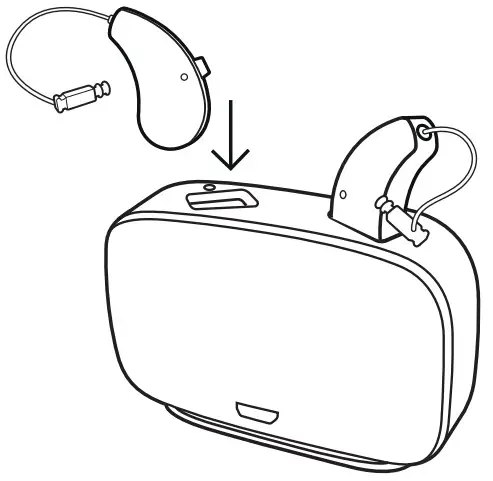
When connected to power, the charger can charge two hearing aids simultaneously; however, each hearing aid can be charged individually, depending on the state of the hearing aid.
This means that if one hearing aid is fully charged and placed in the charger, it will not charge.
However, if the other hearing aid is not charged, it will charge.
Charging your hearing aid fully will take approximately 4 hours. If you charge your hearing aid for half an hour, you will have approximately 4 hours of use.
Charging indicators
While the charger is detecting the hearing aid, the light indicator turns solid yellow: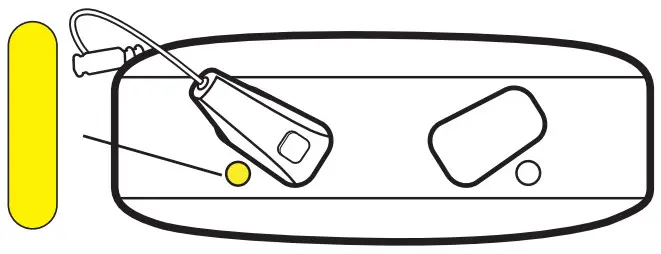 Once the charger has detected the hearing aid, the charging will begin.
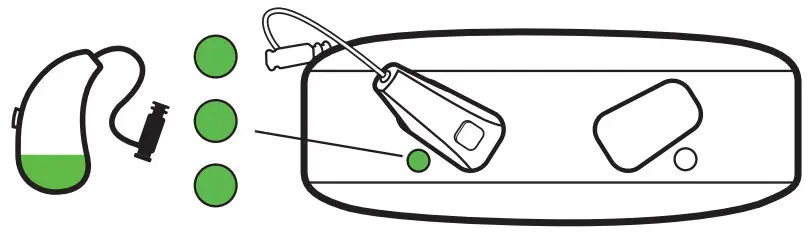
The light indicator will flash green to indicate that the hearing aid is low on battery and less than 40% charged:
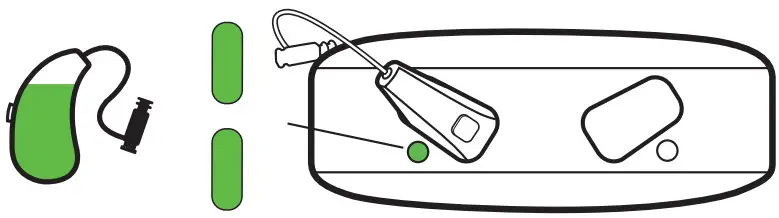
 The light indicator will glow green to indicate that the hearing aid is more than 40% charged:
 The light indicator will turn solid green to indicate that the hearing aid is 100% charged:
 After charging
Avoid removing the hearing aids from the charging wells by pulling the ear wire/tube, as this could damage the connection to the hearing aid.
Instead, put your fingers round the hearing aid when removing it from the charger.
When you remove the hearing aid from the charger, the hearing aid turns on after a few seconds.
Remember to turn the hearing aid and/or the charger off if you are not going to use them right away.
Immediately after charging, the hearing aid may temporarily feel warm.
If you are not comfortable with this, wait a few minutes, for the hearing aid to reach room temperature, before putting the hearing aid on.
Overview of light indicators
| Light indicators | Status |
Flashing white | The charger is connected to power |
Solid yellow | The charger is detecting the hearing aid |
Flashing green | The hearing aid is charging Low battery, less than 40% |
Glowing green | The hearing aid is charging Battery more than 40% |
Solid green | The hearing aid is fully charged Battery 100% charged |
One indicator flashing red | An error occurred during charging and the charging has stopped See Troubleshooting |
| Both indicators flashing red | An error occurred during charging and the charging has stopped See Troubleshooting |
Flashing yellow | The temperature of the hearing aid has become too high during charging and charging is paused See Troubleshooting |
CLEANING
The charger does not generally require cleaning. If necessary, disconnect the charger from the power supply and carefully wipe off the charger with a soft dry cloth
If you notice any dust in the charging well, gently blow it clean. If this is not enough, gently clean the charging well with a cotton bud.
To remove earwax from the charger, carefully wipe with a soft cloth with a bit of mild household detergent. Never use sharp/pointy objects to clean the charger.
TROUBLESHOOTING
These pages contain advice on what to do if your charger does not work as expected.
| Light indicators | Possible cause | Solution |
| No lights | The charger is not connected | Make sure that the USB cable is connected to a power adapter and then plugged into a wall socket |
| The hearing aid is not placed correctly in the charger | Place the hearing aid correctly in the charger | |
| One or both indicators flashing yellow | The temperature of your surroundings or of the hearing aid exceeds a critical limit and the charging is paused | The charging will continue when the temperature of your surroundings or the hearing aid has dropped. If this happens continually, find a cooler place to charge your hearing aid |
| One indicator flashing red | The charger cannot recognise the hearing aid | Remove the incompatible hearing aid |
| The hearing aid has a critical error | Remove the hearing aid, disconnect from the power for 10 seconds and then try again If the charger is still flashing red, contact your hearing care professional | |
| Both indicators flashing red | The charger has a critical error | Remove the hearing aid, disconnect from the power for 10 seconds and then try again If the charger is still flashing red, contact your hearing care professional |
REGULATORY INFORMATION
Intended use
The WIDEX charger WPT103 model is to be used for charging the MRR4D hearing aid.
EU directives
Directive 2014/53/EU
Hereby, WSAUD A/S declares that the WPT103 is in compliance with the essential requirements and other relevant provisions of Directive 2014/53/EU. The WPT103 contains a radio transmitter operating at: 6.78 MHz, 13.4 dBµA/m @ 3 m.
A copy of the Declaration of Conformity according to 2014/53/EU can be found at https://global.widex.com/doc N26346
Information regarding disposal
Do not dispose of hearing aids, hearing aid accessories and chargers with ordinary household waste.
Hearing aids, hearing aid accessories and chargers should be disposed of at sites intended for electrical waste and electronic equipment, or given to your hearing care professional for safe disposal.
For returning or shipping the devices, please contact your hearing care professional.
FCC and ISED statements
Federal Communications Commission Statement
This device complies with part 15/part 18 of the FCC Rules. Operation is subject to the following two conditions:
- This device may not cause harmful interference, and
- This device must accept any interference received, including interference that may cause undesired operation.
NOTE:
This equipment has been tested and found to comply with the limits for a Class B digital device, pursuant to part 15 of the FCC Rules. These limits are designed to provide reasonable protection against harmful interference in a residential installation. This equipment generates, uses and can radiate radio frequency energy and, if not installed and used in accordance with the instructions, may cause harmful interference to radio communications. However, there is no guarantee that interference will not occur in a particular installation. If this equipment does cause harmful interference to radio or television reception, which can be determined by turning the equipment off and on, the user is encouraged to try to correct the interference by one or more
of the following measures:
- Reorient or relocate the receiving antenna.
- Increase the separation between the equipment and receiver.
- Connect the equipment into an outlet on a circuit different from that to which the receiver is connected.
- Consult the dealer or an experienced radio/TV technician for help.
NOTE:
This equipment complies with FCC radiation exposure limits set forth for an uncontrolled environment. This transmitter must not be co-located or operating in conjunction with any other antenna or transmitter.
Changes or modifications to the equipment not expressly approved by WSAUD A/S could void the user’s authority to operate the equipment.
ISED Statement/Déclaration d’ISED
CAN RSS-216/CNR-216
CAN ICES-1/NMB-1
This device contains licence-exempt transmitter(s)/receiver(s) that comply with Innovation, Science and Economic Development Canada’s licence-exempt RSS(s). Operation is subject to the following two conditions:
- This device may not cause interference.
- This device must accept any interference, including interference that may cause undesired operation of the device.
ISED RADIATION EXPOSURE STATEMENT:
This equipment complies with ISED RF radiation exposure limits set forth for an uncontrolled environment. This transmitter must not be co-located or operating in conjunction with any other antenna or transmitter.
SYMBOLS
Symbols commonly used by WSAUD A/S in medical device labelling (labels/IFU/etc.)
| Symbol | Title/Description |
 | Manufacturer The product is produced by the manufacturer whose name and address are stated next to the symbol. If appropriate, the date of manufacture may also be stated. |
 | Catalogue number The product’s catalogue (item) number. |
 | Consult instructions for use The user instructions contain important cautionary information (warnings/precautions) and must be read before using the product. |
| Warning Text marked with a warning symbol must be read before using the product. |
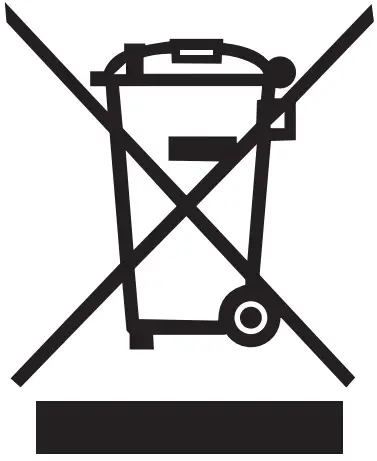 | WEEE mark “Not for general waste”. When a product is to be discarded, it must be sent to a designated collection point for recycling and recovering to prevent the risk of harm to the environment or human health as a result of the presence of hazardous substances. |
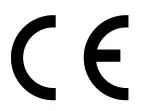 | CE mark The product is in conformity with the requirements set out in European CE marking directives. |
| RCM mark The product complies with electrical safety, EMC and radio spectrum regulatory requirements for products supplied to the Australian or New Zealand markets. |
| FCC logo The product is compliant with relevant USA 47 CFR Rules. FCC – Federal Communications Commission. |
 | Medical device Indication that the device is a medical device. |
WSAUD A/S
Nymoellevej 6, DK-3540 Lynge,
Denmark
https://global.widex.com Manual no.:
9 514 0788 001 01
Issue: 2022-02
 Widex Hearing Aids & Hearing Care Solutions | Widex