

Aptiv ESR 2.5 Quick Start Guide
Version 1 | May 2022
Aptiv ESR 2.5 Quick Start Guide
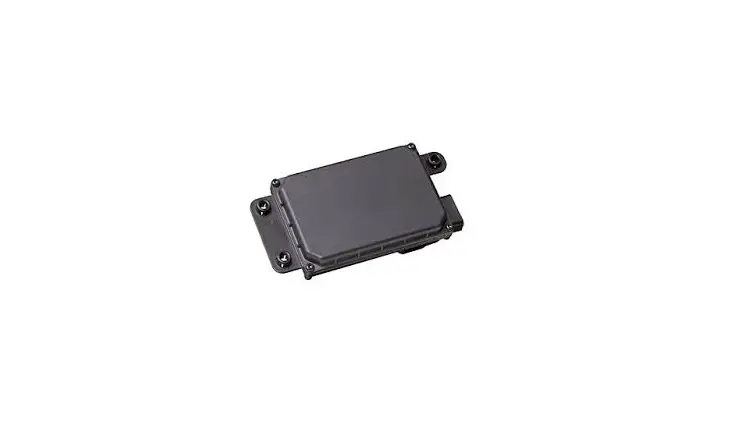
Aptiv’s multimode Electronically Scanning RADAR (ESR) combines a wide field of view at midrange with long-range coverage to provide two measurement modes simultaneously. While earlier forward-looking radar systems used multiple beam radars with mechanical scanning or several fixed, overlapping beams to attain the view required for systems like adaptive cruise control, Aptiv’s multimode ESR provides wide coverage at mid-range and high-resolution long-range coverage using a single radar.
Box Contents
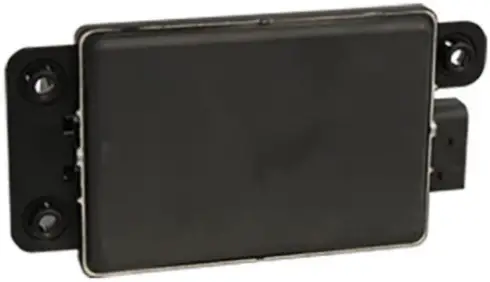
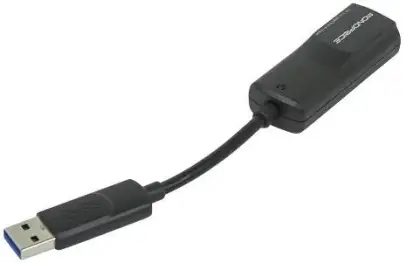
ESR 2.5 USB-Ethernet Adapter
Other Equipment Needed
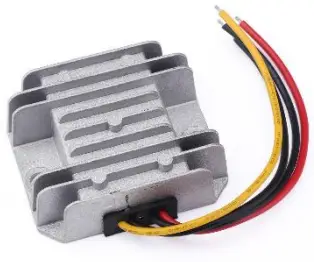
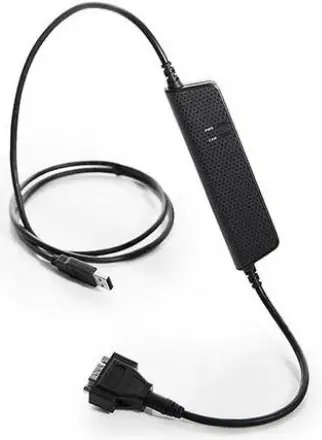
12 - 24V DROK Kvaser USB/CAN Adapter
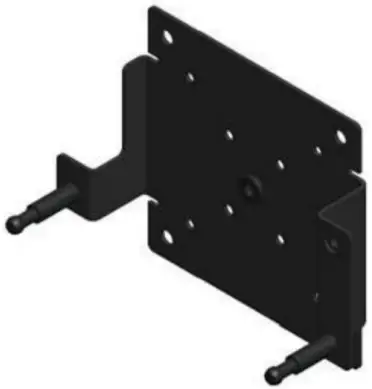
Mounting Bracket
Installation
- Supply DC power according to the model and pinout of your sensor (see full documentation).
- Connect CAN via DB9 and a CAN/USB adapter (ROS driver supports Kvaser/socketCAN devices).
- Optional: Connect Ethernet via included USB-Ethernet adapter.
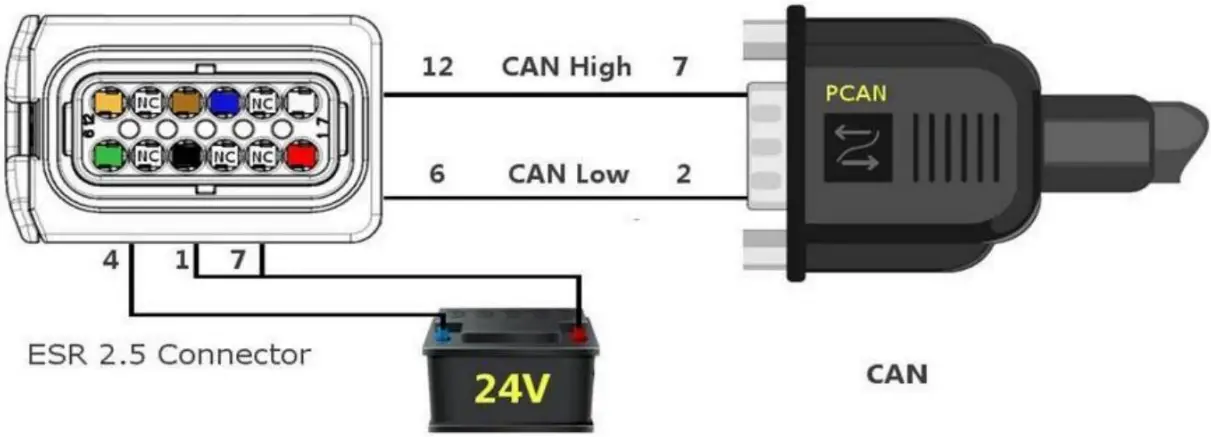
ESR 2.5 24V Pinout
Communications - ROS Driver (Logging and Visualization)
- ROS: wiki.ros.org
- ESR ROS driver: autonomoustuff.atlassian.net/wiki/spaces/RW
Additional Information
23 May 2022