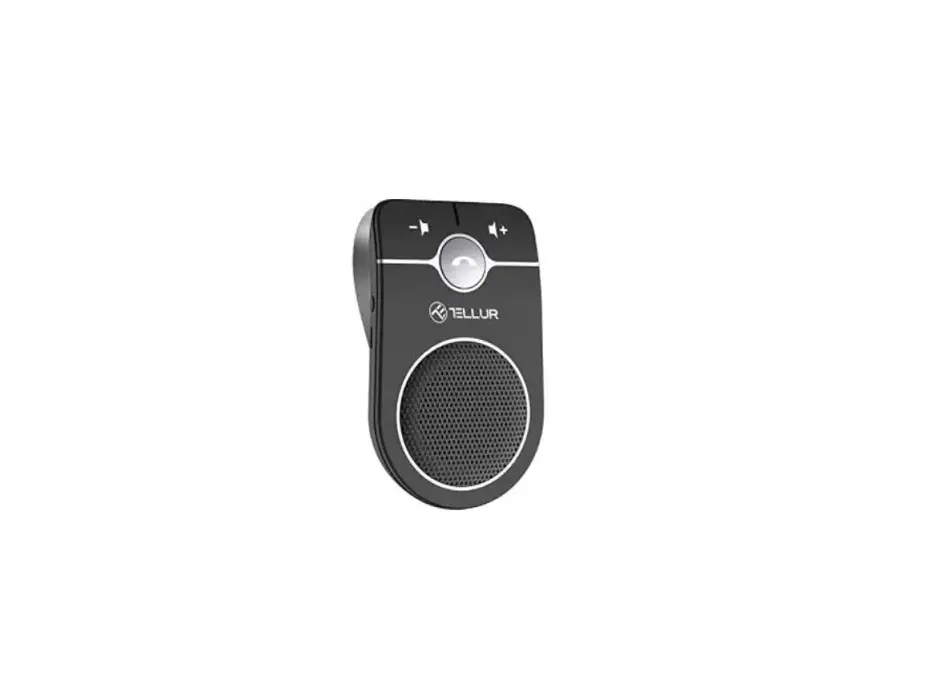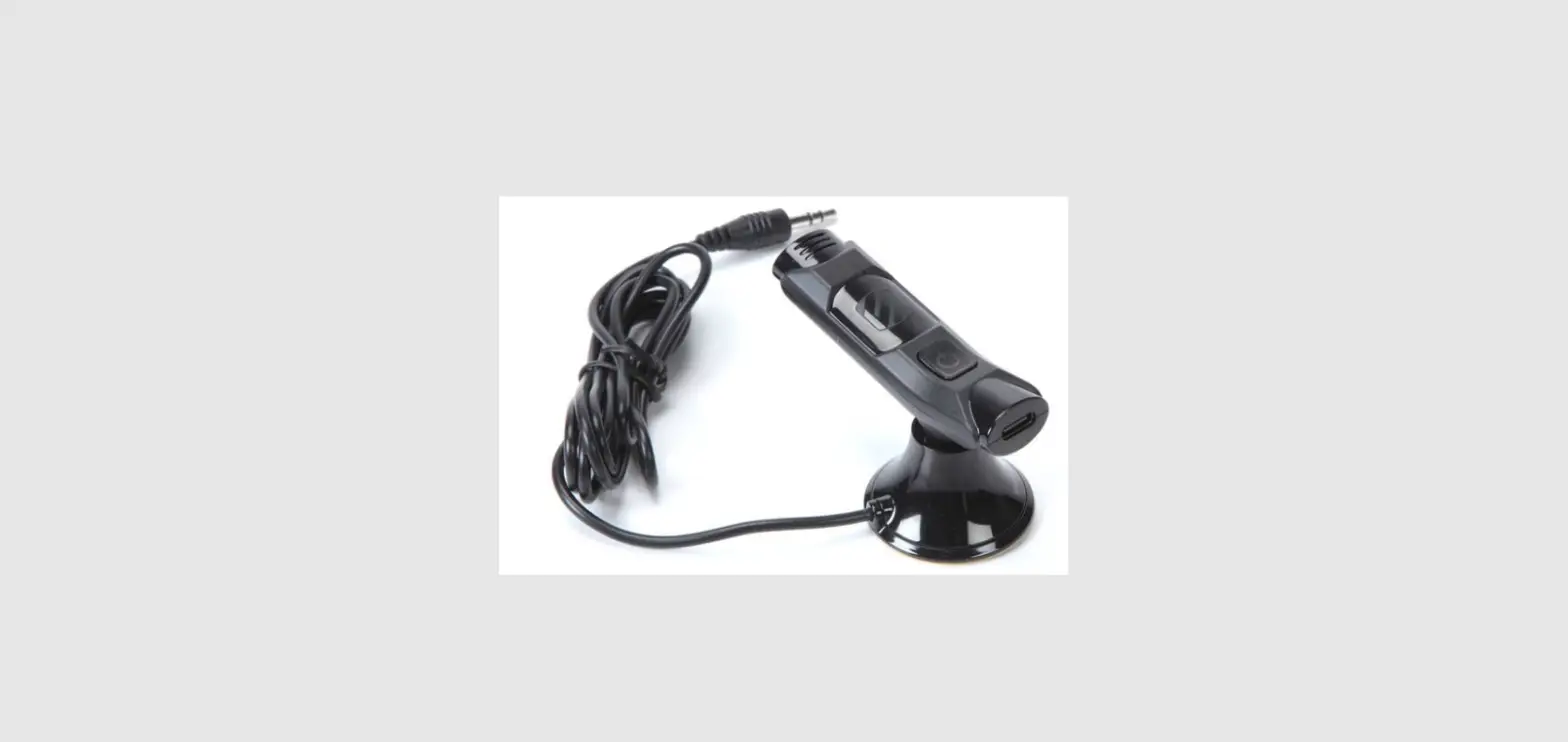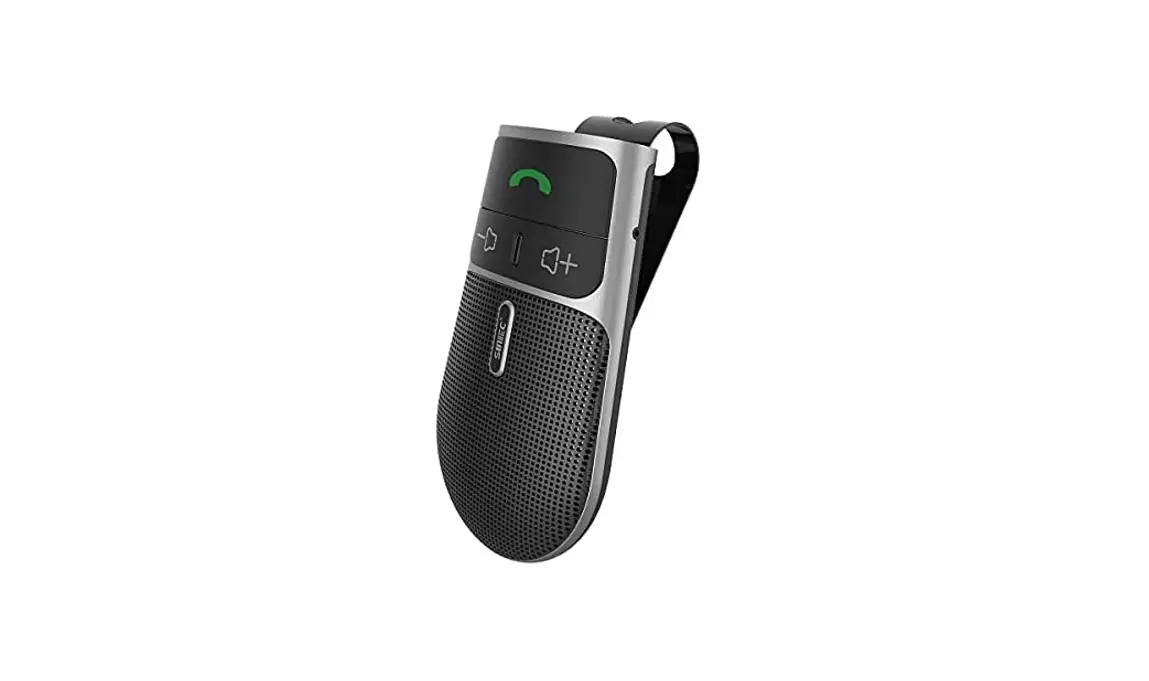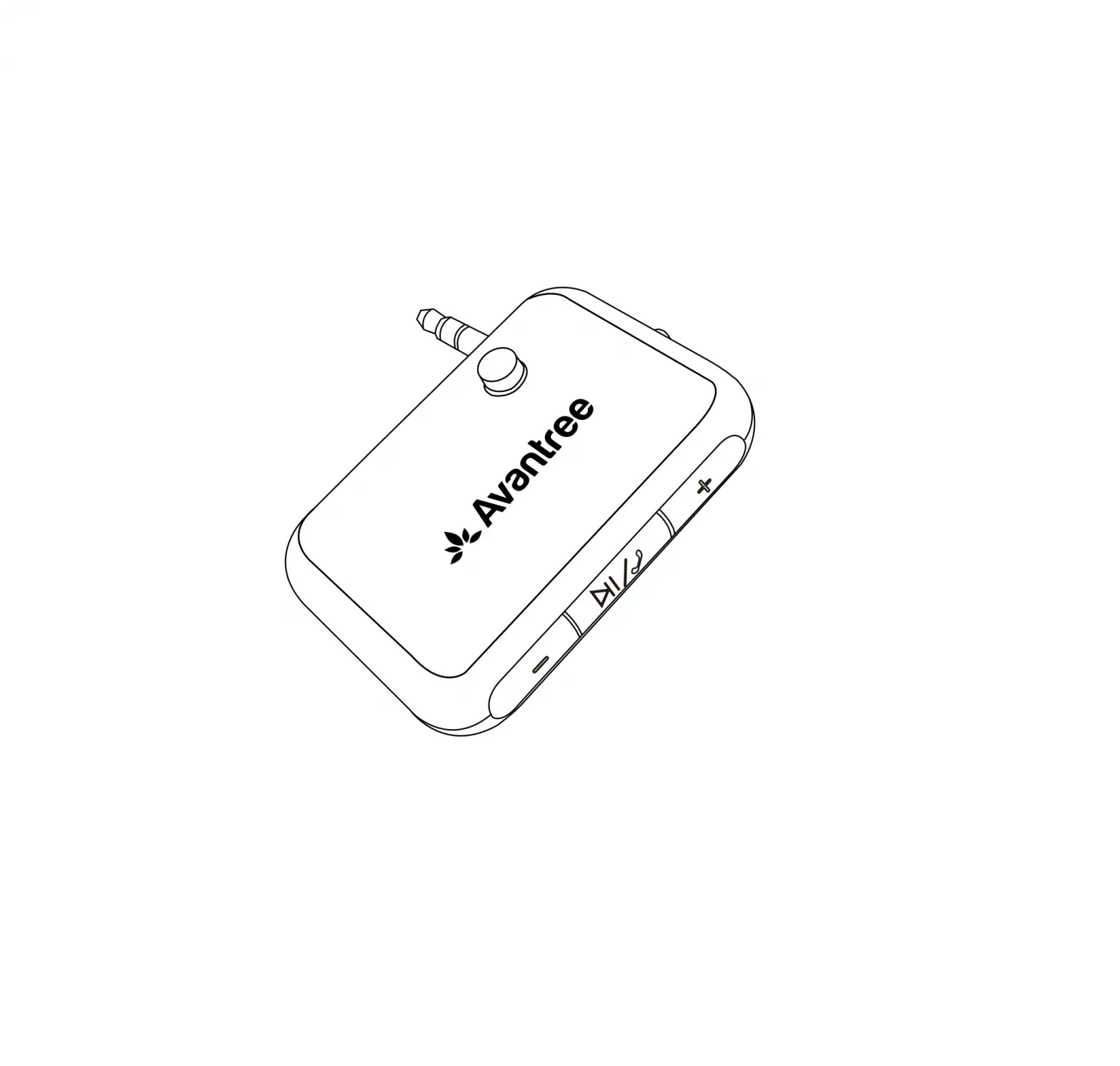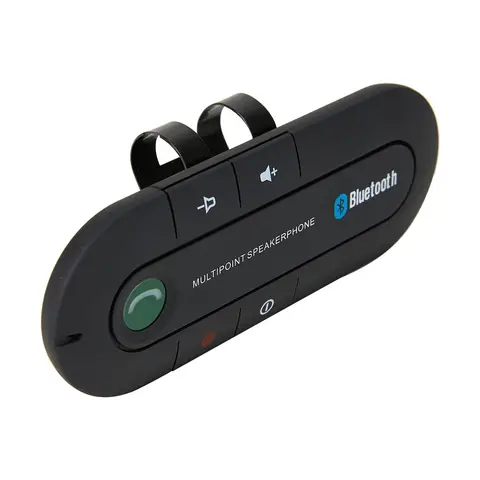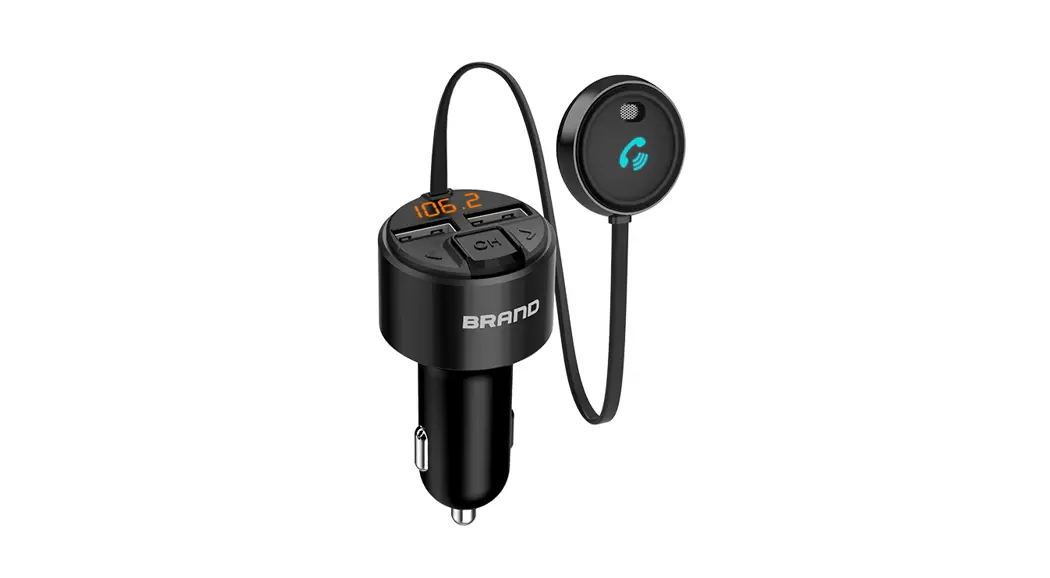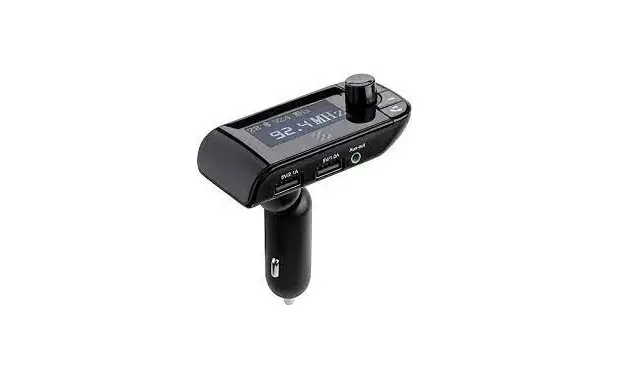
Wireless hands free car kit
SBTFM2
User Manual
Product Introduction
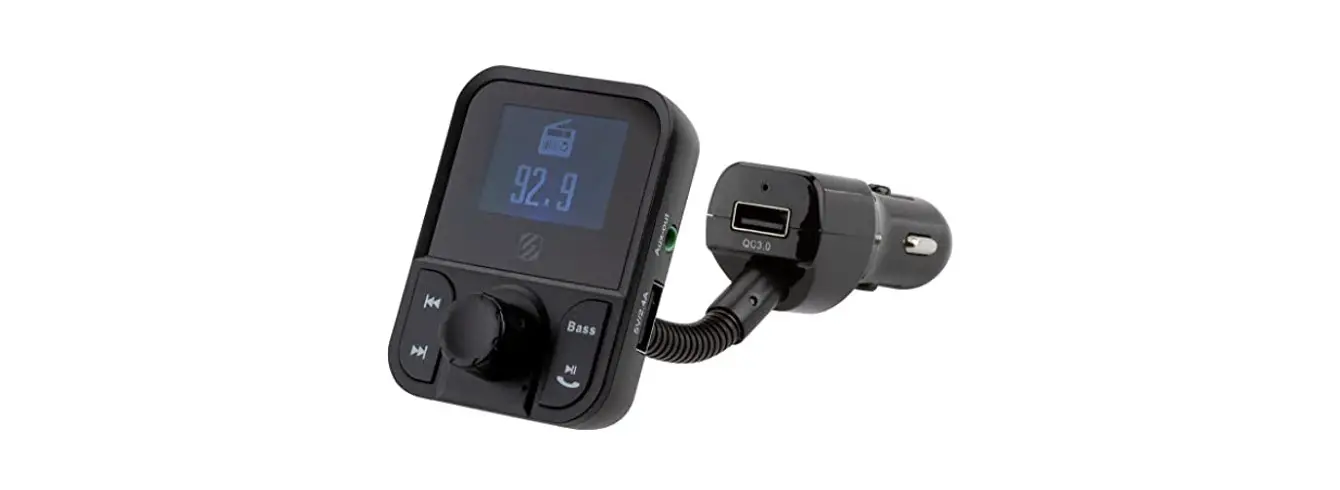
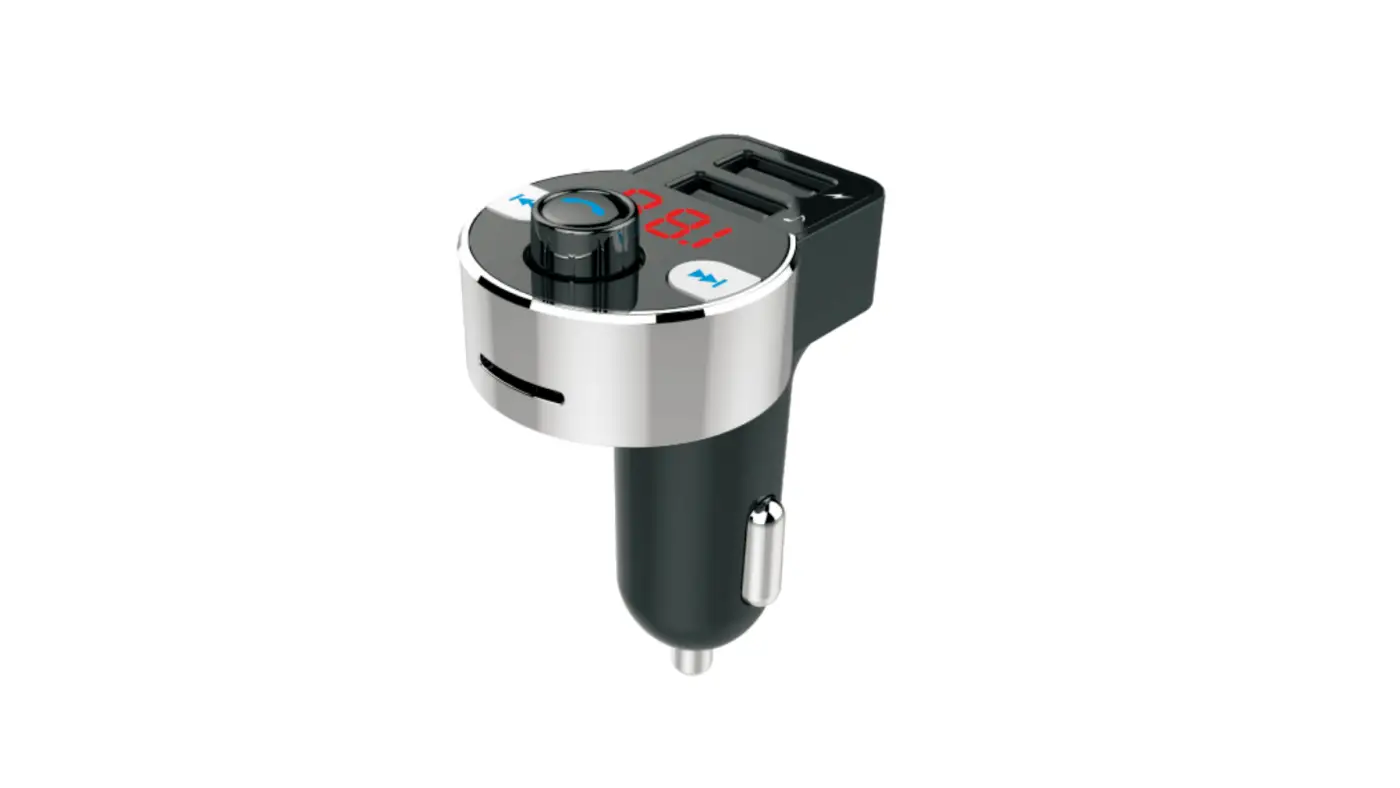
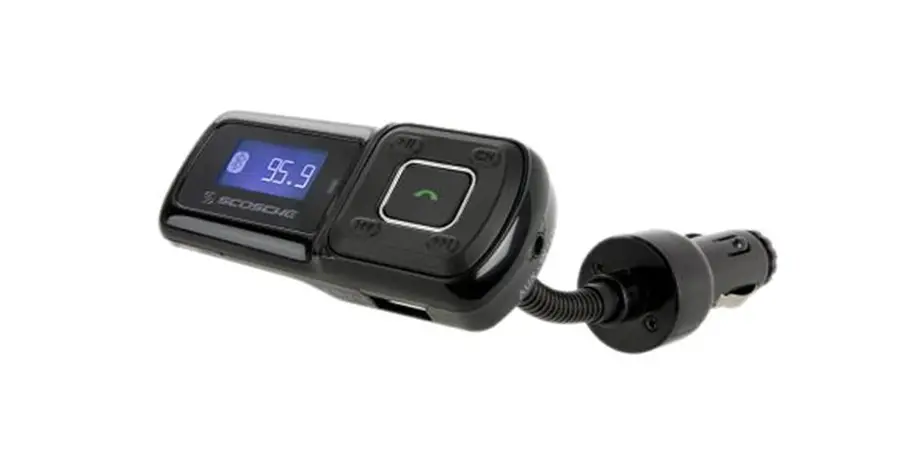
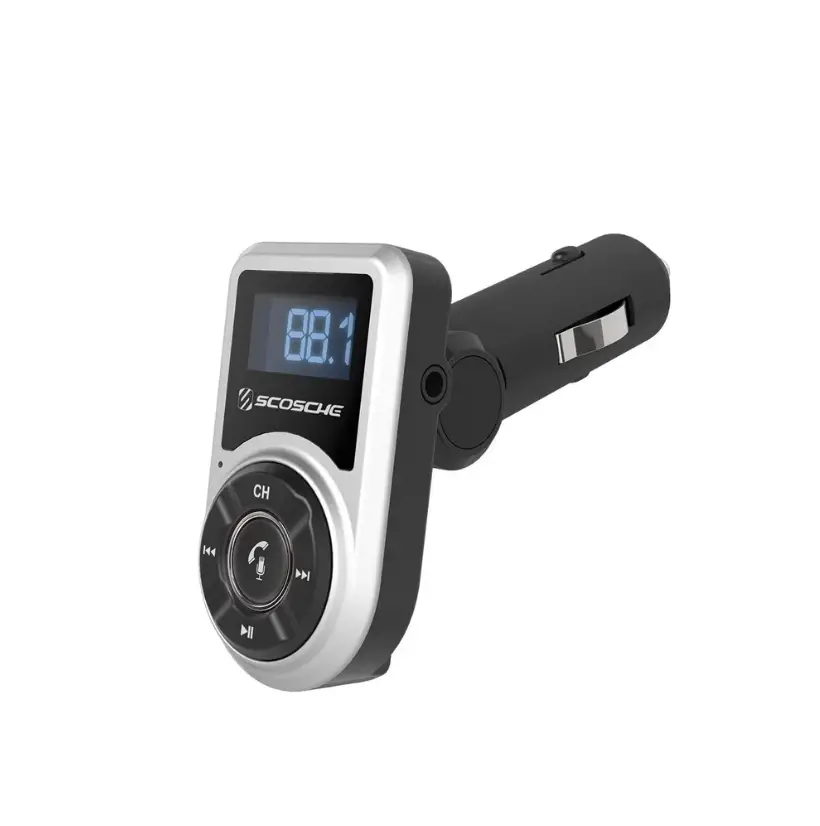
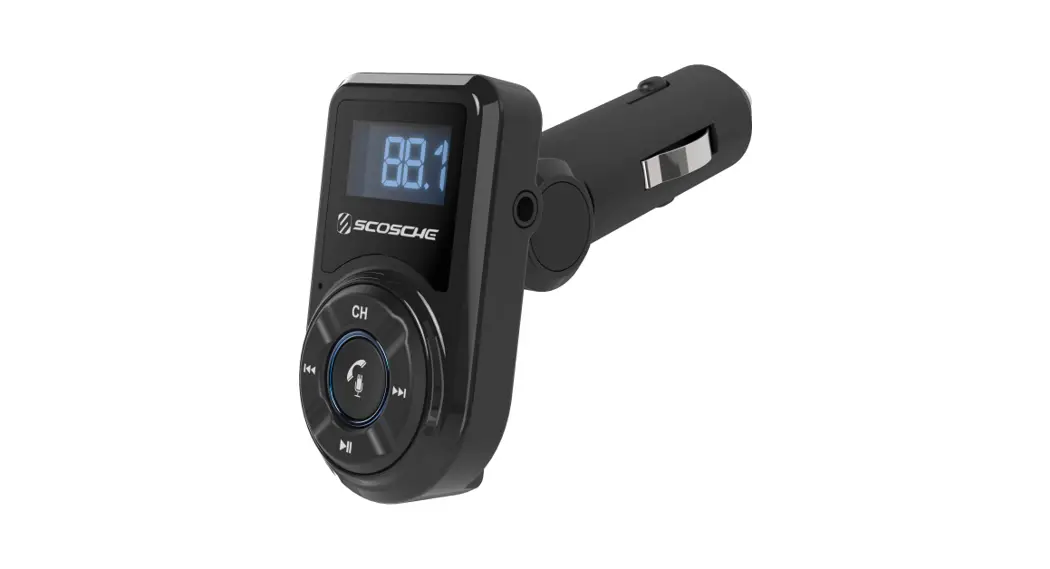
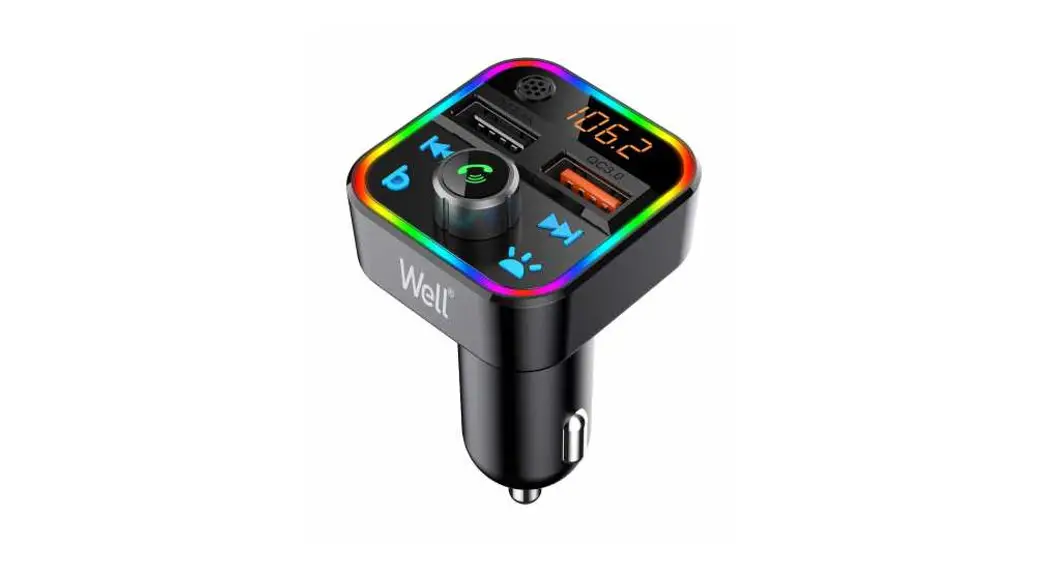
This device is a car Bluetooth MP3 player , which equipped with professional high performance Bluetooth module and MP3 decoder chip. It can play and transmit the music from TF card/USB to car stereo via FM radio signal.
It can transmit your mobile phone’s music to car stereo via Bluetooth.
It can also be used as a hands-free car kit during driving.
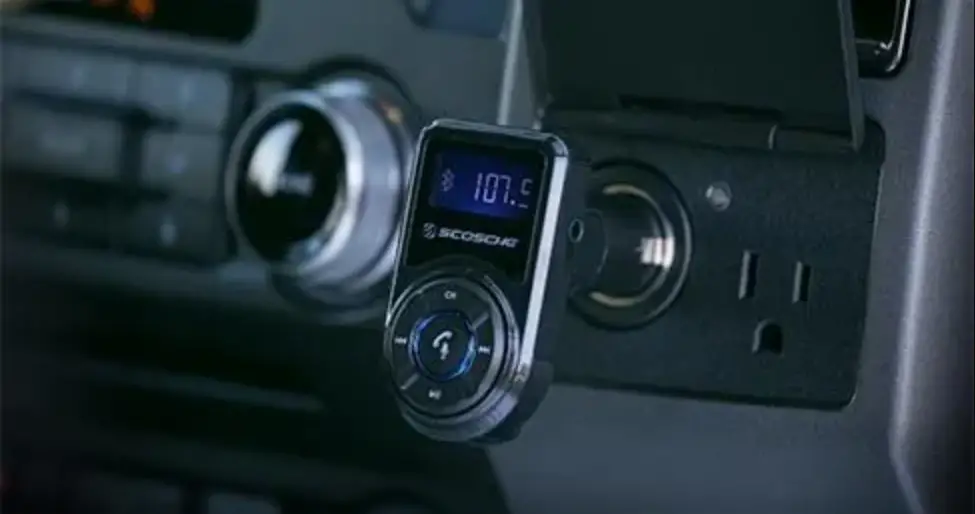
This device transmits signal by wireless method, no need to modify anything in car. It can be used both as the music player for entertainment purpose or hands-free car kit in safety purpose during driving.
Product Features
- Support Bluetooth hands free MIC call, so that people answer the phone safety.
- Noise and wind suppressed by CVC technology to create full duplex sound quality.
- Support mobile’s A2DP function. Music will be played directly while the device is connected with mobile phone.
- Mobile phone can be re-connected automatically.
- Support an external TF card/USB, can play music files in MP3/WMA/WAV format.
- Integrated car charger of output 5V/3.1A, it’s available for charging handheld devices in car.
Operation Instructions
- Device Power-on
(1). Device turns on automatically when plug its integrated car charger to car cigarette lighter power.
(2). Select a frequency.
(3). Turn on car FM stereo and keep the frequency same with the device. - Frequency and Volume Adjustment
(1). This device supports 206 transmission frequency point : 87.5~108.0MHZ, Short press TX into the Frequency setting mode, then rotate M to adjust FM transmission frequency.
(2). Rotate M to adjust the volume - Playing Music from TF Card/U Disk
(1). Insert the TF Card /U Disk into the device, it will automatically detect and play music in the TF Card /U Disk.
(2). Music selection: short press or to select songs.
 - Connect to Bluetooth Devices
(1). This device is equipped with built-in Bluetooth chip, it can connect to any other handheld Bluetooth devices.
(2). It will enter pairing mode automatically when the device is powered on. Search this device with name of “HK209”, and connect it.
(3). Memory function. It will connect to its memorized paired Bluetooth device automatically once the unit is powered on. - Automatic re-connect function
When the unit is in power, the phone beyond the Bluetooth reception range, or leave the unit for some time {more than 3 minutes}. Then the phone back to the product’s Bluetooth reception range, this time, click any key of the unit, then the phone can be connected automatically. Don’t need to power off and re-connect the unit and the mobile phone. - Playing Music from Mobile Phone
(1). After connecting mobile phone to the device successfully via Bluetooth, you can play music from mobile phone, the device will wirelessly transmit the signal to car stereo.
(2). You can adjust the music Volume/Play/Pause/Previous/Next on mobile phone, or on the device. - Switching Music File Sources
(1). It has three music playback mode, that is USB, TF Card, Bluethooth mode. easily switching the playback mode by short press M.
(2). When you are in USB/SD music playback mode, long press M button, the music playback will be switched from Cycle play mode to Random mode. - Make A Call
(1). You can make a call and answer the phone through this device after connected by Bluetooth. Double tap redial the last phone number.
(2). Reject a call: when a call coming, double press to reject a call. - AUX output
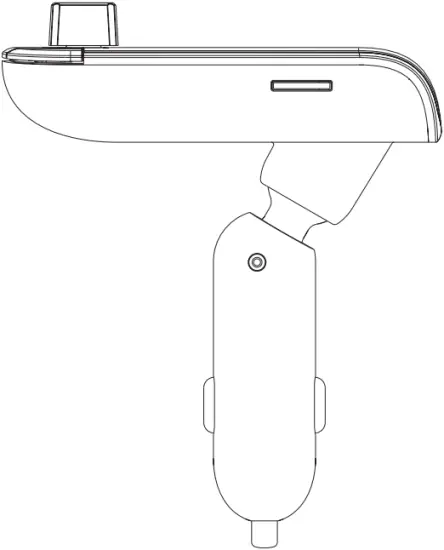
This device supports music sources output from inside, it can be accepted by combined sound, car sound and portable headphone. - Part Description
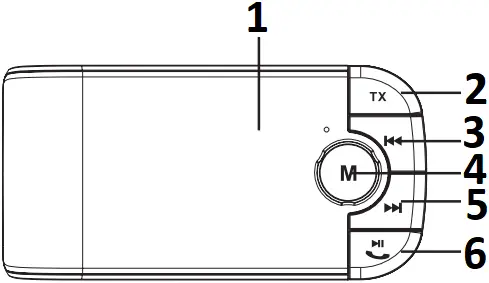
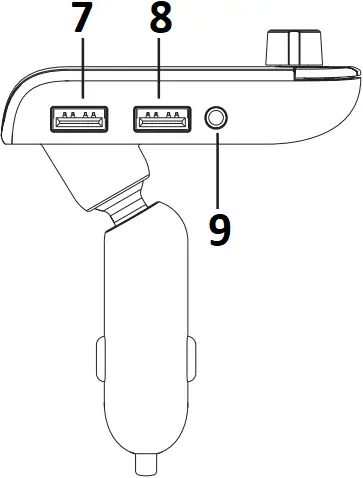
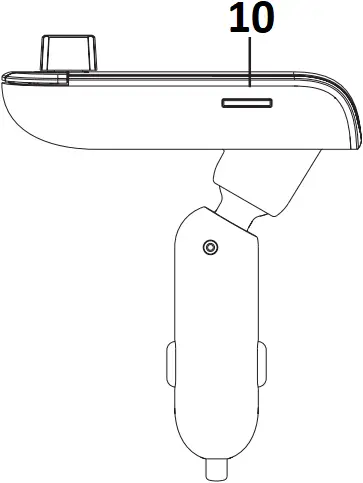
- LCD Display
- FM Transmitter
- Pervious Button
- Volume Control/Mode
- Next Button
- Play/Pause(ON/OFF)
Answer Phone - Charging 5V/2.1A
- Charging 5V/1.0A USB Disk
- AUX OUT JACK
- TF
| Operation Instruction | FM Transmitter |
| 1. How to pair mobile | Plug the device to cigarette lighter power |
| 2. How to play and pause | Short press  to play, to play,Press again to pause |
| 3. How to adjust volume | Adjust the volume by rotate M |
| 4. How to select music | Press  to play next song to play next songPress  to play previous song to play previous song |
| 5. How to answer and end a call | Short Press to answer an incoming call Short Press to end the callDouble press to refuse Incoming callDouble Press to re-dial the last phone NO on a non-call state. |
| 6. Switching code | Short press the M, then it will switch between TF card, USB and Bluetooth mode. |
Bluetooth
Bluetooth Version: V4.2
Frequency Range: 20HZ~20 KHZ
Voltage: 5V±0.5
Frequency: 2.402~2.480 GHZ
Effective Range: 10 meters (free space)
Frequencies
FM: 88.1MHZ-107.9MHZ
Note: This device is compatible with most of the mobile phones, except a few mobile phones that are not available to use parts of above functions. Product features will be upgraded without any notice.
NOTE: This equipment has been tested and found to comply with the limits for a Class B digital device, pursuant to part 15 of the FCC Rules. These limits are designed to provide reasonable protection against harmful interference in a residential installation. This equipment generates uses and can radiate radio frequency energy and, if not installed and used in accordance with the instructions, may cause harmful interference to radio communications. However, there is no guarantee that interference will not occur in a particular installation. I f this equipment does cause harmful interference to radio or television reception, which can be determined by turning the equipment off and on, the user is encouraged to try to correct the interference by one or more of the following measures:
– Reorient or relocate the receiving antenna.
– Increase the separation between the equipment and receiver.
– Connect the equipment into an outlet on a circuit different from that to which the receiver is connected.
– Consult the dealer or an experienced radio/ TV technician for help
Changes or modifications not expressly approved by the party responsible for compliance could void the user’s authority to operate the equipment.
This device complies with Part 15 of the FCC Rules. Operation is subject to the following two conditions:
(1) this device may not cause harmful interference, and (2) this device must accept any interference received, including interference that may cause undesired operation.
This device contains licence-exempt transmitter(s)/receiver(s) that comply with Innovation, Science and Economic Development Canada’ s licence-exempt RSS(s). Operation is subject to the following two conditions:
(1) This device may not cause interference.
(2) This device must accept any interference, including interference that may cause undesired operation of the device.