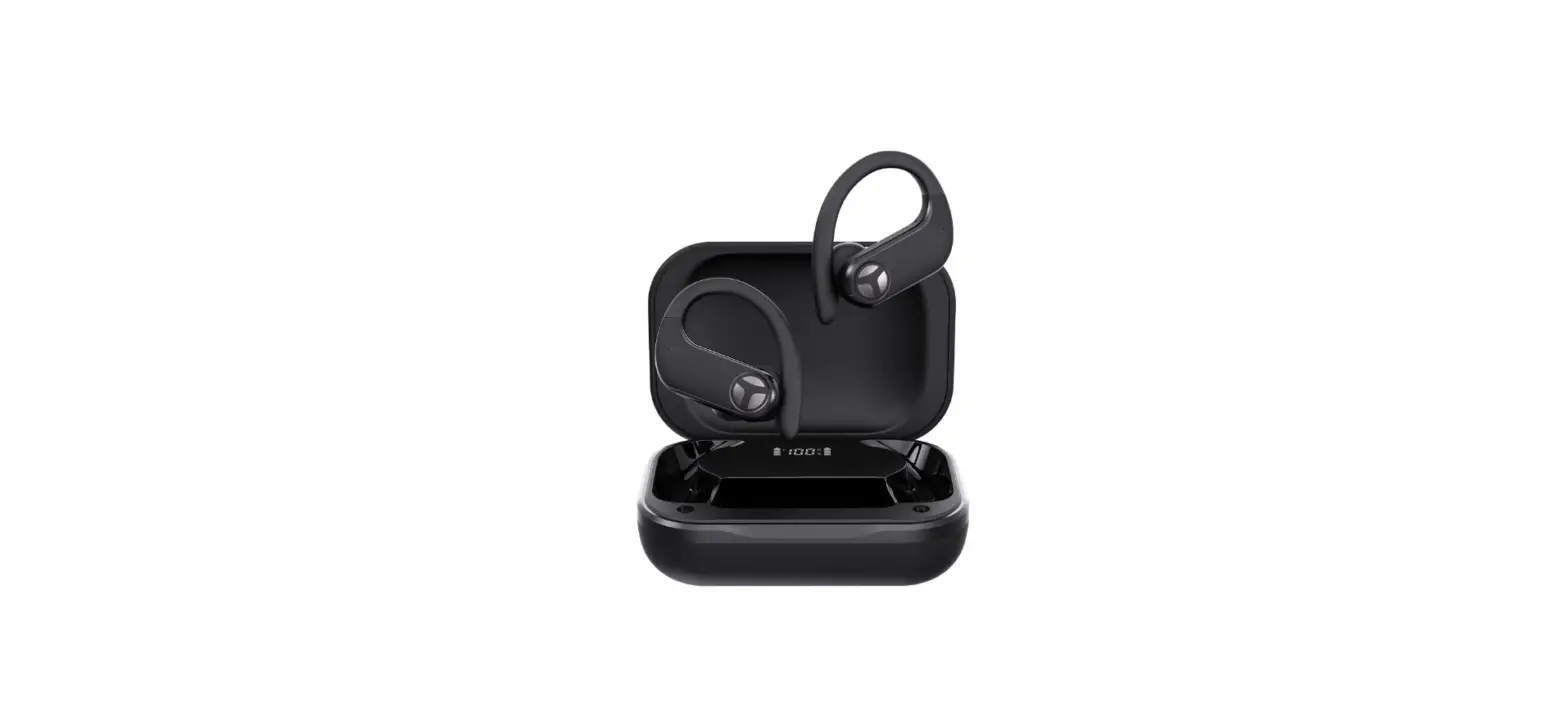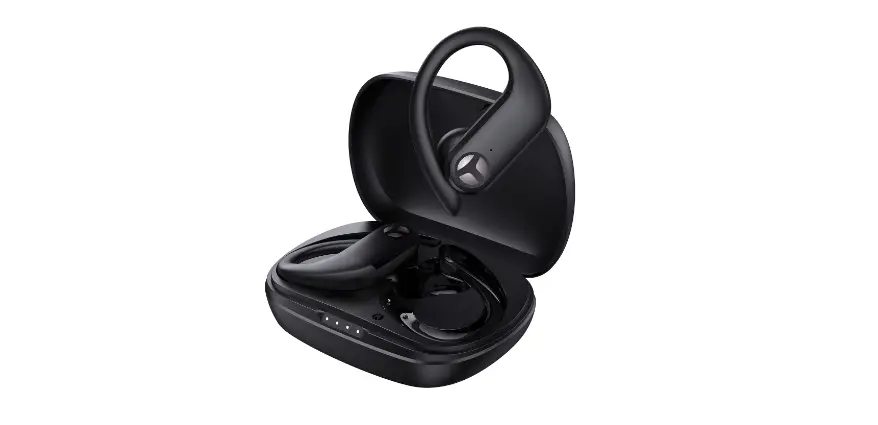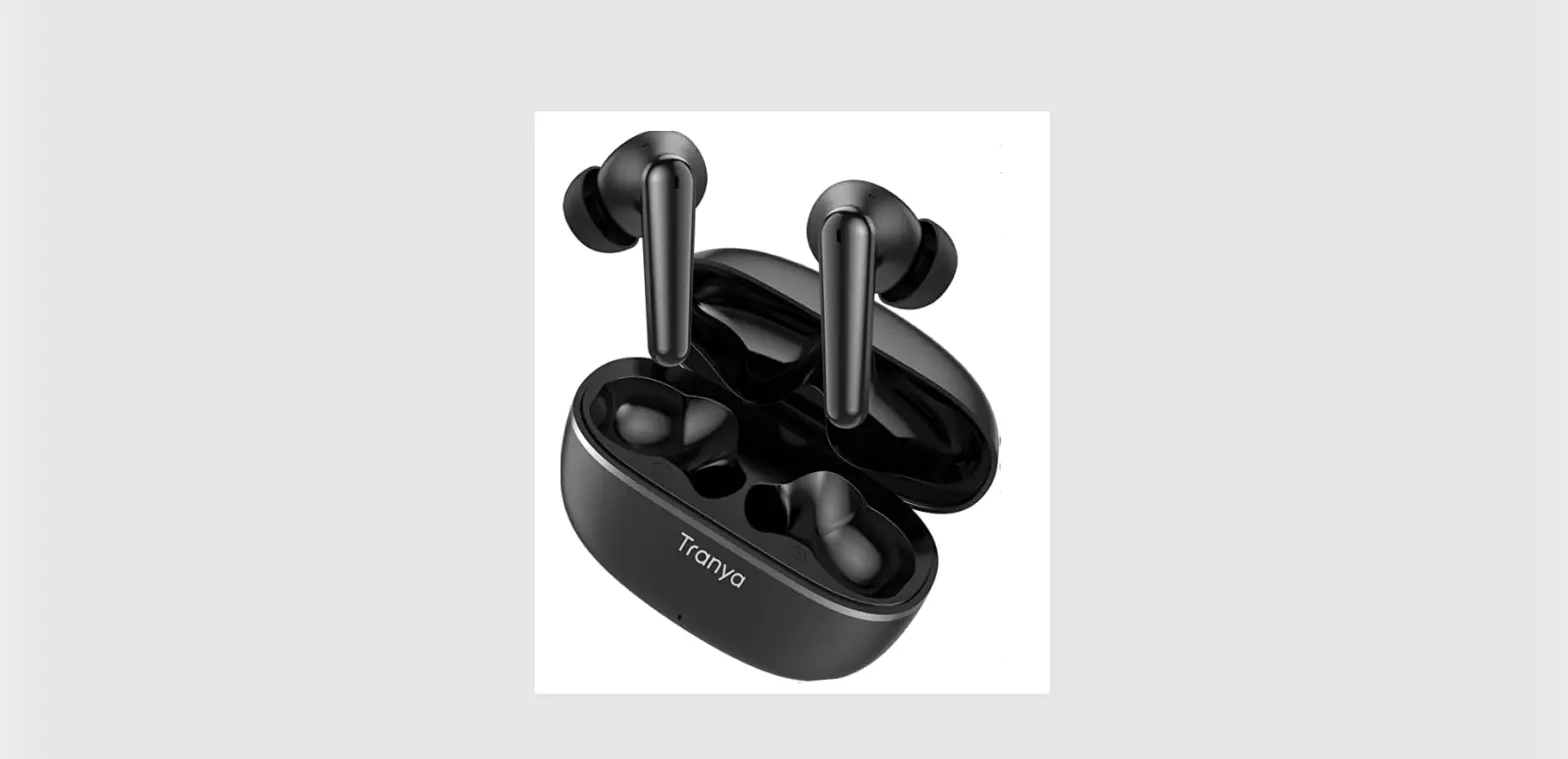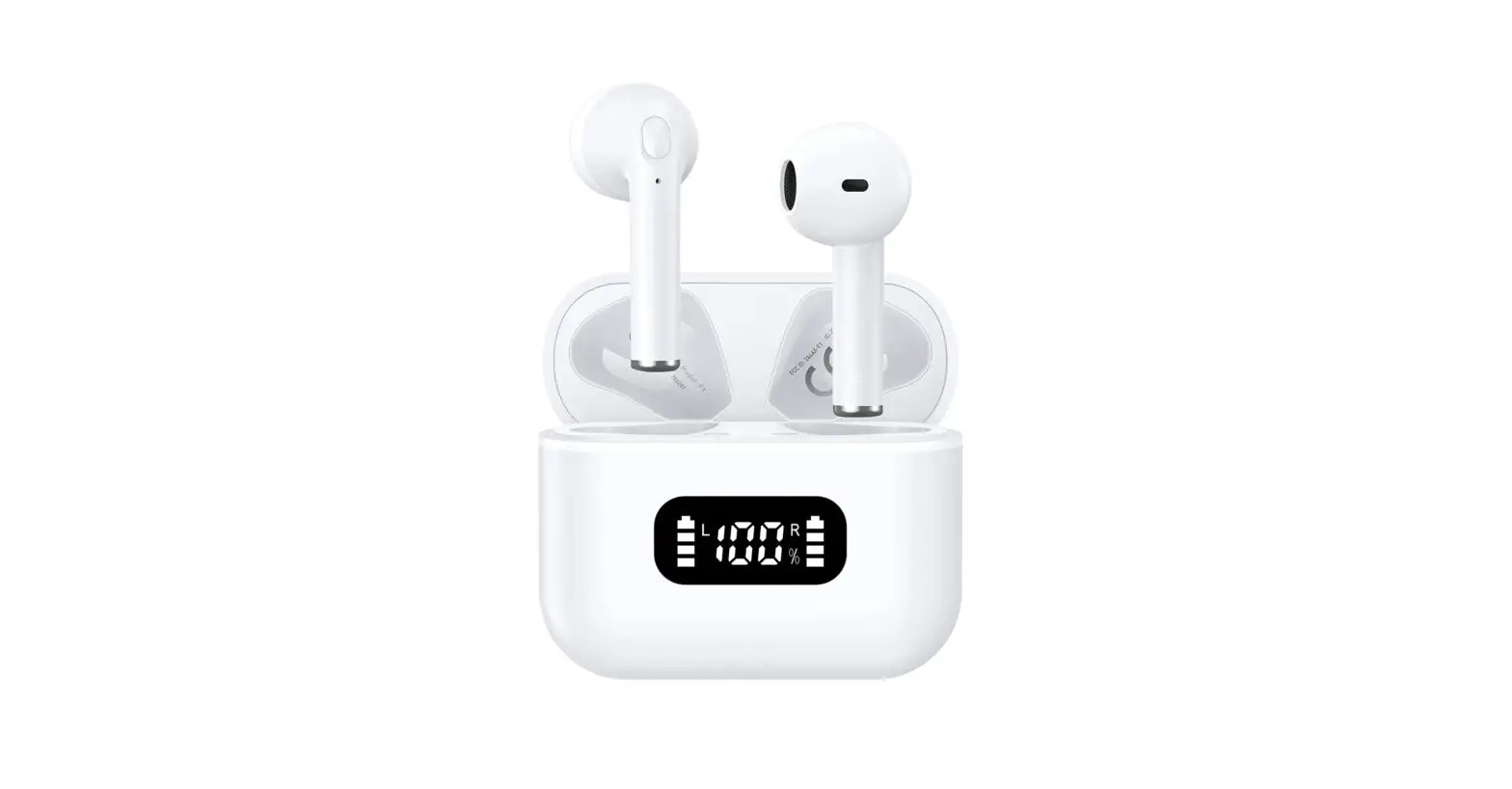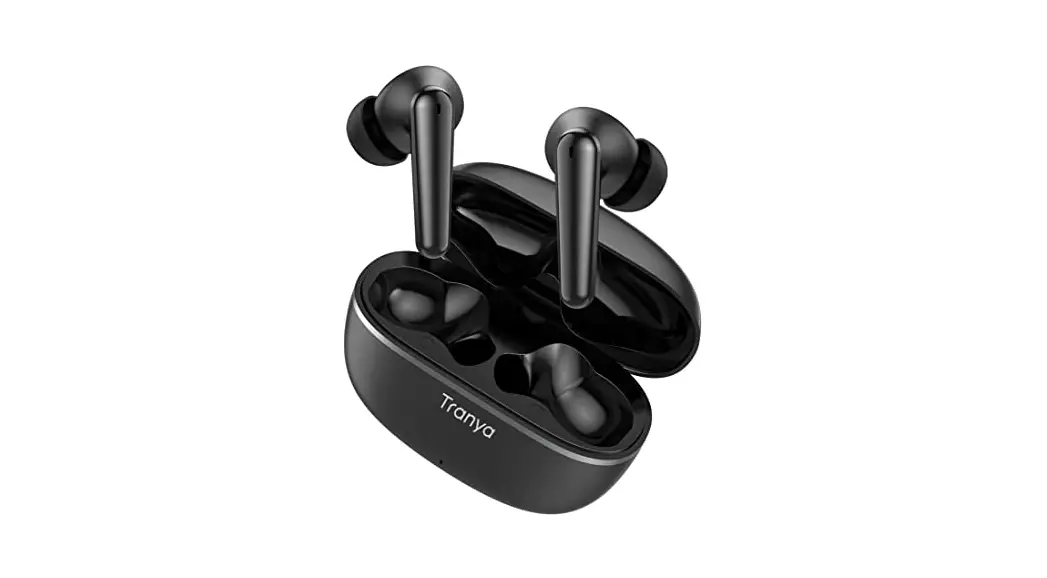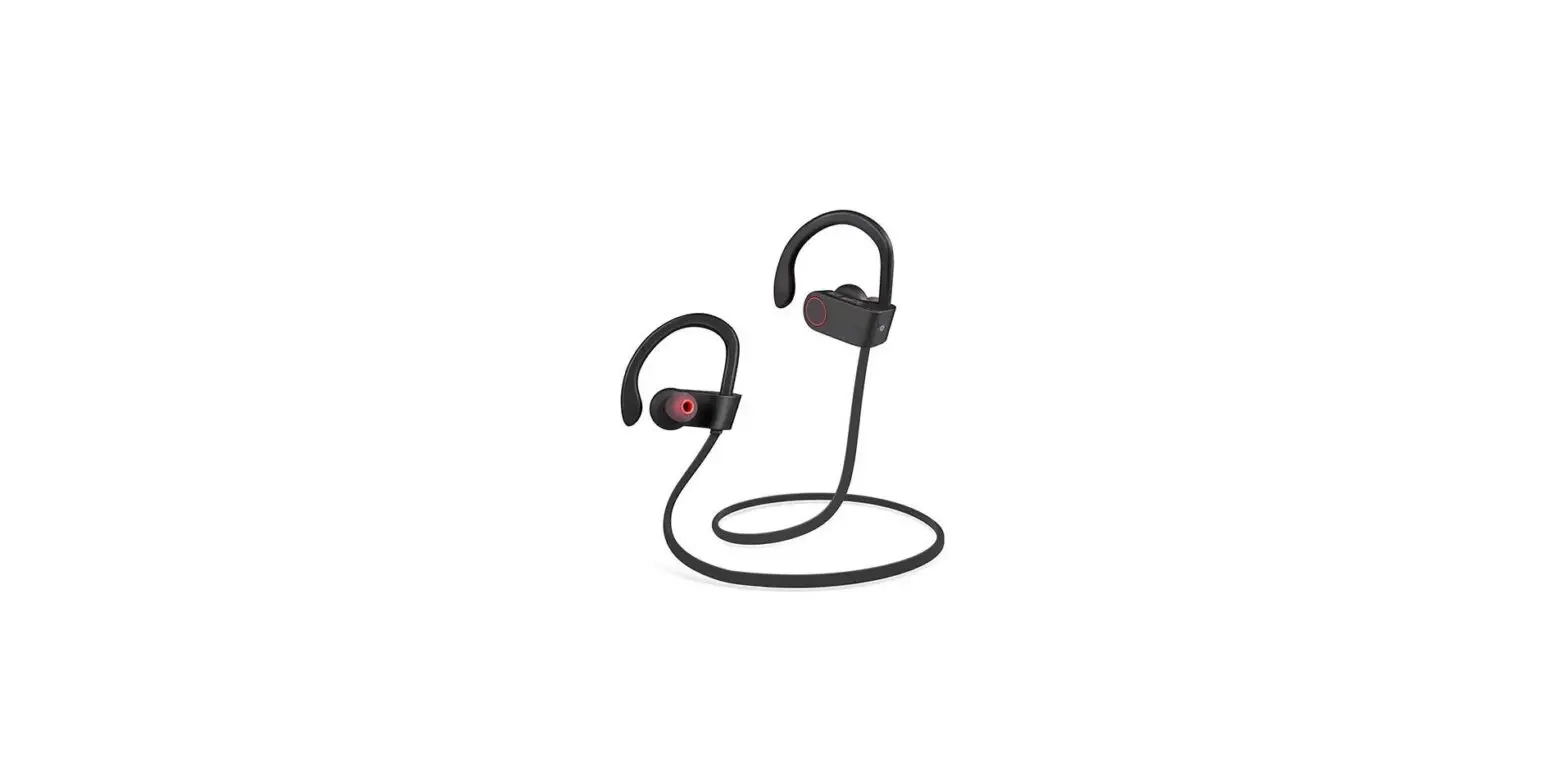

X1 Sports Sweatproof Hook Earbuds
User Manual
15-MONTH
WARRANTY ACTIVATE WITHIN 14 DAYS
tranya.com/pages/regIster-product Email: [email protected]
PACKAGE LIST
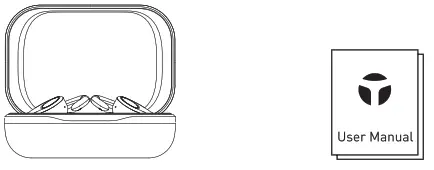 | |
| Wireless Earbud * 2 Magnetic Charging Case * 1 | User Manual *1 |
 | |
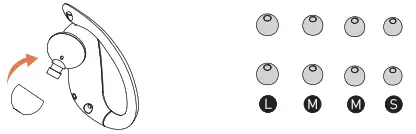
| Ear Tips * 4 (S*1/M*2/L*1) | Type-C Charging Case * 1 |
IMPORTANT NOTES
- Register your product on tranya.com to get an EXTRA three-month warranty for free.
- Before using the X1 wireless earbuds, please charge both the case and earbuds.
- Four pairs of rubber eartips. Please choose the best for you.

- If both earbuds don’t sync together, please reset the earbuds.
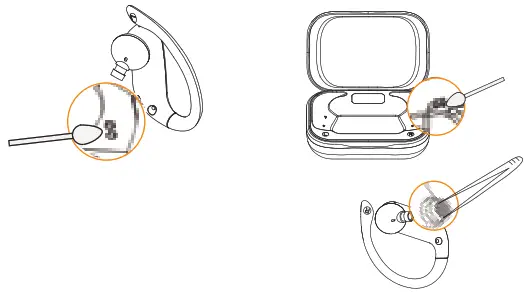
- If the earbuds don’t charge, please clean the charging slot on the case and the contact surface on the earbuds.

- If the sound becomes low without control, please use tweezers to take out/remove the net inside the earbuds.
| Play/Pause | 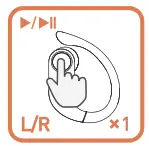 | Press one time(L/R) |
| Previous/Next track | 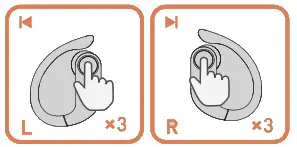 | Press 3 times(L/R1 |
| Volume down/up | 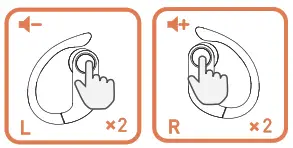 | Press twice(L/RI |
| Activate Siri/other voice control software | 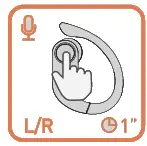 | Press and hold for 1 second (L/R1 |
| Answer/End a call | 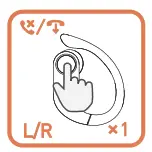 | Press one time(L/R) |
| Reject a call | 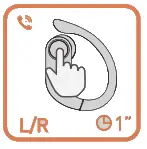 | Press and hold for 1 second(L/R1 |
| Game Mode (Automatically return to normal mode after power off) | 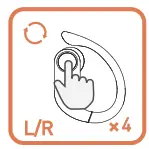 | Press 4 times(L/R) |
POWER ON
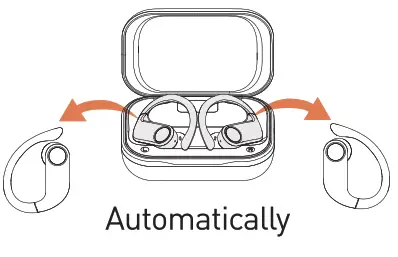 | 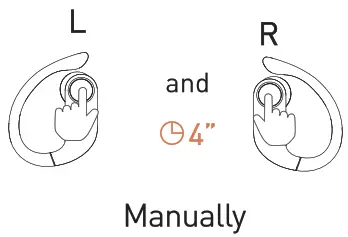 |
(Long press and hold 80TH earbuds for 4 seconds)
POWER OFF
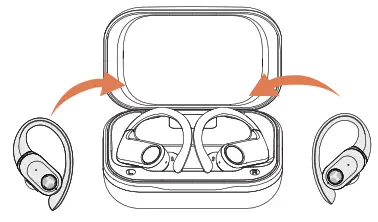 | 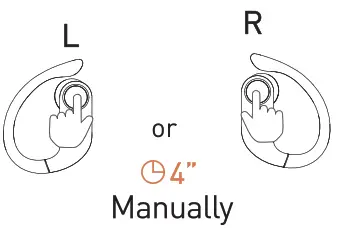 |
(Long press and hold EACH earbud for 4 seconds(
Note: When the charging case is at a low battery or out of power, the earbuds will not automatically power on/off, please turn them on/off manually.
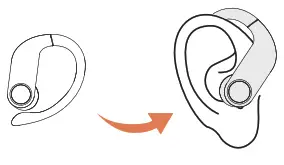
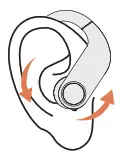
WEARING
- Put the earbuds into your ears.

- Rotate the earbuds and tilt the end of the ear hook inserted behind the ear.
CONNECT THE EARBUDS
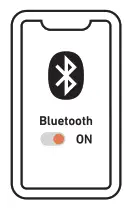
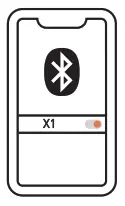
- Power on the earbuds and turn on the Bluetooth in your phone.

- Select -X1- and confirm.
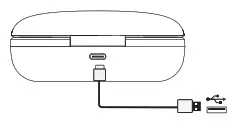
CHARGING
- Charging the Earbuds

- Charging the Case —Type-C

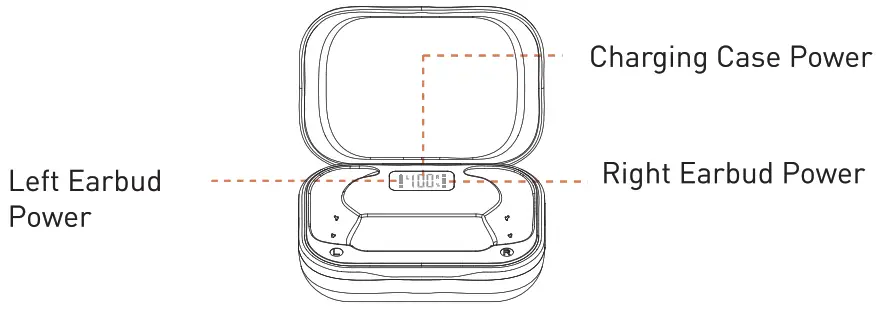
- Power Display
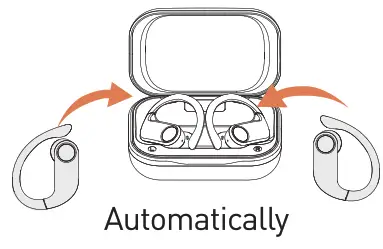
HOW TO RESET THE EARBUDS
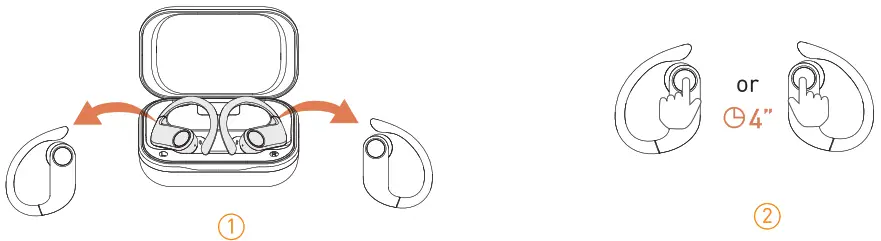
If your earbuds stop syncing with each other, please follow the below steps to reset the earbuds:
- Pick up both earbuds and turn them off.

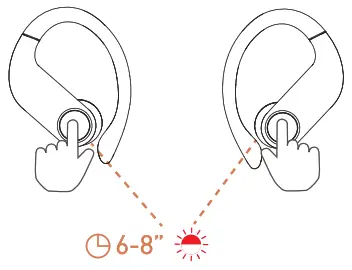
- Press and hold BOTH earbuds up to 6-8s until the red and white lights blink.

- The earbuds will sync together and enter the pairing mode automatically.
FAQ
– A: There are usually lots of underground cable lines along the places mentioned above, which might cause electromagnetic interference and result in a signal interruption.
– A: Please try to follow the below steps: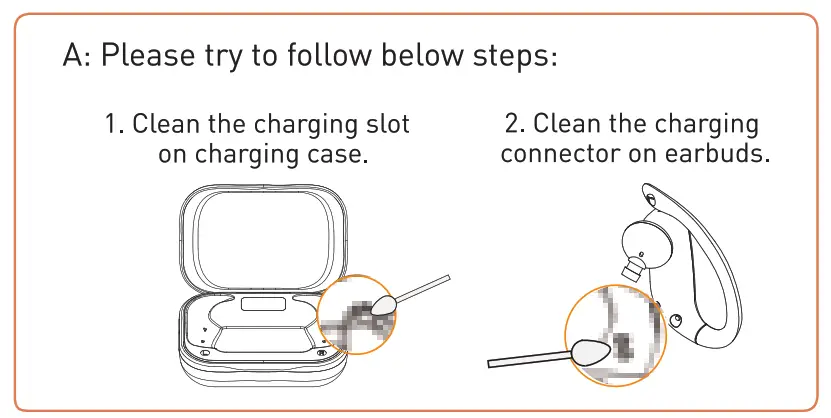
– A: The earbuds would not power off automatically when the case is at a low battery or out of power. Please recharge the case. And you can long press for four seconds to power on and long press for four seconds to power off the earbuds.
– A: Perhaps. When your Bluetooth mouse and earbuds are connected to the same device, it might happen.

https://qrco.de/bbTr8x
For more information, please visit: tranya.com
For any assistance, email us: [email protected]
Made in China
 | Skylimit Service GmbH Roedingsmarkt 20 20459 Hamburg |  | HUA TENG LIMITED 3 Glass Street, Hanley, Stoke On Trent, ST1 2ET United Kingdom |
Manufacturer:
Name CHANDASUNG TECH (SHENZHEN) CO., LTD
Address: Rm 802, Building B, Zhonghengsheng High-tech Zone,
No.3 Xinyu Road Xinqiao Street, Baoan District, Shenzhen, China.