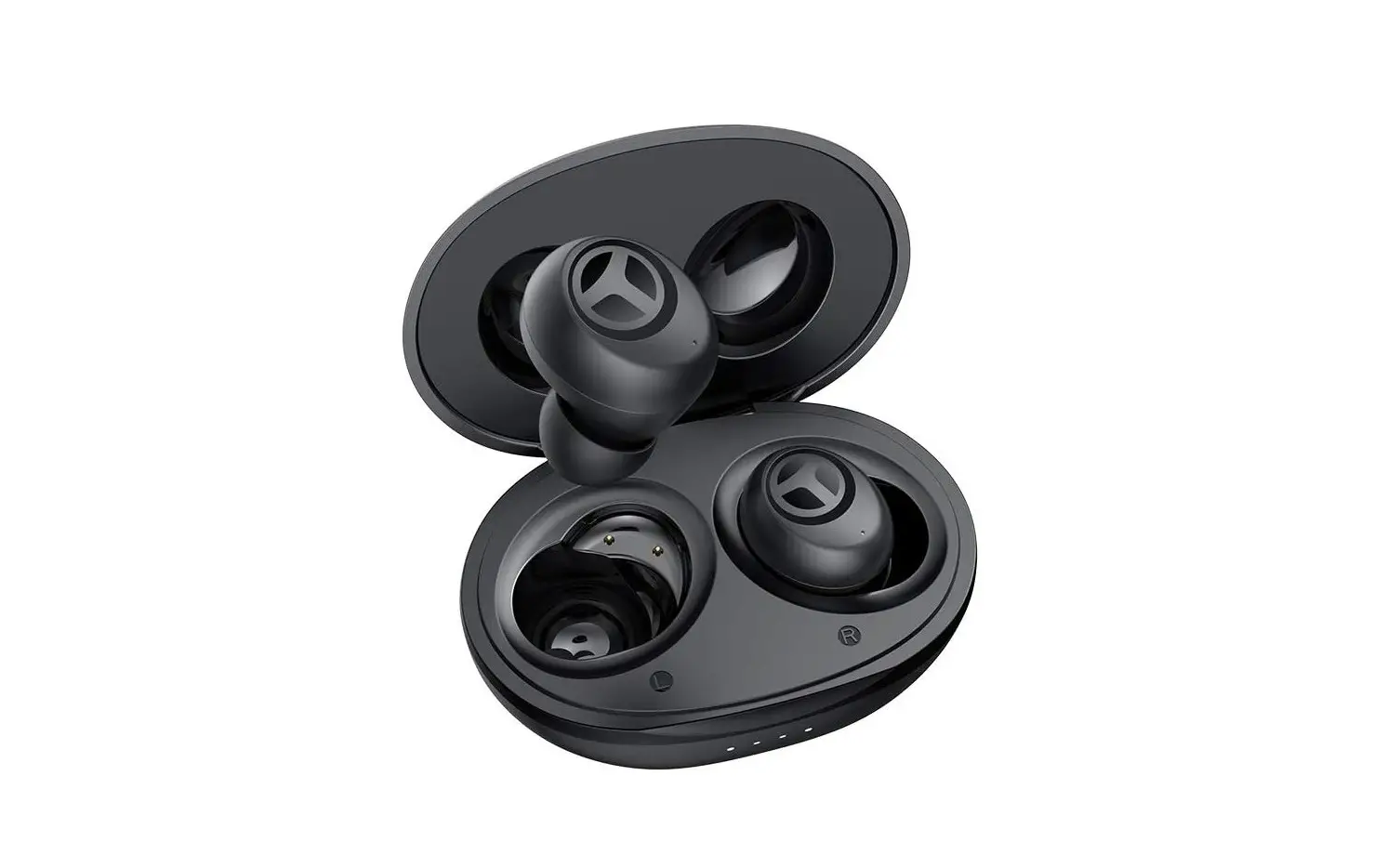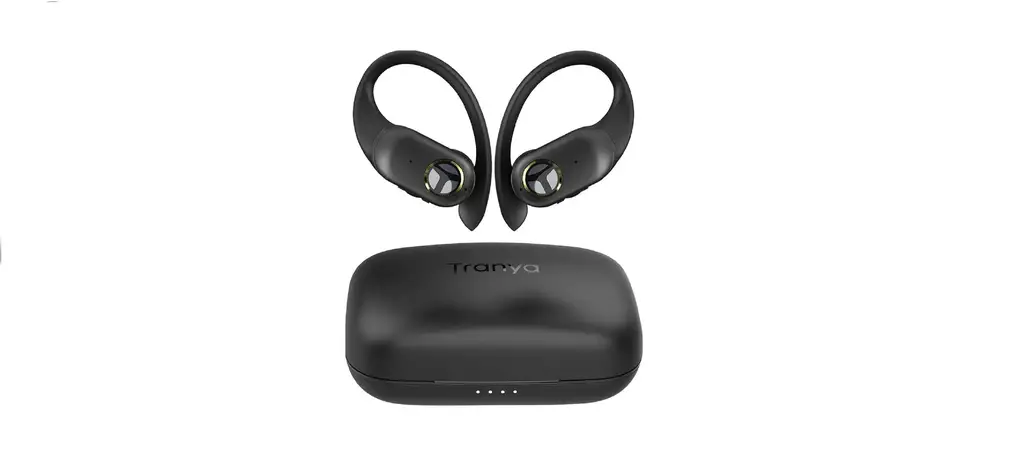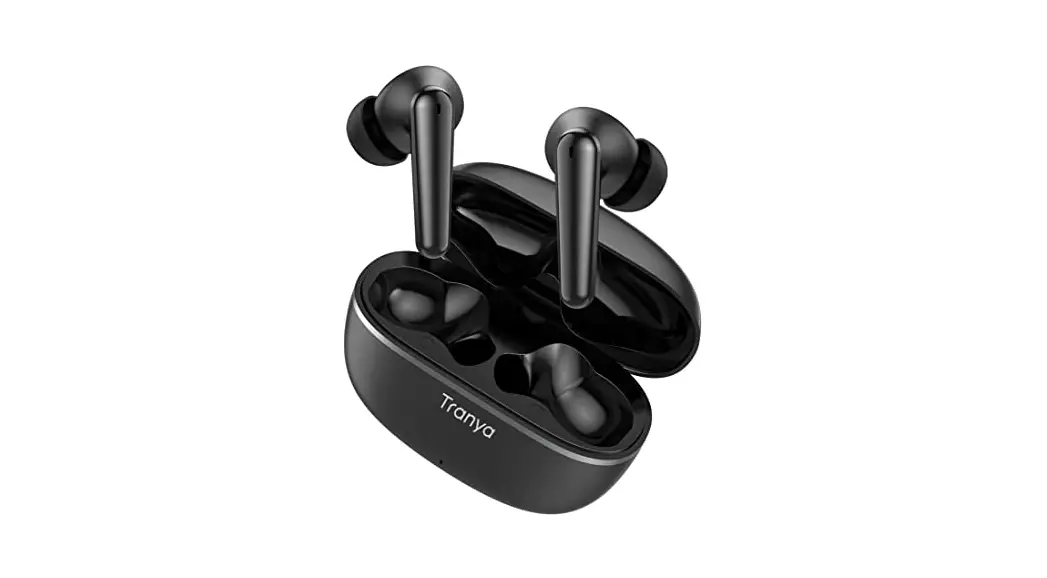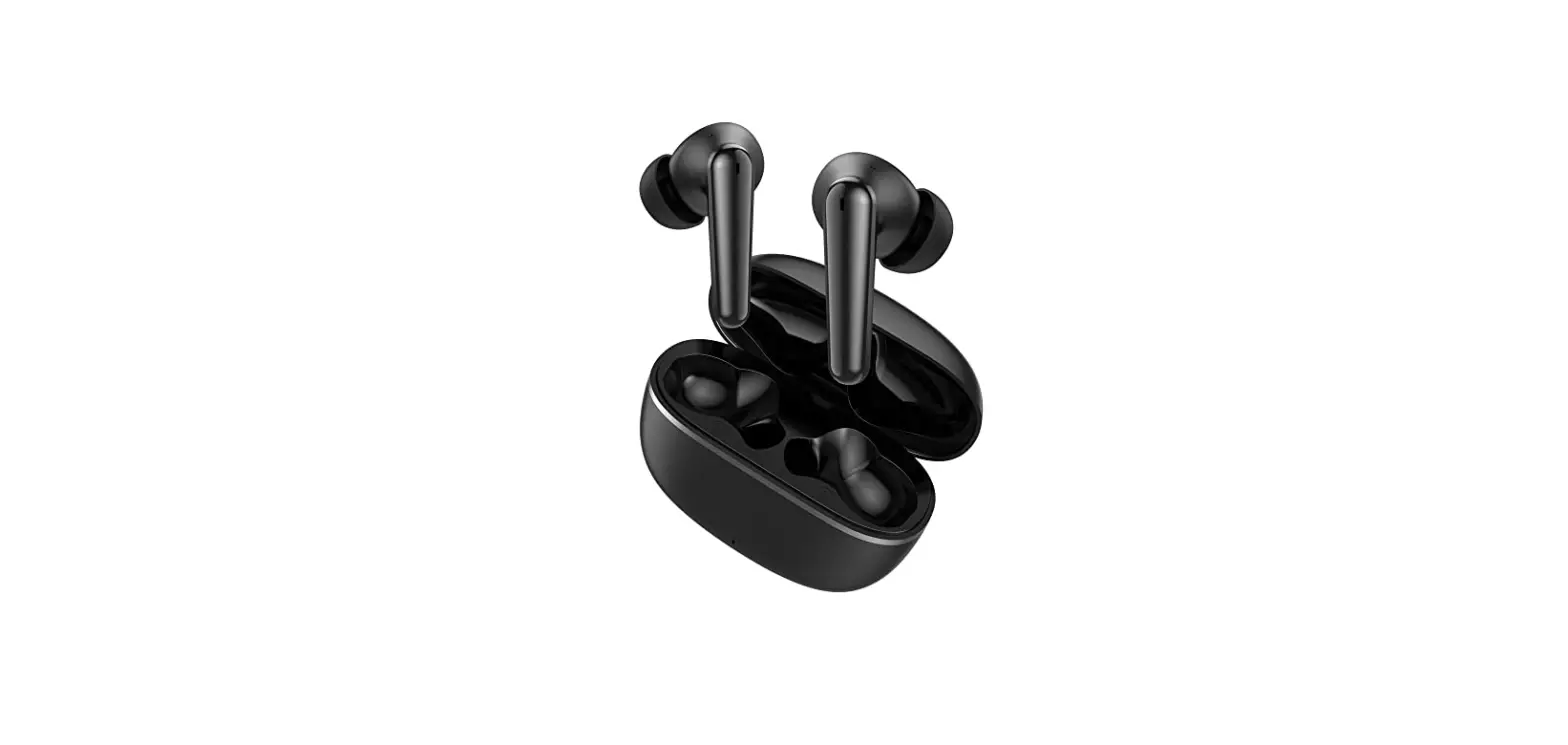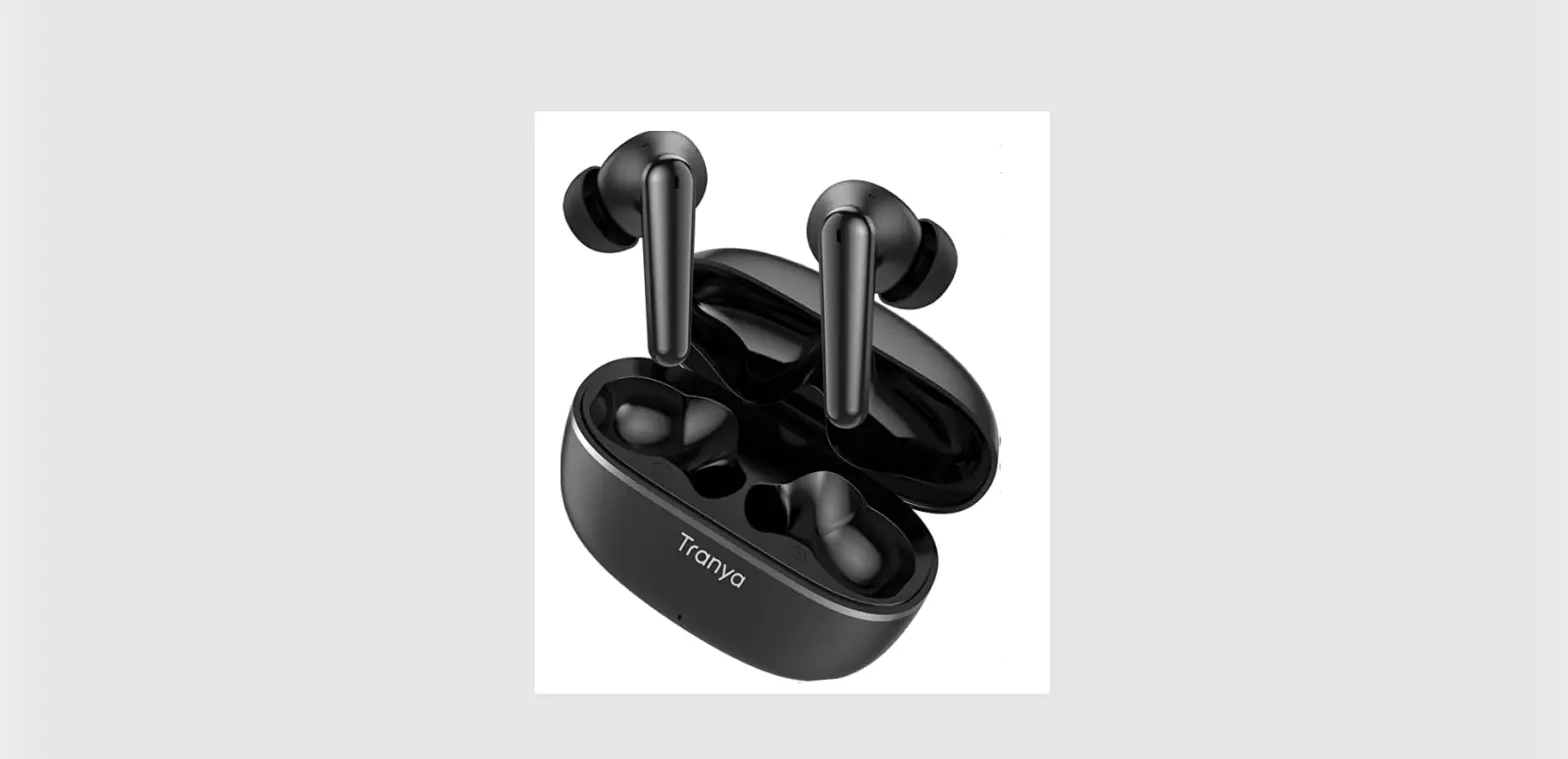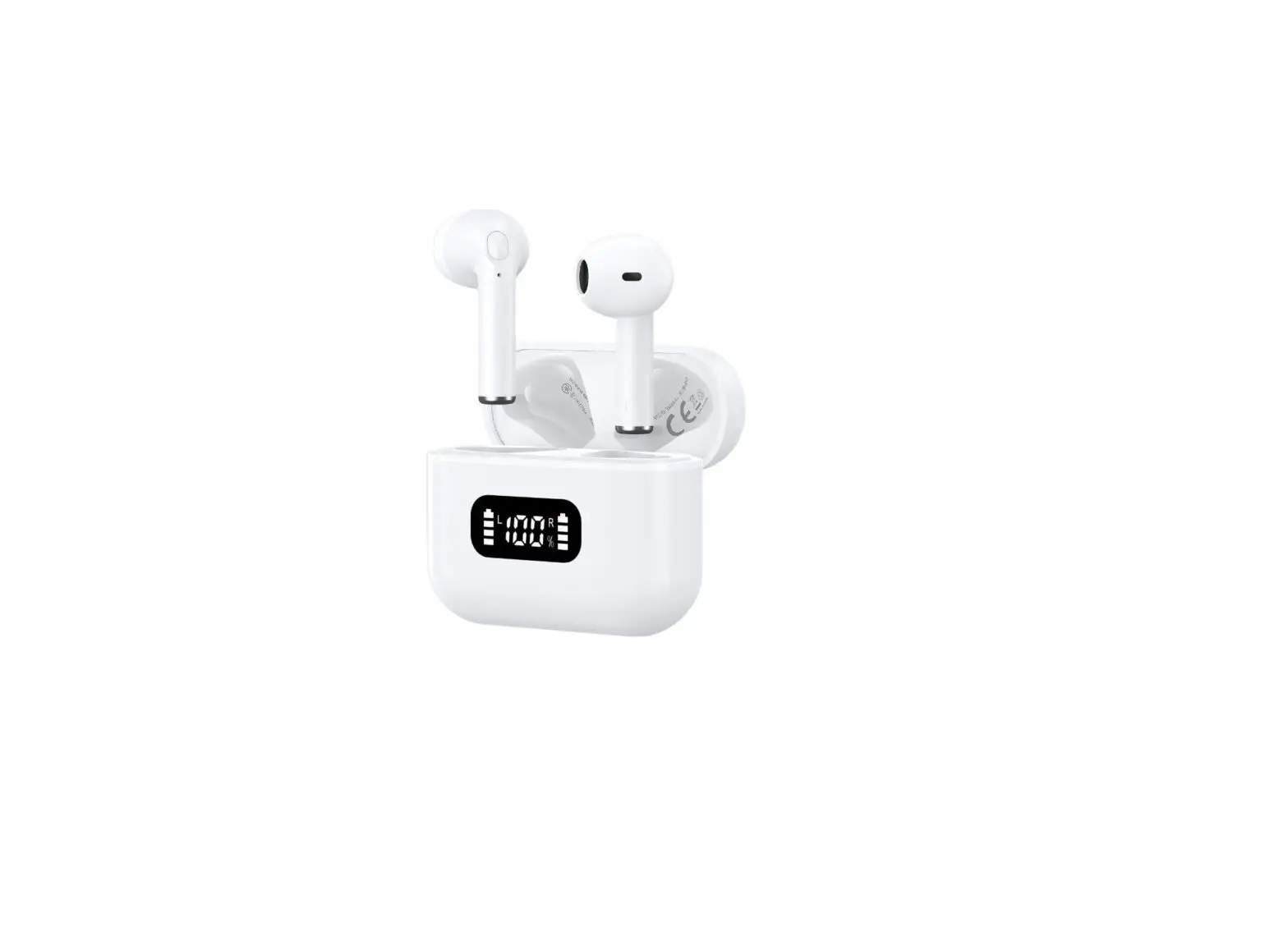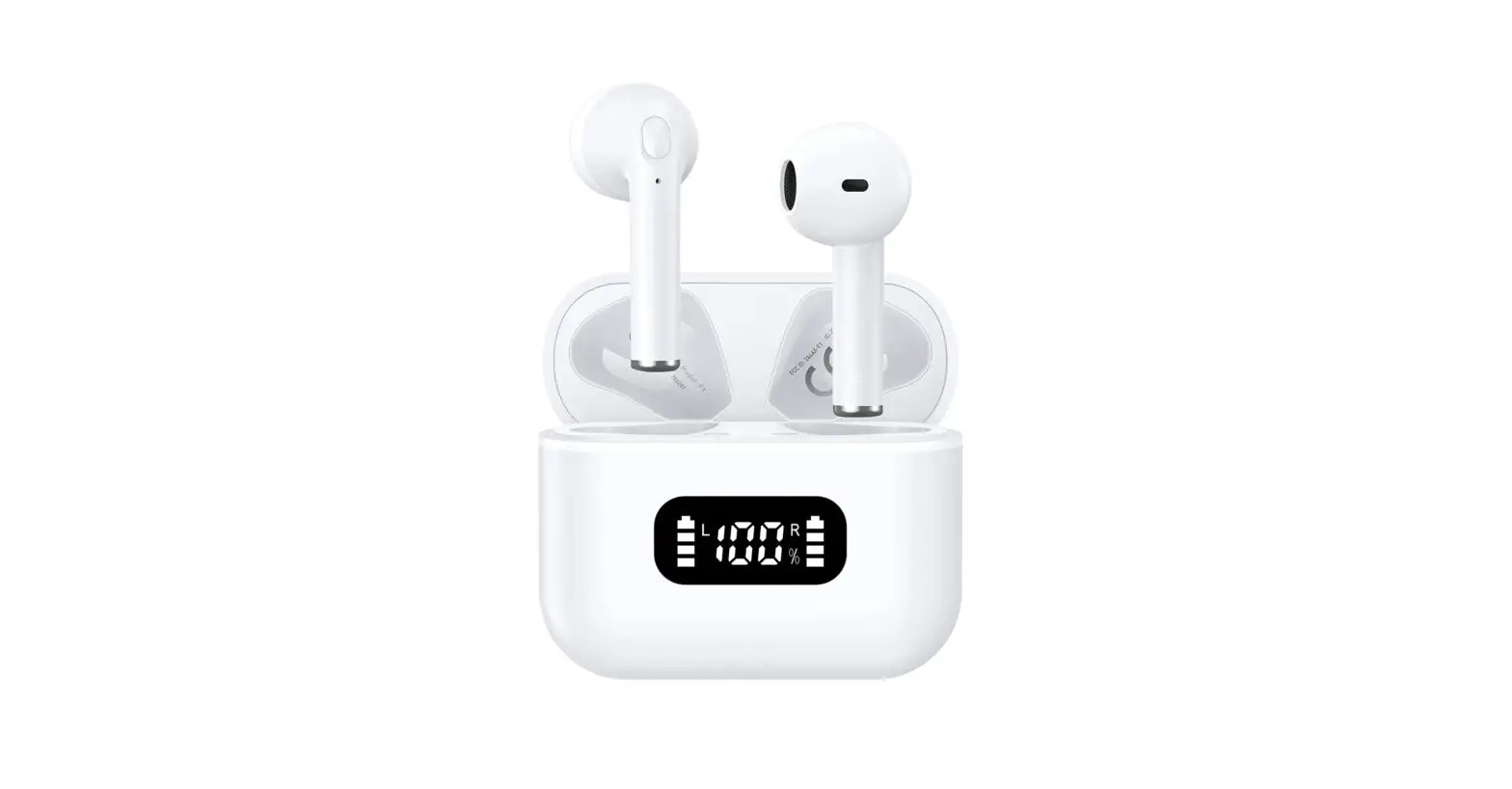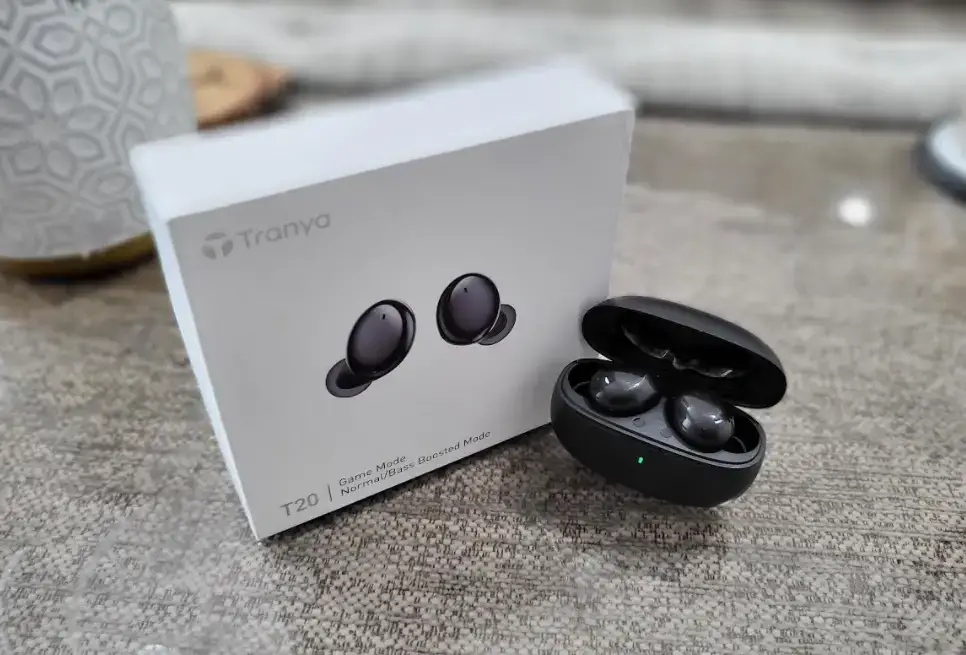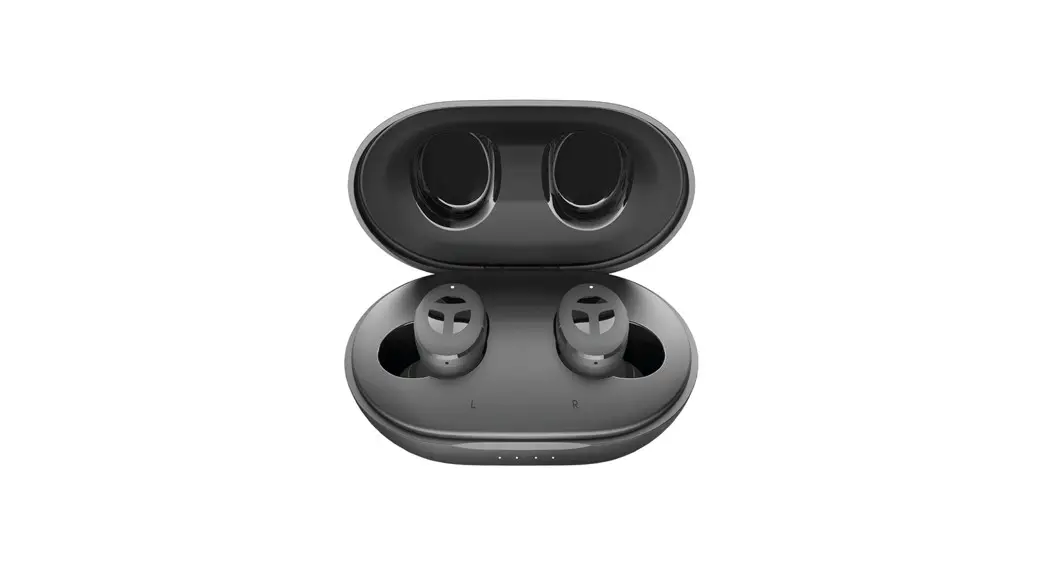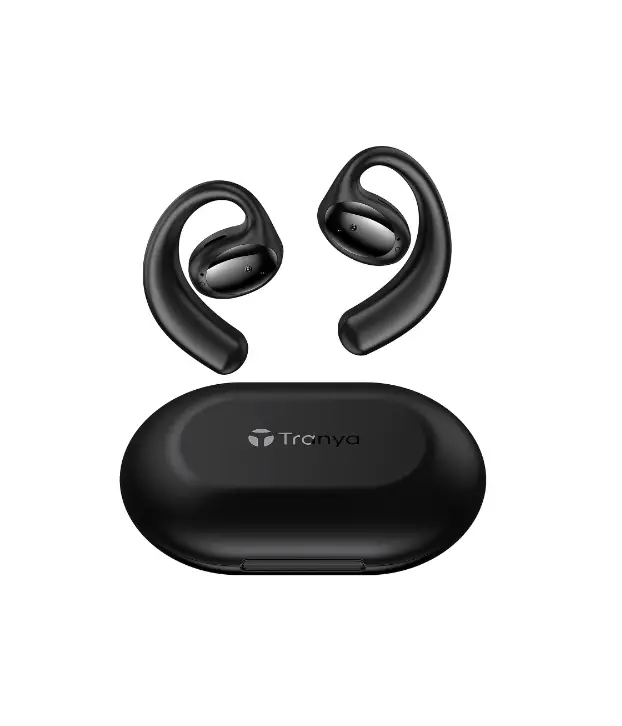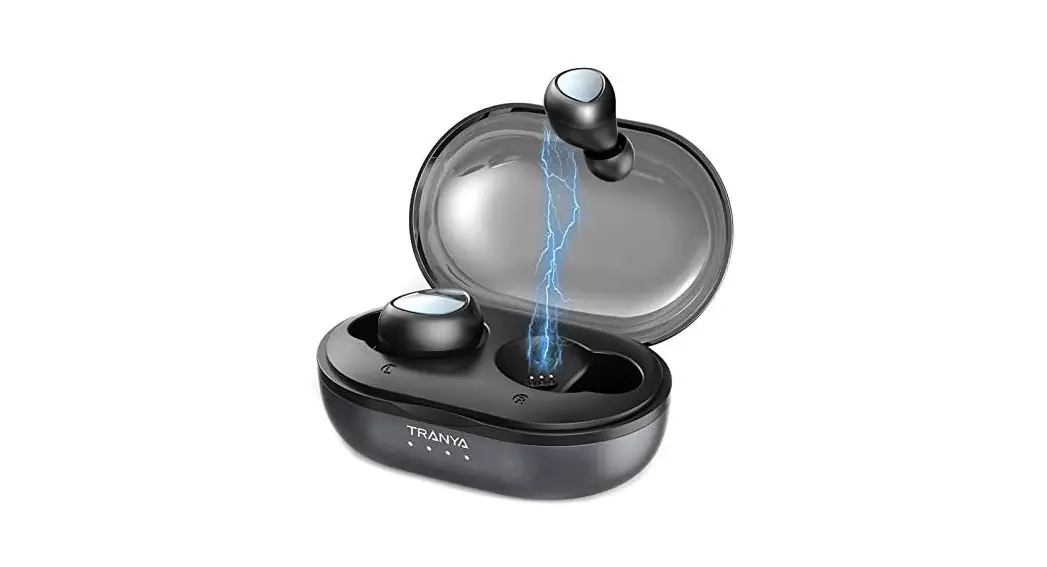
 TRUE WIRELESS EARBUDS
User Manual
12/03/20 VO4
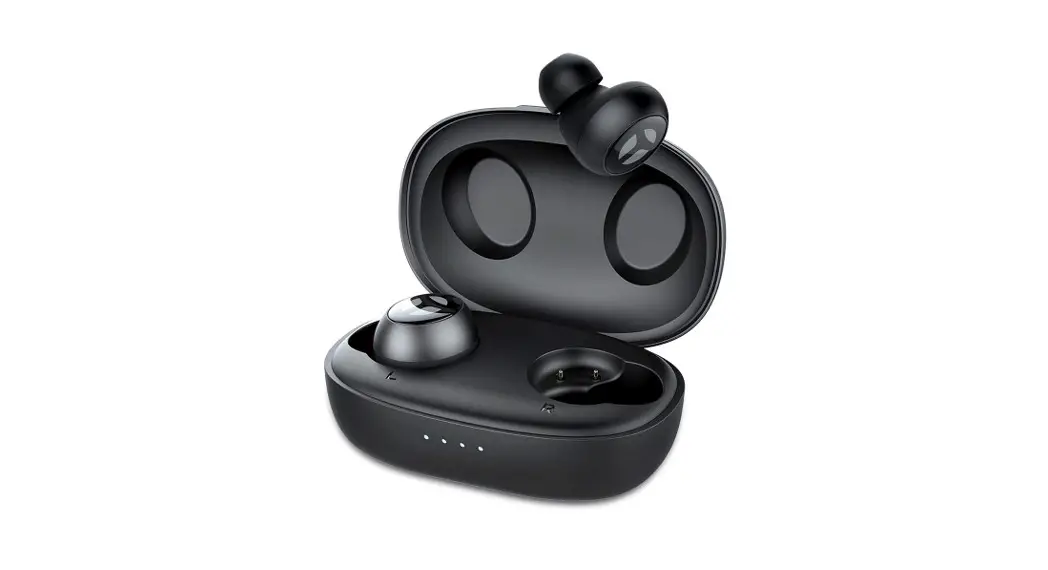
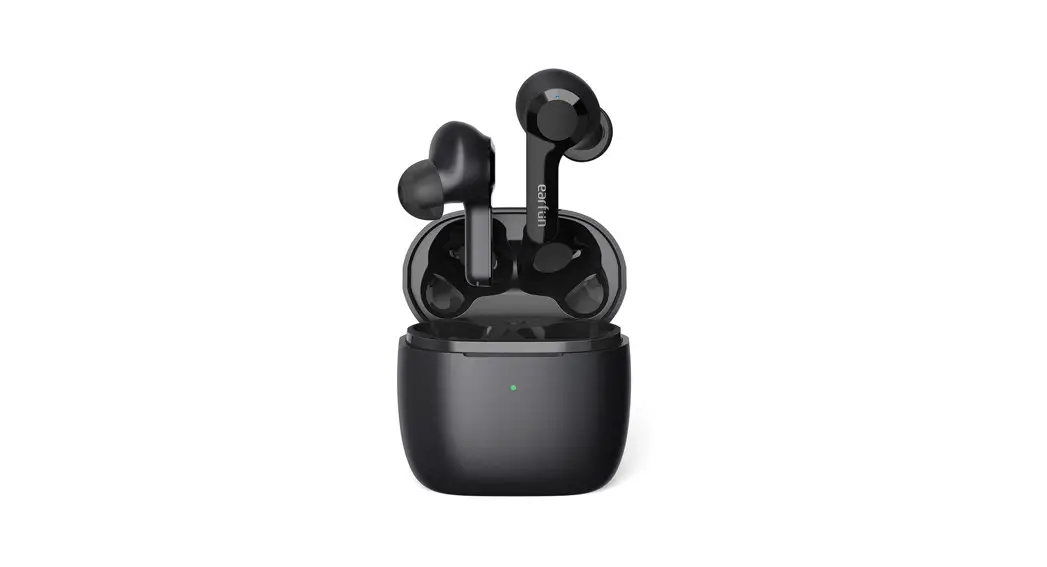
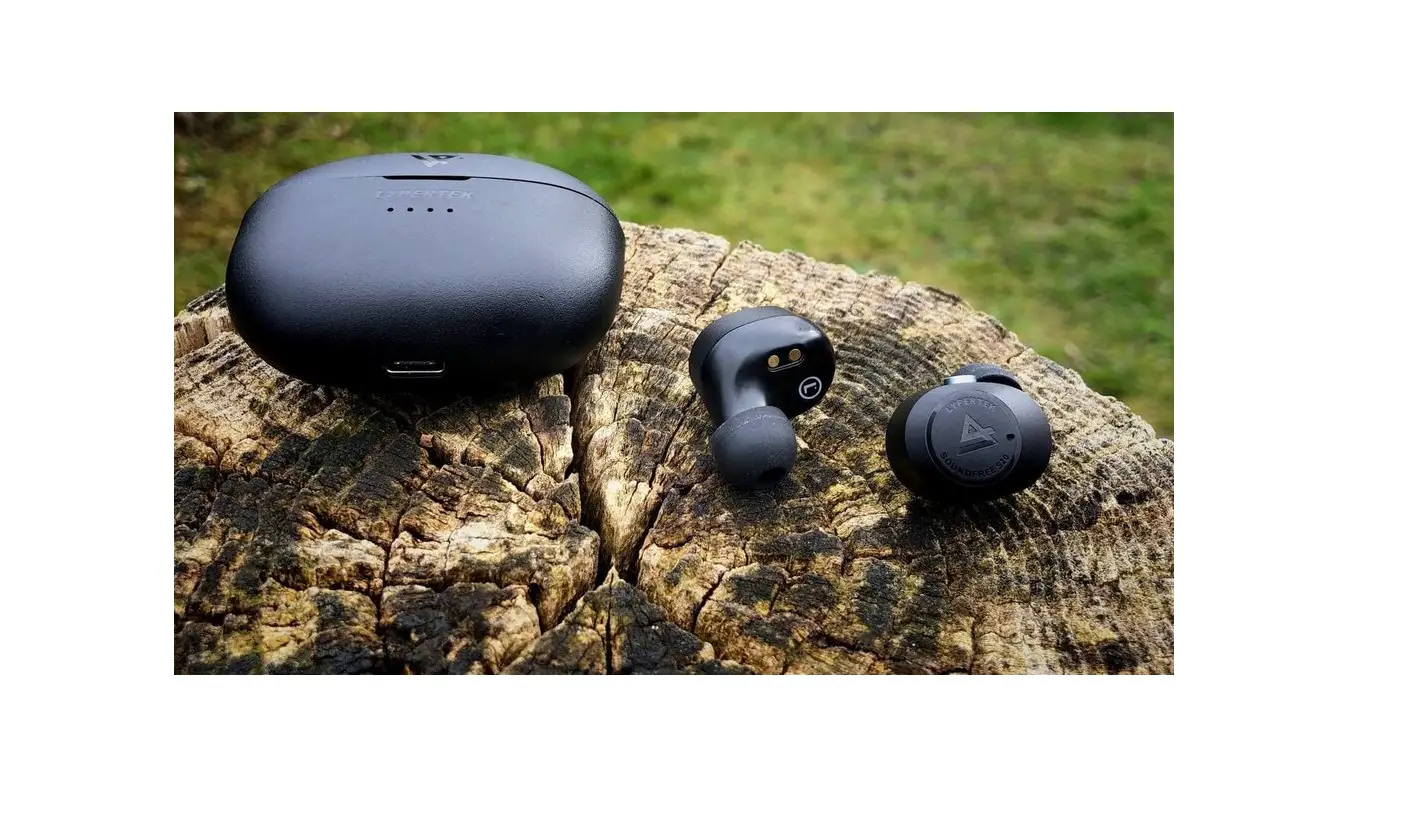
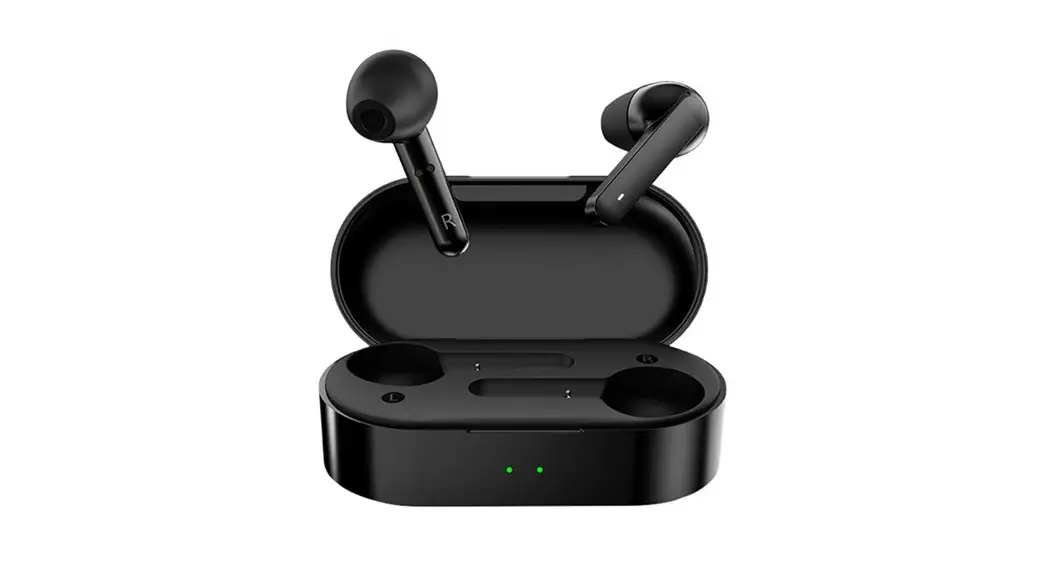
PACKAGE LIST
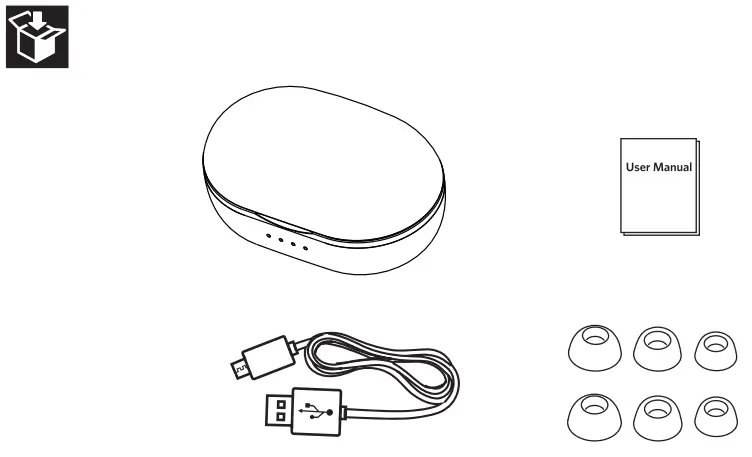
Wireless Earbud * 2
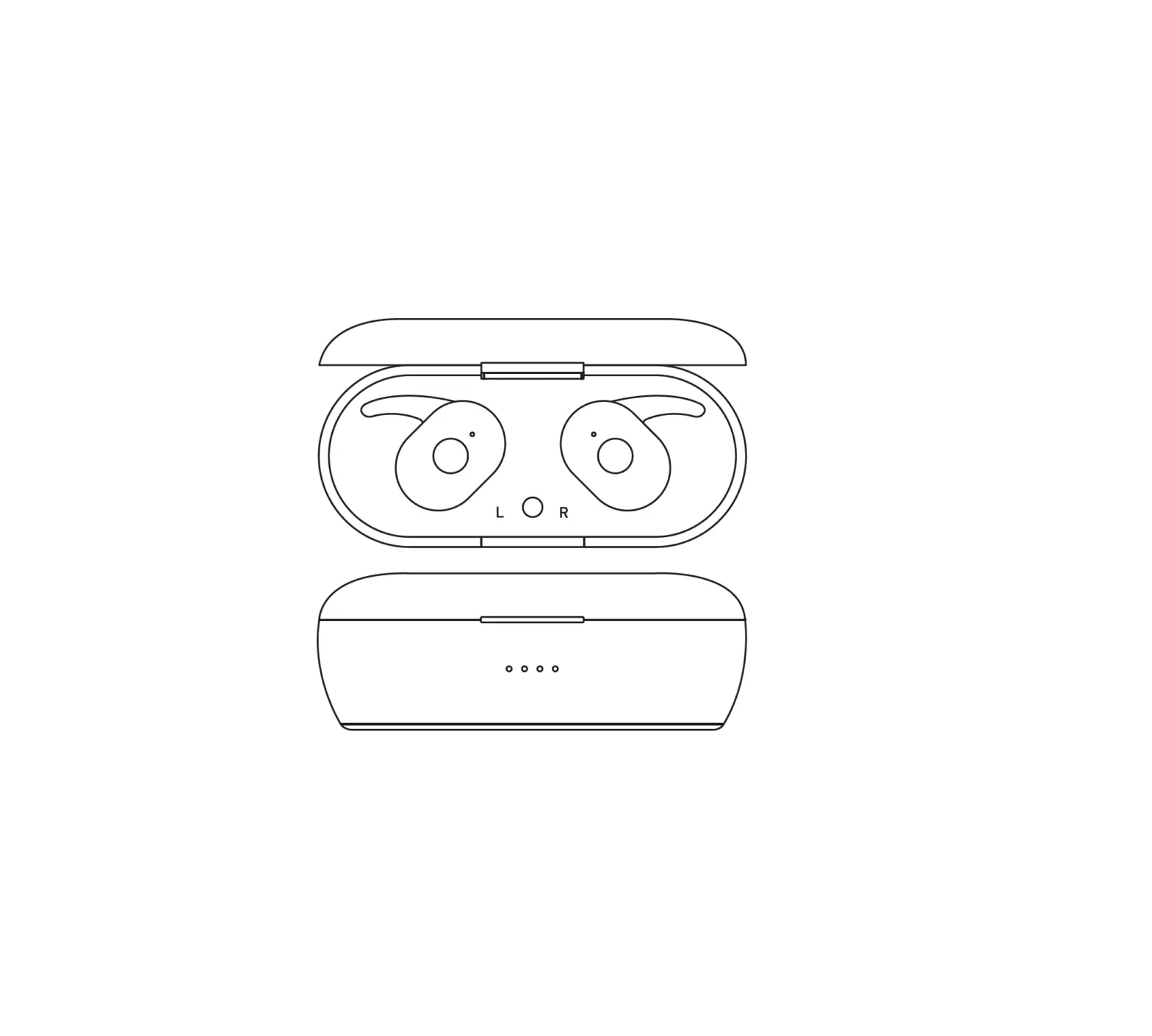
Magnetic Charging Case *1
USB Charging Cable * 1
Ear Tips*3 pairs
User Manual *1
Gift Box * 1
IMPORTANT NOTES
- Register your product on tranya.com to get an EXTRA three-month warranty for free;
- Before using T3 wireless earbuds, please charge both case and earbuds;
- While you are trying to connect the earbuds to a new device, make sure the earbuds are not connected with any other devices;
- A key to sound quality in any earbud is the FIT. If you don’t have a snug fit, you could lose 30-75% of the sound quality. We provide 3 pairs of rubber ear tips (including the set installed on the earbuds), so you can select the best fit for you.
- If the earbuds cut in and out frequently during routine use, you may have a defective item. Please contact us. We do our best to respond to all inquiries within 12 hours.
How to contact us?
(Don’t forget to provide your order number while contacting us): Email: [email protected] (All business) WIN the Latest TRANYA HEADPHONES!!! Follow our FB page (@Tranya. info) and Subscribe to our newsletter at www.tranya.com. Random followers and subscribers will be chosen EVERY MONTH.
CONNECT SETTINGS
Step 1: Power on
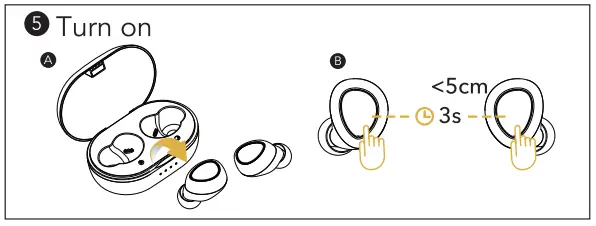
The earbuds will power on AUTOMATICALLY when you remove them from the charging case, and you will hear a voice prompt of “POWER ON”.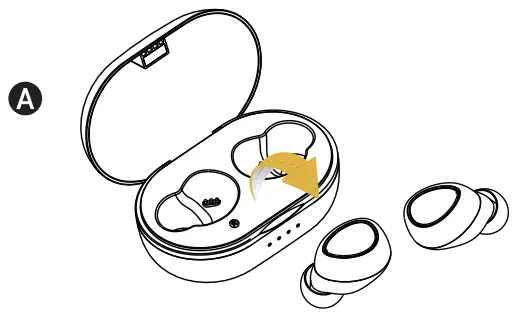 To power earbuds on MANUALLY, press the power keys on both earbuds for up to 3 seconds.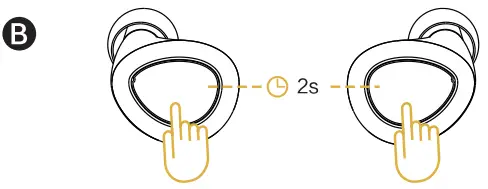
Step 2: Pairing
When both earbuds are on, the left and right earbuds will connect with each other AUTOMATICALLY, and you will hear a voice prompt of “DU DU” from each earbud.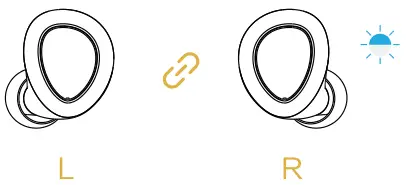 Once the two earbuds are connected, the left or right earbud will enter the pairing mode AUTOMATICALLY, and you will hear a voice prompt of “PAIRING”.
Step 3: Connected
Search and select “T3” on your smartphone. Once your earbuds have connected, you will hear a voice prompt of “CONNECTED” from the right or left earbud.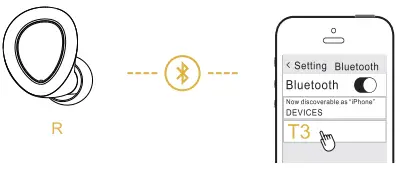
Step 4: Power off
Return to the charging case or press the power key on either one of the earbuds for up to 5 seconds to turn off the earbuds.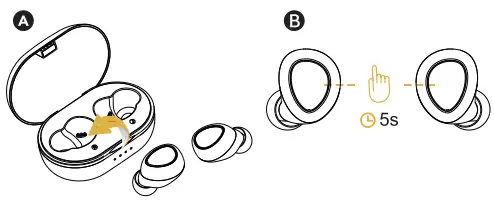 Note: If you want to use “Mono Mode”, you just need to keep anyone earbud in the charging case at any time. Mono Mode is that the left or right earbud is a separate item.
 CONTROLS
 CONTROLS
 AUDIO PLAYING AUDIO PLAYING | ||
 | Press | Play / Pause |
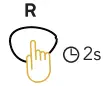 | Press and hold the power key of the right earbud for up to 2 seconds | Next Track |
 | Press and hold the power key of the left earbud for up to 2 seconds | Previous Track |
 | Double press the right earbud | Volume+ |
 | Double press the left earbud | Volume- |
Note: Above Volume control is not available for Mono Mode.
 CALLING CALLING | ||
| Press | Answer / End call |
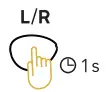 | Press and hold for 1 second | Reject call |
 VOICE ASSISTANT VOICE ASSISTANT | ||
 | Triple-click the power key on either one of the earbuds | Activate Siri / other voice control software |
Note: Please make sure your mobile device supports this function.
 CHARGING
 CHARGING
Note: Charge the charging case before the first use of earbuds. Place the earbuds in the charging case before you start charging. Clean the charging pin on regular basis to prevent poor connection.
- Charging the Earbuds: The earbuds will be charged automatically when you return them to the charging case.
Earbud status indicator Solid White Charging Off Fully charged 
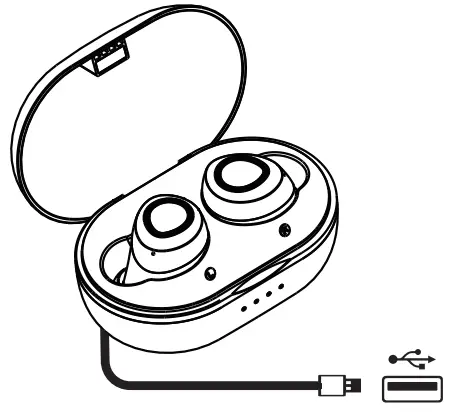
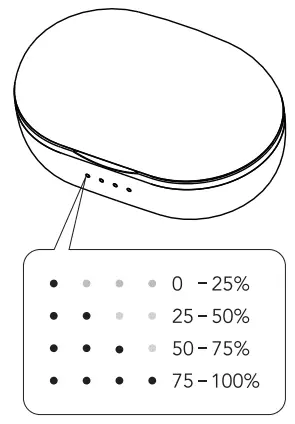
attery LED Indicator: The battery LED indicator will light when the earbuds are placed into the charging case. The four LED indicators correspond to different battery levels (see diagram).

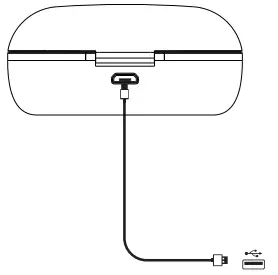
- Charging the Case: Use the standard USB charging cable (included) and a 5V adapter (not included) to charge the case. The white LED indicators will blink white while the case is charging and stay solid once the case is fully charged.

RESET
Reset your earbuds if you can’t go back to the stereo mode or if you can only hear sound on either side:
Step 1: Clear up “T3” from the Bluetooth list on your device, then turn off the Bluetooth on your device.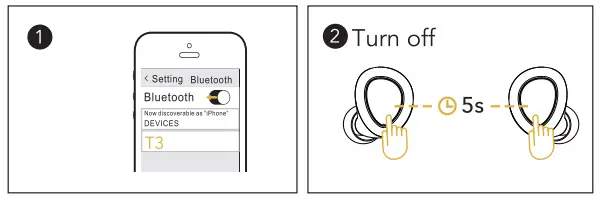 Step 2: Pick up both earbuds and long-press the power keys for up to 5 seconds to turn off the earbuds.
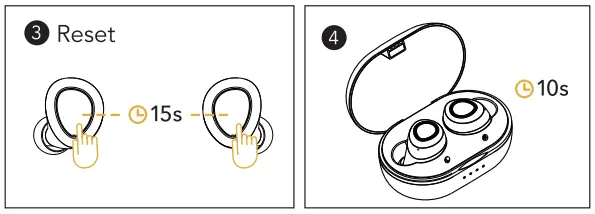 Step3: Press and hold the power keys for up to 15 seconds until you hear the voice prompt of “RESET” from both earbuds.
 Step 4: Put both earbuds into the charging case and wait for 10 seconds.
Step 5: Turn on both earbuds and keep the two earbuds within 5cm during the whole process (the most important key to back to stereo mode).
FAQ
Q: Will there be latency when watching a video from your laptop or cell phone?
A: The following tips may be helpful.
- Video latency depends not only on the earbuds but also the cell phones and the apps.
- With the latest Bluetooth 5.0 and high sensitivity antenna, the latency is hardly noticed on iOS devices, such as iPhone and iPad.
- For Android and Windows devices, the latency may be noticed when using some apps, but can hardly be noticed while watching videos on YouTube.
Q: Why does signal interruption occur in some places, such as along railways, in airports?
A: They’re usually lots of cables underlying in the places mentioned above, so are more likely to produce electromagnetic interference and results in signal interruption. And if you are using a Bluetooth mouse while connecting the earbuds to your PC, it may have signal interference.
If the earbuds cut in and out frequently during routine use, you may have a defective item. Please contact us. We do our best to respond to all inquiries within 12 hours.
Q: Why can’t the earbuds power on/off automatically?
A: If the battery of the charging case is low, the earbuds can NOT power on/off automatically. Please charge the case and try it again.
SPECIFICATIONS
| Bluetooth Version: | 5.0 |
| Range: | 10M |
| Water Proof: | IPX5 |
| Battery Capacity: | 60mAh (each earbud) 800mAh (charging case) |
| Playing Time: | 6-8 hours |
| Charging Time: | 2 hours |
| Voice Assistant: | Siri |
| Support: | iPhone/iPad/Huawei Battery Indication |
[email protected]
www.tranya.com
MADE IN CHINA