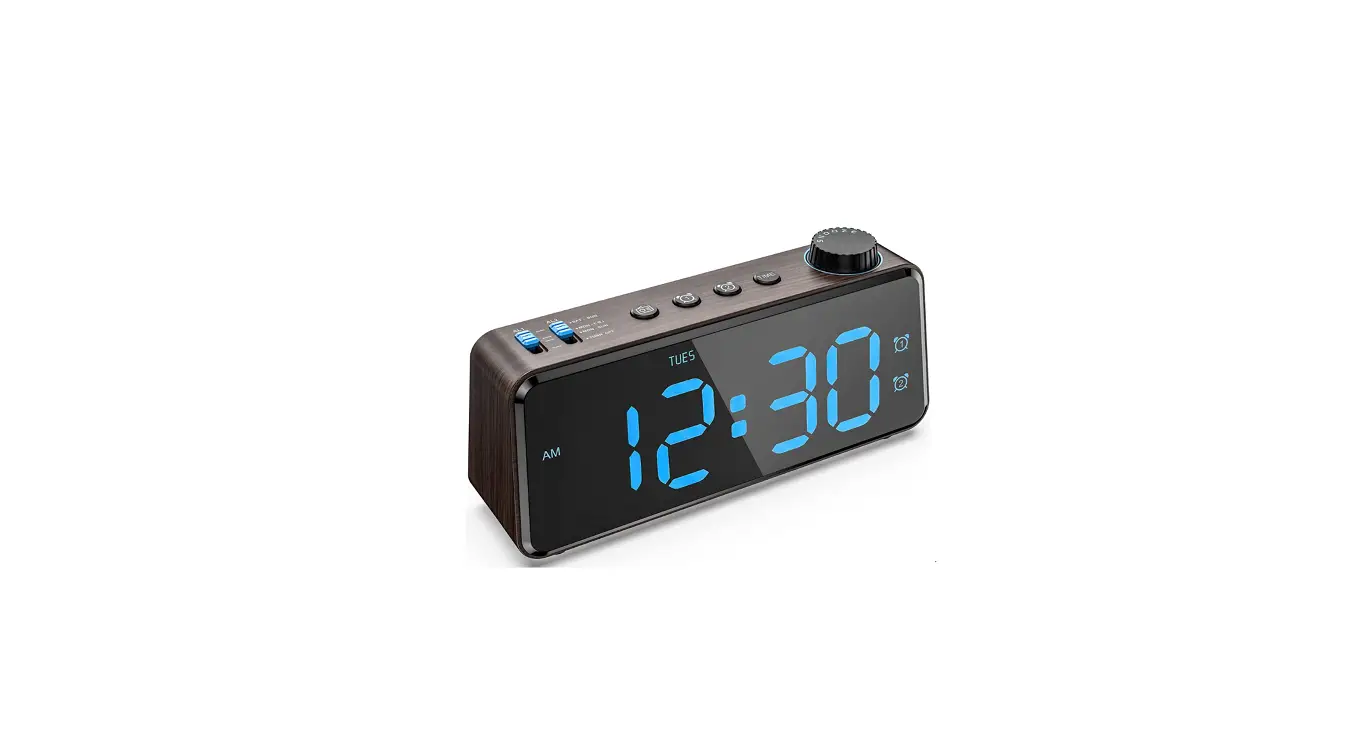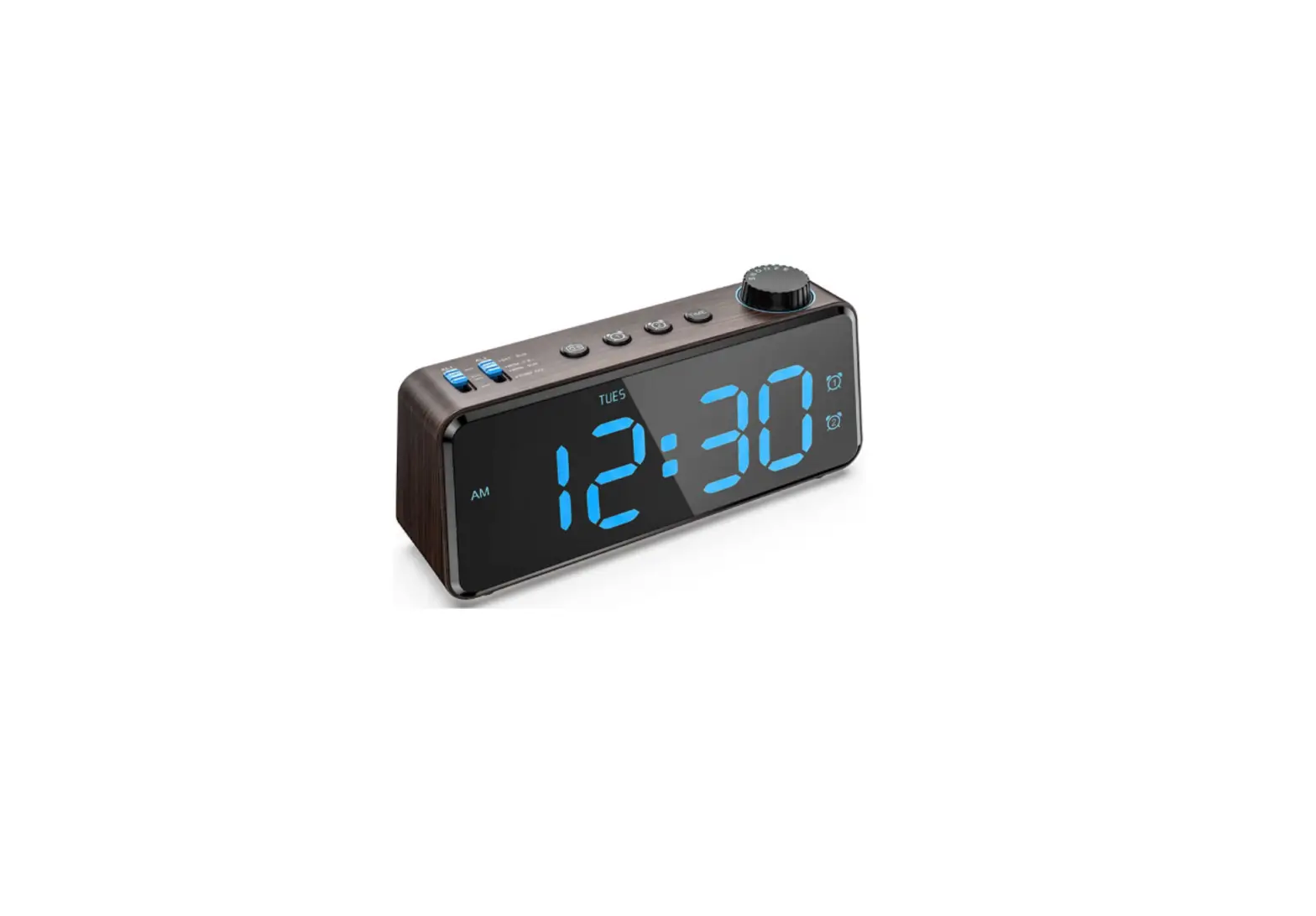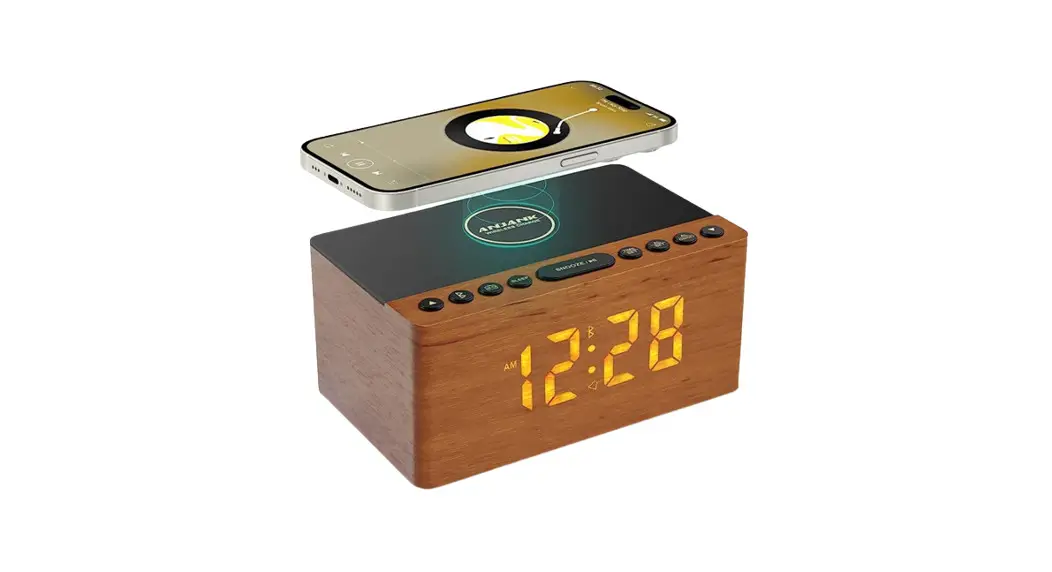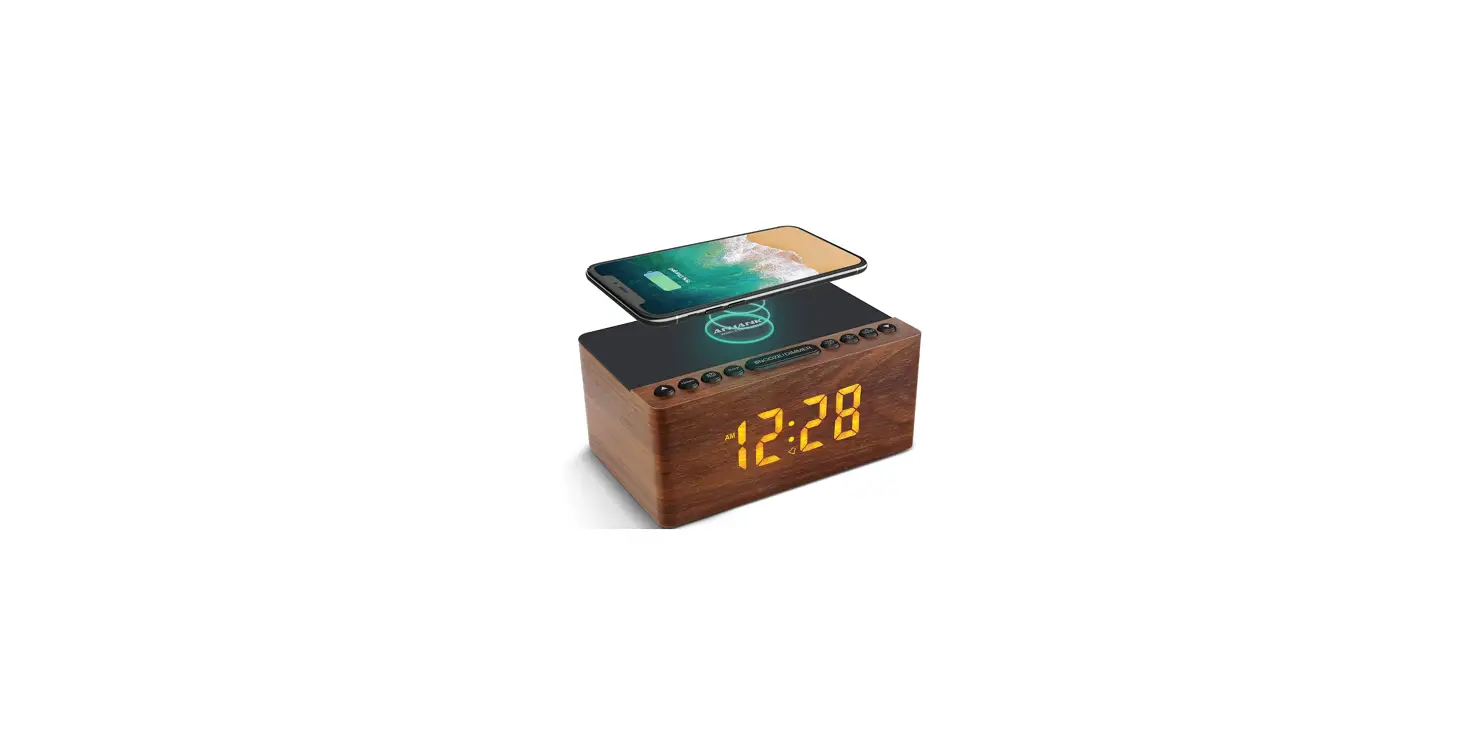
 ANJANK AC-190 Wooden Digital Alarm Clock FM Radio
 ANJANK AC-190 Wooden Digital Alarm Clock FM Radio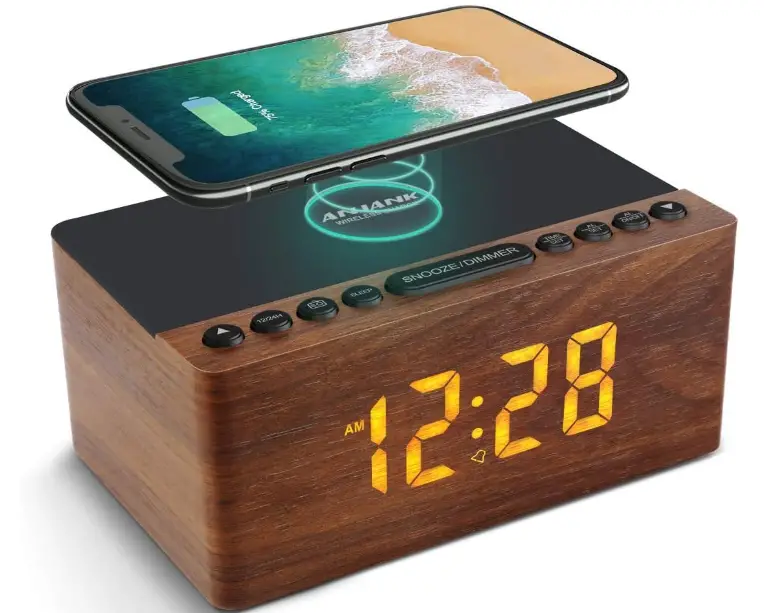
INTRODUCTION
Thank you for purchasing from ANJANK. The utmost care has gone into the design and manufacture of this product. Please read the instructions carefully and keep this manual in a safe place for future reference.
VIDEO SUPPORT
We’ve provided an instructional video that will help you work with clock more smoothly. Just scan the QR code or enter the link to access the video.
https://www.youtube.com/watch?v=-zi590A8wGU
FEATURES
- Wireless Charging
- FM Radio
- 9 Minutes Snooze
- 5-level of LED Display
- 12/24H Mode
- Battery Backup(Only Memory function)
- USB Charging Port
- Sleep Timer ( In FM mode)
- Headphone Jack Supported
POWER SPECIFICATIONS
Power adaptor: AC100-240V, 50-60Hz, DC, 9V-2A 18W, Class 2
GETTING STARTED
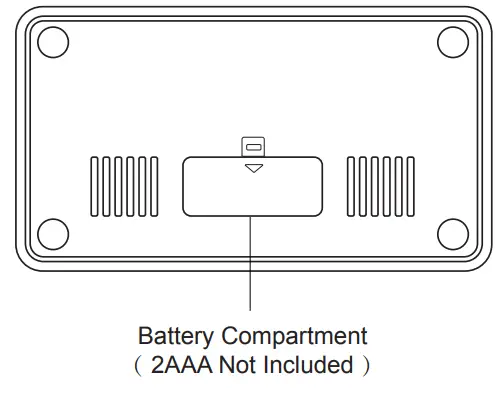
Plug in the adaptor into a standard household outlet to get the clock working. Insert two AAA batteries(Not included) to preserve the TIME and ALARM settings in case of the power outage.
Note:
- Under the battery power, the display will go blank and the preset alarm will not go off, but the TIME and ALARM settings are saved.
- Once the battery is removed and with an interruption of power, the TIME and ALARM need to be reset when the power comes back.
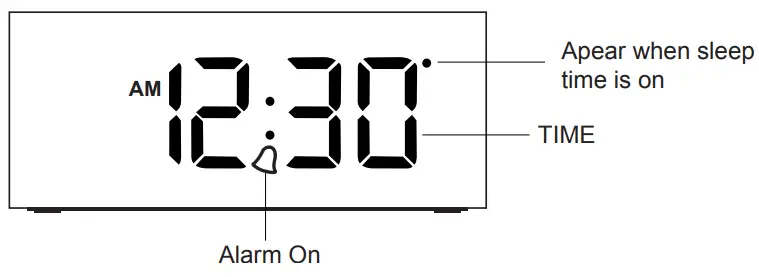
FRONT VIEW
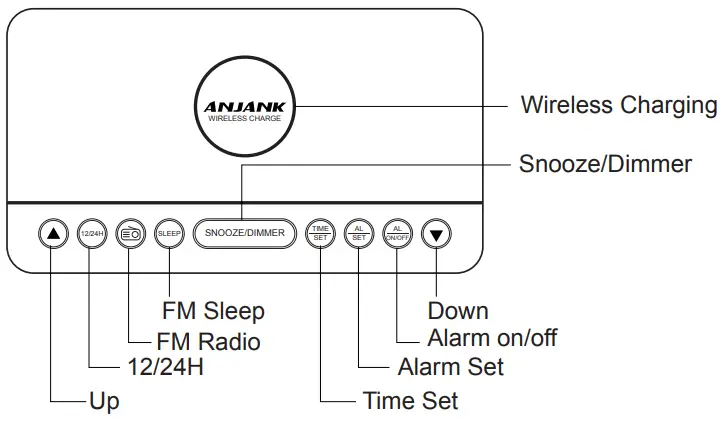
TOP VIEW
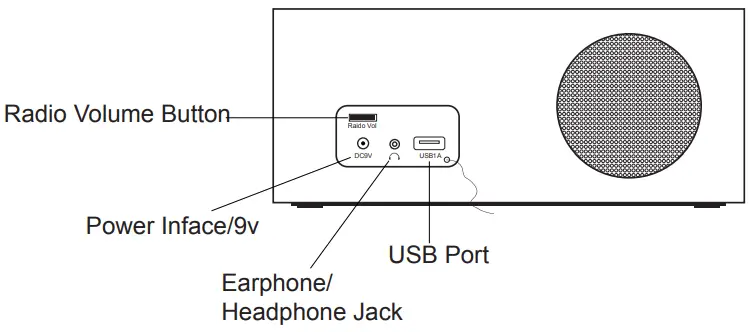
BACK VIEW
BOTTOM VIEW
12 / 24H Switch
Press the “12/24H ” button to change the time mode. In 12-Hour mode, the “AM” will appear in the morning and the “PM” will appear in the afternoon.
SETTING THE TIME
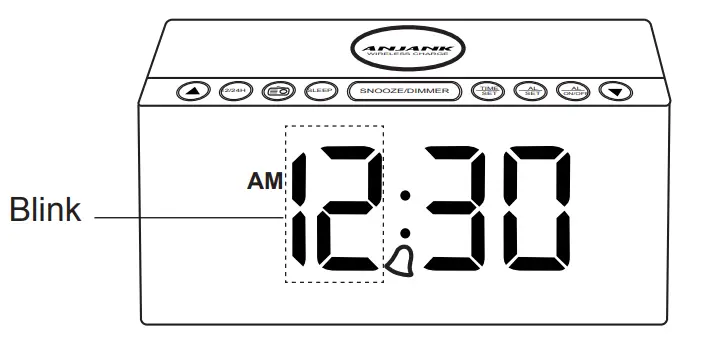
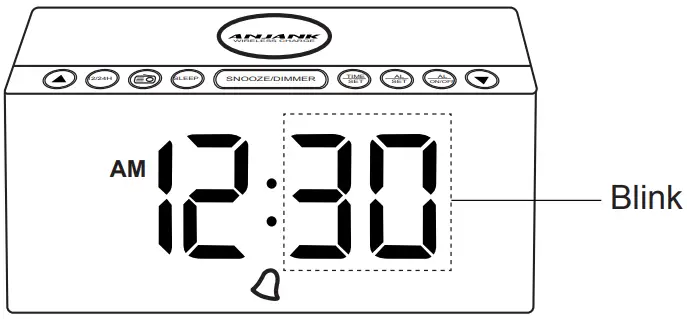
- Press the “TIME SET” button to start the time settings, then press the and buttons to set the right hour;

- Press the “TIME SET” button to set MINUTE, then press the
 and
and  buttons to set the minute;
- Press the “TIME SET” button again to end the setup.
 and
and  buttons to set the minute;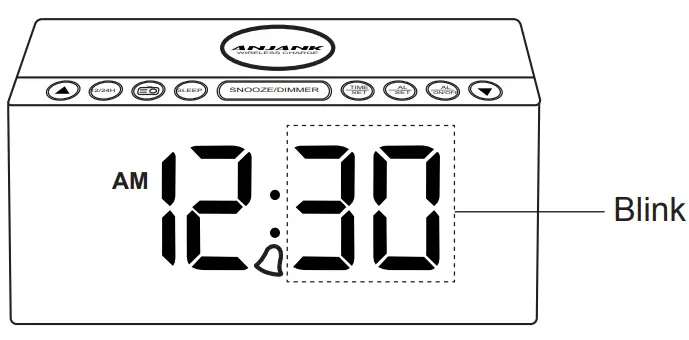
SETTING THE ALARM AND ALARM TONE
Note:
Please carefully check the 12H/24H. In 12-Hour mode, the indication AM or PM will be shown on the screen. In 24-Hour mode, there’s no indication of “AM” or “PM” on the screen.
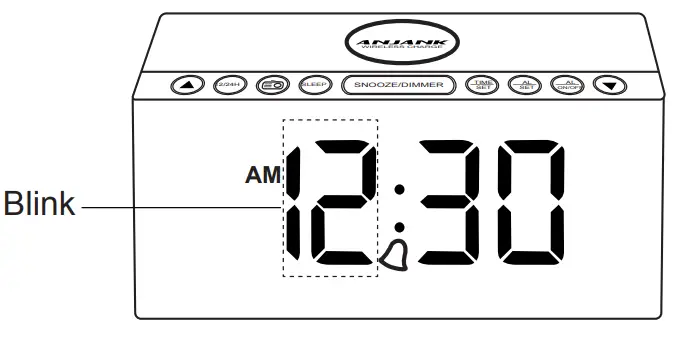
- Press the “ALARM SET” button to start the alarm settings, then press the and buttons to the set alarm hour you want;

- Press the “ALARM SET” button to set MINUTE, then press the and buttons to set the alarm minutes you want;

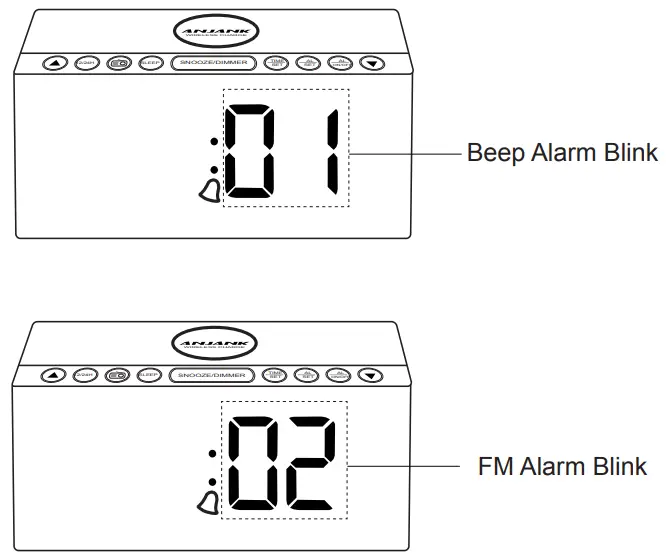
- Press the “ALARM SET” button to set up the alarm ringtone. A number will be shown on the display and sound will be played accordingly to indicate the alarm ringtone (# 01 is beep, #02 is FM radio). Pressing the the and buttons to select your preferred ring type;

- Press the “ALARM SET” button again to end the setup.
ALARM ON / ALARM OFF
Alarm will be turned on after you set the alarm time, press the “ ALARM ON /OFF ” button to turn off the alarm.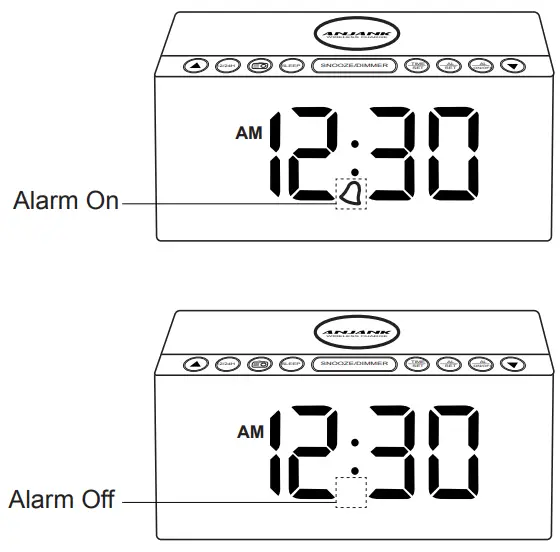
USING THE ALARM AND SNOOZE
- When the alarm is ringing, press the “SNOOZE”button to activate the snooze. It will ring again after 9 minutes.
- When the alarm is going off, you can silence the alarm by pressing any button except “SNOOZE” button on the top. Alarm will be go off on the next day.
- Beep alarm(#01 alarm tone) will last sound 5 minutes; FM radio alarm (#02 alarm tone)will sound for 1 hours.
SETTING THE MANUAL-SCAN RADIO STATION
- Press the
 button to turn the radio mode on or off.
 - When the radio is on, press the and buttons to manual select your favorite channel.
 button to turn the radio mode on or off.
SETTING THE AUTO-SCAN RADIO STATION
- When the radio is on, long press the button, FM radio will scan and auto-store the scanned stations. Then press the and buttons to select your favorite channel.

- It can save up to 30 channels.
- Rotate volume slider at the back of the clock to adjust the Radio Volume. Volume adjustment is only used for FM radio volume.
SETTING THE RADIO ALARM
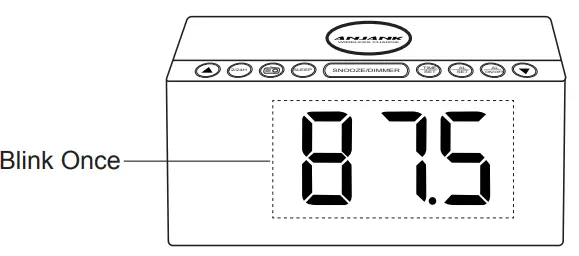
When the radio is on, you can select the channel you want, then long press the “SNOOZE / DIMMER” button until the letter “AL” blinks on the display, then this channel will be saved as the second alarm ringtone (02 alarm ringtone).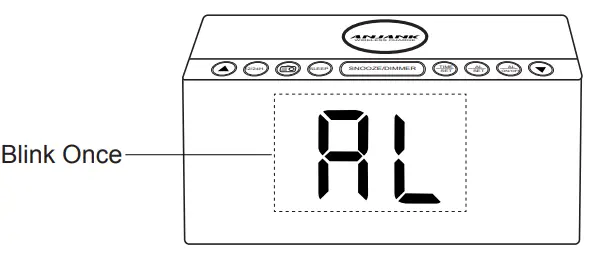
SLEEPER TIMER SETTING
When the radio is on, press the “SLEEP” button to enter the sleeper timer setting. You can select the sleep time from 10 to 120 minutes. Default state is off.
USING THE WIRELESS CHARGING FUNCTION
Place your phone on the center of the wireless charging pad, the phone will light up to indicate the phone is charging.
Note:
- Supported devices: Supports all enabled wireless charging devices or devices with receiver such as iPhone, Samsung, HUAWEI and other smart phones.
- Provides fastest wireless charging speed for your Phone at 7. 5W
- Output: 5W/7.5W/10W
USB Charging Port
The clock comes with a USB port is used to charge your other phones or digital device.
Note:
- Wireless Charging and USB Charging function can work at the same time;
- USB Charging function may not be supported for some phones and electronics;
- Output: 5V /1A.
DISPLAY BRIGHTNESS ADJUSTMENT
Press the “SNOOZE ” button to adjust 5 levels brightness of the display. (Full, High, Medium, Low, Dark to your preference.)
Headphone Jack Support
Use a 3.5mm headphone to listen your favorite radio station without disturbing other people near you.
Email Support
If any questions with the clock, please contact our customer support team through [email protected]. We will deal with your issue within 24 hours.
Warranty
ANJANK backs 45-day money back and the 18-month warranty for our product in our store.
Warning
Changes or modifications to this unit not expressly approved by the party responsible for compliance could void the user’s authority to operate the equipment.
NOTE
This equipment has been tested and found to comply with the limits for a Class B digital device, pursuant to Part 15 of the FCC Rules. These limits are designed to provide reasonable protection against harmful interference in a residential installation. This equipment generates, uses and can radiate radio frequency energy and, if not installed and used in accordance with the instructions, may cause harmful interference to radio communications. However, there is no guarantee that interference will not occur in a particular installation. If this equipment does cause harmful interference to radio or television reception, which can be determined by turning the equipment off and on, the user is encouraged to try to correct the interference by one or more of the following measures:
- Reorient or relocate the receiving antenna.
- Increase the separation between the equipment and receiver.
- Connect the equipment into an outlet on a circuit different from that to which the receiver is connected.
- Consult the dealer or an experienced radio/TV technician for help.
FAQs
How do you flip the snooze button?
Please press the SNOOZE button at the top to begin dozing once the alarm goes off. When you press a button other than the SNOOZE button to end the snooze or start it again, the snooze will then last for nine minutes each time (by press the SNOOZE button once again when the alarm going off again).
Will music on a thumb drive play on the radio?
I’m not sure, the clock is broken. Before it stopped working, I had it for four weeks. Due to the fact that the item was returned after the cutoff date, Amazon will not provide a replacement. I reached out to the company, but I have not heard back.
Is there an AM radio on this as well?
No There is only FM on this radio.
How do you prevent an alarm from sounding?
Press any button other than the Snooze button to stop the alarm till the next morning.
Can the volume of the radio alarm be changed?
Yes, you may adjust the radio and alarm’s volume.
When you awake to music, does the radio volume go up or stay the same?
It automatically elevates. What disturbs me
How long does the radio continue to play when used as an alarm?
Yes, and it becomes louder as it goes on.
How long do digital alarm clocks like the ANJANK AC-190 last?
On an Android, the default alarm time is 10 minutes. An Android alarm’s ring time can be changed, unlike the iPhone. The alarm’s settings tab allows you to change the “silences after” option.
Digital vs analogue ANJANK AC-190 alarm clocks: Which is better?
Digital alarm clocks are typically more accurate than conventional analogue alarm clocks. Among the many extra features offered by digital alarm clocks are a built-in calendar and a temperature display.
How is a digital alarm clock like the ANJANK AC-190 audible?
Sound energy travels through the air in waves. The air molecules in the region vibrate when an alarm clock sounds. As the air molecules vibrate and cause their adjacent neighbours to do the same, a wave of energy radiates from the clock.
Exists a digital ANJANK AC-190 clock without an alarm?
No-Alarm Electronic Clock: Black clock with red LED numbers Black, minimalistic, silent nightstand clock that only keeps time.
What kind of energy is used by a digital clock like the ANJANK AC-190?
To keep time, digital clocks frequently use a quartz-like 32,768 hertz crystal oscillator or the 50–60 hertz oscillation of AC current.
How many lines are there on the digital clock face of the ANJANK AC-190?
Most modern clocks have the numbers 1 through 12 printed around the perimeter of the face at regular intervals, with the number 12 at the top signifying the hour. On many types, the minutes and seconds are additionally shown by sixty dots or lines that are uniformly distributed around the dial’s edge.
What components go into creating an ANJANK AC-190 alarm clock?
In addition to plastics and composites, additional modern materials are commonly used to make digital components in contemporary clocks. The vibrations of atoms are monitored by microwave receivers, liquid crystal LED displays, and silicon microchips in contemporary clocks.
How loud is a ANJANK AC-190 alarm clock?
A conventional alarm clock might measure approximately 60dB, but the models in our assortment of Extra Loud Alarm Clocks reach a whopping 90dB!