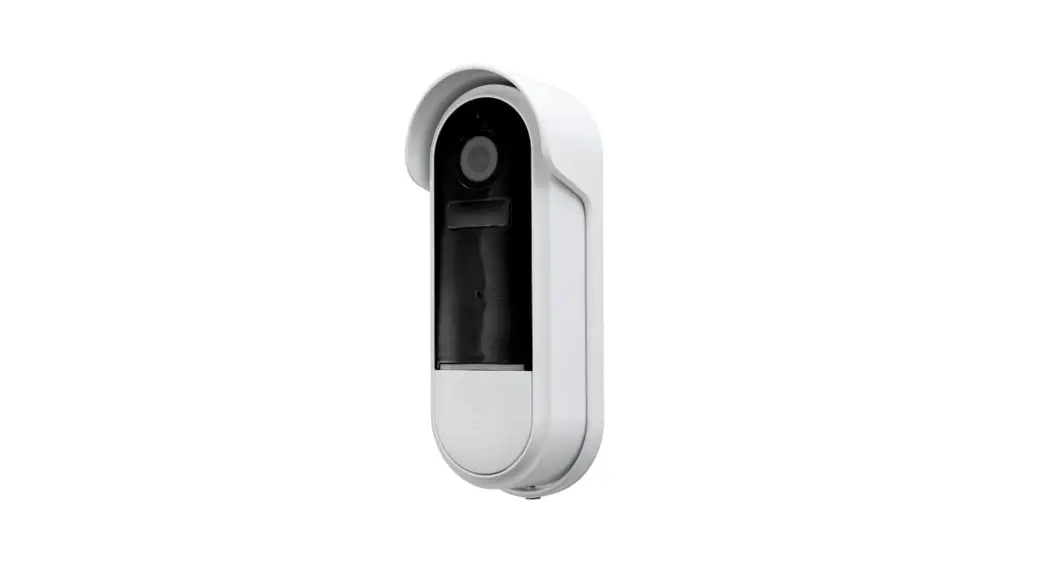

 Smart Doorbell
USER MANUAL 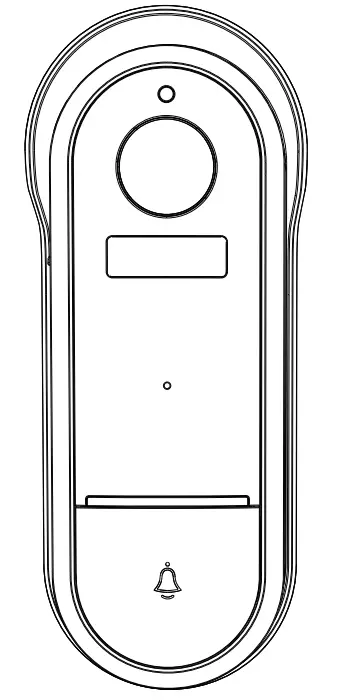
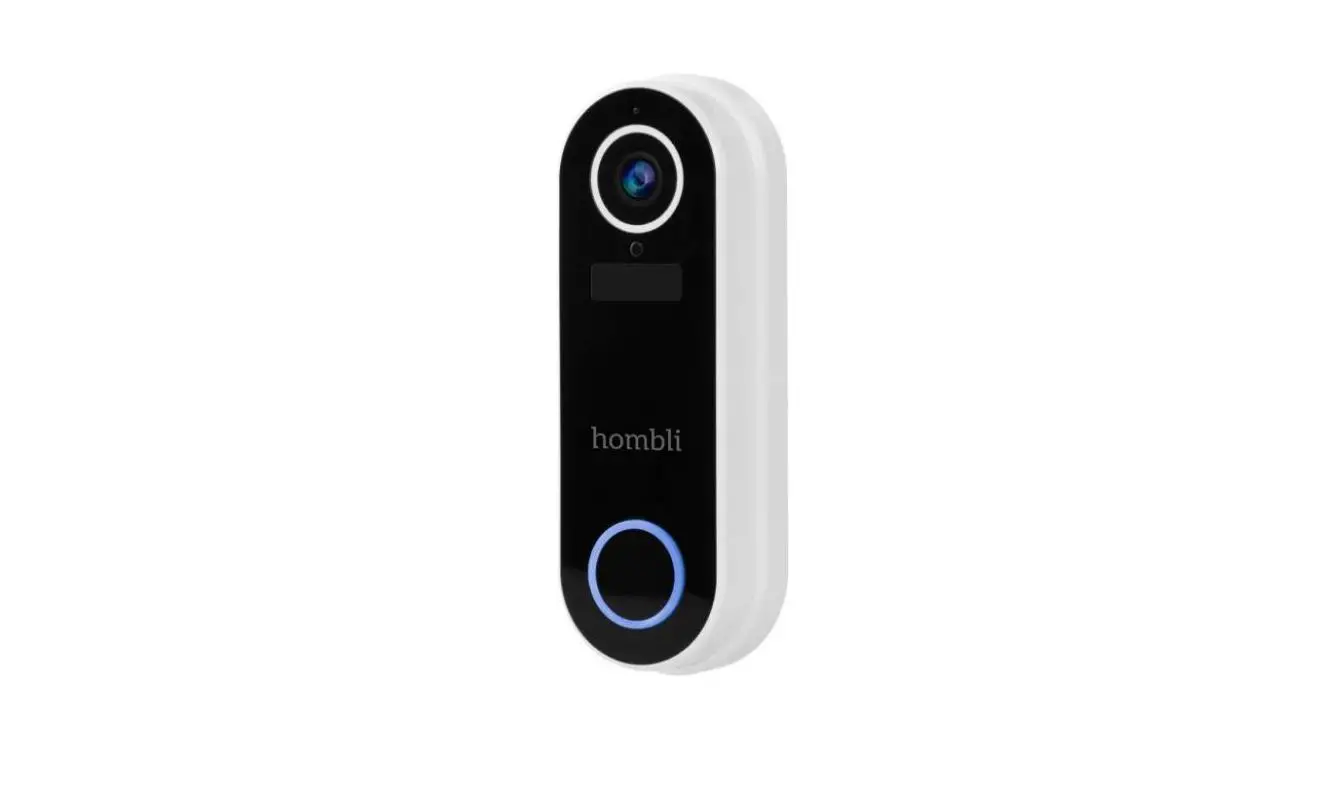
9620096 Smart Doorbell
INSTALLATION INSTRUCTIONS
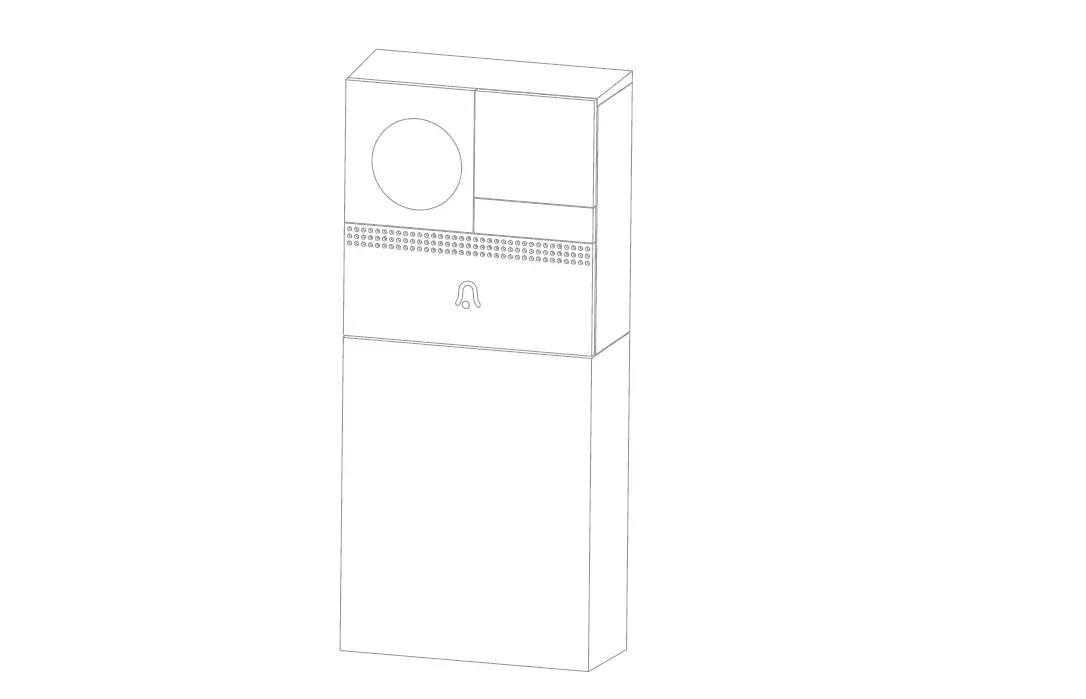
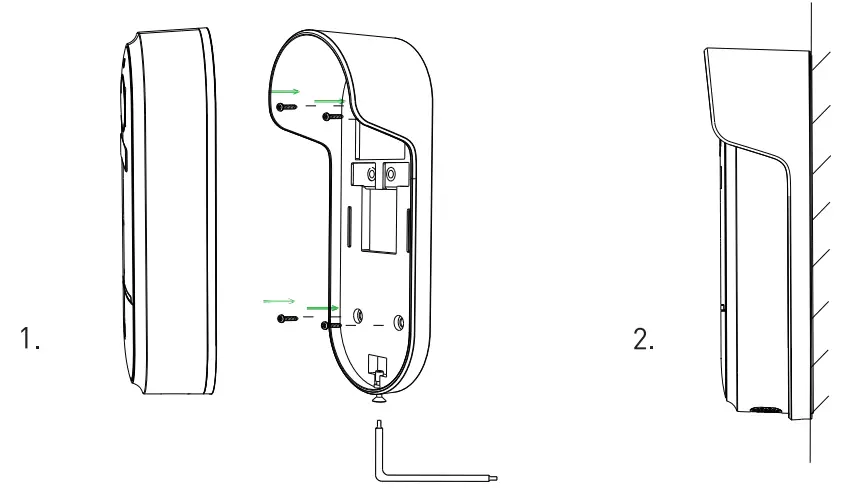
- Install the bracket to the wall with the mounting screws included in the package.
- Install the doorbell in the bracket and lock it with the screw.
PARTS
Below components are included in the package.
 | Doorbell |
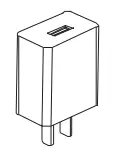 | Power adapter |
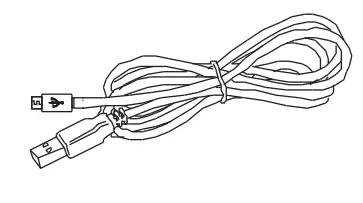 | USB cable |
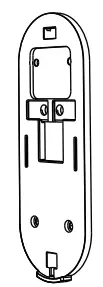 | Back panel |
 | Tape |
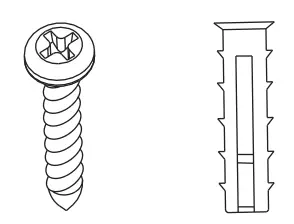 | Screws |
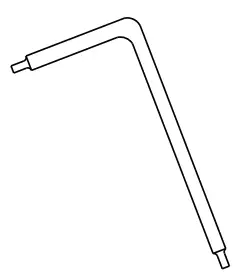 | Screwdriver |
 | Manual |
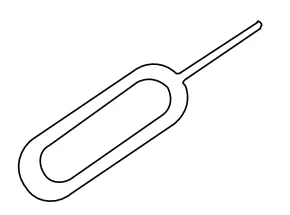 | Pin |
TECHNICAL INFORMATION
| Power | DC 5V/1 A (USB) |
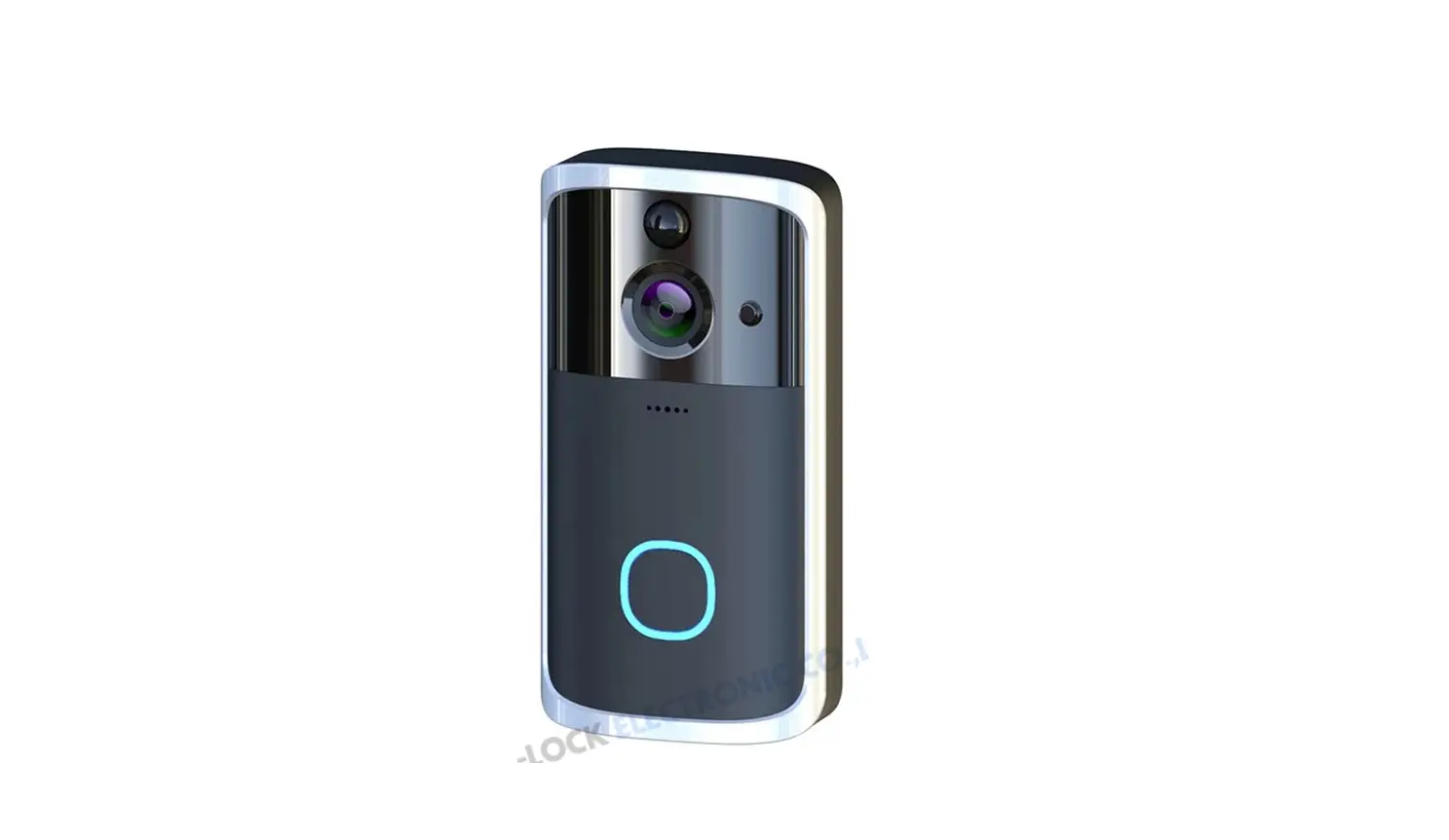
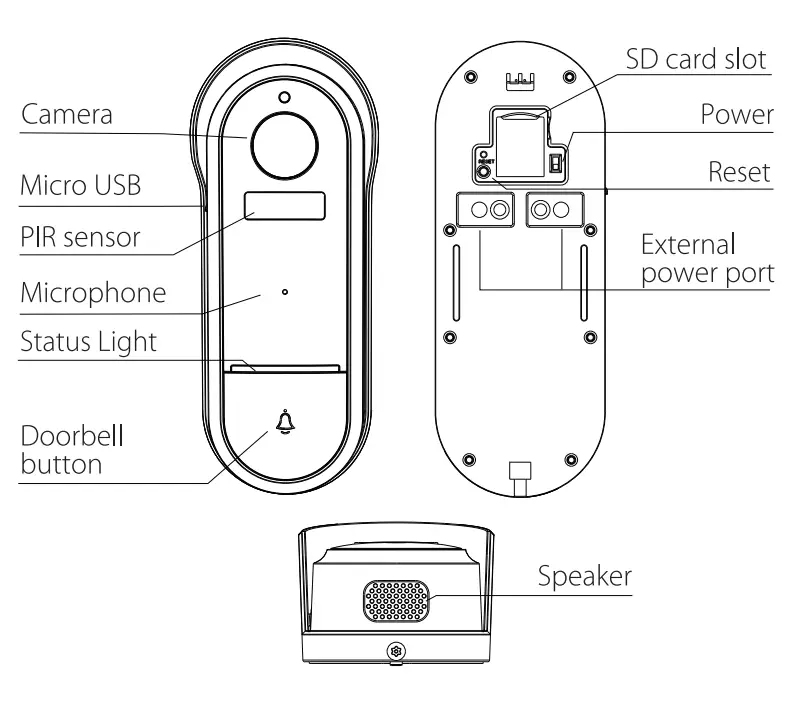
| Doorbell button | Press the button to activate the doorbell |
| Status light | • Red light on the camera network has a problem • Blinking red light: awaiting WiFi connecting • Blue light on camera running correctly • Blinking blue light: currently connecting |
| Microphone | Captures sound for your video |
| SD card slot | Supports local SD Card storage (Max.128G) |
| Reset | Press and hold the ‘reset’ for 5 seconds to reset the device (modified settings will return to factory defaults) |
PAIRING THE DEVICE
Airam SmartHome application is available for both i0S and Android OS.
Search the name “Airam SmartHome” in App Store or Google Play Store or scan the QR code to download the APP.
 https://smartapp.tuya.com/iotairam
PAIRING INSTRUCTIONS
- Make sure the WiFi connection is stable and set to 2.4 GHz when pairing the device.
- Download the Airam Smart+Home application and register your account.
- In the Airam SmartHome application press ‘+’ from the top right corner.
- Choose the device you want to add to the application from the list.
- Follow the pairing instructions in the application.
- One device can only be added with one App account. If the device has been added to another account, reset the device. The device can be shared with other users in the Airam SmartHomet application.
QUALITY GUARANTEE
- This product is guaranteed for two years by the manufacturer.
- Any man-made damage or improper operation of the product is not offered a quality guarantee by our company.
Handle the recycling of the components in the appropriate manner.
Discarded electrical and electronic equipment is waste, that has to be recycled via the national WEEE collection center.
READ THE USER MANUAL CAREFULLY BEFORE USE.
KEEP THE MANUAL FOR FUTURE REFERENCE.
DO NOT OPEN OR DISASSEMBLE THE PARTS.
DO NOT USE PRODUCTS IF IT’S OUT OF ORDER OR DAMAGED. PLEASE, REPLACE IT IMMEDIATELY. USE USB ADAPTER FOR CHARGING ONLY IN DRY INSIDE CONDITIONS. AMBIENT TEMPERATURE – 20 C…+ 50 C
 Nro 9620096, E-nr 5332102,
GTIN 6435200287854
WIFI REQUIREMENTS
Before starting the setup, please ensure the WiFi network is working in your installation environment.
Write down the WiFi name and password. These will be requested to use during the pairing process.
Warning: The product only works on a 2,4GHz WiFi network. Please, ensure your WiFi router has the right settings before the pairing process starts.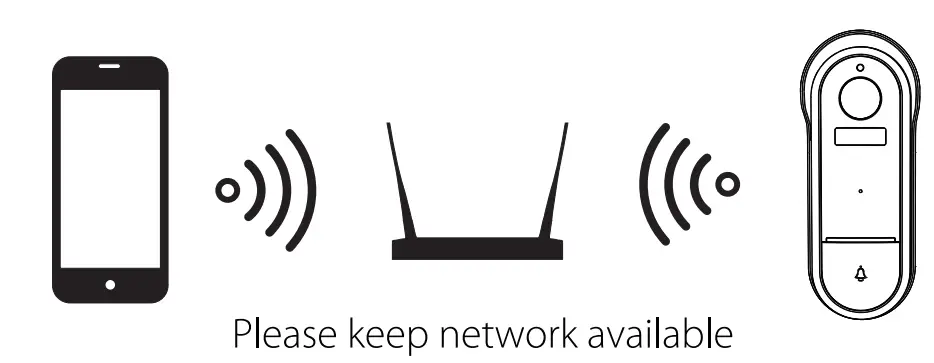
FUNCTIONS
Two-way audio
When the visitor pushes the doorbell button, you will get a call. You can see and hear the visitor in your App from the doorbell if you answer.
Motion detection
Motion sensors will notify you in the Airam Smart Home application when movement is detected
Shared device
The doorbell device can be shared with other users. There is no limit to the number of sharing devices but only four accounts can view the doorbell at the same time.
Recording
Use an SD card or Cloud-Storage Service to save recordings from the camera.
Day& Night
Even in complete darkness, powerful night-vision technology devices will capture video.
Recycle the package as a carton.
S0W2021Y
Airam Electric Oy Ab, Sementtitehtaankatu 6,
F1-02460 Kerava www.airam.fi