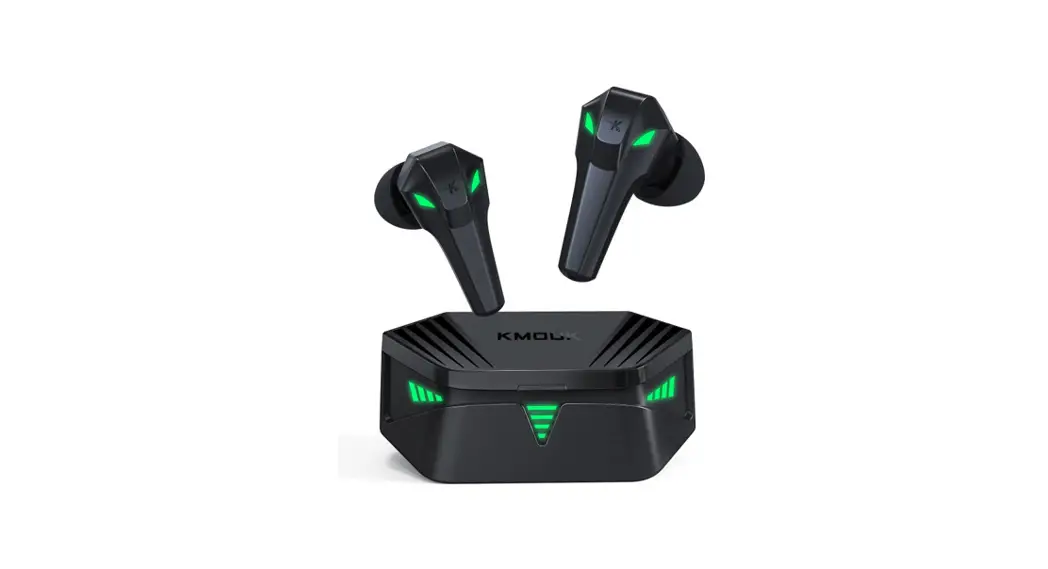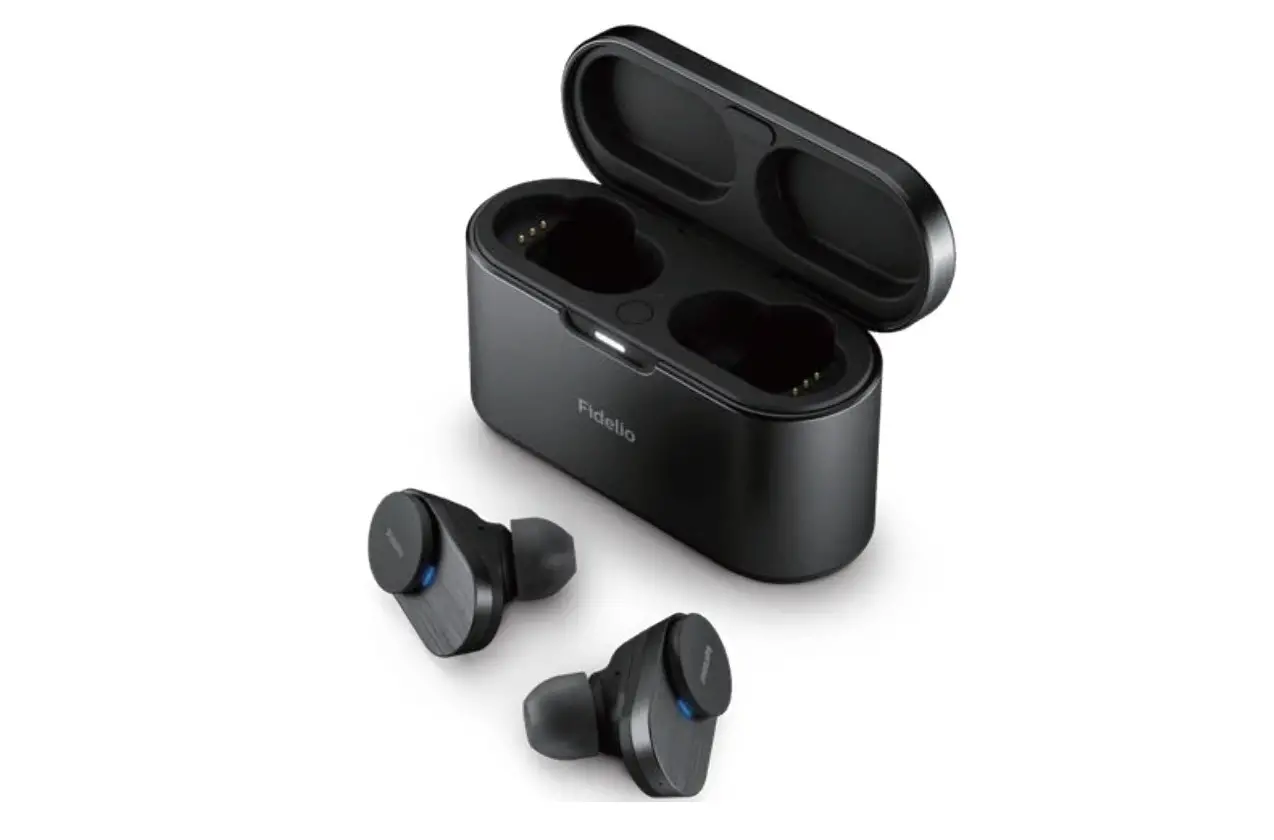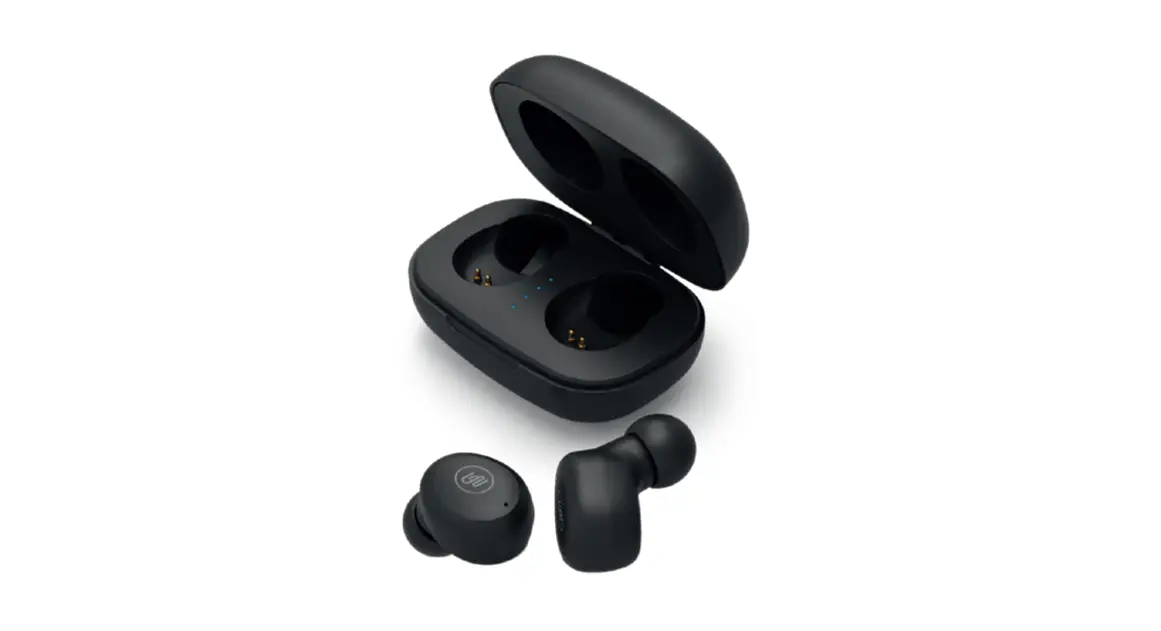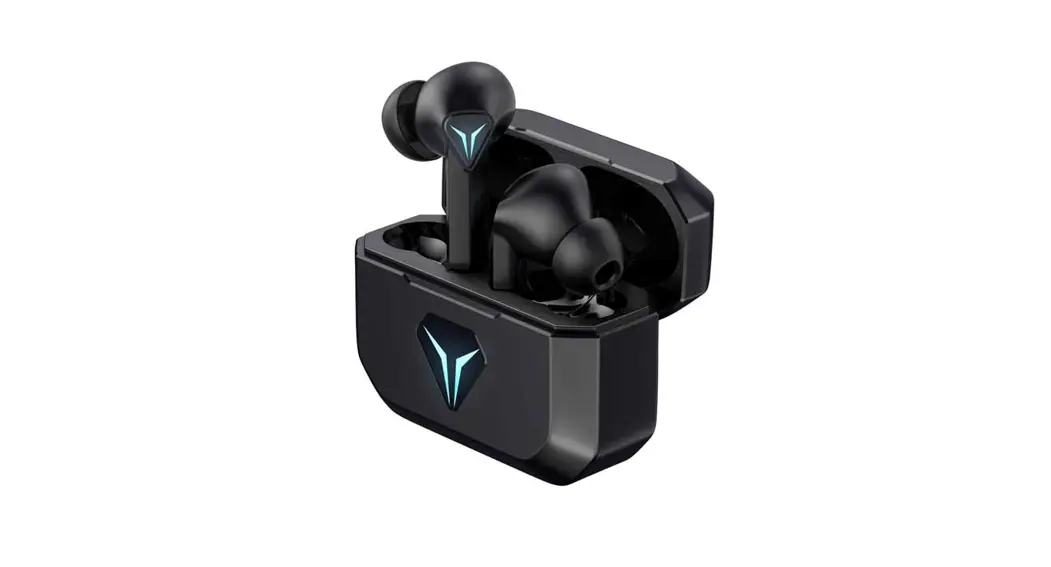

 User Manual
TWS EARBUDS
Package Contents
After unpacking, please confirm that it contains the following contents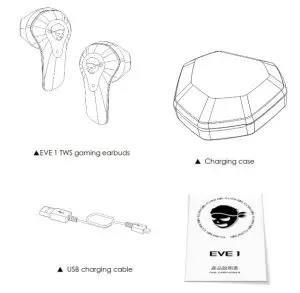
Key Function
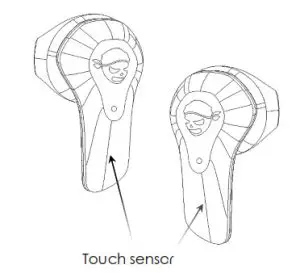
| Manual operation (Outside the charging case) | Automatic operation | |
| Power on | Long press for 2 sec | Open the charging case |
| Power off | Long press for 7 sec | Put in the charging case and close |
| Short press twice | Long press on the left | Long press on the right | |
| Audio is playing | Play/Pause | Enter & exit game mode | Music/Movie Sound effect switch |
(ringtone: Gaming mode/Gaming mode off) (ringtone; Music mode/Movie mode )
Note: You can switch between Music/Movie sound effects only after you exit the game mode
| Short press once | Short press twice | Long press for 2 sec | |
| Incoming call | Answer the call | Hang up the call | Incoming call rejection /switching call |
Light status
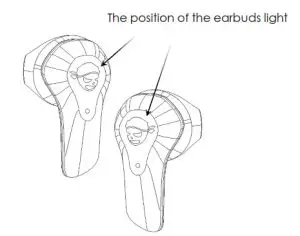
Earbuds light display
| Light Color | System Status |
| Ice blue light and pink light flashing alternately | Ready to pair |
| Ice blue light flashes slowly | Paired successfully |
| Ice blue breathing light | Play audio |
| Green breathing light | Enter game mode |
| Red light flashes slowly | Low battery |
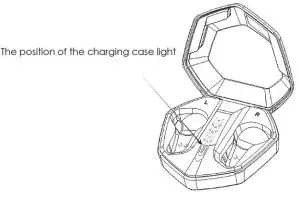
Charging case light display
| Light Color | System Status |
| The corresponding power LED is on,and the next power LED flashes | Charging the charging case |
| LED lights off | When the charging case is fully charged |
| Blue light flashes slowly | When the earbuds are charging |
| LED lights off | When the earbuds are fully charged |
How to pair Bluetooth
After booting up and automatically forming a team, enter the “pairing mode”
Open the phone “Settings” → “Bluetooth” Search “EVE 1” for pairing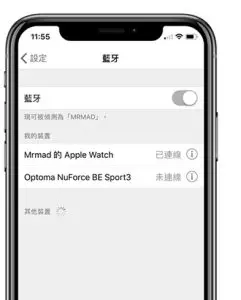
How to charge
Note:
- Open the charging box, take out the earbuds, and tear off the insulating film on the earbuds
- The charging voltage of this product: 5V

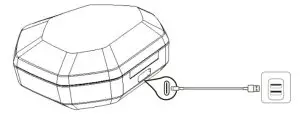
Warning: The rechargeable battery contained in this product must be properly disposed of in order to be recycled. Please do not put the battery in the fire to avoid an explosion.
Recommendation: If the lithium battery product is not in use, it needs to be charged once every three months.
Product parameter
Brand name: GAMODIO
Product name: True Wireless Stereo gaming earbuds
Product number: EVE 1
Bluetooth name: EVE 1
Bluetooth version: VER5.1
Bluetooth distance:> 10 m
Sound effect mode: Music/Movie/Gaming
Low latency:≤ 60 ms
Frequency response:20 Hz – 20 kHz
Speaker parameters:13 mm, 32Ω
The battery capacity of the earbuds: 45 mAH
The battery capacity of the charging case: 500 mAH
Charging time of the earbuds:≤ 2 hr
Charging time of the charging case:≤ 2 hr
Product size:6.5*6.2*2.4 mm
Product weight: 58 g
Warranty description
Warranty content
- Unable to turn on;
- Unable to charge when connected to a power source;
- No sound from the speaker;
- The function is not operating normally;
- Bluetooth cannot be connected
Warranty scope
- From the date of receipt, within 7 days after the product has the performance failures listed in the “warranty content”, the product can be returned and exchanged after identification, and the seller shall bear the freight back and forth.
- From the date of receipt, within 8-15 days if the product has the performance failures listed in the “warranty content”, the product can be exchanged after identification, and the return freight will be borne by each.
- From the date of receipt, if the product has performance failures listed in the “warranty content” within 12 months, it can be repaired free of charge after identification, and the buyer pays the return shipping fee.
The following are not covered by the warranty
- The product is damaged due to its own reasons;
- Unauthorized dismantling by non-designated service providers;
- Damage caused by force majeure such as natural disasters
- Does not meet the above “warranty content”
- Exceeded the warranty period
Manufacturer: G&O Audio Co., LTD.
Address: Shenzhen Baoan district xian sea prosperous street community N23 excellence in times square C building Haitian road 15-3, 3005
Consulting telephone: 008675586088656
Common solutions
| Problem | What to do |
| The earbud is manually triggered to turn on, and the left and right earbuds are not connected to turn on |
|
| Earbuds don’t pair with a mobile device |
|
| No sound |
|
| Poor sound quality |
|
| The device cannot be charged |
|
| After manually turning off the Bluetooth of the mobile device, and then restarting the Bluetooth, the earbuds don’t connect back |
|
| No response to switching sound effects |
|
| There is no response to operations such as switching between the first call and the second call. |
|
FCC Caution:
This device complies with part 15 of the FCC Rules. Operation is subject to the following two conditions: (1) This device may not cause harmful interference, and (2) this device must accept any interference received, including interference that may cause undesired operation.
Any Changes or modifications not expressly approved by the party responsible for compliance could void the user’s authority to operate the equipment.
Note: This equipment has been tested and found to comply with the limits for a Class B digital device, pursuant to part 15 of the FCC Rules. These limits are designed to provide reasonable protection against harmful interference in a residential installation. This equipment generates uses and can radiate radio frequency energy and, if not installed and used in accordance with the instructions, may cause harmful interference to radio communications. However, there is no guarantee that interference will not occur in a particular installation. If this equipment does cause harmful interference to radio or television reception, which can be determined by turning the equipment off and on, the user is encouraged to try to correct the interference by one or more of the following measures:
-Reorient or relocate the receiving antenna.
-Increase the separation between the equipment and receiver.
– Connect the equipment into an outlet on a circuit different from that to which the receiver is connected.
– Consult the dealer or an experienced radio/TV technician for help.
This equipment complies with FCC radiation exposure limits set forth for an uncontrolled environment.