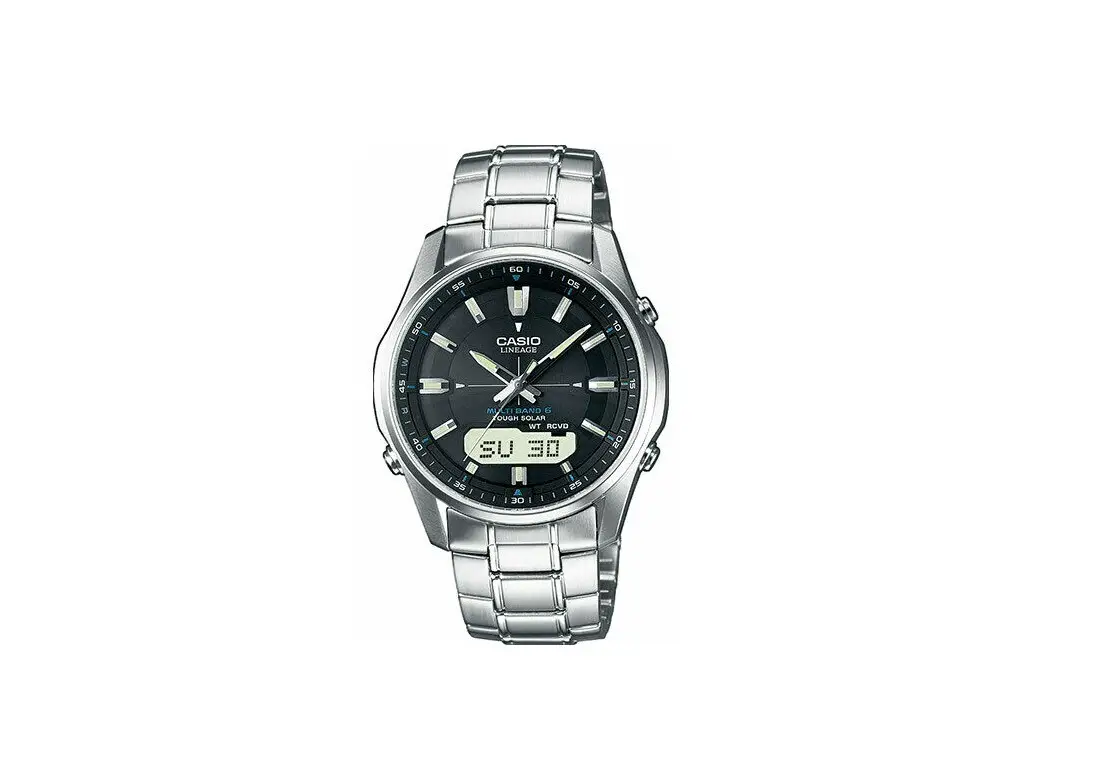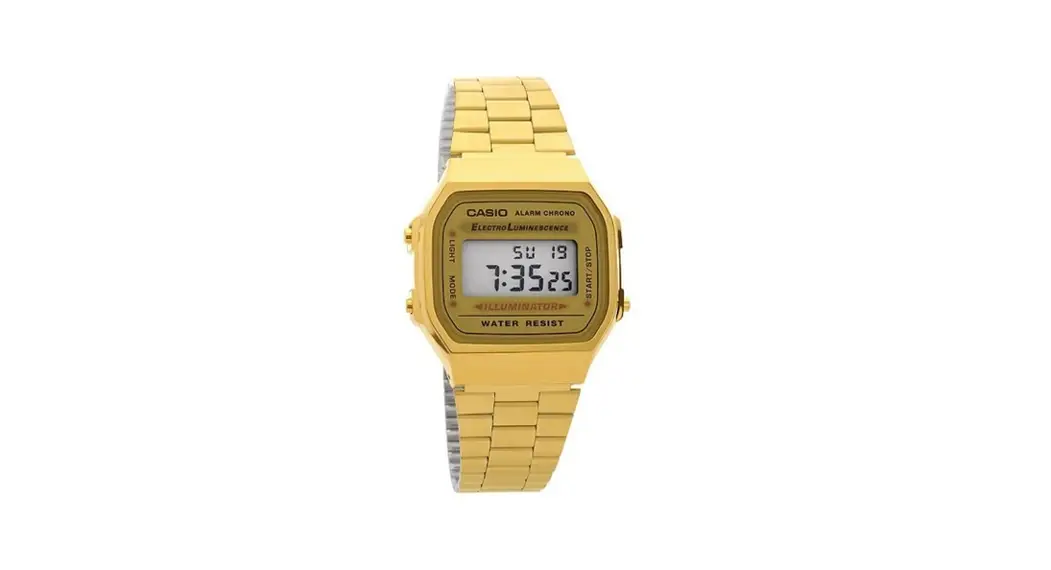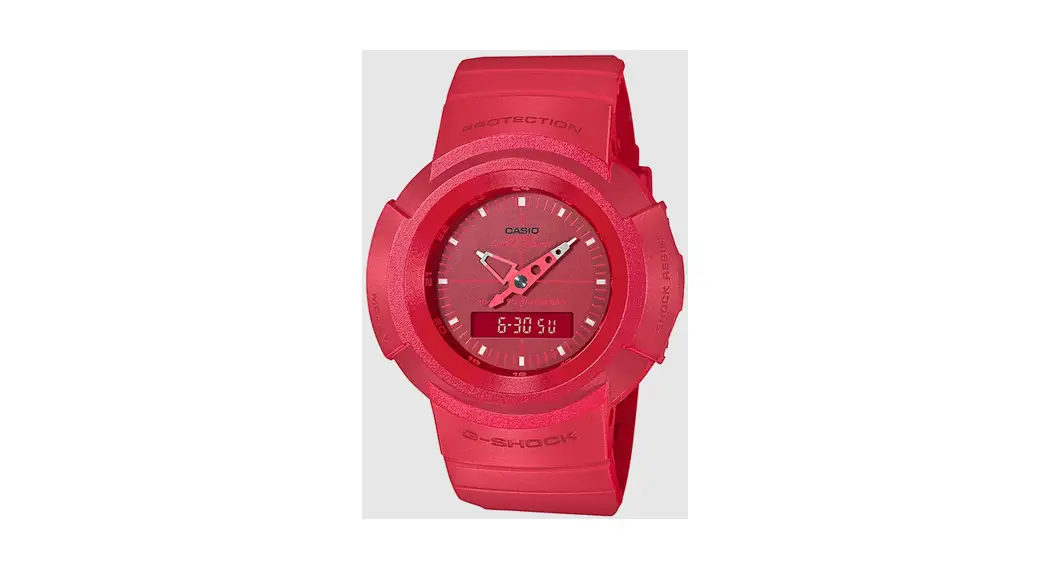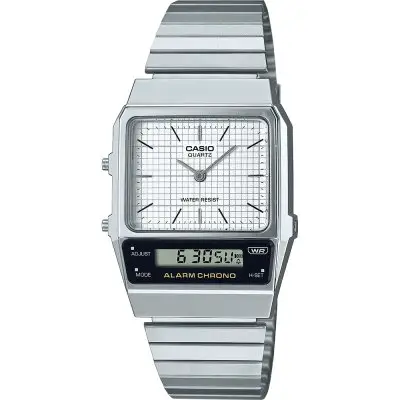
CASIO 3560 Watch
You can also find information about operational procedures at the CASIO website.
https://s.casio.jp/mw/en/3560/
About This Manual
- Button operations are indicated using the letters shown in the illustration.
- Each section of this manual provides you with the information you need to perform operations in each mode.
- Note that the product illustrations in this manual are intended for reference only, and so the actual product may appear somewhat different than depicted by an illustration.

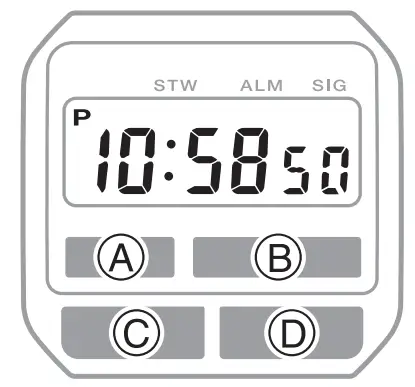
Watch Features
- Alarm
- Stopwatch
You can also find information about operational procedures at the CASIO website.
https://s.casio.jp/mw/en/3560/
Configuring Time And Date Settings
To configure time and date settings
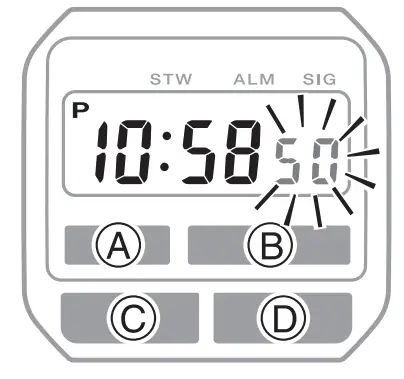
- In the Timekeeping Mode, press
 three times. This causes the seconds to flash on the display.
 - Press
 to move the flashing in the sequence shown below to select a setting.
- Use to change the selected setting.
Screen This setting item: 
Reset the second to 00 - 30 to 59 seconds: Adds 1 to minutes

Change the hour or minute - Holding down changes the current selection at high speed.

Change the month, day, or day of the week - Holding down changes the current selection at high speed.
- Press to exit the setting screen.
 three times. This causes the seconds to flash on the display.
 to move the flashing in the sequence shown below to select a setting.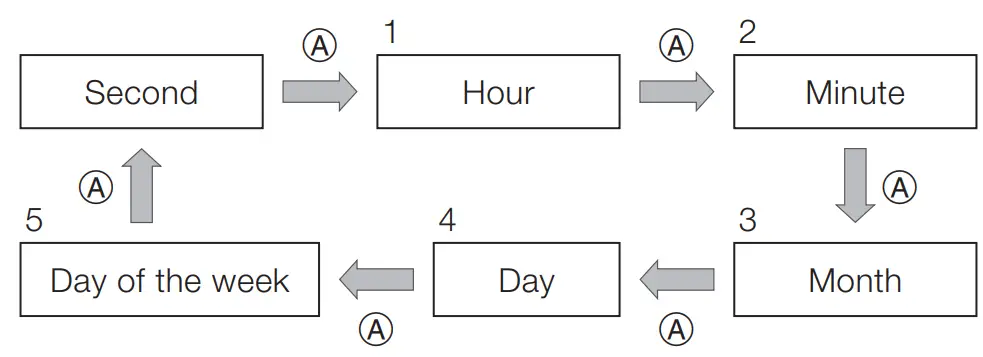
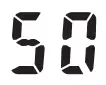
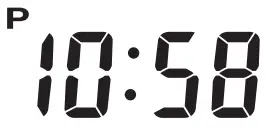
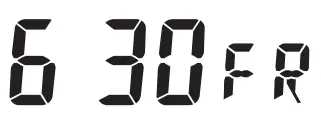
- The watch returns to the Timekeeping Mode automatically if you do not perform any button operation for one or two minutes in the Time Setting Mode.
Selecting a Mode
- Press C to change the mode.
- After you perform an operation in any mode, pressing C returns to the Timekeeping Mode.
- Press B in any mode to illuminate the face of the watch.


* SU: Sunday MO: Monday TU: Tuesday WE: Wednesday TH: Thursday FR: Friday SA: Saturday
Alarm
When the Daily Alarm is turned on, the alarm sounds for 20 seconds at the preset time each day. When the Hourly Time Signal is turned on, the watch beeps every hour on the hour.
- The watch returns to the Timekeeping Mode automatically if you do not perform any button operation for one or two minutes in the Alarm Mode.
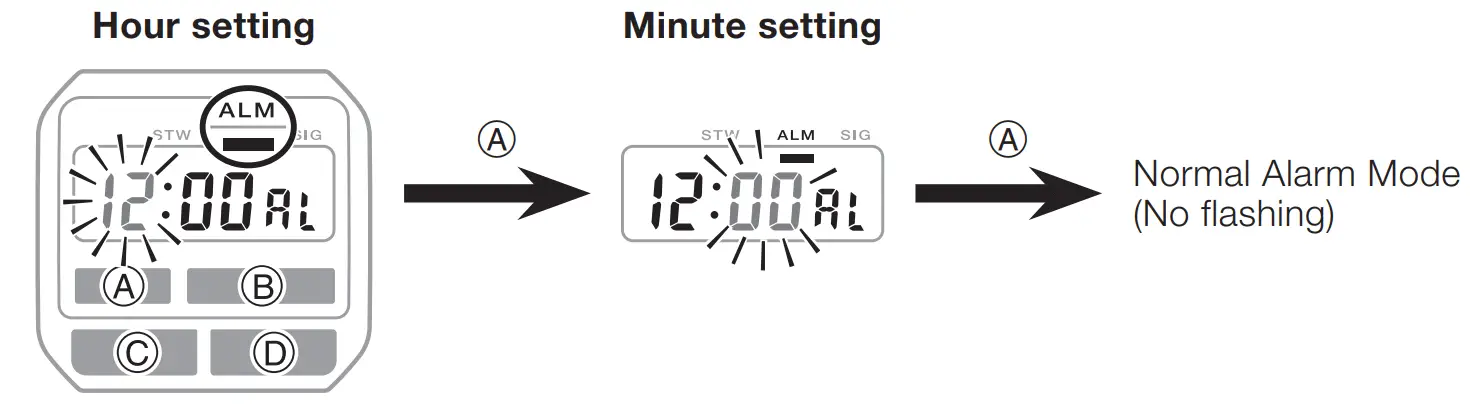
To set the alarm time
- In the Alarm Mode, press .

- Press D to increase the flashing digits.
Holding down D changes the setting at high speed.
Press C to return to the Timekeeping Mode.
To stop the alarm
Press any button to stop the alarm after it starts to sound.
To enable and disable the Daily Alarm and Hourly Time Signal
Press  while in the Alarm Mode to change the settings of the Daily Alarm and Hourly Time Signal in the following sequence.
To test the alarm
Hold down while in the Alarm Mode to sound the alarm.
Stopwatch
The Stopwatch Mode lets you measure elapsed time. The range of the stopwatch is 59 minutes, 59.9 seconds.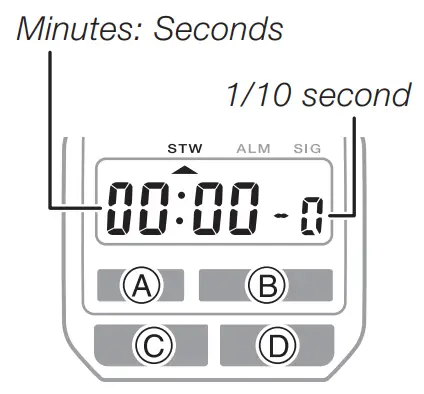
To measure elapsed time
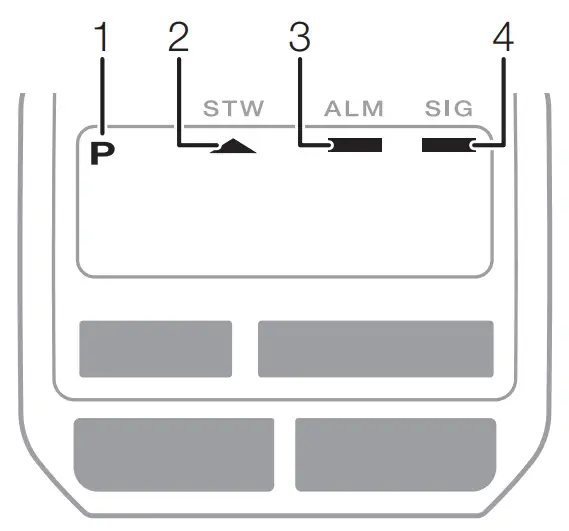
Main Indicators
| Number | Name | See |
| 1 | PM indicator | EN-8 |
| 2 | Stopwatch Mode | EN-13 |
| 3 | Alarm on indicator | EN-12 |
| 4 | Hourly time signal on indicator | EN-12 |
Specifications
Accuracy:
±30 seconds per month average.
Basic Functions:
Hour, minute, second, month, day, day of the week, a.m./p.m.(P)
Auto-calendar set at 28 days for February
Alarm:
Setting units: Hour, minute
Beeper: 20 seconds
Hourly time signal: Watch beeps every hour on the hour.
Stopwatch:
Measuring units: 1/10 second
Measuring capacity: 59 minutes, 59.9 seconds (60 minutes)
Other:
LED light
Battery:
CR1616 x 1
Battery life: Approximately 3 years
Conditions:
– Alarm: Once (20 seconds)/day
– Illumination: Once (1.5 seconds)/day
Specifications are subject to change without notice.

 s.casio.jp/mw/en/3560/