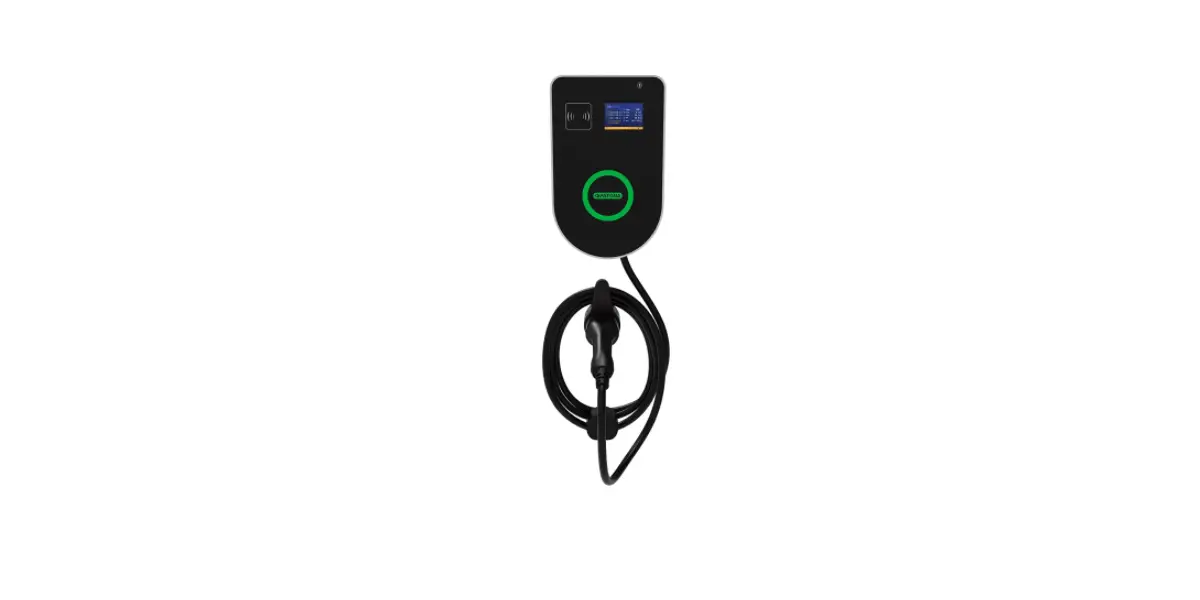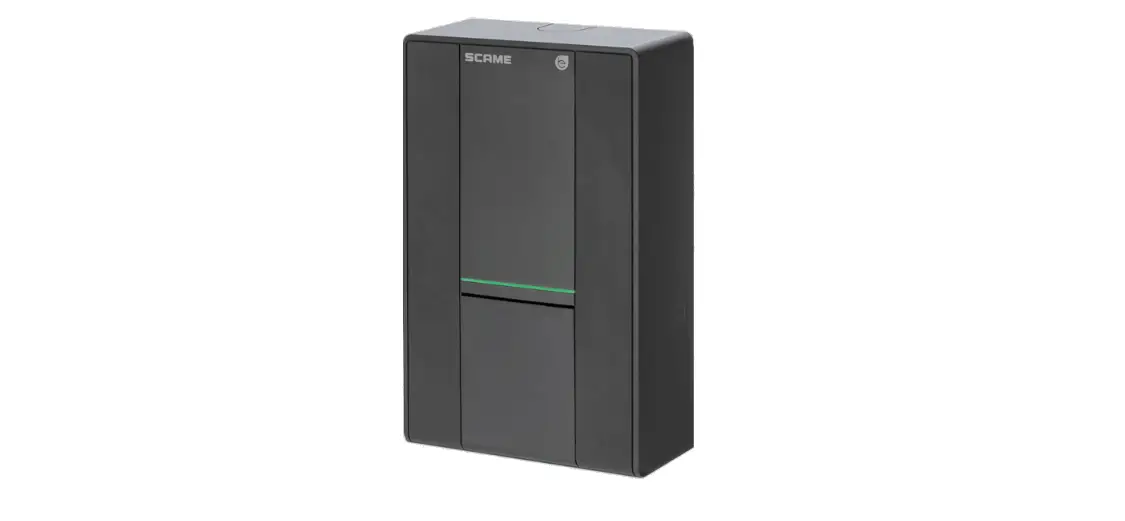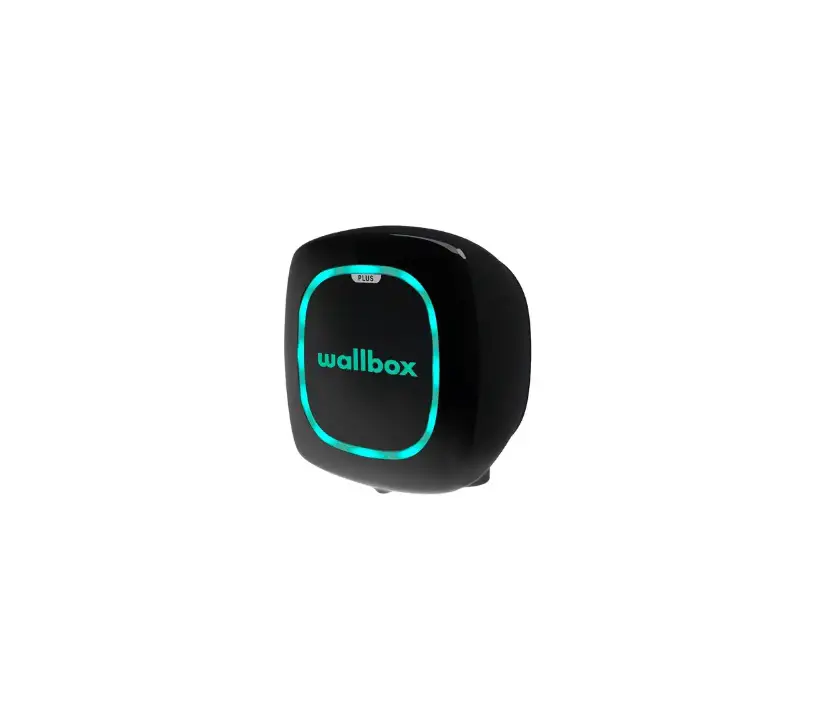
 OCULAR OC20-BA, OC20-BC Serise LTE Wallbox Universal Charging Station
 OCULAR OC20-BA, OC20-BC Serise LTE Wallbox Universal Charging Station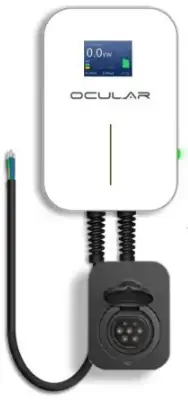
How to charge – LTE
Starting a charging session
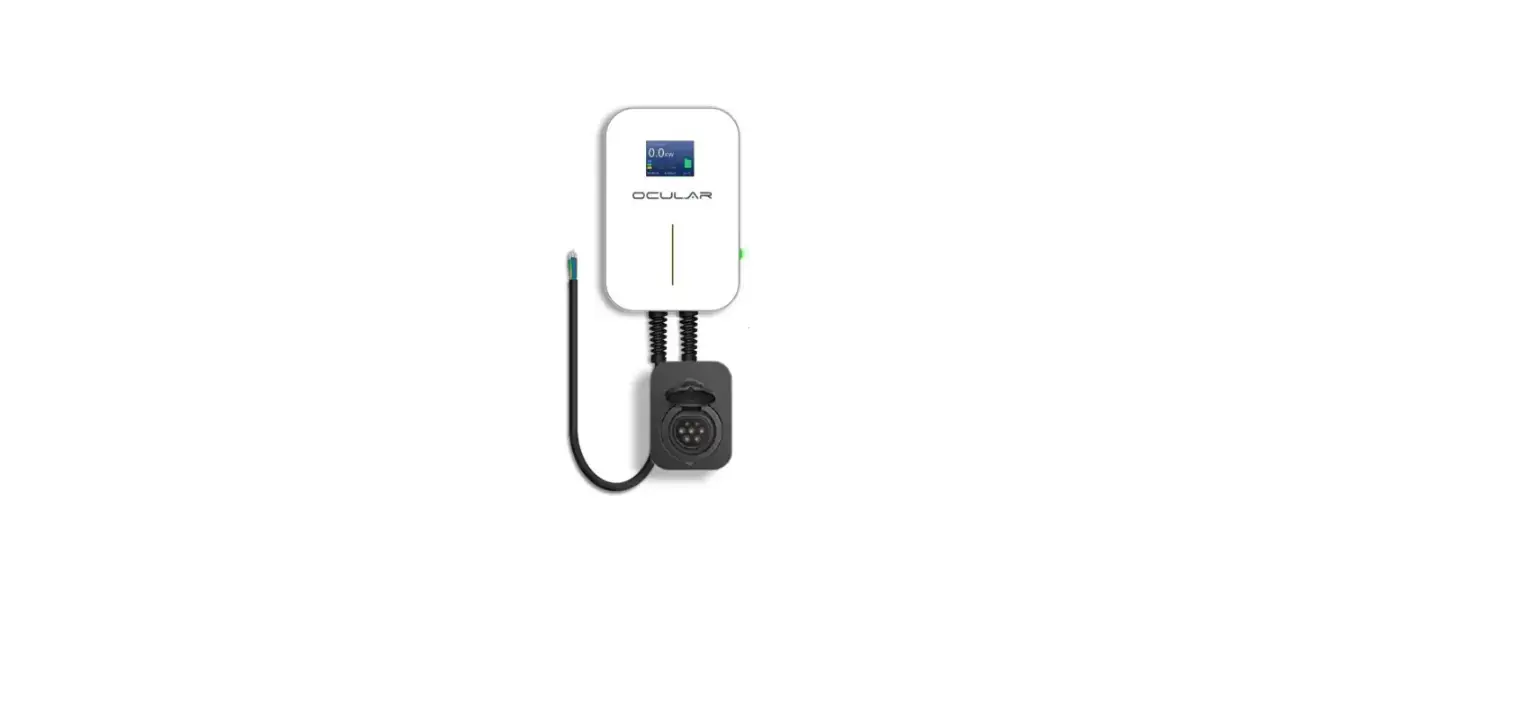
- L TE socket model: Grab a charging cable and plug each end into their respective ports.
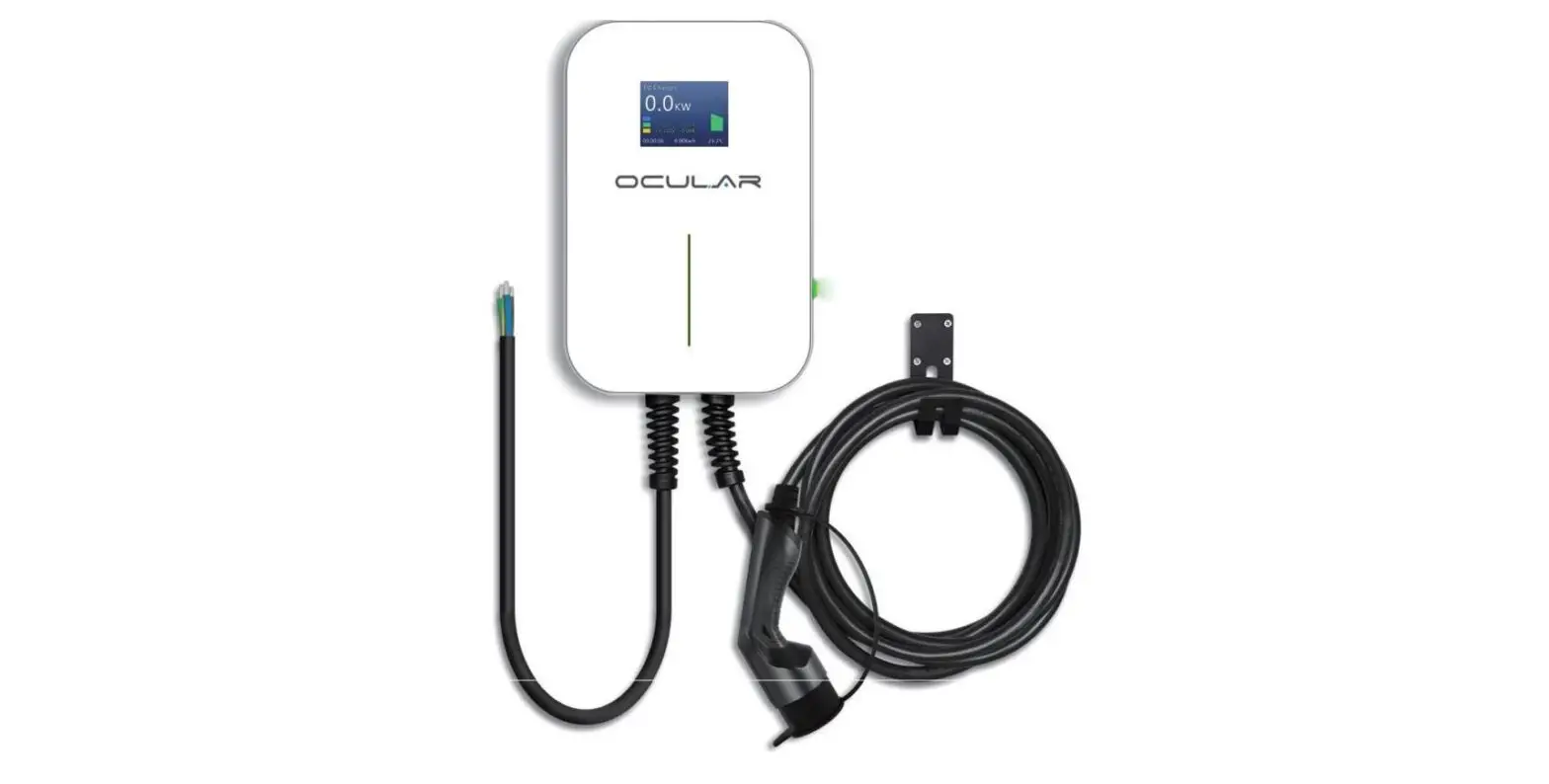
- LTE tethered model: Plug the attached charging cable into your car port.
Stopping a charging session
The charging sessions can be terminated either by the car or the charger.
- To stop charging via the car please consult your car manual.
- To stop charging via the charger, simply remove the charging plug from the port
Changing the charging speed
Before plugging the charging cable into the car, press the silver button on the right side of the charger to adjust the charging speed.
ocularcharging.com.au
[email protected]
1300 912 650