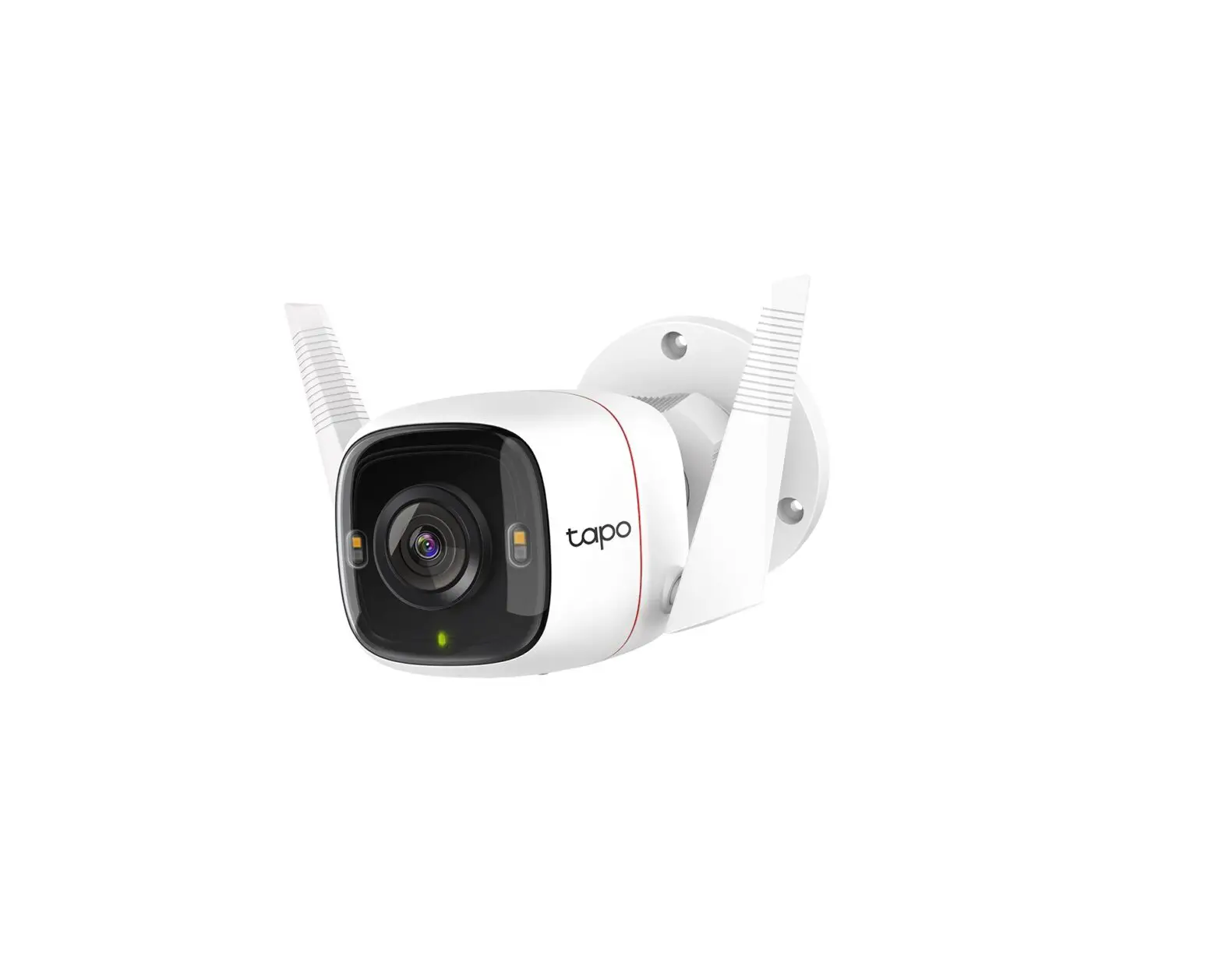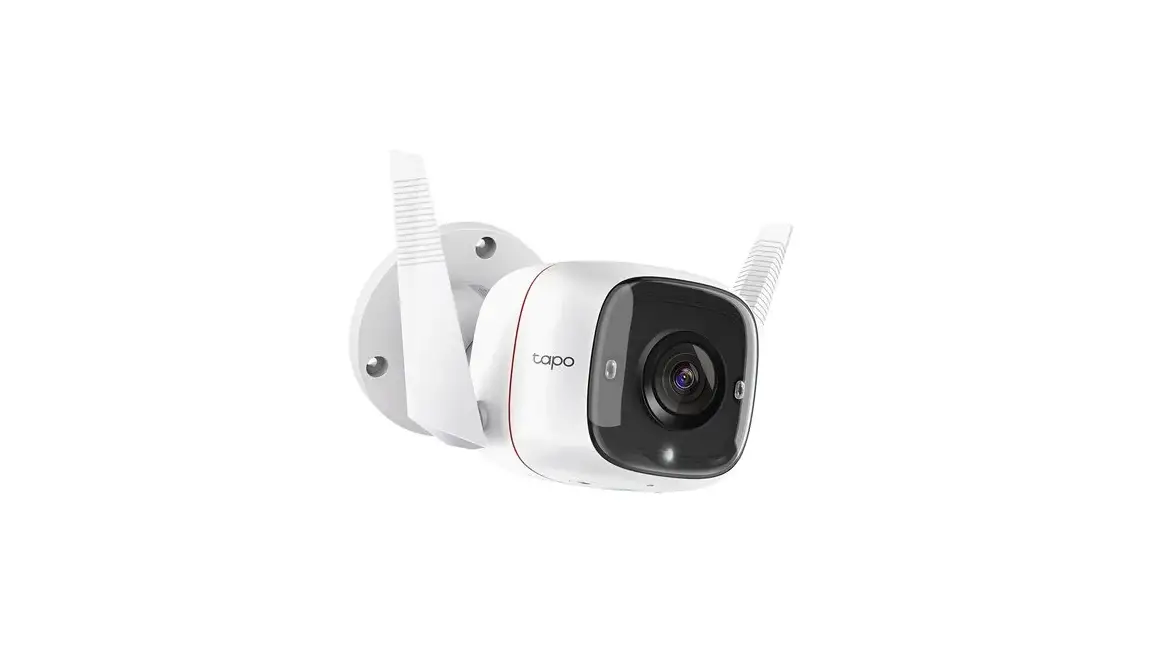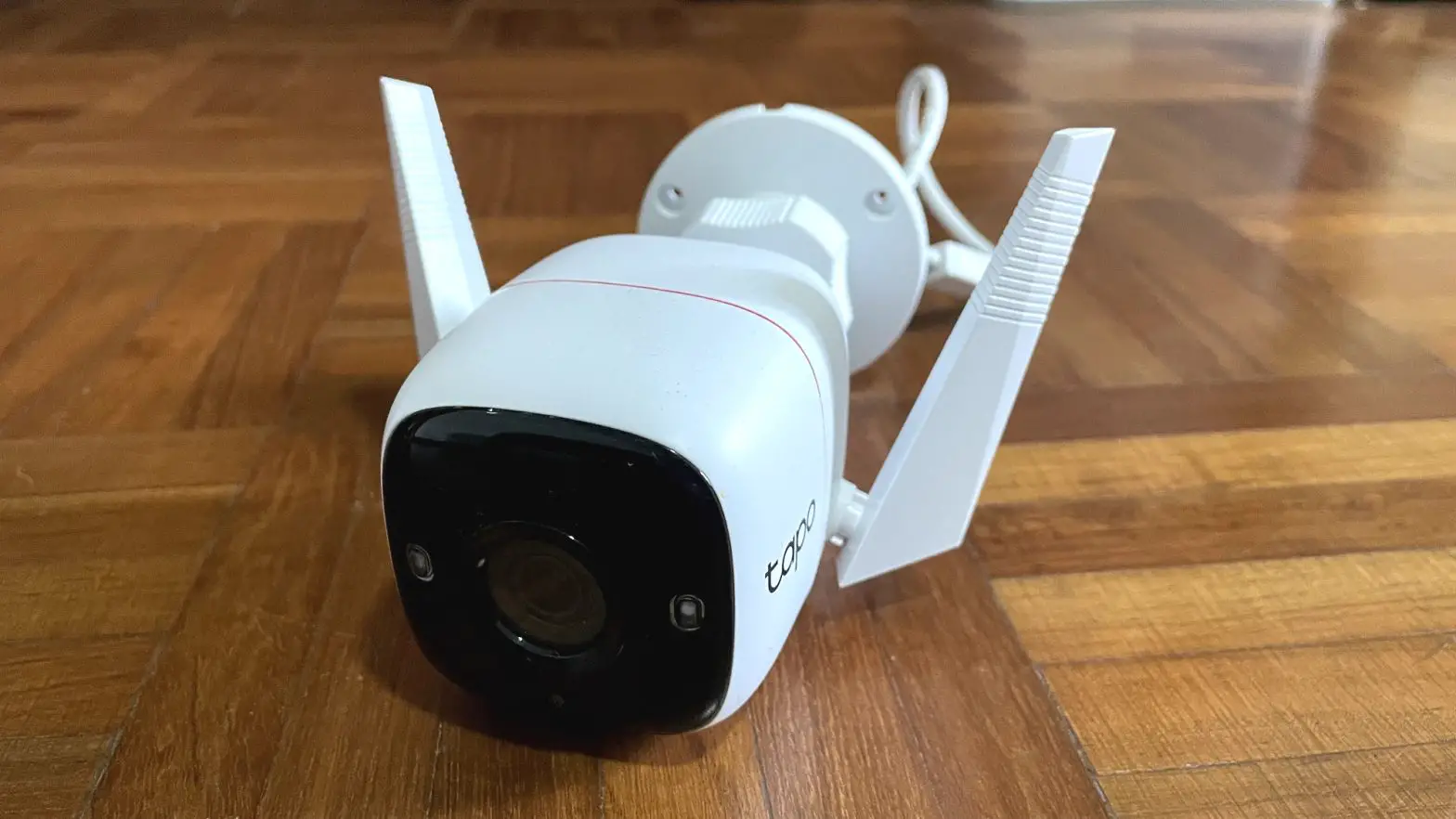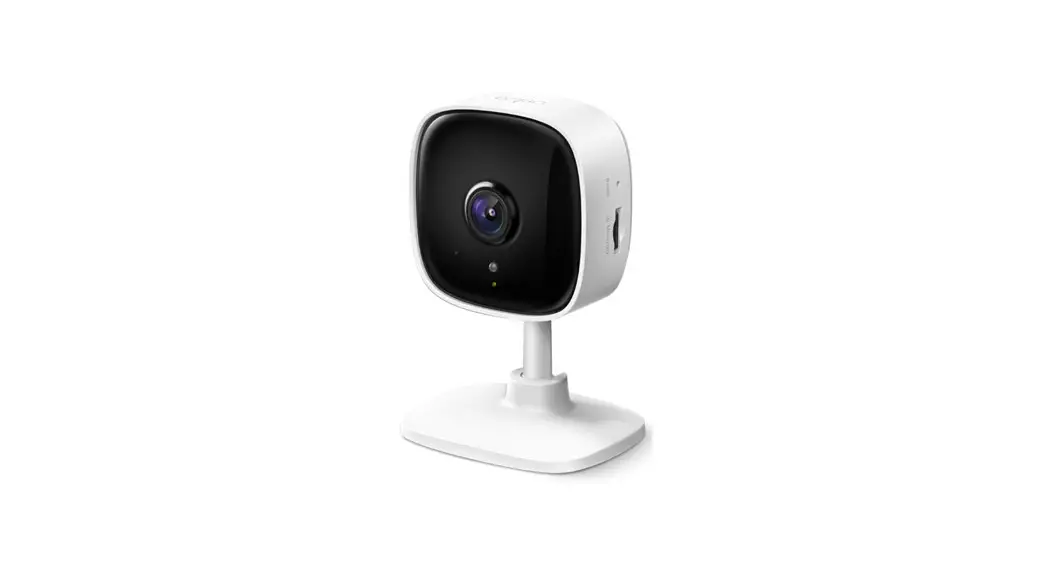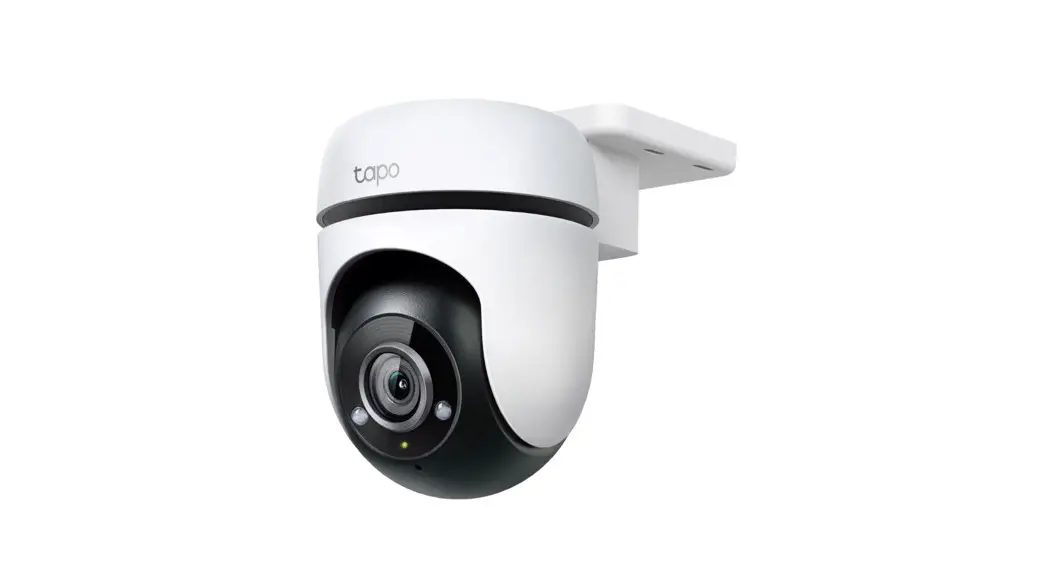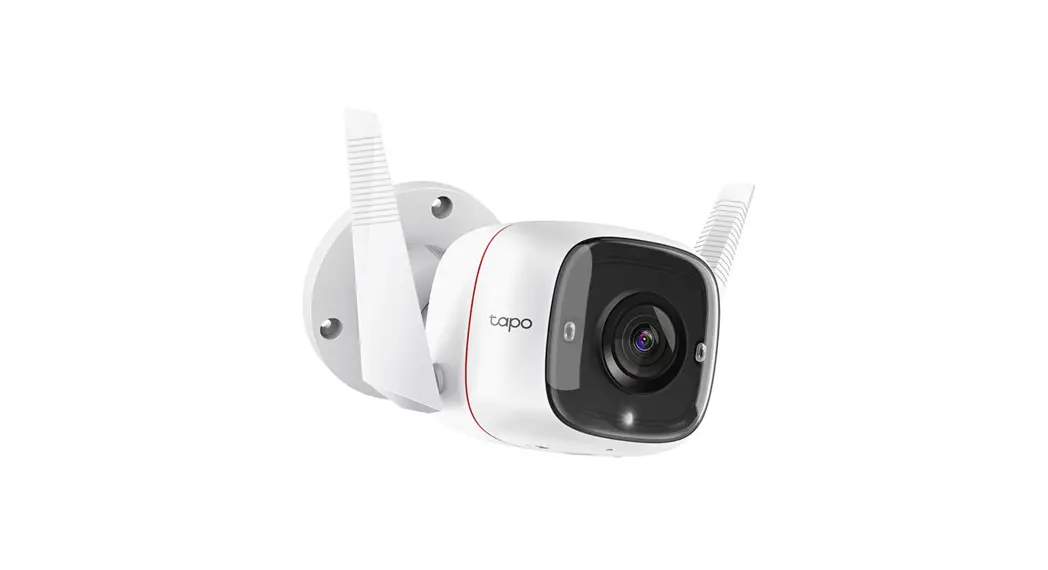

C325WB Outdoor Security Wi-Fi Camera
User Guide
C325WB Outdoor Security Wi-Fi Camera
 Setup Videos
Scan QR code or visit
https://www.tp-link.com/support/setup-video/#cloud-cameras
Package Contents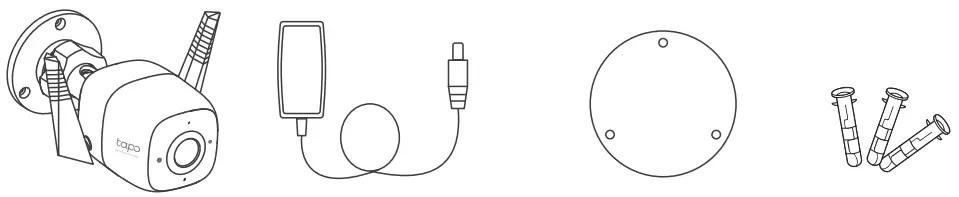
Camera Power Adapter Mounting Template Anchors 
Screws Waterproof Seal Waterproof Cable Attachments Quick Start Guide
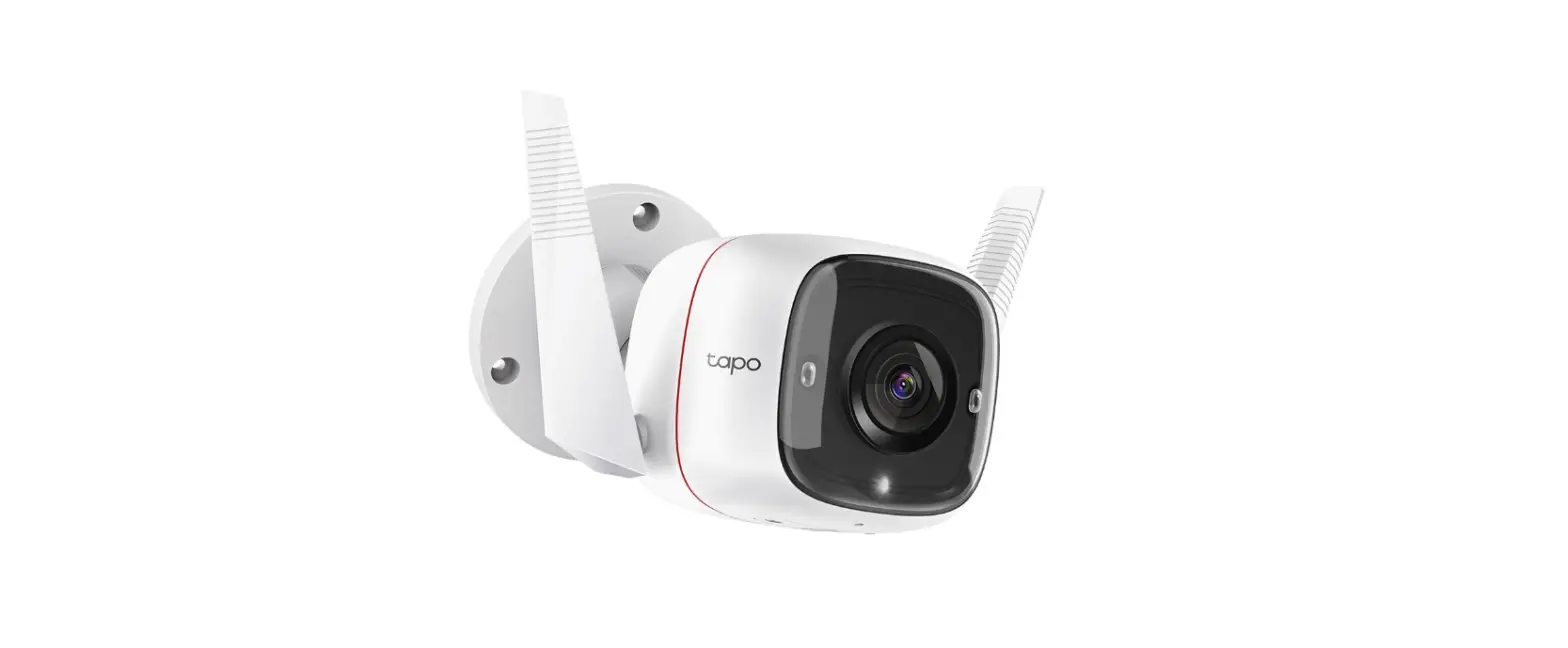
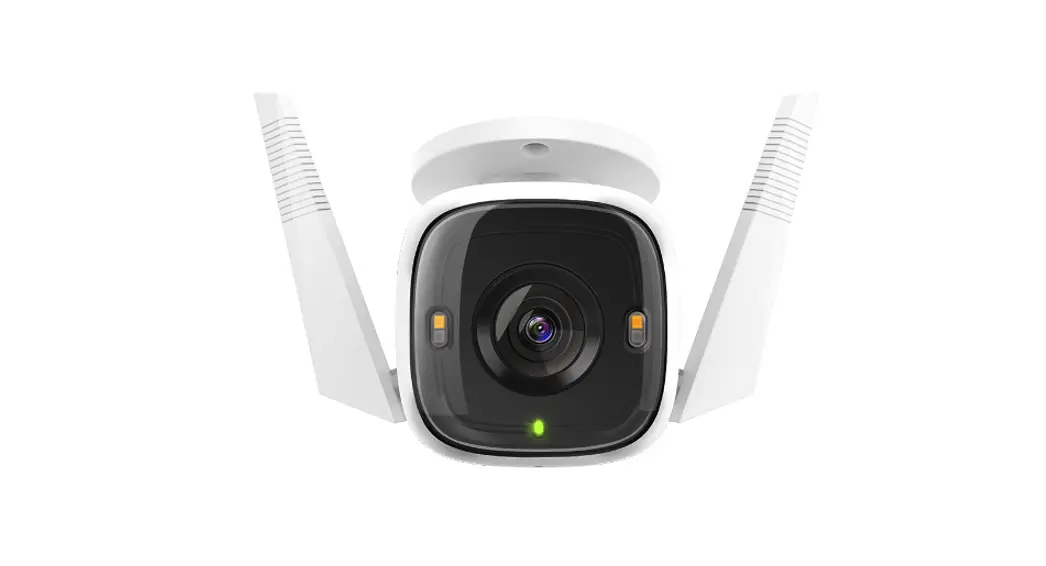
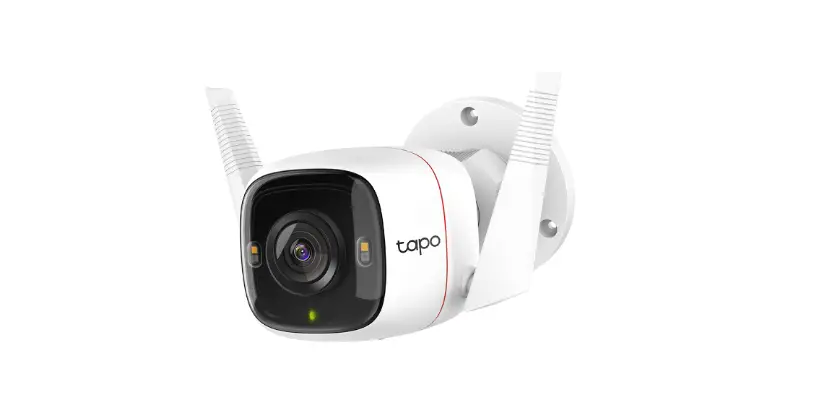
Appearance
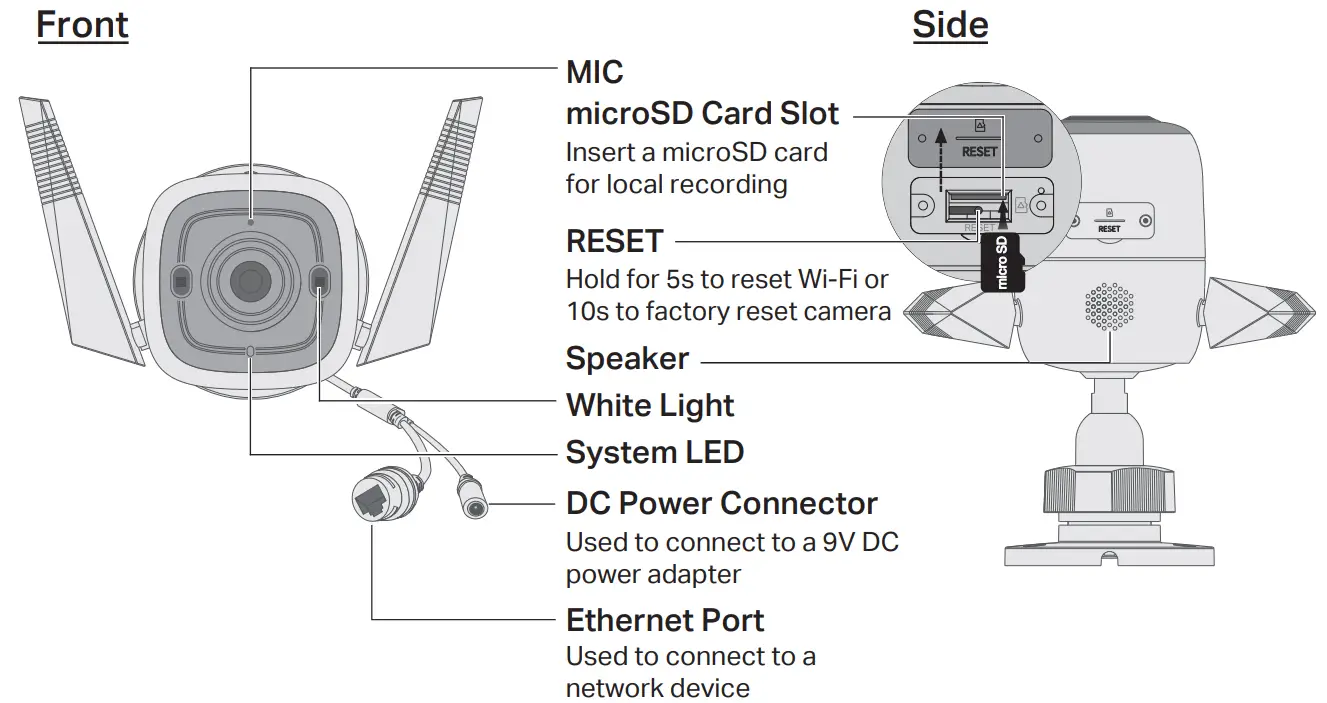
System LED Status
| Solid red | Starting up |
| Blinking red and green (for Wi-Fi setup) | Ready for setup |
| Blinking red slowly (for Wi-Fi setup) | Connecting to Wi-Fi |
| Solid amber | Connected to Wi-Fi or wired network |
| Solid green | Connected to the cloud |
| Blinking red quickly | Camera resetting |
| Blinking green quickly | Camera updating |
Set Up Camera
STEP 1
DOWNLOAD APP
Get the Tapo app from the App Store or Google Play.

https://www.tapo.com/app/download-app/
STEP 2
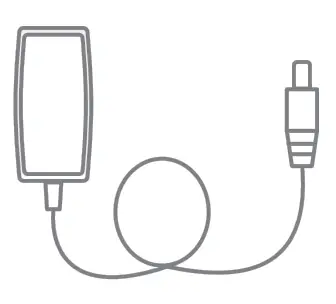
POWER UP
Plug in the adapter to power up your camera.
STEP 3
SET UP
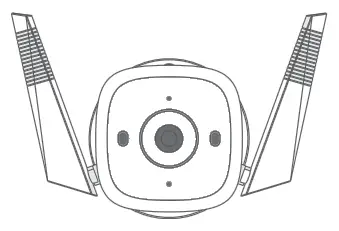
Tap the  button in the app and select your model. Follow app instructions to complete setup.
Wall Mounting Instructions
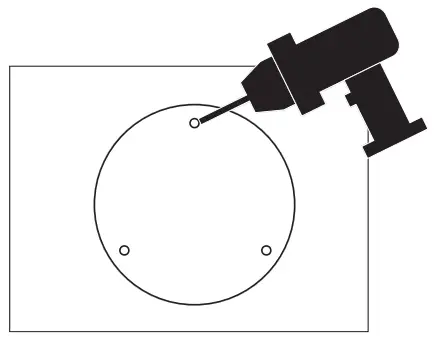
- Drill Holes
Stick the mounting template to the desired mounting place. Drill 3 screw holes according to the template.
- Mount Camera
Insert three anchors into the holes and use the screws to affix the camera over the anchors. Note: After mounting the camera, remember to connect it to a power outlet using the provided power adapter.
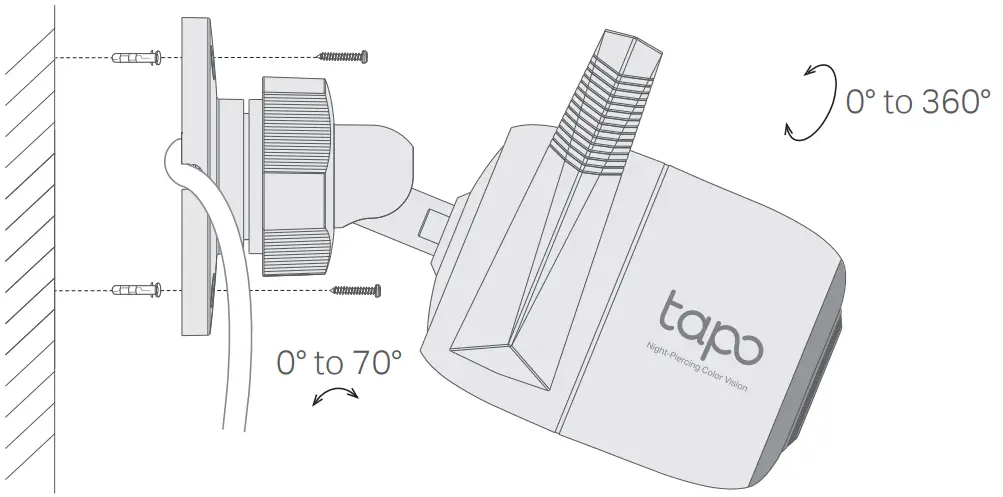 Note: After mounting the camera, remember to connect it to a power outlet using the provided power adapter.
Install Waterproof Cable Attachments
Install the waterproof cable attachments for the network interface when the camera is installed outdoors.
Note: Make sure each part is securely attached and the water-proofing rings are flush to keep out water.
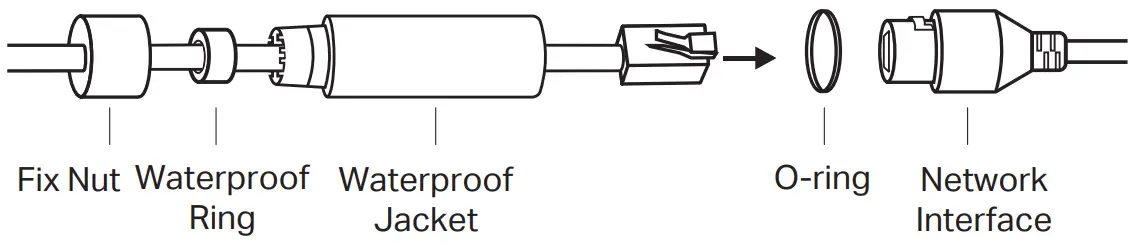
- Route the network cable through the following components in order: fix nut, waterproof ring, and then the waterproof jacket.
- Insert the waterproof ring into the waterproof jacket.
- Fix the O-ring to the network interface of the camera and connect the network cables.
- Attach the network interface with the waterproof jacket, then twist to lock. Rotate the fix nut to secure it to the waterproof jacket.
Done! The network interface is now waterproof.
Install Waterproof Seal for Power Connectors
Install the waterproof seal for the power connectors when the camera is installed outdoors.

FAQ (Frequently Asked Questions)
– Visit https://www.tp-link.com/support/faq/2747/ for detailed instructions.
– Make sure you are using a microSD card.
– It’s recommended to use a Class 10 microSD card or higher, with storage from 8 GB to 512 GB.
– Make sure you have initialized the microSD card in the Tapo app.
– If the problem still persists, contact our technical support.
– With the camera powered on, press and hold the Reset button for about 5s until the System LED blinks red quickly to reset the Wi-Fi while keeping other settings; for 10s to factory reset the camera.
– Open the Tapo app, go to the Camera Settings page, and remove the camera to factory reset it.
For more questions, please refer to https://www.tp-link.com/support/faq/2742/ For technical support, the user guide, and more information, please visit
- Do not use damaged charger or USB cable to charge the device.
- Do not use any other chargers than those recommended.
- Do not use the device where wireless devices are not allowed.
- Adapter shall be easily accessible.
- Use only power supplies which are provided by manufacturer and in the original packing of this product. If you have any questions, please don’t hesitate to contact us.
- Keep the device away from fire or hot environments. DO NOT immerse in water or any other liquid.
- Do not disassemble, repair or modify the product.
- Do not use the product if the casing has been broken. Danger of electric shock.
- Never touch the product with wet hands.
- Do not place near automatically controlled devices such as fire alarms. Radio waves emitted from this product may cause such devices to malfunction resulting in an accident.
- Observe restrictions on using wireless products in fuel depots, chemical plants or when blasting operations are in progress.
- Do not use liquid to clean the product. Only use a dry cloth.
- Never put metal objects inside the product. If a metal object enters the product turn off the circuit breaker and contact an authorised electrician.
- This product is not intended to be used when providing medical care. Consult the manufacturer of any personal medical devices, such as pacemakers or hearing aids to determine if they are ad equality shielded from external RF (radio frequency) energy.
- Do not use this product in health care facilities. Hospitals or health care facilities may be using equipment that could be sensitive to external RF energy.
- Do not place heavy objects on top of the product.
- When you leave the product unused for a long time unplug the product from the power outlet.
- Adapter should be used indoors where the ambient temperature is lower than or equal to 40 °C.
- This product may interfere with other electronic products such as TV, radios, personal computers, phones or other wireless devices.
Please read and follow the above safety information when operating the device. We cannot guarantee that no accidents or damage will occur due to improper use of the device. Please use this product with care and operate at your own risk. TP-Link hereby declares that the device is in compliance with the essential requirements and other relevant provisions of directives 2014/53/EU, 2009/125/EC, 2011/65/EU and (EU)2015/863. The original EU declaration of conformity may be found at https://www.tapo.com/support/ce
TP-Link hereby declares that the device is in compliance with the essential requirements and other relevant provisions of the Radio Equipment Regulations 2017. The original UK declaration of conformity may be found at https://www.tapo.com/support/ukca/

*Images may differ from actual products.
 Support | Tapo
 TP-Link Product Support - Wireless Networking Equipment Support