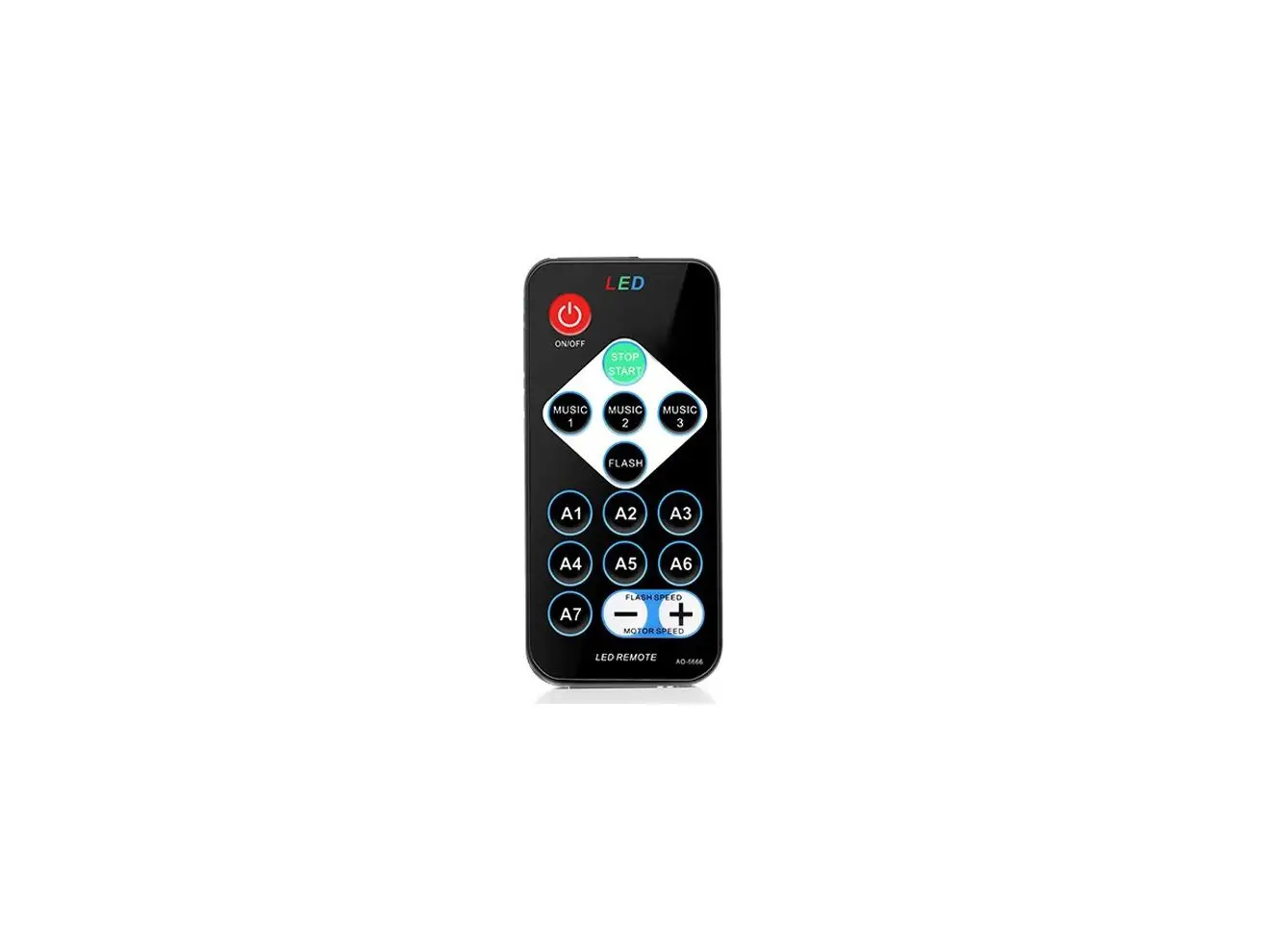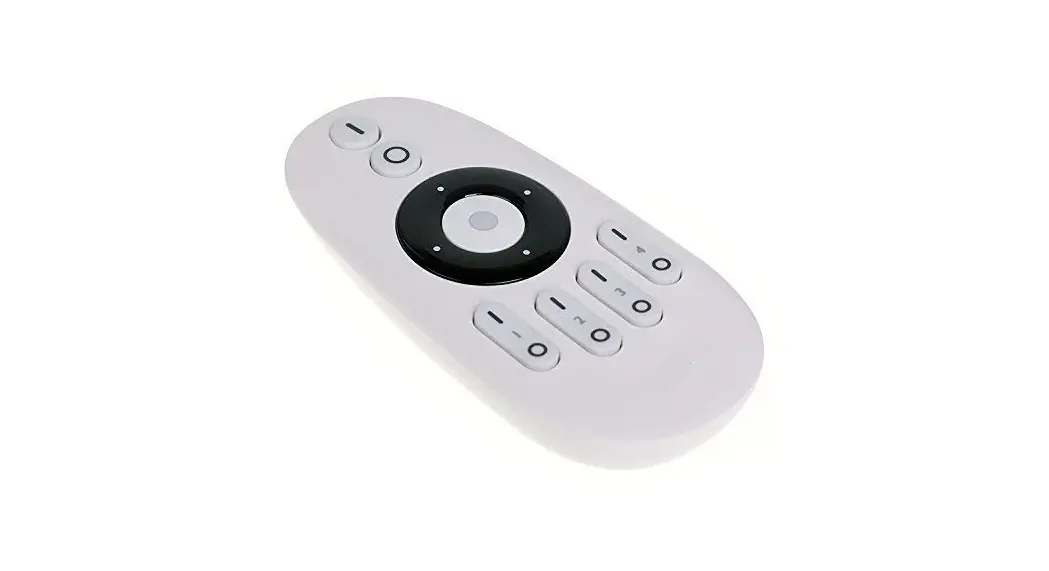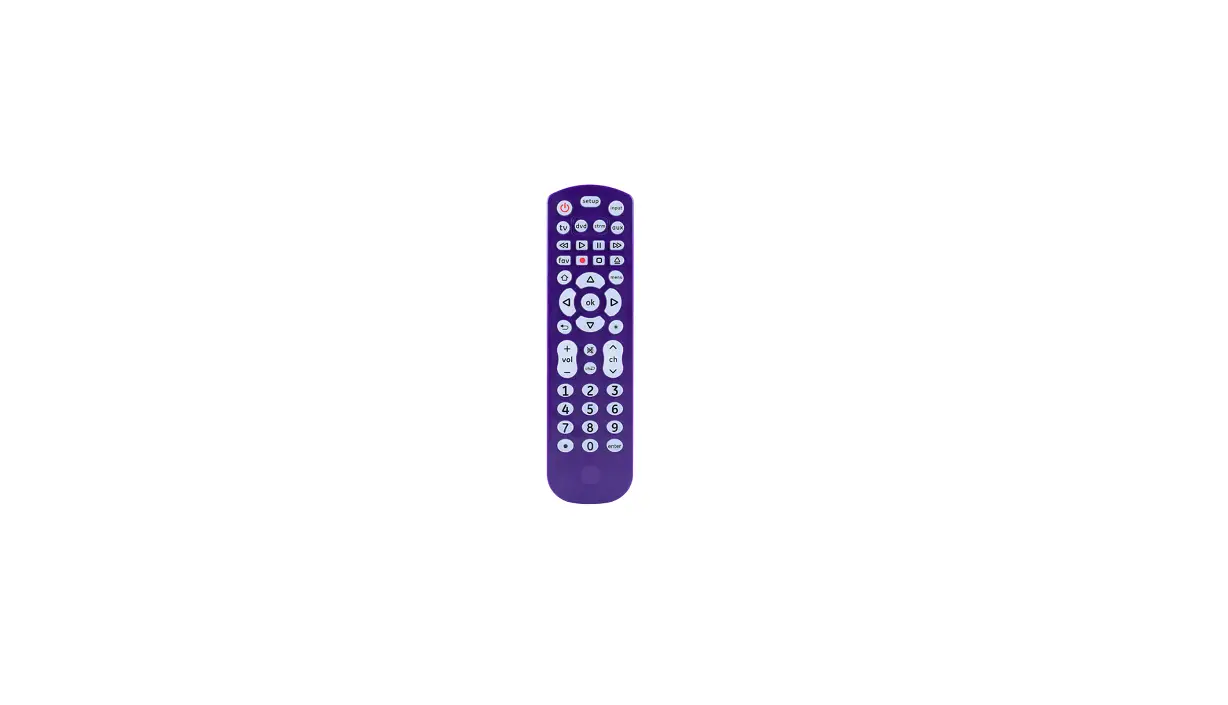
Guangdong Tongfang
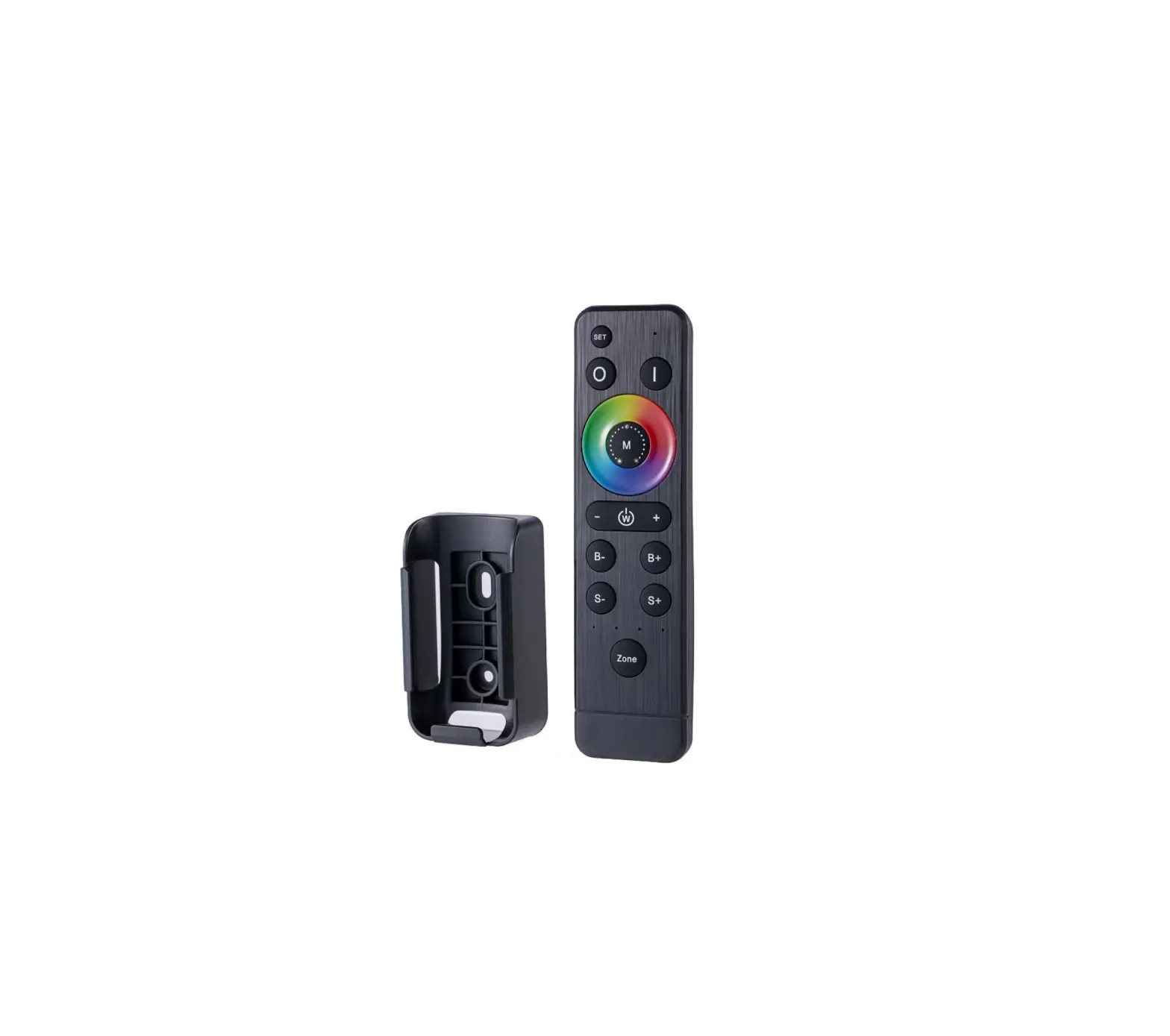
Illuminations GJRF4001 44keys RF Remote
User Manual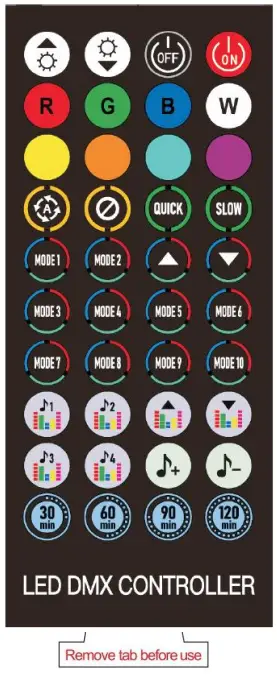
GJRF4001 44keys RF Remote
44keys RF Remote
Mode:GJRF4001
Remote Type: RF wireless
Work temperature: -20to +55℃
Battery:CR2032
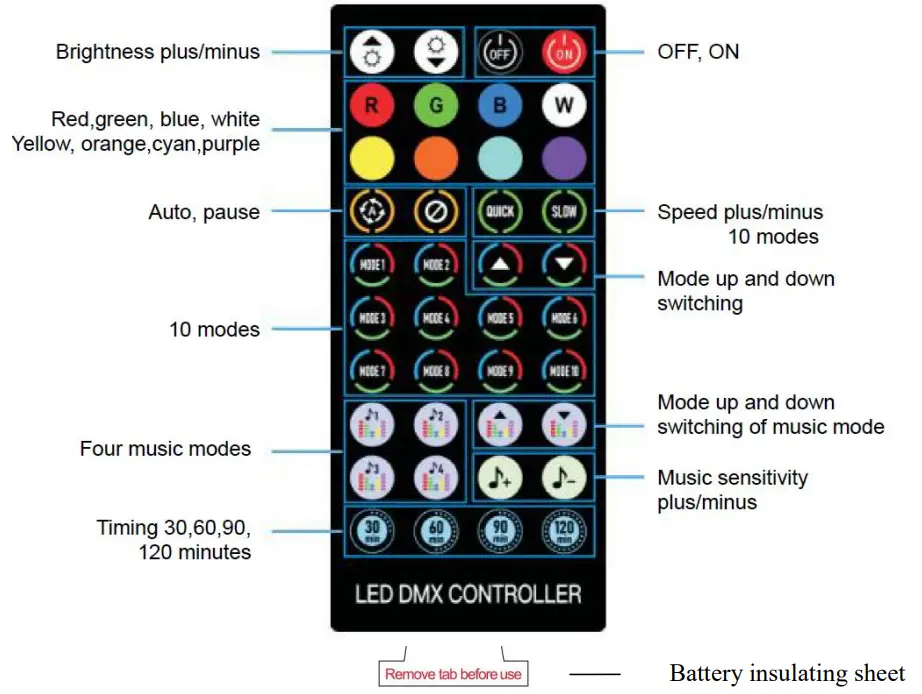
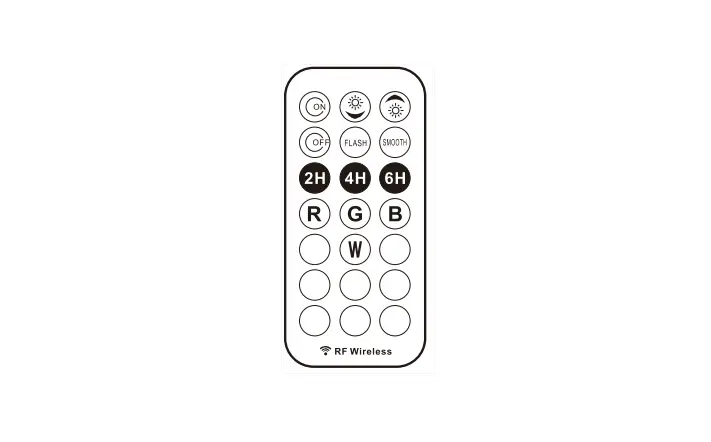
 | Brightness Increase/Reduce | Static color increases brightness/reduce brightness |
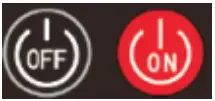 | ON/OFF | Light on and off |
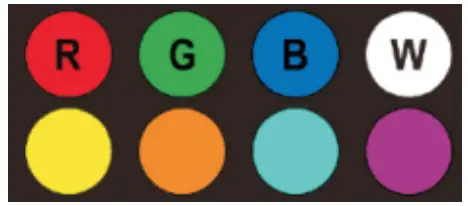 | Static color | Red/Green/Blue/White/Yellow/Orange/Cyan/Purple |
 | Auto | All dynamic functions are executed once, 180 in total |
 | Pause/Start | When the function is dynamic, it can be paused. Press again to start. |
 | Speed up/Speed down | Dynamic mode speeds up Dynamic mode speeds down |
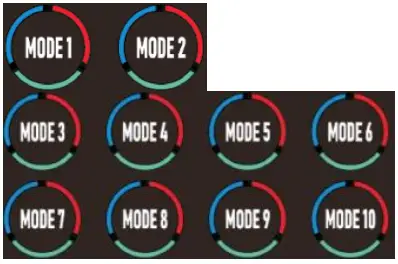 | MODE 1:More static colors MODE 2-MODE 10 Dynamic mode | MODE 1:There are 6 static colors. Press the “Previous function” key of the function keyto view another 5 colors. MODE 2:Rainbow. Press the “Next function” key of the function key to view rainbow in the other direction MODE 3:Open Window Overlaychasing. Press the “Previous function” key of the function keyto view another 13functions. MODE 4:Close Window Overlay chasing. Press the “Previous function” key of the function key to view another 13functions. MODE 4:Close Window Overlay chasing. Press the “Previous function” key of the function key to view another 13functions. MODE 5:Mixed color forward chasing. Press the “Previous function” key of the function keyto view another 13functions. MODE 6:Mixed color reverse chasing. Press the “Previous function” key of the function keyto view another 13functions. MODE 7:Fade. Press the “Previous function” key of the function key to view another 13functions. MODE 8:Jump. Press the “Previous function” key of the function key to view another 13functions. MODE 9:Stacking. Press the “Previous function” key of the function key to view another 13functions. MODE 10:Single light rotation chasing. Press the “Previous function” key of the function key to view another 13functions. |
 | Previous function/Next function | Up and down function switching from Mode 1 to Mode 10,106 functions in total |
 | Sound Modes | Music 1:Jump Music 2:Close Window Chasing Music 3:Open Window Chasing Music 4:Pulsation |
 | Sound Modes switching | Four sound modes switching |
 | Sound modes sensitivity modulation | The sensitivity of external sound perception can be manually adjusted according to the volume and distance |
 | Timing | After timing, the light will turn off when the time is up. |
FCC Statement
This device complies with Part 15 of the FCC Rules. Operation is subject to the following two conditions:
(1)This device may not cause harmful interference.
(2)This device must accept any interference received, including interference that may cause undesired operation.
2. Changes or modifications not expressly approved by the party responsible for compliance could void the user’s authority to operate the equipment.
Note: This equipment has been tested and found to comply with the limits for a class B digital device,pursuant to Part 15 of the FCC Rules. These limits are designed to provide reasonable protection against harmful interference in a residential installation.
This equipment generates uses and can radiate radio frequence energy and,if not installed and used in accordance with the instructions,may cause harmful interference to radio communications.However,there is no guarantee that interference will not occur in a particular installation.if this equipmemt does cause harmful interference to radio or television reception,which can be determined by turning the equipment off and on,the user is encouraged to try to correct the interference by one or more of the following measures:
- Reorient or relocate the receiving antenna.
- Increase the separation between the equipment and receiver.
- Connect the equipment into an autlet on a circuit different from that to which the receiver is connected.
- Consult the dealer or an experienced radio/TV technician for help.