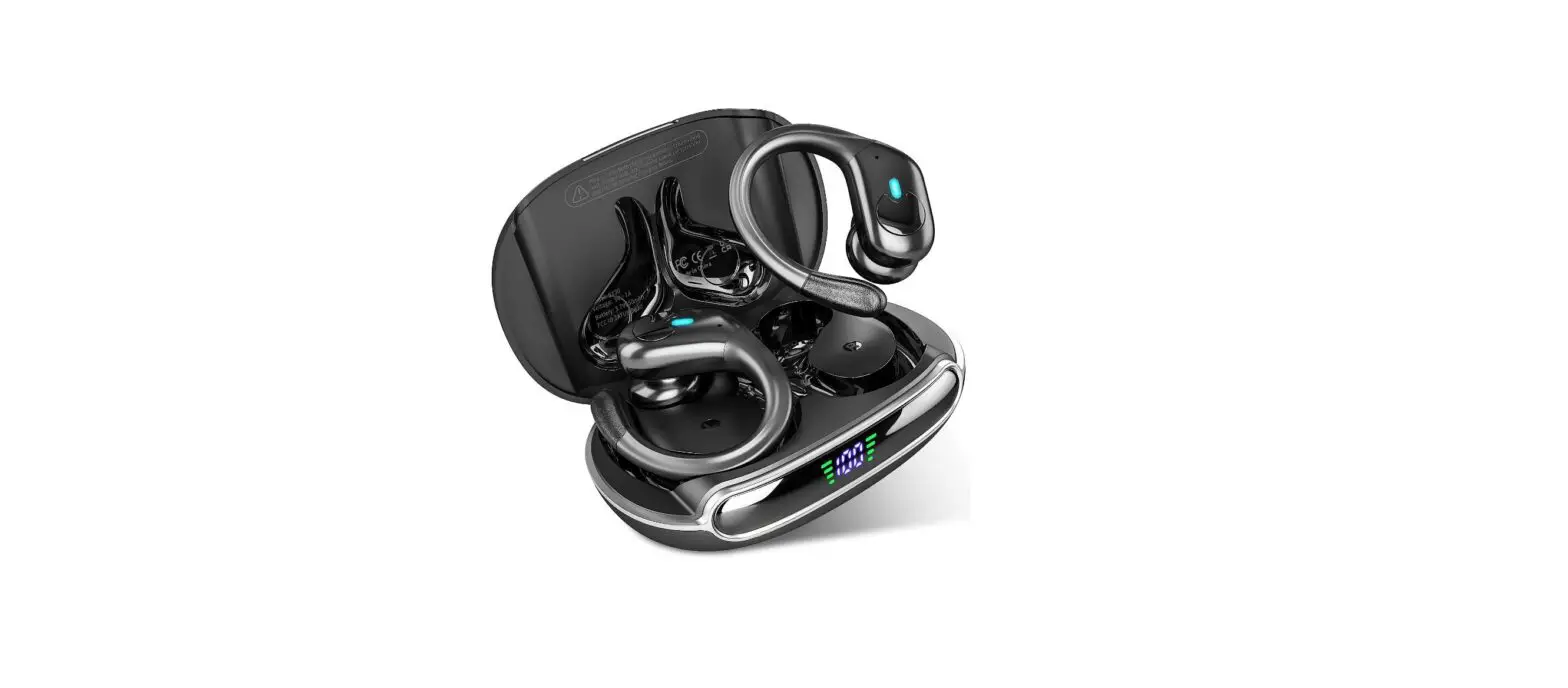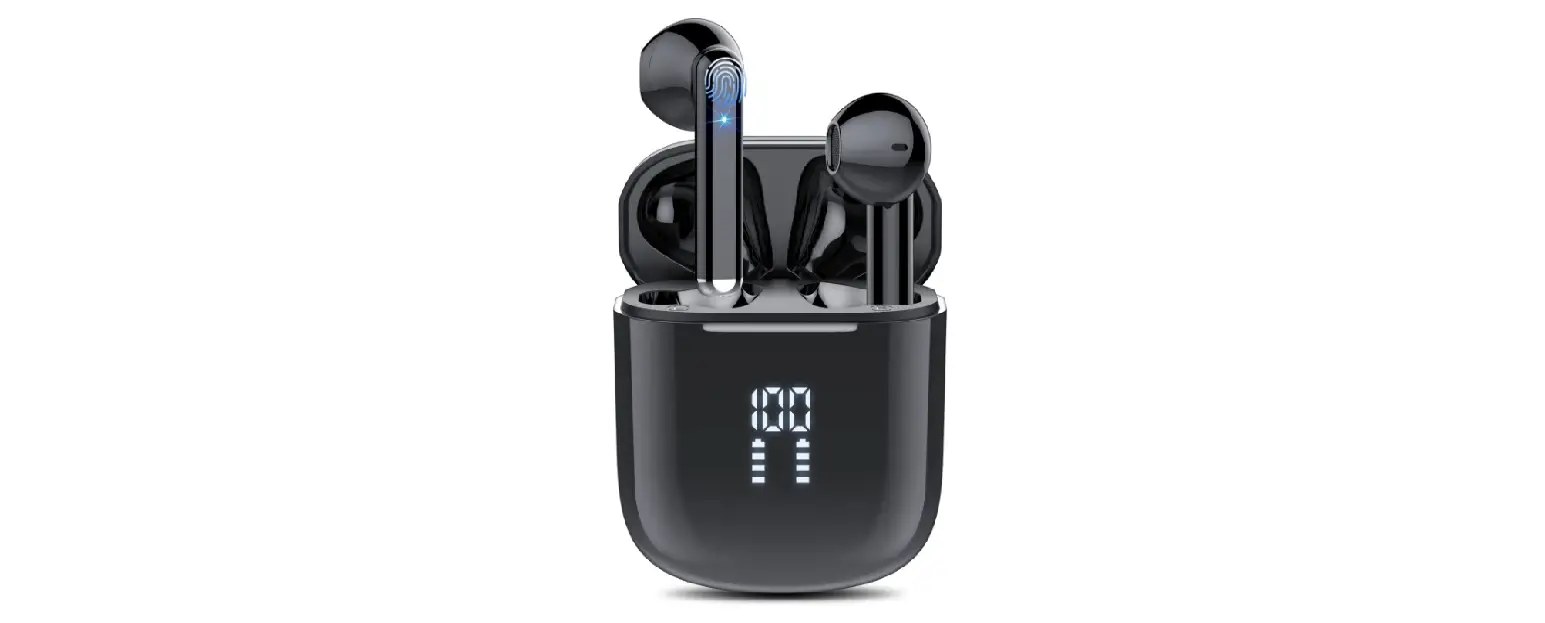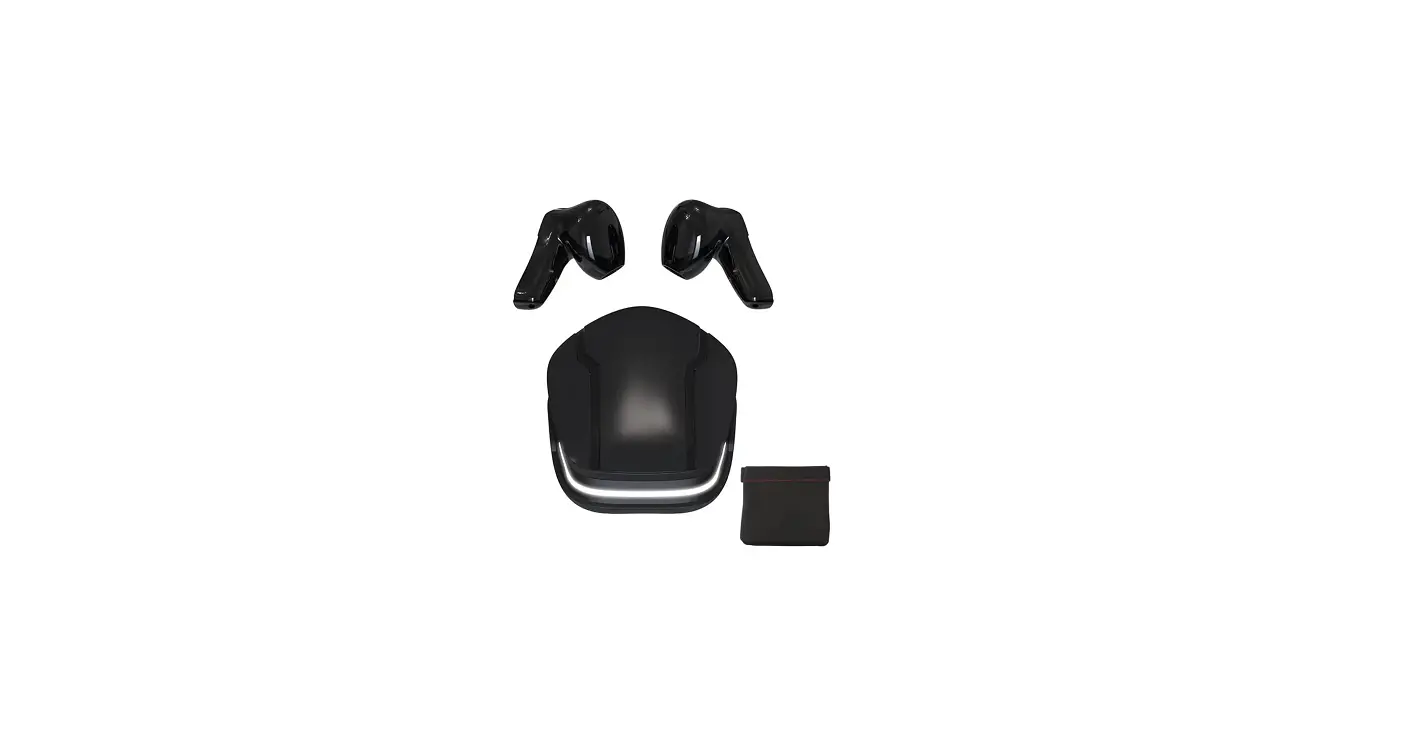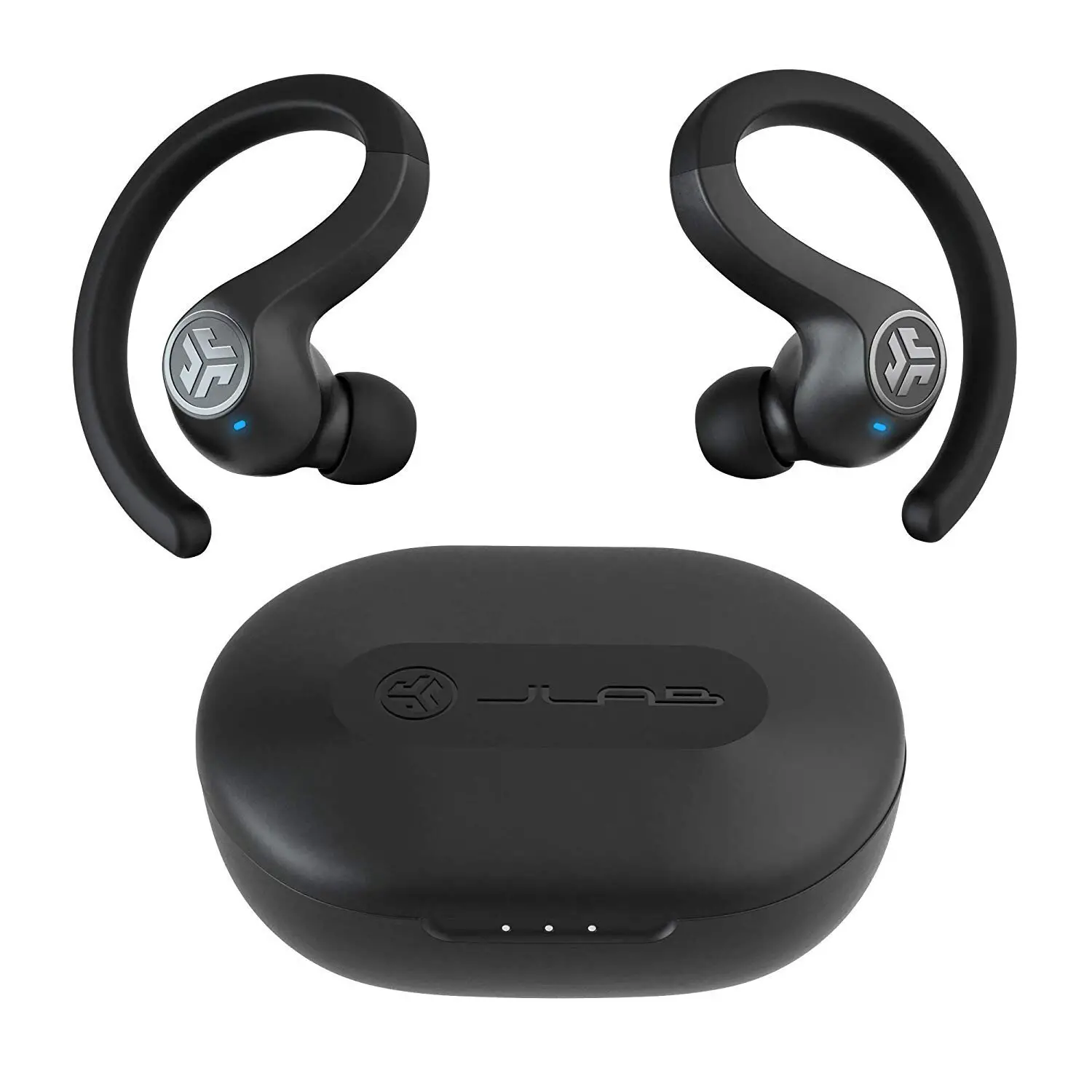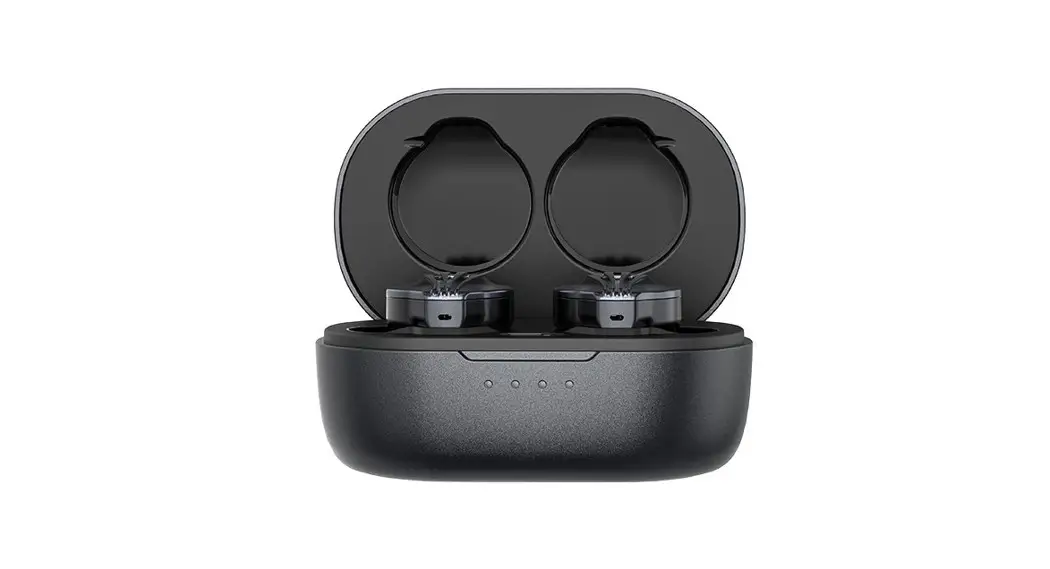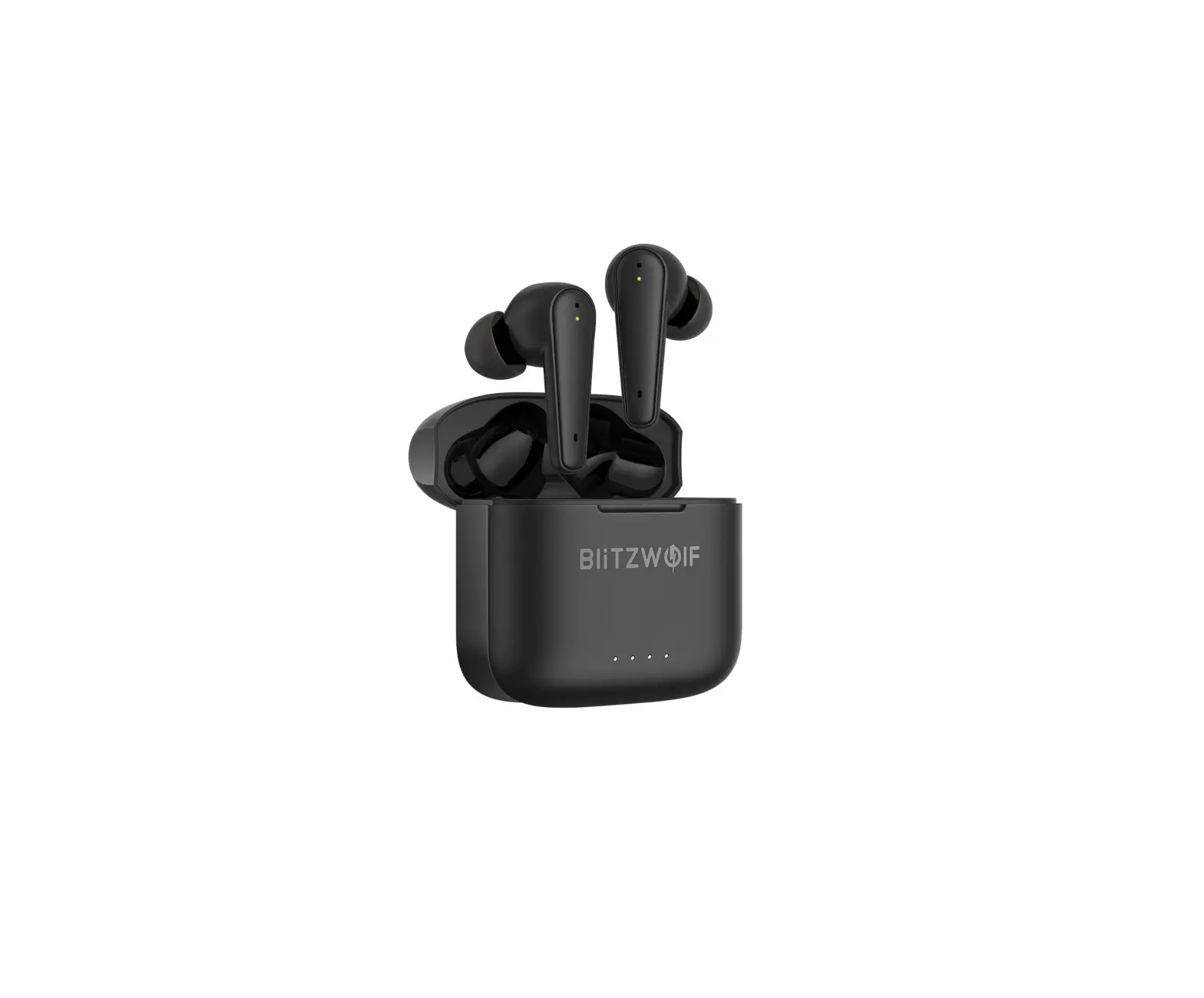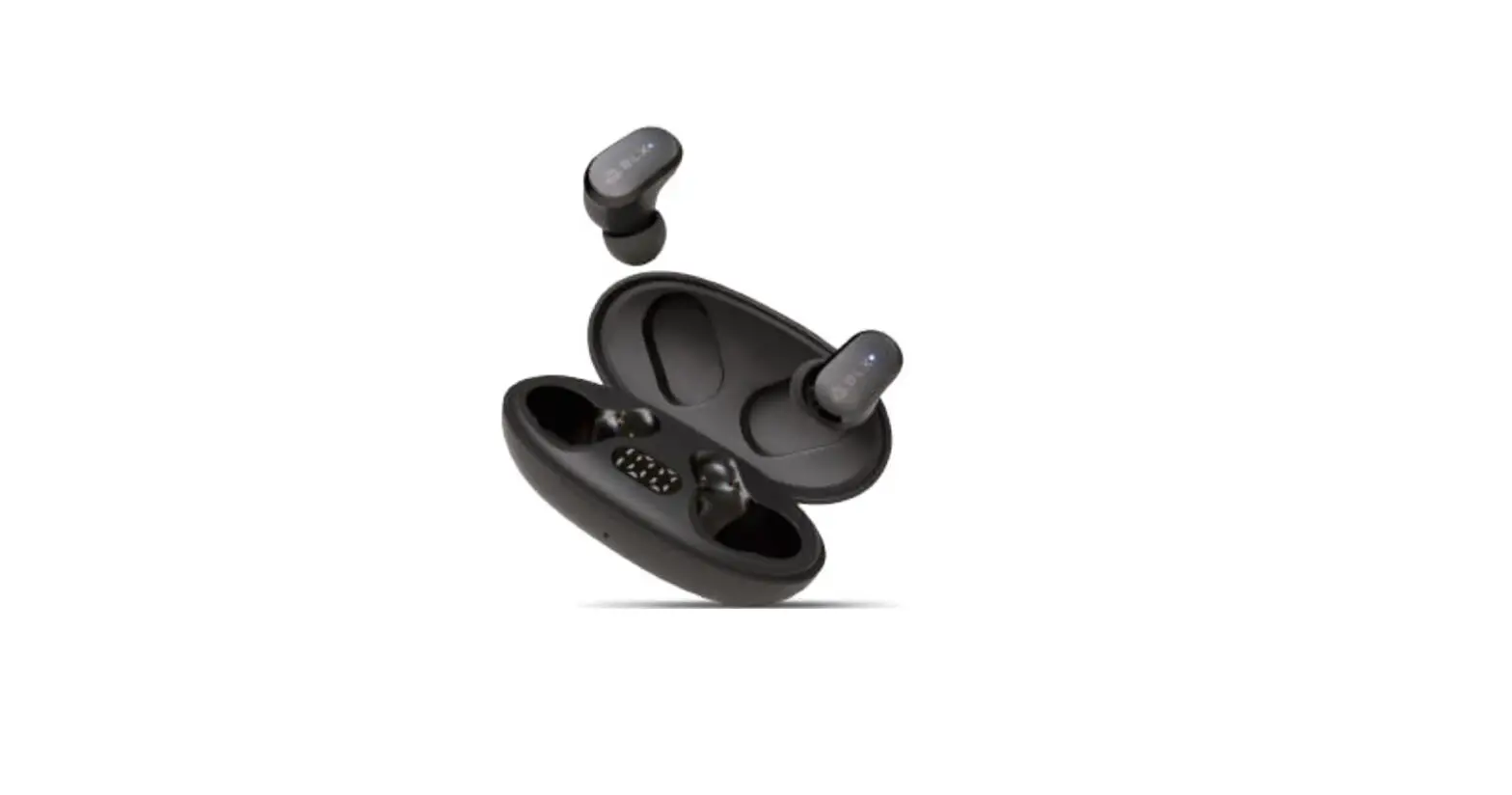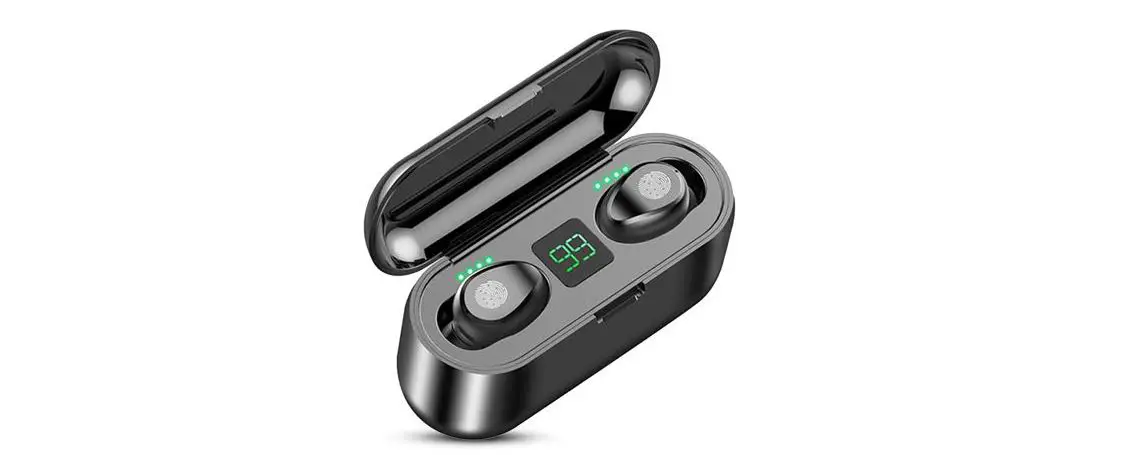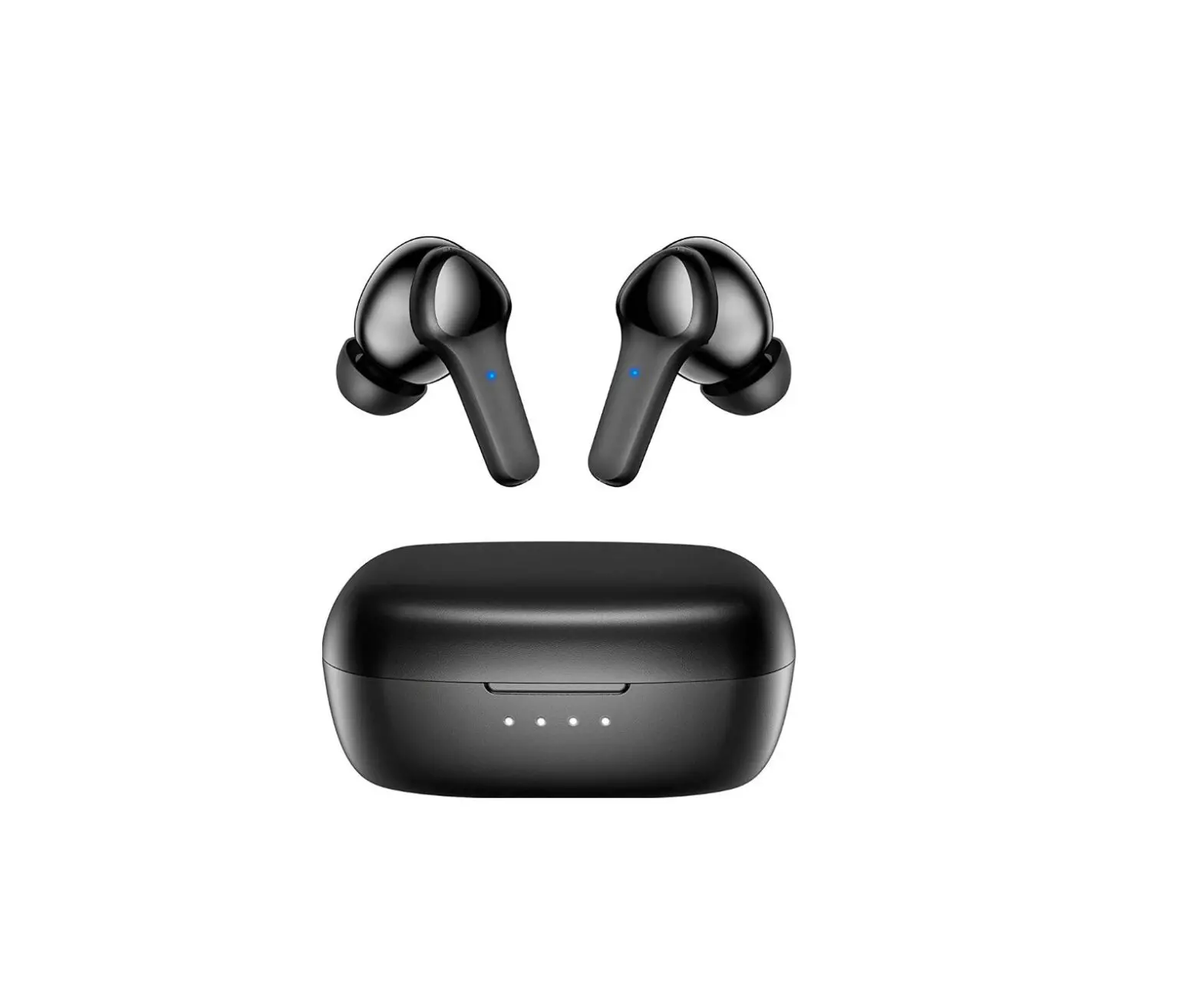
fojep BX28 Wireless Earbuds,Ture Wireless Bluetooth 5.3 User Manual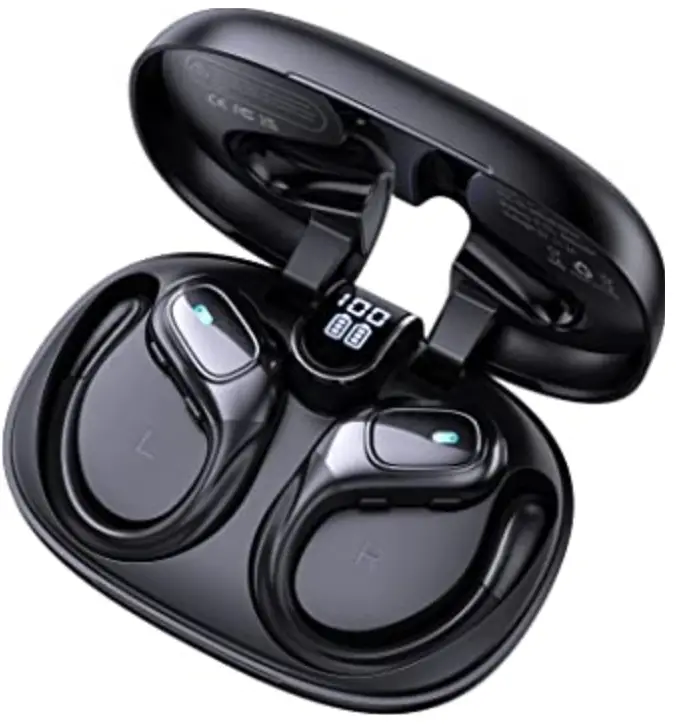
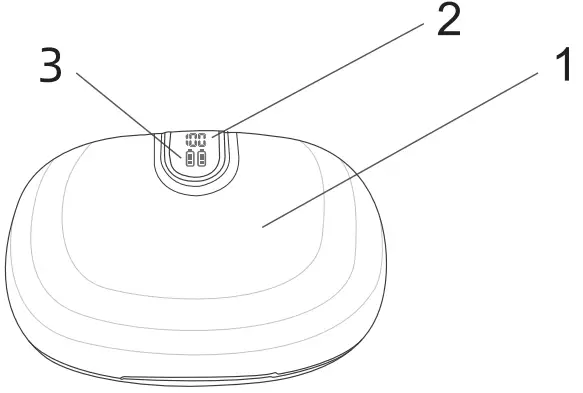
Product Overview
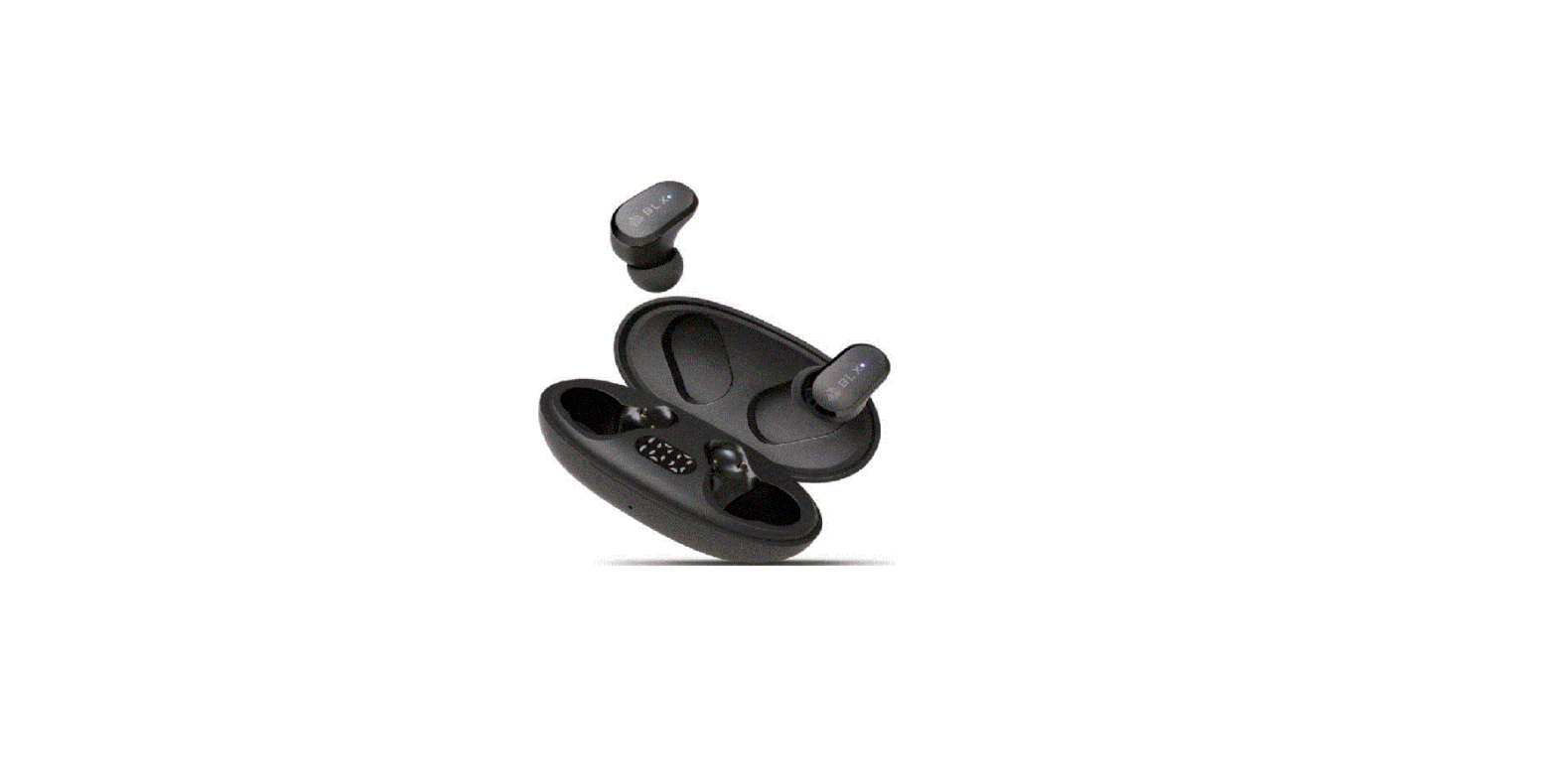
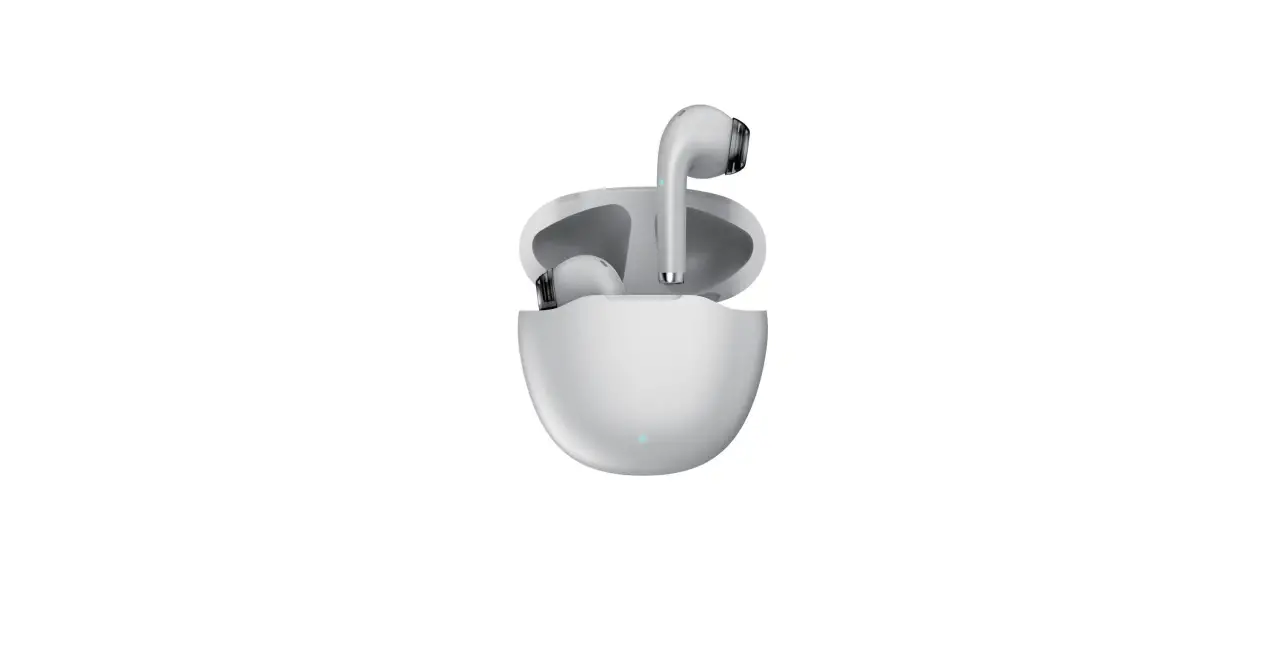
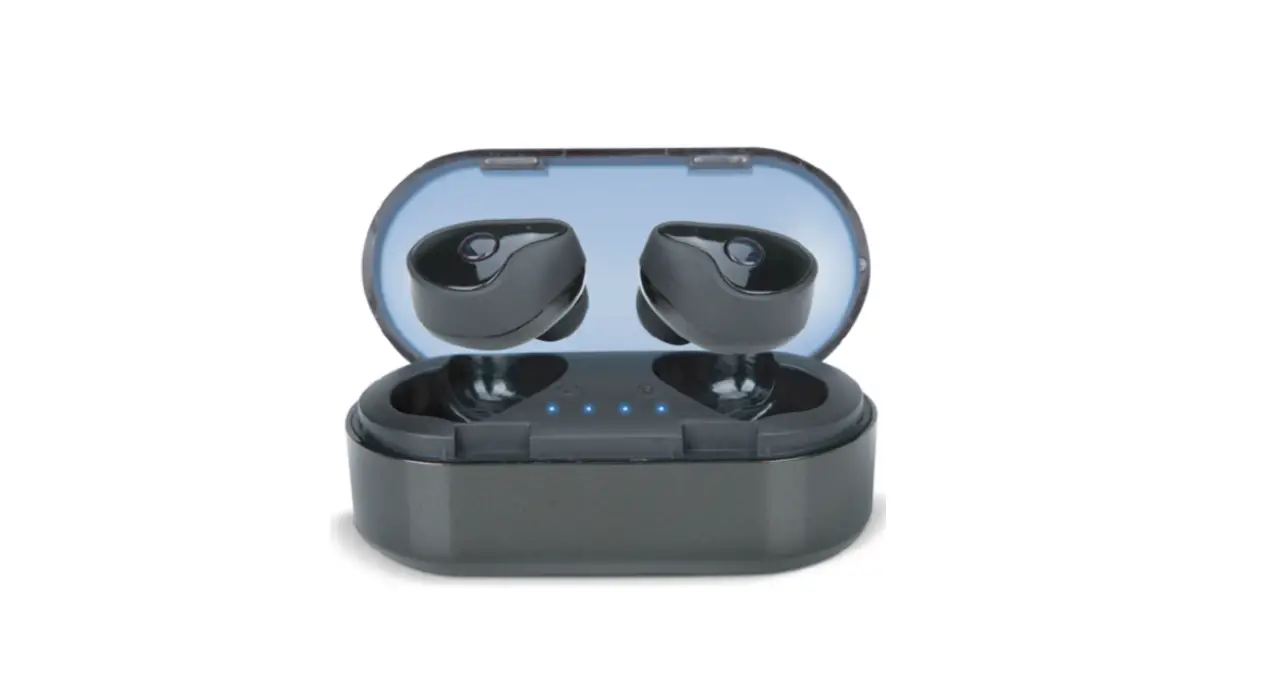
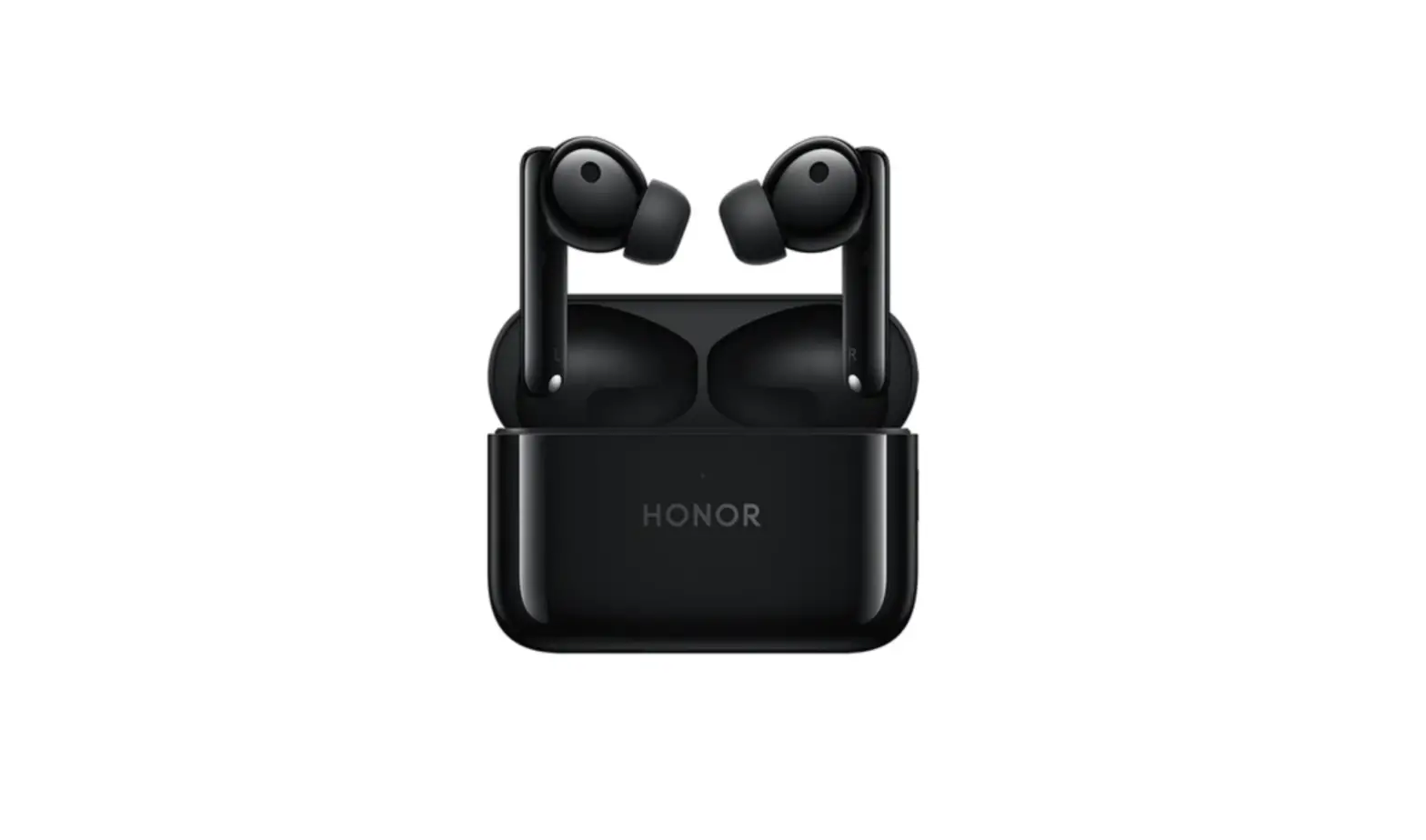
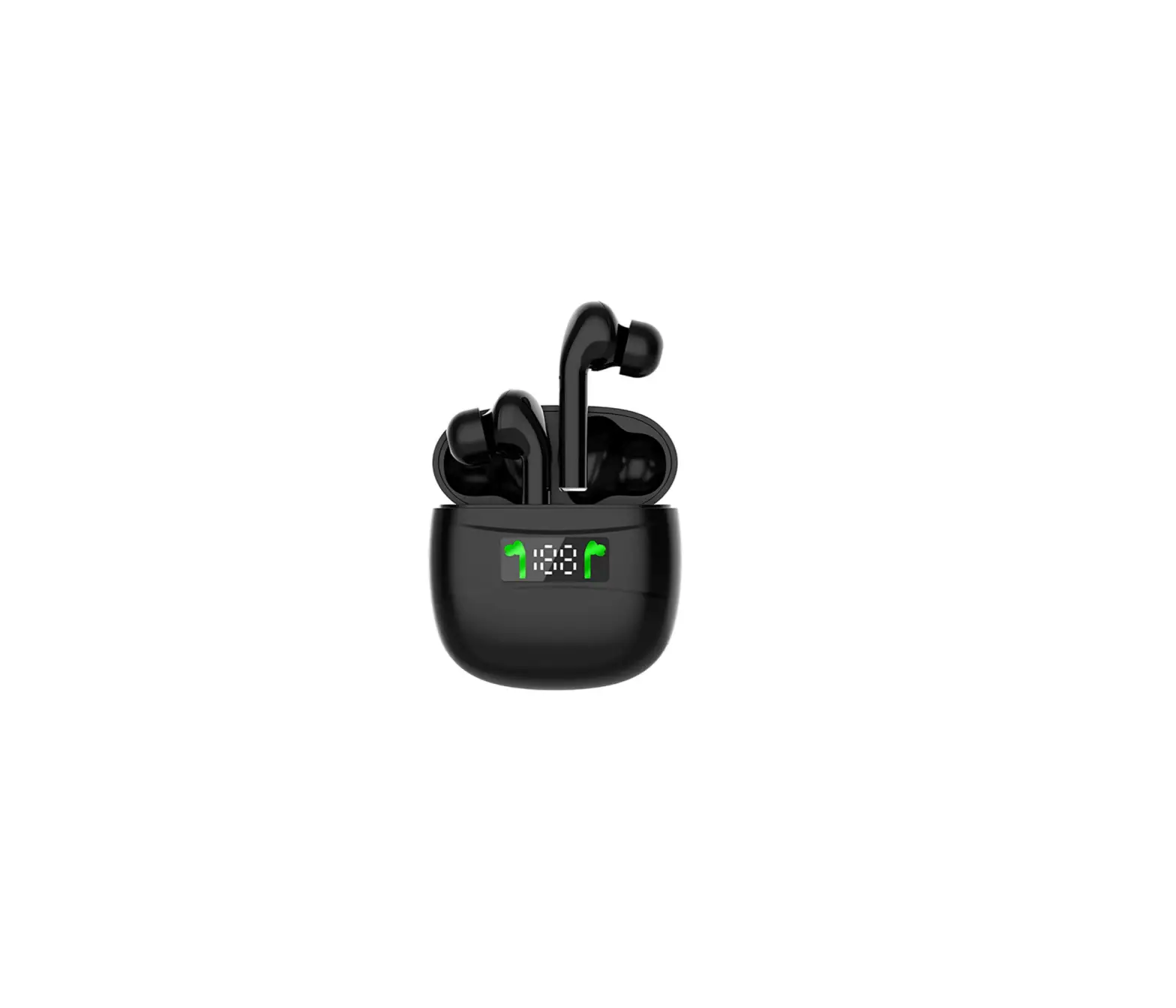
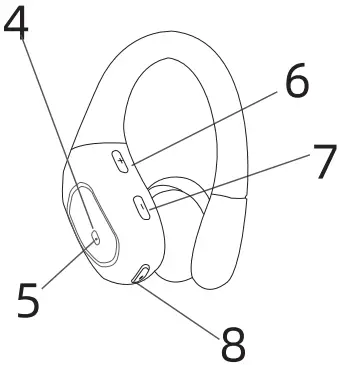
- Product Box
- Power indicator
- Charging indicator

- LED indicator
- Microphone
- Volume + key
- Volume – key
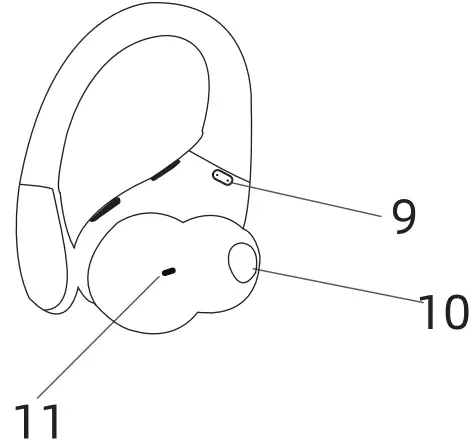
- Power on button

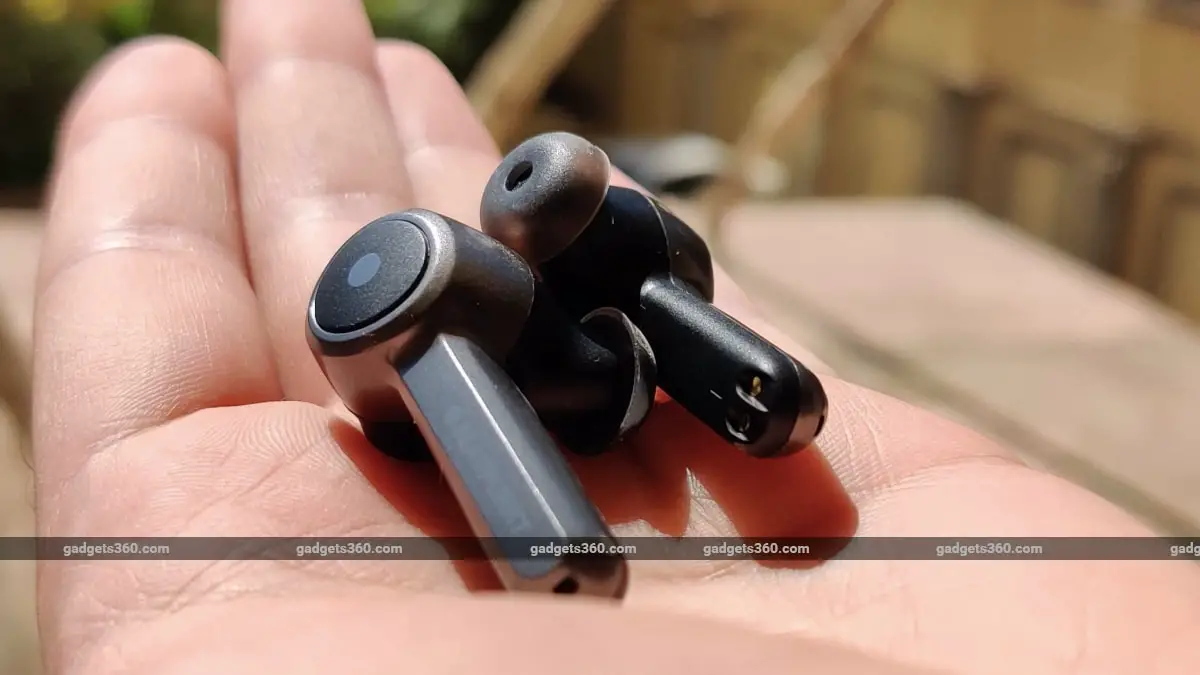
- Charging Contacts
- Sounding hole
- Tuning hole

Specifications
Bluetooth version: Bluetooth5.3
Normal working distance .10M
Accessible distance C 15M
Music playing time: 7-8H
Talk time: 6.5-7.5H
Charging time of the charging box: 2H
Operating instructions
 Click the headphone function button: play/pause
Click on the function button: answer/hang up call.
Press and hold the function button for 2 seconds: Call status: Reject call
Press and hold the function button for 2 seconds: power on
Press and hold the function button for 5 seconds: power off
 Press and hold the function button for 2 seconds to activate the voice assistant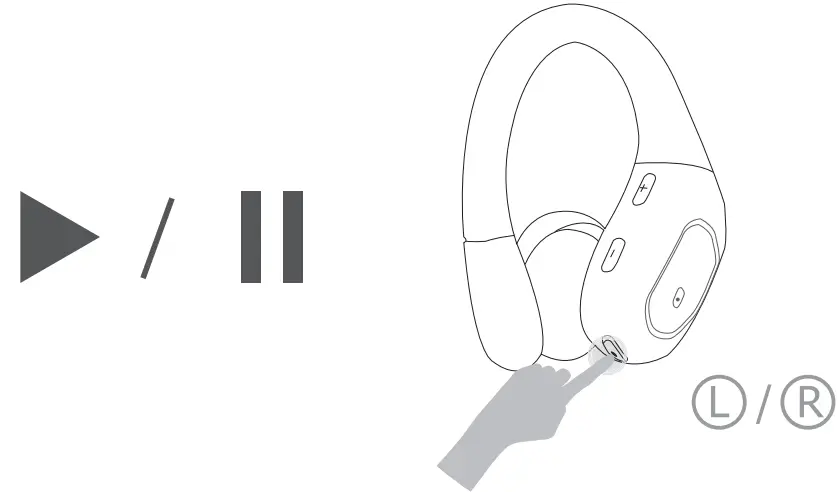
 Click “+” to increase the volume, click “-” to decrease the volume
Long press “+” is the next song, long press “-” is the previous song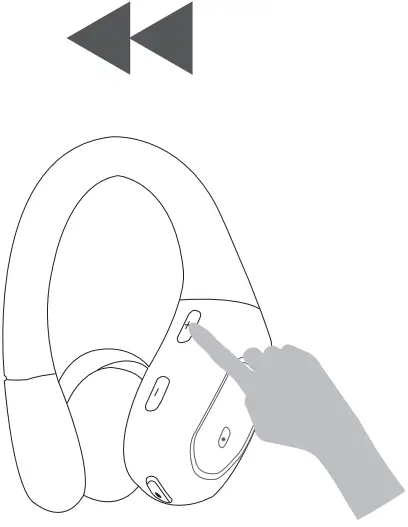
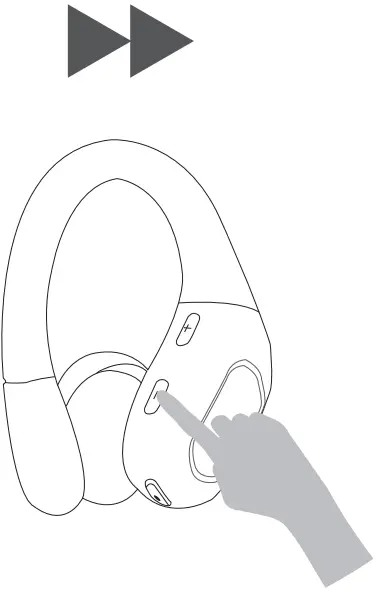
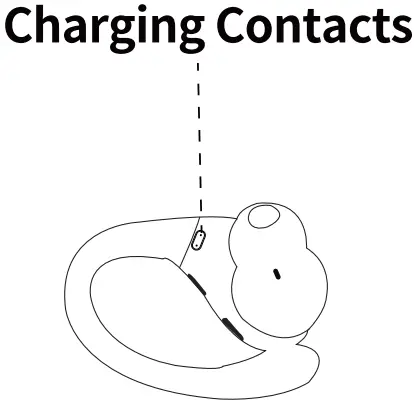
 Wipe and dry charging contacts if earbuds can’t be charge.
First time pairing use
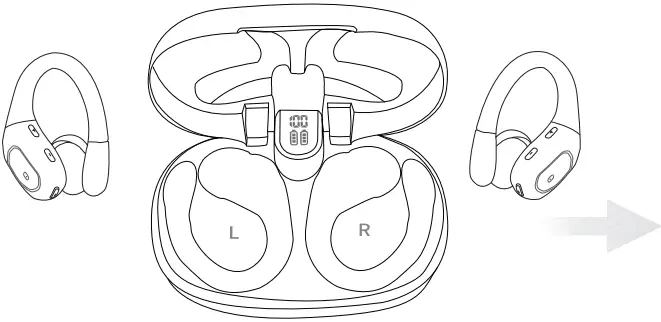
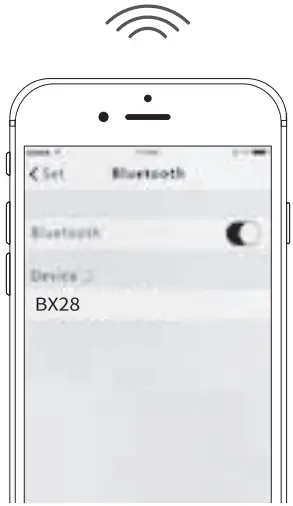
- Take both earbuds out of the charging case at the same time, keep the left and right headphones within 5cm of each other, wait 5 seconds for the two headphones to pair, then turn on your phone’s Bluetooth and click 16)(28) to pair with your phone for the first time, connect successfully and you can use it. ;-z)
- If you encounter any problems with the earbuds (e.g. different volume on left and right earbuds, left or right ear sound out of sync, one of the headsets does not work), you can unpair the headset with your phone, and then repeat the stepsr.1; to reconnect it for use.