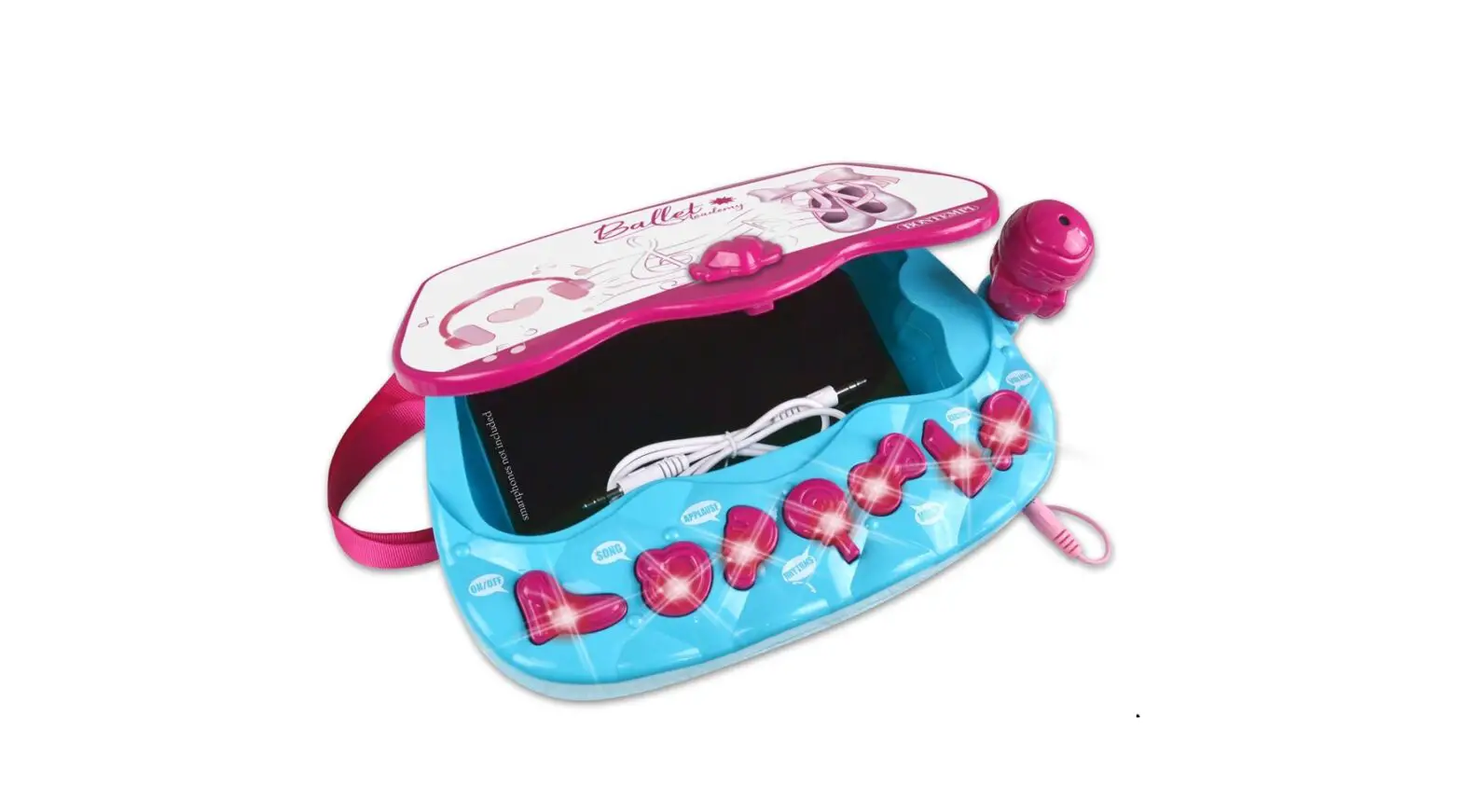
BONTEMPI 42 4377 Amplifier Hand Bag Owner’s Manual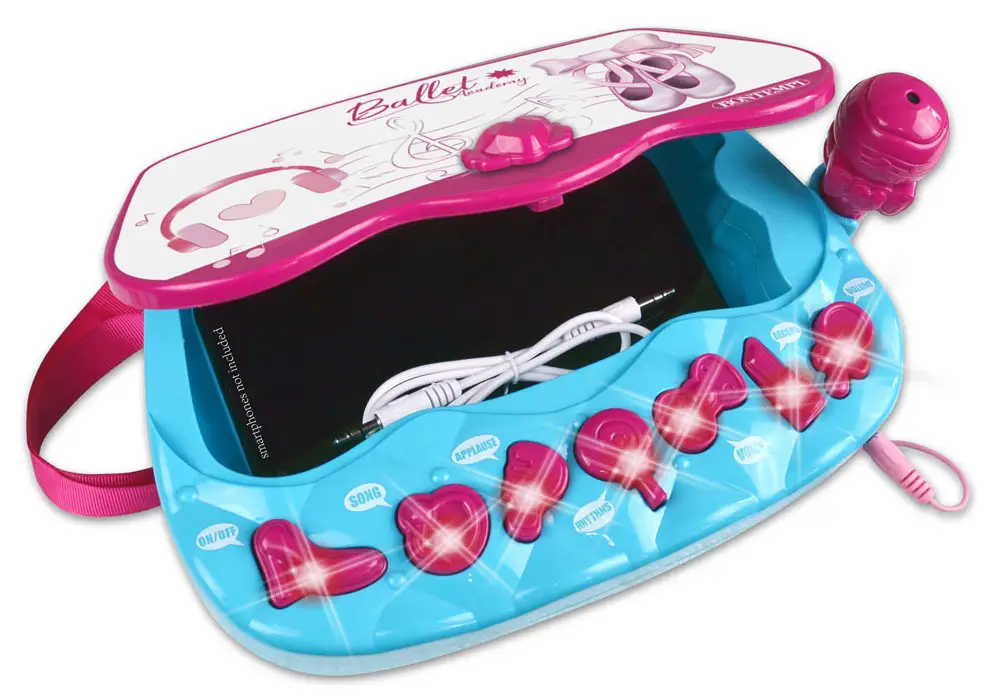
POWER SUPPLY
Use a screwdriver to open the battery compartment. Insert 3 x 1.5 V batteries R6/AA (not supplied), ensuring correct polarity (+/–). Re-fit battery cover. Replace batteries when the quality of sound becomes bad. Use alkaline batteries to obtain a longer duration.
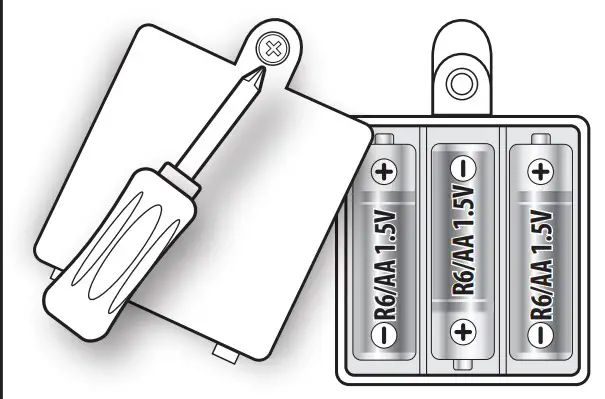
ATTENTION – BATTERY CARE
- .Non-rechargeable batteries are NOT to be recharged. • Rechargeable batteries must be removed from the product before being charged.
- Rechargeable batteries are only to be charged under adult supervision.
- Different types of batteries or new and old batteries are not to be mixed.
- Use only batteries of the same or equivalent type.
- Batteries are to be inserted with correct polarity
- Remove exhausted batteries to prevent leakage.
- Do not short circuit supply terminals.
- Remove batteries during long periods of non-use
WASTE DISPOSAL STANDARDS
For information regarding the disposal of the items mentioned here below,
please refer to Council Administration office regarding specialised waste collection centres.
- DISPOSAL OF BATTERIES: Protect the environment by disposing of batteries in the special containers provided for this use

- PACKAGING DISPOSAL: Take the paper, cardboard and corrugated board to the appropriate waste collection centres. Plastic material must be placed in the relevant collection containers.
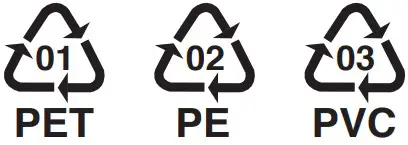
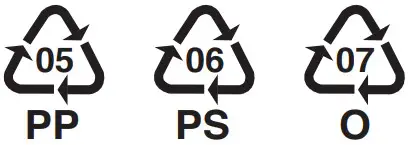
The symbols indicating the various types of plastic are:
Key for the different types of plastic materials:- PET= Polyethylene terephtalate
- PE= Polyethylene, code 02 for PE-HD, 04 for PE-LD
- PVC =Polyvinyl chloride \
- PP= Polypropylene • PS= Polystyrene, Polystyrene foam
- O= Other polymers (ABS, Laminates, etc.)
- PET= Polyethylene terephtalate
- DISPOSING OF ELECTRICAL APPLIANCES
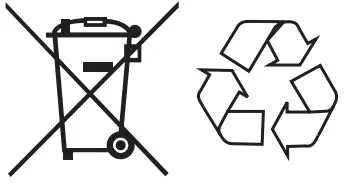
The wheelie bin symbol with a cross indicates that the product must not be disposed of in the domestic waste at the end of its useful life. Instead, it should be taken to your nearest designated collection point or recycling facility. Alternatively, check with your retailer and return the product when buying a replacement, on a one-to-one basis or as free of charge in case the size is smaller than 25 cm. Appropriate disposal promotes the recycling of parts and materials, as well as helping to protect the environment and human health. Under current legislation, strict penalties are enforced against those disposing of products illegally. For more information about the collection of special waste, contact your Local Authority.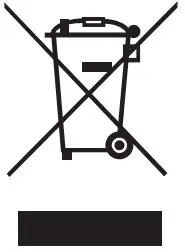
SWITCHING ON-OFF
To switch on, press the key ON/OFF 1. To switch off, repeat the same operation.
SONGS
This keyboard has 9 pre-recorded songs. To choose the pre-recorded songs, press the SONGS button 2 in succession. Press APPLAUSE 3 to interrupt.
MELODIES
This keyboard has 10 pre-recorded melodies. To choose the pre-recorded melodies, press the MELODIES button d in succession. Press APPLAUSE 4 to interrupt.
SOUND EFFECTS
Press APPLAUSE 3 to listen to the sound effects: crowd sounds and applauses.
VOICE CHANGER
Press VOICE CHANGER 5 to alter your voice when using the microphone. There are 4 different effects
VOICE RECORDING
To record your voice, press RECORD 6 . To listen to the recording, press RECORD again.
HOW TO PLAY THE MUSIC ON A SMARTPHONE OR OTHER MP3 PLAYER
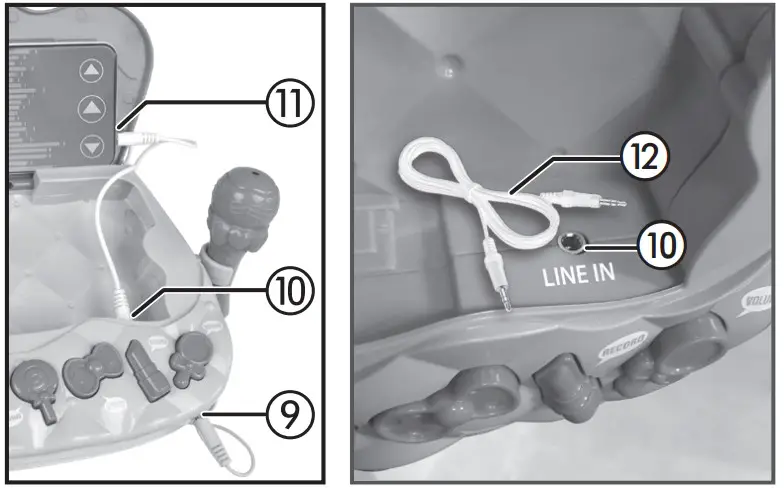
With the jack cable 12 supplied you can connect an external audio source (MP3 player, tablet, smartphone, etc.).
- Insert the cable into the LINE IN socket j. 12
- Insert the other end of the cable into the “HEADPHONE” socket 11 of your music player or other audio source.
- Turn on the player, or other music sources and adjust the volume to balance the voice with the music; the reproduction will be monophonic because of the instrument

TROUBLE SHOOTING GUIDE
| Problem | Solution |
| The instrument doesn’t work or distorted sound | Batteries low – t new batteries. Batteries incorrectly tted – check. |
| If there is an irritating whistling sound | Move the microphone away from the loudspeaker. |
| No sound can be heard from the external music source | Check that the volume of the external musical. |
| ATTENTION: in the case of malfunctioning remove and re-insert the batteries | |
 neutro.nl