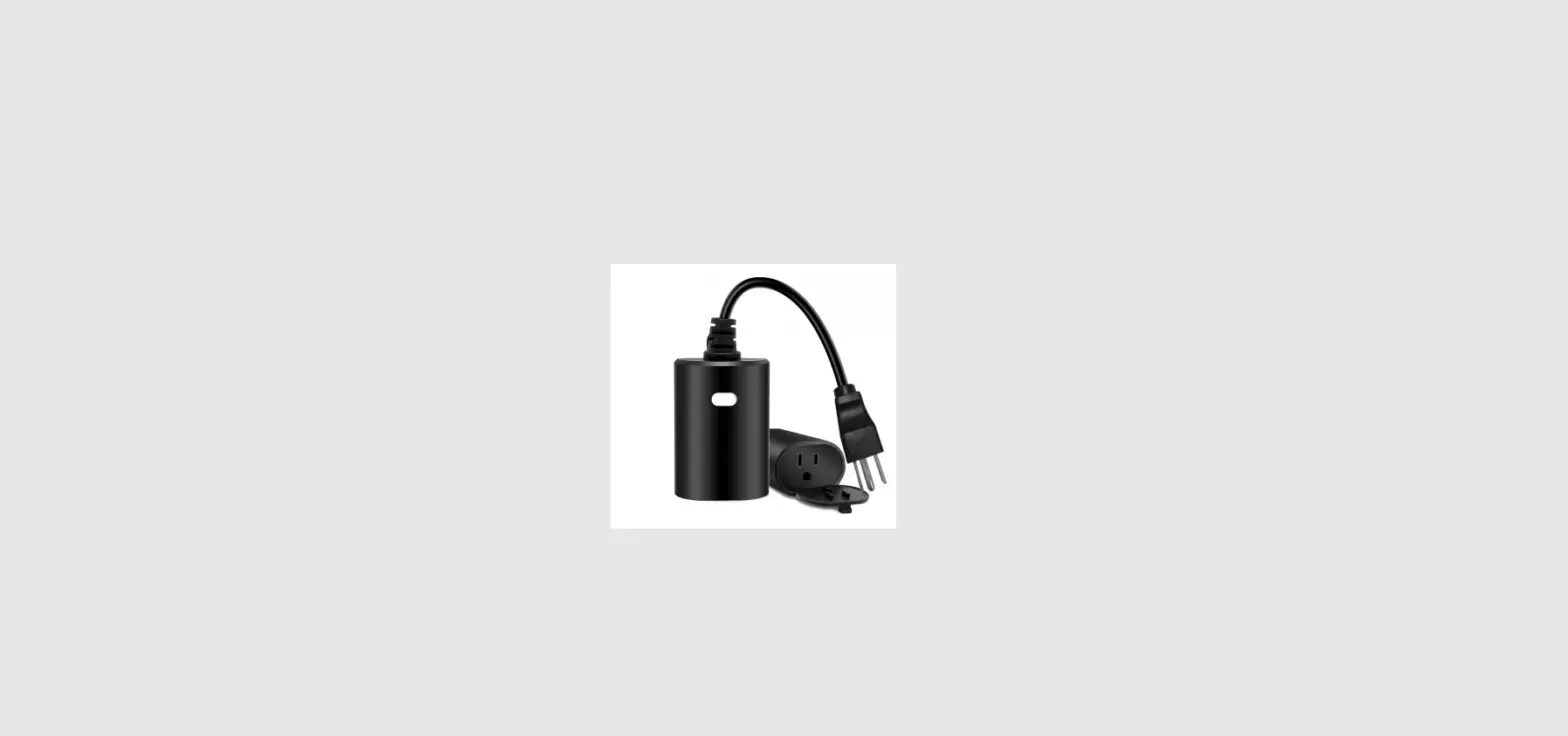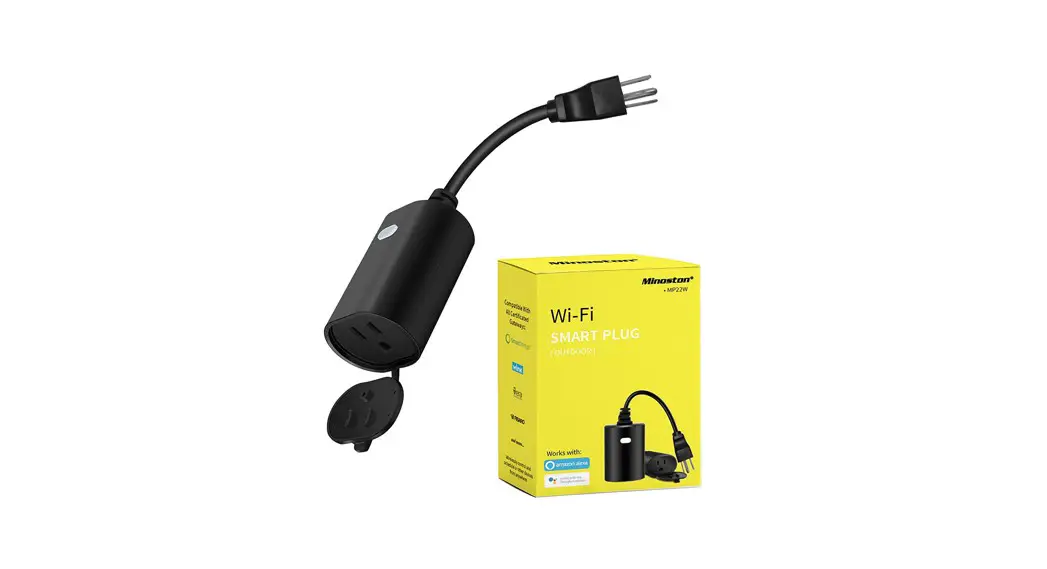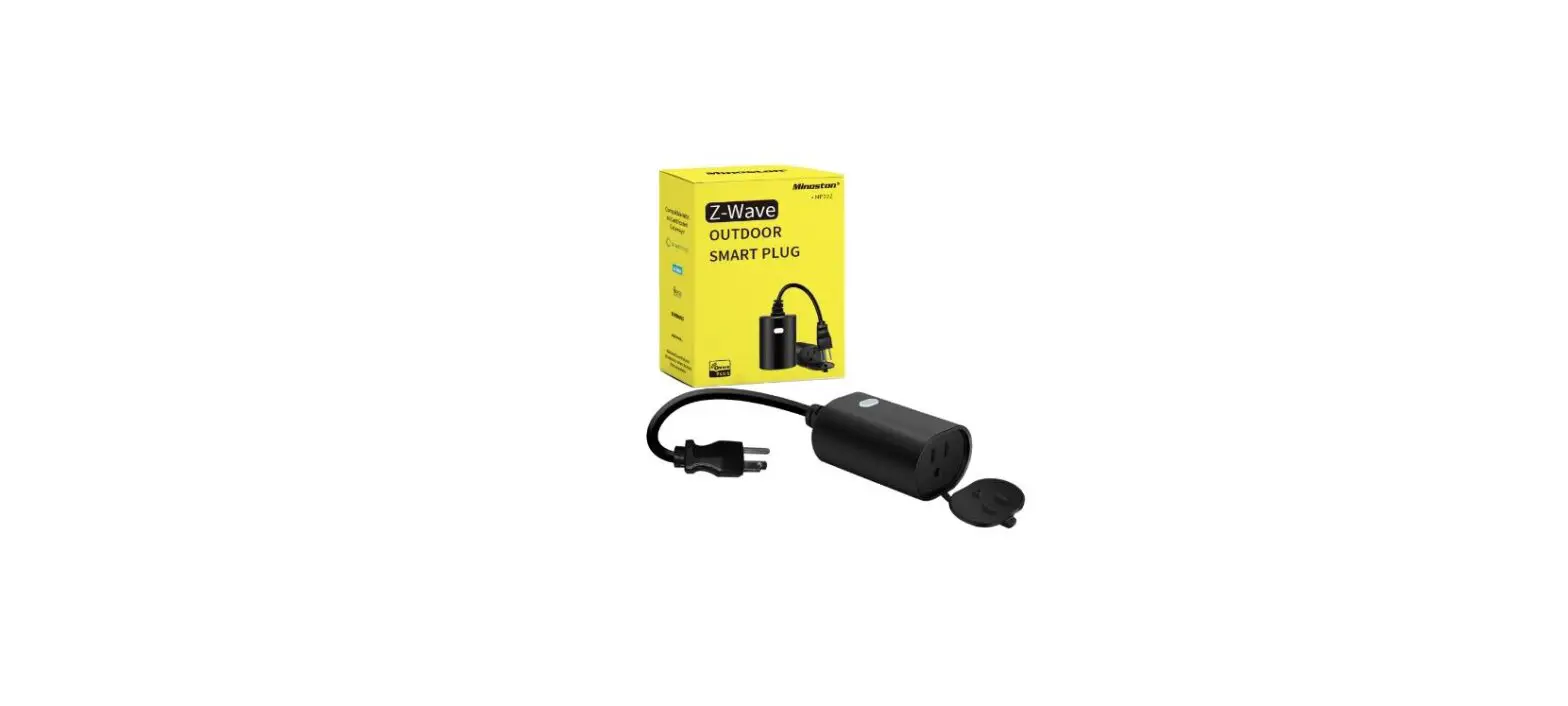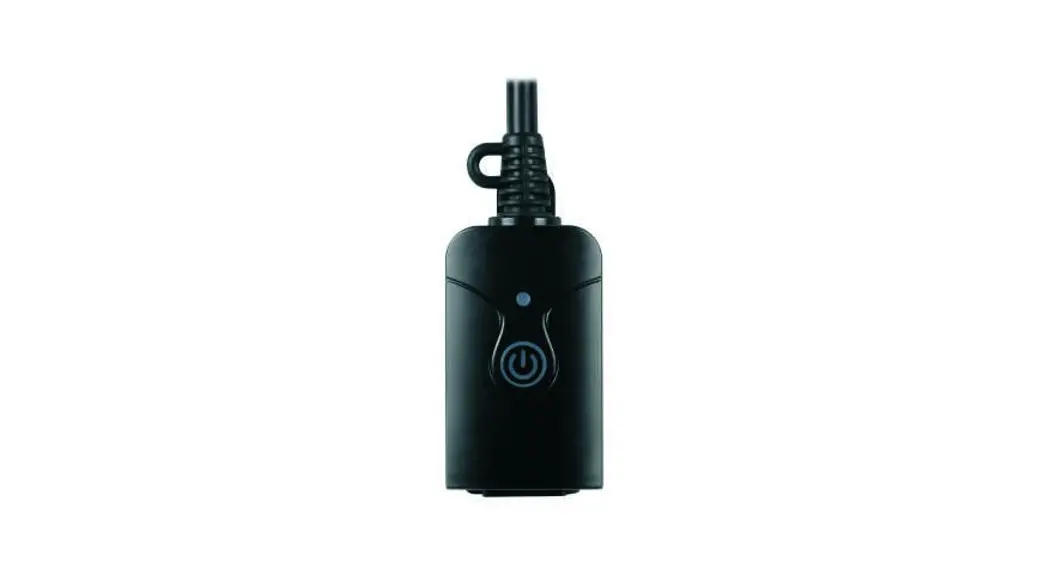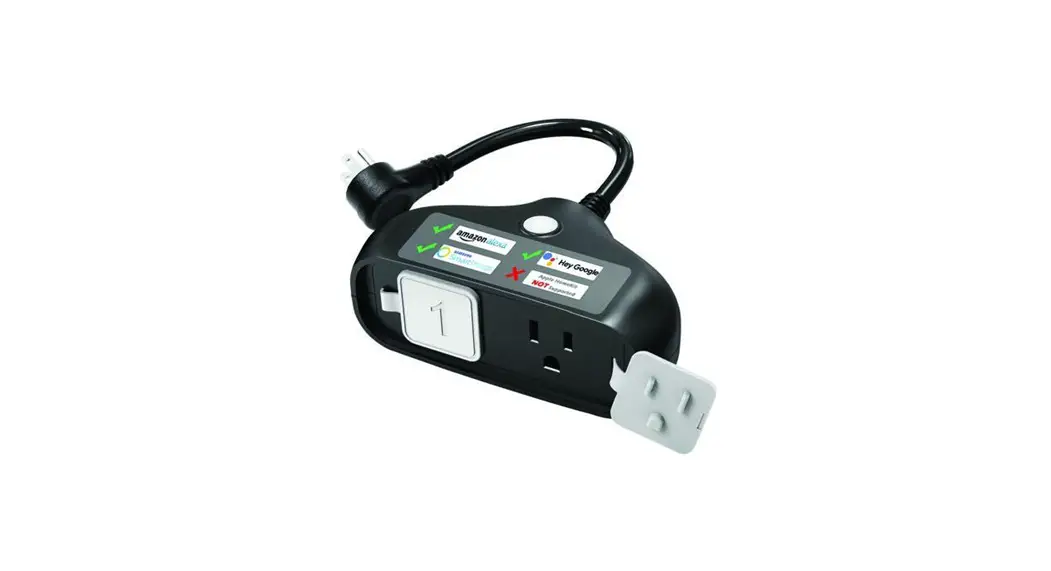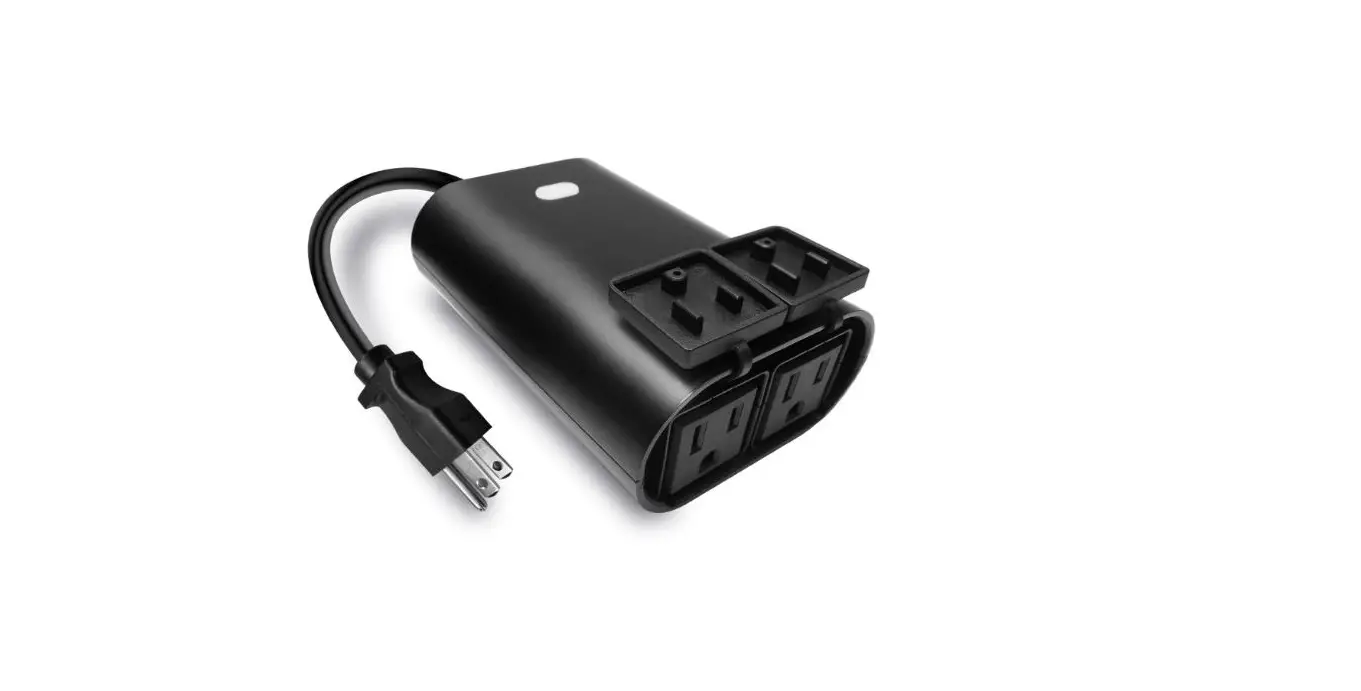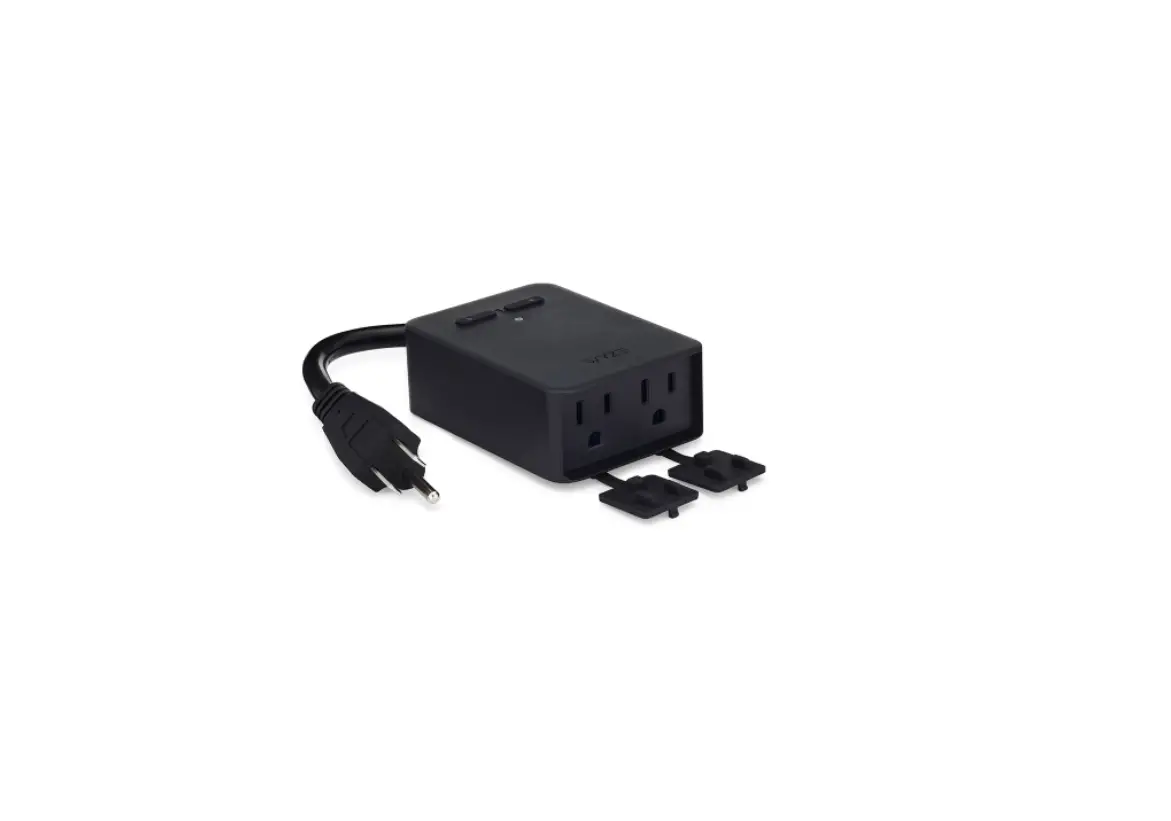

Wi-Fi Outdoor Smart Plug
• MP22WP •
Meet your new smart Plug !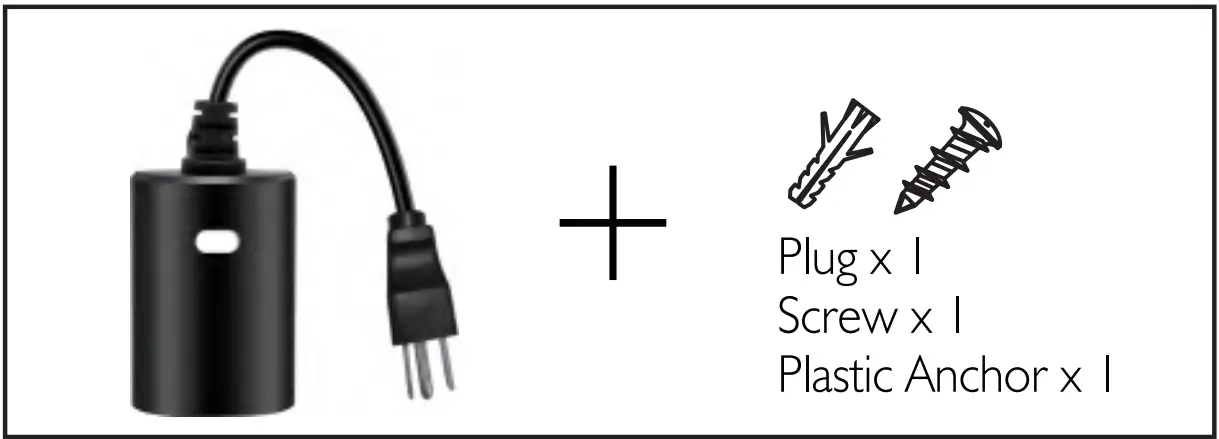
IMPORTANT!
This unit is suitable for outdoor use in damp locations.
Do not expose to rain or immerse in water.
Introduction
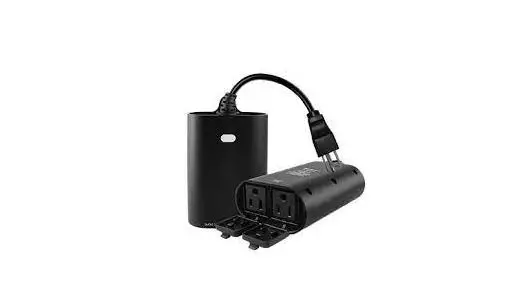
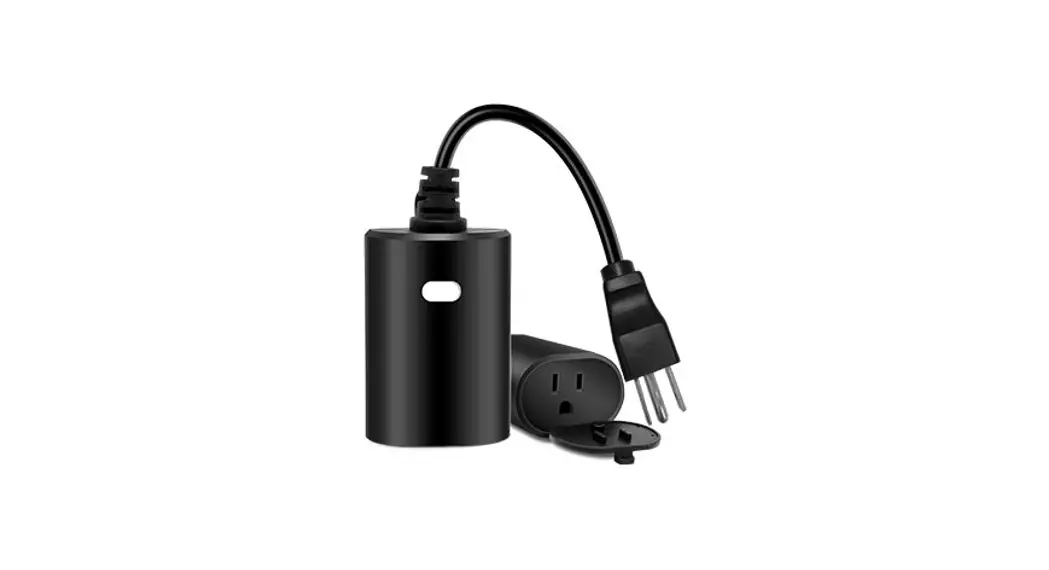
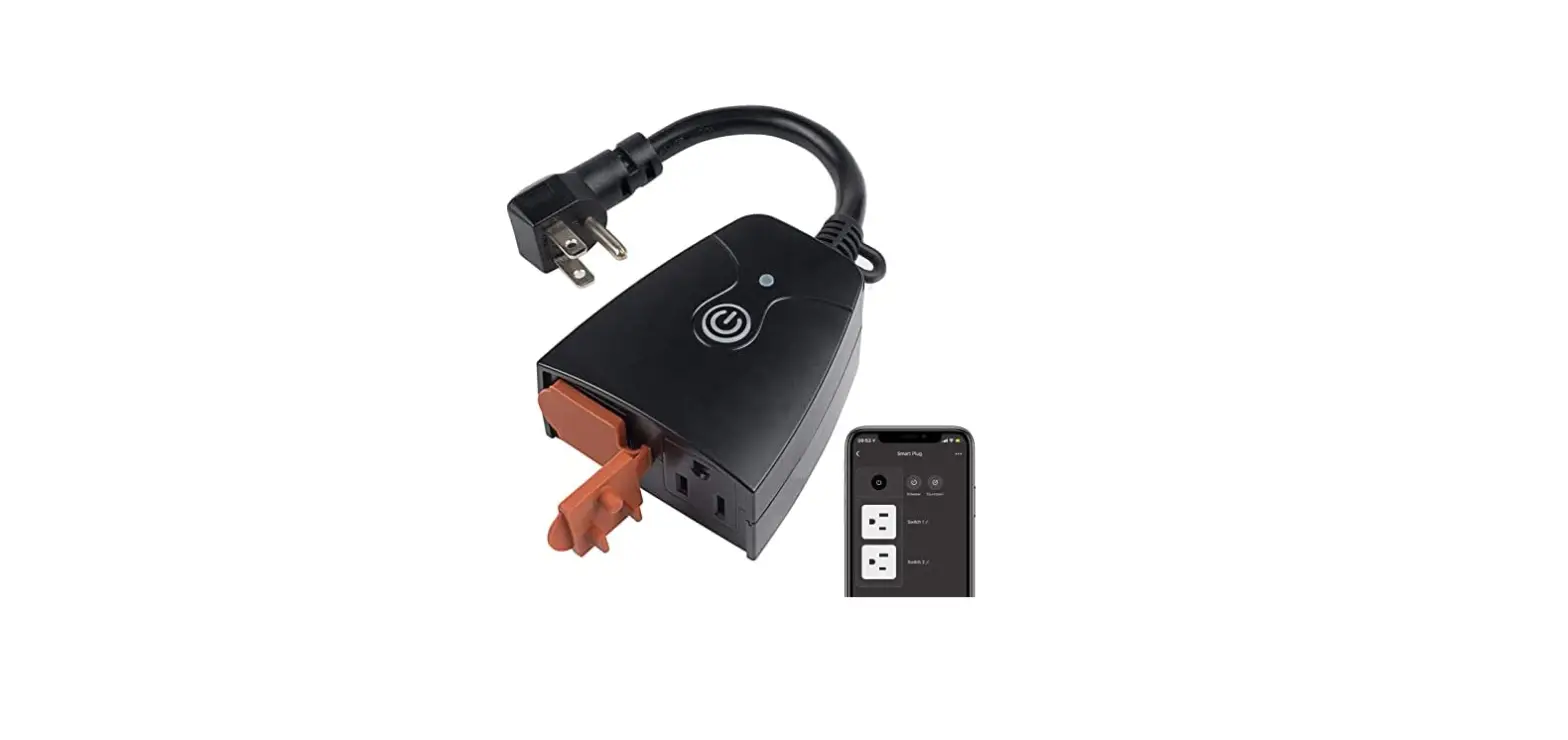
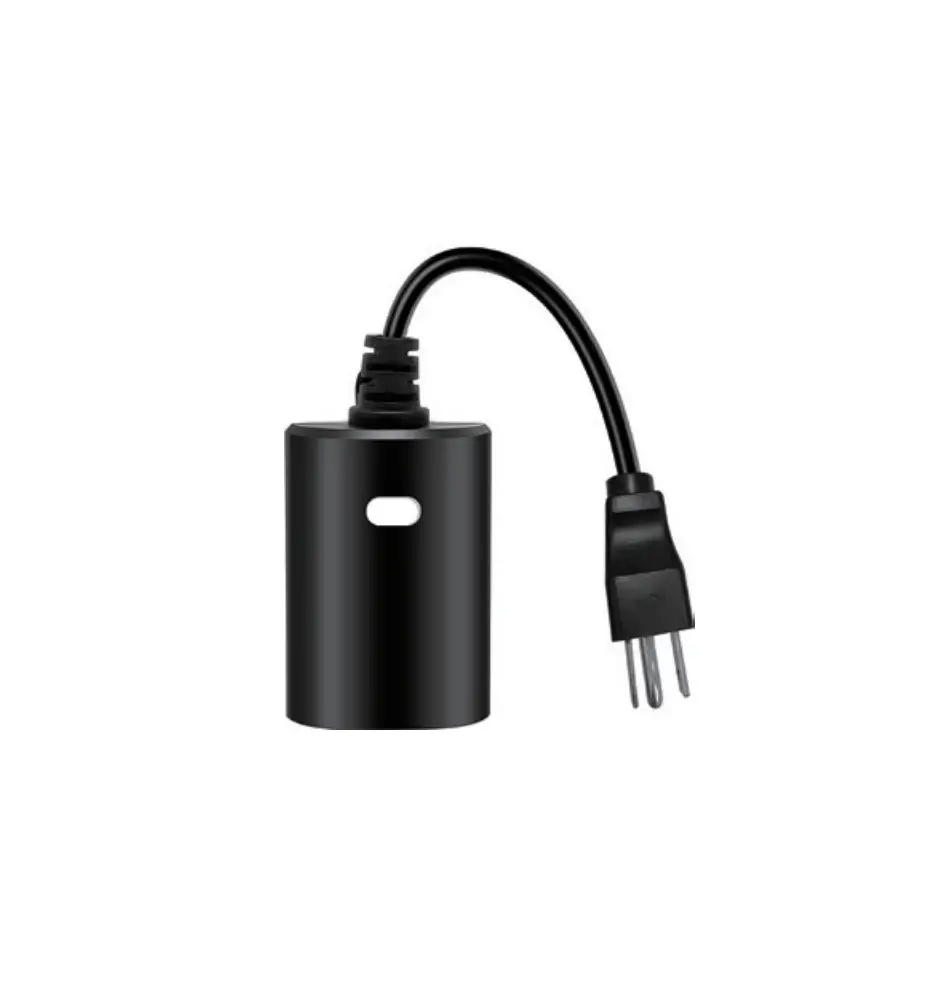
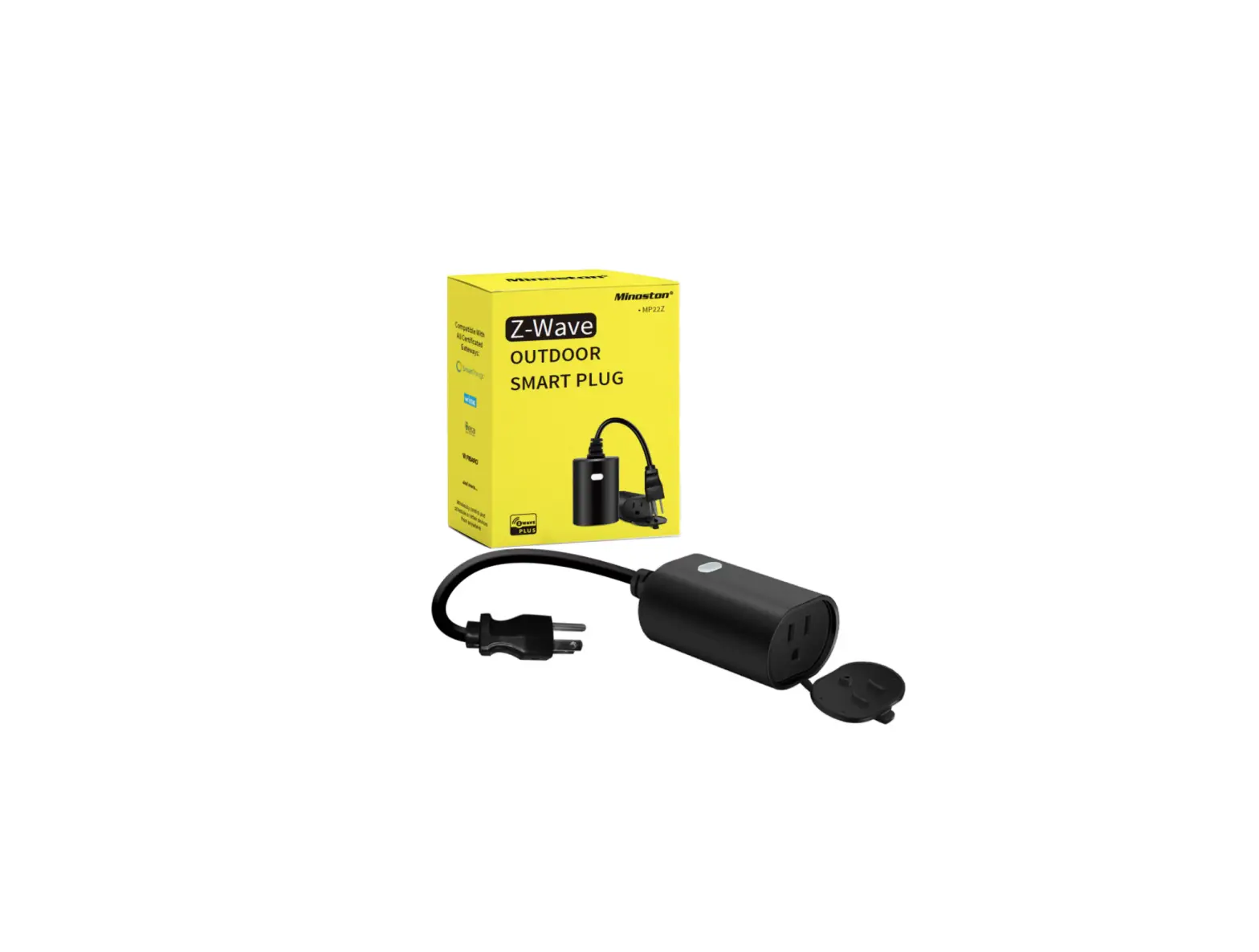
The Minoston MP22WP is an enabled 15A(1875W) Resistive outdoor smart plug designed for use seasonal and landscape lighting, porch light, fountains, pumps, and other indoor and outdoor plug-in appliances. It’s compatible with LED, halogen, incandescent, xenon, fluorescent, and compact fluorescent bulbs. Works with Amazon Alexa, Google Assistant. You can use free App–Minoston, or voice control by Alexa and Google Assistant to operate your devices in your home.
Specifications
Model: MP22WP
Power: 125VAC, 60Hz
Item Size: 56*80*39mm
Loading: 15A 1875W RESISTIVE OR GENERAL PURPOSE 5A MAX
Wireless Frequency: 2.4GHz
Wireless Standard: IEEE802.11b/g/n
Operating Temperature: -4° F~122° F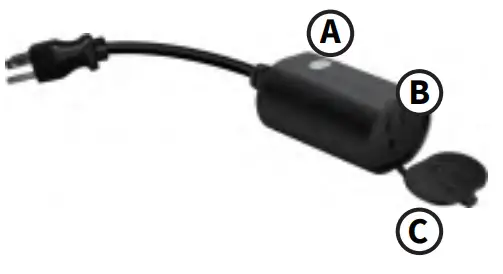
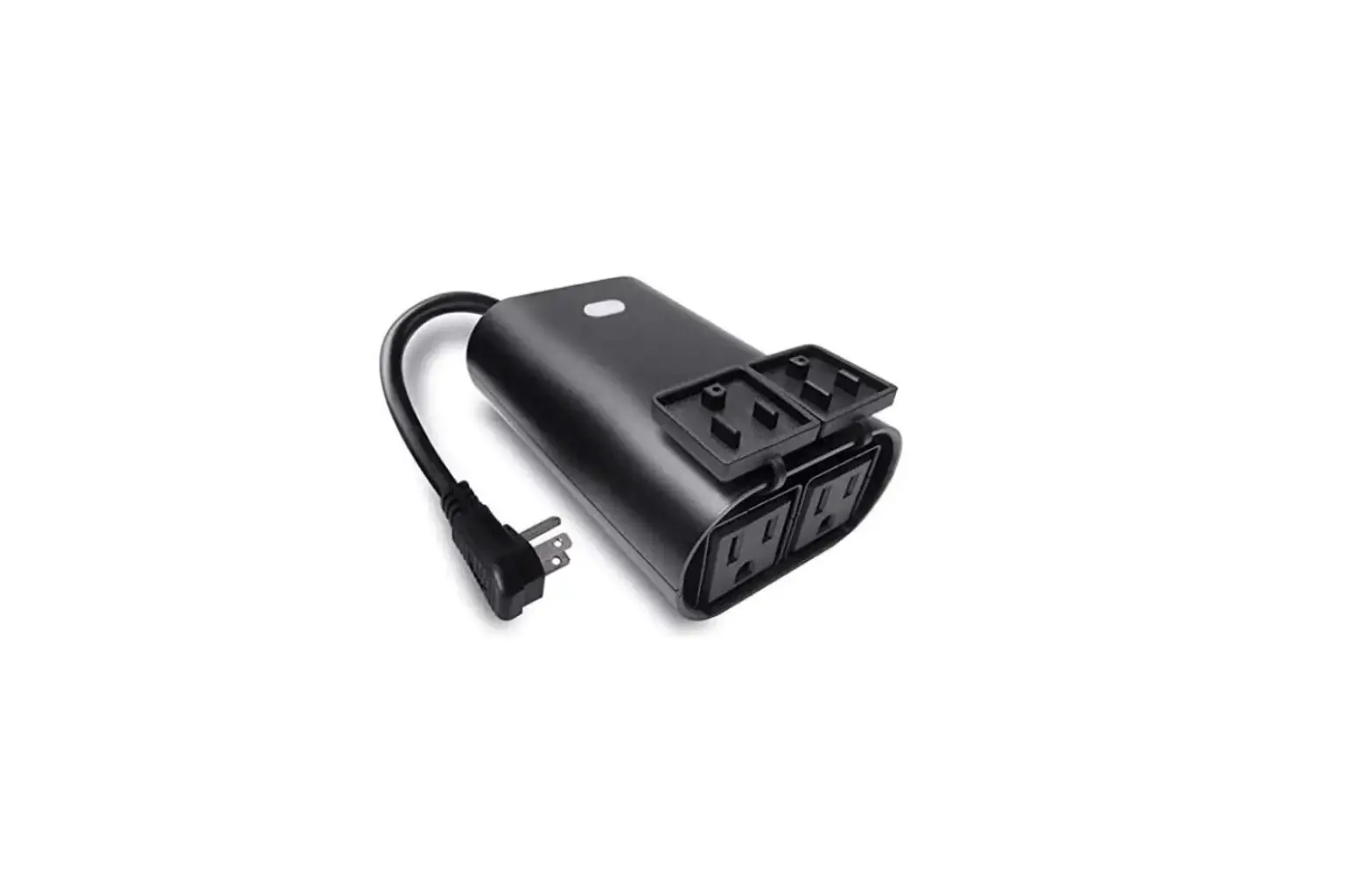
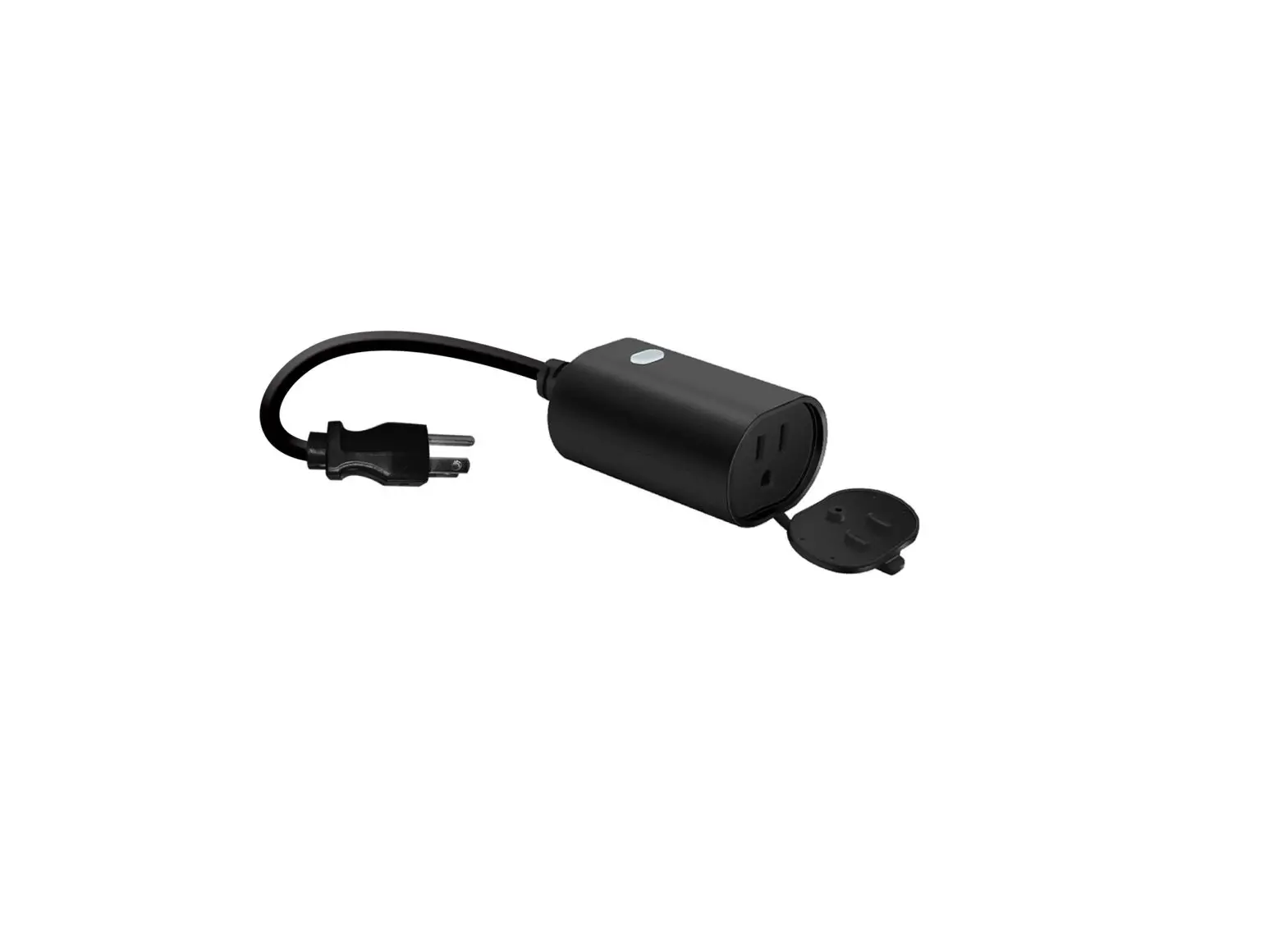
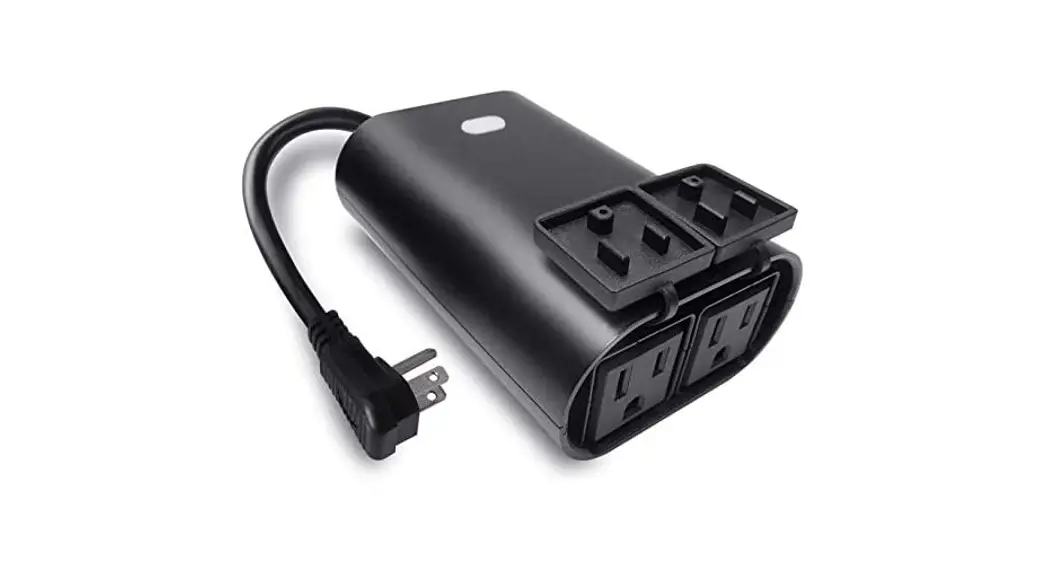
(A) Manual / Program button
Single press: manually turn on/off your device.
(B) Smart Outlet
This is your smart outlet that will be included in your smart home.
(C) Protector
Insert in the connector when not in use.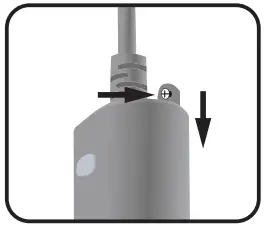
Use our screws and anchor to lock it in the wall. (optional)
Plug the light you want to control into the Smart plug-controlled outlet.
NOTE: Plug directly into the outlet, do not use with extension cords.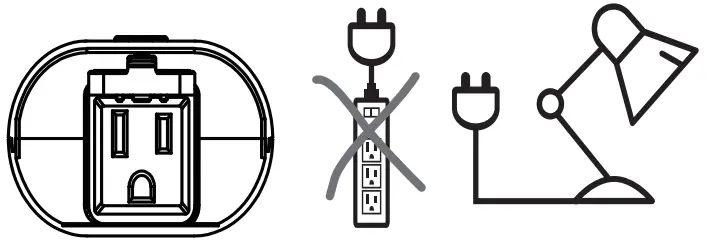
For outdoor use
Note:
Your device needs to be installed in the network coverage of your home router.
- Please scan the QR code to download the application
“Minoston”. - If you cannot download the Minoston app, please search “Minoston” on Google Play (for Android phone) or Apple Store (for iOS phone) to download. After you download the Moston App and register a new account, please follow the instructions below to set up your smart switch.
- The smart switch can be also used with Amazon Echo and Google Home. Please scan the QR code below and follow the instructions if you have any trouble pairing with them.



Note:
- Our products support Bluetooth quick-fit and a 2.4GHz Wi-Fi networks.
- Please operate quickly when the white LED indicator flashes rapidly.
- When indicator flash enters the network, complete standard operation within 3 minutes.
- If you failed to connect with the Wi-Fi network, please try to operate it several times more.
If you have any questions, please contact us at [email protected]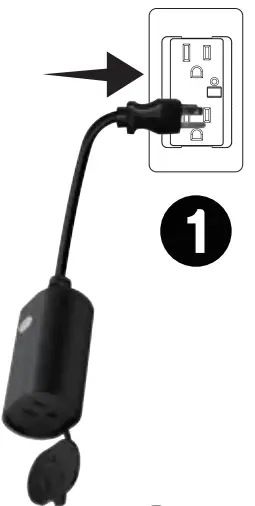
- Plugin the device directly to the wall outlet.
Once plugged in, it will enter into the Bluetooth auto-connection mode.
• White LED indicator
The auto-connection comes with LED flashes. The LED will blink for 3 minutes. If it stopped, please hold the button for 5 seconds until the LED flashes again.
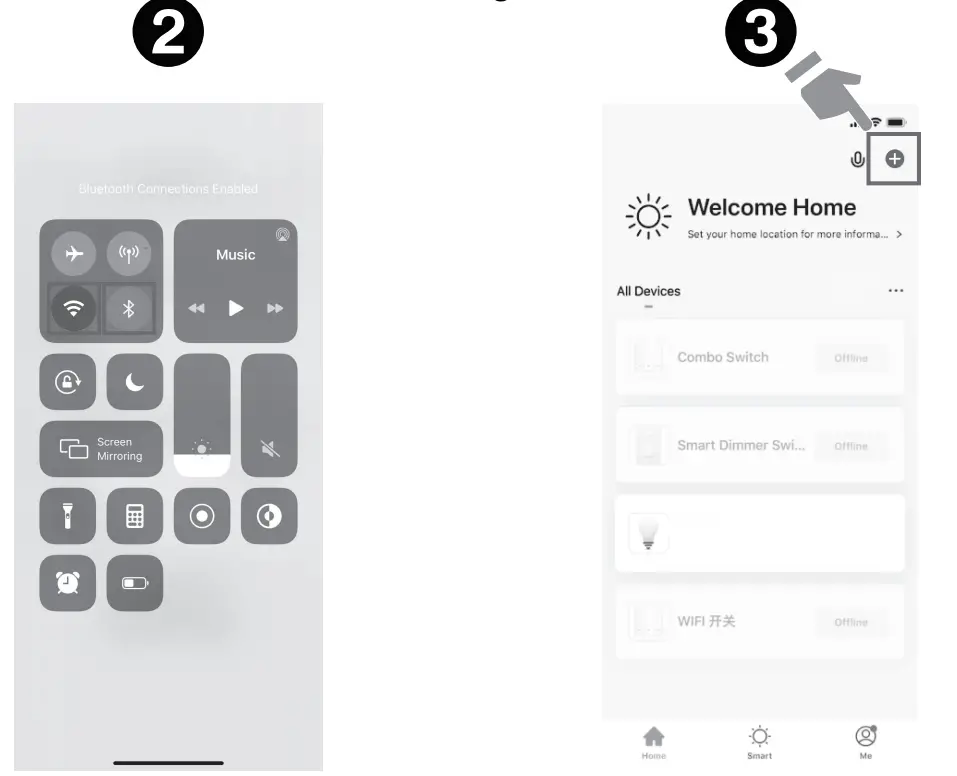
- Turn on your Phone’s Bluetooth.
- Tap ‘+’ to add this plugin the “Minoston.”

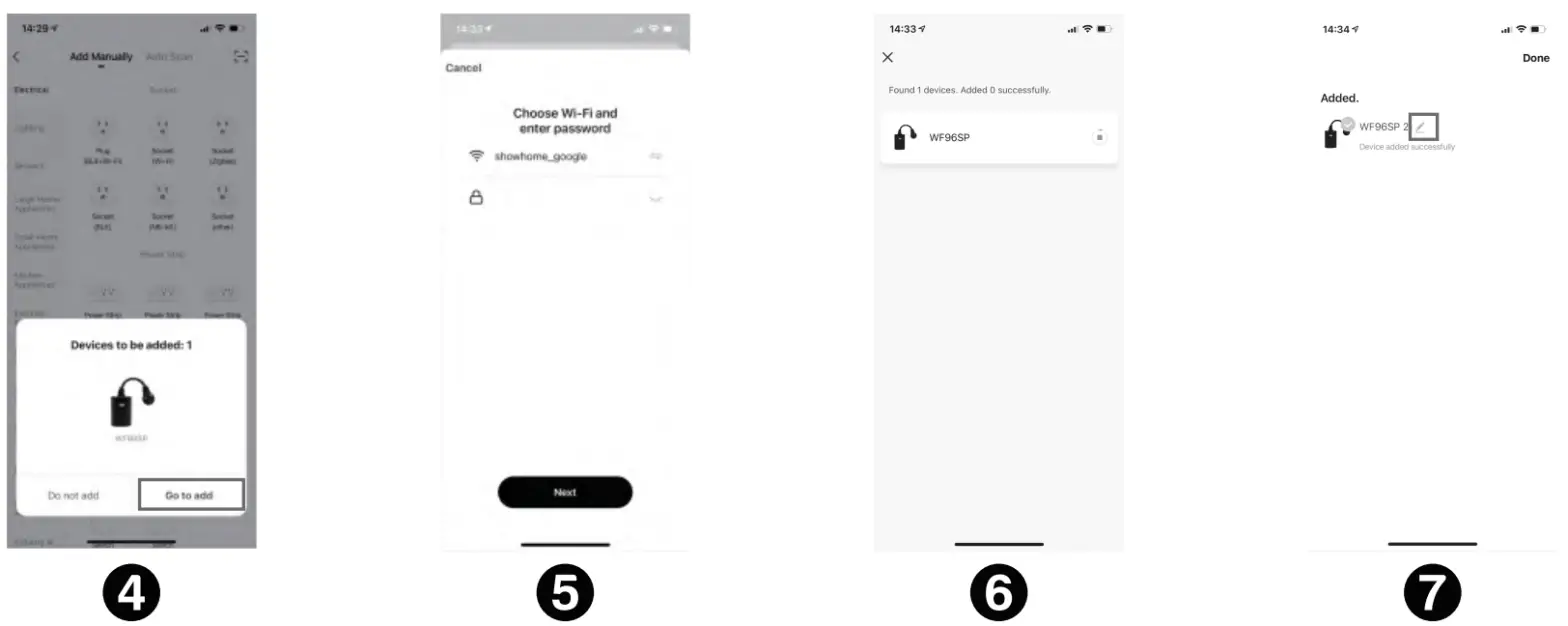
- You’ll see “Devices to be added”—“Go to add”.
- Enter the Wi-Fi Password (Your phone should have connected to the same Wi-Fi first).
- Wait for the app to connect to your Wi-Fi until it’s 100%.
- Edit the name of your new smart plug!

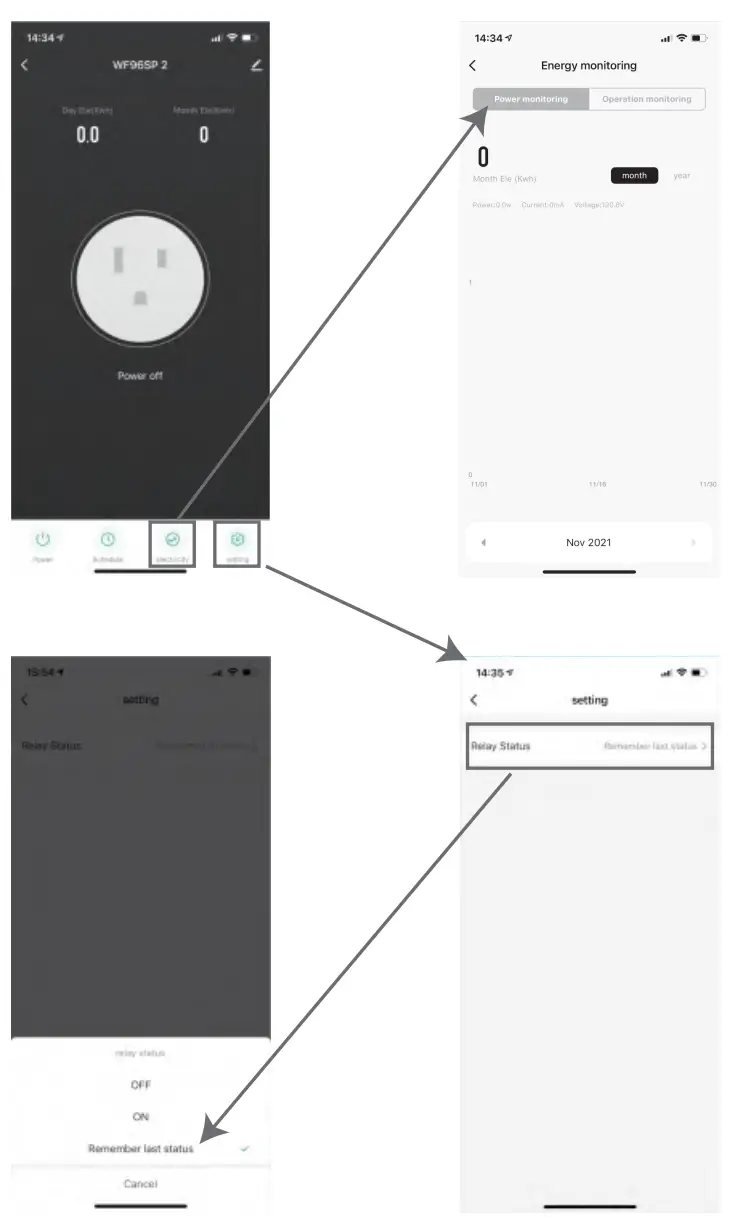
SETTING
- Restart status: This parameter can access you to set the plug to be on/off after power failure.
FCC warning:
This device complies with Part 15 of the FCC Rules. Operation is subject to the following two conditions: (1) This device may not cause harmful interference, (2) This device must accept any interference received, including interference that may cause undesired operation. changes or modifications not expressly approved by the party responsible for compliance could void the user’s authority to operate the equipment.
NOTE: This equipment has been tested and found to comply with the limits for a Class B digital device, pursuant to Part 15 of the FCC Rules. These limits are designed to provide reasonable protection against harmful interference in a residential installation. This equipment generates, uses, and can radiate radio frequency energy and, if not installed and used in accordance with the instructions, may cause harmful interference to radio communications. However, there is no guarantee that interference will not occur in a particular installation. If this equipment does cause harmful interference to radio or television reception, which can be determined by turning the equipment off and on, the user is encouraged to try to correct the interference by one or more of the following measures:
— Reorient or relocate the receiving antenna.
— Increase the separation between the equipment and receiver.
— Connect the equipment into an outlet on a circuit different from that to which the receiver is connected.
— Consult the dealer or an experienced radio/TV technician for help.
FCC Radiation Exposure Statement:
This equipment complies with FCC radiation exposure limits set forth for an uncontrolled environment. This transmitter must not be co-located or operating in conjunction
with any other antenna or transmitter. This equipment should be installed and operated with a minimum distance of 20cm between the radiator& your body.
 CAUTION – PLEASE READ!
This device (MP22W) is intended for installation in accordance with the National Electric Code and local regulations in the United States, or the Canadian Electrical Code and local regulations in Canada. If you are unsure or uncomfortable about performing this installation consult a qualified electrician. MEDICAL EQUIPMENT
Please DO NOT use this plug to control Medical or Life Support equipment. This device should never be used to control the On/Off status of Medical and/or Life Support equipment. OTHER WARNINGS
Risk of Fire / Risk of Electrical Shock / Risk of Burns