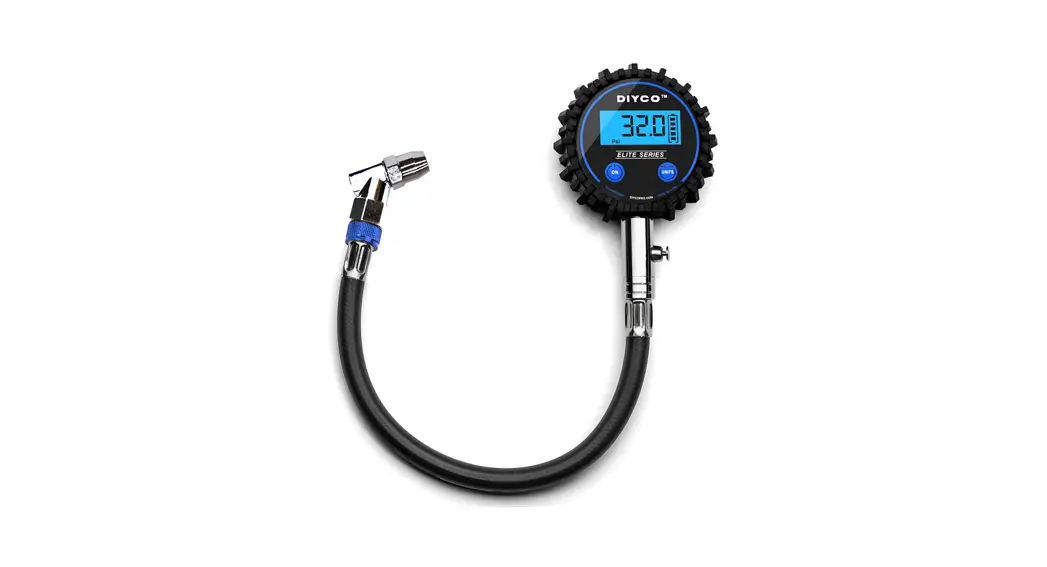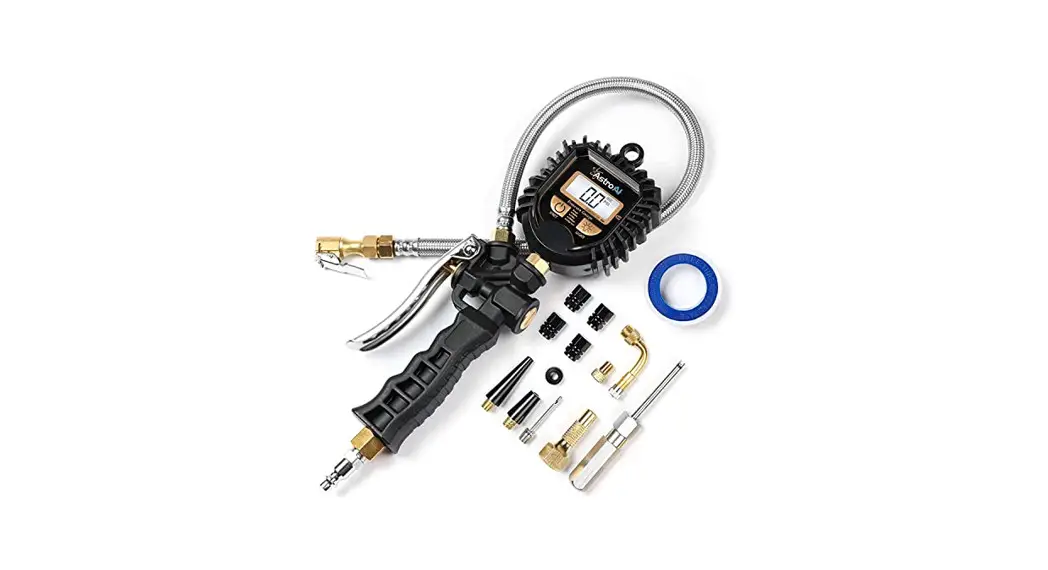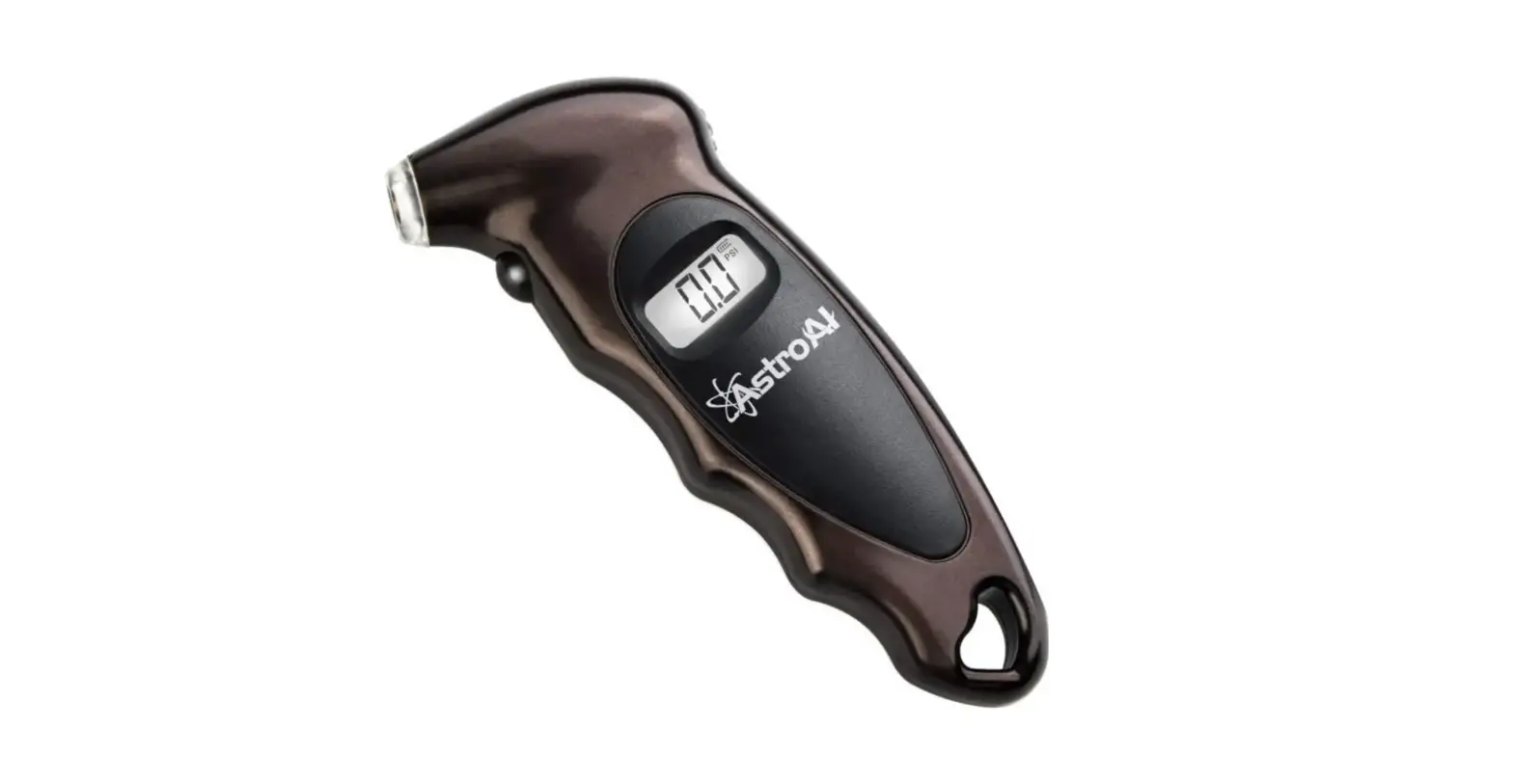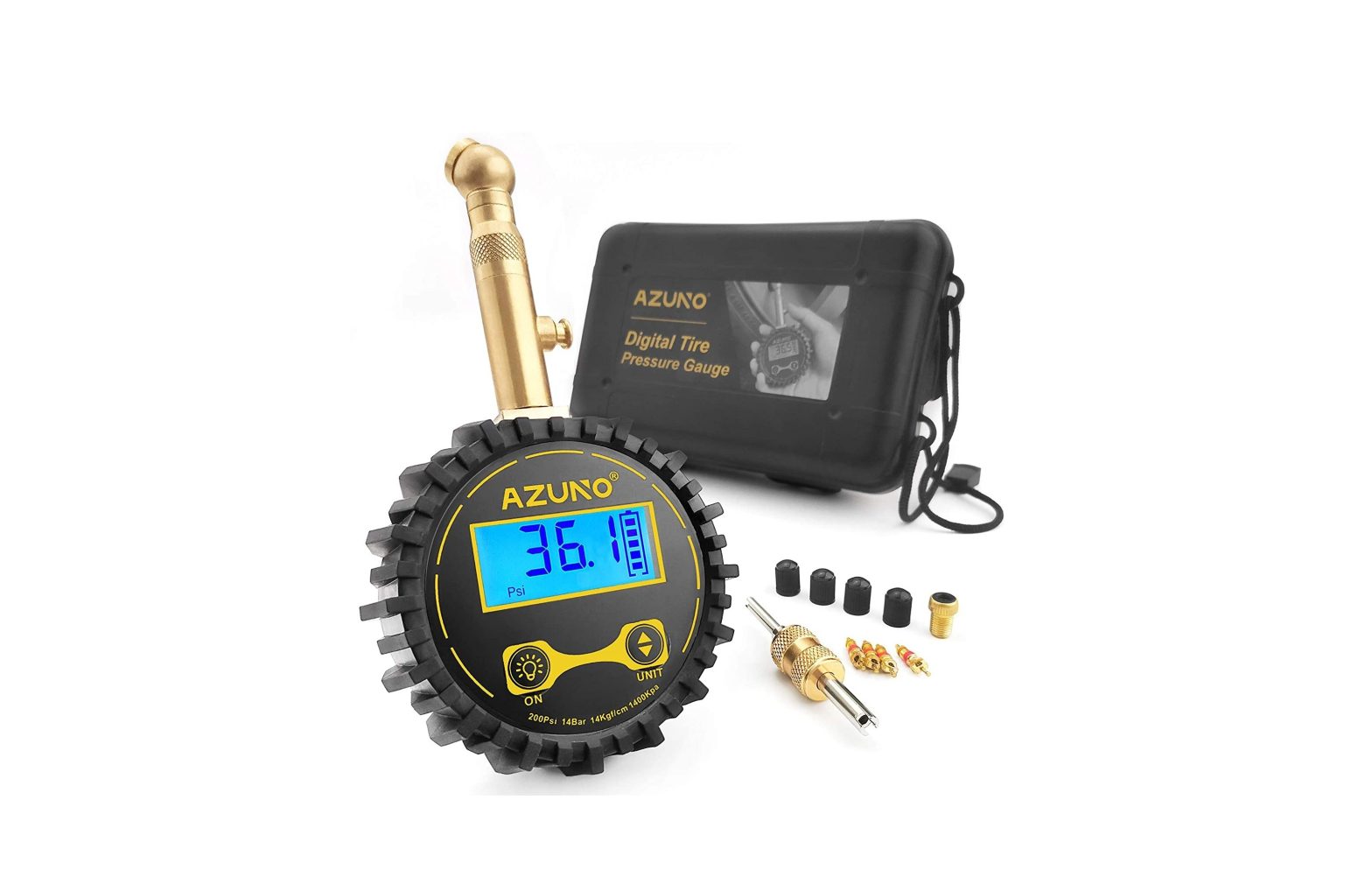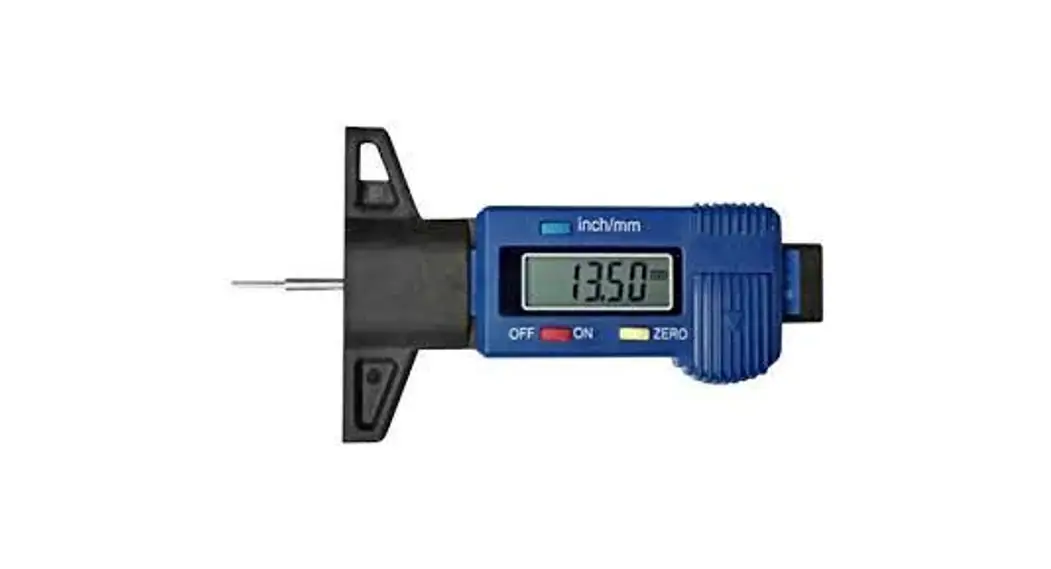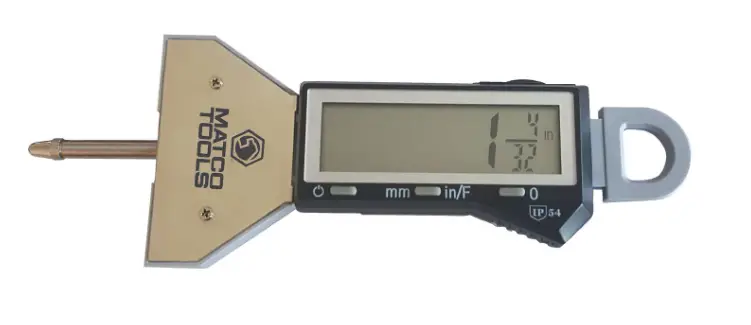

Matco Tools DTTDG402A Digital Tire Tread Depth Gauge
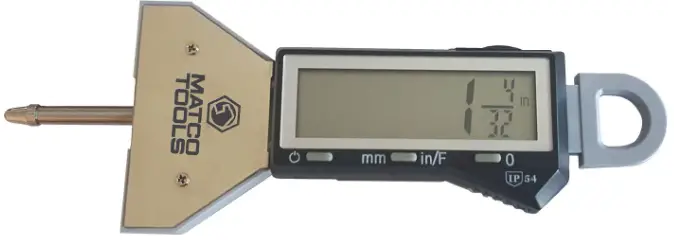
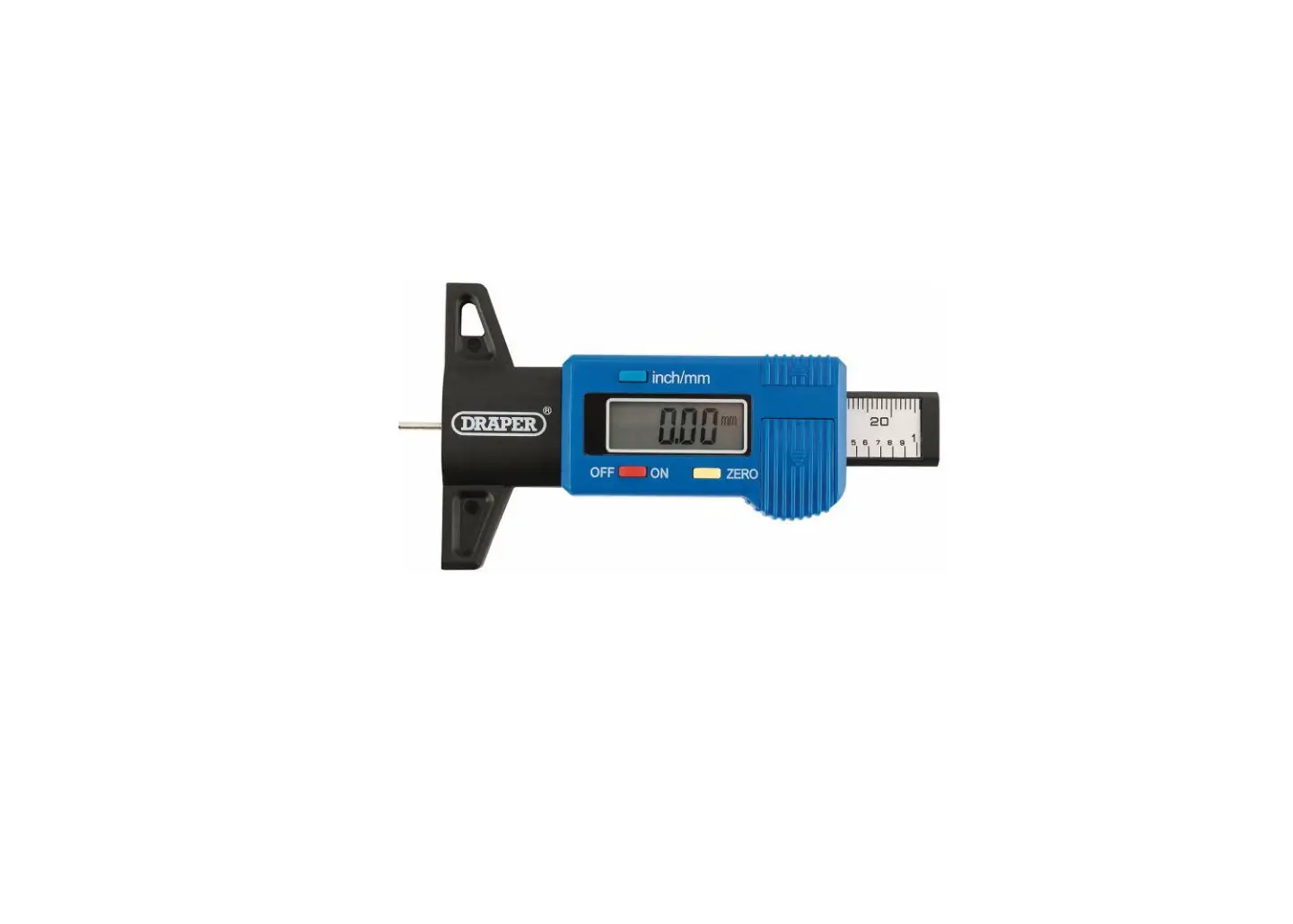
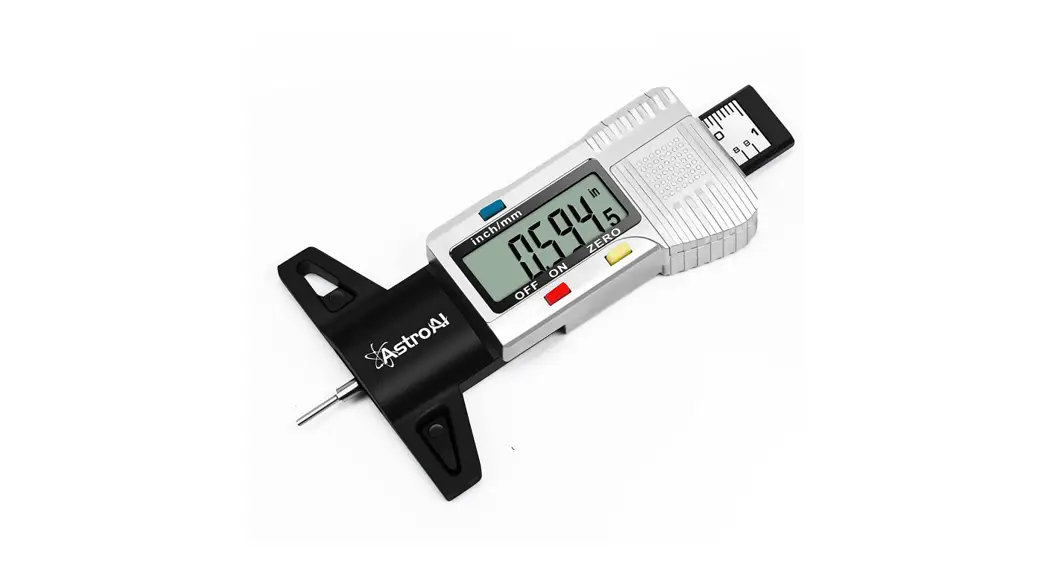
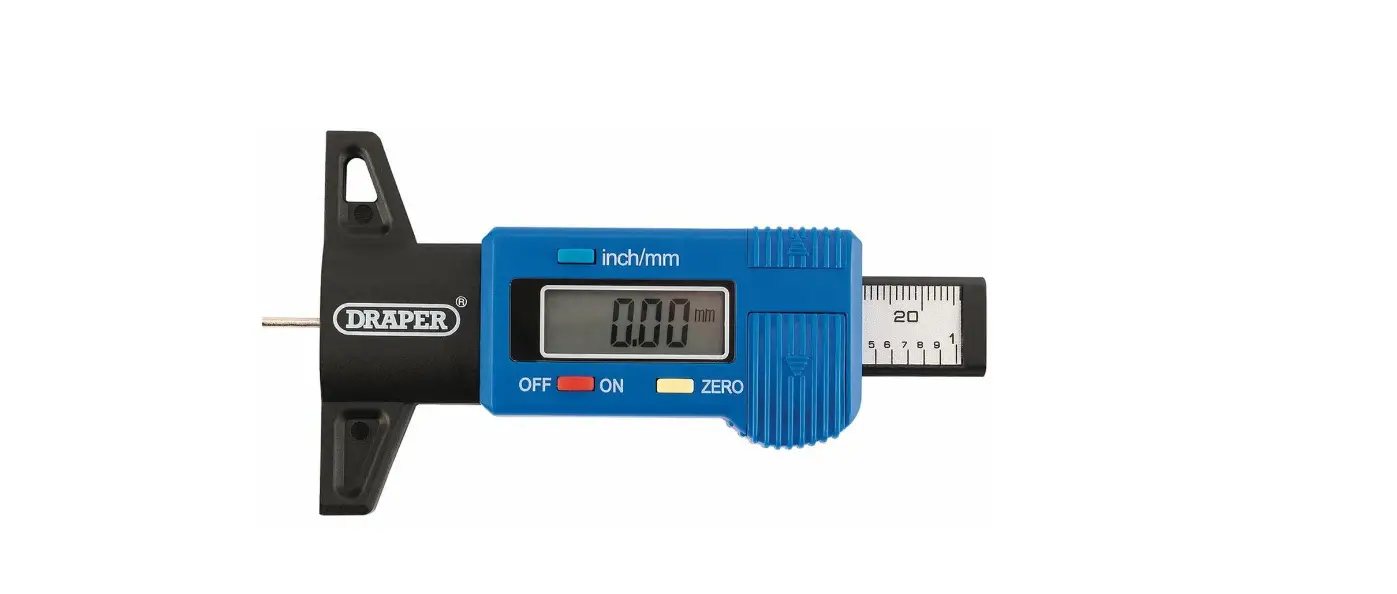
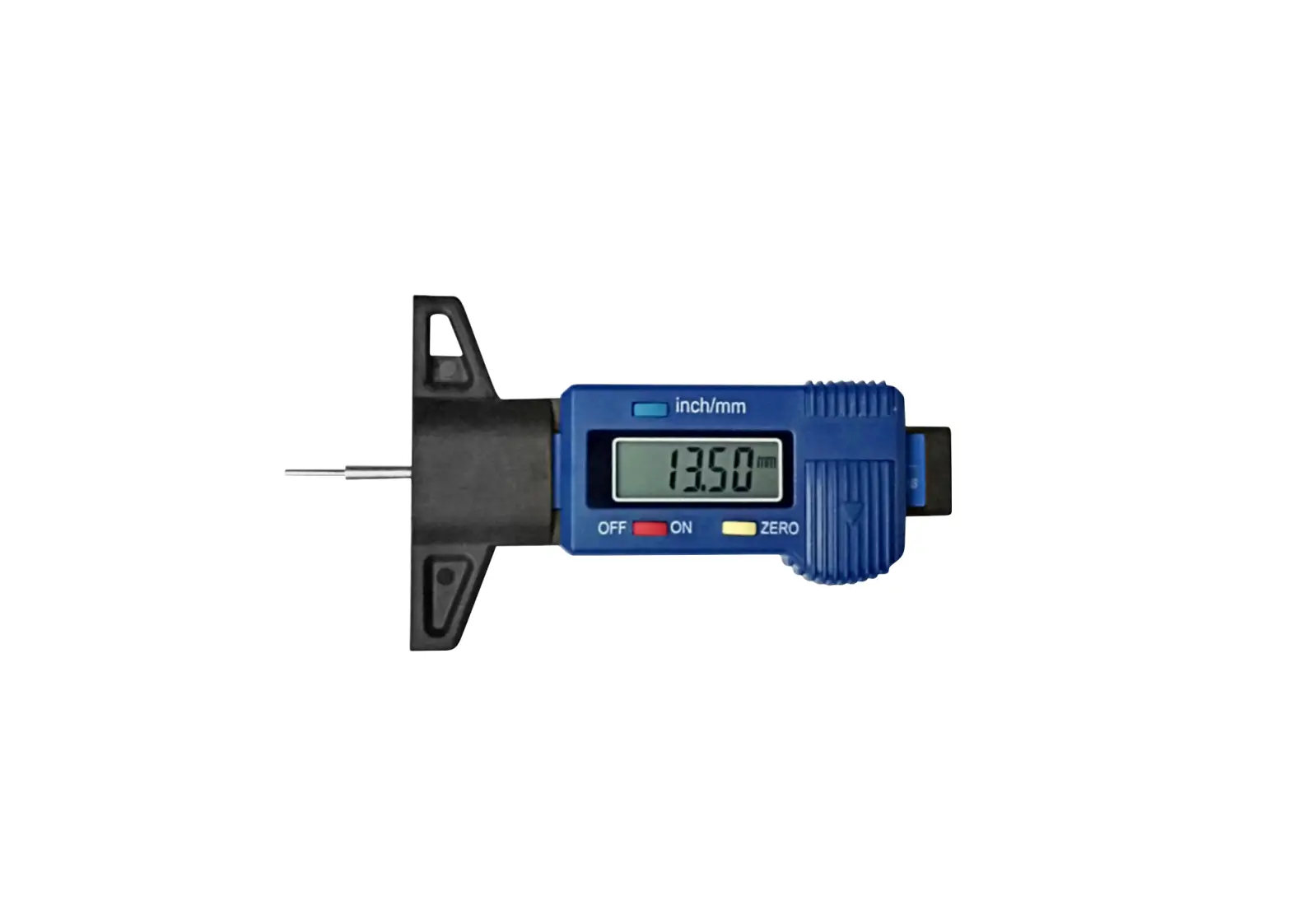
Parts
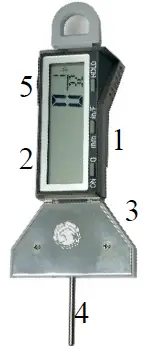
- Function keys
- LCD display
- Base
- Measuring Rod
- Battery compartment
Description
- measuring range: 0-1/0-25mm
- Reading: 0.0005″ / 0.01mm / 1/32inch
- Accuracy: 0-1/0.001″
- Battery: 3V CR2032 Lithium battery
Operation
- ON/0: Press button to turn the unit on, press it again to set zero*.
- in/mm/F: Press in/mm button to switch readings among: inch, inch fraction (3201), and mm.
- HOLD: Press once to hold the reading: press again to release.
 Setting Zero
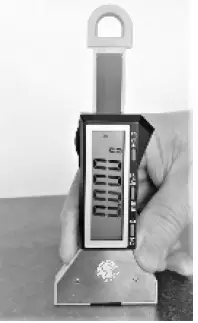 Setting Zero
Press and hold the gauge on a flat surface and press NO/0 button to set zero.
Parts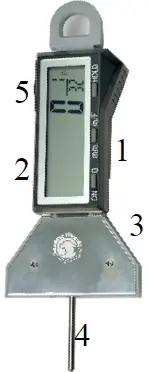
- Function Keys
- LCD display
- Base
- Measuring Rod
- Battery compartment
Description
- Electronic indicator measuring range 0-1″
- Digital Depth gauge measuring range: 0-16*
- Reading: 0.0005* / 0.01mm / 1/128inch
- Accuracy: 05 50.00
- Battery: 3V CR2032 Lithium battery
Operation
- ON/O: Press button to turn the unit on, press it again to set zero”
- in/mm/F: Press in/mm button to switch readings among: inch. inch fraction (32m), and mm.
- HOLD: Press once to hold the reading: press again to release.

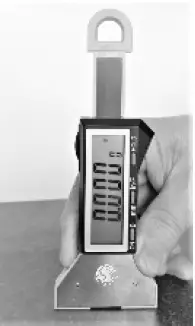
- Setting Zero
Press and hold the gauge on a flat surface and press NO/0 button to set zero.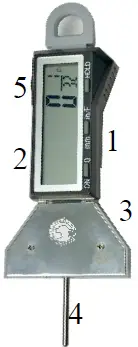 Parts
Parts
- Function keys
- LCD display
- Base
- Measuring Rod
- Battery compartment
Description
- Electronic indicator measuring range 0-1″
- Digital Depth gauge measuring range: 0-16*
- Reading: 0.0005* / 0.01mm / 1/128inch
- Accuracy: 0-1″/0.001*
- Battery: 3V CR2032 Lithium battery
Operation
- ON/0: Press button to turn the unit on, press it again to set zero*.
- in/mm/F: Press in/mm button to switch readings among: inch, inch fraction (32nd ), and mm.
- HOLD: Press once to hold the reading; press again to release.

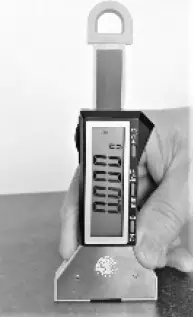
- Setting Zero
Press and hold the gauge on a flat surface and press NO/0 button to set zero.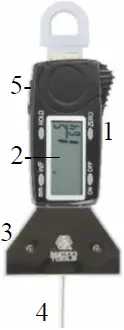 Parts
Parts
- Function keys
- LCD display
- Base
- Measuring Rod
- Battery compartment
- Electronic indicator measuring range 0-|*
- Digital Depth gauge measuring range: 0-16
- Reading: 0.0005″ / 0.01mm / 1/128inch
- Accuracy: 0-1″/0.001*
- Battery: 3V CR2032 Lithium battery
Operation
- Press the Power button to turn the unit on or off
- in/mm/F: Press in/mm button to switch readings among: inch, inch fraction, and mm.
- Zero: Use one hand to hold the gauge down on a flat surface; use the other hand to press Zero button to set zero.
- HOLD: Press once to hold the reading; press again to release.

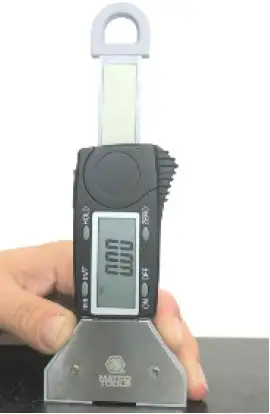
- Setting Zero

Parts
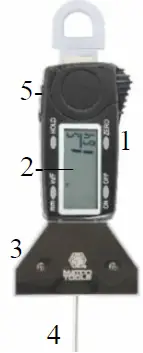
- Function keys
- LCD display
- Base
- Measuring Rod
- Battery compartment
Description
- Electronic indicator measuring range 0-|”
- Digital Depth gauge measuring range: 0-16″
- Reading: 0.0005″ / 0.01mm / 1/128inch
- Accuracy: 0-1″/0.001*
- Battery: 3V CR2032 Lithium battery
Operation
- Press the Power button to turn the unit on or off
- in/mm/F: Press in/mm button to switch readings among: inch, inch fraction, and mm.
- Zero: Use one hand to hold the gauge down on a flat surface; use the other hand to press Zero button to set zero.
- HOLD: Press once to hold the reading; press again to release.

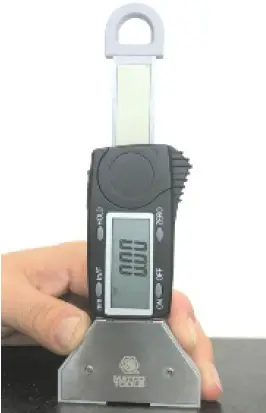
- Setting Zero