AGPTEK LCD Writing Tablet User Manual

At a Glance
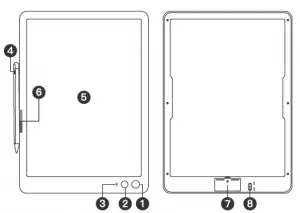
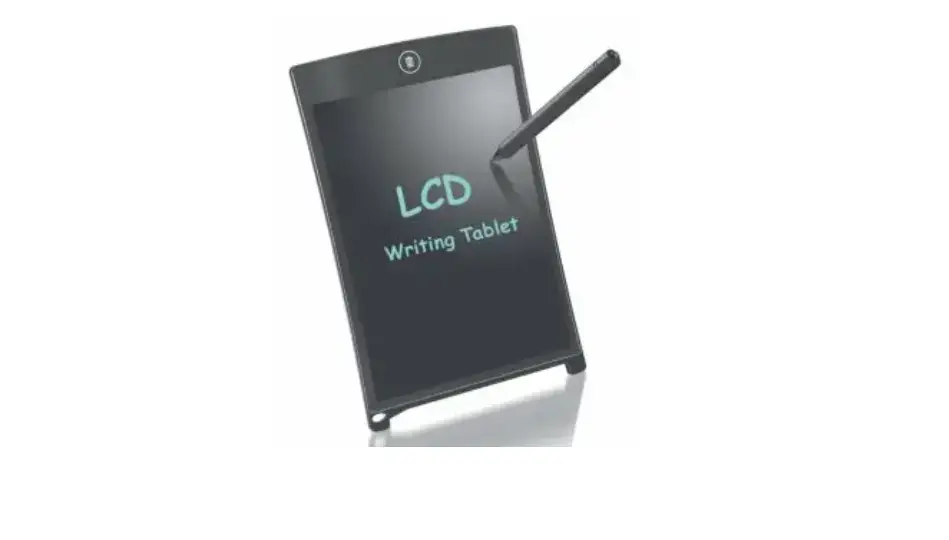
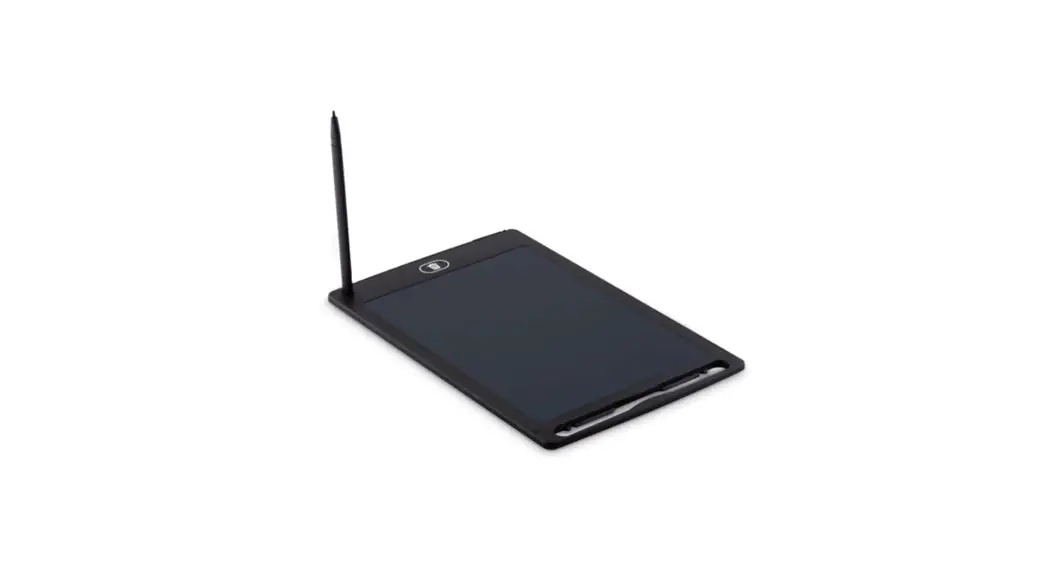
- Delete Button 5.Writing Area
- Anti-delete Switch 6.Magnetic Area
- lndicator 7.Battery Slot
- Stylus Pen 8.Power Button
Important Notes
- Don’t use it in the following situations: Be wet or soaked into any liquids; Exposed to the dusty, humid environment or the environments with rapid temperature
changes/with temperature over 40 C or below 0 “C; Under the direct sunlight/ultraviolet light. - Please use the supplied stylus pen for writing & painting. Do not write or paint with a ballpoint pen,signature pen, ordinary pen, etc. Do not scratch the screen with sharp objects. Keep it from vertically dropping onto the ground or being strongly impacted by other items.
- Wipe gently with a lint-free cloth when cleaning the tablet.
- Do not disassemble it. If it fails to work properly, please contact our after-sales service for repair.
Specifications
Model: WB6
Item Size: 318*225*7.6mm
Screen Size: 275*200mm
Item Weight: 266g
Battery: CR2025
Voltage: 3V