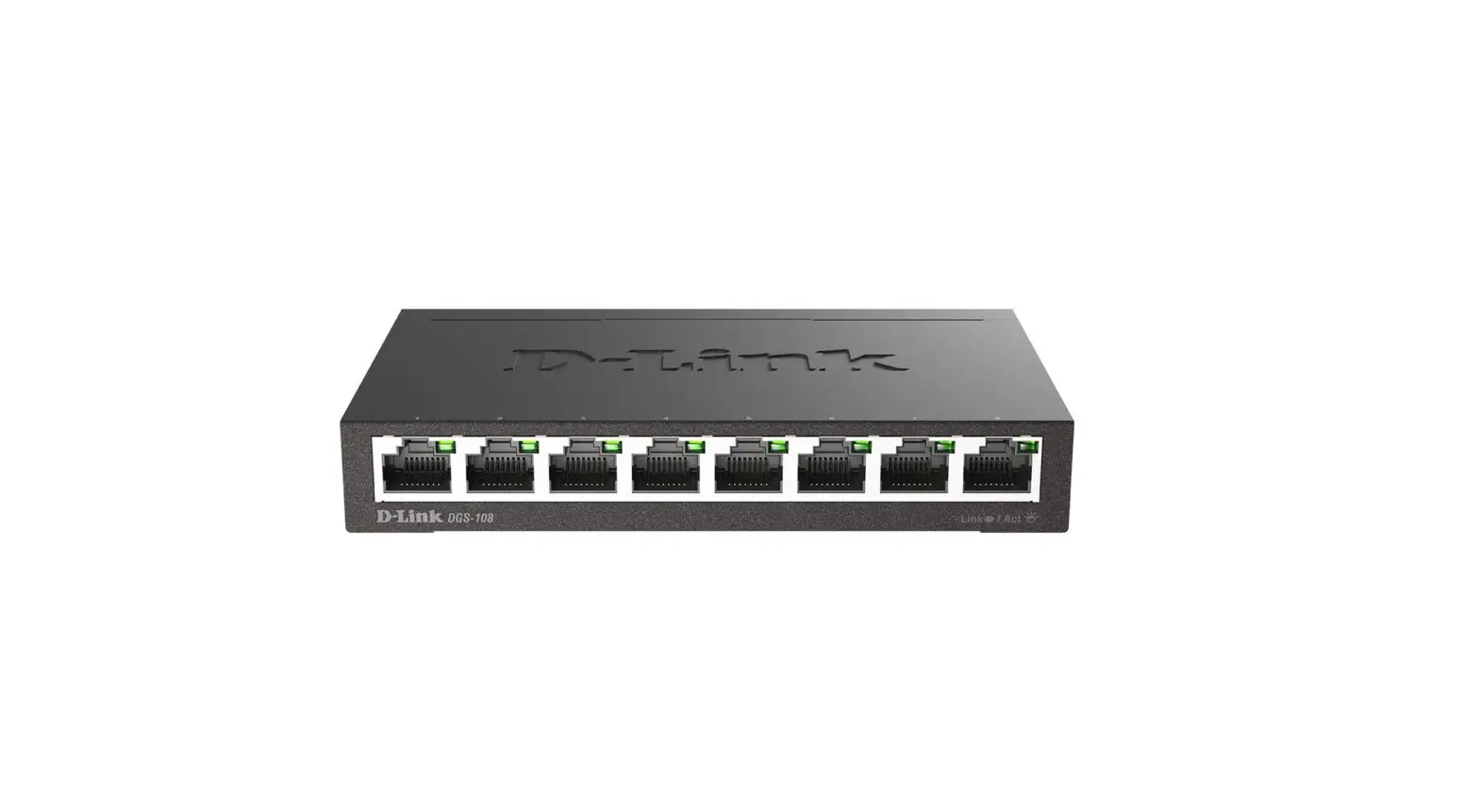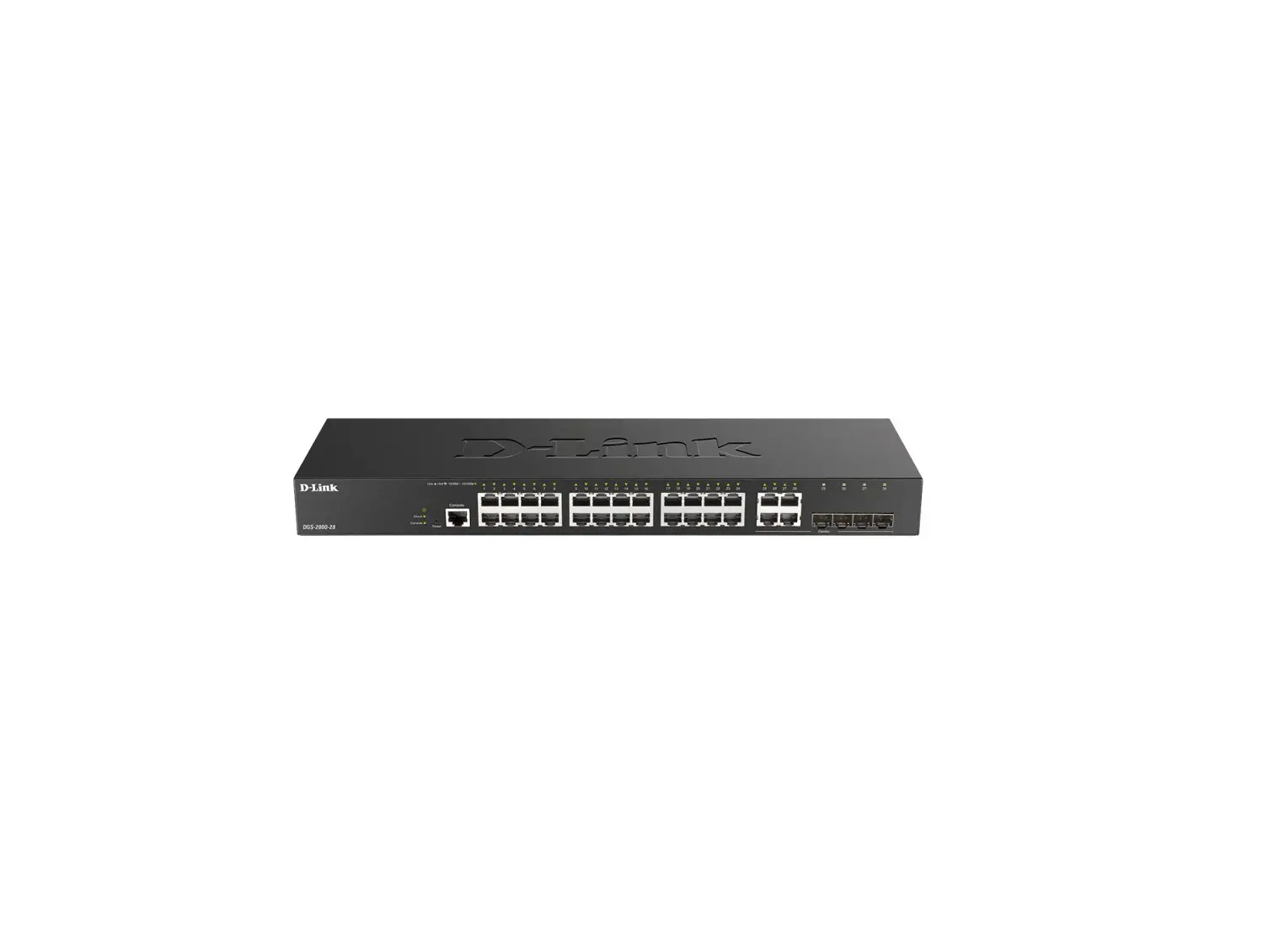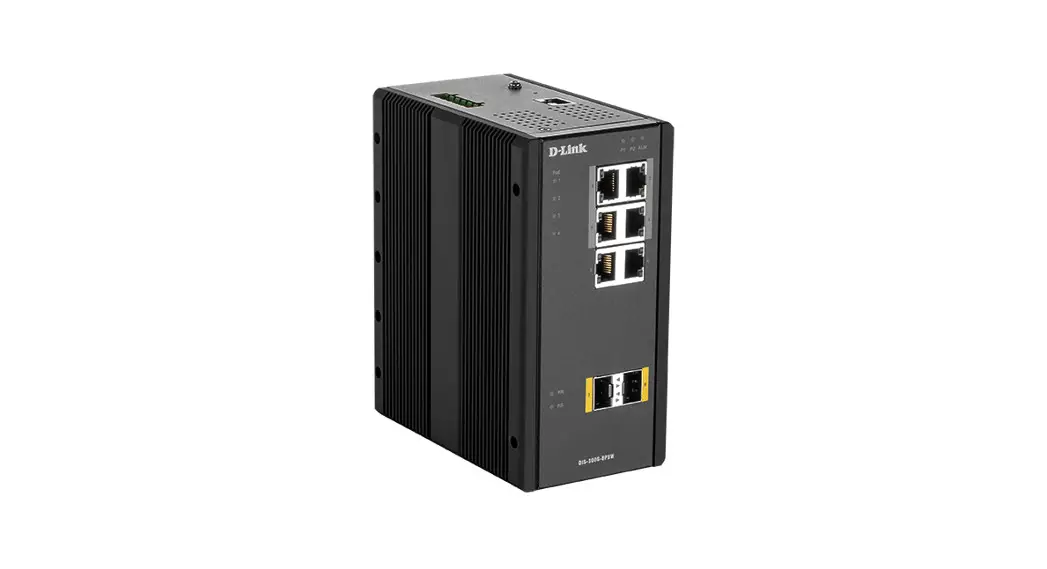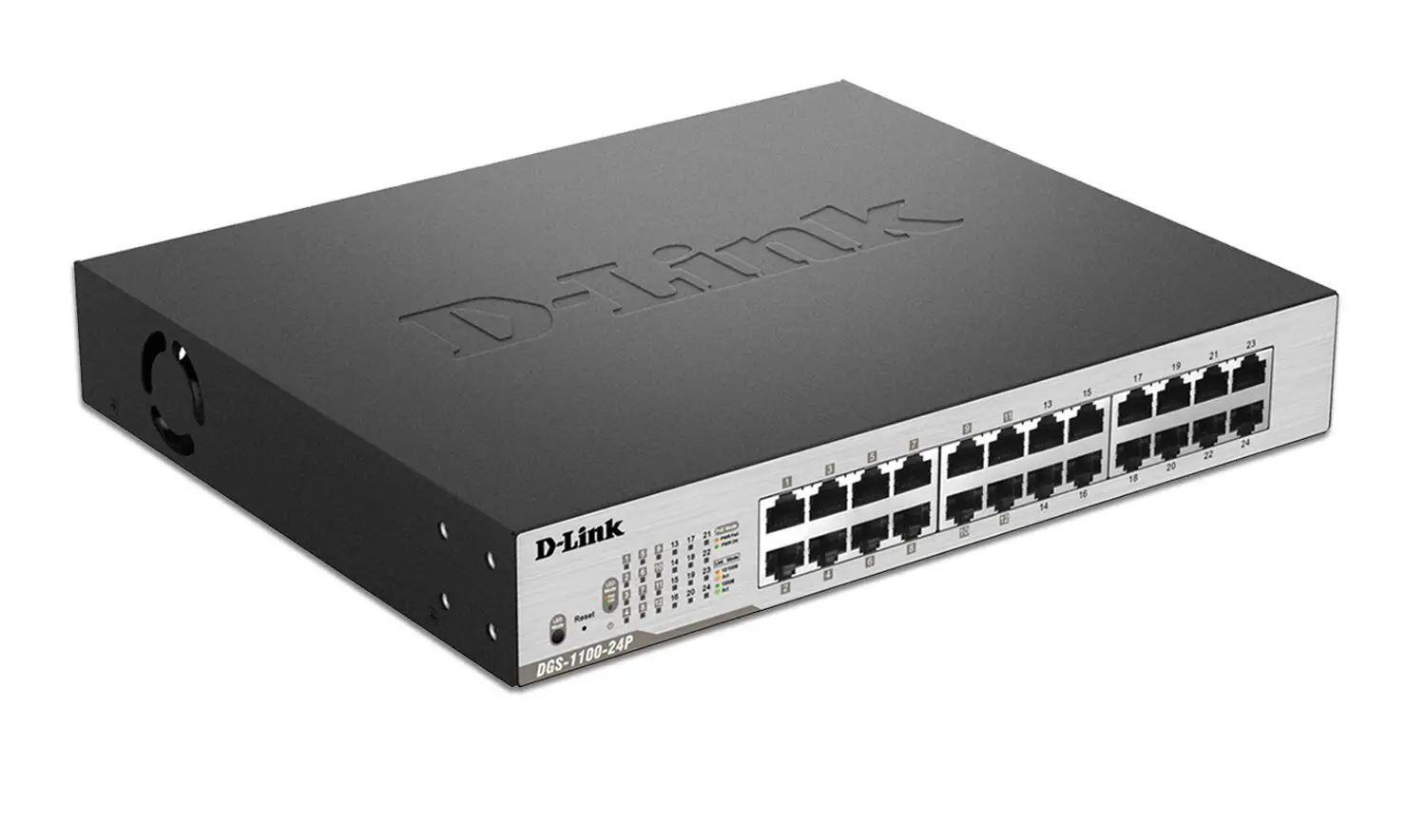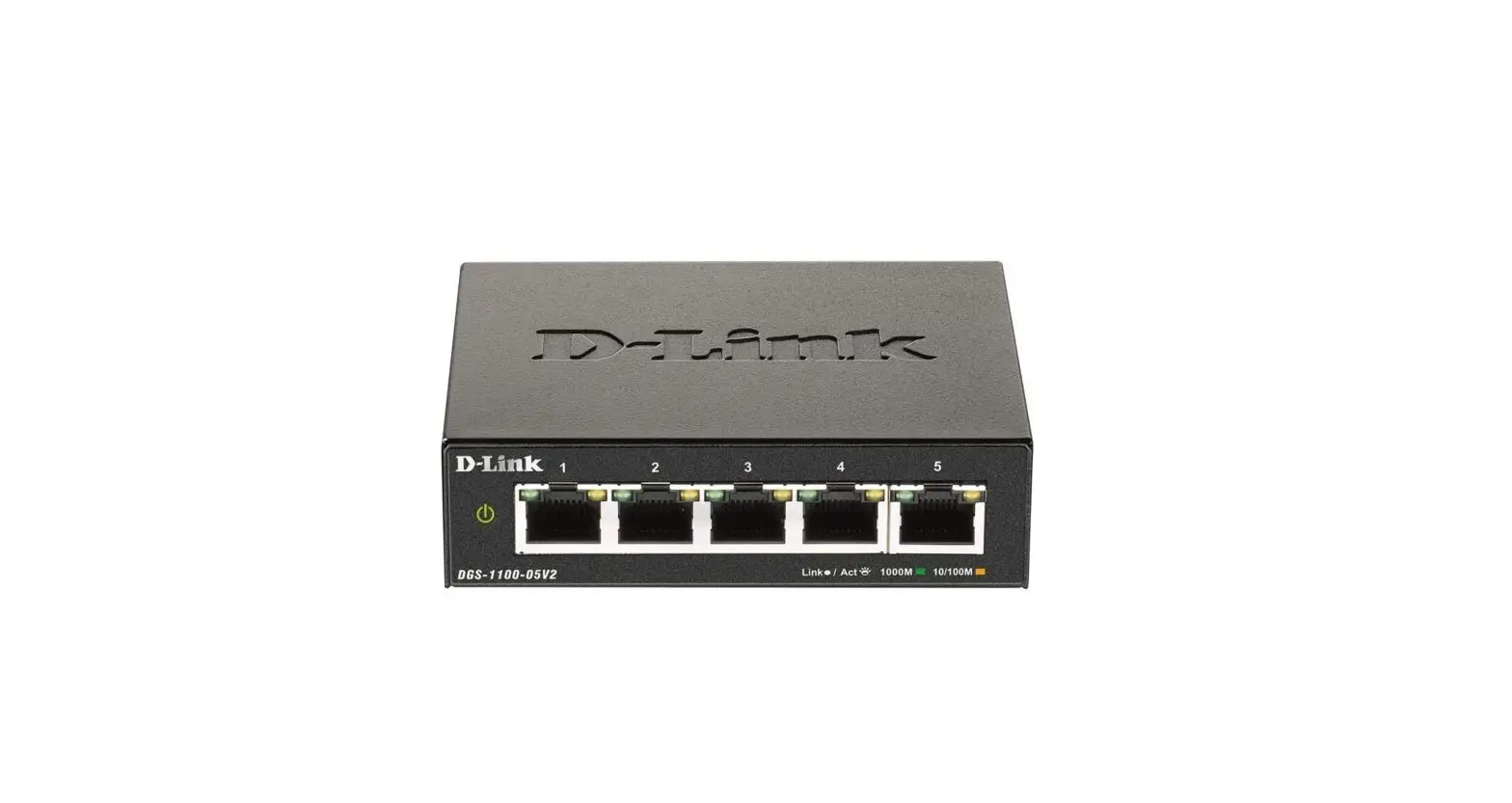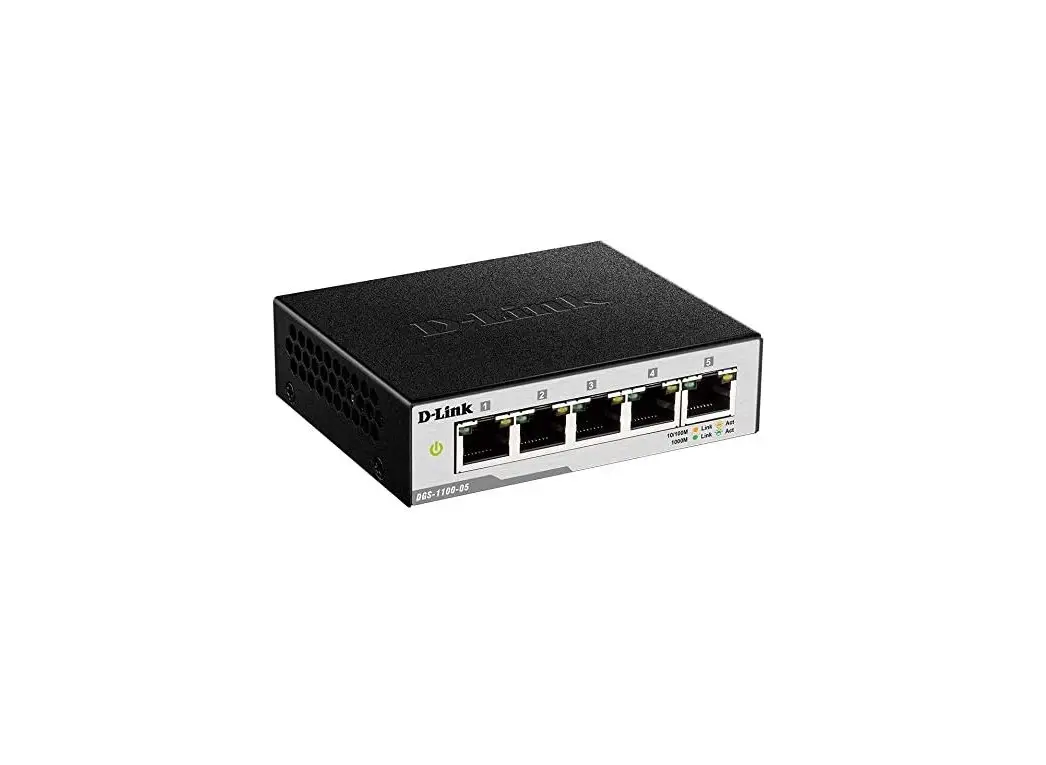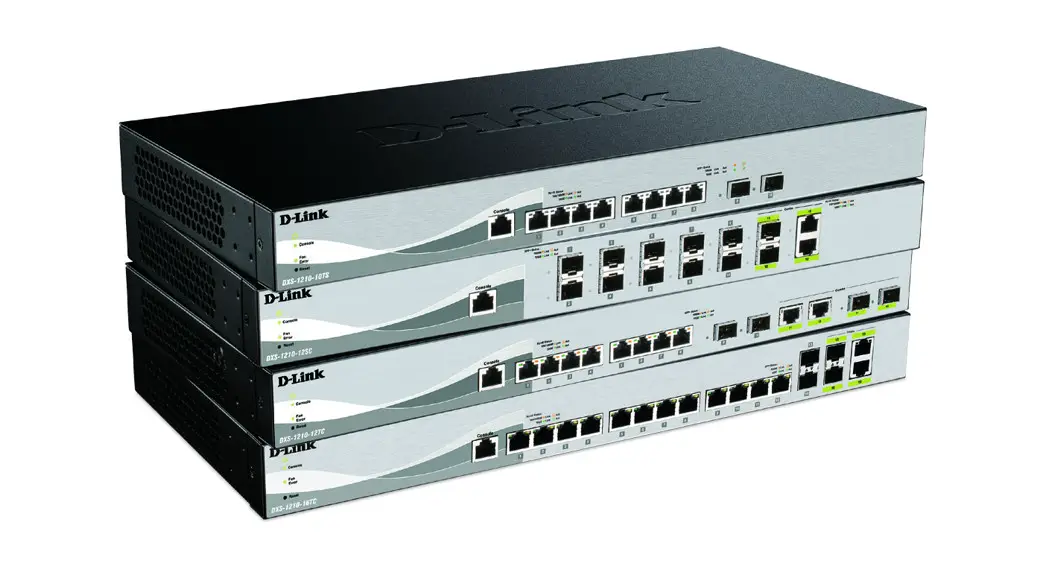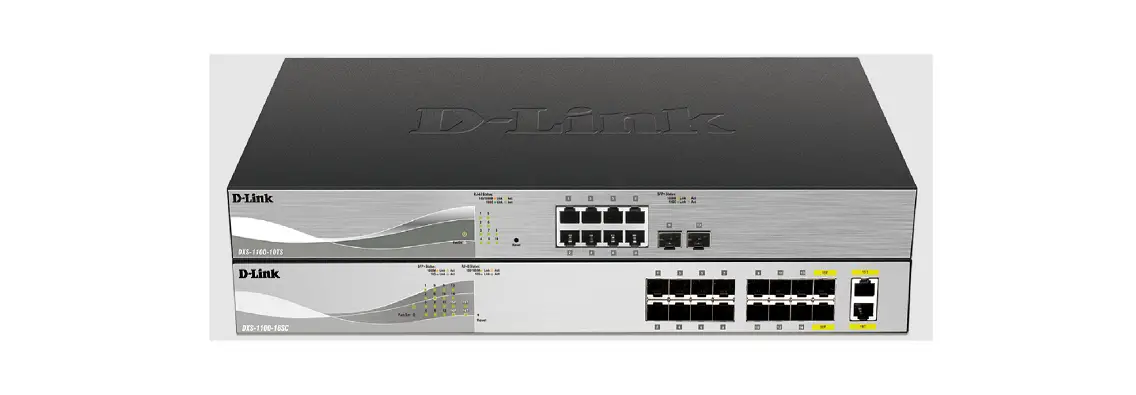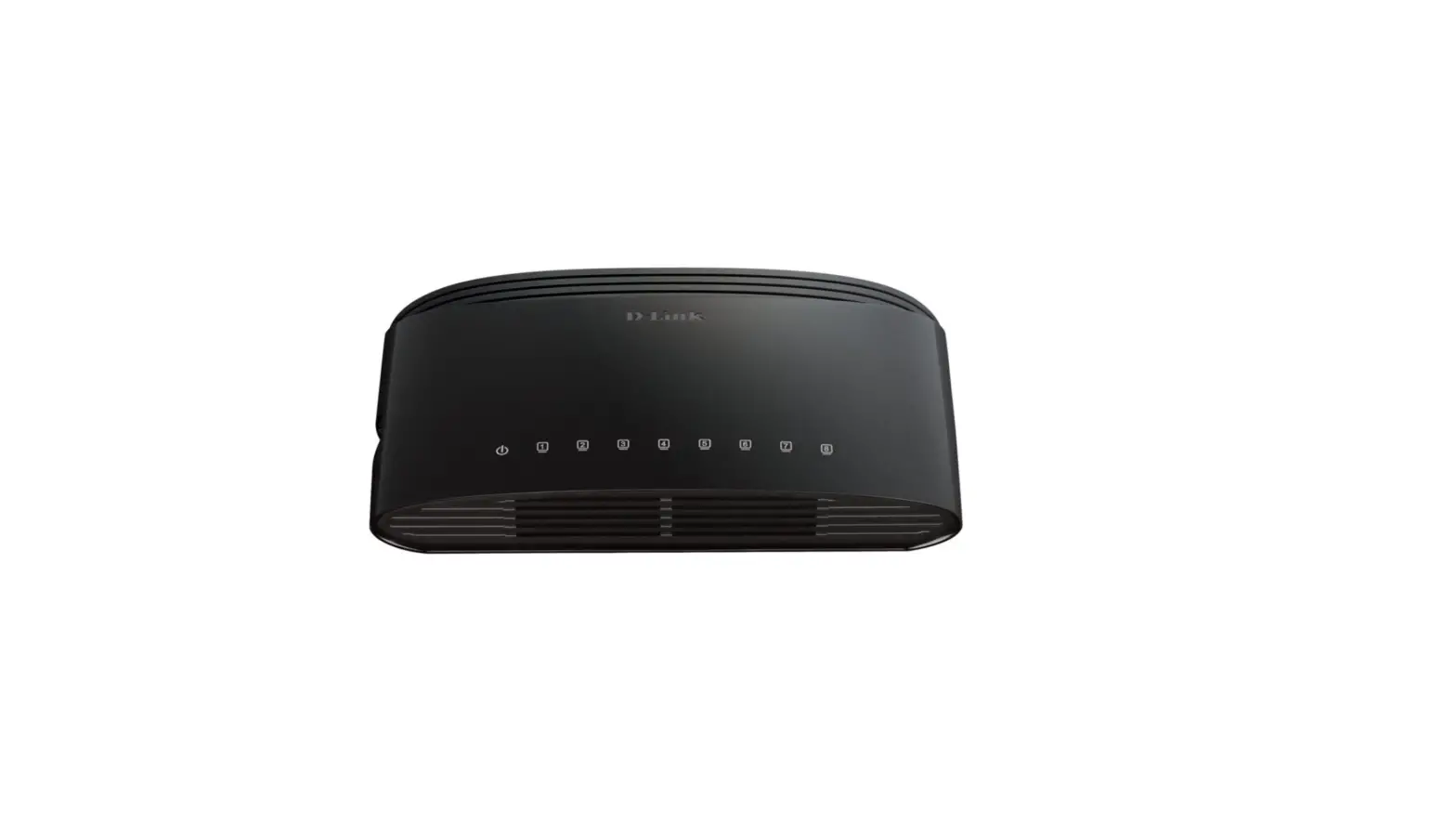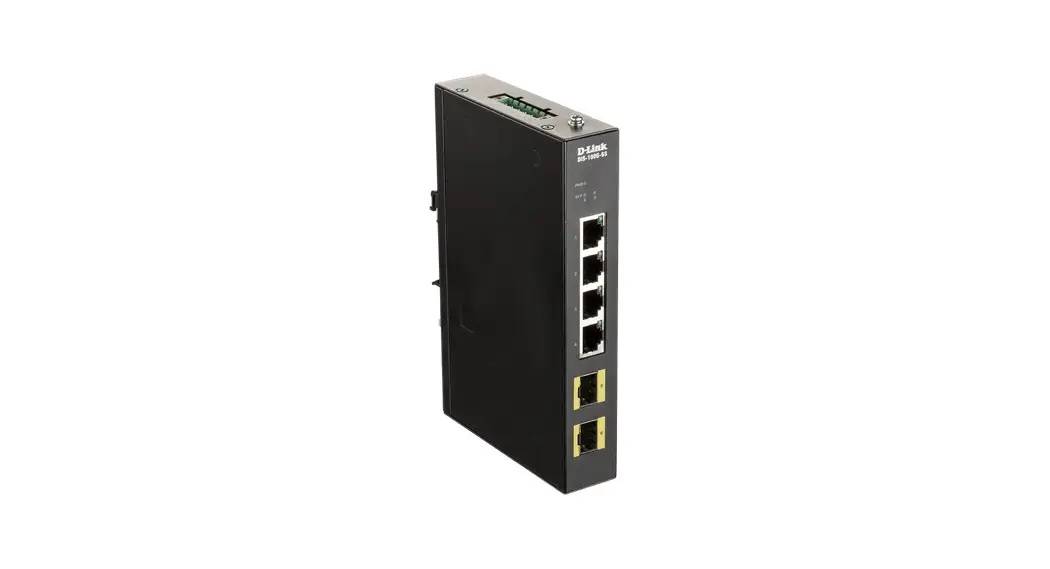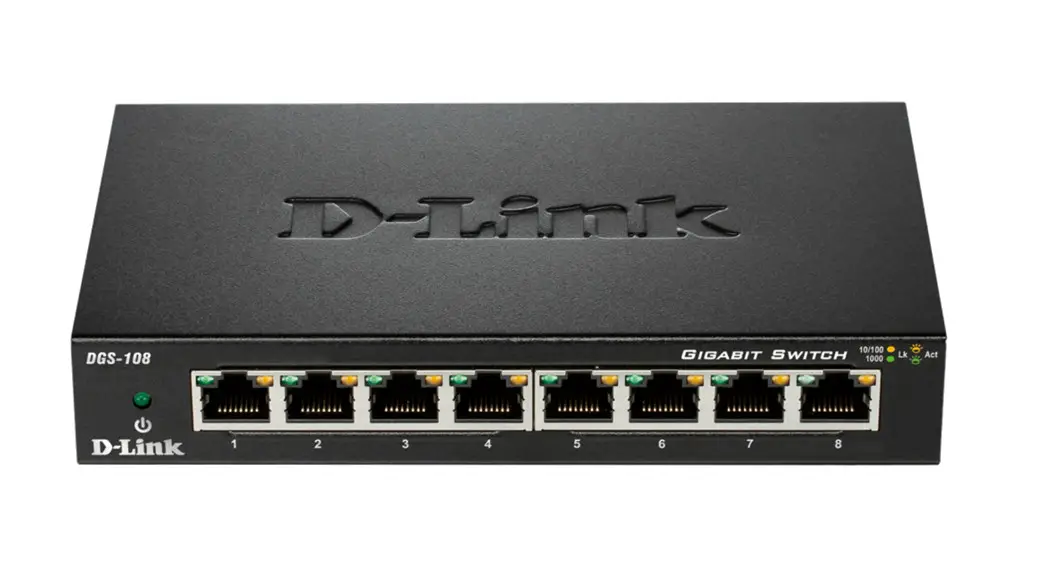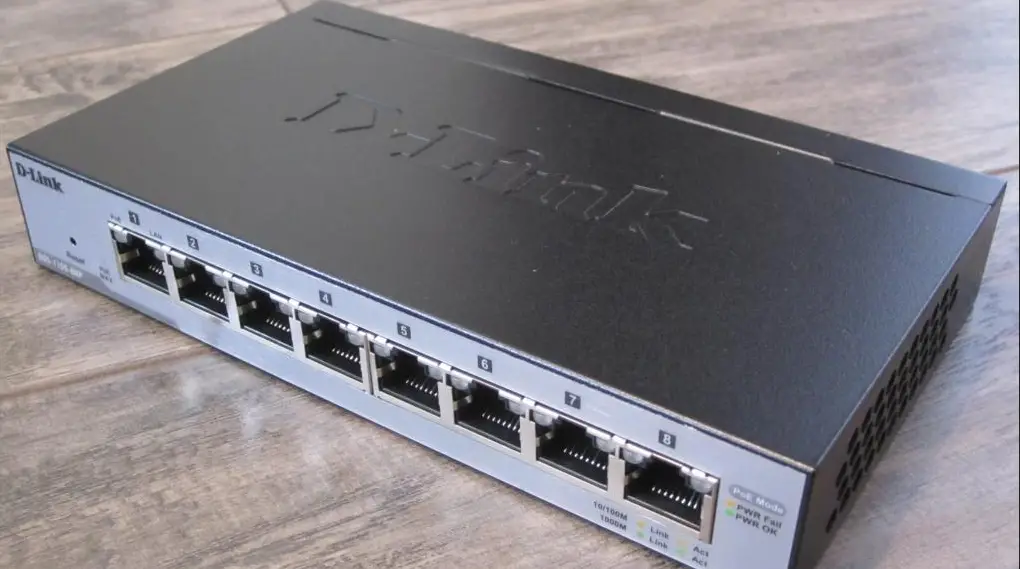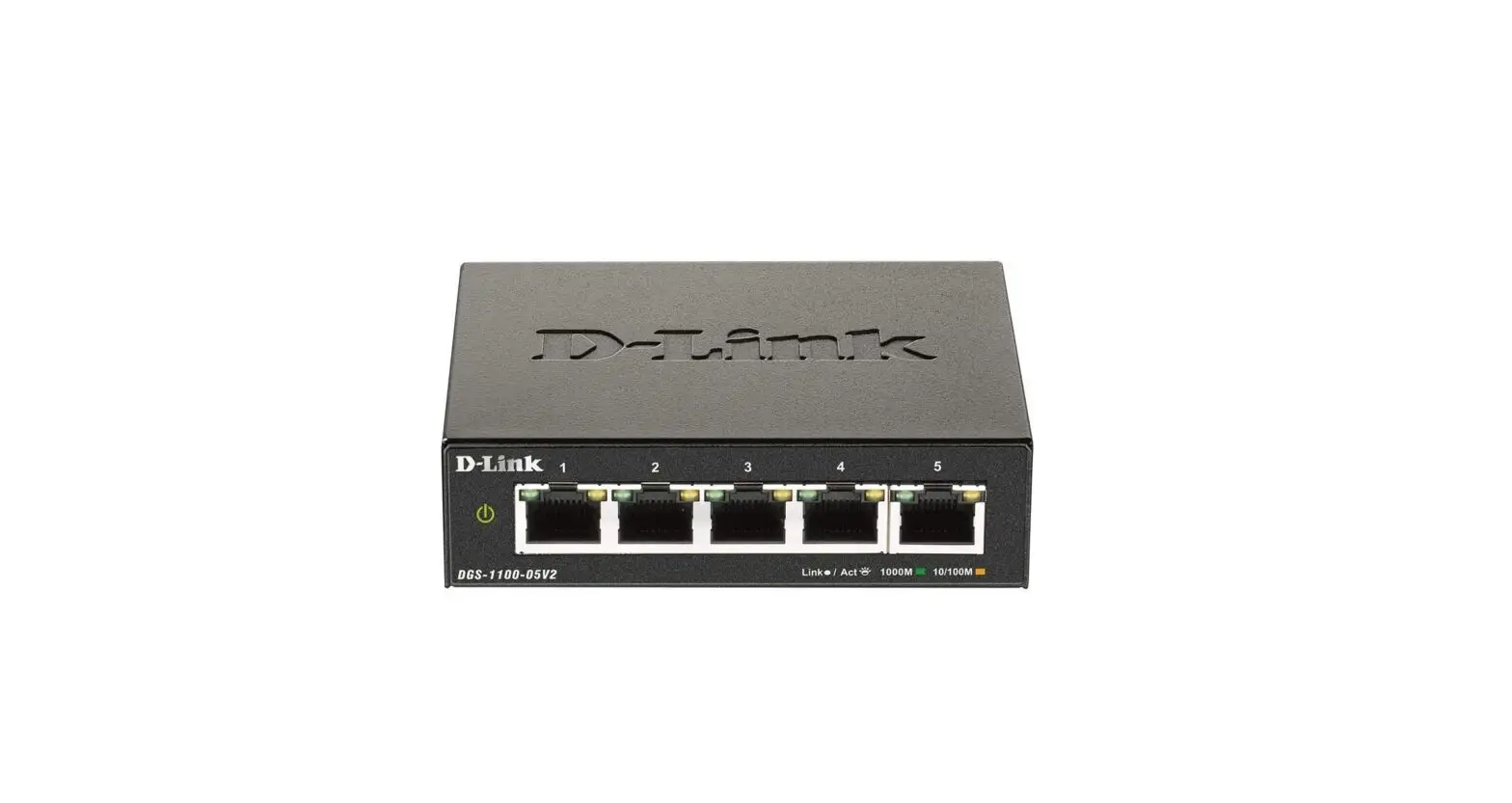
D-Link Ethernet Switches User Guide
WHAT’S IN THE BOX
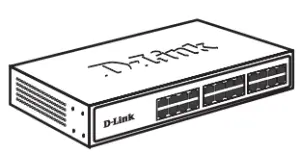
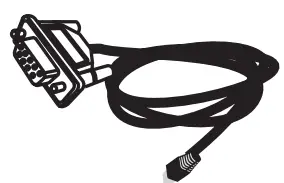
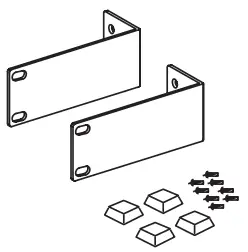
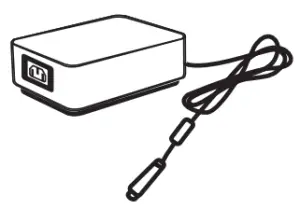
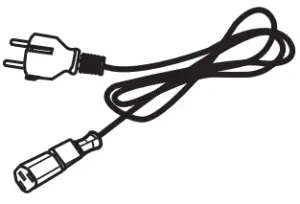
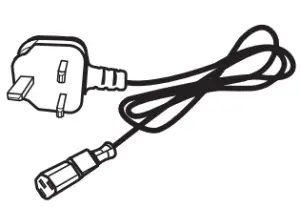
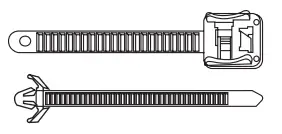
Availability is model and/or region-dependent.
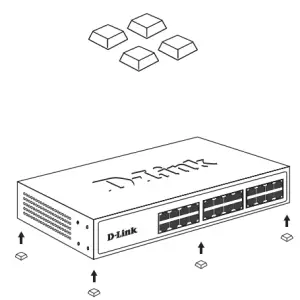
DESKTOP MOUNTING
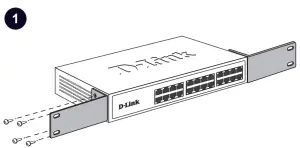
RACK MOUNTING
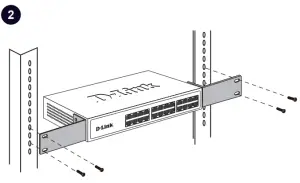
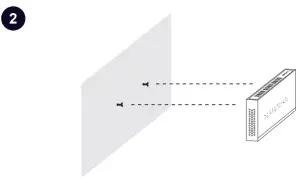
WALL MOUNTING
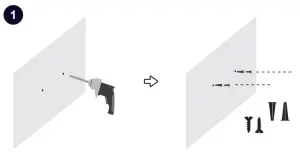
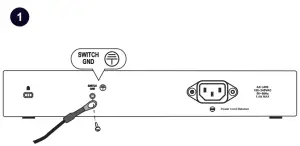
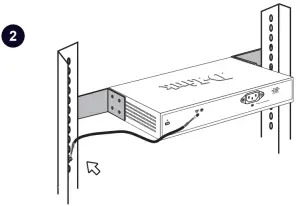
SWITCH GROUNDING
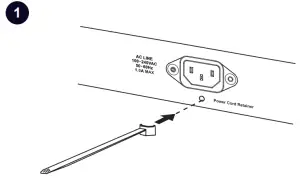
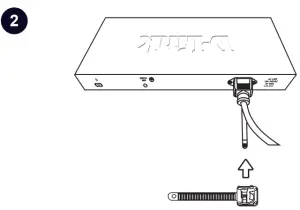
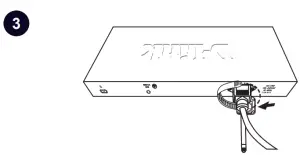
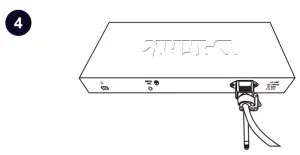
ATTACHING POWER CORD RETAINER
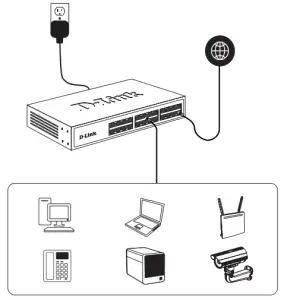
CONNECTING DEVICES
ACCESSING THE WEB USER INTERFACE
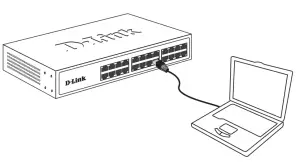
Through an access port
| Item | Value |
| IP Address | 10.90.90.90 |
| Subnet Mask | 255.0.0.0 |
| User Name | admin |
| Password | admin |
Managed switches require both user name & password to left blank.
Switch Configuration
For more information on accessing and configuring the D-Link switch, refer to the user manual.
ACCESSING THE COMMAND LINE INTERFACE
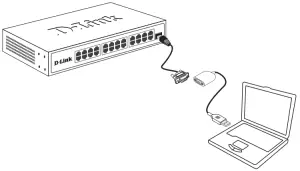
Through a console port
| Item | Value |
| Baud rate | 115200 bps |
| Data Bits | 8 |
| Parity | None |
| Stop Bits | 1 |
| Flow Control | None |
Online Documentation
www.dlink.com/resources/business
Online Support
http://www.dlink.com/en/support
Warranty Information
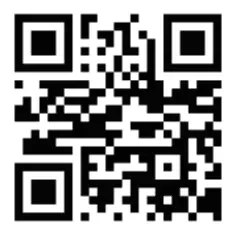
D-Link Network Assistant

http;//tools.dlink.com/intro/dna/

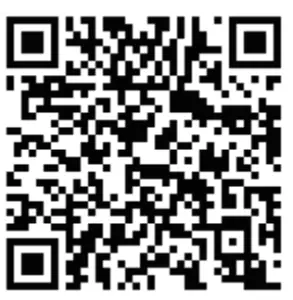

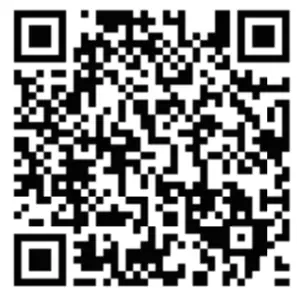
 warranty.dlink.com
 D-Link Document Center
 D-Link Network Assistant | D-Link