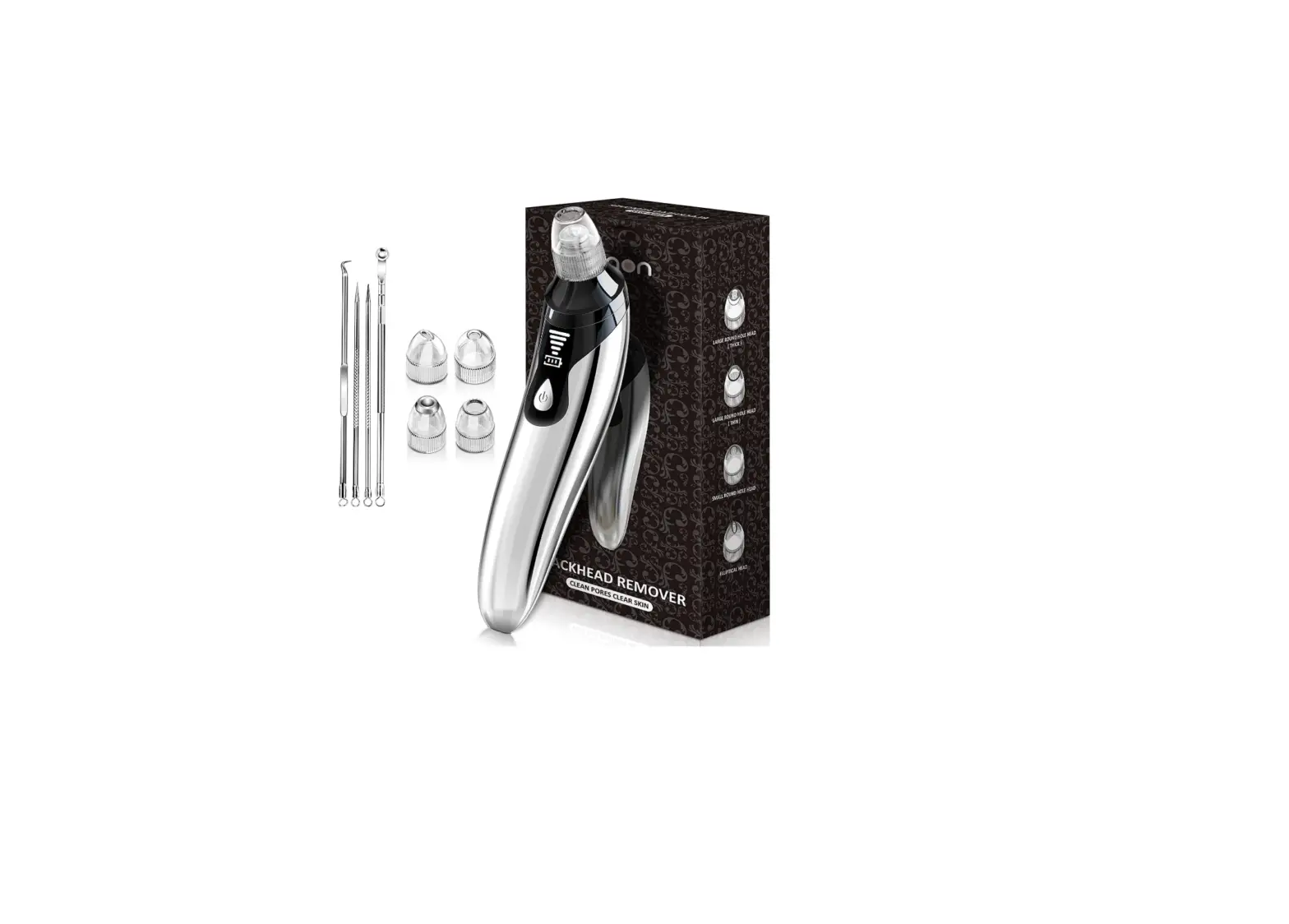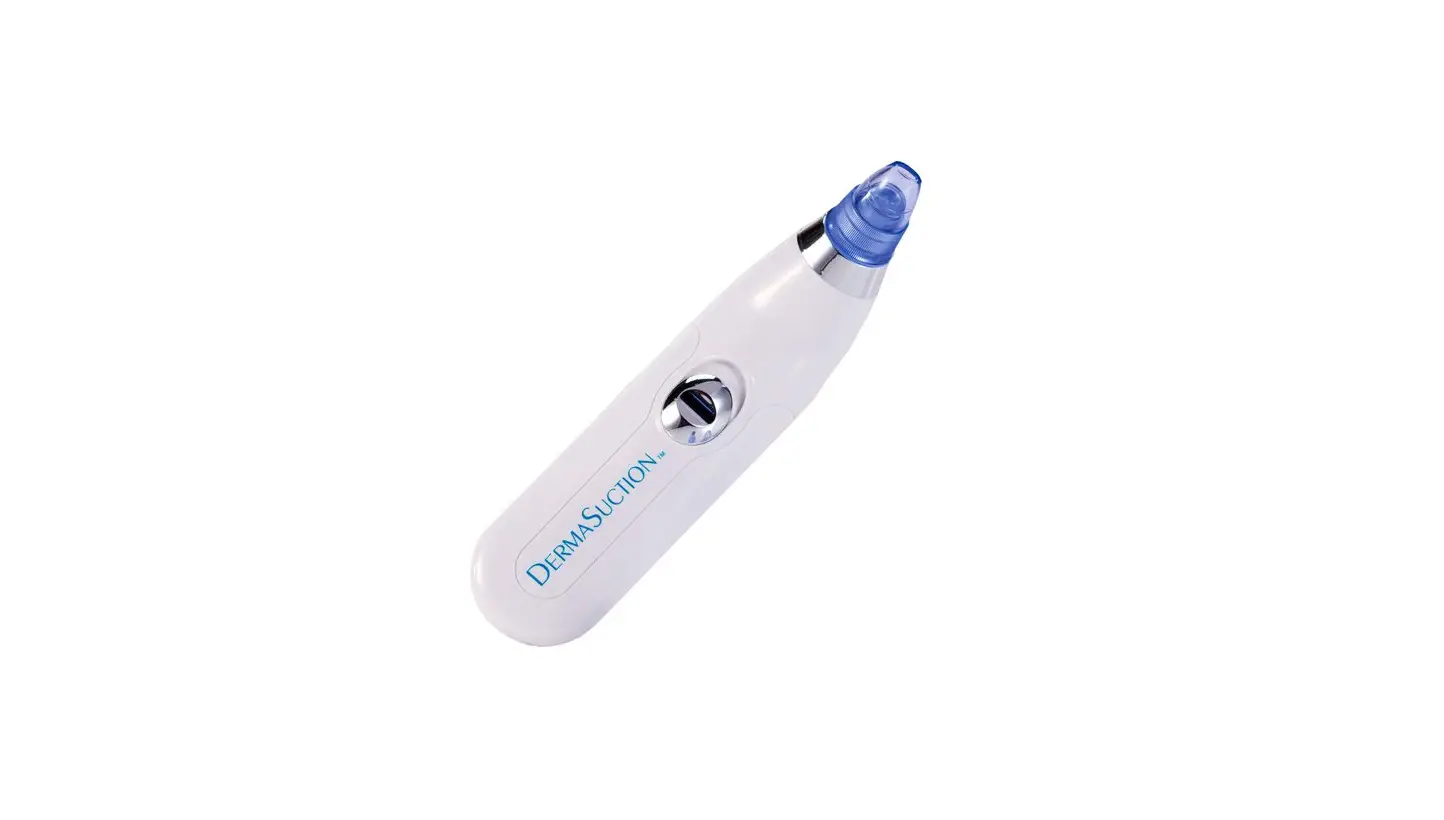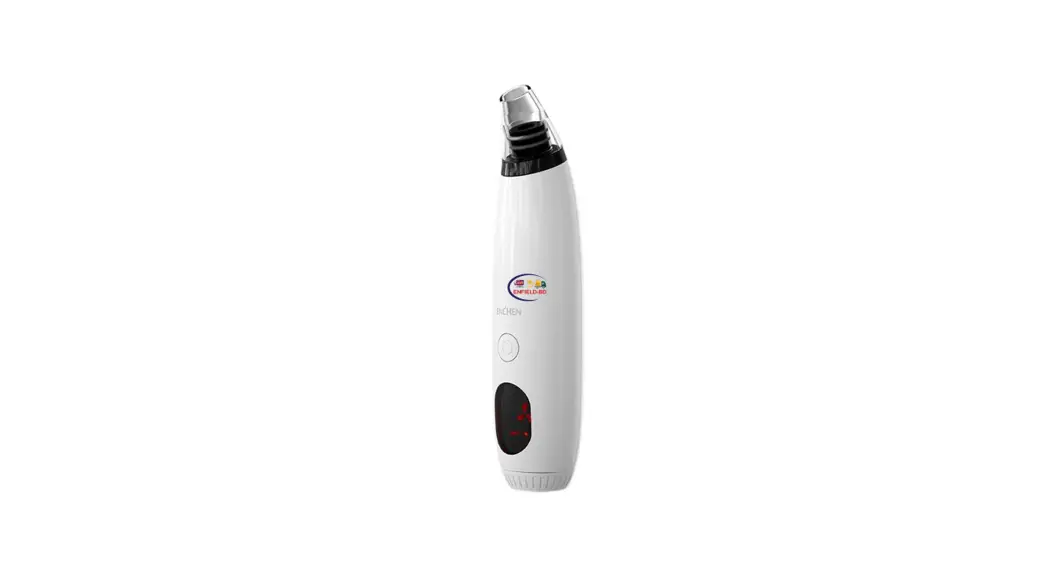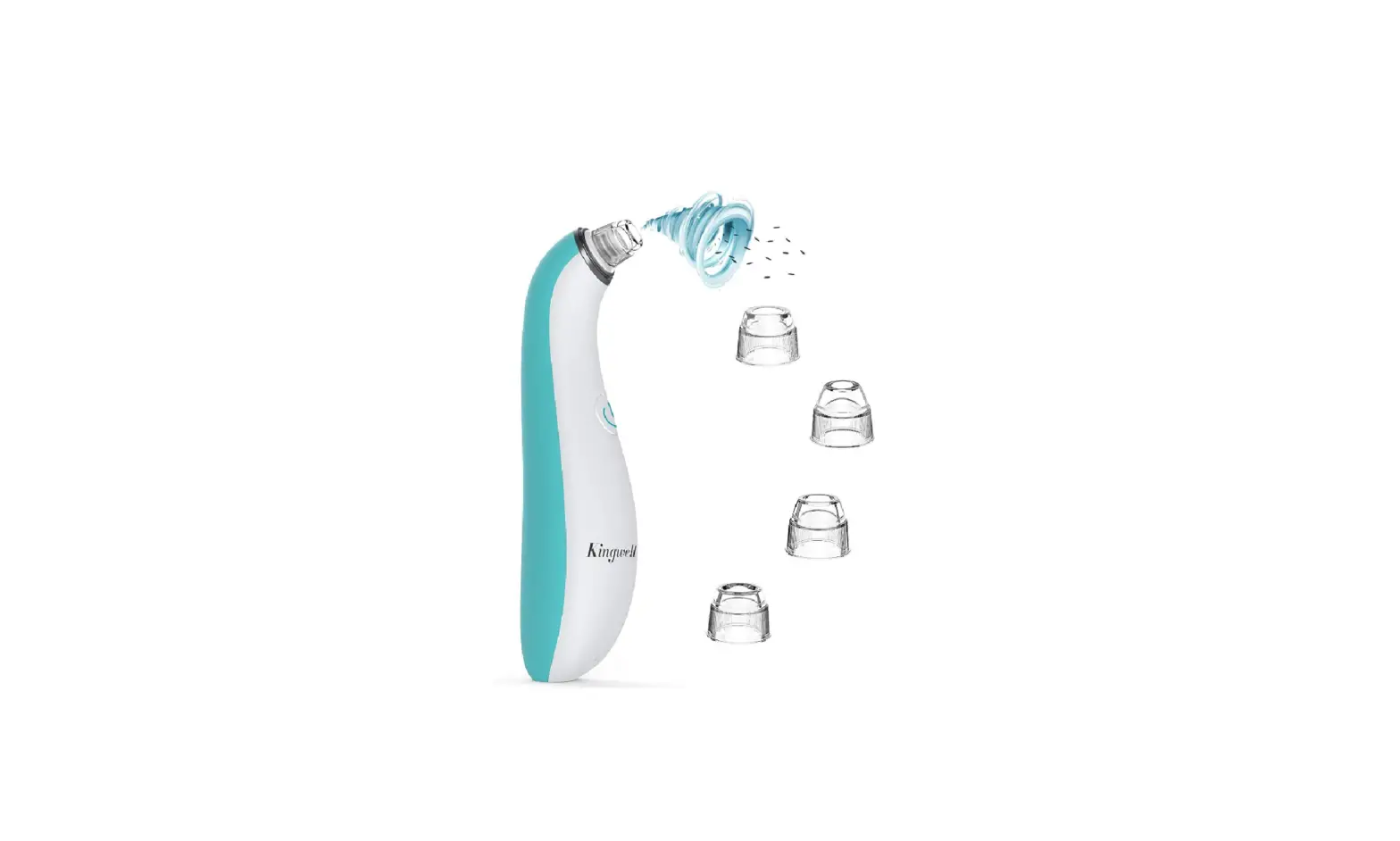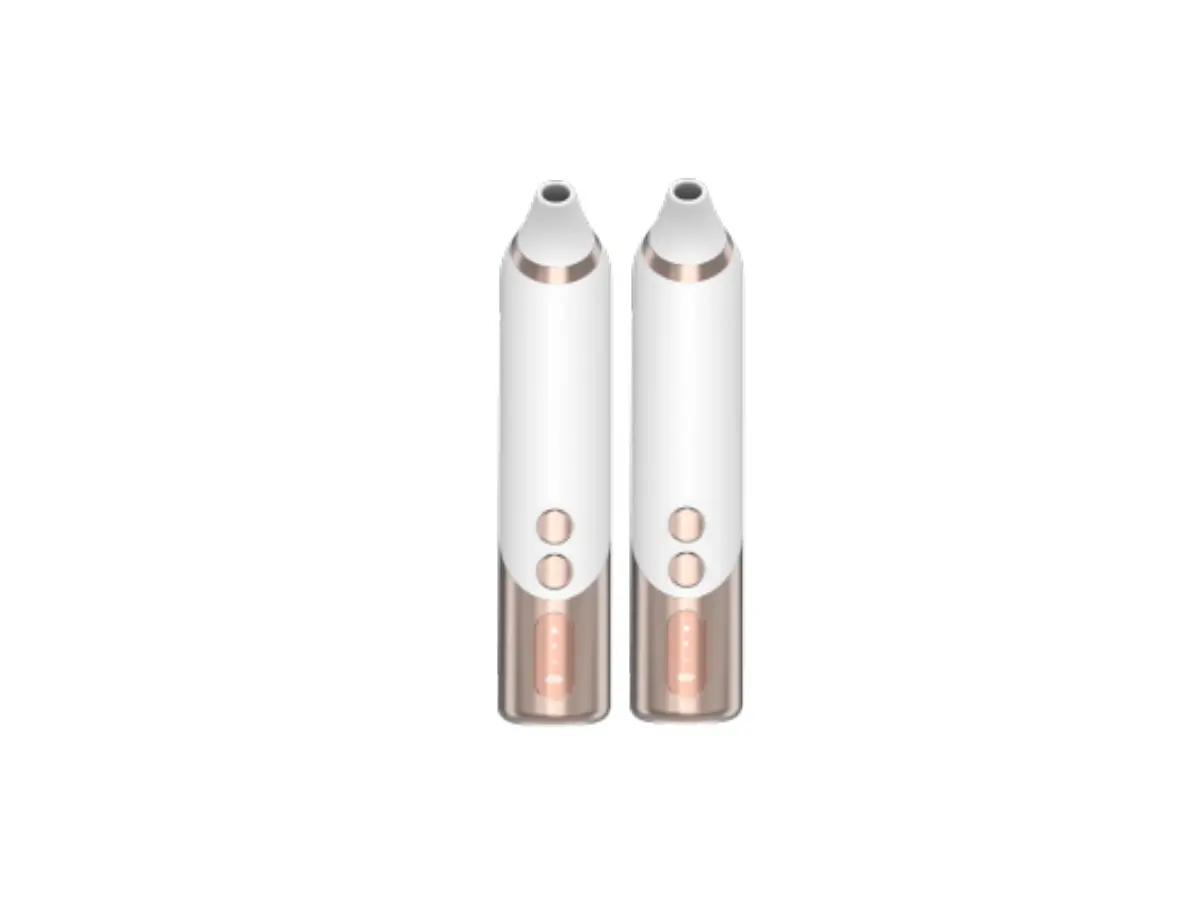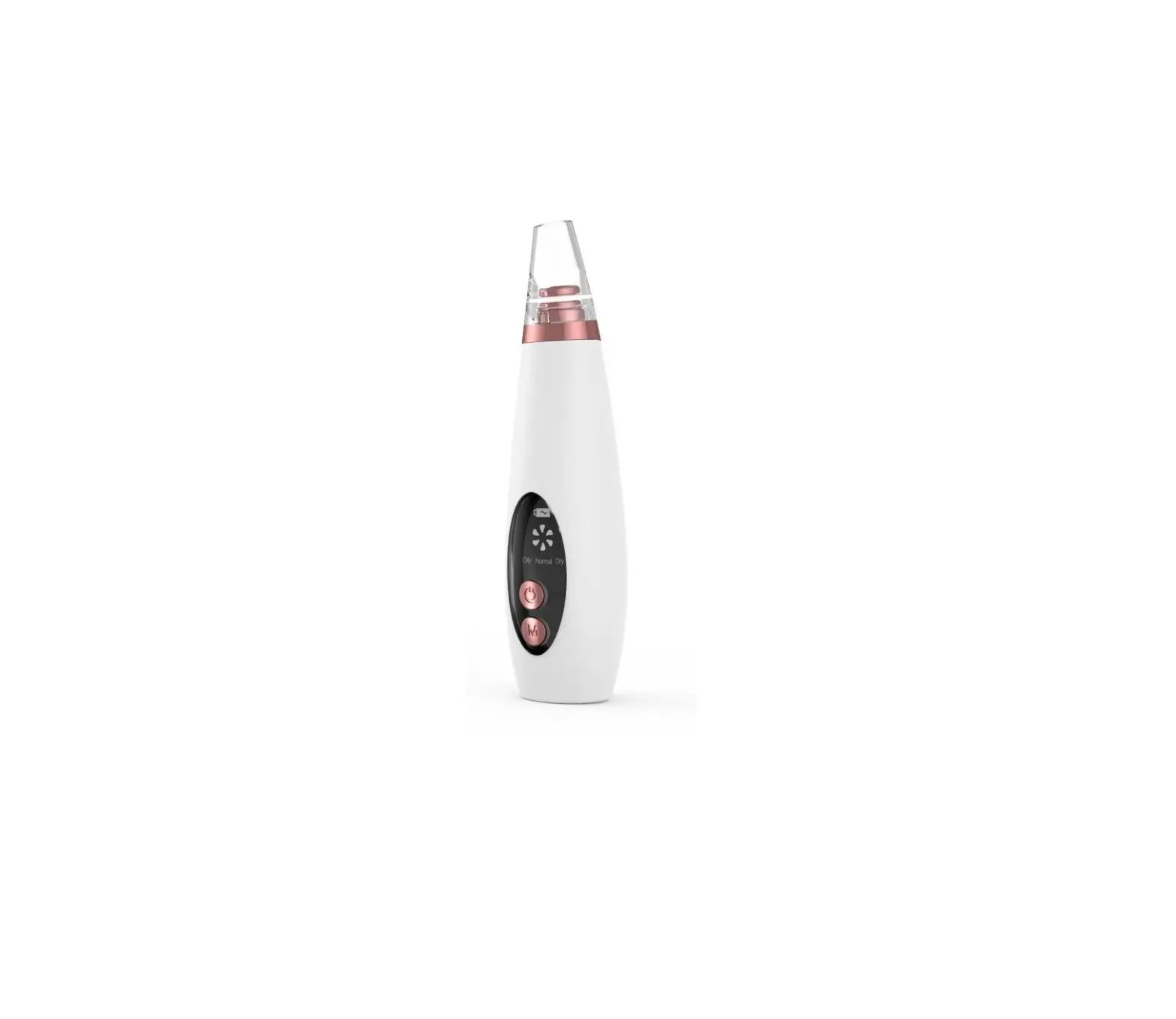
estelle Visible Silicone Blackhead
Remover User Guide
SAFETY & WARNINGS
- Do not use the device if the suction nozzle is not installed.
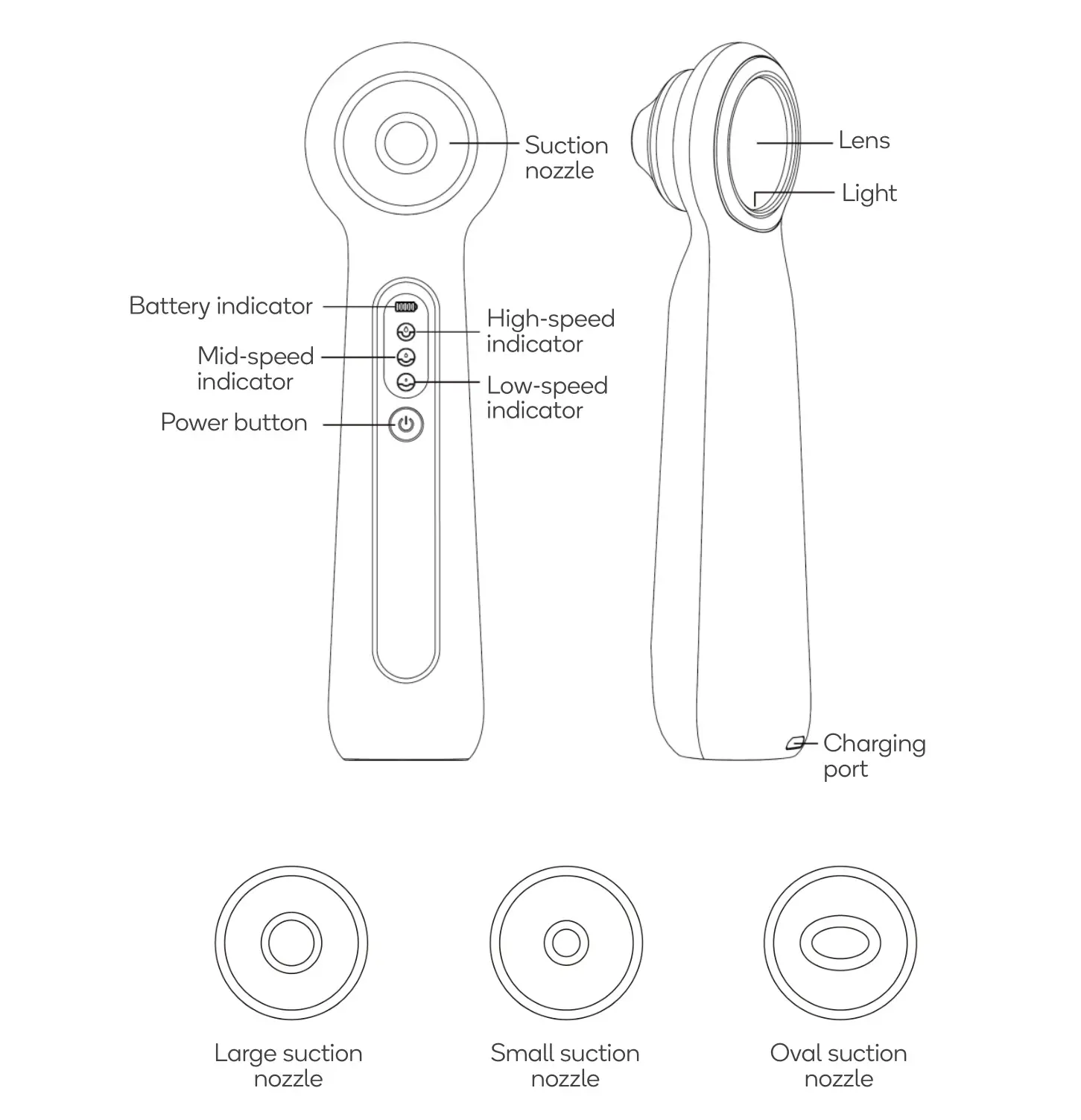
- This product is charged using a DC 5V adapter. When charging, the battery indicator will be RED. When it fully charged the indicator will turn GREEN.
- When the battery is low, the battery indicator will flash RED 10 times and then power down. Please charge the product.
- Do not use alcohol, detergents containing mercury, alkaline, acid and other supplies to clean the device.
- Not recommended for use whilst pregnant.
- Not recommended for use on children.
- Do not use if you have a cut on your skin.
- Do not wash the device, it is not waterproof. The suction nozzle can be disassembled and independently cleaned and disinfected.
- Do not drop the device, as the air-tight structure may be damaged causing it to malfunction.
- The area being treated should be kept clean and dry when using the blackhead remover. The suction nozzle should be cleaned after every use.
- Use the device only according to the instructions in this user guide.
- The following situations may result in voiding the warranty:
– Damage because of incorrect usage.
– Damage because of incorrect disassembly or repairing.
– Damage due to accidental dropping.
– Damage due to fire, water, electric shock, other weather factors.
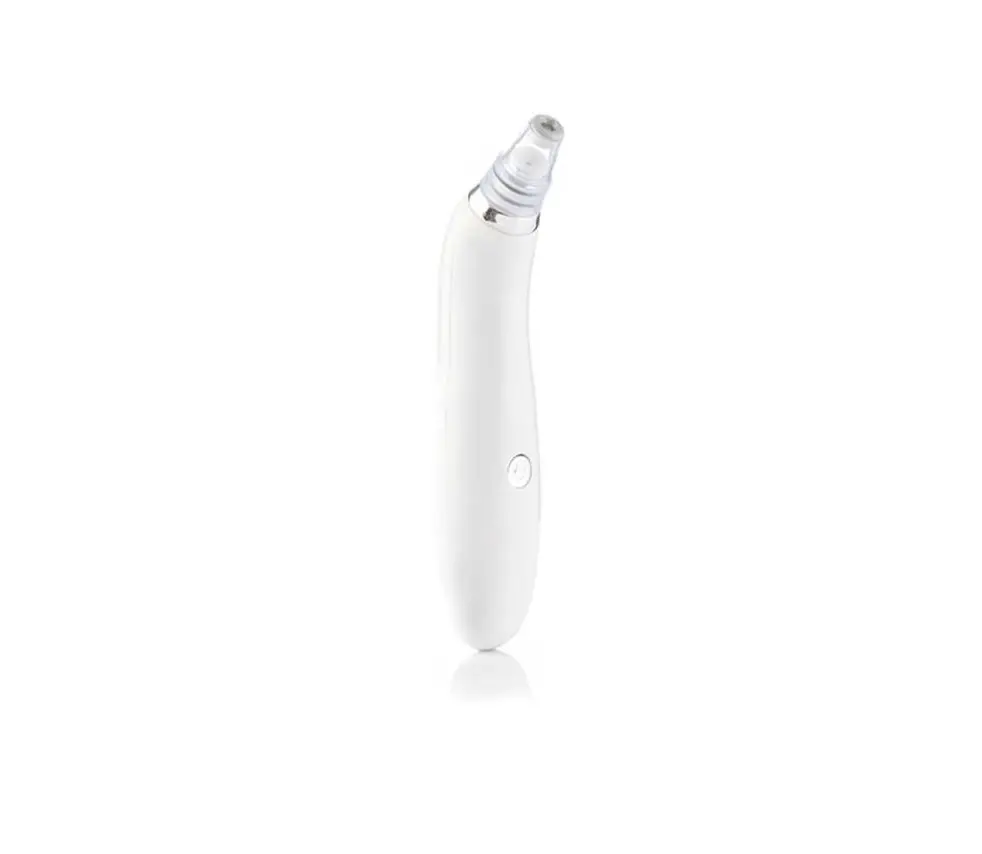
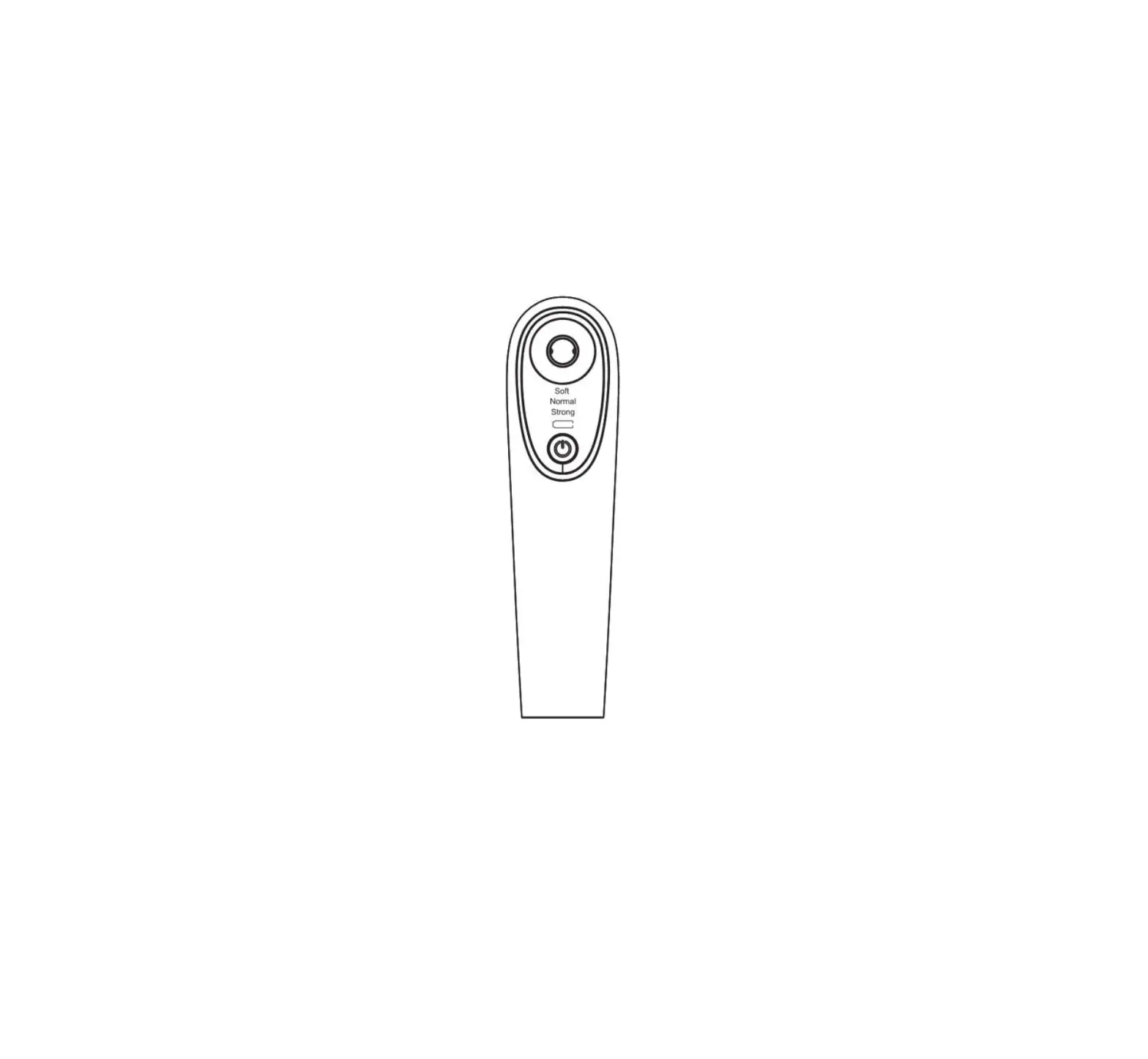
OVERVIEW
OPERATION
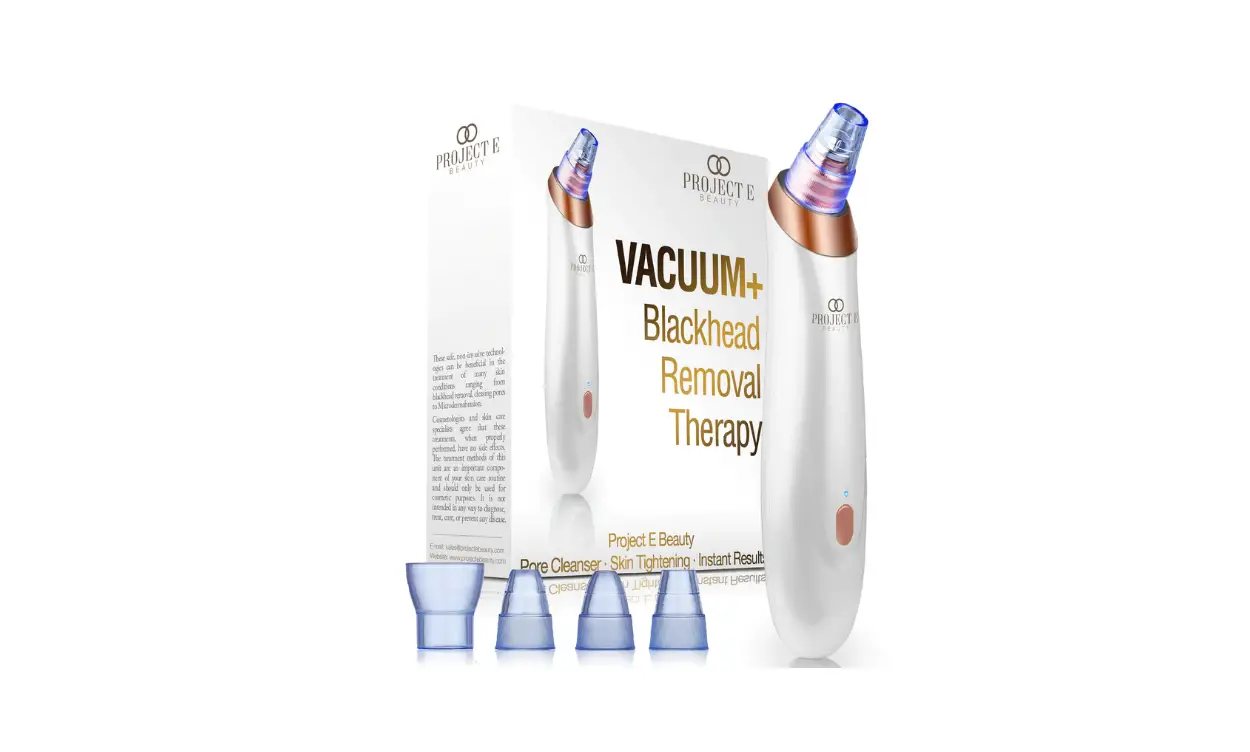
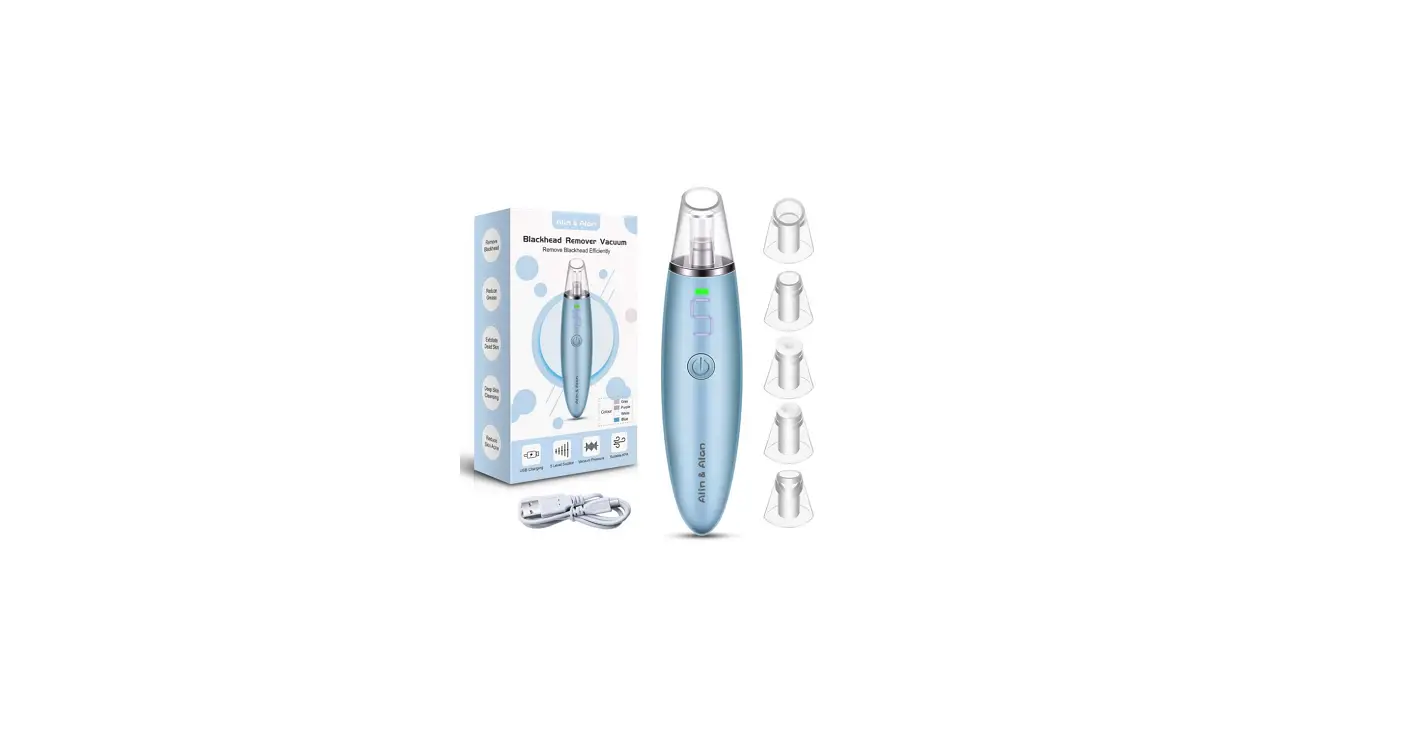
Changing the suction nozzles
- Removal: hold the device with one hand, press the suction nozzle with the other hand and pull it out. (Figure 1).
- Installation: hold the device with one hand, push the suction nozzle with the other hand into position, until it is securely in place. (Figure 2).
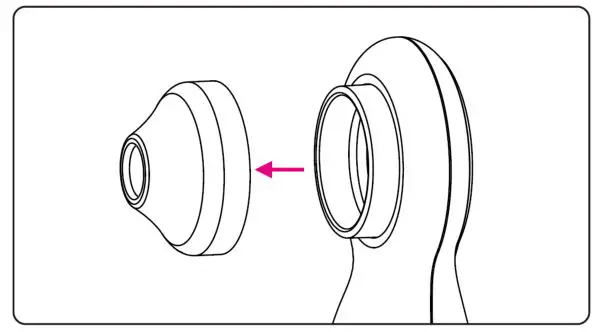
Figure 1
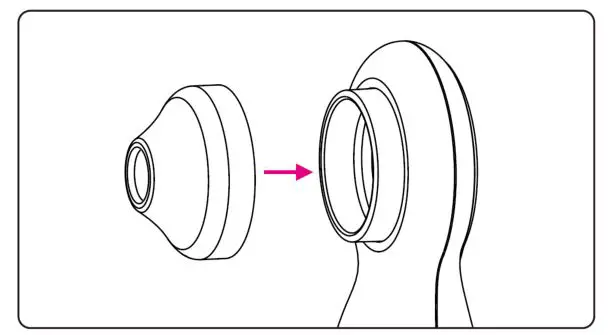
Figure 2
Changing suction levels
- Press and hold the Power button for 1 second to turn the device on. The low-speed indicator will turn BLUE and the light will turn on.
- Pressing the Power button again will increase the suction. The mid-speed indicator will turn BLUE.
- Pressing the Power button a third time will increase the suction. The high-speed indicator will turn BLUE.
- Pressing the Power button again will lower the suction. The low-speed indicator will turn BLUE.
- Press and hold the Power button for 1 second to switch the device off.
Light
- With the device turned on, press the Power button twice. The supplementary light will turn off.
- To turn the light back on, press the Power button twice.
Removing blackheads
- Apply a hot towel to your face for 1 – 2 minutes to help open the pores.
- Place a cotton pad into some blackhead extraction solution, then apply the cotton pad to the nose and leave for 6 – 8 minutes (this step is optional).
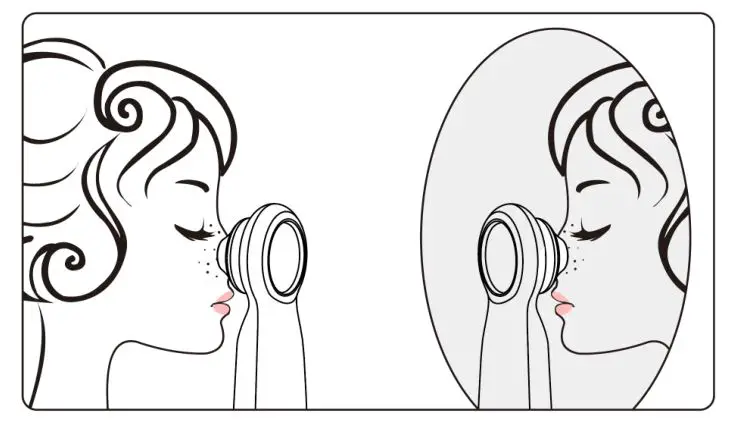
- Turn on the blackhead remover, face a mirror to help observe the blackheads. Place the suction nozzle on the blackhead and allow the device to remove the blackhead from the pore.
Note:
Keep the device moving back and forth during use. It is not recommended to keep it in the same place for too long. - Using a pore minimising product after treatment can help in the reduction of blackheads returning.
- The device will automatically shut down after 5 minutes of use.
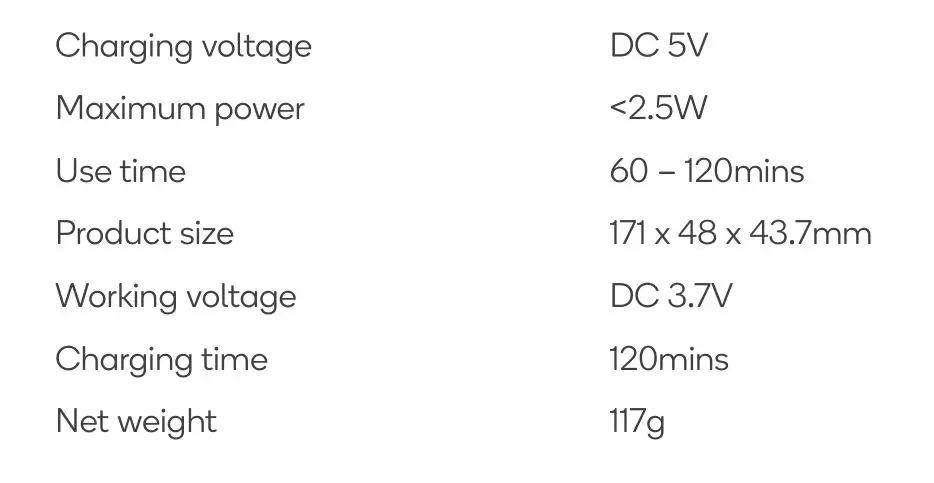
SPECIFICATIONS
Need more information?
We hope that this user guide has given you
the assistance needed for a simple set-up.
For the most up-to-date guide for your product,
as well as any additional assistance you may require,
head online to help.kogan.com