 Using your Slimline Touchpad
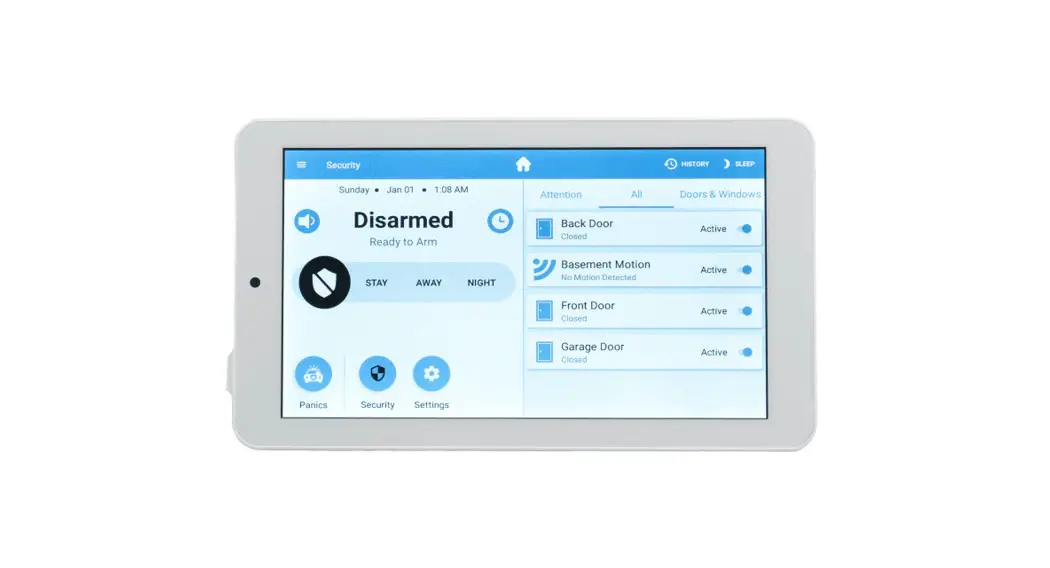
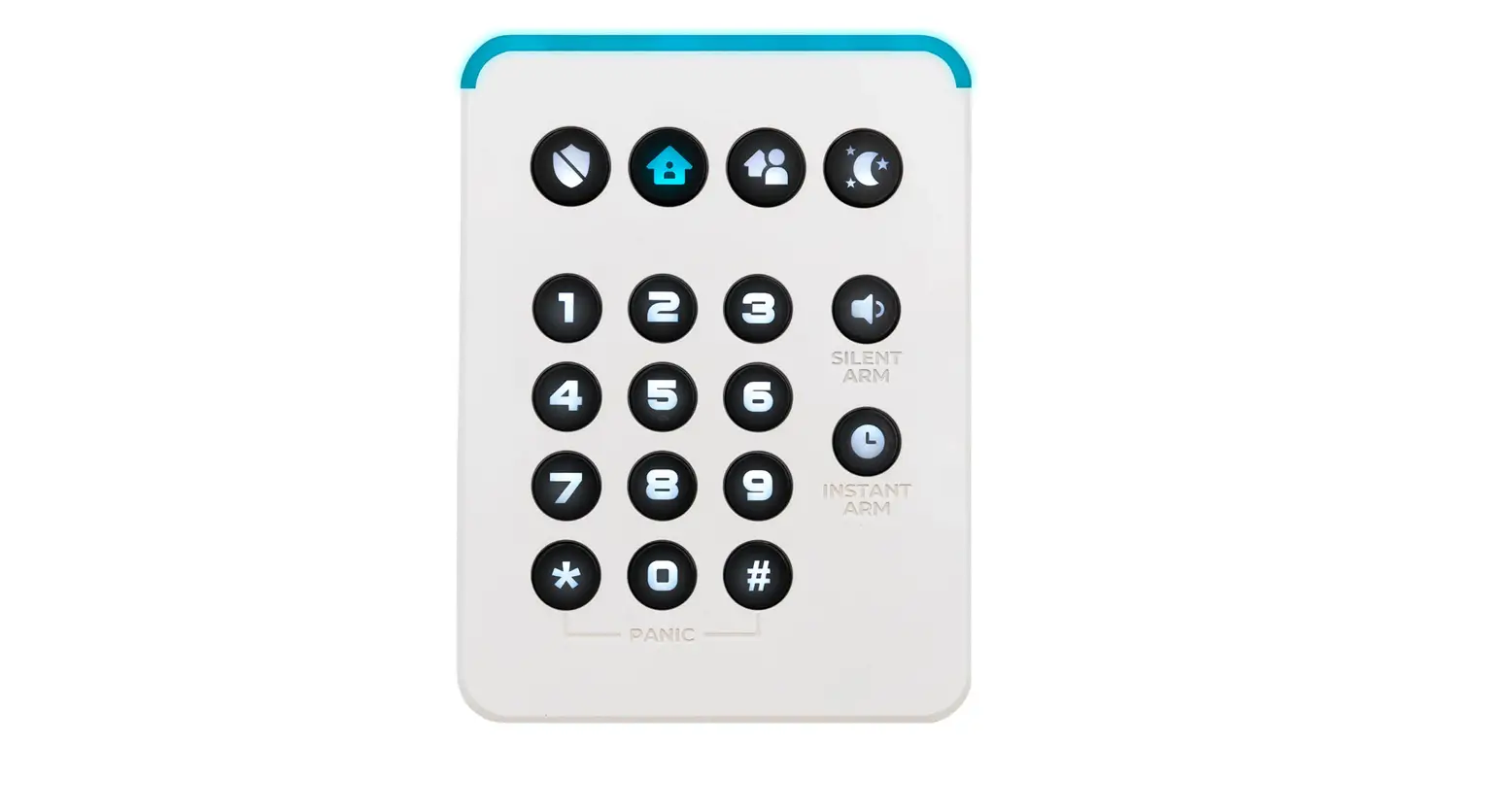
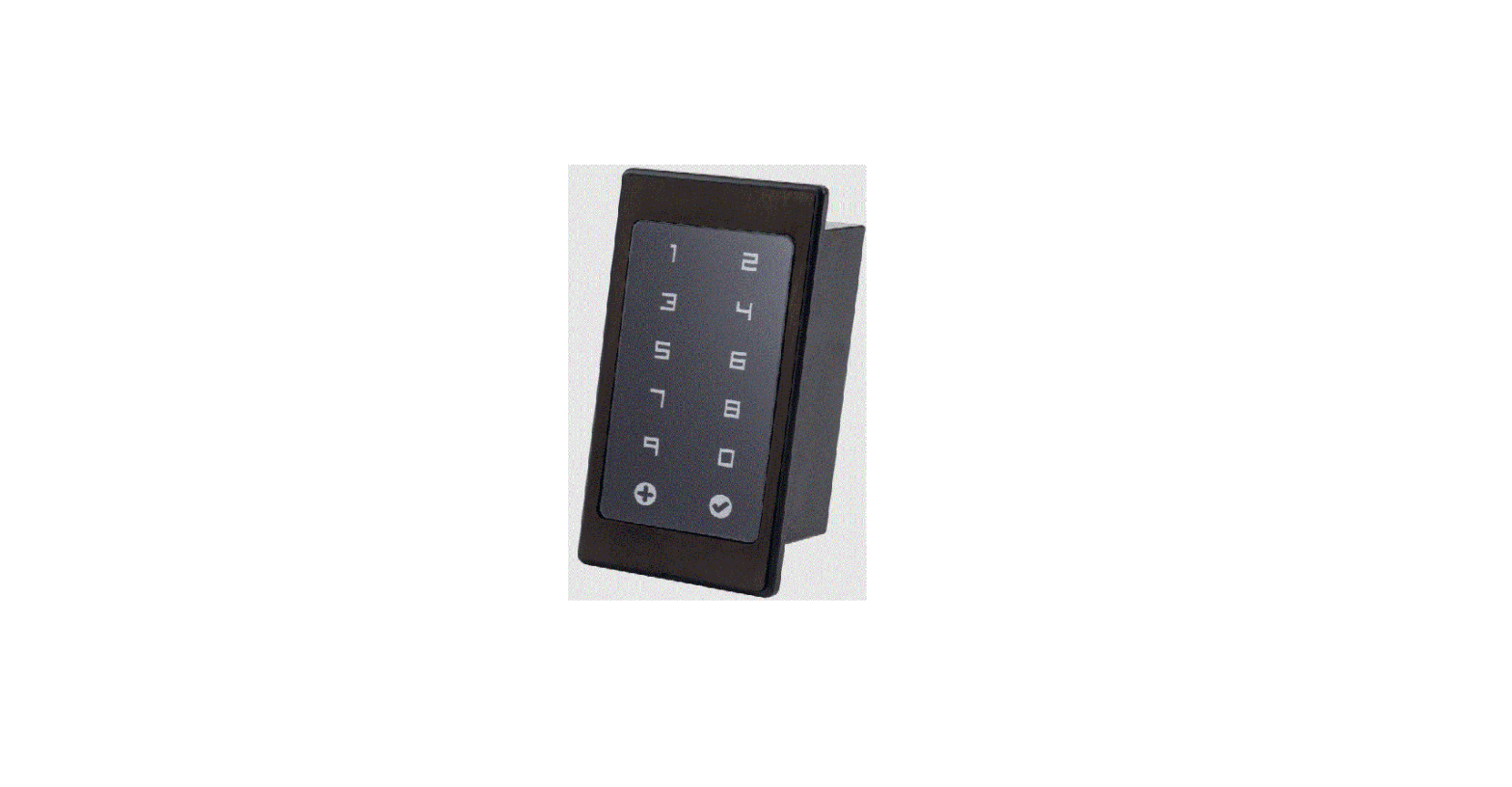
RE667W Slimline Touchpad
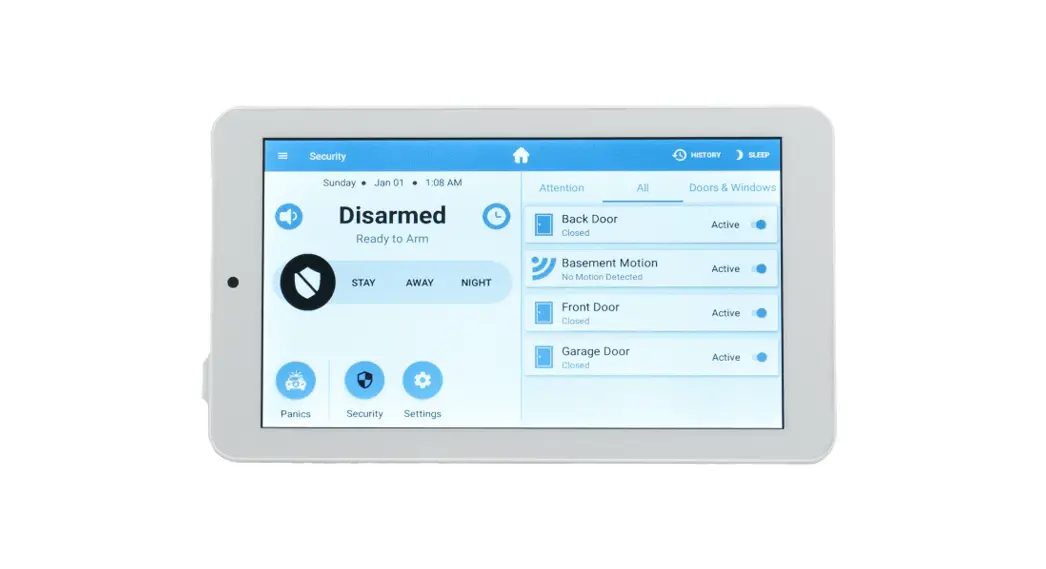
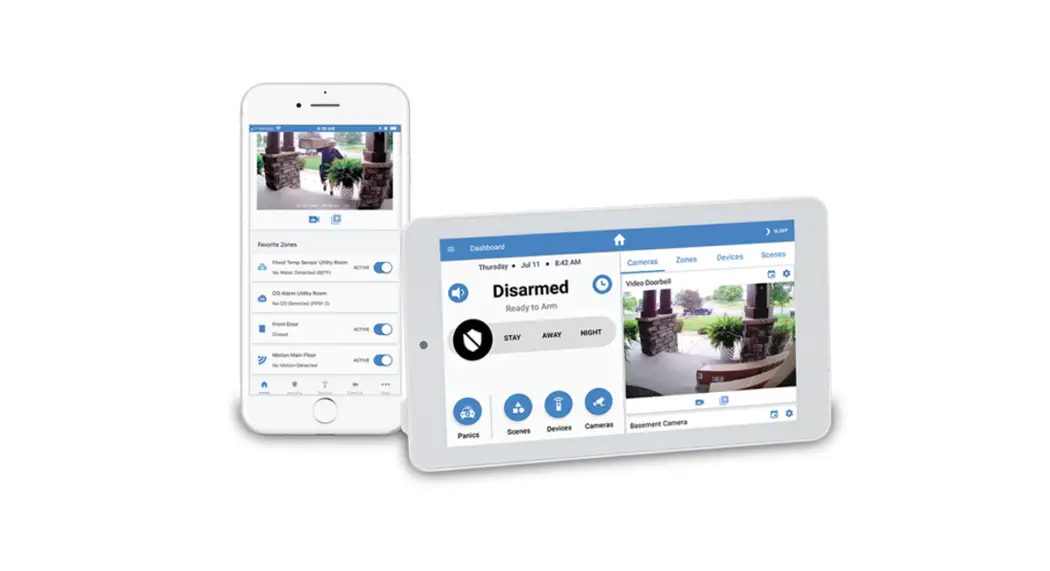
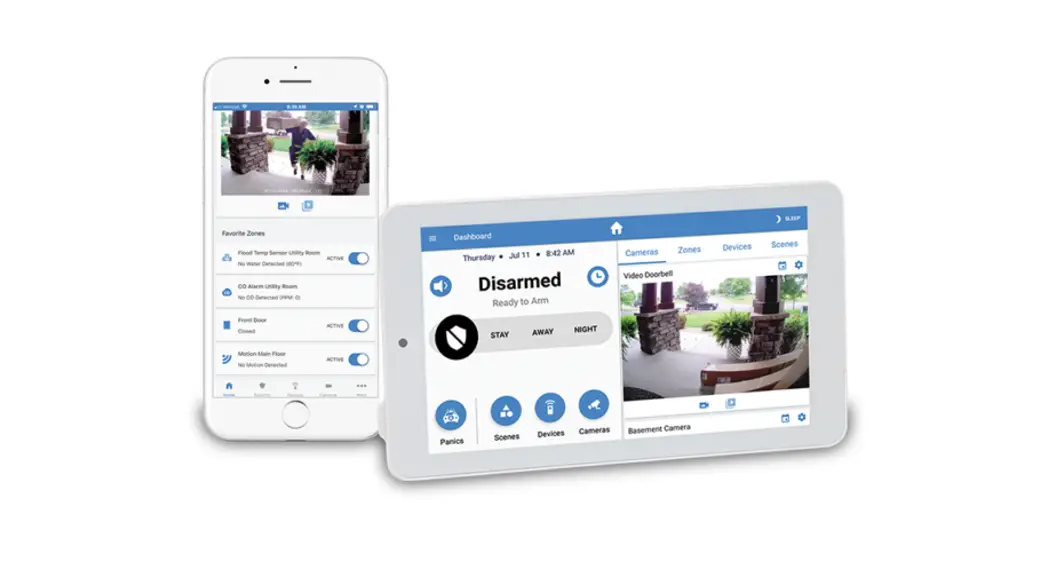
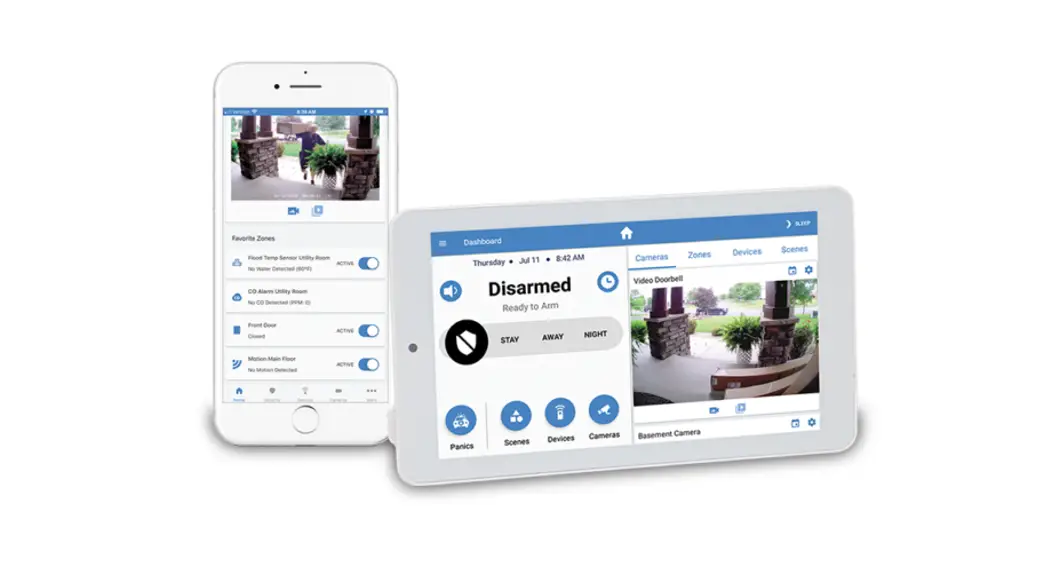
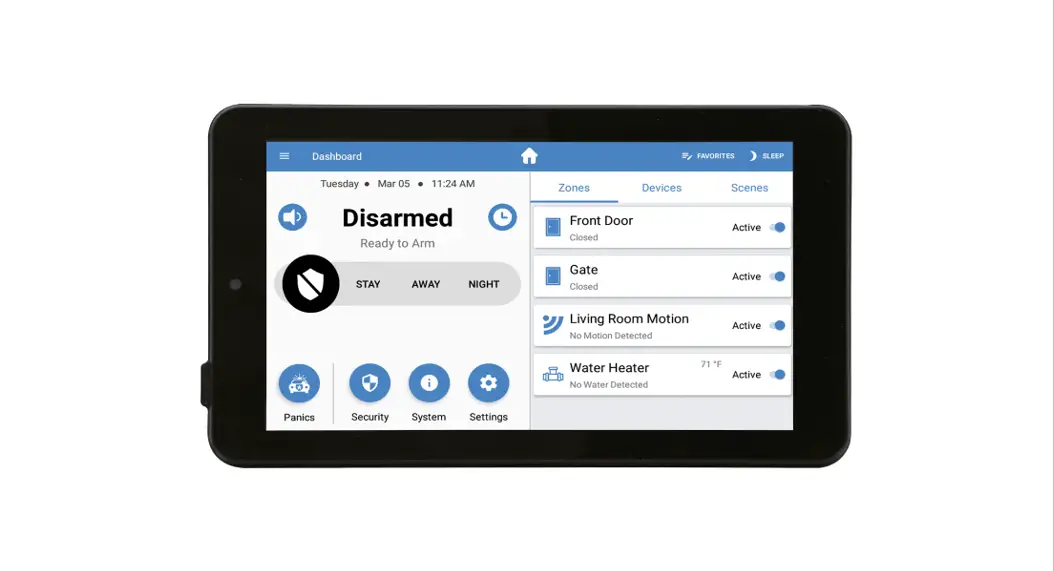
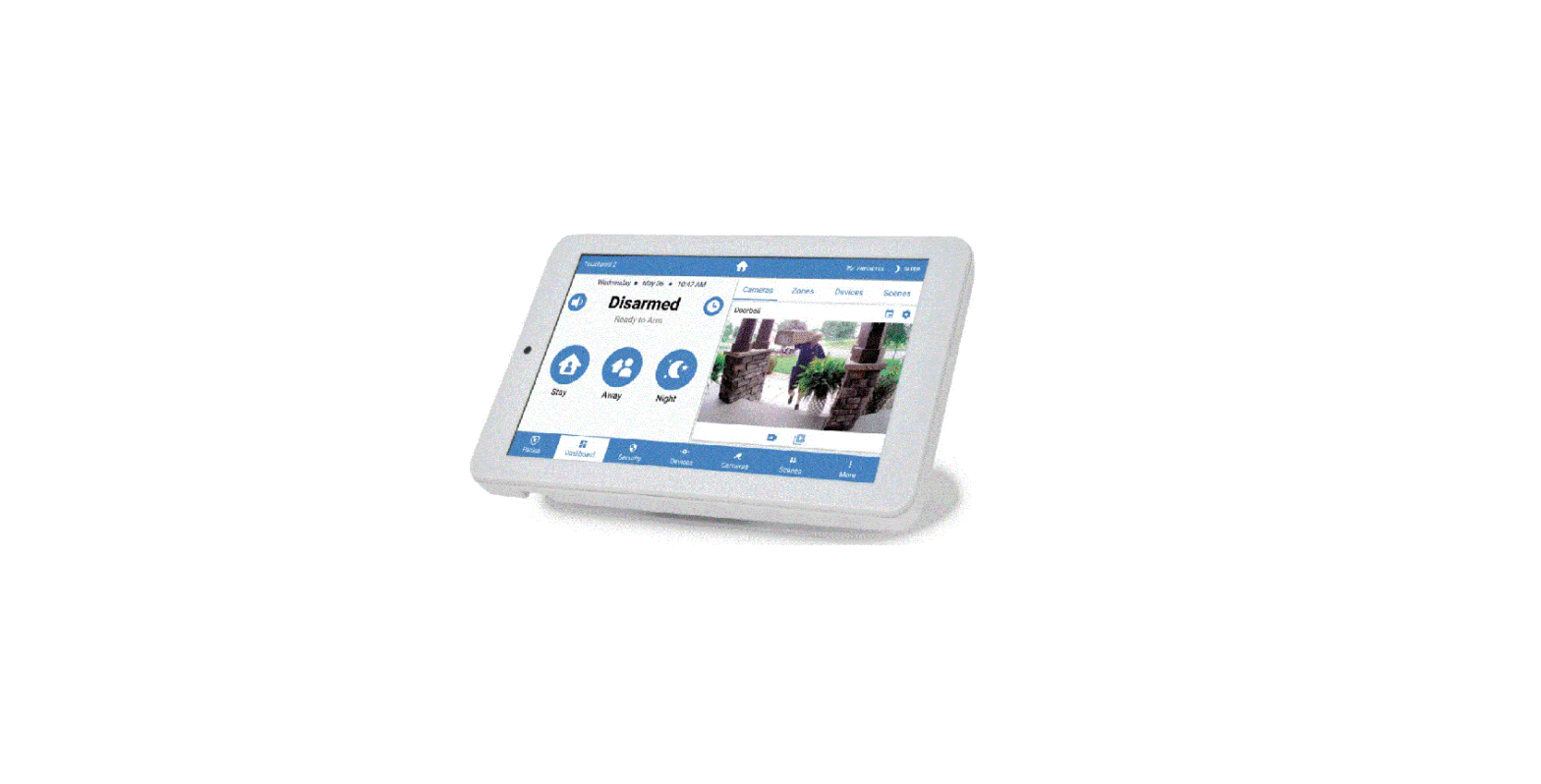
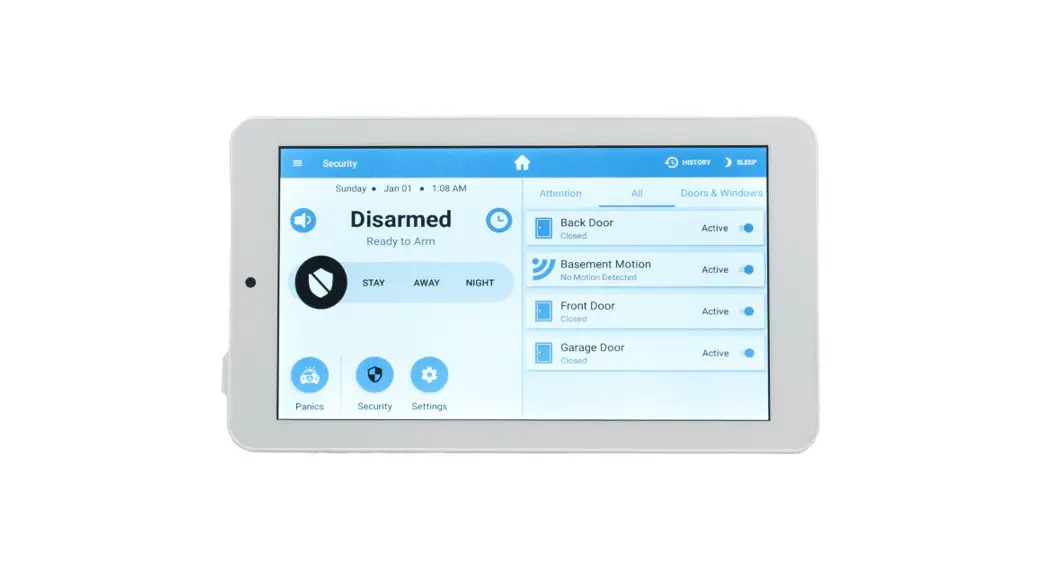
The 7” Touchscreen on your Alula Smart Security System is the central hub for keeping tabs on everything that happens with your system. View live and recorded video and interact with visitors at the front door. Control smart lights and all your other Z-Wave smart devices. With controls that are the same as your mobile app, you can rest assured that using your Touchpad will be simple and easy and fit right in with your busy schedule.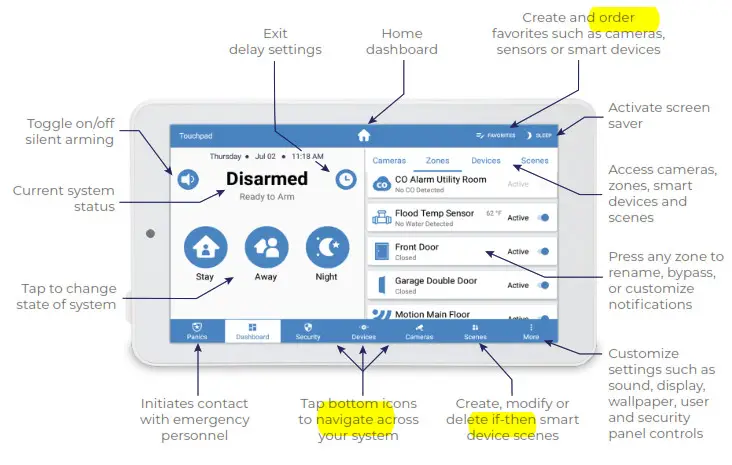
See reverse side for arming functions
Arming Functions
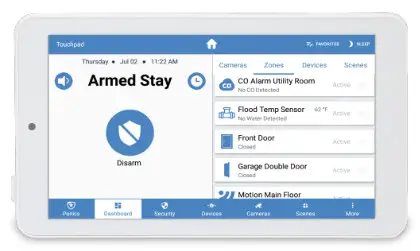
 Select the STAY icon to arm your system while you are still at home. Motion detectors will be disabled.
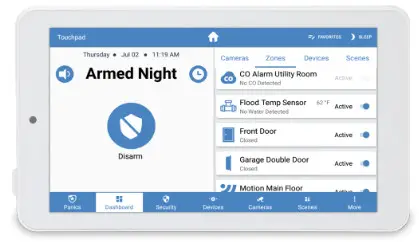
 Use ARMED NIGHT when you are on premises overnight. Your system will arm immediately without an exit delay, motion detectors can be either active or inactive based on preference.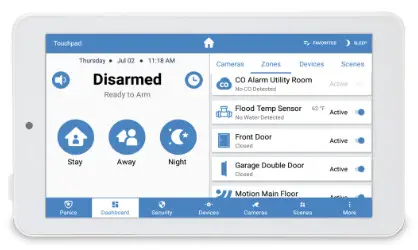
 Set your security system to AWAY when you plan to leave. This setting keeps all motion detectors active.
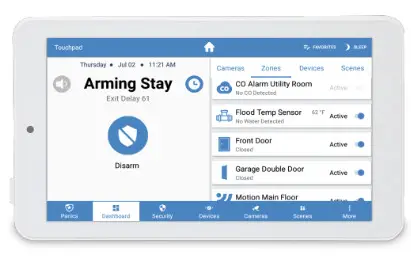
 When setting your system to STAY or AWAY, the system status will show ARMING and an EXIT DELAY countdown will start. This gives you time to leave the premise before the system is activated.
Contact your Alula dealer with questions or to add a touchpad to your system
2340 Energy Park Drive, Suite #100, St. Paul, MN 55108
1-888-88-ALULA
alula.com
 Professional Smart Security System | Home Security Dealer Program | Alula