Tovis L1946BPSKN Wireless Charger Module User Manual
Introduction
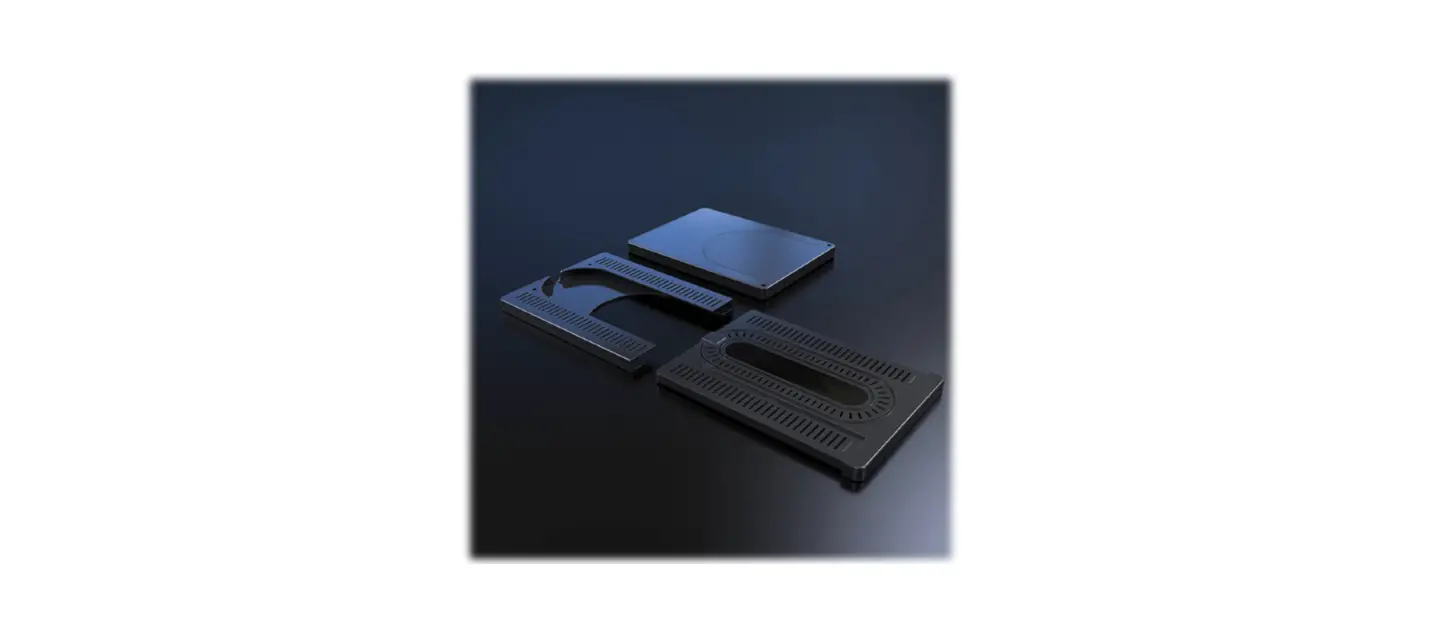
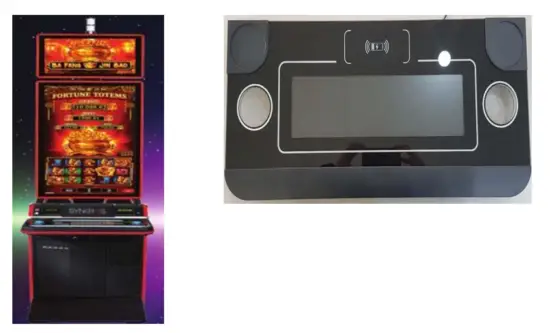
This specification is for the 19” 1/3 Cut With Touch Button Deck of the game machine. This document contains the electrical specifications and the characteristics
Configuration
| Part Name | Description | Maker | |
| 1 | TFT LCD PANEL | MV190E0M-N10, 1/3 15.3″ | TOVIS |
| 2 | A/D PCB ASSY | LIBERO DP | SEMA |
| 3 | TOUCH SCREEN | TC0190007A | ILJIN |
| 4 | CONTROLLER | KA190F | NANO TS |
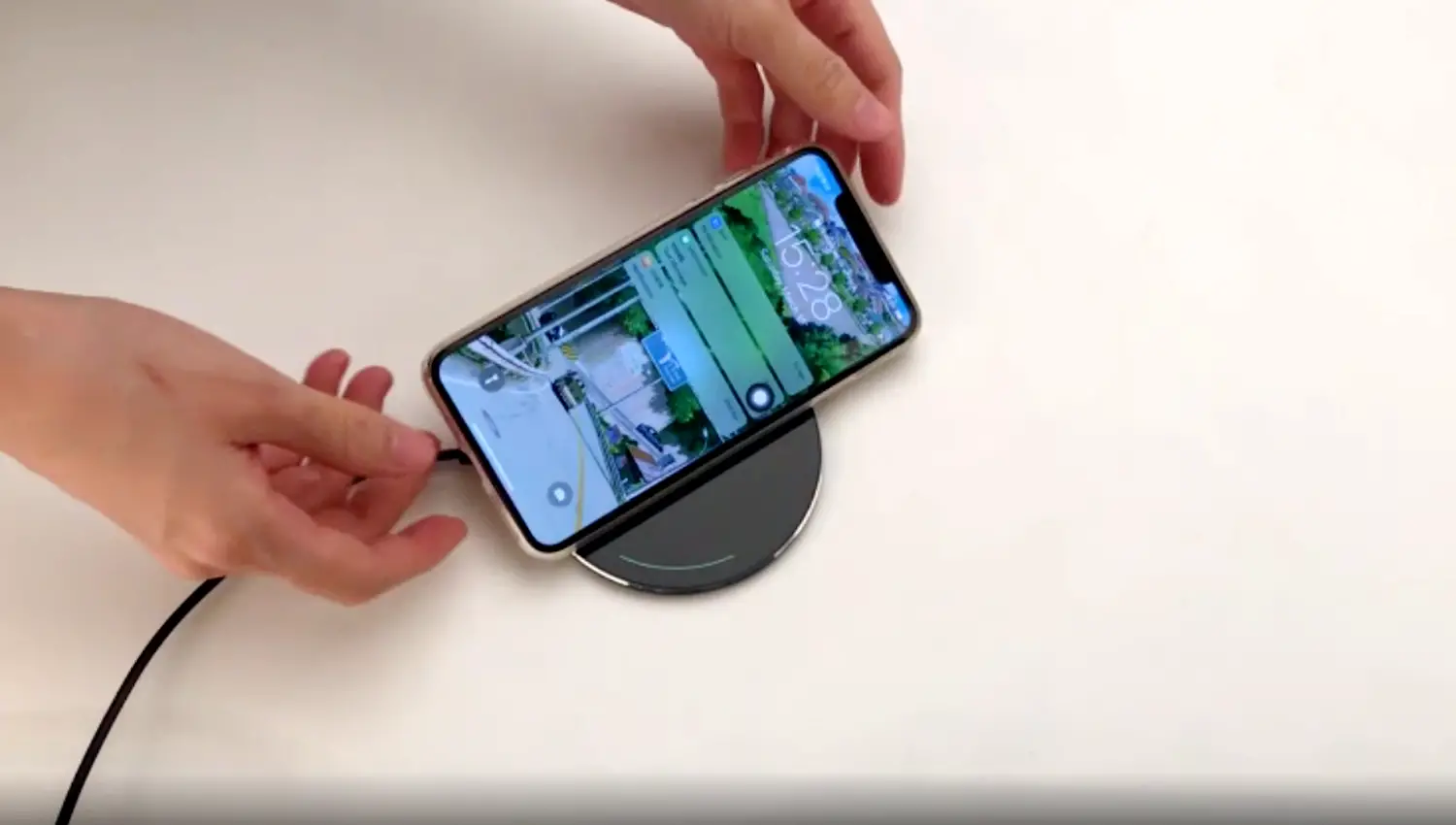
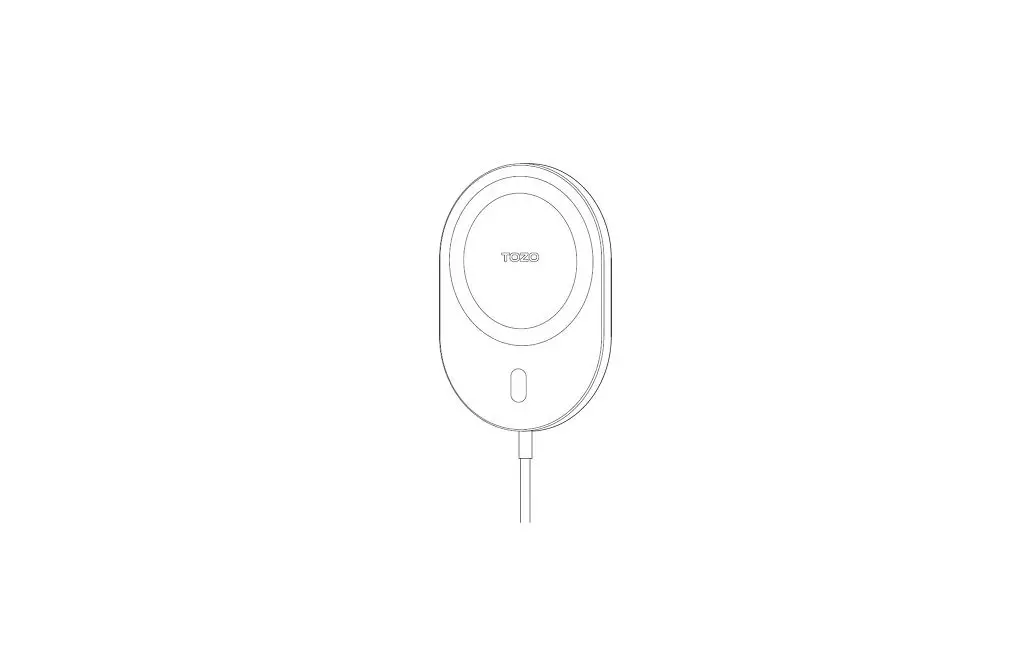
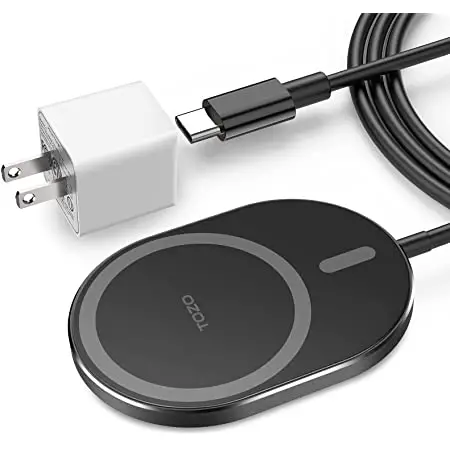
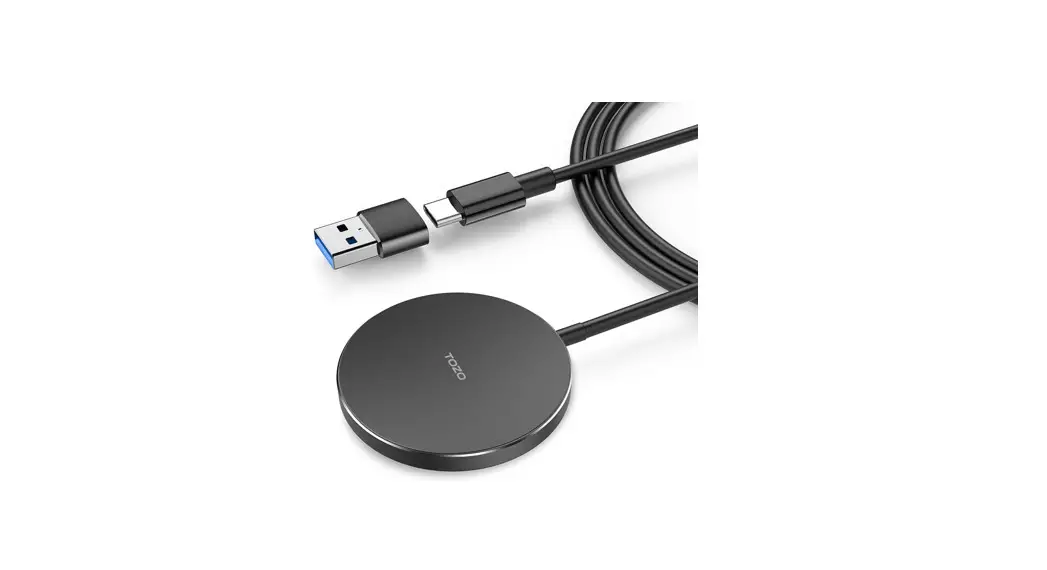
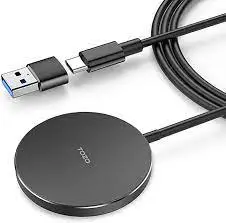
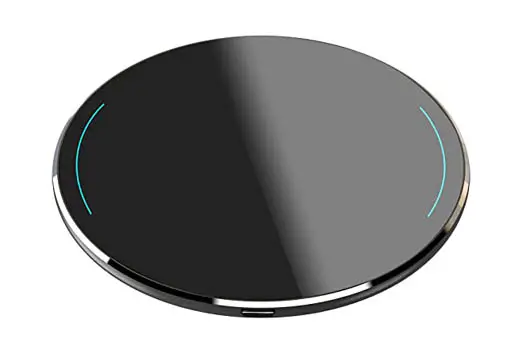
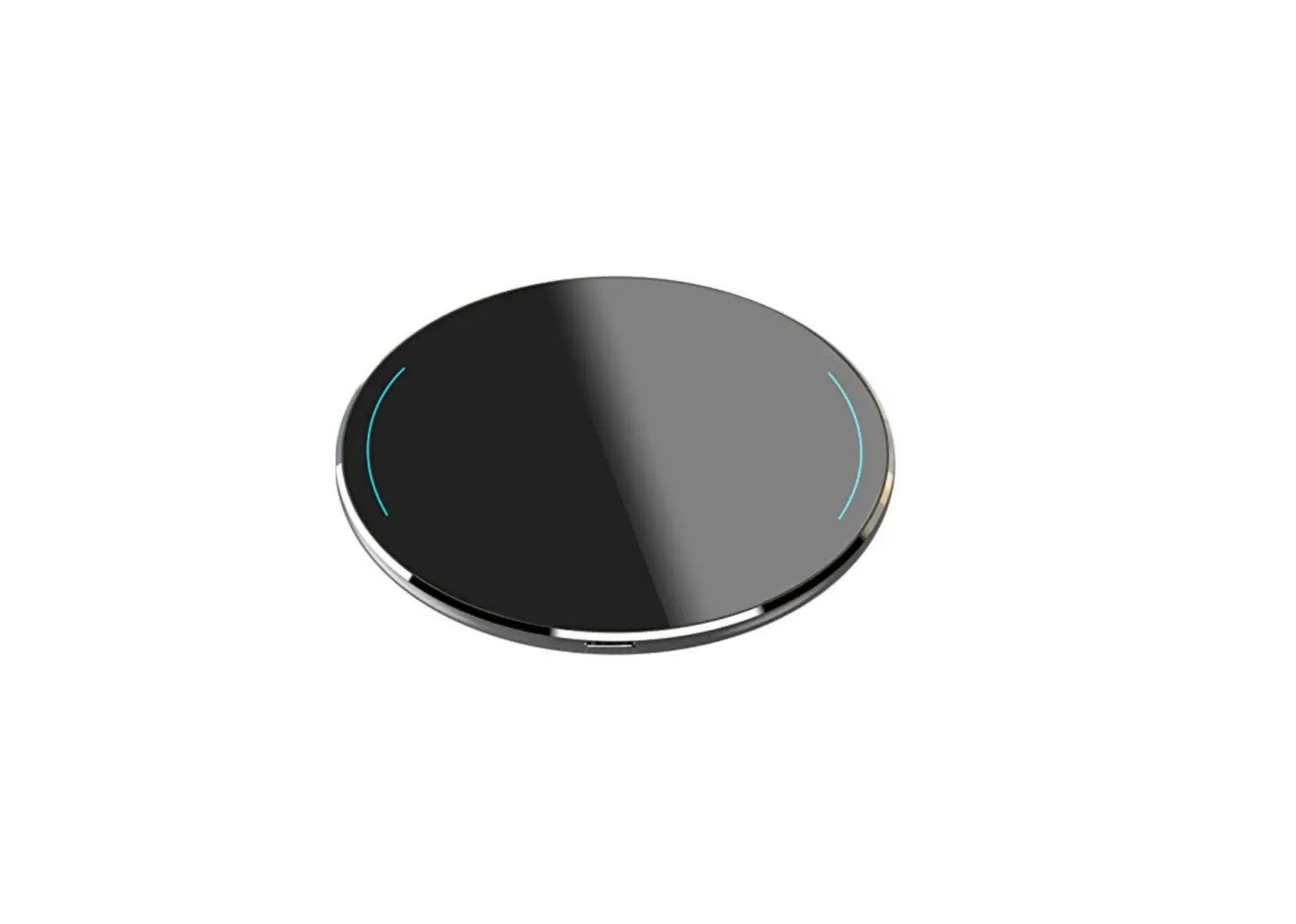
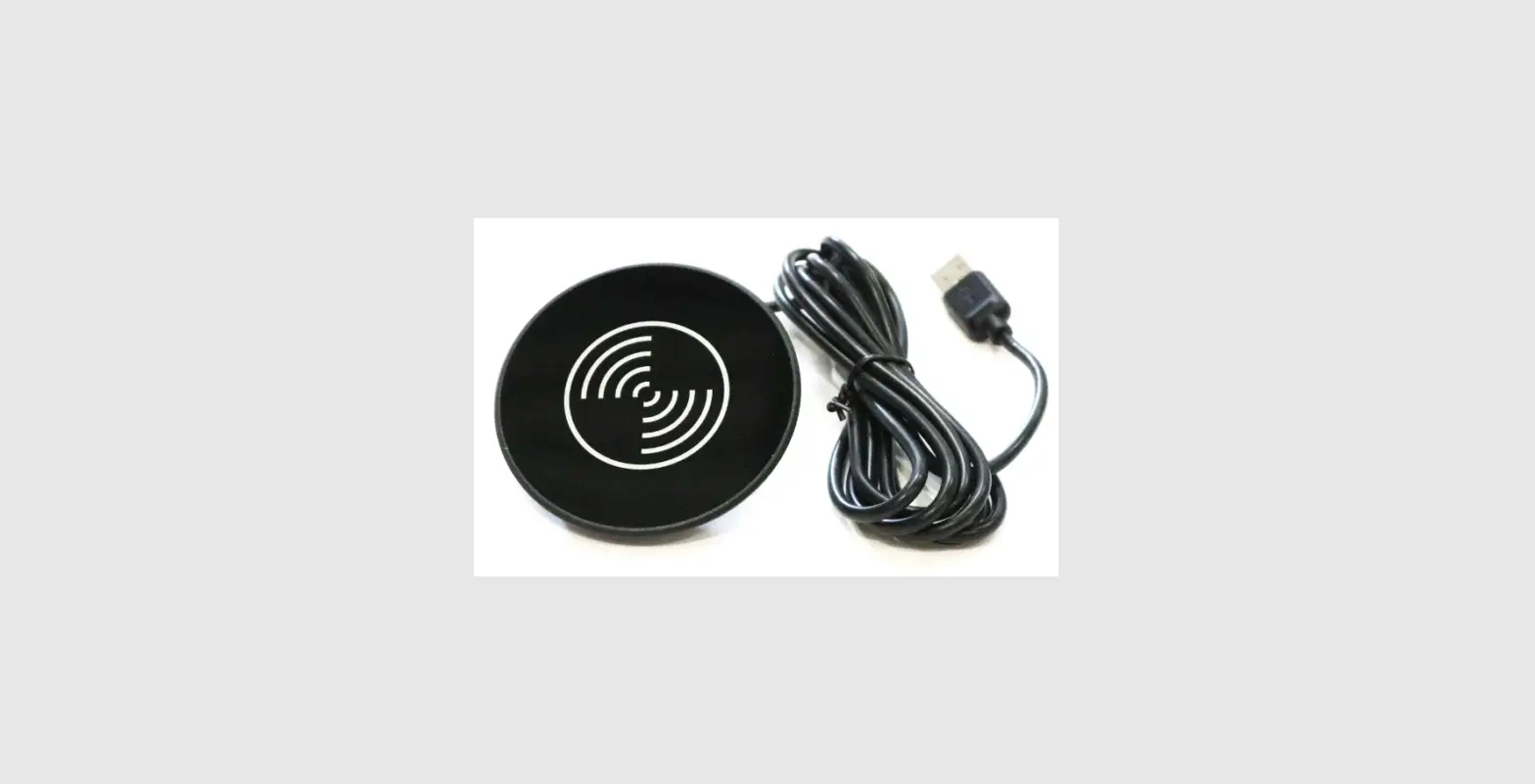
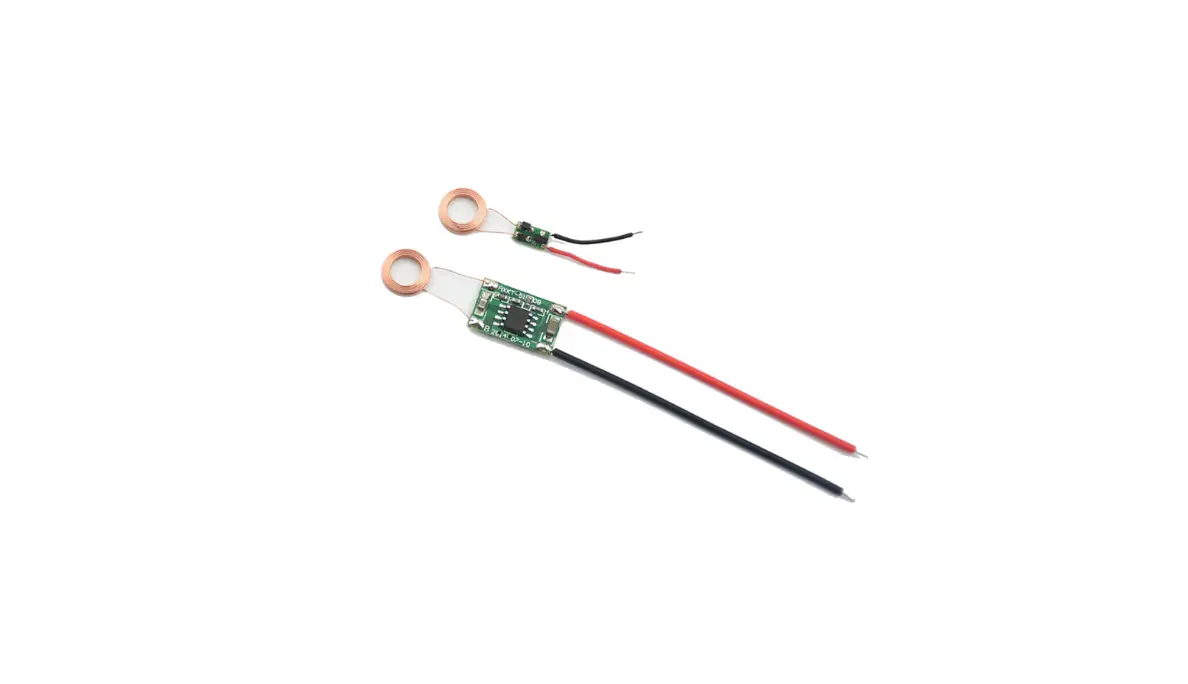
| 5 | WIRELESS CHARGER | PTM-520K | POWER CAST |
| 6 | LED DRIVER | LB-4120BHF | PIS |
| 7 | USB SUB BOARD | BE91-00015G | SEMA |
| 8 | LED PCB – L | KONAMI SHIBUI_B/Deck LEFT | SEMA |
| 9 | LED PCB – R | KONAMI SHIBUI_B/Deck RIGHT | SEMA |
Specification
a. Optical Specifications
| Requirement | Notes | ||||
| Color Temp | 6500K ±500 | ||||
| Color Coordinate (White) | x: | 0.313 | / y: | 0.329 | (±0.010) |
| Brightness ( Clear Glass ) | 210 NITS ± 10 @ 100 IRE | ||||
b. Input
| Requirement | Notes |
| Interface Type | Display Port x1 |
| Interface Standard | – |
| Connector Gender | Male |
c. Power
| Requirement | Notes |
| Power Requirement | 24VDC /1A – Main Monitor 5VDC/6A – LED LIGHTING 5VDC/2A – WIRELESS CHARGER |
| Max Power | 24W 30W 10W |
| Voltage Range | 24V ± 10 % (21.6 to 26.4VDC) 5V ± 10 % (4.5 to 5.5VDC) |
d. Support resolution
| Display Timing | Pixel Freq. | Timing | Support | |||||||
| Sync Freq. | Total | Display | Sync WIdth | Back Porch | Front Porch | Sync Pol | DP | |||
| (MHz) | (kHz) | (pixel) | (pixel) | (pixel) | (pixel) | (pixel) | ||||
| 640×480-60Hz-VESA-DMT | H | 25.175 | 31.469 | 800 | 640 | 96 | 48 | 16 | N | O |
| V | 59.941 | 525 | 480 | 2 | 33 | 10 | N | |||
| 800×600-60Hz-VESA-DMT | H | 40.000 | 37.879 | 1056 | 800 | 128 | 88 | 40 | P | O |
| V | 60.317 | 628 | 600 | 4 | 23 | 1 | P | |||
| 1280×800-60Hz-VESA-CVT | H | 83.499 | 49.702 | 1680 | 1280 | 128 | 200 | 72 | N | O |
| V | 59.810 | 831 | 800 | 6 | 22 | 3 | P | |||
| 1280×266-60Hz-KONAMI | H | 36.000 | 24.000 | 1500 | 1280 | 100 | 100 | 20 | N | O |
| V | 60.000 | 400 | 266 | 20 | 54 | 60 | N | |||
| 1280×240-60Hz-KONAMI | H | 34.560 | 23.040 | 1500 | 1280 | 100 | 100 | 20 | N | O |
| V | 60.000 | 384 | 240 | 30 | 54 | 60 | N | |||
| 1280×342-60Hz-KONAMI | H | 31.000 | 21.528 | 1,440 | 1,280 | 32 | 80 | 48 | P | O |
| V | 59.634 | 361 | 342 | 10 | 6 | 3 | N | |||
How to connect_1
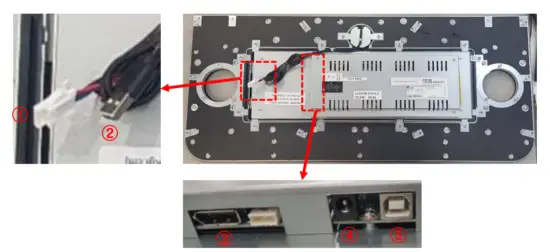
| No | Part name | Description |
| 1 | PALR-04V | LED control port |
| 2 | USB A type male | Wireless Charger Power |
| 3 | PD port | Video input |
| 4 | DC-005 | Monitor power 24V |
| 5 | USB B type female | Touch control port |
How to connect_2
a. Connect the EGM of the game cabinet and the LED control port.
b. Connect the EGM of the game cabinet and the Wireless Charger Power.
c. Connect the EGM of the game cabinet and the Touch control port.
d. Connect the EGM and PD ports of the game cabinet.
e. Connect 24V power to the product.
FCC Instructions
FCC Compliance Statement
This device complies with part 15 of the FCC rules. Operation is subject to the following two conditions: (1) This device may not cause harmful interference, and (2) this device must accept any interference received, including interference that may cause undesired operation.
CC Interference Statement
This equipment has been tested and found to comply with the limits for a Class A digital device, pursuant to part 15 of the FCC Rules. These limits are designed to provide reasonable protection against harmful interference when the equipment is operated in a commercial environment. This equipment generates, uses, and can radiate radio frequency energy and, if not installed and used in accordance with the instruction manual, may cause harmful interference to radio communications. Operation of this equipment in a residential area is likely to cause harmful interference in which case the user will be required to correct the interference at his own expense.
FCC Caution
Any changes or modifications not expressly approved by the party responsible for compliance could void the user’s authority to operate this equipment. This transmitter must not be co-located or operating in conjunction with any other antenna or transmitter.
Exposure statement
This equipment complies with FCC radiation exposure limits set forth for an uncontrolled environment. This equipment should be installed and operated with minimum distance 20 cm between the radiator and your body. This transmitter must not be co-located or operating in conjunction with any other antenna or transmitter.