Please be sure to read the enclosed Shark® Owner’s Guide prior to using your unit.
 POWERFINS

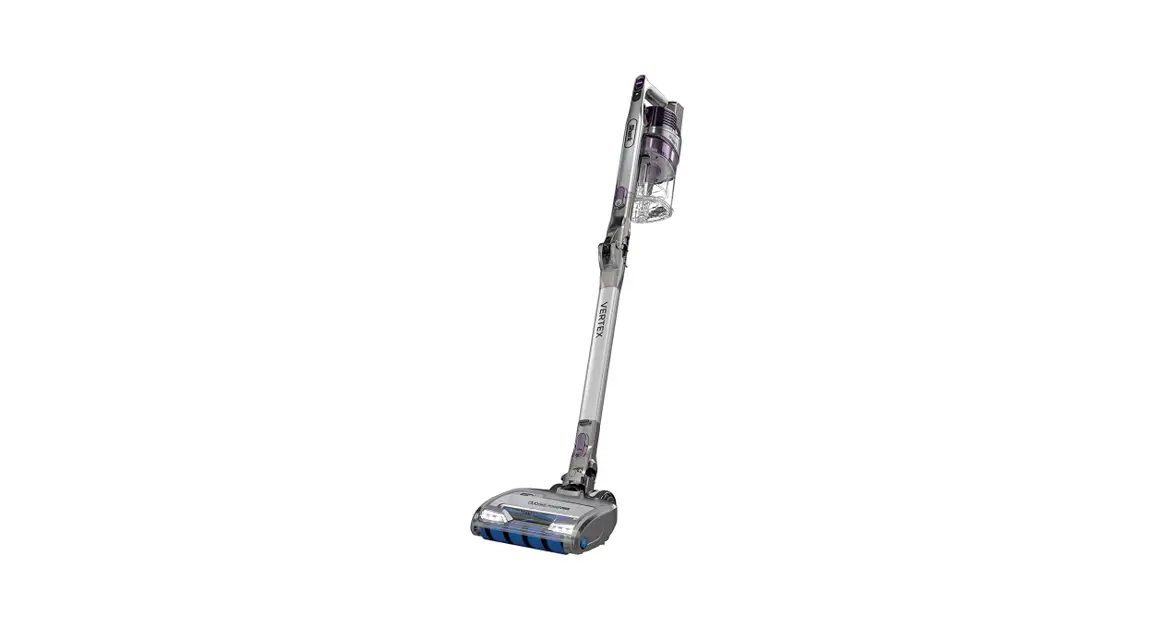
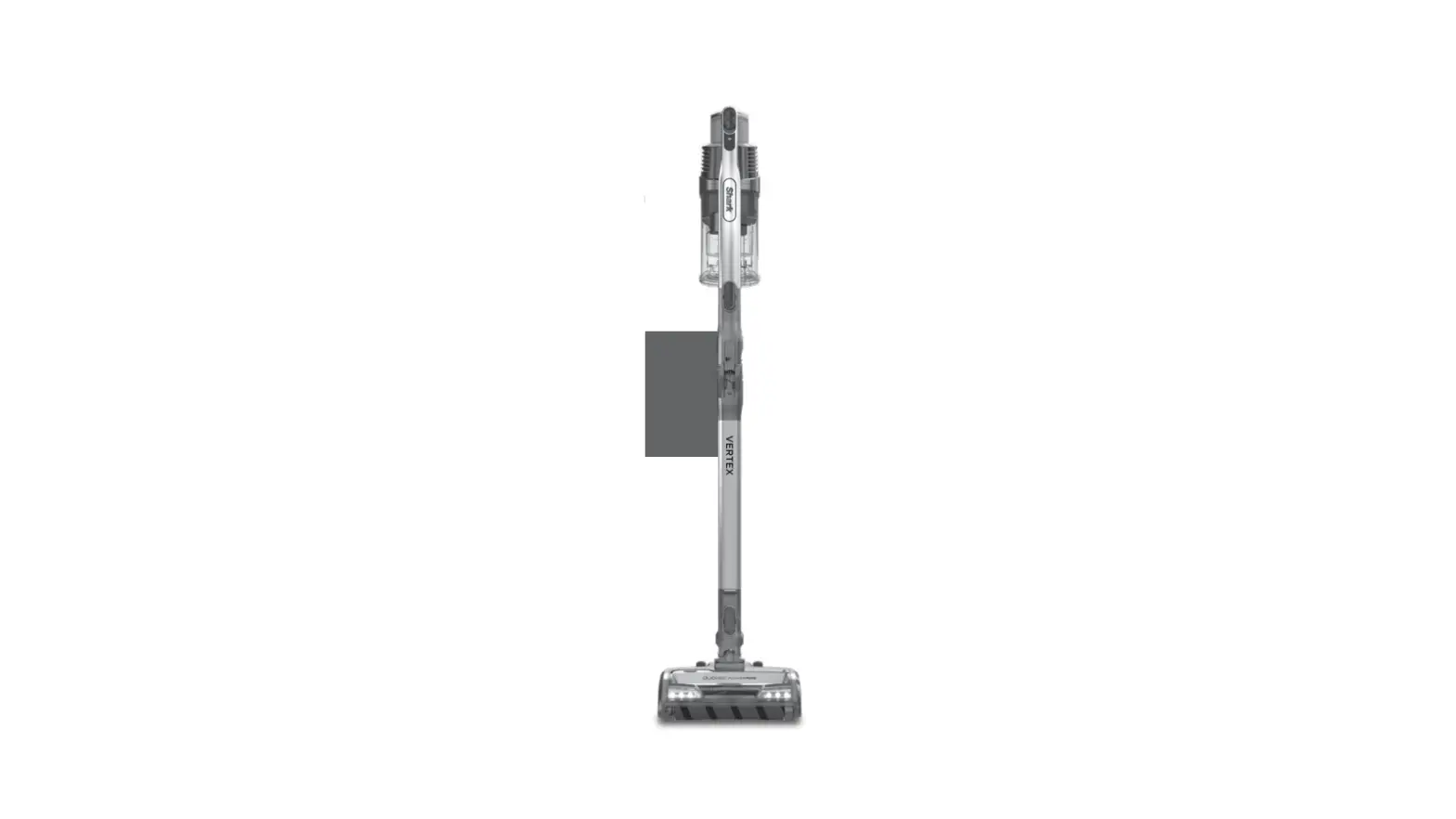
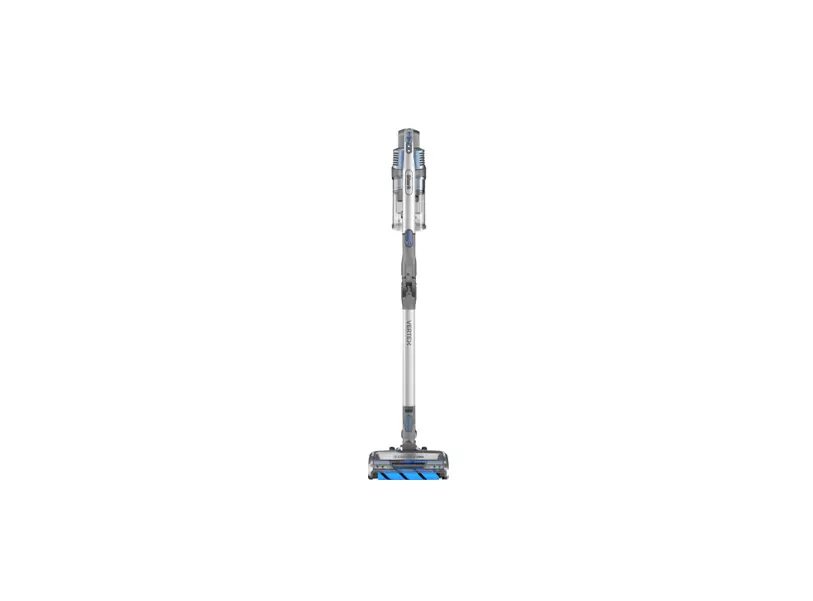
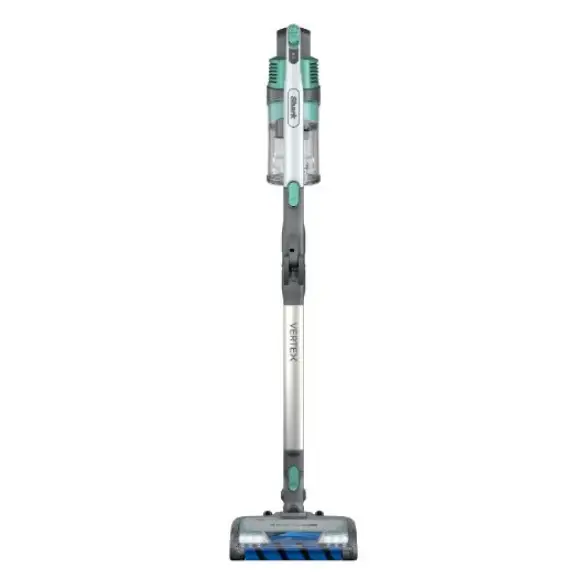
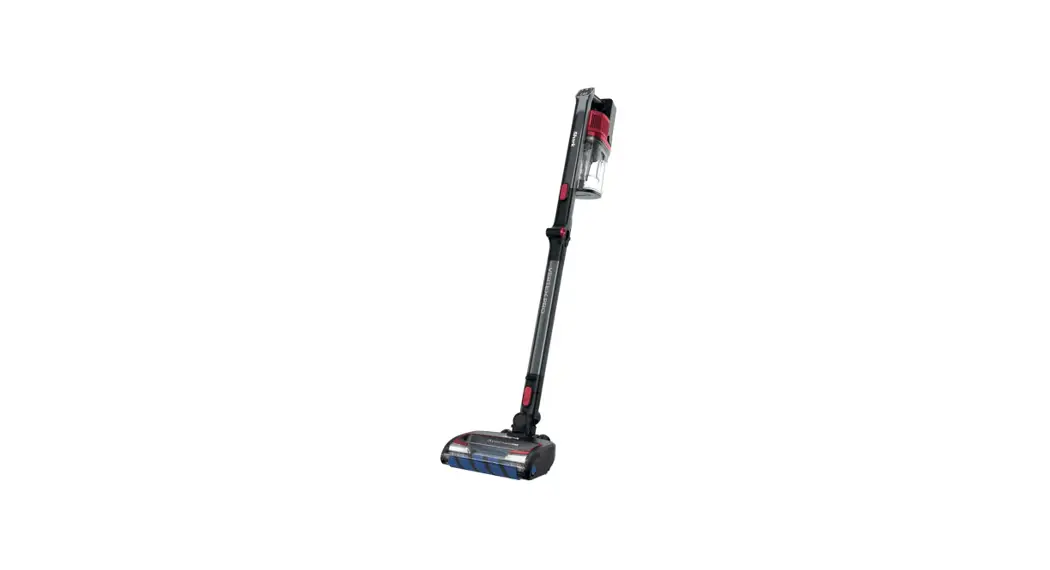
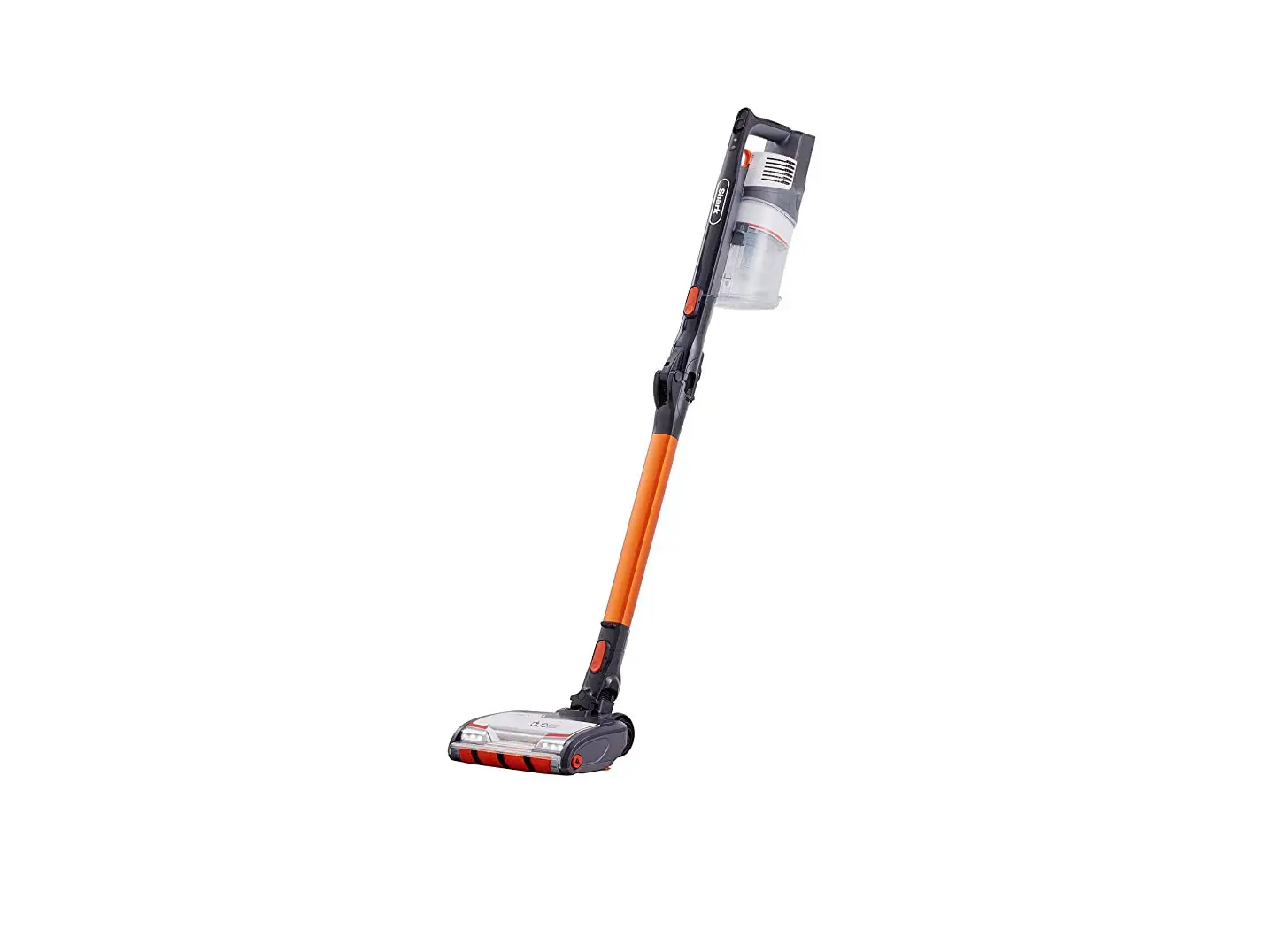
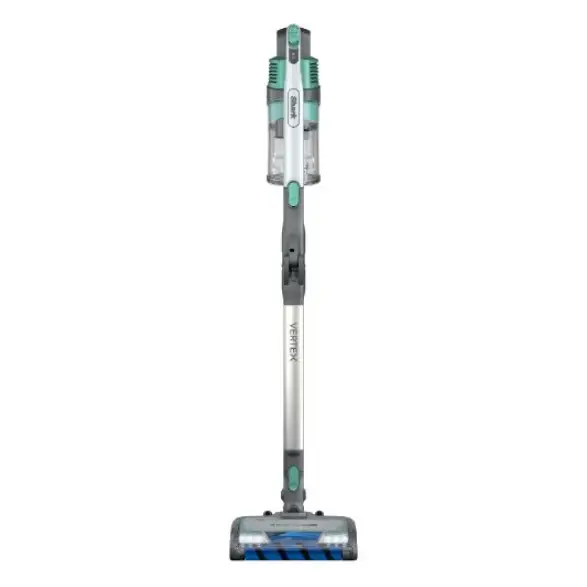
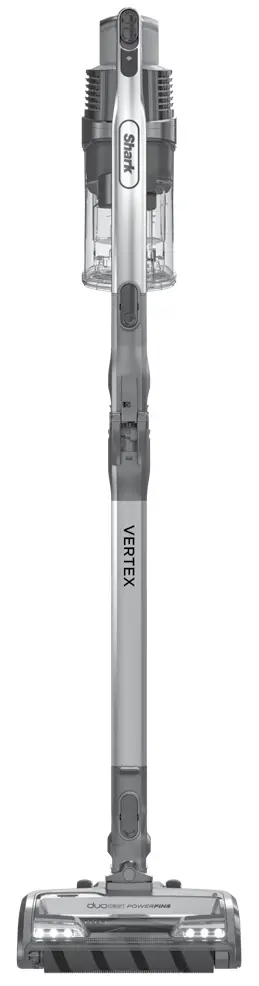
DuoClean® PowerFins Cordless Vacuum with Self-Cleaning Brushroll
 QUICKSTART GUIDE
IZ462H
For questions, visit us online at sharkclean.com
WHAT’S INSIDE:
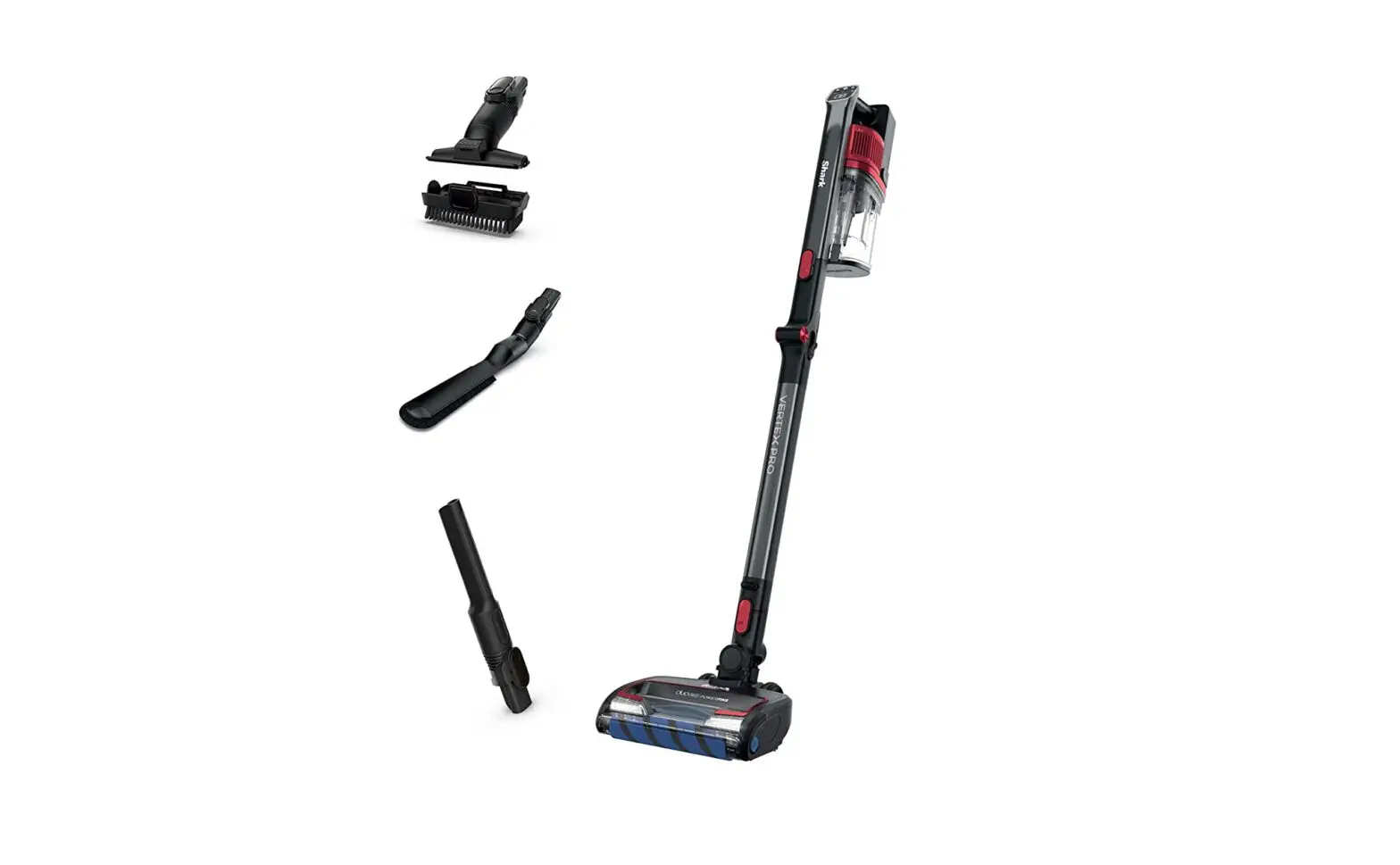
| A Handheld Vacuum B MultiFLEX® Wand C DuoClean® PowerFins Floor Nozzle D Crevice Tool E Pet Multi-Tool | F Anti-Allergen Brush G Lithium-Ion Battery (Pre-Installed) H Charger I HEPA Post-Motor Filter (Pre-Installed) |
ASSEMBLY
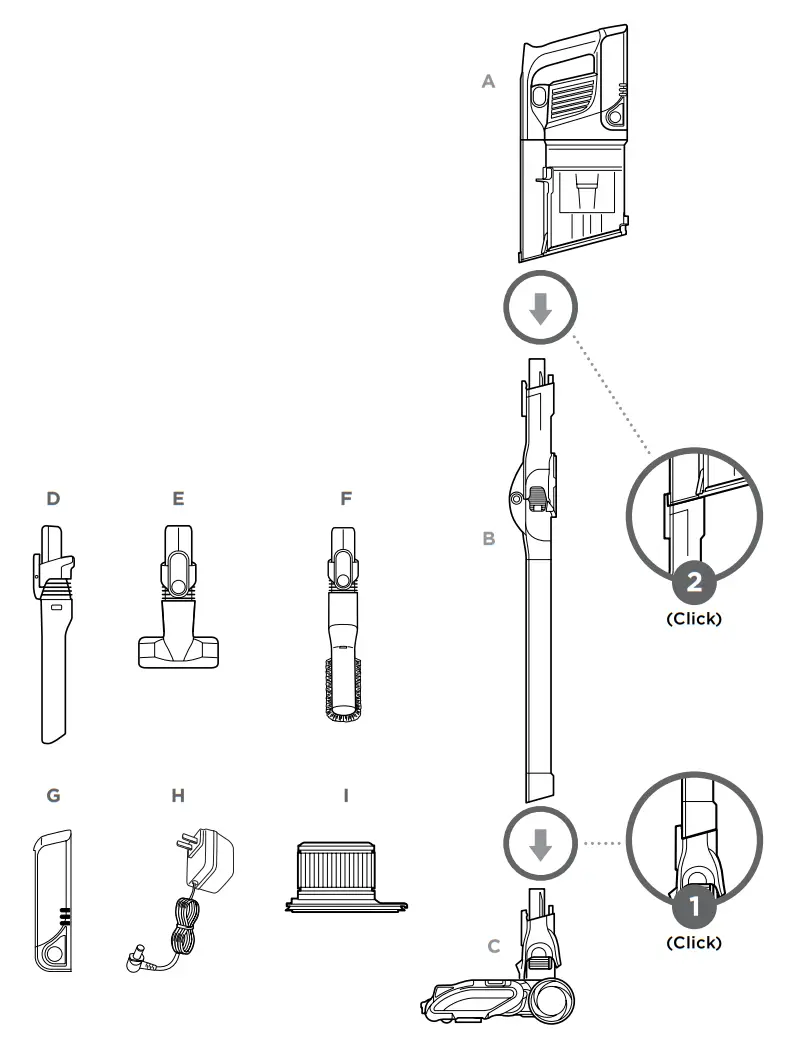
For additional parts and accessories, visit sharkclean.com
POWER SETTINGS
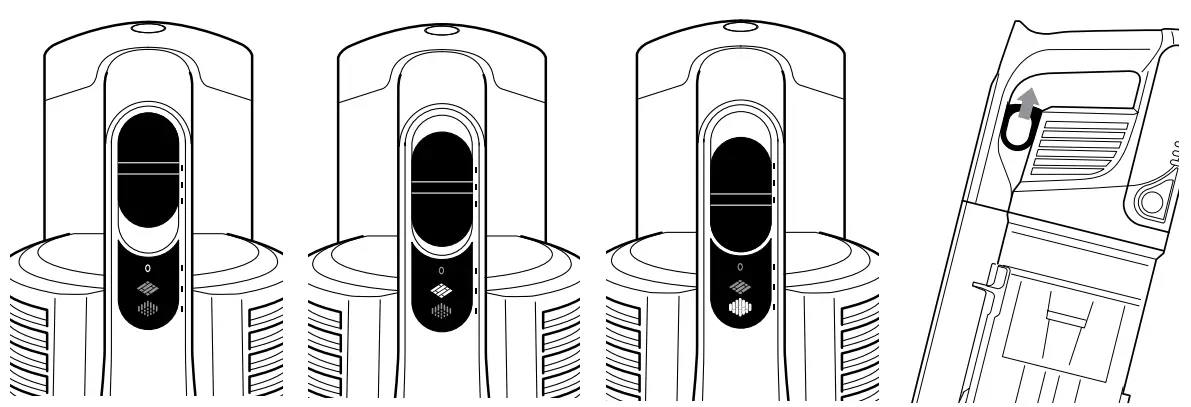
OFF
Slide switch to the top to turn off the power.
To begin vacuuming, slide switch to the appropriate setting.
HARD FLOOR SETTING
Slide switch to the middle. The brush rolls spin slowly to clean hard floors and low-pile area rugs.
CARPET SETTING
Slide switch to the bottom. The brush rolls spin faster to pick up debris below the surface of your carpets.
BOOST MODE
For an added boost in power, pull the Trigger on the handheld vacuum.
Release it to return to standard power.
LITHIUM-ION POWER PACK
In Use | Charging |
 |  |
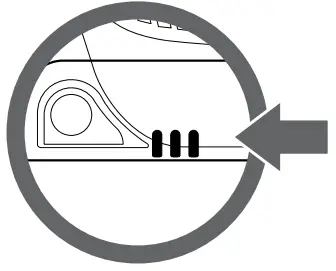
Battery Indicator Lights
NOTE: The Lithium-Ion PowerPack battery comes partially charged. Charge fully before first use, then run the battery down until it is completely out of power. This will condition the battery so the LED indicators will work properly.
CHARGING
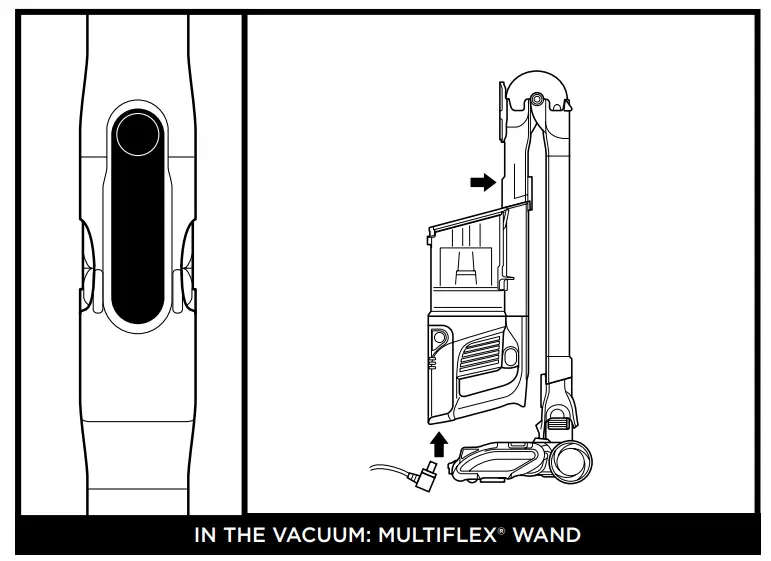
To put the vacuum in storage mode, press the MultiFLEX Lock Release button while folding the handheld vacuum forward until the wand clicks and locks. Plug the charger
into the charging port on the battery.
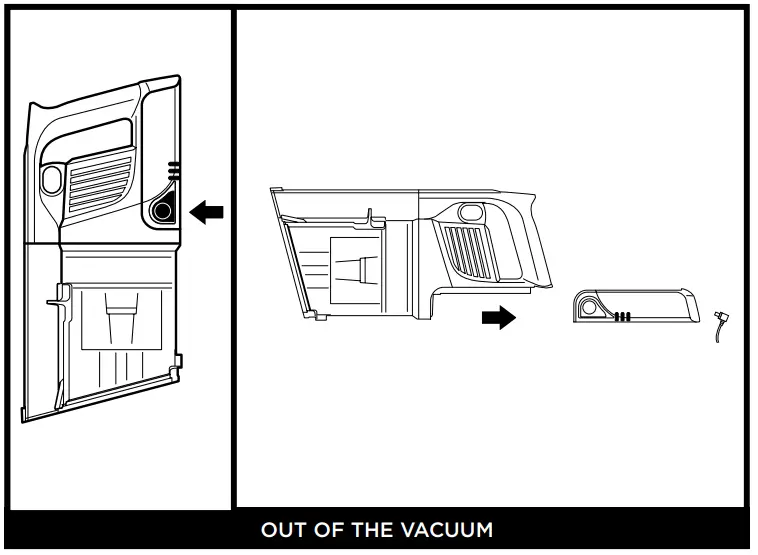
To remove the battery, press the Battery Release button and slide out the battery. Plug the charger into the charging port on the battery.
REACH ANYWHERE
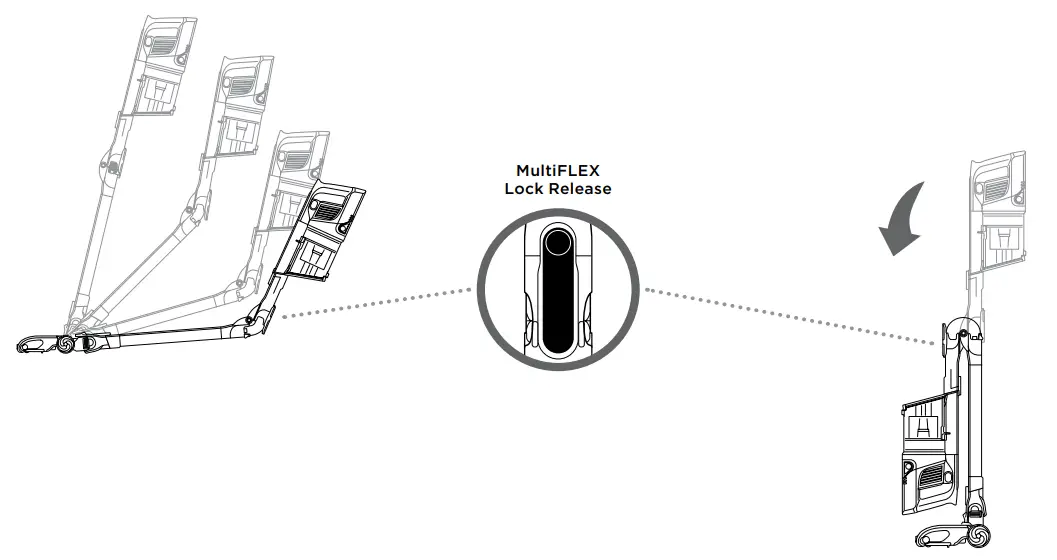
Press the MultiFLEX® Lock Release button to lower the angle of the wand to increase your reach.
STORE ANYWHERE
Press the MultiFLEX Lock Release button and fold the handheld vacuum forward.
To vacuum, lift up the handheld vacuum, until the wand locks in place.
EMPTYING THE DUST CUP
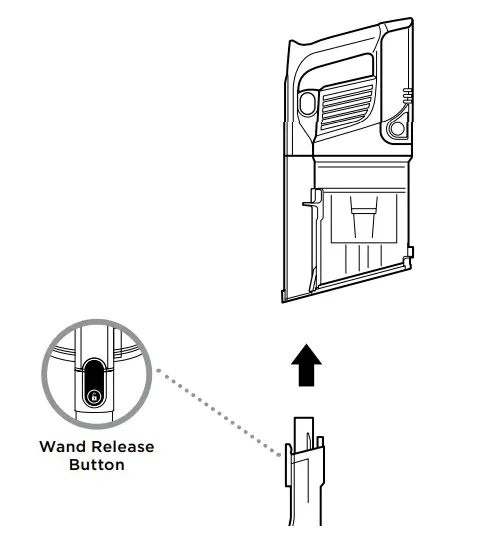
- To empty the dust cup, first, disconnect the handheld vacuum from the wand by pressing the Wand Release button and pulling up the handheld vacuum.

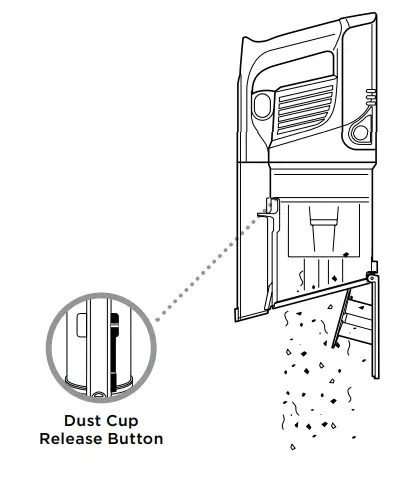
- Position the dust cup over a trash bin and slide the lid release button forward.
©2020 SharkNinja Operating LLC.
DUOCLEAN, MULTIFLEX, and SHARK have registered trademarks of SharkNinja Operating LLC.
VERTEX is a trademark of SharkNinja Operating LLC.
IZ462H_QSG_MP_Mv2
 Vacuum Cleaners, Steam Mops & Irons | Home Cleaning Products by Shark®