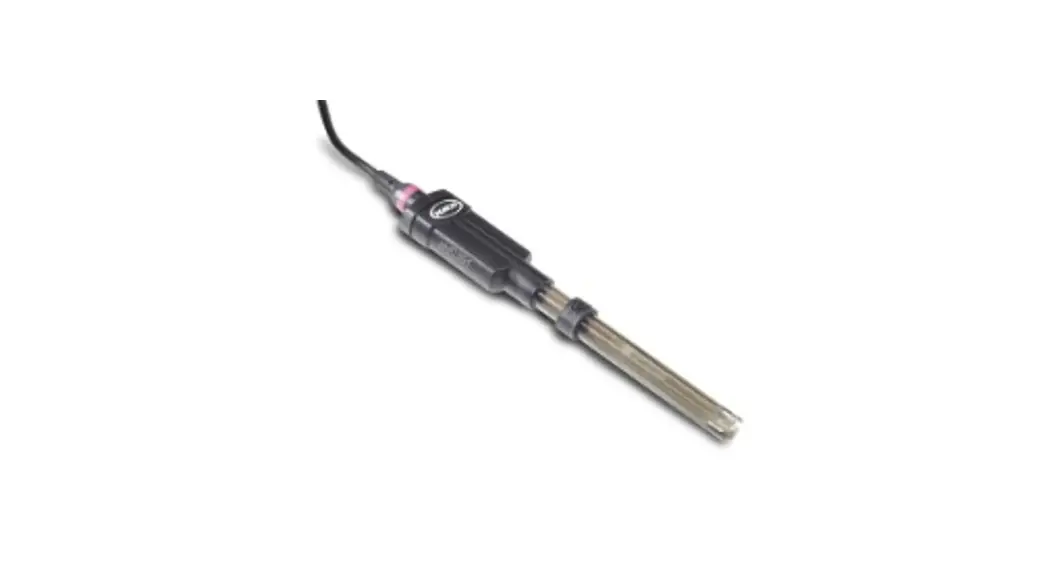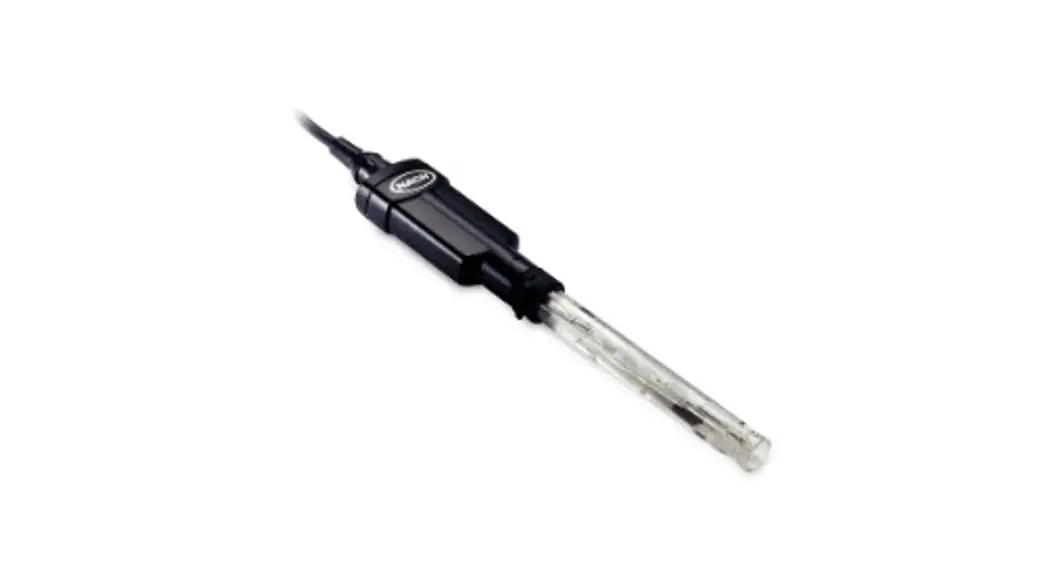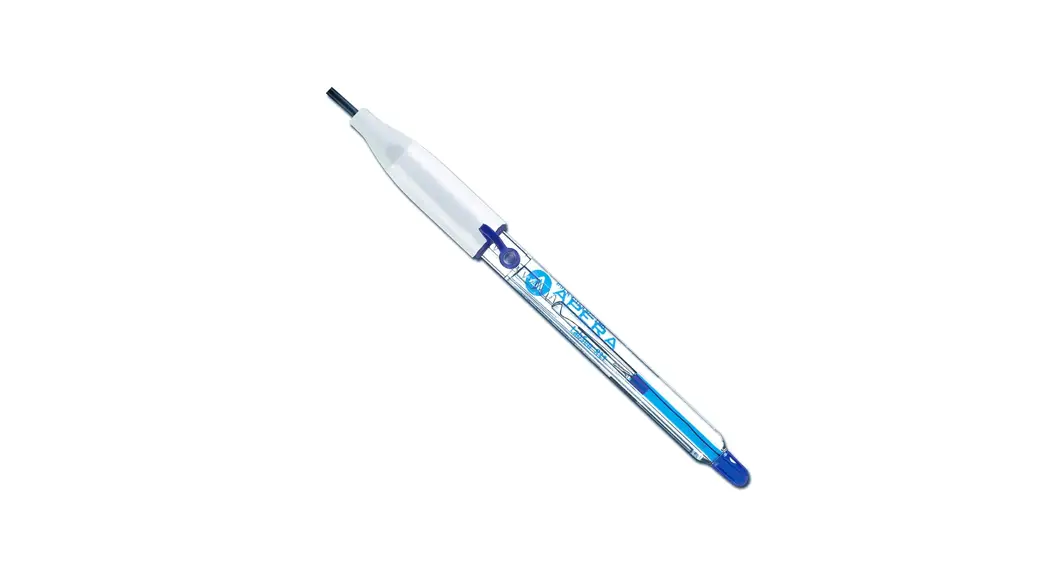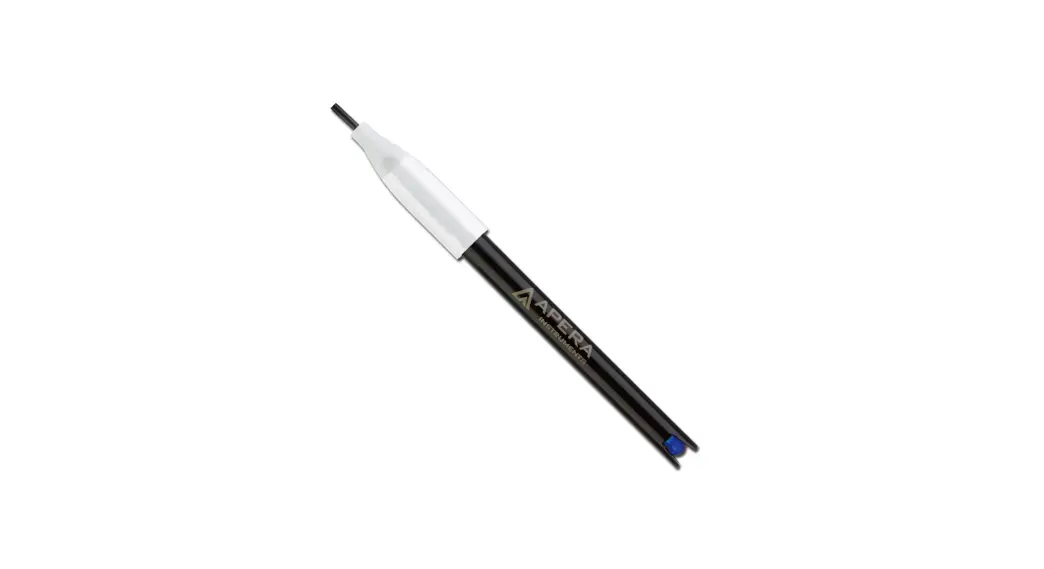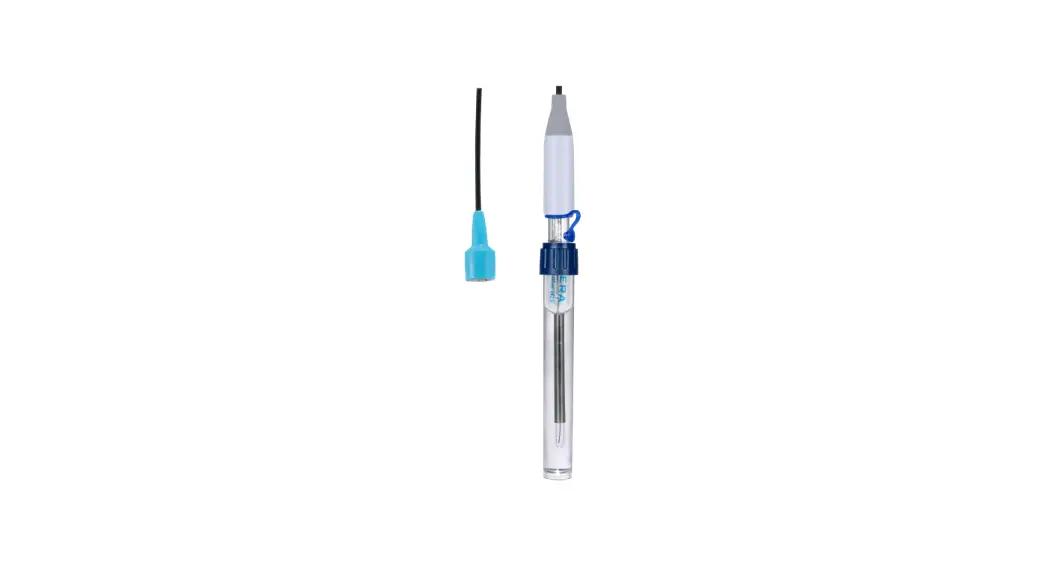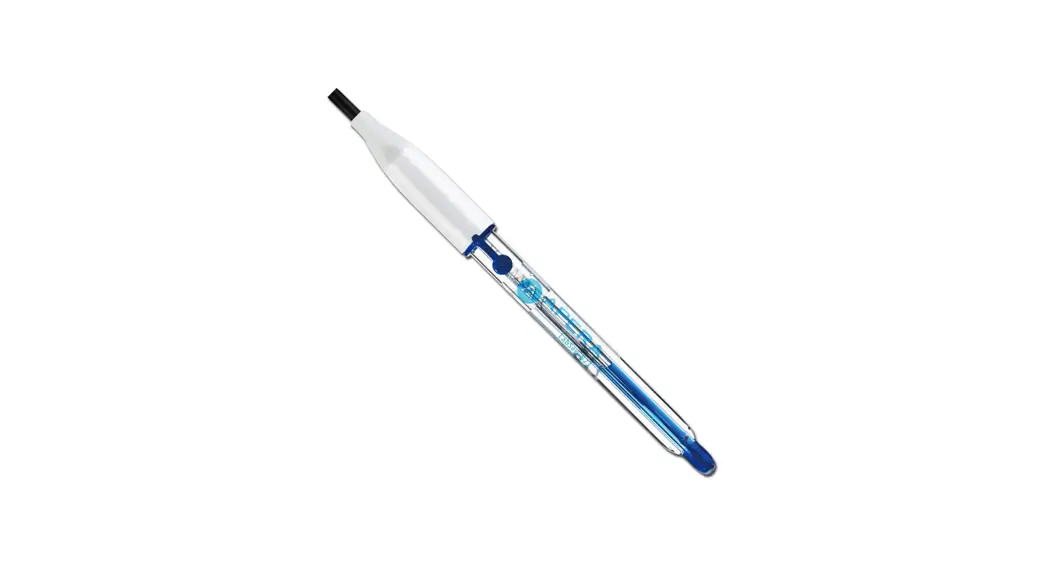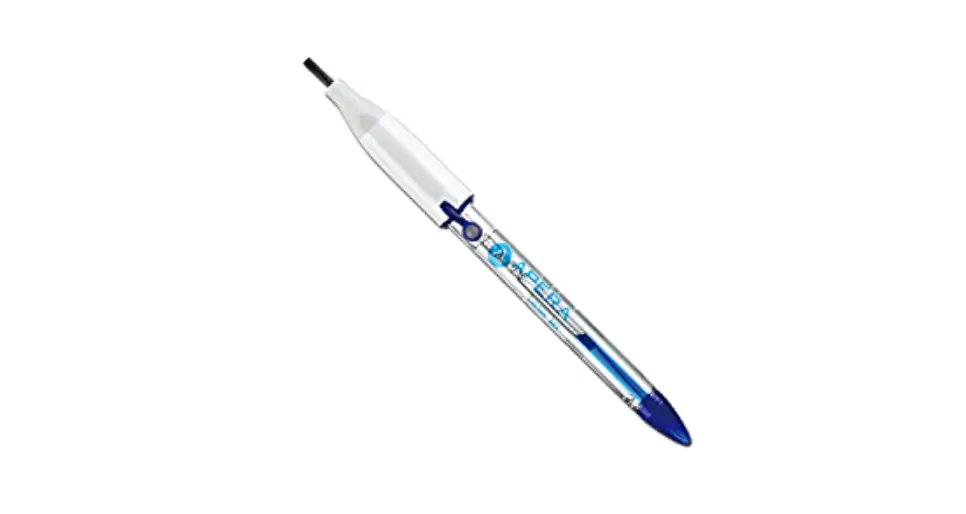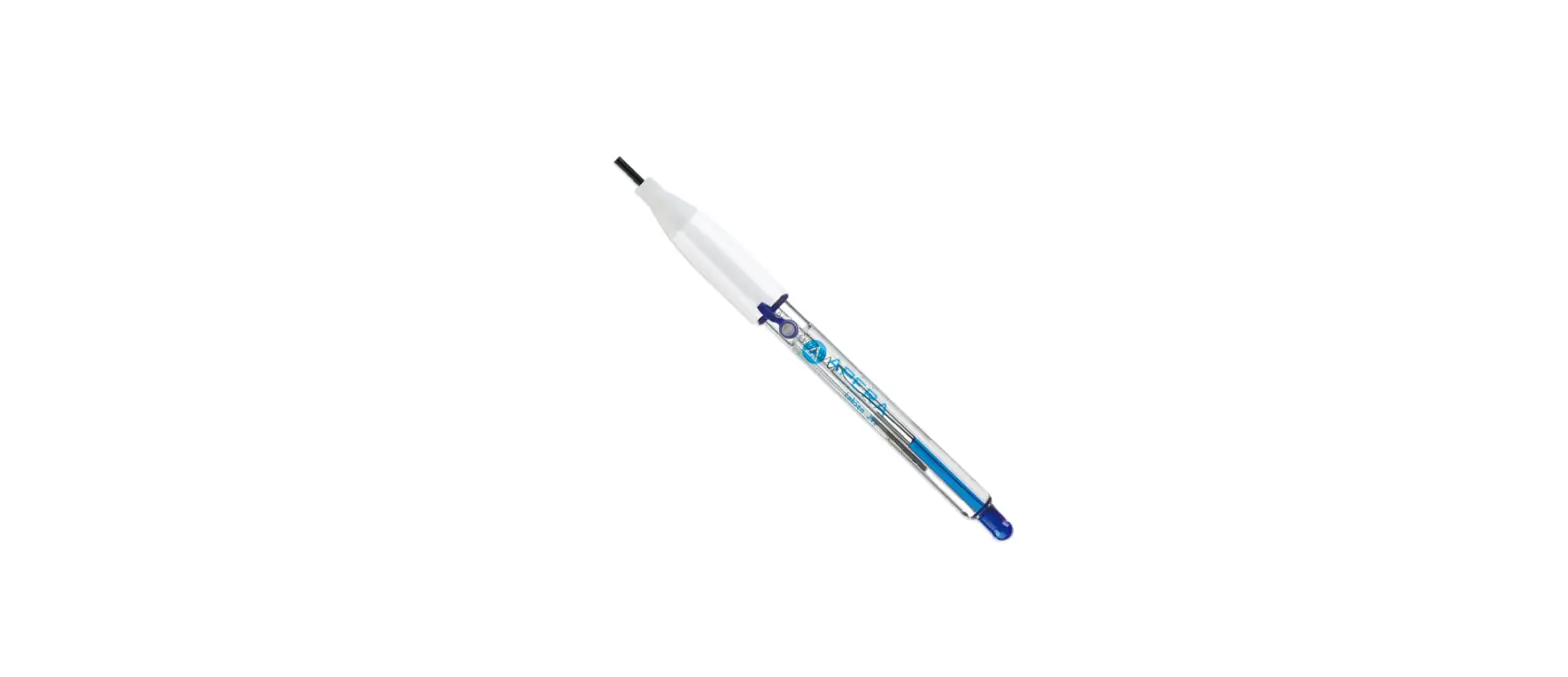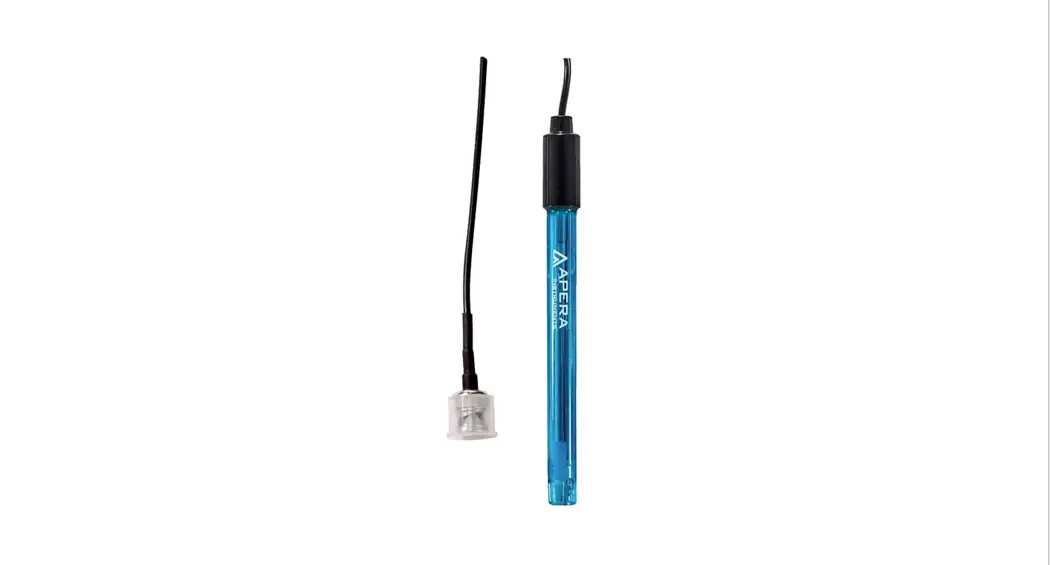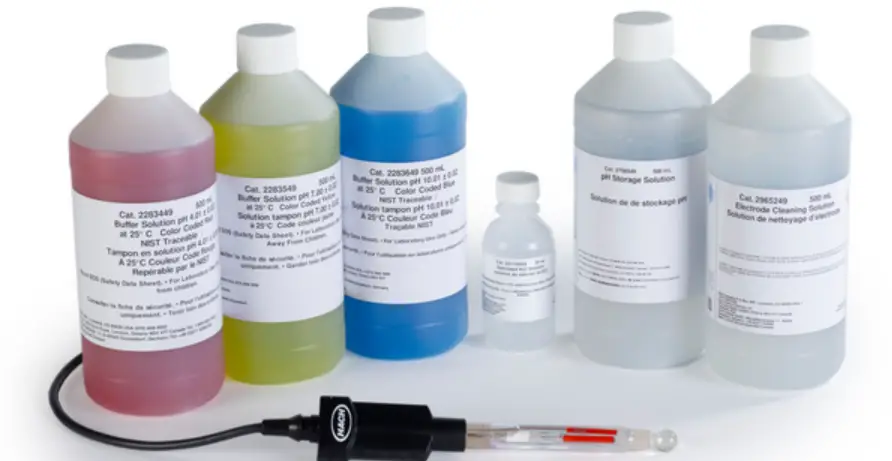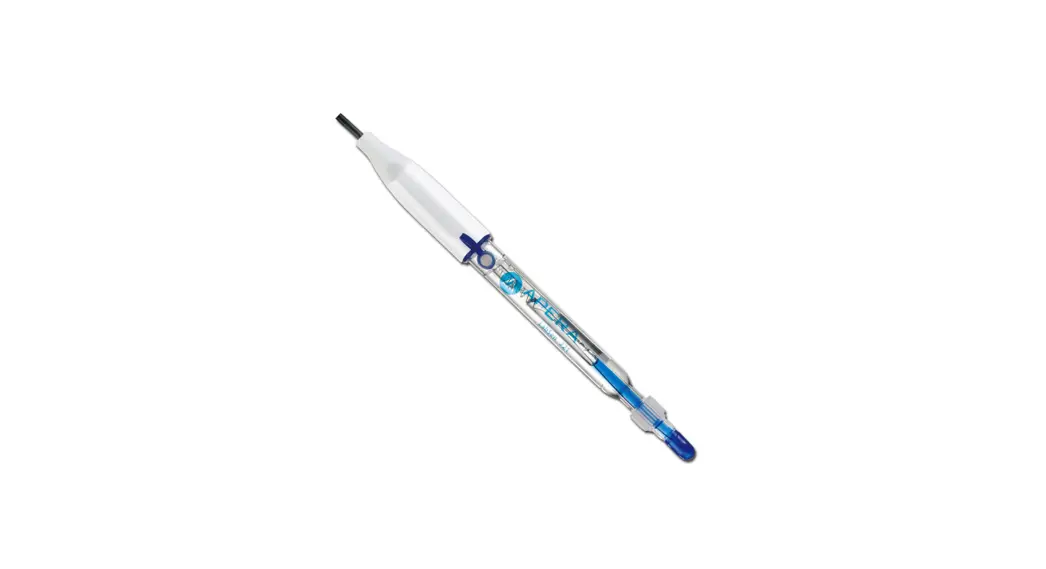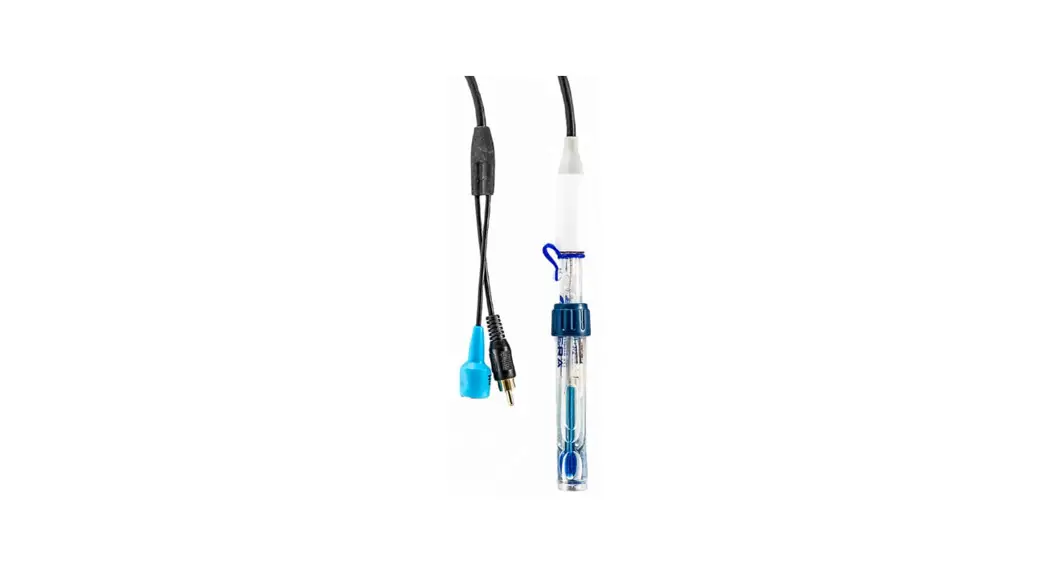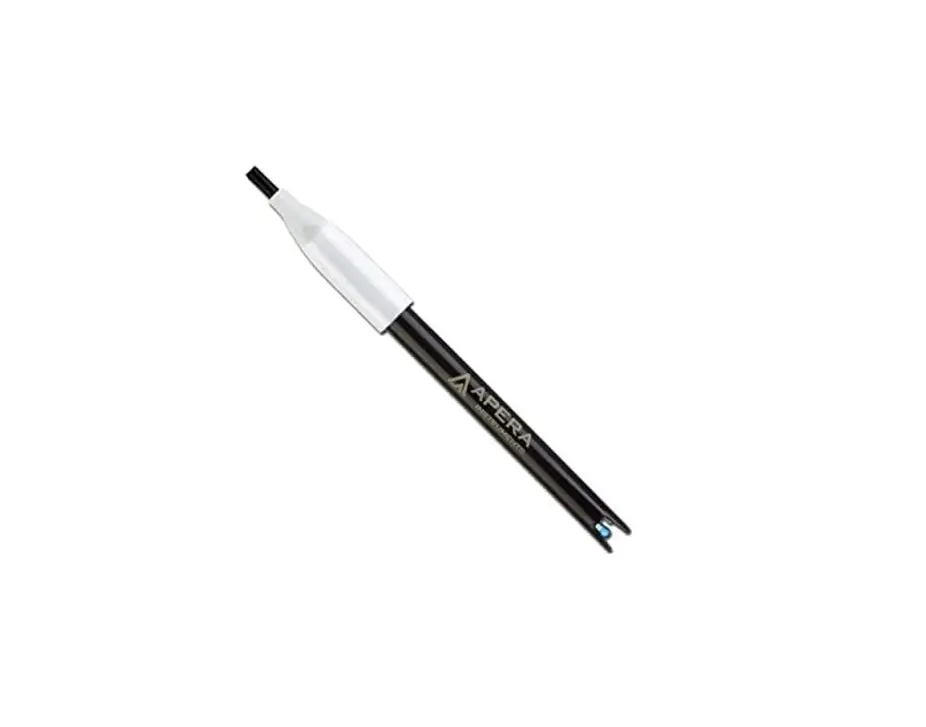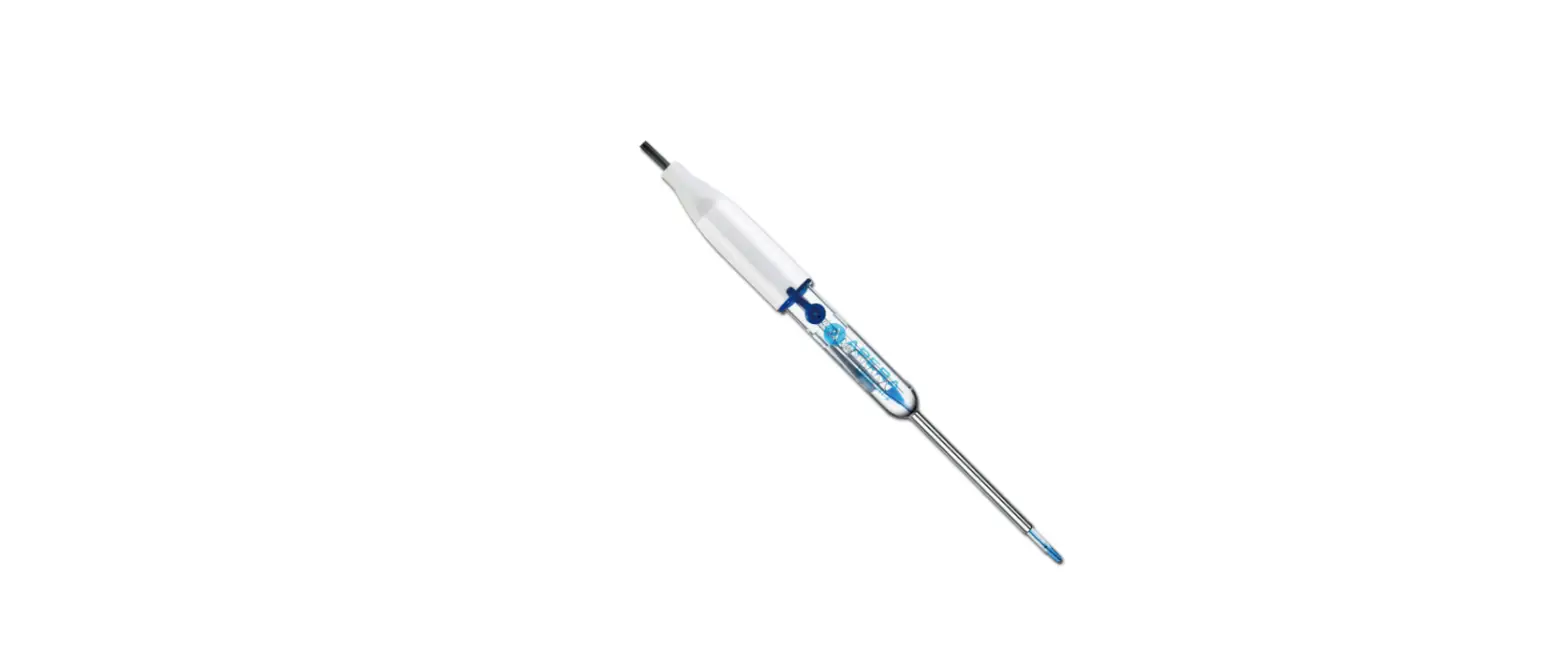
HACH PHC101 Laboratory Low Maintenance Gel Filled pH Electrode
Section 1 Product overview
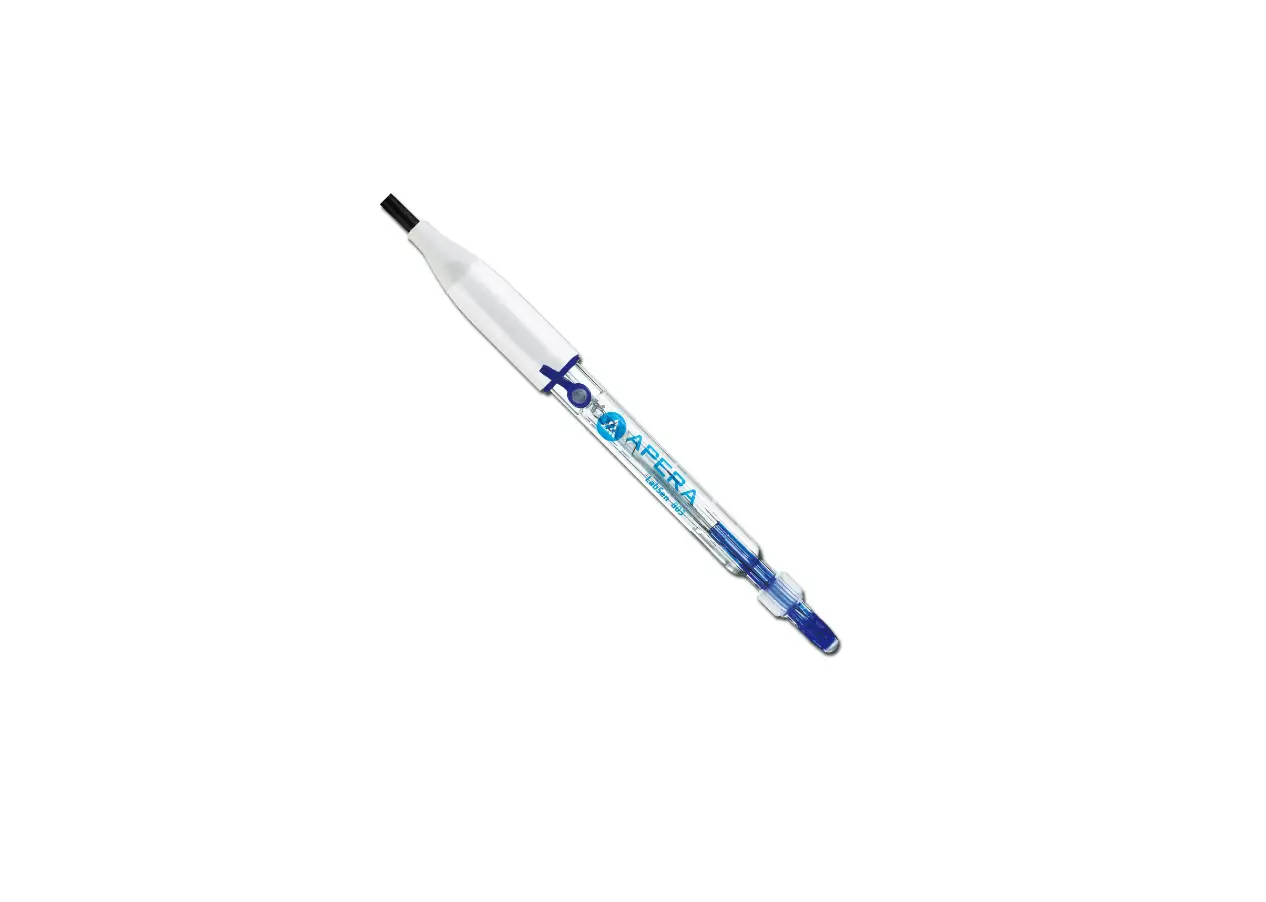
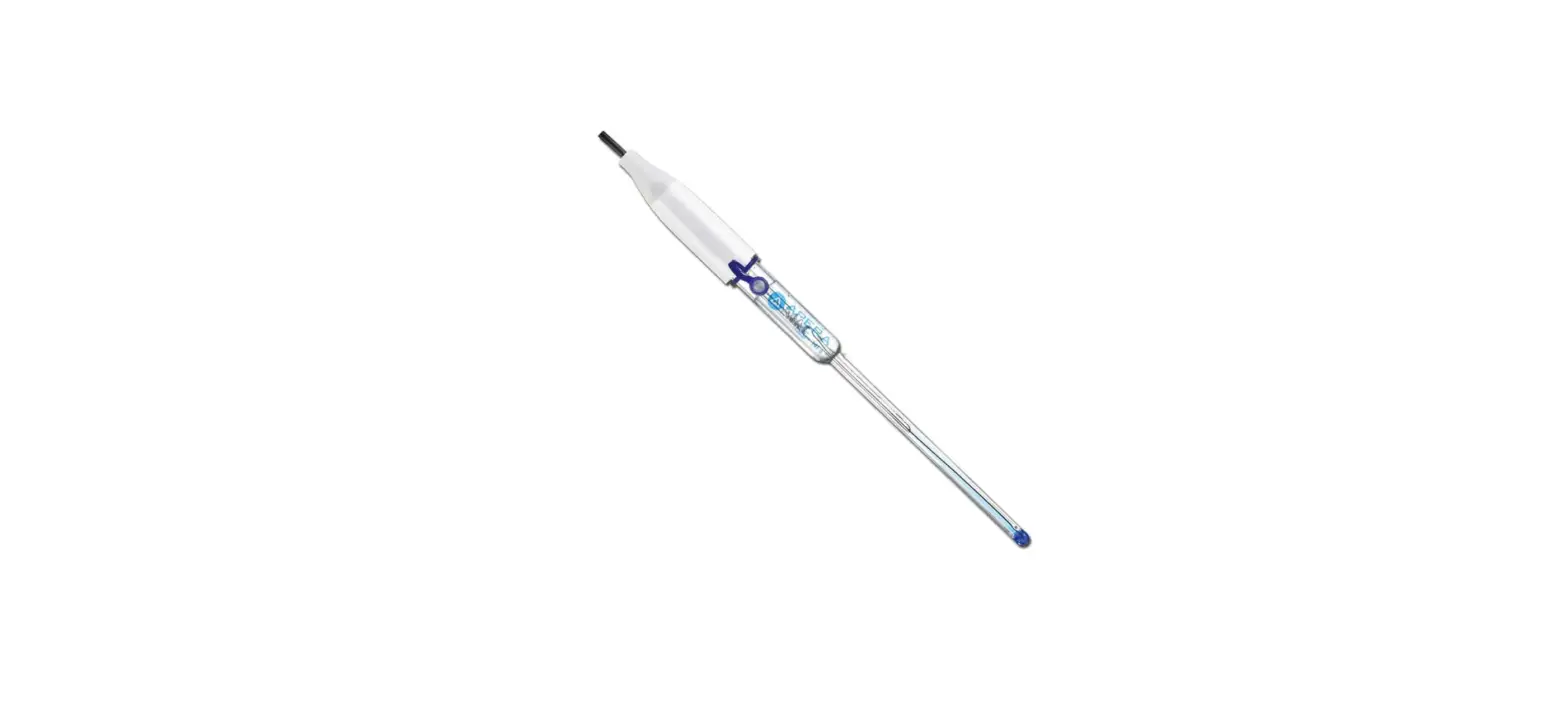
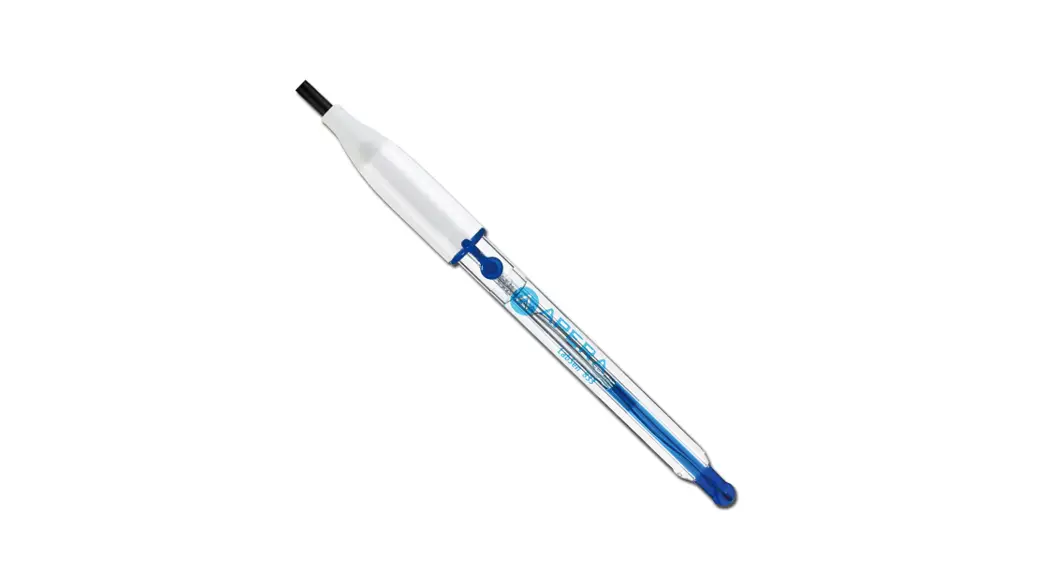
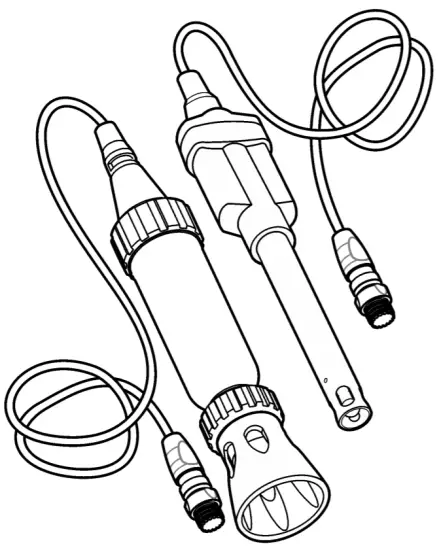
The Intellical PHC101 series pH probes are digital, combination electrodes that measure the pH of wastewater, drinking water and general water samples. The probes have a non-refillable, gel-filled electrolyte and a built-in temperature sensor. The open reference junction gives an optimum electrical connection between the sample and the electrolyte and does not become clogged. The standard probes are for laboratory use. The rugged probes are for field use. Refer to Figure 1. Note: Do not use the probe to measure the pH of organic solvents or samples with a pH less than 2.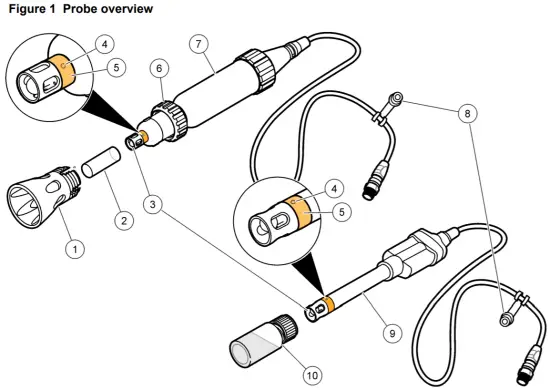
| 1 Shroud (rugged model) | 6 Locking ring (rugged model) |
| 2 Probe storage cap | 7 Rugged probe |
| 3 Glass bulb and temperature sensor | 8 Probe soaker bottle holder or storage cap |
| 4 Reference junction | 9 Standard probe |
| 5 Protective tape | 10 Probe soaker bottle with storage solution |
Section 2 Specifications
Specifications are subject to change without notice.
| Specifications | Details |
| Probe type | Digital combination pH probe with non-refillable gel electrolyte and built-in temperature sensor |
| pH range | 2 to 14 pH |
| pH accuracy | ±0.02 pH |
| Reference type | Ag/AgCl |
| Reference junction | Open |
| Slope | –59 mV/pH (90 to 110% at 25 °C (77 °F) per Nernstian theoretical value) |
| Isopotential point | 0 (±30) mV at 7.0 (±0.5) pH |
| Sodium (alkalinity) error | –0.6 pH at pH 12.6 in 1 M NaOH |
| Temperature accuracy | ±0.3 °C (±0.54 °F) |
| Temperature sensor type | 30 kΩ NTC thermistor |
| Operating temperature | 0 to 50 °C (32 to 122 °F) |
| Storage temperature | 5 to 40 °C (41 to 104 °F) |
| Minimum immersion depth | 20 mm (0.79 in.) |
| Body material (standard) | Epoxy |
| Body material (field rugged) | Epoxy/stainless steel |
| Electrolyte | Non-refillable gel reference element |
| Storage solution | Hach pH electrode storage solution1 |
| Cable connection | M12 digital output and connector |
| Dimensions | Diameter: 12 mm (0.47 in.) Length: 175 mm (6.9 in.) total; 103 mm (4.1 in.) below head Cable length: PHC10101: 1 m (3.3 ft); PHC10103: 3 m (9.8 ft) |
| Dimensions (rugged) | Diameter: 46 mm (1.8 in.) Length: 223 mm (8.7 in.) Cable length: PHC10105: 5 m (16.4 ft); PHC10110: 10 m (32.8 ft); PHC10115: 15 m (49.2 ft); PHC10130: 30 m (98.4 ft) |
| Weight (includes cable) | PHCxxx01: ~0.4 kg (0.9 lb); PHCxxx03: ~0.45 kg (1 lb) |
| Weight (rugged, includes cable) | PHCxxx05: ~1.3 kg (2.9 lb); PHCxxx10: ~1.55 kg (3.4 lb); PHCxxx15: ~1.9 kg (4.2 lb); PHCxxx30: 3.0 kg (6.6 lb) |
| Warranty | 6 months on the probe. This warranty covers manufacturing defects, but not improper use or wear. |
| Certifications | CE, FCC/ISED |
Section 3 Safety information
ntended use
The Intellical probes are intended for use by individuals who measure water quality parameters in the laboratory or in the field. The Intellical probes do not treat or alter water.
Use of hazard information
|
| Indicates a potentially or imminently hazardous situation which, if not avoided, will result in death or serious injury. |
 D A N G E R
|
| Indicates a potentially or imminently hazardous situation which, if not avoided, could result in death or serious injury. |
|
| Indicates a potentially hazardous situation that may result in minor or moderate injury. |
|
| Indicates a situation which, if not avoided, may cause damage to the instrument. Information that requires special emphasis. |
Precautionary labels
Read all labels and tags attached to the instrument. Personal injury or damage to the instrument could occur if not observed. A symbol on the instrument is referenced in the manual with a precautionary statement.
 | Electrical equipment marked with this symbol may not be disposed of in European domestic or public disposal systems. Return old or end-of-life equipment to the manufacturer for disposal at no charge to the user. |
Product hazards
| |
 | Chemical exposure hazard. Obey laboratory safety procedures and wear all of the personal protective equipment appropriate to the chemicals that are handled. Refer to the current safety data sheets (MSDS/SDS) for safety protocols. |
| |
| Chemical exposure hazard. Dispose of chemicals and wastes in accordance with local, regional and national regulations. |
| |
| Personal injury hazard. Glass components can break. Handle with care to prevent cuts. |
Section 4 Preparation for use
N O T I C E |
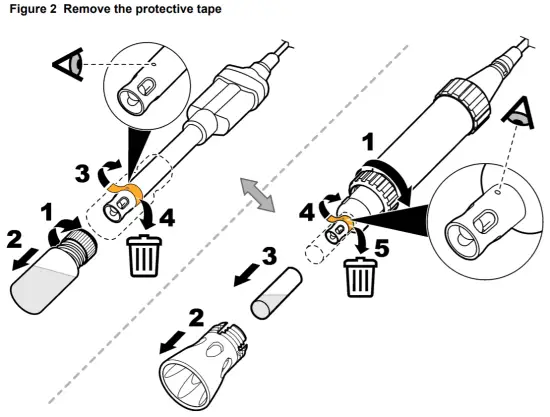
| Make sure to remove the protective tape from the reference junction of new probes. A probe with a blocked reference junction will not operate correctly. |
New probes come with protective tape and a soaker bottle that contains storage solution to keep the glass bulb and reference junction hydrated. Prepare the probe as follows.
- Remove the protective tape from the reference junction. Refer to Figure 2.
- Rinse the reference junction and glass bulb with deionized water. Blot dry with a lint-free cloth.
- For faster stabilization, soak the probe for 3 or more minutes in the sample before use.
- Make sure that the meter has the correct date and time settings. The service-life time stamp in the probe comes from the date and time settings in the meter.
Note: Some meters automatically open the date and time settings when the meter starts for the first time, or after battery replacement. - Connect the probe to the meter
Section 5 Calibration
The procedure that follows is applicable to meters that can connect to Intellical pH probes. Refer to the applicable meter documentation for meter operation and probe-specific settings.
Calibration notes
Read the notes that follow before calibration:
- Use prepared pH buffer solutions or mix pH buffer powder pillows with deionized water for calibration. Discard the prepared buffer solutions after each calibration.
- Use two or three buffer solutions for best results. Two buffer solutions are sufficient if the expected sample pH is between the pH of the two buffer solutions. The sequence in which the pH buffer solutions are used is not important. Use buffer solutions that are 2 or more pH units apart.
- For a one-point calibration, use a pH buffer near the expected sample pH.
- Use the default calibration options or change the options in the probe settings menu.
- Use the single display mode for calibration when more than one probe is connected to the meter (if applicable).
- Calibrate the probes and verify the calibration regularly for best results. Use the meter to set calibration reminders.
- The calibration data is stored in the probe. When a calibrated probe is connected to a different meter with the same calibration options, a new calibration is not necessary.
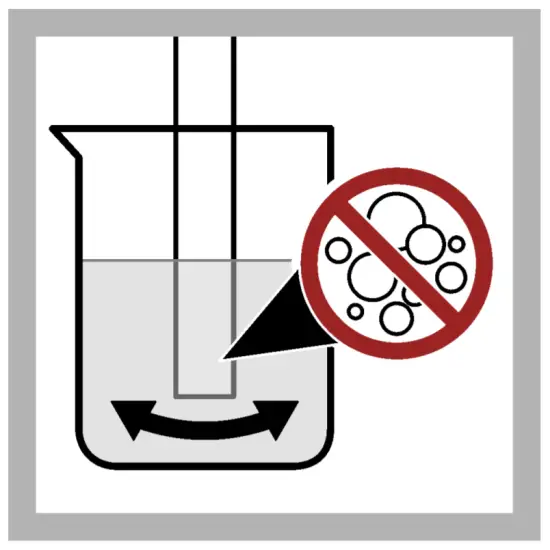
- Air bubbles below the sensor when in solution can cause a slow response or error in the calibration. Make sure to remove air bubbles during calibration.
- The pH buffer solutions have known pH values at different temperatures. The meter uses the mV and temperature readings of the probe in the pH buffer solutions to calculate a calibration slope. During measurements, the meter adjusts the slope for the sample temperature to determine the pH value of the sample.
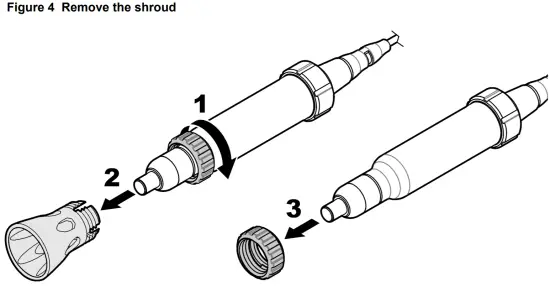
- If the rugged probe does not easily go in the calibration container, remove the shroud. Refer to Remove or install the shroud on page 11.
Calibration procedure
- Go to the calibrate menu. Select the probe, if applicable. The display shows the pH buffer solutions to use for calibration.

- Prepare or pour the pH buffer solutions in different beakers
- Rinse the probe with deionized water. Dry the probe with a lint-free cloth.
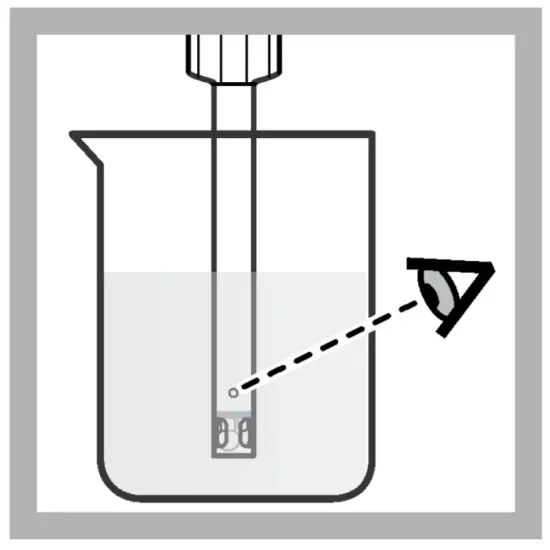
- Put the probe in the first pH buffer solution. Make sure that the sensor and reference junction are fully in the solution. Do not put the probe on the bottom or sides of the beake
- Shake the probe from side to side to refresh the reference junction and remove air bubbles.
- Stir slowly, then read the pH value of the buffer solution. The display shows the temperaturecorrected pH value when the reading is stable.
- Continue with steps 3 through 6 for the remaining buffers or select Done
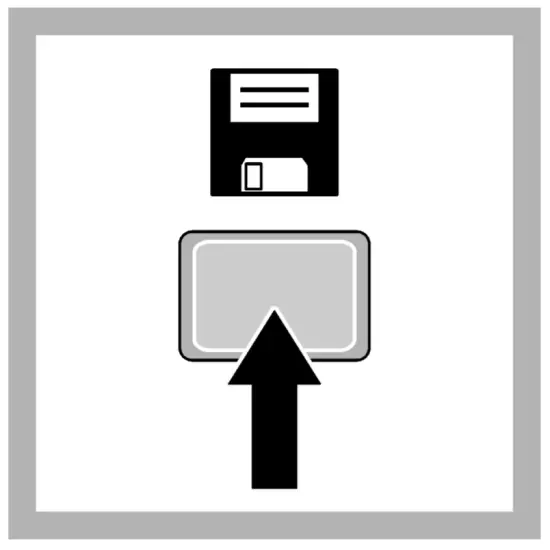
- Save the calibration.




Section 6 Sample measurement
The procedure that follows is applicable to meters that can connect to Intellical pH probes. Refer to the applicable meter documentation for meter operation and probe-specific settings.
Sample measurement notes
Read the notes that follow before sample measurements.
- Rinse the probe with deionized water and dry with a lint-free cloth between measurements to prevent contamination.
- If complete traceability is necessary, enter a sample ID and operator ID before measurement. Refer to the meter manual for instructions.
- The meter automatically saves the measurement data when the user manually reads each data point and when the meter is set to read at regular intervals. The user must manually save each data point when the meter is set to read continuously.
- Air bubbles below the sensor can cause a slow response or error in the measurement. Make sure to remove air bubbles before and during measurements.
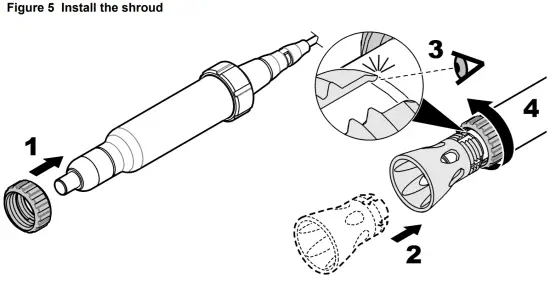
- If the probe is a rugged type, make sure to install the shroud before field use to prevent damage to the sensing elements. Refer to Remove or install the shroud on page 11. The probe warranty does not include such damage.
- To deploy a rugged probe at a distance, toss the probe body with a slow underhand throw. Do not throw the probe by the cable to prevent damage to cable, the probe or the user.
Sample measurement procedure
- Collect the sample
- Rinse the probe with deionized water. Dry the probe with a lint-free cloth. Rugged probes: install the shroud.
- Put the probe in the sample with the sensor and reference junction fully in the sample. Do not put the probe on the bottom or sides of the beaker.
- Shake the probe from side to side to refresh the reference junction and remove air bubbles.
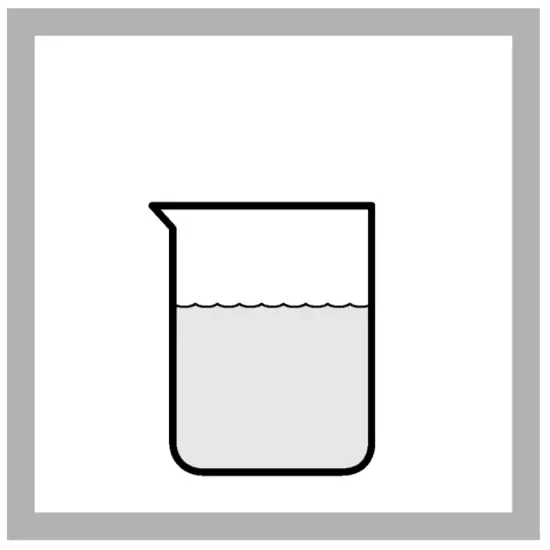
- Stir gently, then read the pH value of the sample. The display shows the temperaturecompensated pH value when the reading is stable.
Section 7 Verify the calibration
Measure the pH value of a fresh pH buffer solution to make sure the result is accurate. The meter compares the selected pH buffer value to the measured pH value and accepts or rejects the measurement. The user can change the pH buffer solution and acceptance criteria for verification in the probe-specific settings.
Note: Password protection may prevent access to the acceptance criteria.
Verification procedure
- Go to the verification menu. The display shows the pH buffer solution to use for verification. Note: Menu name for HQd meters: Run check standard.
- Prepare or pour the pH buffer solution into a beaker.
- Rinse the probe with deionized water. Dry the probe with a lint-free cloth.
- Put the probe in the pH buffer solution with the sensor and reference junction fully in the solution. Do not put the probe on the bottom or sides of the beaker.
- Shake the probe from side to side to refresh the reference junction and remove air bubbles.
- Stir gently, then read the pH value of the buffer solution. The meter accepts or rejects the result.
Section 8 Maintenance
Regular maintenance is necessary for the best accuracy, stabilization time and life of the probe. Keep the probe in the recommended storage solution between measurements.
Clean the probe
N O T I C E |
| Probes with an open reference junction can become permanently damaged if the reference junction is soaked for a long time in a cleaning solution. Make sure to soak the probe below the reference junction only. |
Clean the probe regularly to remove contamination and to keep the reference junction open. Symptoms of contamination:
- Incorrect or irregular readings
- Slow stabilization times
- Calibration errors
- Sample material stays on the probe
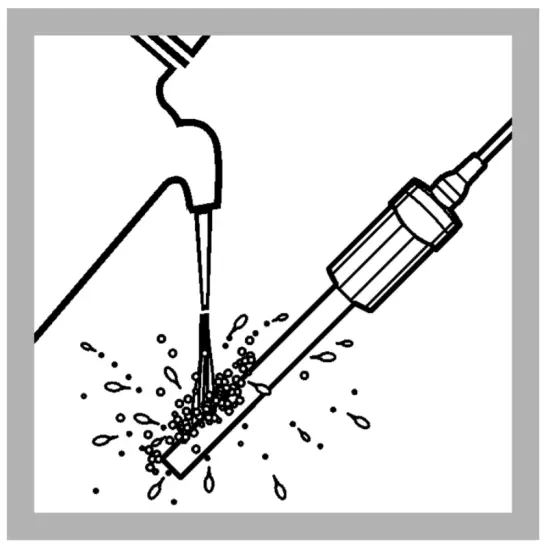
- Rinse the probe with deionized water. Use warm (35–45 °C (95–113 °F)) deionized water to remove storage solution that dries on the probe. Dry the probe body with a lint-free cloth.
Note: Remove the shroud on a rugged probe before cleaning. Install the shroud after the probe is clean. Refer to Remove or install the shroud on page 11. - Soak the probe below the reference junction in the applicable cleaning solution for the specified time. Do not let the reference junction soak in the cleaning solution or the probe can become permanently damaged. Refer to Figure 3, Table 1 and Consumables on page 14.
- Rinse or soak the probe for 1 minute in deionized water. Dry the probe body with a lint-free cloth.
- Soak the probe in pH 4 buffer for 20 minutes.
- Rinse the probe with deionized water. Dry the probe body with a lint-free cloth.
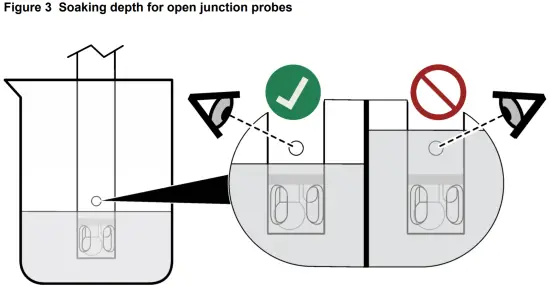
Table 1 Cleaning solution
| Contamination | Cleaning solution | Active component | Soak time |
| General contamination | Electrode cleaning solution for regular maintenance | KATHON™ CG, DECONEX®11 | 12–16 hours |
| Minerals | Electrode cleaning solution for minerals/inorganic contamination | Phosphoric acid (~10%) | 10–15 minutes |
| Fats, grease and oils | Electrode cleaning solution for fats, oils and grease contamination | KATHON™ CG, TRITON® X | 2 hours maximum |
| Proteins | Electrode cleaning solution for proteins/organic contamination | Pepsin in HCl | 3 hours maximum |
| Wastewater and organic compounds | Electrode cleaning solution, extra strong | Sodium hypochlorite | 5–10 minutes |
Soak procedure for dry probes
If the glass bulb becomes dry, complete the steps that follow to hydrate the probe.
- Soak the probe tip in pH 4 and pH 7 buffer solutions for 5 minutes in each solution.
- Rinse the probe with deionized water. Blot dry with a lint-free cloth.
- Calibrate the probe.
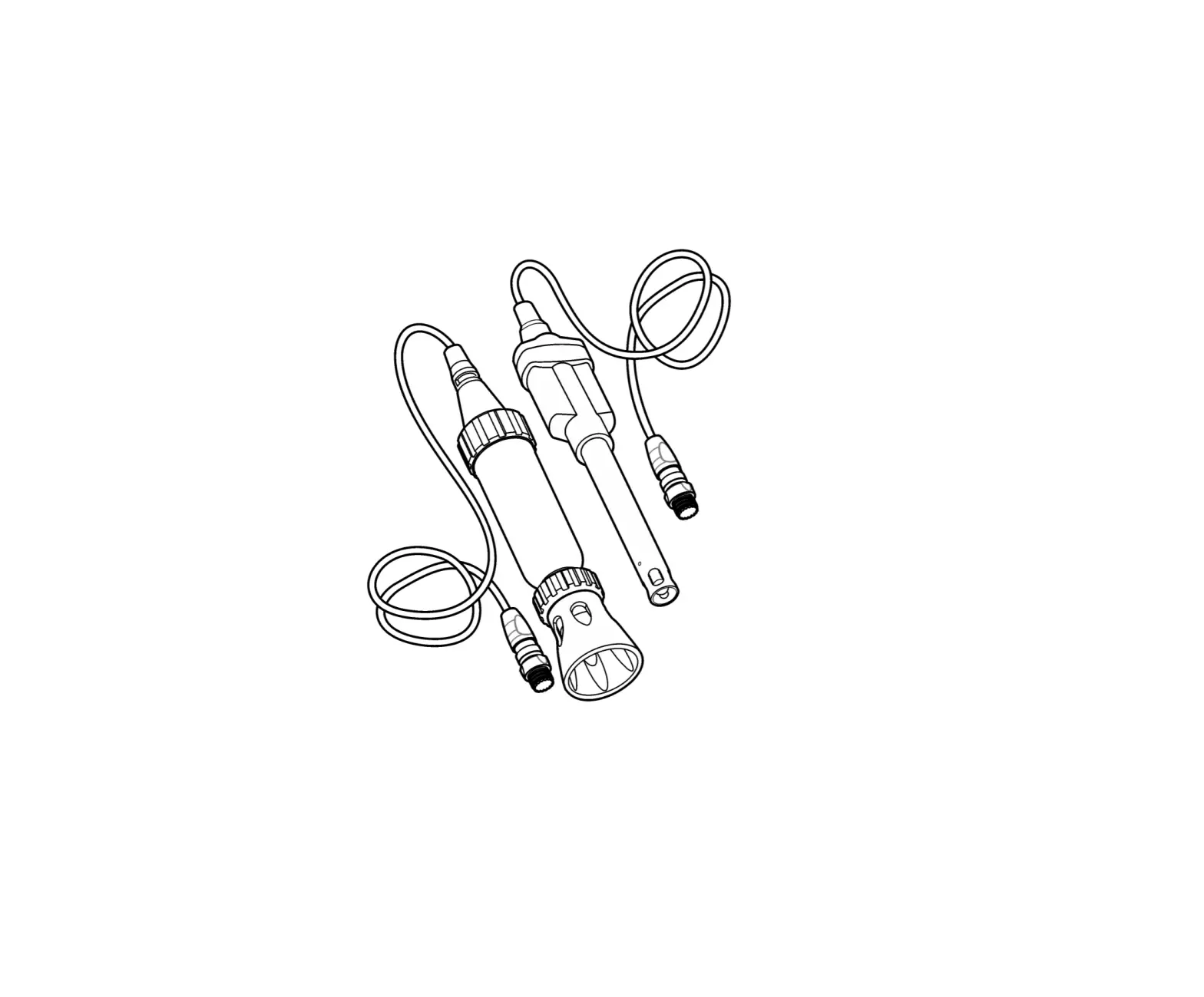
Remove or install the shroud
Remove the shroud on the rugged probe during calibration and maintenance. Refer to Figure 4. Keep the shroud installed on the rugged probe during sample measurements to prevent damage to the sensor. Refer to Figure 5.
Storage
N O T I C E |
| Probes can become permanently damaged if kept in a storage solution that is not specified by the manufacturer. Use only the specified storage solution (Hach pH electrode storage solution or 3 M KCl). |
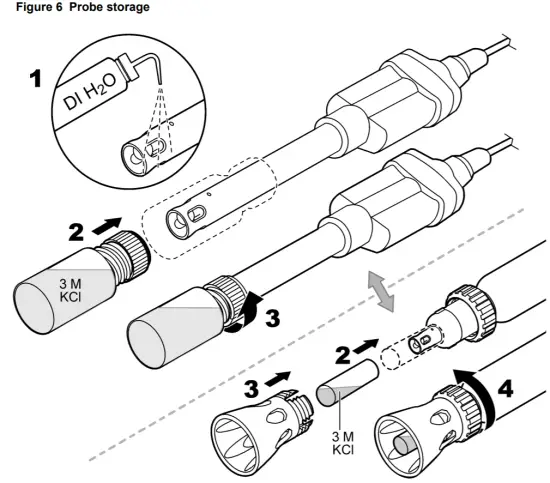
Do not store the probe in deionized water or in samples of low ionic strength. Put the soaker bottle that contains the storage solution on the probe when not in use. Make sure to only use the specified storage solution. Other solutions contaminate the non-replacement electrolyte gel through the open reference junction and the probe will not operate correctly. Refer to Figure 6. Keep the probe in a vertical position with the sensor and reference junction below the liquid level in the soaker bottle. Add storage solution to the soaker bottle if necessary.
Section 9 Troubleshooting
Keep the probe clean and in the recommended storage solution when not in use for the best accuracy, stabilization time and life of the probe.
| Problem | Possible cause | Solution |
| Decreased probe performance causes slow stabilization and prevents accurate calibrations or measurements. | The glass sensor is dirty | Clean and condition the probe. Refer to Clean the probe on page 1 |
| The glass sensor has become dry. | Clean and condition the probe. Refer to Maintenance on page 10. | |
| The calibration slope of the probe has changed. | ncrease the accepted slope limit settings if possible, or contact technical support. | |
| Sample properties cause slow stabilization or inaccurate measurements. | The sample absorbs carbon dioxide (CO2) from the air, which causes the pH value to slowly decrease in low ionic strength (LIS) or high purity samples.
| Use the LIS chamber for LIS/high purity samples to prevent CO2 absorption. |
| The sample temperature is low, or there is a large temperature difference between samples. | Increase the sample temperature or adjust the temperature of different samples to be the same (within 2 °C (3.6 °F)). | |
| Procedure problem causes slow stabilization and prevents accurate calibrations or measurements | The probe is not conditioned to the sample. | Soak the probe in the sample before sample measurements. Refer to Preparation for use on page 5. |
| Air bubbles are around or below the probe tip. | Carefully tap or shake the probe to remove air bubbles | |
| The electrical connection through the reference junction is not sufficient. | Shake the probe in the solution from side to side to refresh the reference junction. | |
| The stir speed is too slow or too fast. | Try a different stir speed. | |
| An incorrect buffer solution was used or the buffer solution has contamination | Use the specified buffer solutions of good quality. |
Section 10 Consumables
Note: Product and Article numbers may vary for some selling regions. Contact the appropriate distributor or refer to the company website for contact information.
| Description | Quantity | Item no. |
| Hach pH electrode storage solution | 500 mL | 2756549 |
| Electrode cleaning solution for regular maintenance | 500 mL | 2965249 |
| Electrode cleaning solution for minerals/inorganic contamination | 500 mL | 2975149 |
| Electrode cleaning solution for proteins/organic contamination | 250 mL | C20C370 |
| Electrode cleaning solution for fats, oils and grease contamination | 500 mL | 2964449 |
| Electrode cleaning solution, extra strong | 250 mL | S16M002 |
Recommended standards
| Description | Unit | Item no. |
| pH 4.01 buffer solution, Singlet one-use packets, 20 mL each | 20/pkg | 2770020 |
| pH 7.00 buffer solution, Singlet one-use packets, 20 mL each | 20/pkg | 2770120 |
| Description | Unit | Item no. |
| pH 10.01 buffer solution, Singlet one-use packets, 20 mL each | 20/pkg | 2770220 |
| pH 4.01 and pH 7.00 buffer solution kit, Singlet one-use packets, 20 mL each | 2 x 10/pkg | 2769920 |
| pH 7.00 and 10.01 buffer solution kit, Singlet one-use packets, 20 mL each | 2 x 10/pkg | 2769820 |
| pH color-coded buffer solution kit (NIST), 500 mL, includes: | 1 | 2947600 |
| pH 4.01 ± 0.02 pH buffer (NIST) | 500 mL | 2283449 |
| pH 7.00 ± 0.02 pH buffer (NIST) | 500 mL | 2283549 |
| pH 10.01 ± 0.02 pH buffer (NIST) | 500 mL | 2283649 |
| Powder pillows: | ||
| pH 4.01 ± 0.02 pH buffer powder pillow (NIST) | 50/pkg | 2226966 |
| pH 7.00 ± 0.02 pH buffer powder pillow (NIST) | 50/pkg | 2227066 |
| pH 10.01 ± 0.02 pH buffer powder pillow (NIST) | 50/pkg | 2227166 |
| Radiometer Analytical (IUPAC Series certified pH standards): | ||
| pH 1.679 ± 0.010 at 25 °C (77 °F) | 500 mL | S11M001 |
| pH 4.005 ± 0.010 at 25 °C (77 °F) | 500 mL | S11M002 |
| pH 6.865 ± 0.010 at 25 °C (77 °F) | 500 mL | S11M003 |
| pH 7.000 ± 0.010 at 25 °C (77 °F) | 500 mL | S11M004 |
| pH 9.180 ± 0.010 at 25 °C (77 °F) | 500 mL | S11M006 |
| pH 10.012 ± 0.010 at 25 °C (77 °F) | 500 mL | S11M007 |
| pH 12.45 ± 0.05 at 25 °C (77 °F) | 500 mL | S11M008 |
| pH buffer 1.09, technical | 500 mL | S11M009 |
| pH buffer 4.65, technical | 500 mL | S11M010 |
| pH buffer 9.23, technical | 500 mL | S11M011 |
Accessories
| Description | Quantity | Item no. |
| Beaker, 30 mL, plastic, colorless | 80/pkg | SM5010 |
| Beaker, 30 mL, plastic, red | 80/pkg | SM5011 |
| Beaker, 30 mL, plastic, yellow | 80/pkg | SM5012 |
| Beaker, 30 mL, plastic, blue | 80/pkg | SM5013 |
| Beaker, 30 mL, plastic, green | 80/pkg | SM5014 |
| Beaker dispenser and holder, 30 mL | 1 | 923-656 |
| Beaker holder, 30 mL | 1 | 923-556 |
| Description | Quantity | Item no. |
| Beaker, 100 mL, polypropylene | 1 | 108042 |
| LIS (low ionic strength) chamber | 1 | 5189900 |
| Disposable wipes, 11 x 22 cm | 280/pkg | 2097000 |
| Wash bottle, polyethylene, 500 mL | 1 | 62011 |
| Probe stand for standard Intellical probes | 1 | 8508850 |
| Soaker bottle for probe storage | 1 | 5192900 |
| Probe cable depth markers for rugged Intellical probes | 5/pkg | 5828610 |
| Shroud kit for rugged probes | 1 | 5825900 |
| Storage caps for rugged PHC and MTC probes | 5/pkg | 5857305 |

HACH COMPANY World Headquarters
P.O. Box 389, Loveland, CO 80539-0389 U.S.A.
Tel. (970) 669-3050
(800) 227-4224 (U.S.A. only)
Fax (970) 669-2932 [email protected] www.hach.com
HACH LANGE GMBH
Willstätterstraße 11
D-40549 Düsseldorf, Germany
Tel. +49 (0) 2 11 52 88-320
Fax +49 (0) 2 11 52 88-210
[email protected] | www.de.hach.com
HACH LANGE Sàrl
6, route de Compois
1222 Vésenaz SWITZERLAND
Tel. +41 22 594 6400
Fax +41 22 594 6499
© Hach Company/Hach Lange GmbH, 2010, 2013, 2021.
All rights reserved.