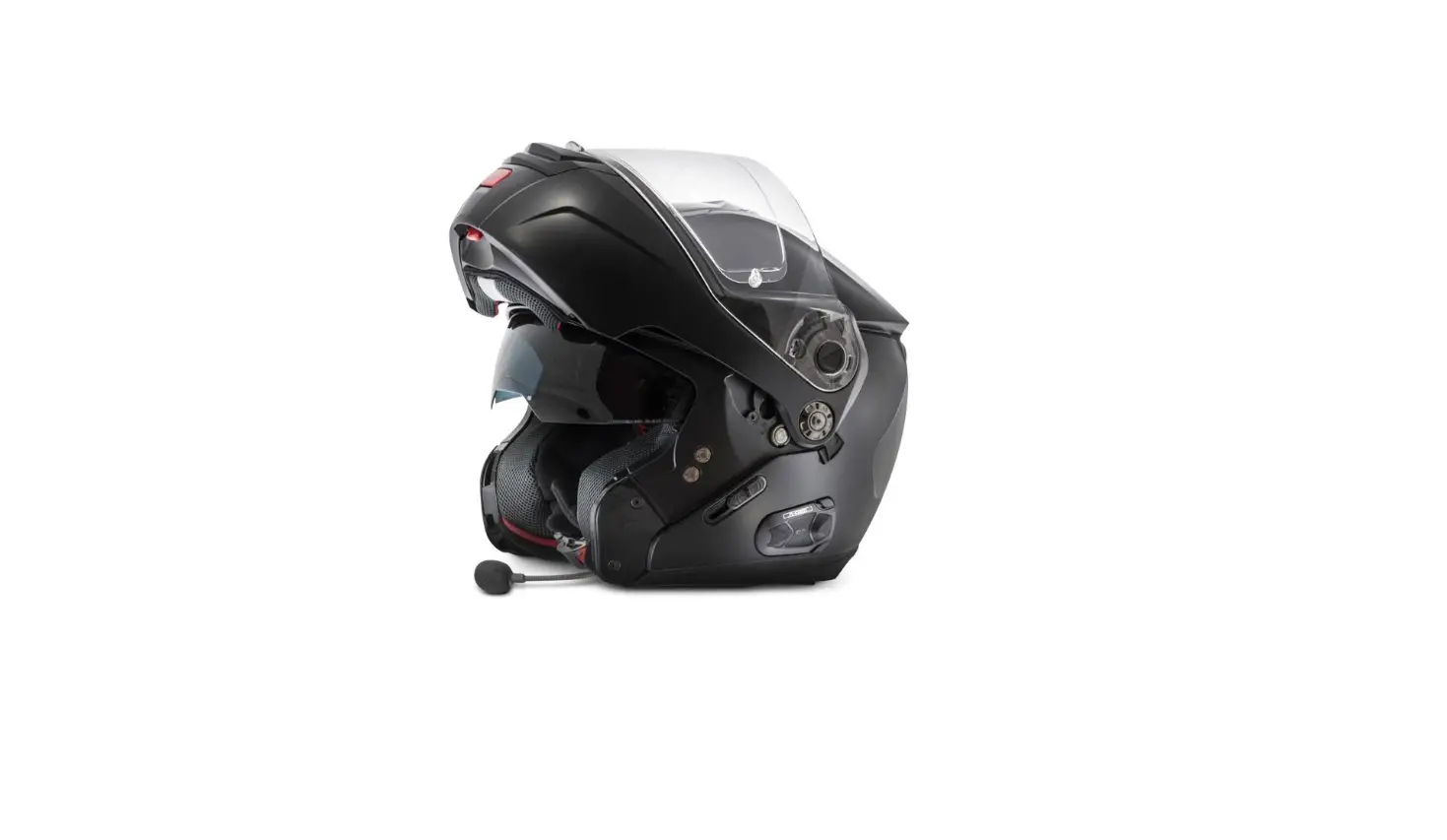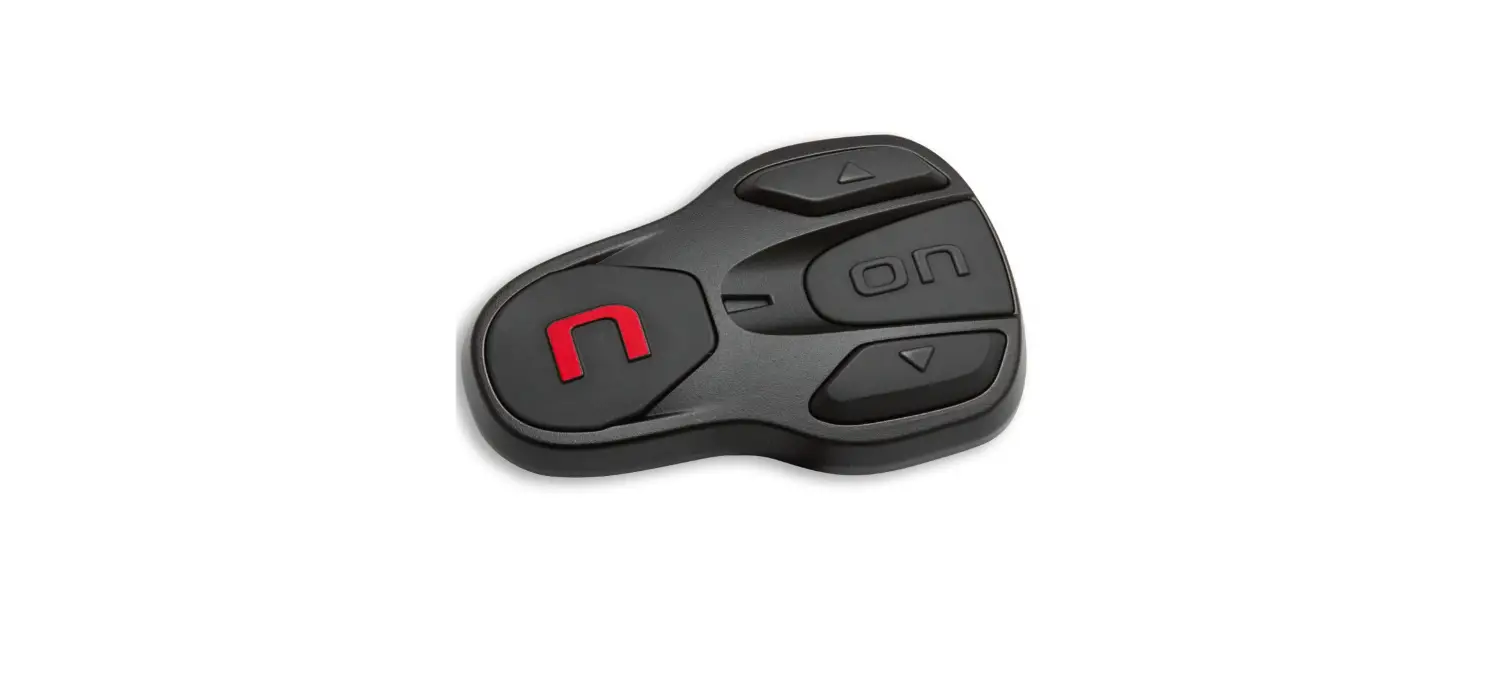
 Quick guide
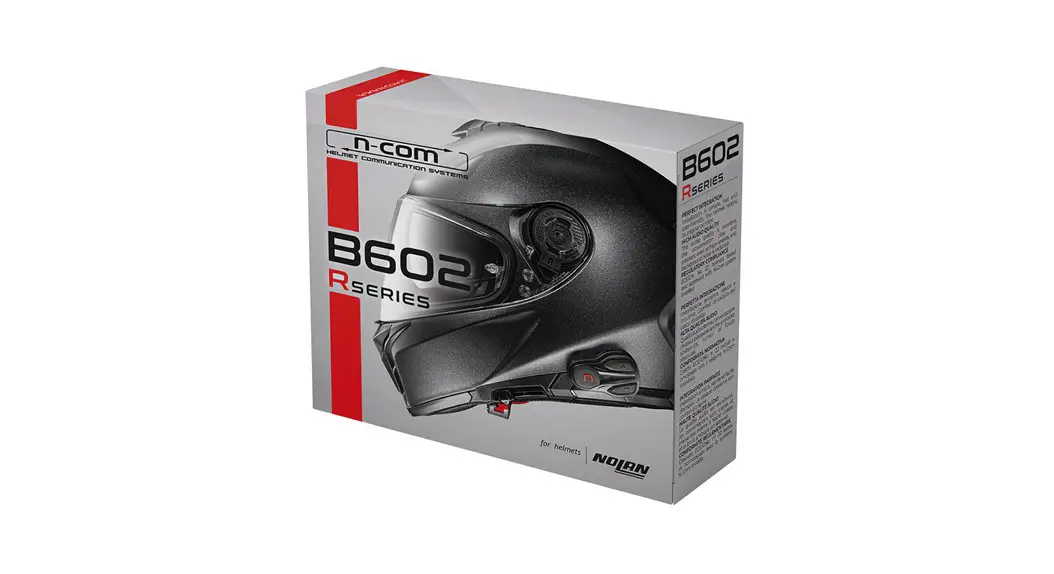
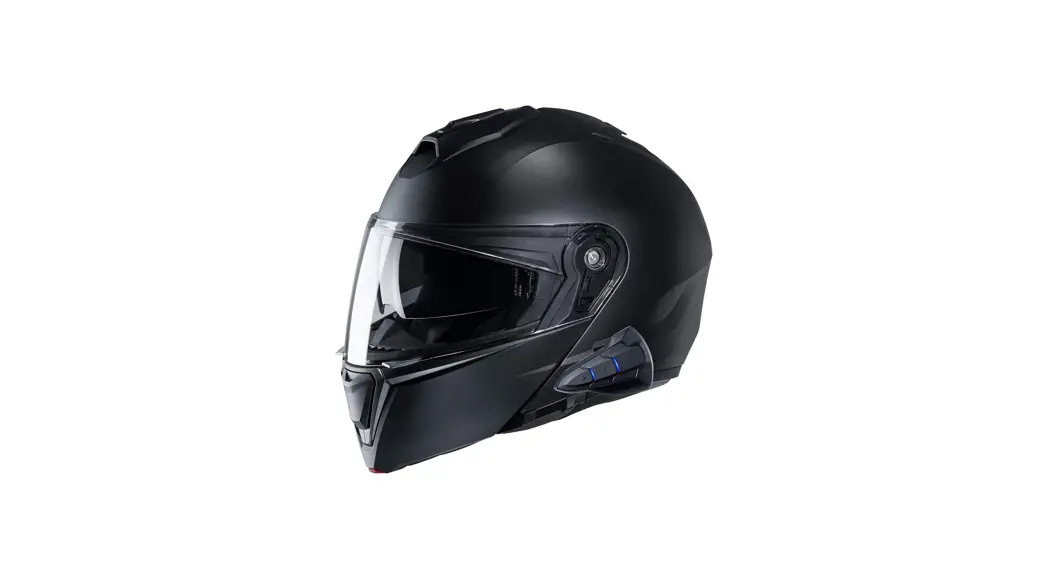
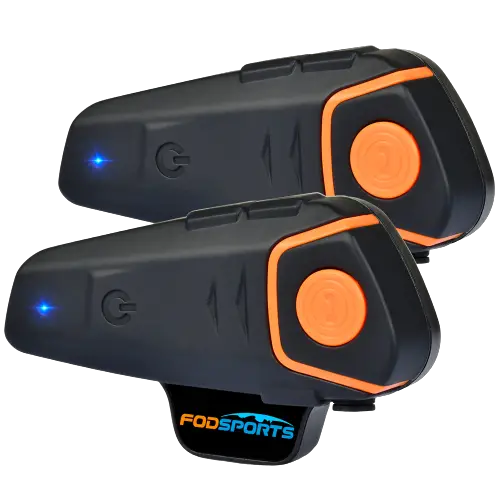
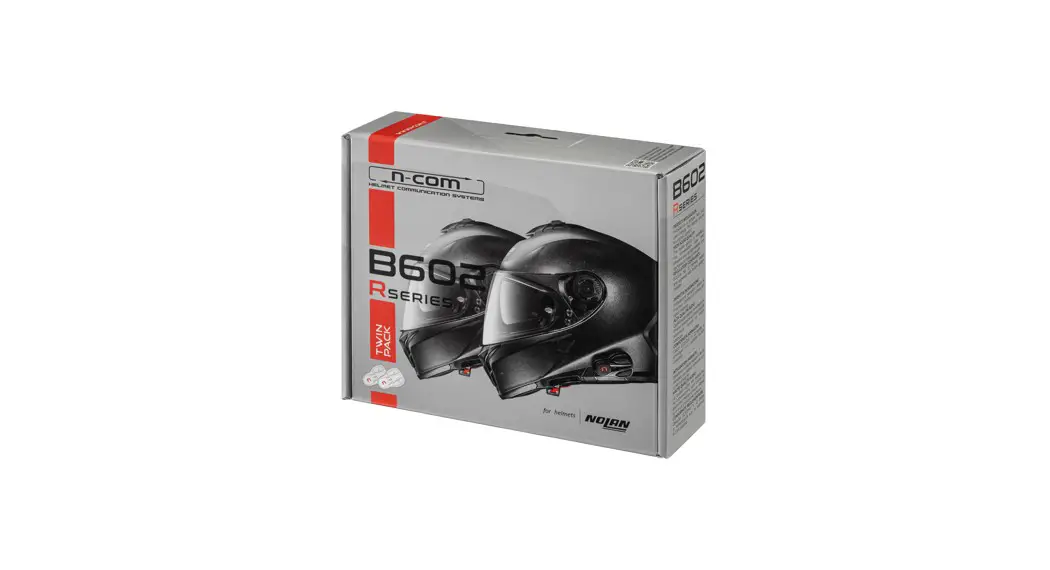
B602 Helmet Communication System
 This QUICK GUIDE does not replace the product user manual. Instructions on installing in the helmet, complete operating instructions, video tutorials and all specifications are available on the website www.n-com.it at section Support.
Read all the user instructions carefully before using the product.
The Bluetooth® word mark and logos are registered trademarks owned by the Bluetooth SIG, Inc. and any use of such marks by N-Com is under license. Other trademarks and trade names are those of their respective owners.
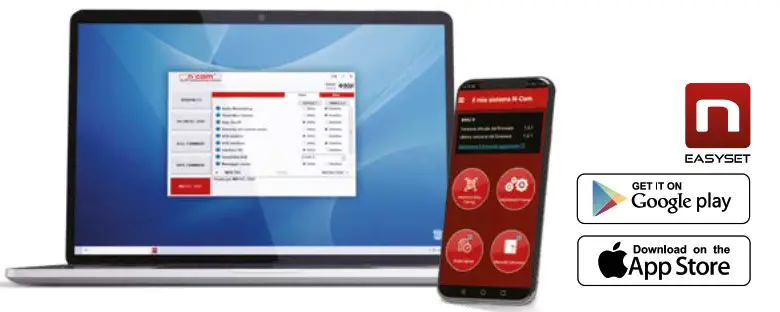
The N-Com system comes with voice prompts that provide information about the system and its functions. The default language is English. To change the language, use the System Configuration Menu (refer to the complete user manual), the N-Com EASYSET app for smartphones, or the N-Com EASYSET program on your PC/MAC.
 |  |
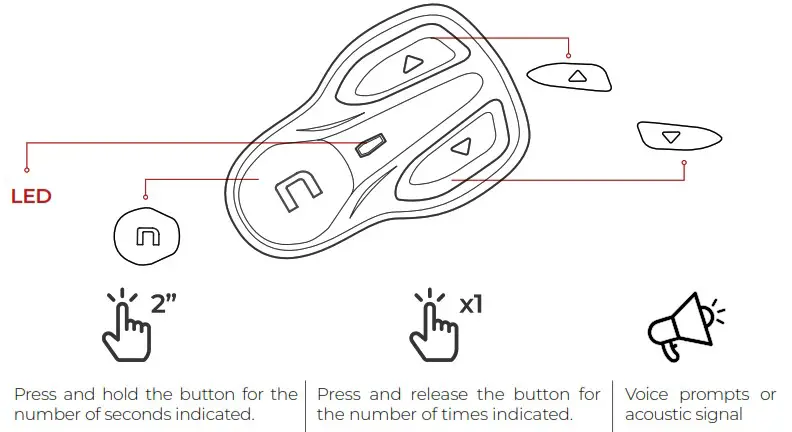
KEY
MODE
 | Complete Mode |  | Simple Mode |
The B602 system is equipped with two modes, Complete Mode and Simple Mode.
Available functions depend on which Mode is selected.
The system’s default mode is Complete Mode.
The compatibility with the two Modes for each function is indicated below.
BASIC FUNCTIONS
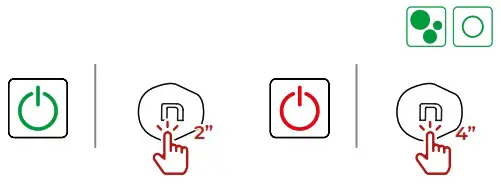
POWER ON-POWER OFF
VOLUME
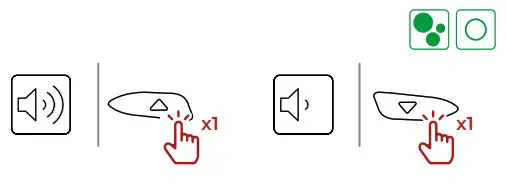
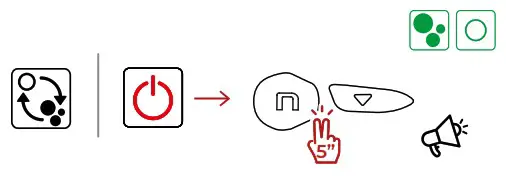
CHANGE MODE
PAIRING MODE
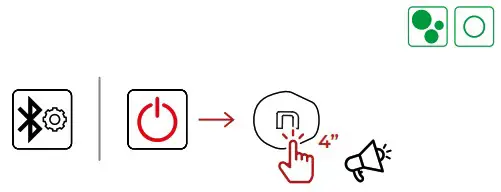
CONFIGURATION MENU
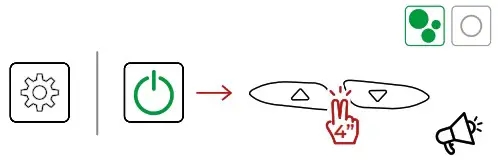
FACTORY RESET
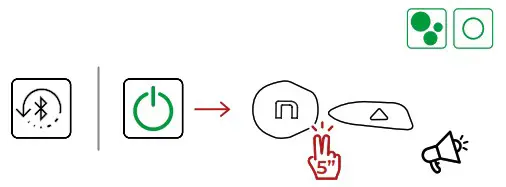
Complete manual available at: www.n-com.it
PAIRING MODE
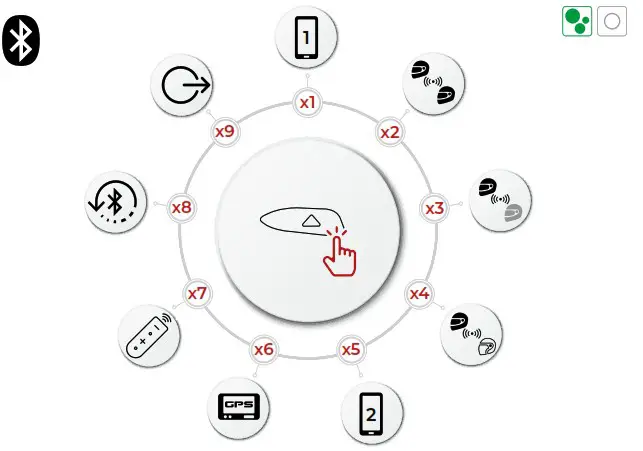
 For additional information, www.n-com.it
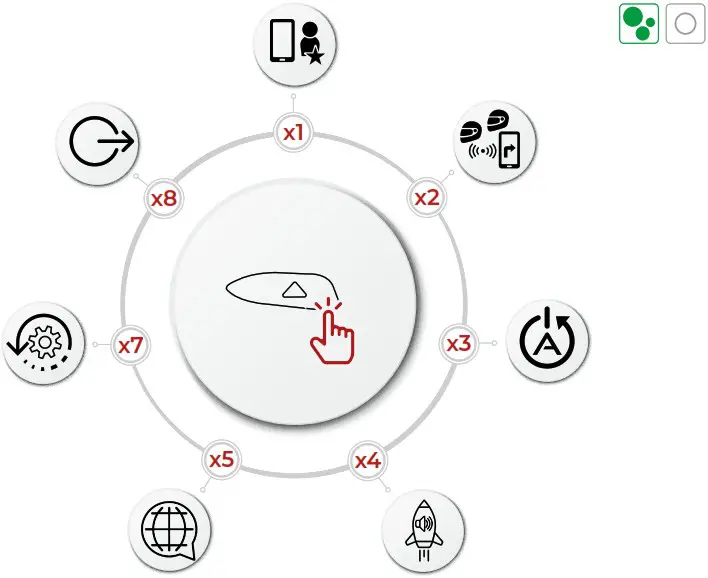
For additional information, www.n-com.it
MOBILE PHONE
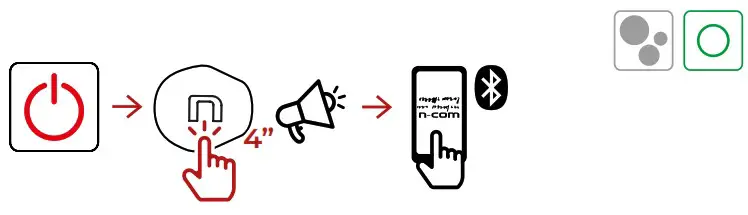
MOBILE PHONE PAIRING
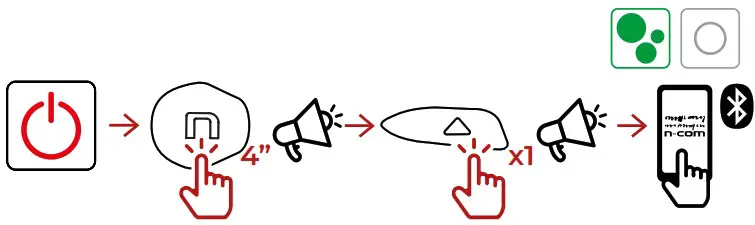
MOBILE PHONE PAIRING
ANSWER
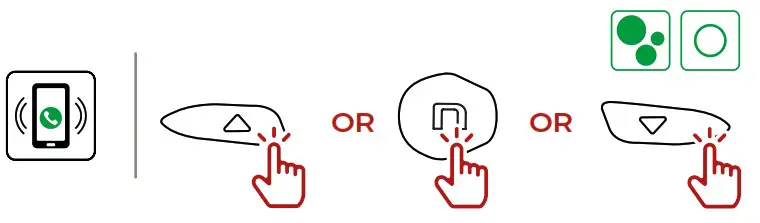
ANY KEY
VOICE ASSISTANT
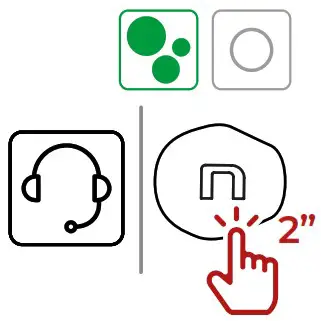
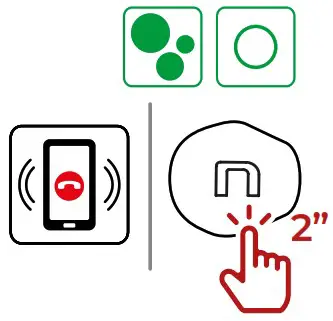
HANG UP/REJECT
MUSIC
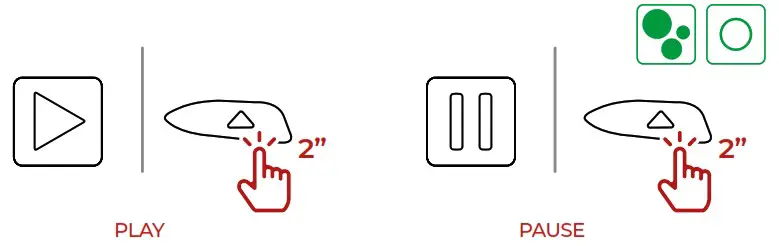
PLAY/PAUSE
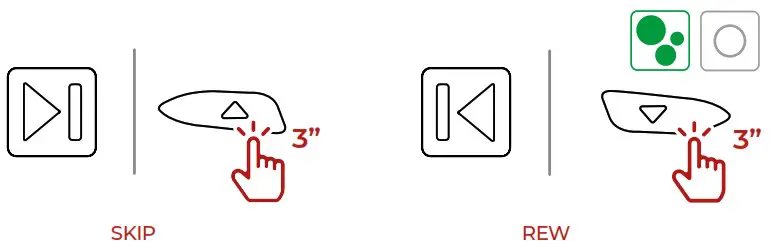
SKIP/REW
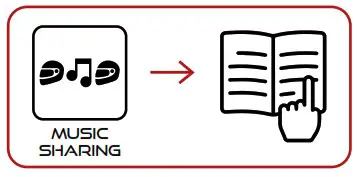
MUSIC SHARING
INTERCOM
INTERCOM PAIRING
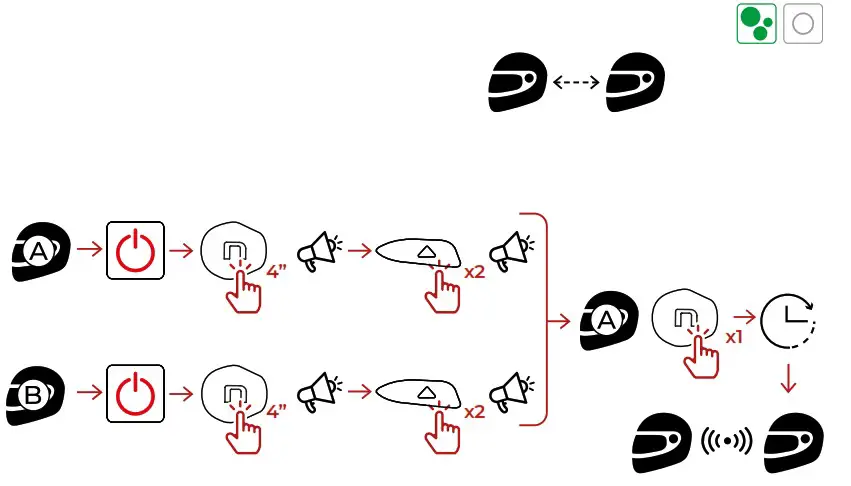
INTERCOM CONNECTION
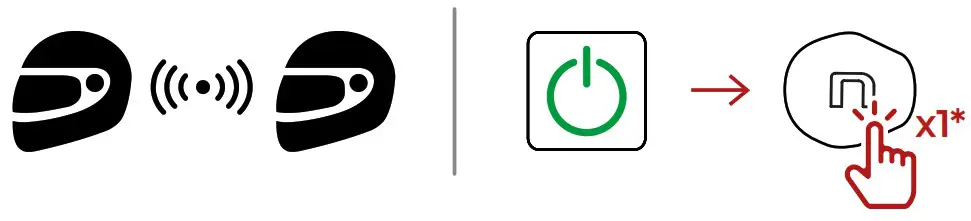
* IN ONE HELMET ONLY
INTERCOM PAIRING
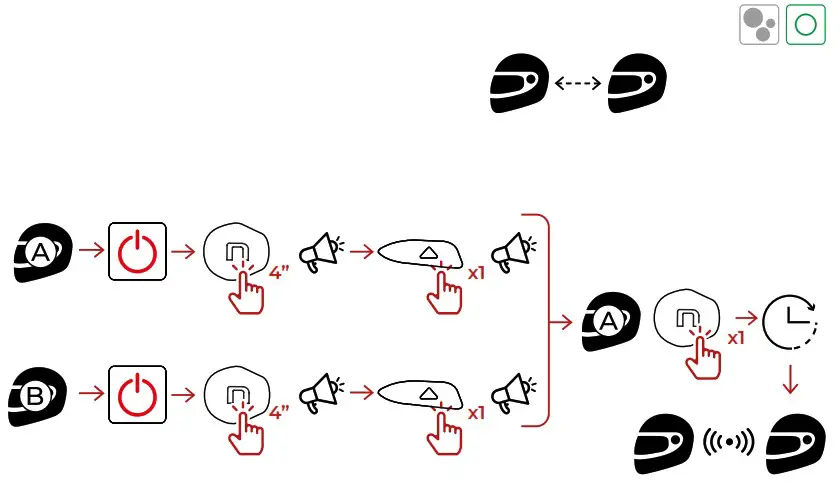
INTERCOM CONNECTION
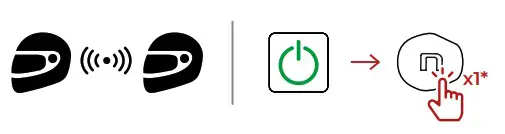 * IN ONE HELMET ONLY
Certification and Safety Approvals FCC Compliance Statement
This device complies with part 15 of the FCC rules. Operation is subject to the following two conditions:
- This device may not cause harmful interference, and
- This device must accept any interference received, including interference that may cause undesired operation.
This equipment has been tested and found to comply with the limits for a Class B digital device pursuant to part 15 of the FCC rules. These limits are designed to provide reasonable protection against harmful interference in a residential installation. This equipment generates, uses and can radiate radio frequency energy and, if not installed and used in accordance with the instructions, may cause harmful interference to radio communications. However, there is no guarantee that interference will not occur in a particular installation. If this equipment does cause harmful interference to radio or television reception, which can be determined by turning the equipment on and off, the user is encouraged to try to correct the interference by one or more of the following measures:
- Reorient or relocate the receiving antennae
- Increase the separation between the equipment and the receiver
- Connect the equipment into an outlet on a circuit different from that to which the receiver is connected.
- Consult the dealer or an experienced radio/TV technician for help.
FCC RF Exposure Statement
This equipment complies with FCC radiation exposure limits set forth for an uncontrolled environment. End users must follow the specific operating instructions for satisfying RF exposure compliance. The antenna used for this transmitter must not transmit simultaneously with any other antenna or transmitter, except in accordance with FCC multi-transmitter product procedures.
When equipped, the distance between antenna and one’s head surface is 34.5mm.
FCC Caution
Any changes or modifications to the equipment not expressly approved by the party responsible for compliance could void user’s authority to operate the equipment.