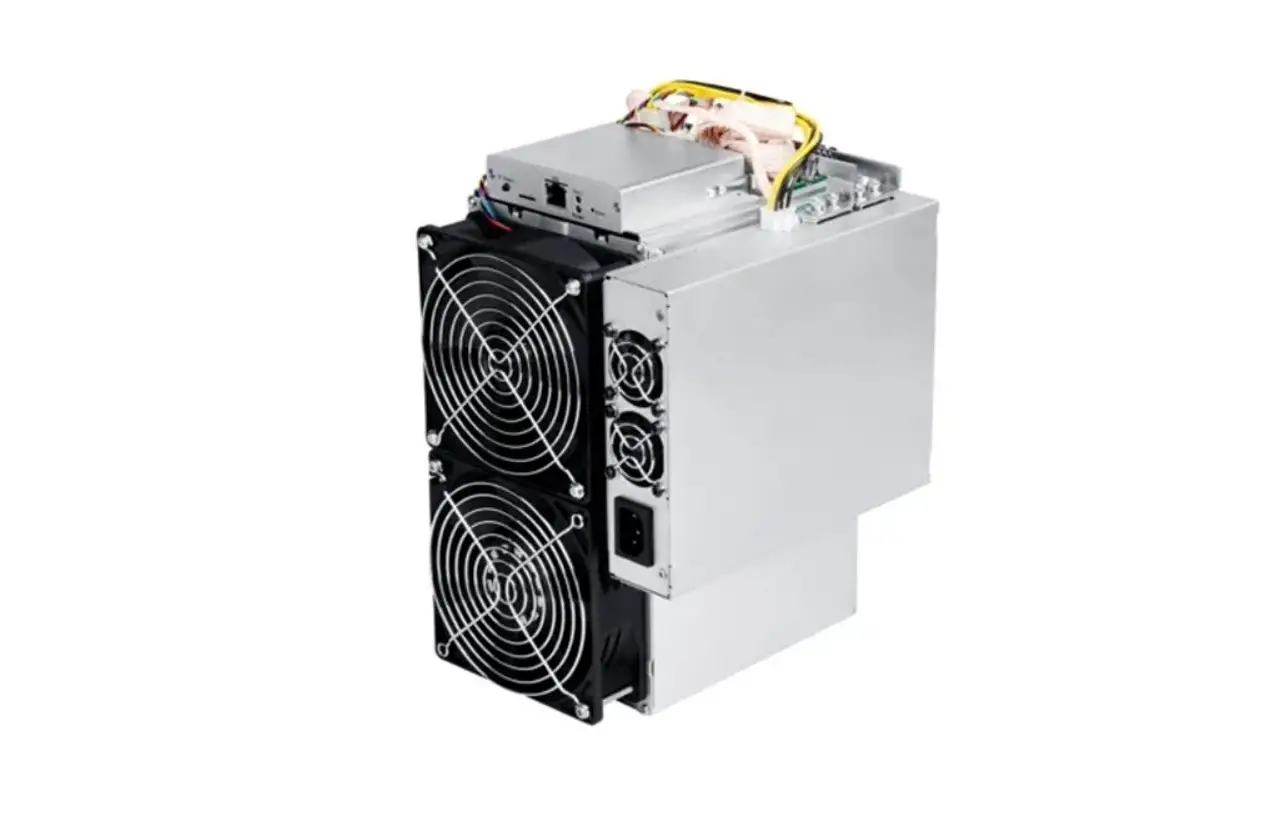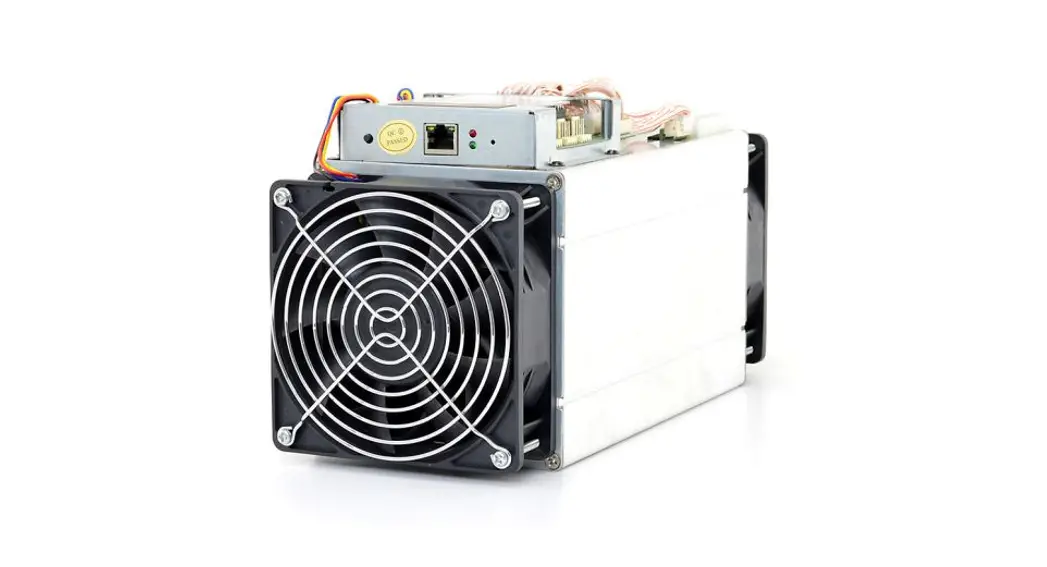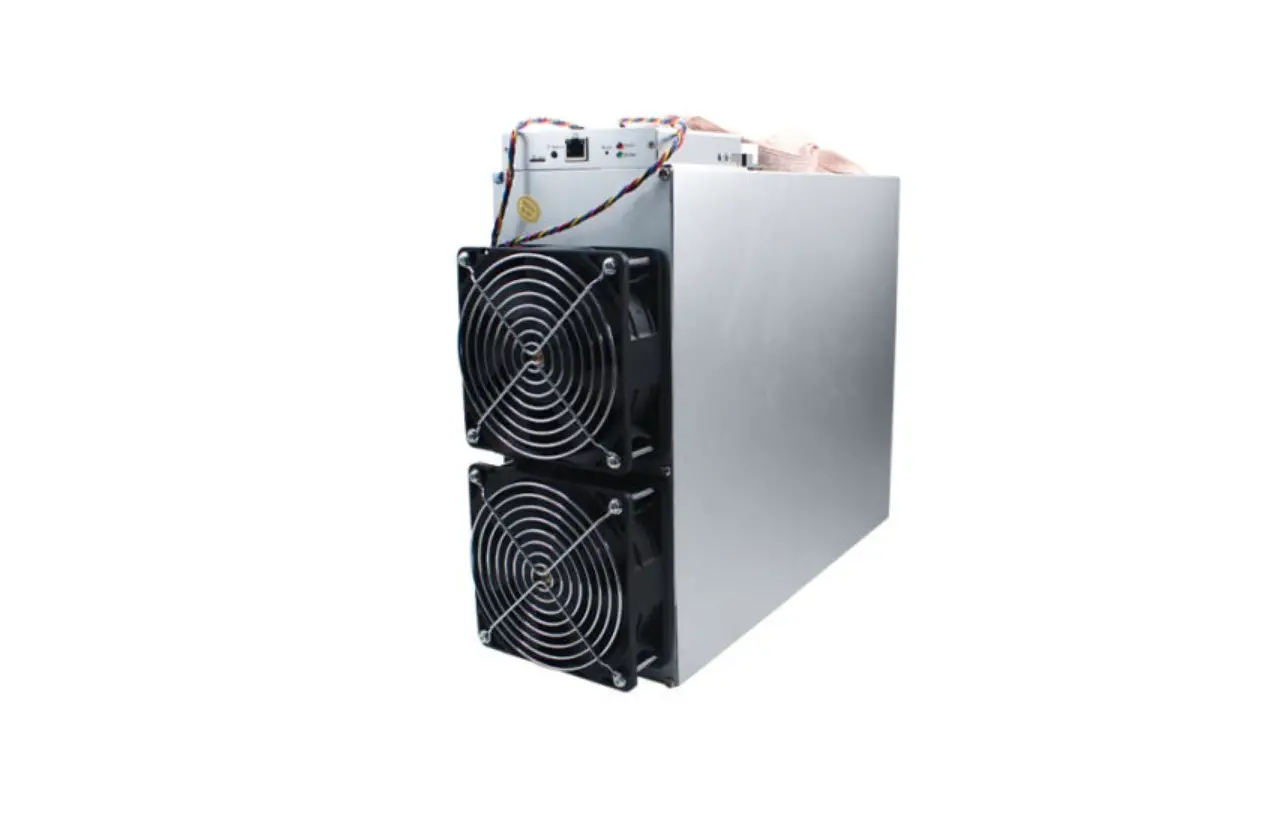


AntMiner L3+
Installation Guide
Document Version 0.1
April 2017
AntMiner L3+ Installation Guide
© Copyright Bitmain Technologies Ltd. 2017– 2027. All rights reserved.
Bitmain Technologies Ltd. (Bitmain) reserves the right to make corrections, modifications, enhancements, improvements, and other changes to its products and services at any time and to discontinue any product or service without notice.
Customers should obtain the latest relevant information before placing orders and should verify that such information is current and complete. All products are sold subject to Bitmain’s terms and conditions of sale supplied at the time of order acknowledgment.
Bitmain warrants the performance of its products to the specifications applicable at the time of sale in accordance with Bitmain’s standard warranty. Testing and other quality control techniques are used to the extent Bitmain deems necessary to support this warranty. Except where mandated by government requirements, testing of all parameters of each product is not necessarily performed.
Bitmain assumes no liability for third‐party applications assistance. Customers are responsible for their products and applications using Bitmain components. To minimize the risks associated with customer products and applications, customers should provide adequate design and operating safeguards.
Bitmain does not warrant or represent that any license, either express or implied, is granted under any Bitmain patent right, copyright, or other Bitmain intellectual property right relating to any combination, machine, or process in which Bitmain products or services are used. Information published by Bitmain regarding third‐party products or services does not constitute a license from Bitmain to use such products or services or a warranty or endorsement thereof. Use of such information may require a license from a third party under the patents or other intellectual property of the third party, or a license from Bitmain under the patents or other intellectual property of Bitmain.
Resale of Bitmain products or services with statements different from or beyond the parameters stated by Bitmain for that product or service voids all express and any implied warranties for the associated Bitmain product or service and is an unfair and deceptive business practice. Bitmain is not responsible or liable for any such statements.
All company and brand products and service names are trademarks or registered trademarks of their respective holders.
All text and figures included in this publication are the exclusive property of Bitmain Technologies Ltd. (Bitmain), and may not be copied, reproduced, or used in any way without the express written permission of Bitmain. Information in this document is subject to change without notice and does not represent a commitment on the part of Bitmain. Although the information in this document has been carefully reviewed, Bitmain does not warrant it to be free of errors or omissions. Bitmain reserves the right to make corrections, updates, revisions, or changes to the information in this document.
Bitmain Technologies Ltd.
Tel: +86‐400‐890‐8855
www.bitmain.com
Overview
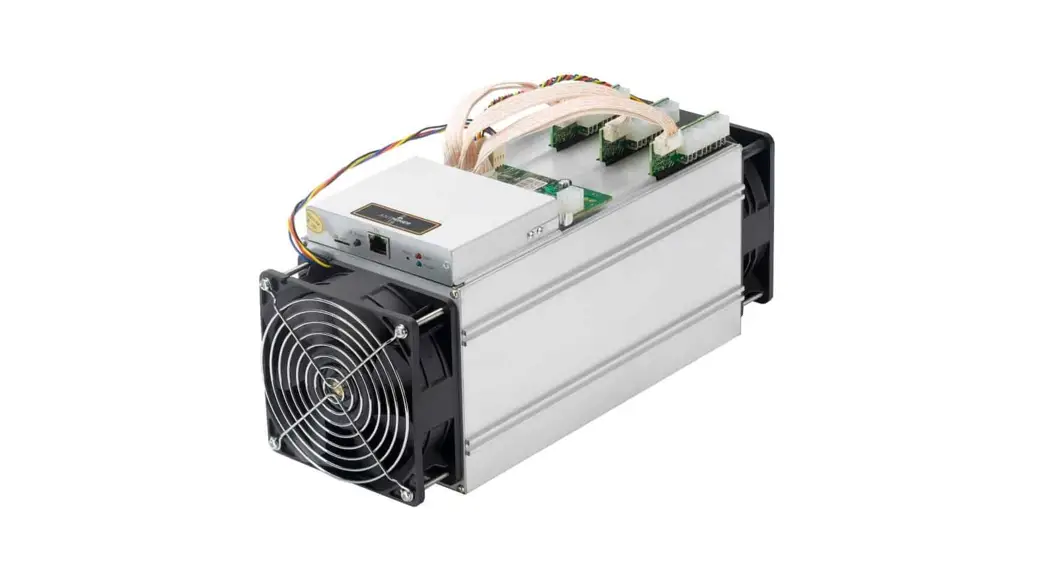
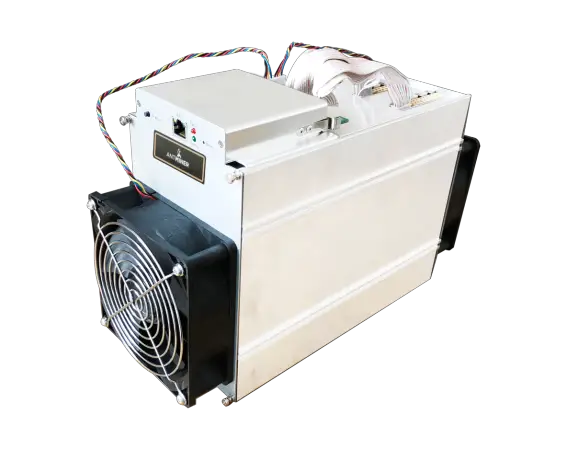
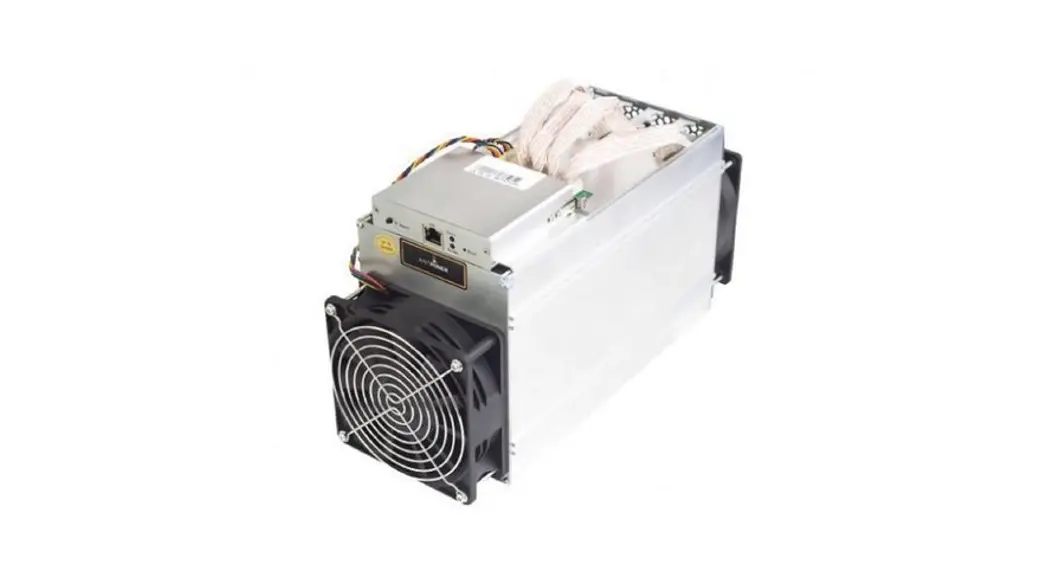
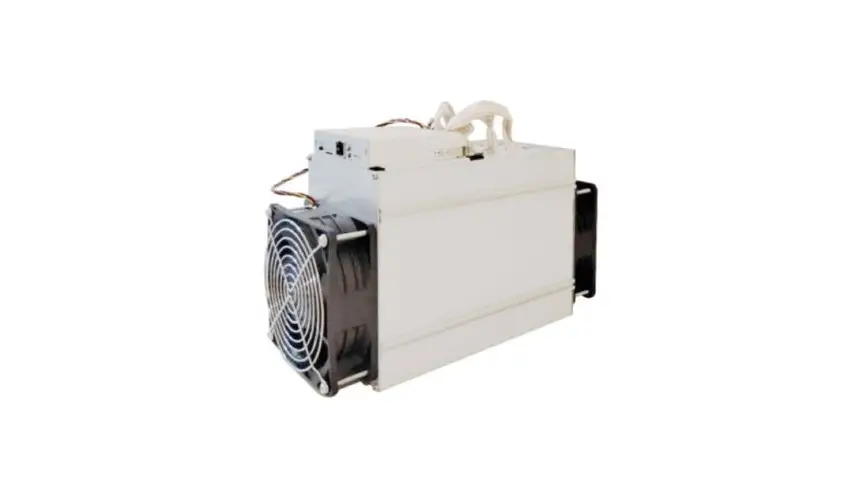
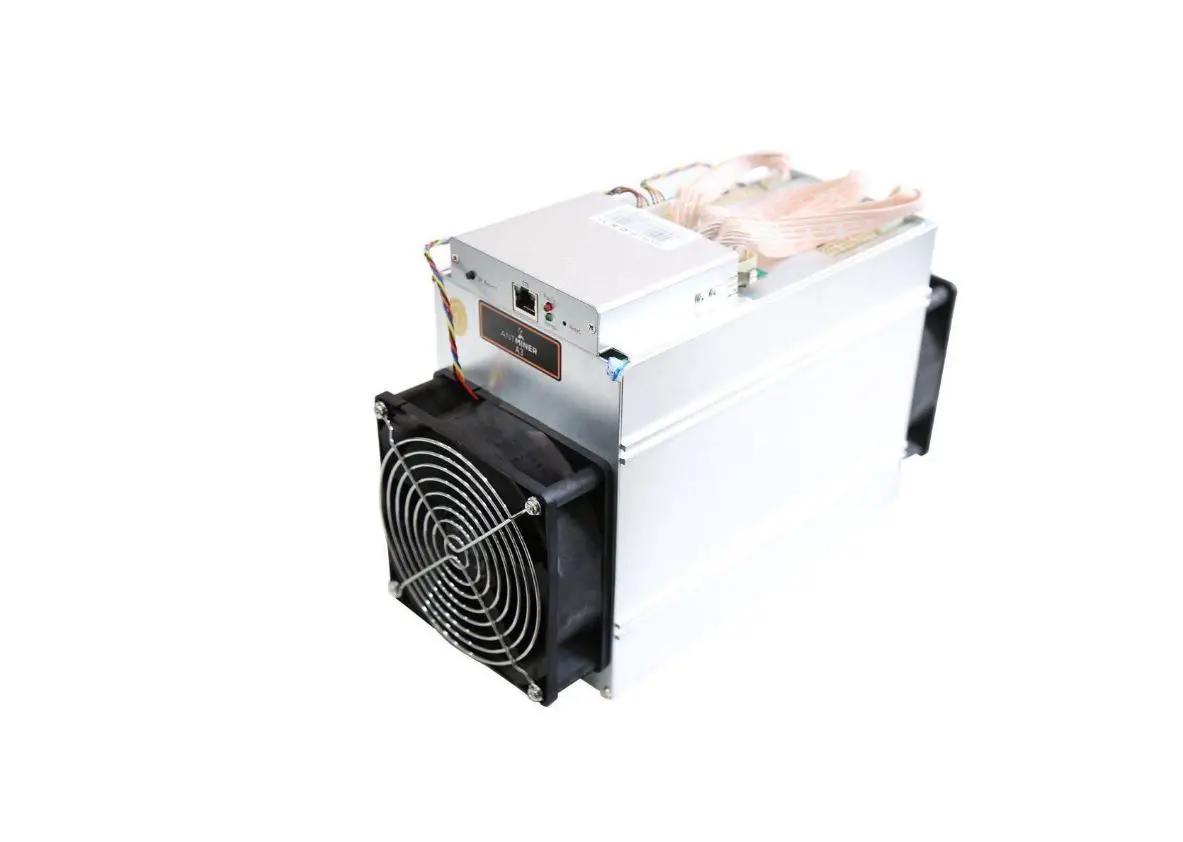
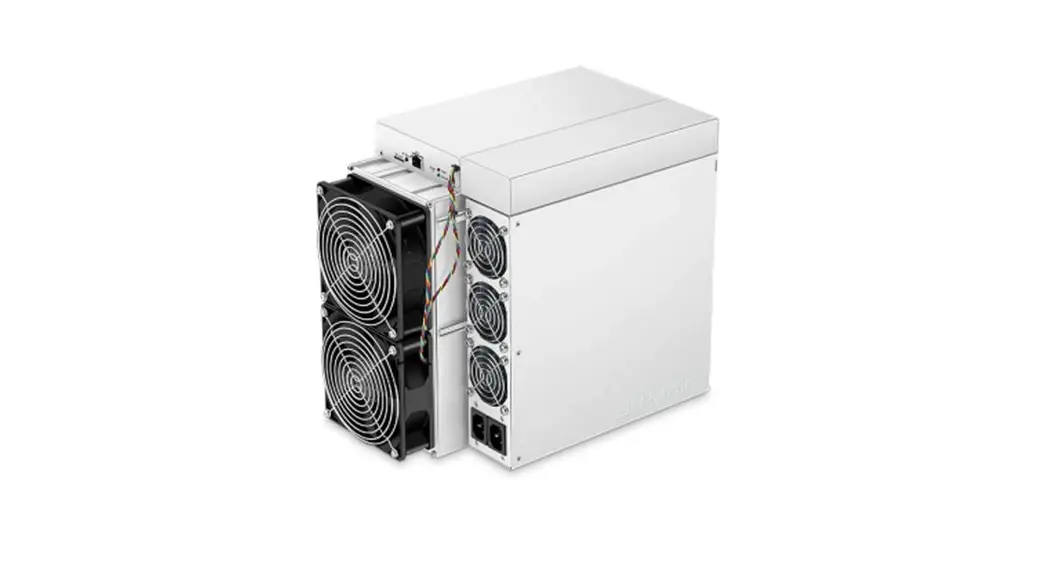
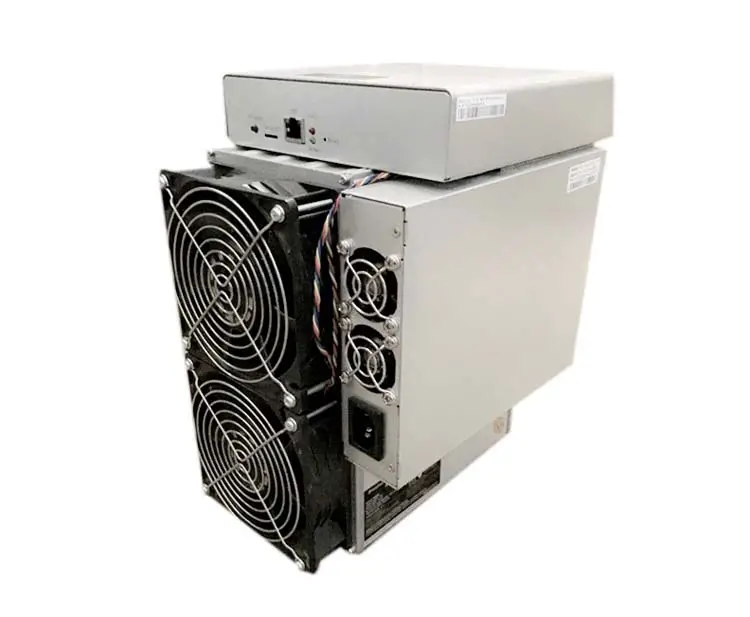
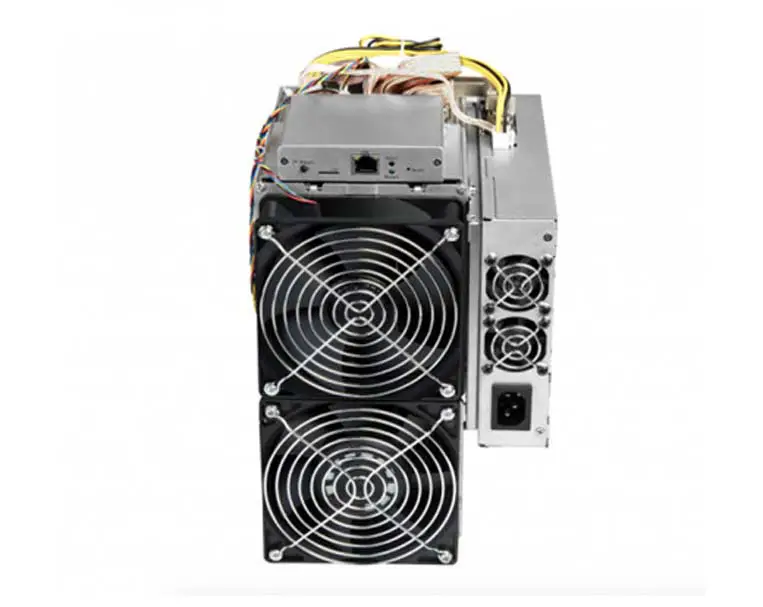
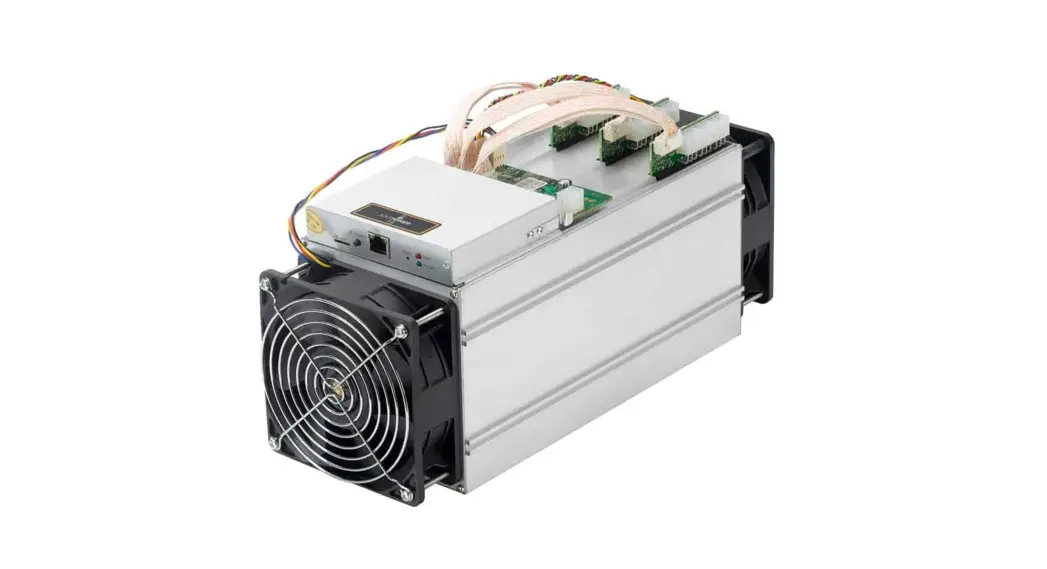
The AntMiner L3+ is Bitmain’s newest version in the AntMiner L3+ series. It boasts a state‐of‐the‐art BM1485 custom‐ ade chip. All AntMiner L3+ miners are tested and configured prior to shipping to ensure easy setup.
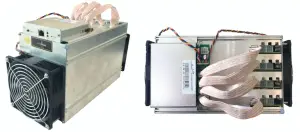
 Power supply unit is not included. Please provide your own ATX power supply.
1.1 AntMiner L3+ Components
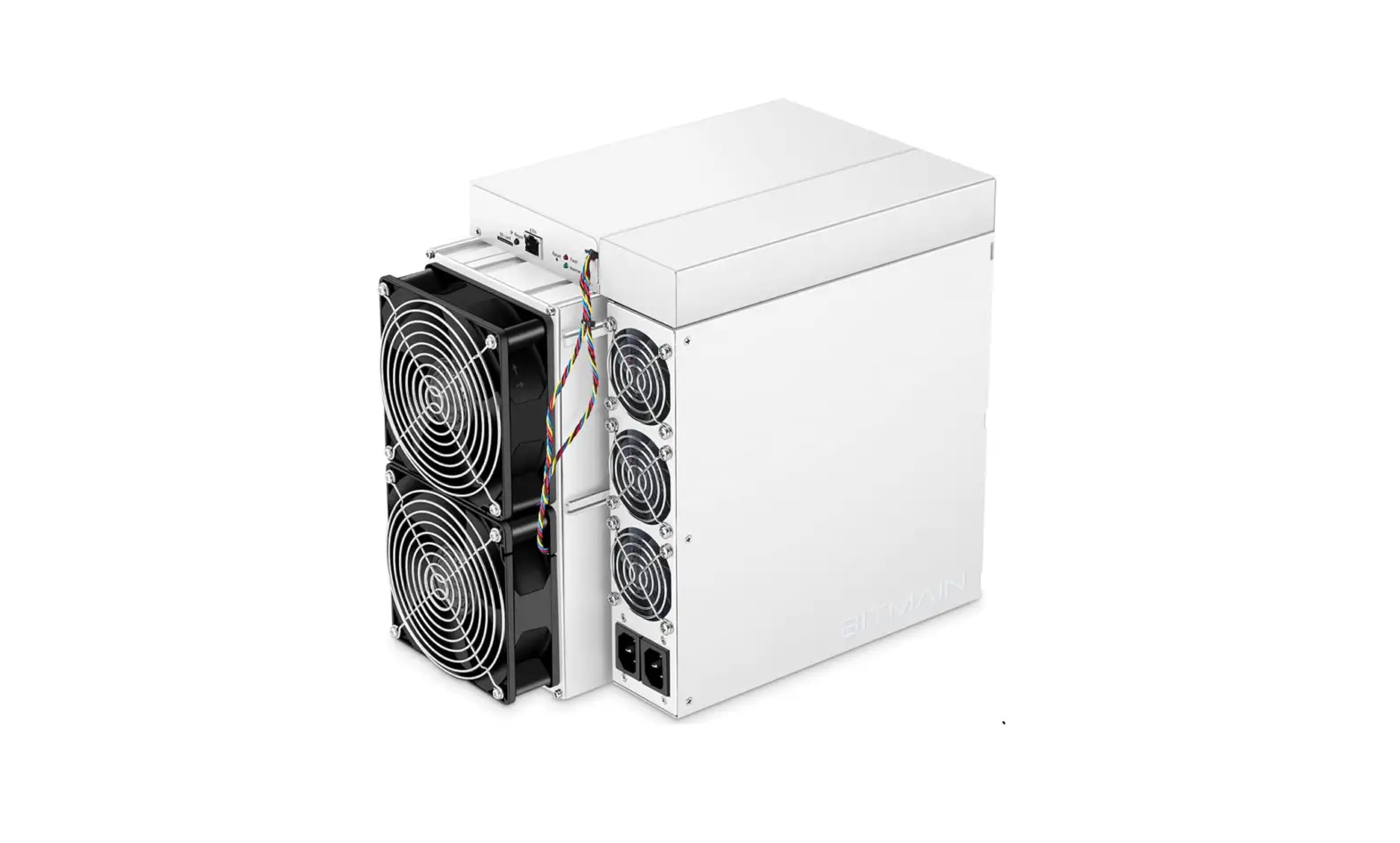
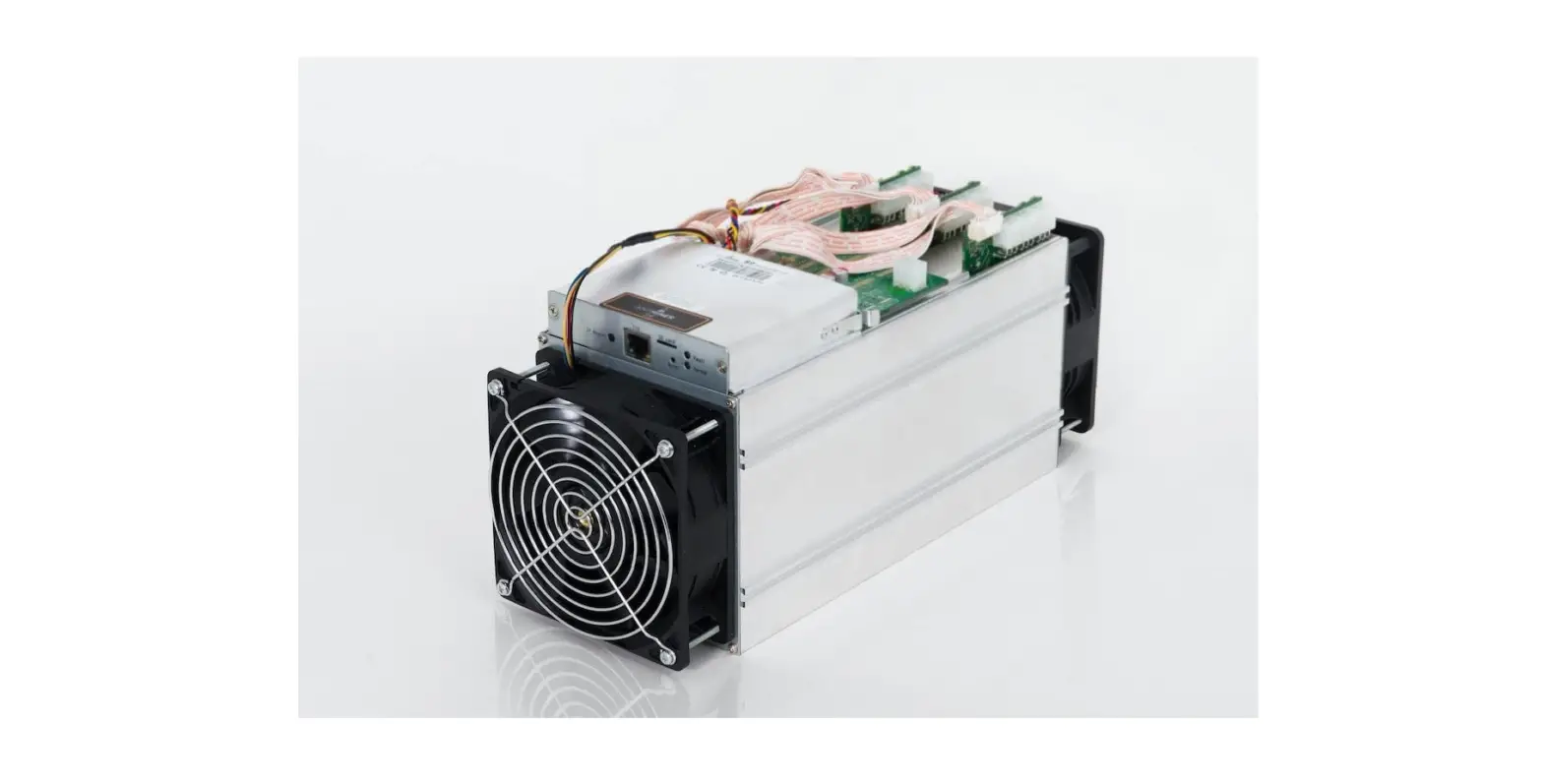
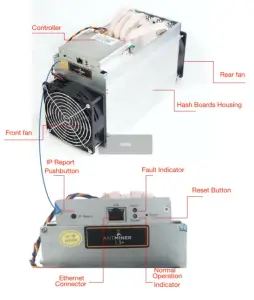
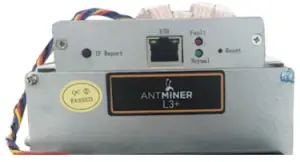
The AntMiner L3+ main components and controller front panel are shown in the following figure:
1.2 Specification
Feature | Description |
| Ideal Hash Rate | 504MH/5 |
| Default chip frequency | 384M |
| Estimated wall outlet power consumption (with APW3, 93% efficiency, 25°C ambient temperature) | 800W +10% |
| Rated voltage | 11.6 – 13.00V |
| Estimated wall outlet power efficiency (with APW3, 93% efficiency, 25°C ambient temperature) | 1.6J/MH +10% |
| Dimensions (L x W x H) | 352mm (I) x 130mm (w) x 187.5mm (h) |
| Net weight | 5.2kg |
| Operating ambient temperature | 0 – 40°C |
The miner does not contain a DC/DC converter; therefore, the higher input voltage will cause higher Mining efficiency.
Connecting the Power Supply
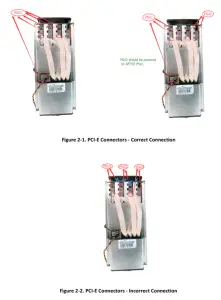
Nine PCI‐e connectors are located at the top of the AntMiner L3+ for connecting the PSU as follows:
- Eight PCI‐e connectors for the hash boards. Each hash board has a set of two PCI‐e connectors.
- One PCI‐e connector is located on the controller.
Each hash board must be powered by the same PSU on both connectors to prevent possible damage and instability.
To connect the power supply:
- Connect PSU power cable connectors to each of the eight PCI‐e connectors on the top of the AntMiner L3+ensuring that each hash board is powered by the same PSU.
- Connect a PSU power cable connector to the AntMiner L3+ PCI‐e connector on the controller.
- Connect the network cable to the ETH port.
- To power up your AntMiner L3+, connect the PSUs to the power wall outlet.
If you are using more than one PSU, power up the PSU connected to the controller AFTER you have powered up the other PSU(s).
 Setting Up the Miner
 Setting Up the Miner
To set up the miner:
The file IPReporter.zip is supported by Microsoft Windows only.
- Go to the following site:
https://cnshop.bitmain.com/support.htm?pid=007201512210613294744rqn82k7068A - Download the following file: IPReporter.zip
- Extract the file.3.
 The default DHCP network protocol distributes IP addresses automatically.
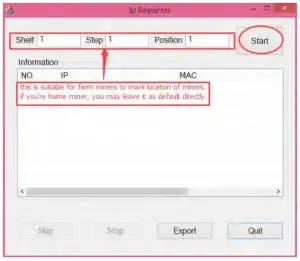
 - Right‐click IPReporter.exe and run it as Administrator.
- Select one of the following options:
• Shelf, Step, Position – suitable for farm miners to mark the location of the miners.
• Default – suitable for home miners. - Click Start.

- On the controller board, click the IP Report button. Hold it down until it beeps (about 5 seconds).
 The IP address will be displayed in a window on your computer screen.
- In your web browser, enter the IP address provided.
- Proceed to log in using root for both the username and password.
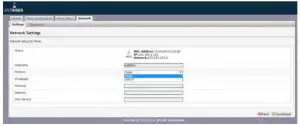
- In the Network section, you can assign a Static IP address (optional).
- Click Save & Apply.

 The IP address will be displayed in a window on your computer screen.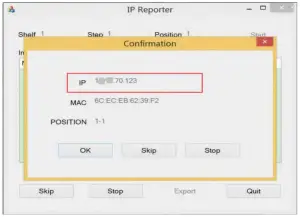
Configuring the Miner
4.1 Setting Up the Pool
To configure the miner:
1. In Miner Configuration, click General Settings.
2. Set the options according to the following table:
| Option | Description |
| Pool URL | Enter the URL of your desired pool.
|
| Worker | Your worker ID on the selected pool. |
| Password | The password for your selected worker. |
3. Click Save & Apply to save and restart the miner.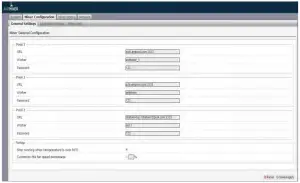 4.2 Modifying the Frequency (Applied only to fixed frequency firmware)
To modify the frequency value:
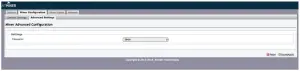
- In Miner Configuration, click Advanced Settings
- Select a frequency. The default frequency for the AntMiner L3+ is 384M

Monitoring Your Miner
To check the operating status of your miner:
- Click Miner Status.
- Under AntMiner, monitor your miner according to the descriptions in the following table:
Option Description ASIC# Number of chips detected in the chain. Frequency ASIC frequency setting. GH/S(RT) Hash rate of each hash board ( MH/s) Temp(PCB) Temperature of each hash board (°C). (Applied only to the miner with fixed frequency) Temp(Chip) Temperature of the chips on each hash board (°C). ASIC status One of the following statuses will appear: • 0 – indicates OK
• X – indicates the error
• – – indicates dead

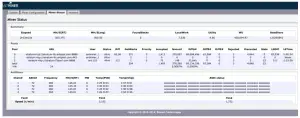
Note: The miner will stop running when the PCB temperature is over 85°C
Administering Your Miner 6.1 Checking Your Firmware Version
To check your firmware version:
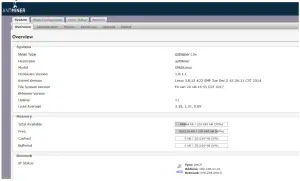
- In System, click the Overview tab.
- File System Version displays the date of the firmware your miner use. In the example below, the miner is using firmware version 20170120.
6.2 Upgrading Your System
Make sure that the AntMiner L3+ remains powered during the upgrade process. If power fails before the upgrade is completed, you will need to return it to Bitmain for repair.
To upgrade the miner’s firmware:
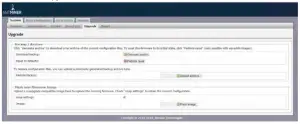
- In System, click Upgrade.

- For Keep Settings:
• Select the check box to keep your current settings (default).
• Clear the check box to reset the miner to default settings. - Click the (Browse) button and navigate to the upgrade file. Select the upgrade file, then click Flash image. A message appears notifying you if the AntMiner L3+ firmware can be upgraded and if yes, will then proceed to flash the image.
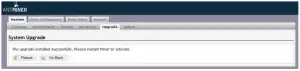
- When the upgrade is completed, the following message appears:
- Click one of the following options:
• Reboot ‐ to restart the miner with the new firmware.
• Go Back ‐ to continue mining with the current firmware. The miner will load the new firmware next time it is restarted.
6.3 Modifying Your Password
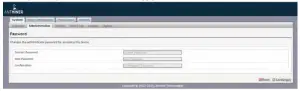
To change your login password:
- In System, click the Administration tab.
- Set your new password, then click Save & Apply.
6.4 Restoring Initial Settings
To restore your initial settings
- Turn on the miner and let it run for 5 minutes.
- On the controller front panel, press and hold the Reset button for 10 seconds.
Resetting your miner will reboot it and restore its default settings. The red LED will automatically flash once every 15 seconds if the reset is operated successfully.
AntMinerS9InstallationGuide