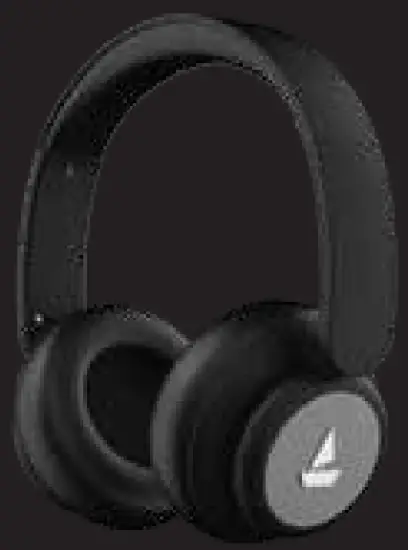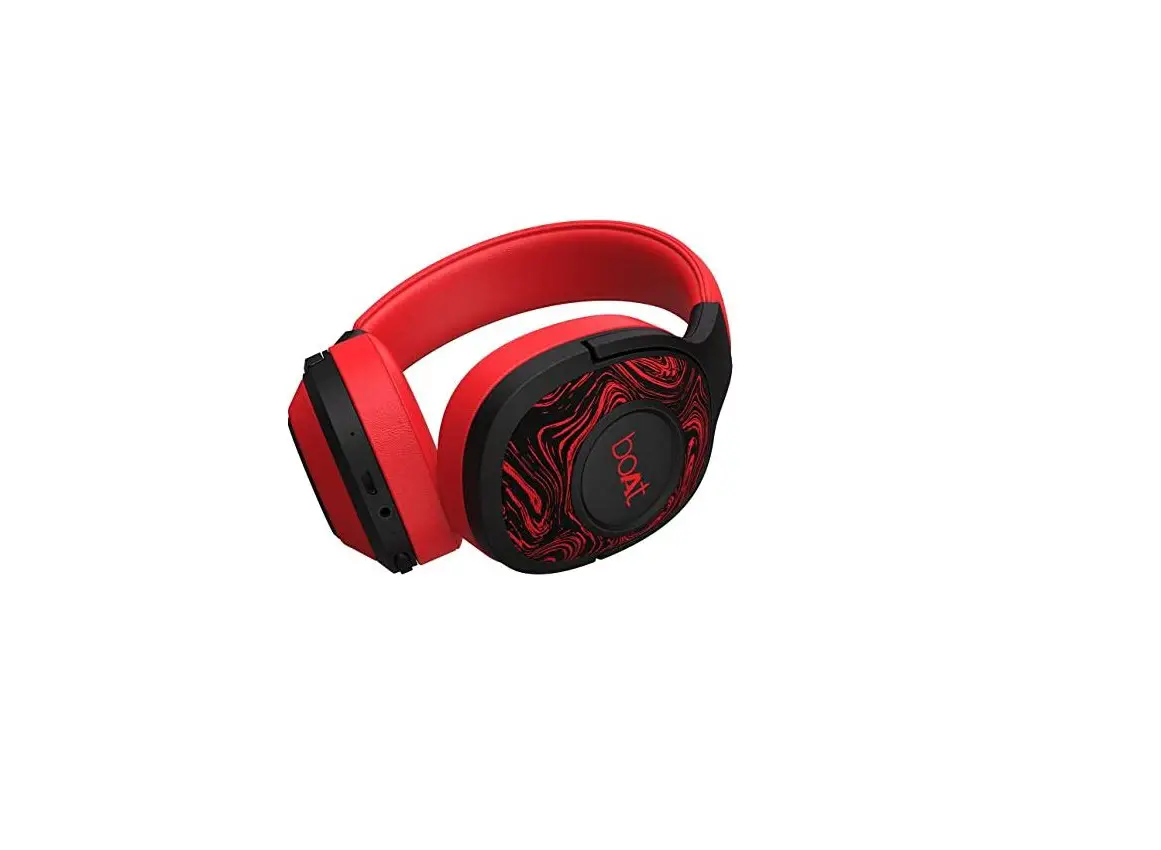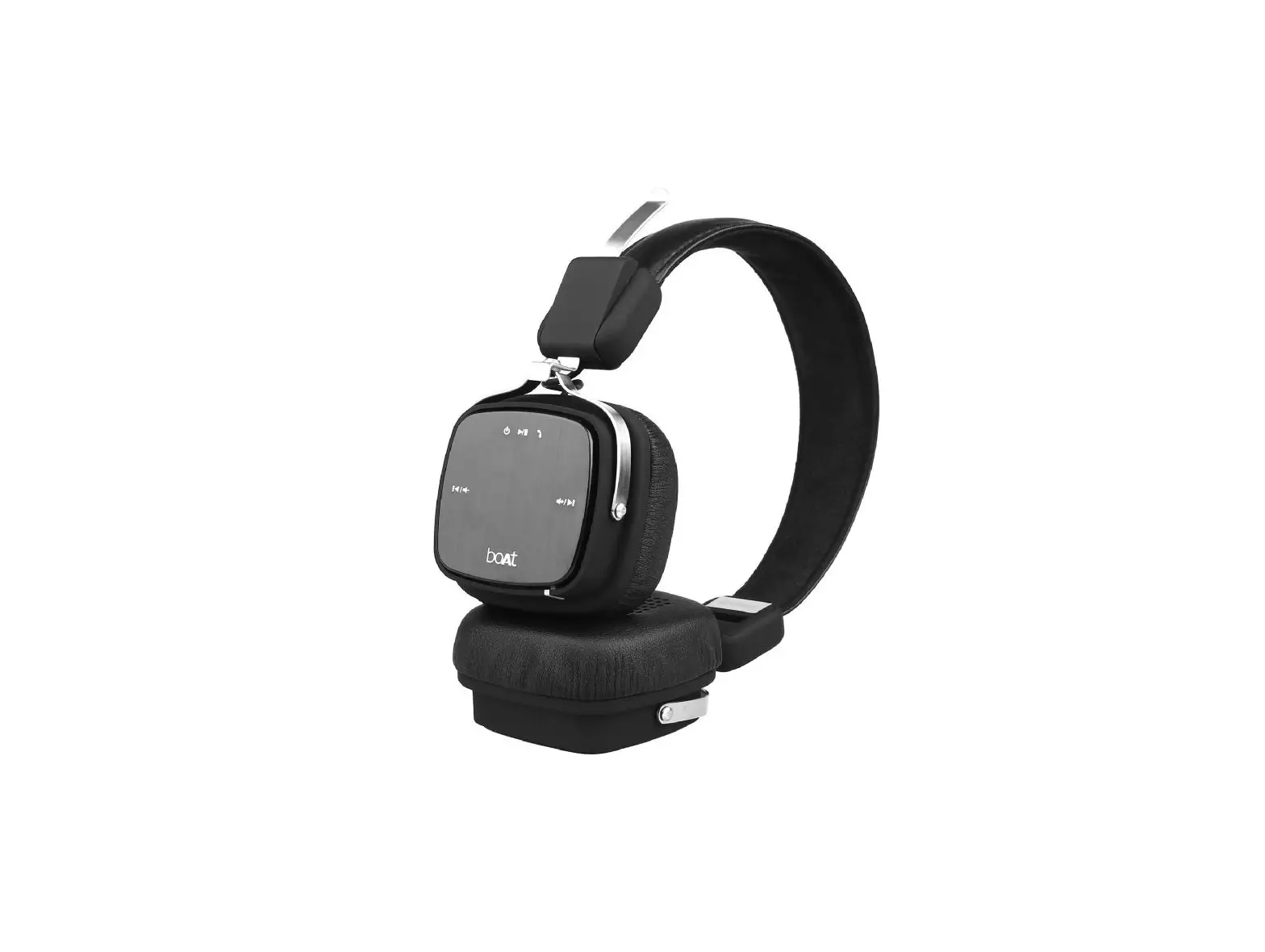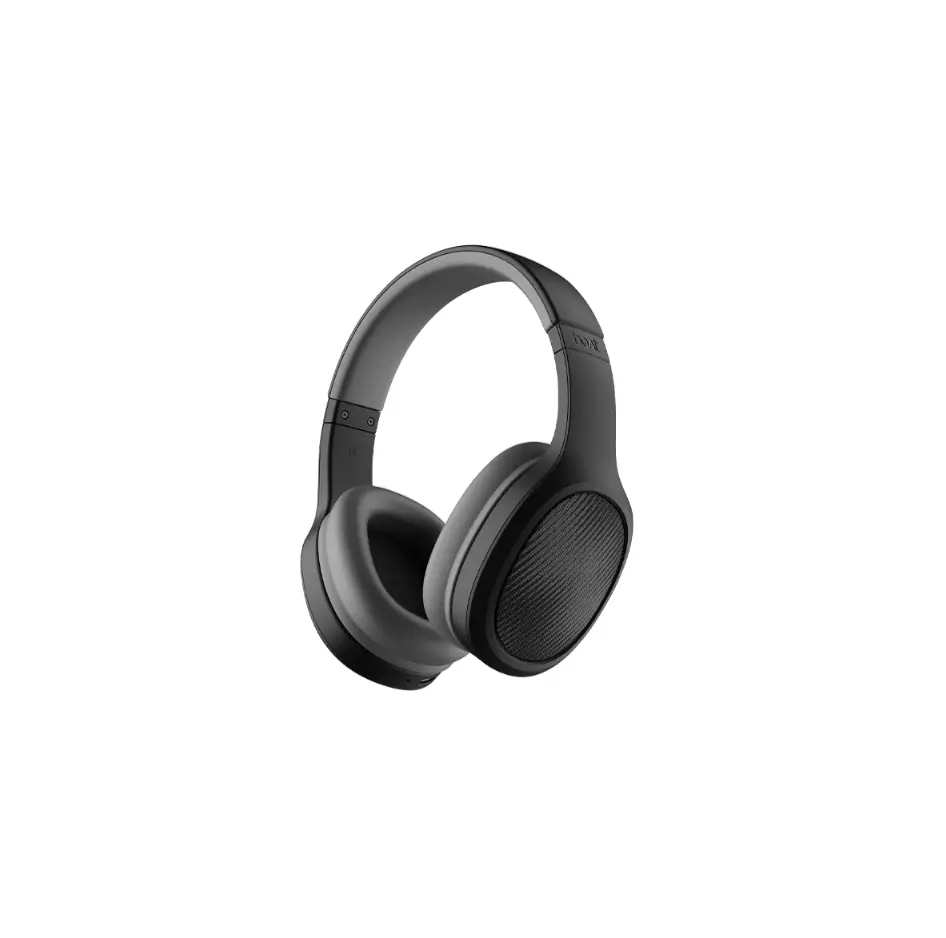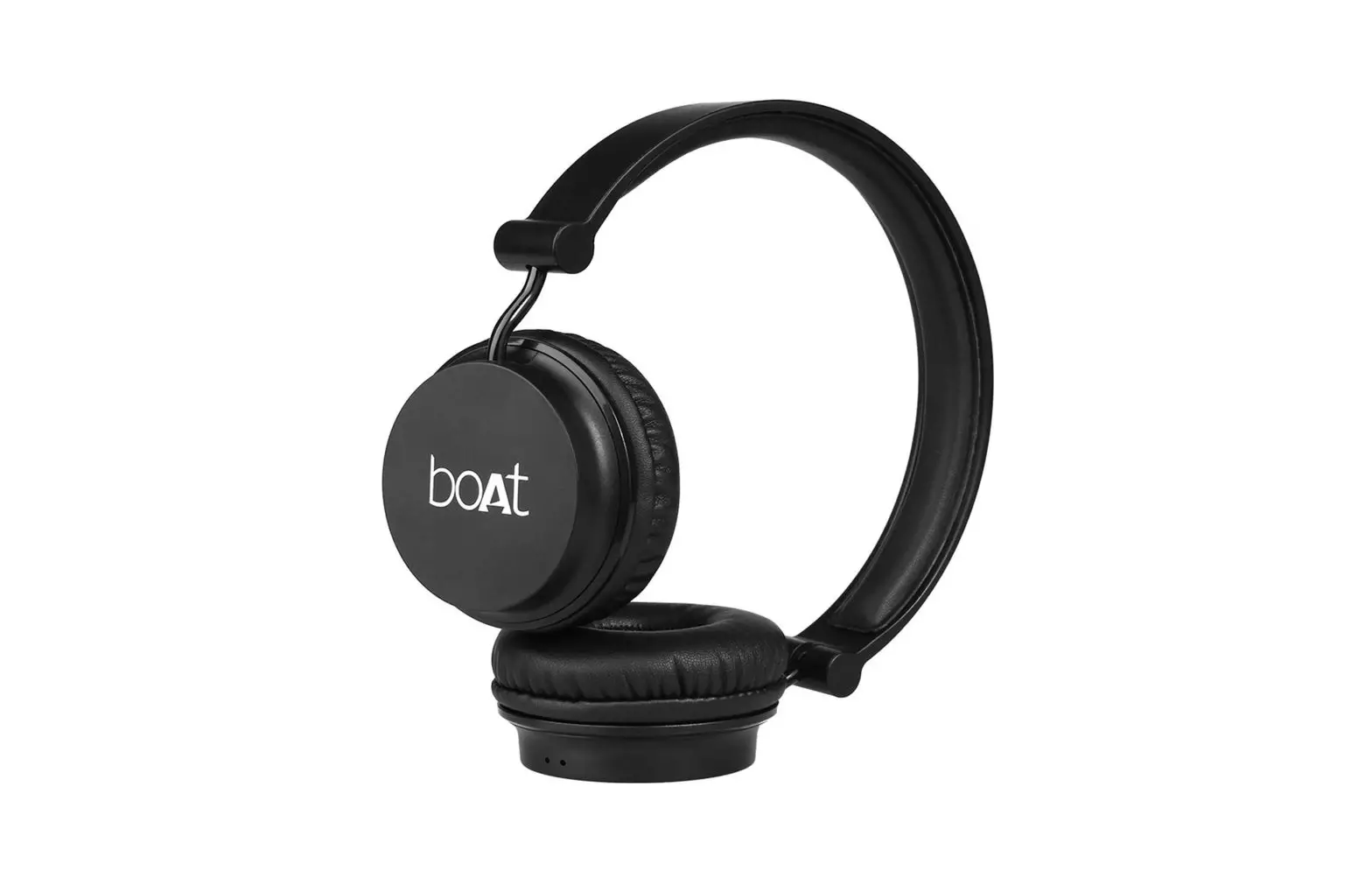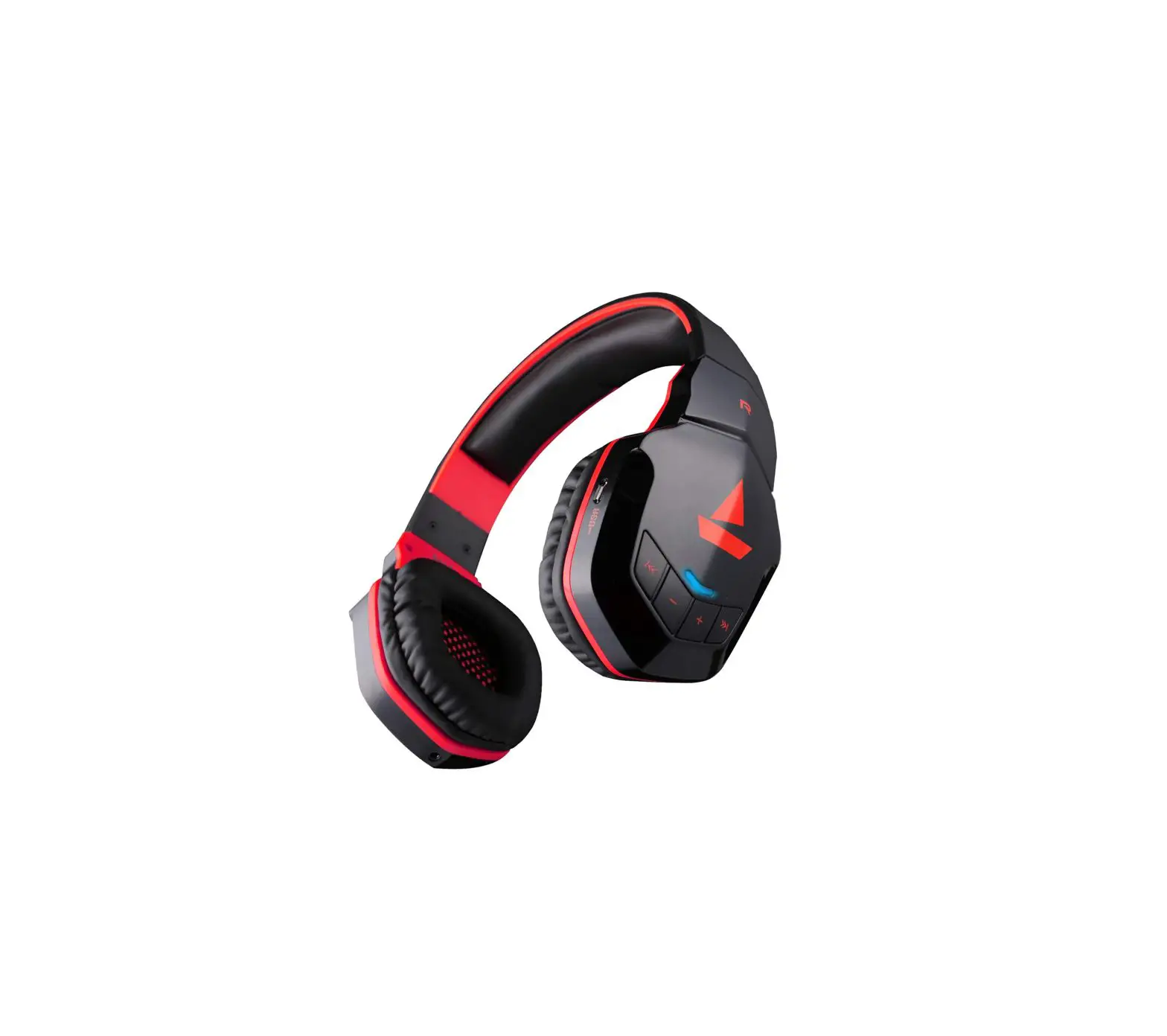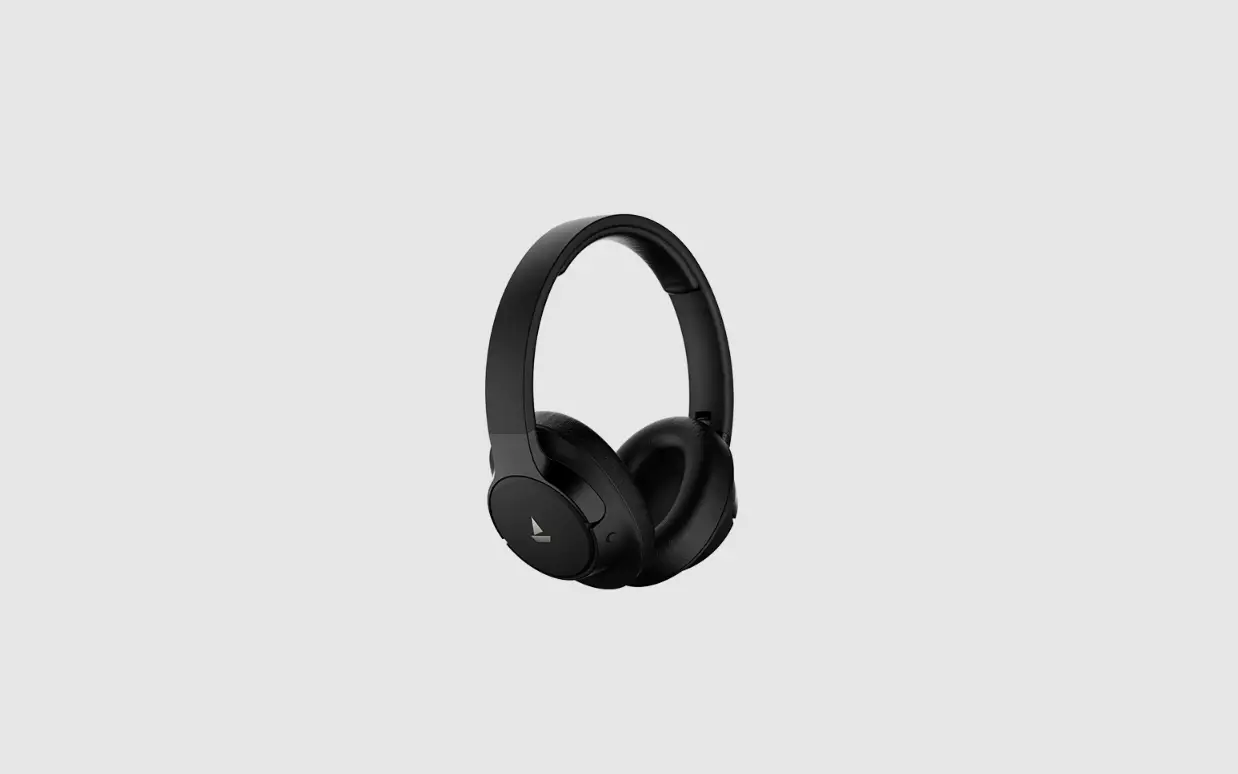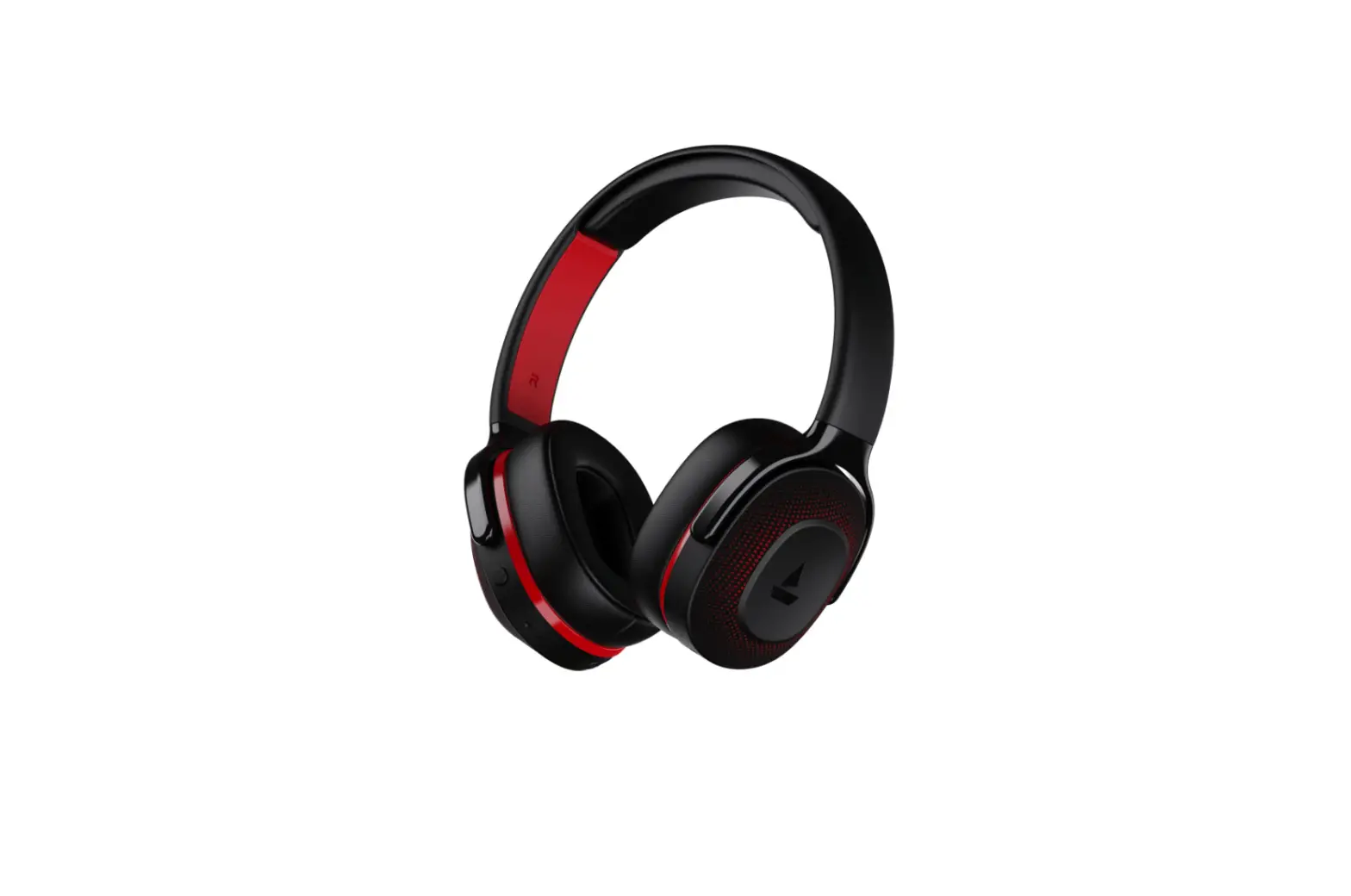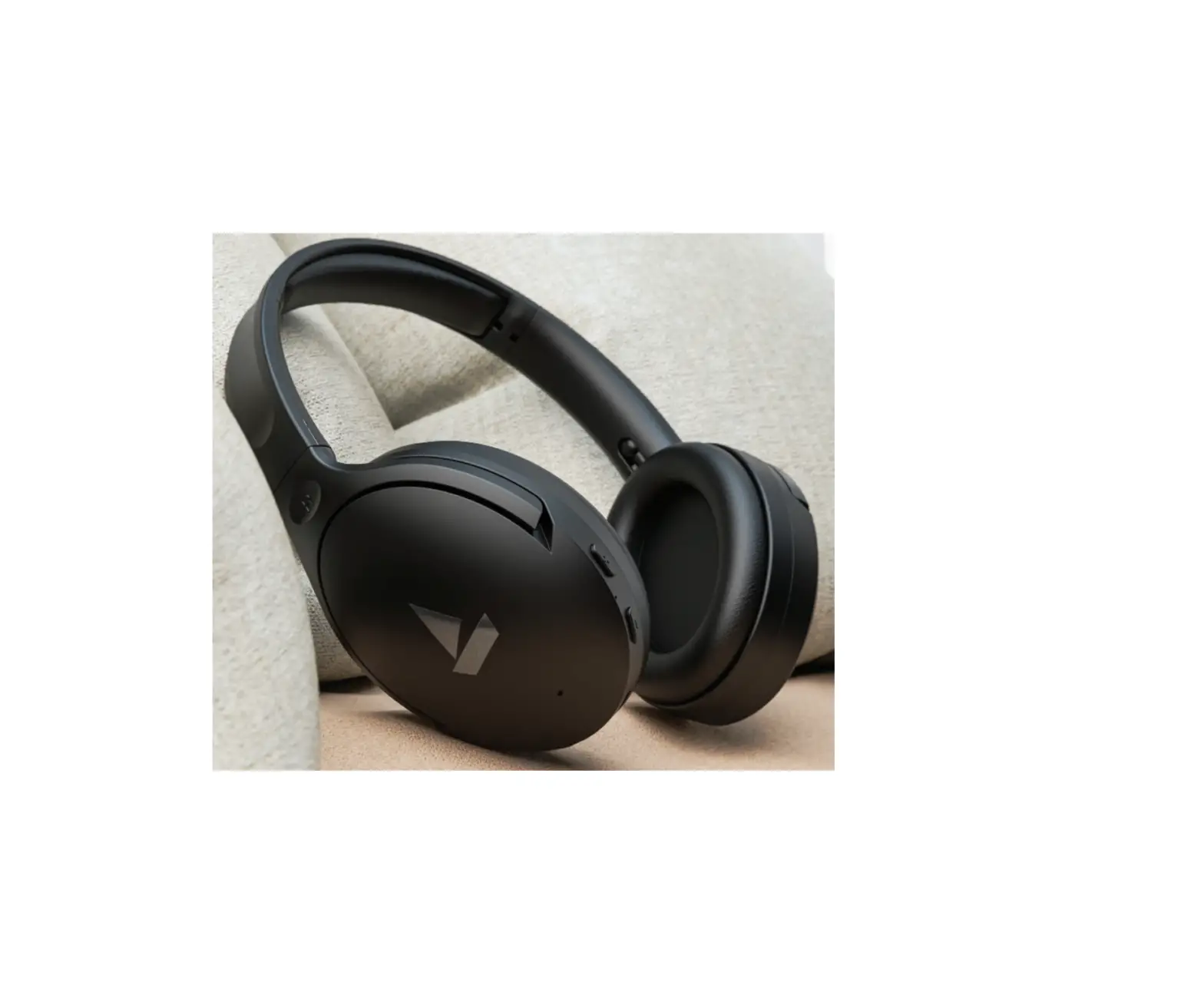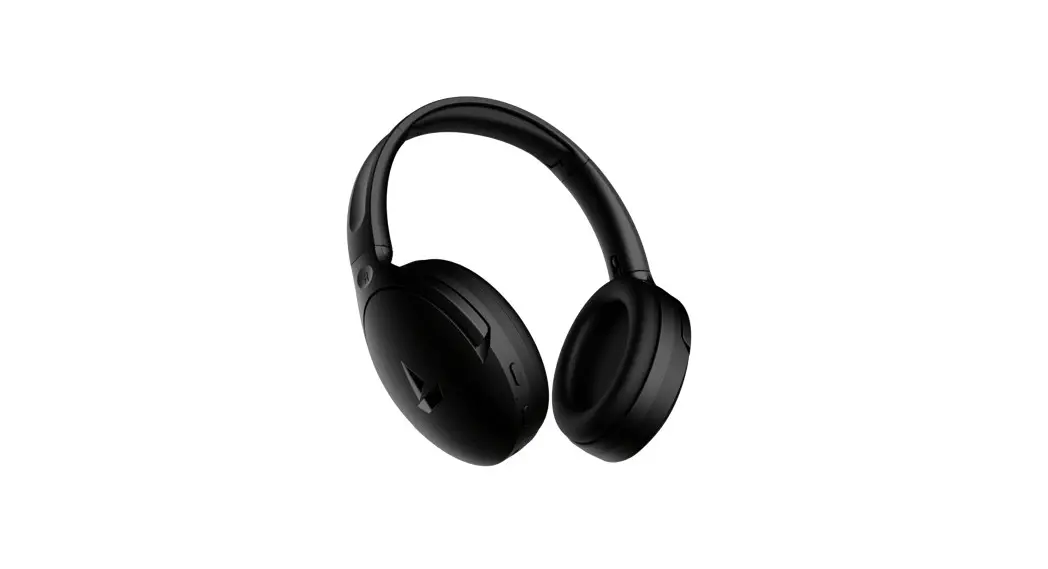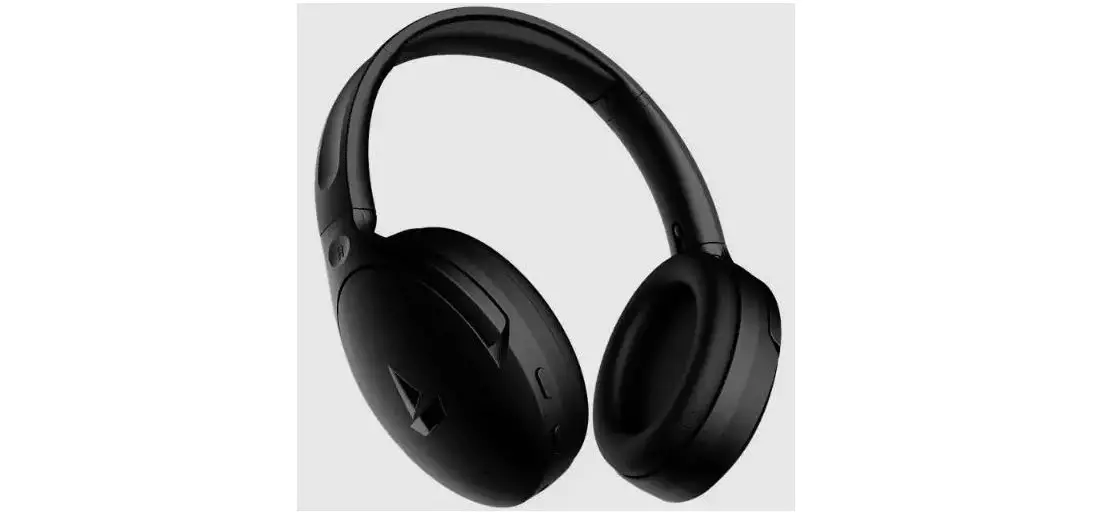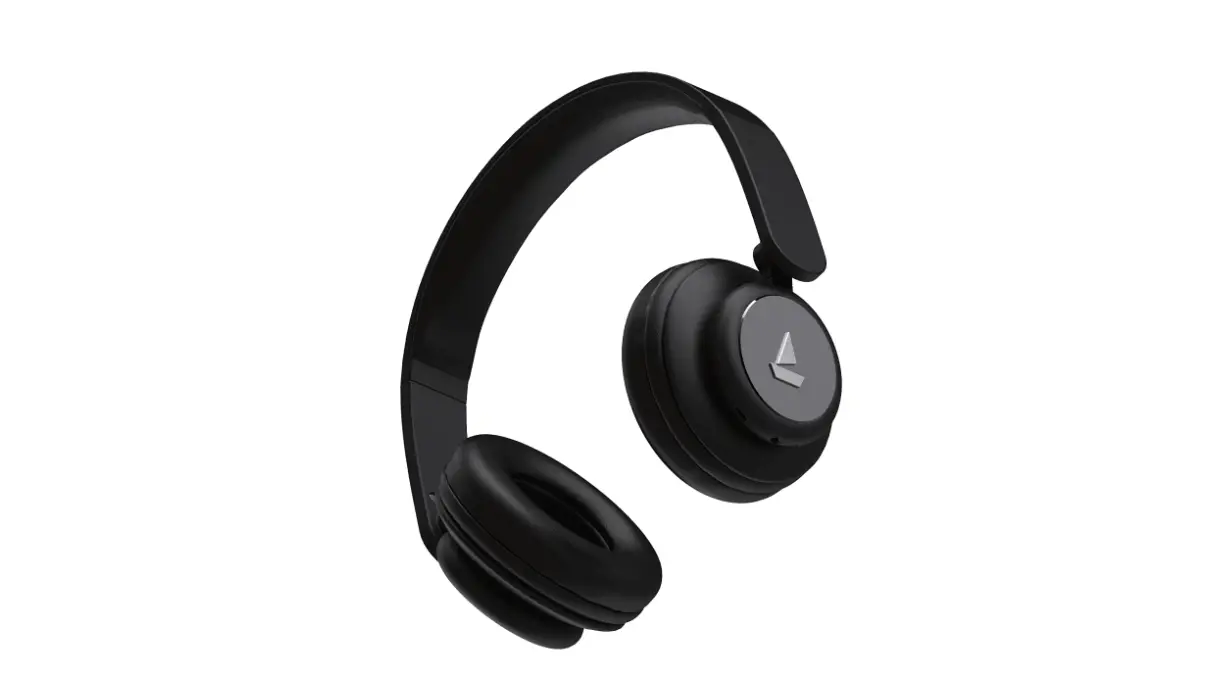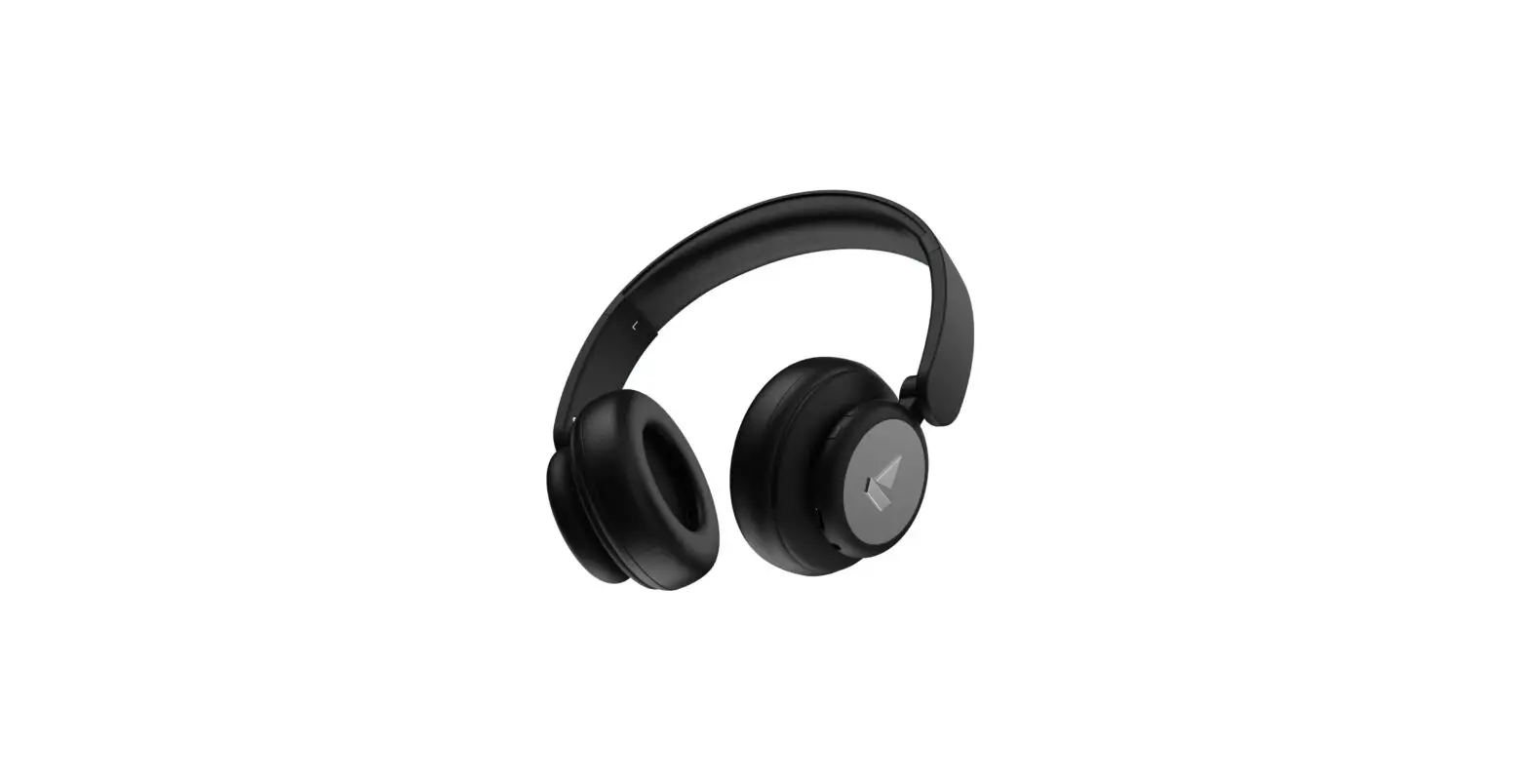
boAt Rockerz 450 Pro On Ear Wireless Headphone User Manual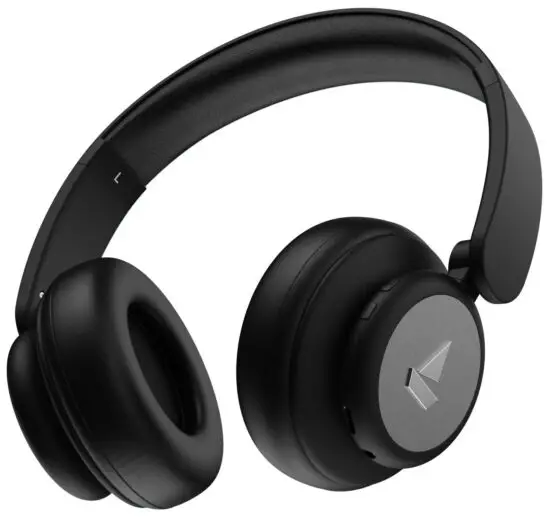
Introduction
Thank you for choosing the boAt Rockerz 450 Pro. This manual is meant to guide you through to the shores of Nirvana without much difficulty. Please think of this manual as your map. Knowledge of Bluetooth and device connection is essential for steering this boAt. Therefore, we strongly advise that this manual is thoroughly read before use, and referred to in times of difficulty.
Package Contents
- 1 x boAt Rockerz 450 Pro
- 1 x USB Type C charging cable
- 1 x Audio (able
- 1 x Manual
- 1 x Warranty Card
- 1 x Catalogue
Product Overview
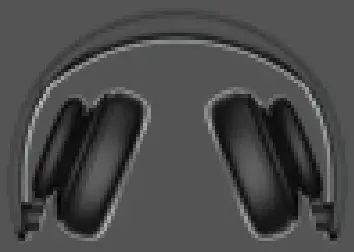
Foldable and Portable design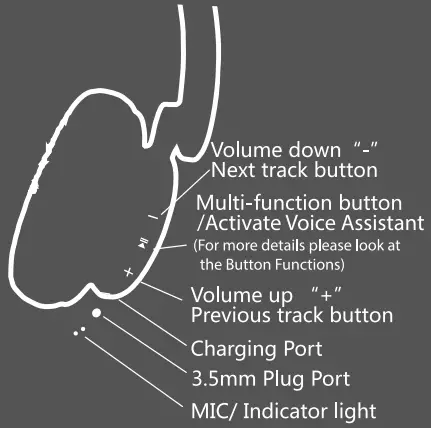
Power On:
Press and hold the MFB (Multifunction Button) for 3 seconds. The blue and red LED light will blink alternatively accompanied by a voice prompt “power on”
Power Off:
Press and hold the MFB for 3 second. A voice prompt power off” accompanied by quick flashes of red LED will indicate the device getting switched off.
Bluetooth Connectivity
- Turn on the Bluetooth in your phone and switch on Rockerz 450 Pro by long pressing the MFB for 3 seconds
- In case if the headphone is not in pairing mode, then don’t release the button and keep on long pressing the Power button for turning on the Bluetooth pairing mode in the headphone, until the indicator starts blinking in blue and red colours alternatively.
- Then, click on the headphones’Rockerz 450 Pro’ from the list of available devices after search
- If asked fora passkey, confirm the passkey’0000′ on phone
- Once confirmed, the headphone and phone get connected via Bluetooth indicated by a slowly flashing blue indicator Note: If there’s a connection history between the phone and the headphone, then they will automatically get reconnected in a working range
Basic Function
| Play | Short press the  (MFB) once to play (MFB) once to play |
| Pause | Short press the (MFB) once to pause |
| Volume Up | Press the  button in steps to increase volume button in steps to increase volume |
| Volume Down | Press the  button in steps to decrease volume button in steps to decrease volume |
| Next Track | Press and hold the button for skipping to next track |
| Previous Track | Press and hold the button for returning to the previous track |
| Answer Incoming Calls | Single press the button |
| Hang Up Ongoing Calls | Single press the button |
| Reject Calls | Press and hold the button for 1 second |
| Redial | Double press the In button |
| Charging | Connect the charger to the Type C port; |
| steady red indicator switches on while charging | |
| Voice Assistant/Sin | Double press the Button |
Charging
- Connect one end of the provided cable to the USB Type C port on the headset and the other end to a wall adapter or laptop
- While charging the indicator light will turn into steady red
- When the headphone is fully charged, the indicator switches off
- Use only authorized/company chargers for the headset, as unauthorized ones may damage the same and invalidate the warranty on the headset as well
Other Functions
- When Line In inserting is detected, switch to line in mode and disconnect Bluetooth. To connect again to the Bluetooth, pull out the line in and reboot
- If there’s no connection established when the Bluetooth is switched on then the device powers off automatically after a while
- If you receive an incoming call during playing music, the music automatically disconnects. When the call is done and disconnected, the music starts to play automatically from where it left.
ANOMALIES & Solutions
A. Mobile can’t search the headset
- Check if the Bluetooth headset is powered on or off ( When powered on, the LEDs blink with red and blue colours alternatively)
- If it is powered on and the device still can’t connect, then please reboot the Bluetooth device and the phone B. After connecting the headset with the phone, disconnection or noise occurs
- This may be due to the low power of the headset. Please charge the Bluetooth headset.
- There might be obstruction between the headset and the phone or the distance between them exceeds the maximum range for signal reception.
Specification
| Headphone Type | On-Ear Bluetooth Headphones |
| Driver Size | 40mm |
| HD Sound | Yes |
| THD | 5% |
| Frequency Range | 2.4GHz-2.480GHz |
| SNR | -79dB |
| Bluetooth Version | V5.0 |
| Bluetooth Profile | A2DP, VARCP, HFP,HSPV |
| Bluetooth Range | 10m |
| Battery Capacity | 750mAh |
| Playing Time | Up to 70 Hours (At 60% vol approx.) |
| Charging Time | 2-3 hours |
| Standby Time | 500-600H |
| Charge Interface | USB Type C |
| Mic Sensitivity | 38+/-3dB |
| Charging Voltage | 5V 2A |
| AUX Connectivity | Yes |
Safety Precautions
- This is not a toy. The children are advised to use this under adult supervision.
- Avoid exposing the device to extremely hot or cold temperatures
- Avoid using the headphone for listening to full volumes to protect from hearing damage.
- Please do not use the device under thunder storms.
- Don’t dismantle the product in any way.
- Please don’t clean the product using oily volatile liquid.